
Carousel Post Maker: Viral AI
Social Media Content Generator
Designed for iPhone
Free · In-app purchases
- Age rating4+
- CategoryProductivity
- DeveloperAnthony Harvey
- LanguagesEnglish
- Size40.8 MB
Links to the official App Store page
Download.org hosts no file of Carousel Post Maker: Viral AI. The button opens its official App Store page, published by Anthony Harvey. Listing last checked on Nov 20, 2026.
Screenshots
About
Turn one idea into a scroll-stopping carousel in minutes.
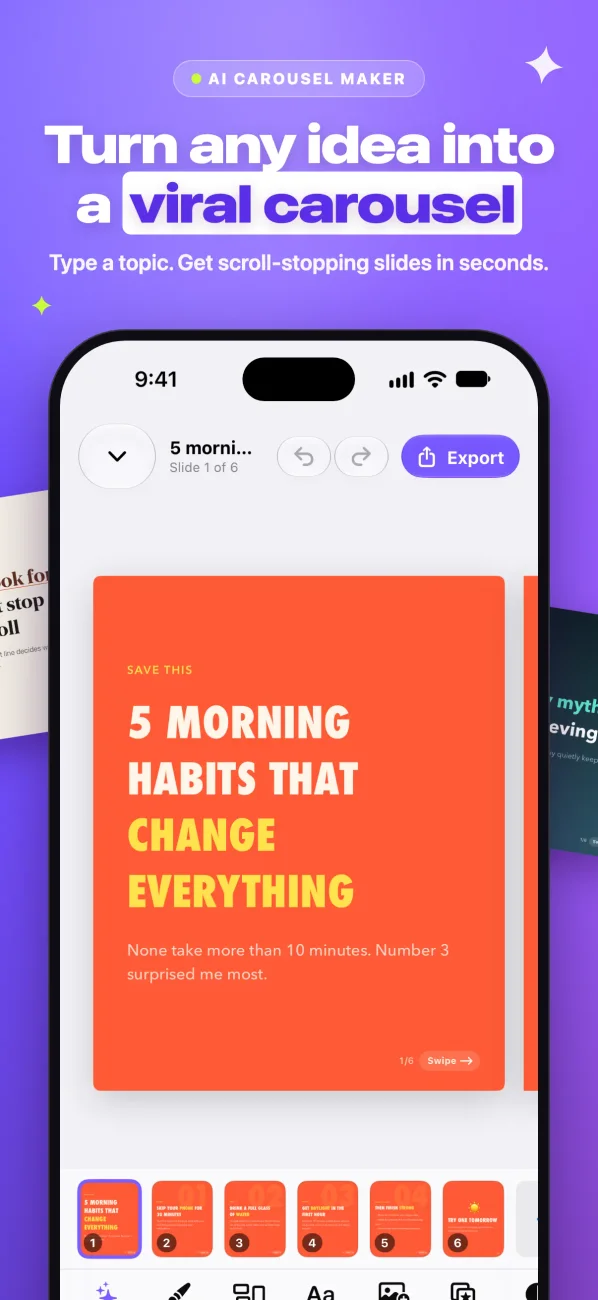
Carousel Post is the fastest way to create text-based carousel posts and swipe slides for Instagram, TikTok and LinkedIn. Describe your topic, let AI write the slides, then style and export. No design skills, no templates to fight with, no watermark on your ideas.
AI CAROUSEL GENERATOR
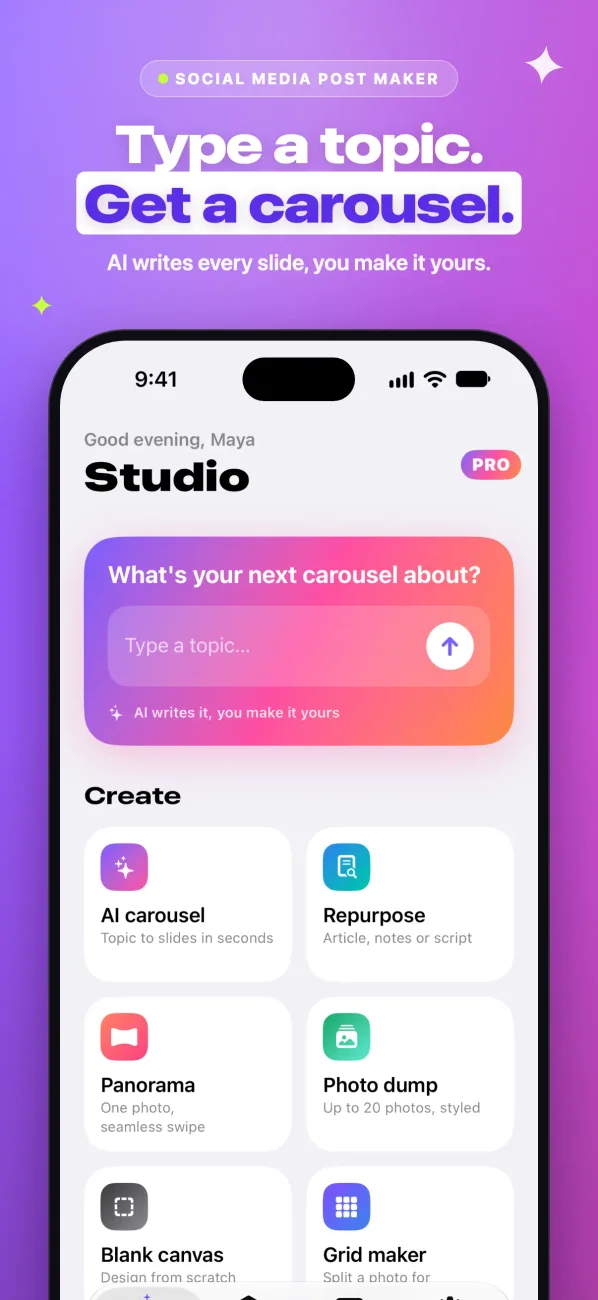
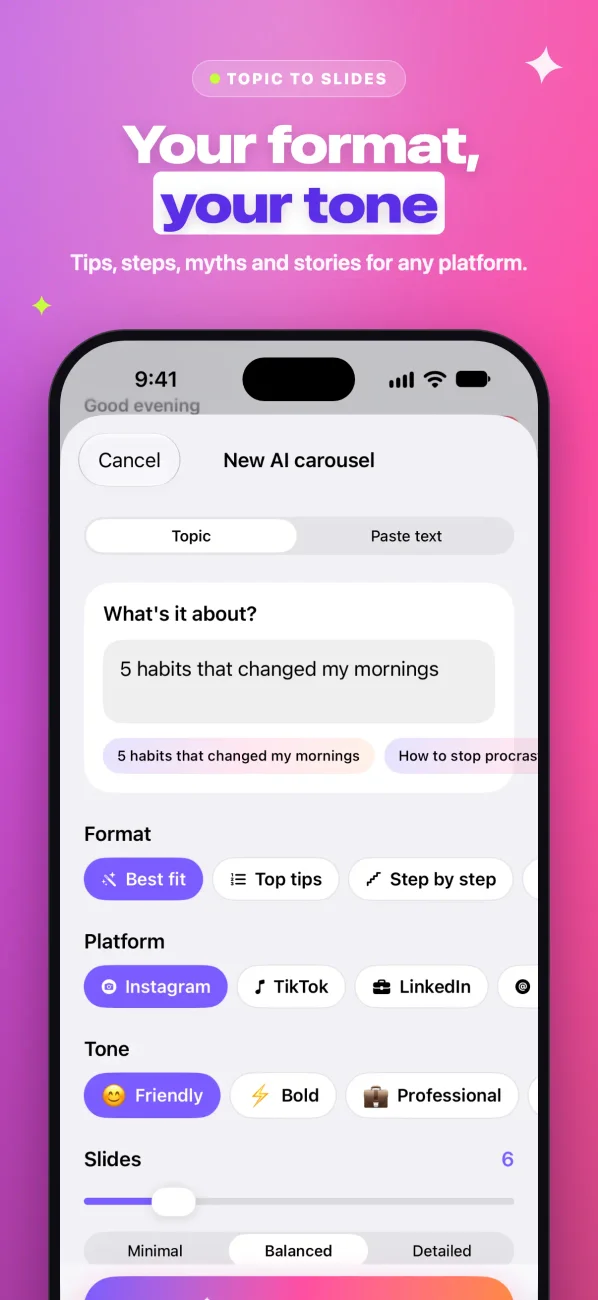
Stuck on what to post? Enter a topic, pick your niche and audience, choose a tone (professional, casual, inspirational, educational or funny) and get a complete carousel outline with a hook slide, value slides and a call to action. Regenerate until it is right, then edit any line.
BUILT FOR EVERY PLATFORM
• Instagram carousels in the right aspect ratio for the feed
• TikTok photo slideshows and swipe posts
• LinkedIn carousels for thought leadership and B2B content
• A generic format for Threads, X, Pinterest, Facebook and anywhere else
Each platform comes with pre-set sizes, text styles and colors that match its best practices.
START FROM SCRATCH OR FROM AN IDEA
Prefer a blank canvas? Add slides, write your own text and control every detail. Or use the Topic Suggestions feature for fresh content ideas tailored to your platform and style.
MAKE IT YOURS
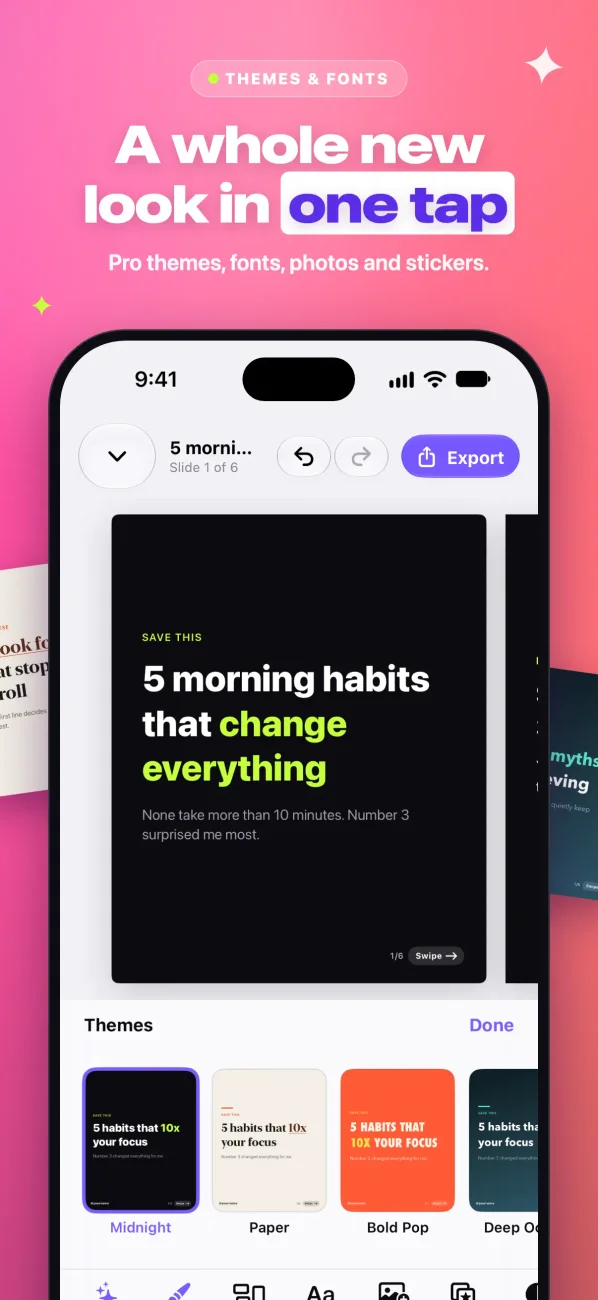
• Backgrounds: solid colors, gradients or your own photos
• Text styles: Title, Headline, Body and Caption presets tuned for each platform
• Colors: an intuitive color picker for every slide
• Alignment: a simple slider to place text exactly where you want it
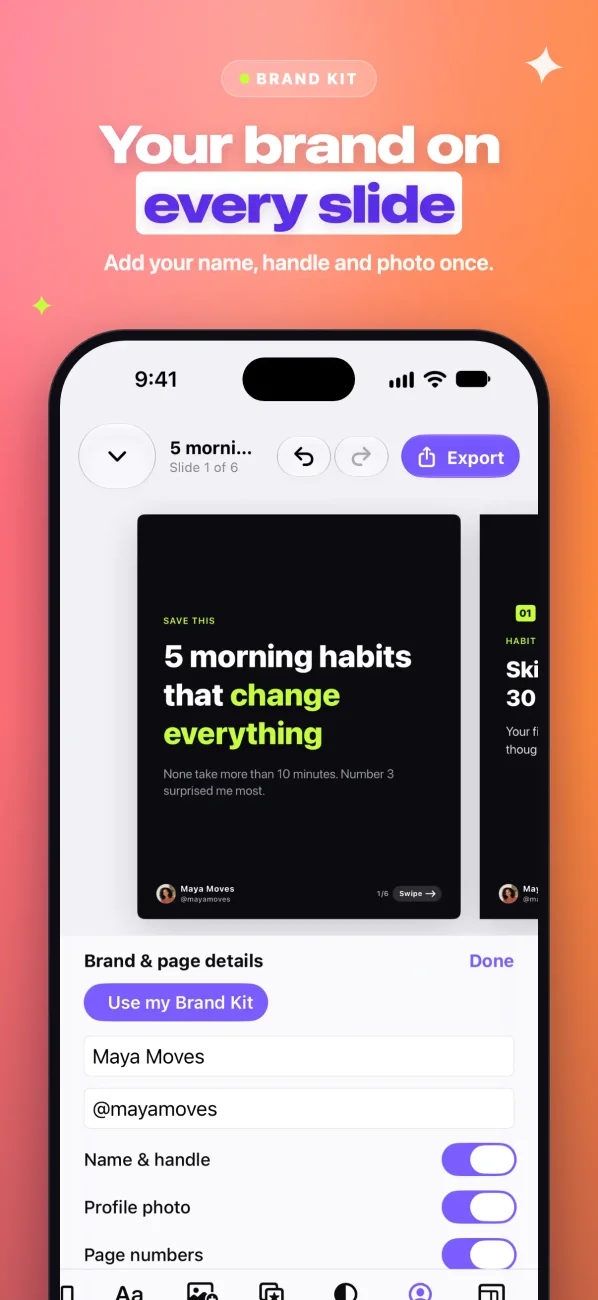
• Social tags: add your Instagram, TikTok, LinkedIn or custom handle to every slide
• Apply to All: push backgrounds, fonts, colors and tags across the whole carousel in one tap
• Smart numbered lists: automatic number formatting for list-style slides
EXPORT AND POST
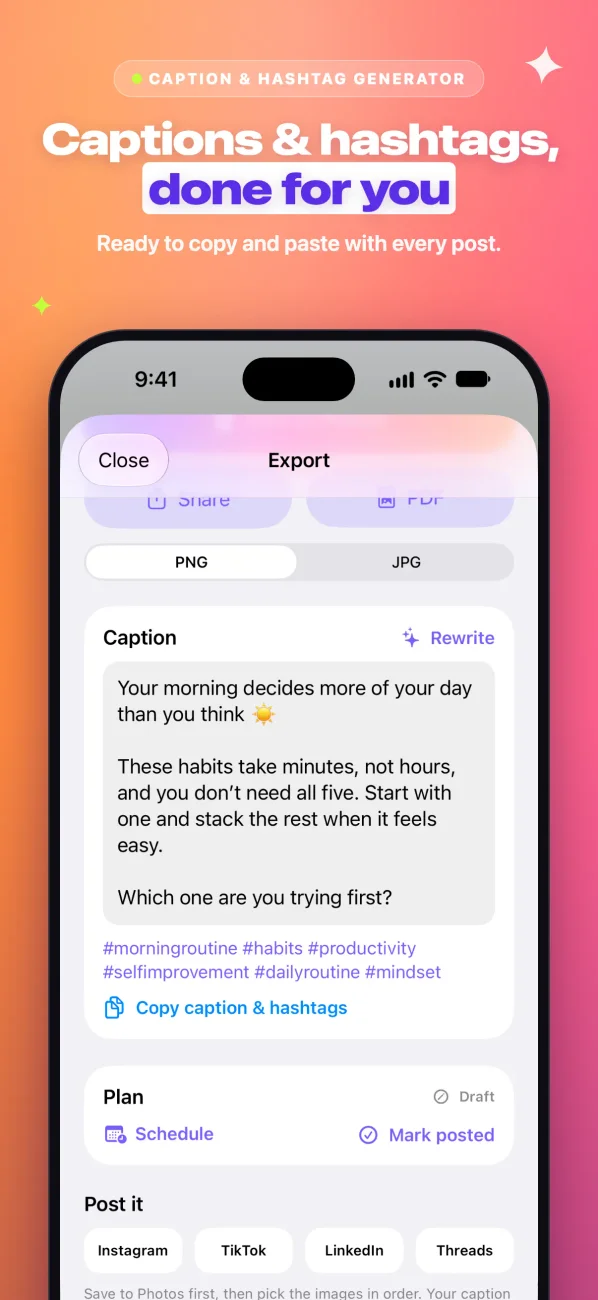
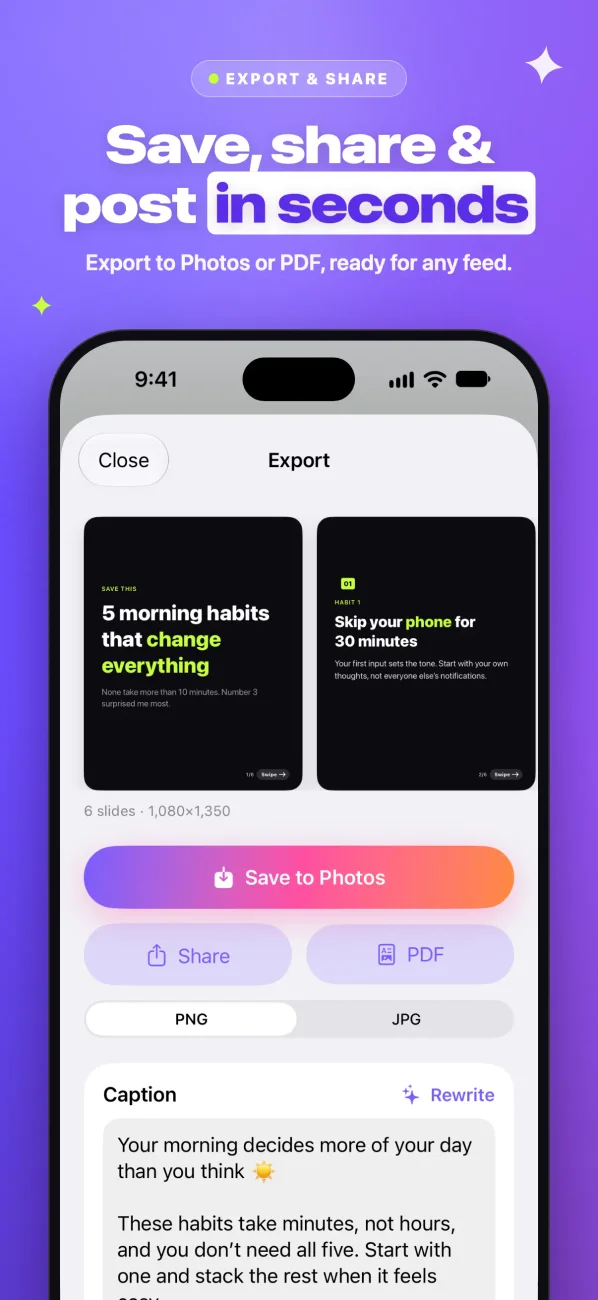
Save individual slides or the whole carousel to your Photos library in high resolution, ready to upload as an Instagram carousel, TikTok slideshow or LinkedIn document post.
STAY ORGANIZED
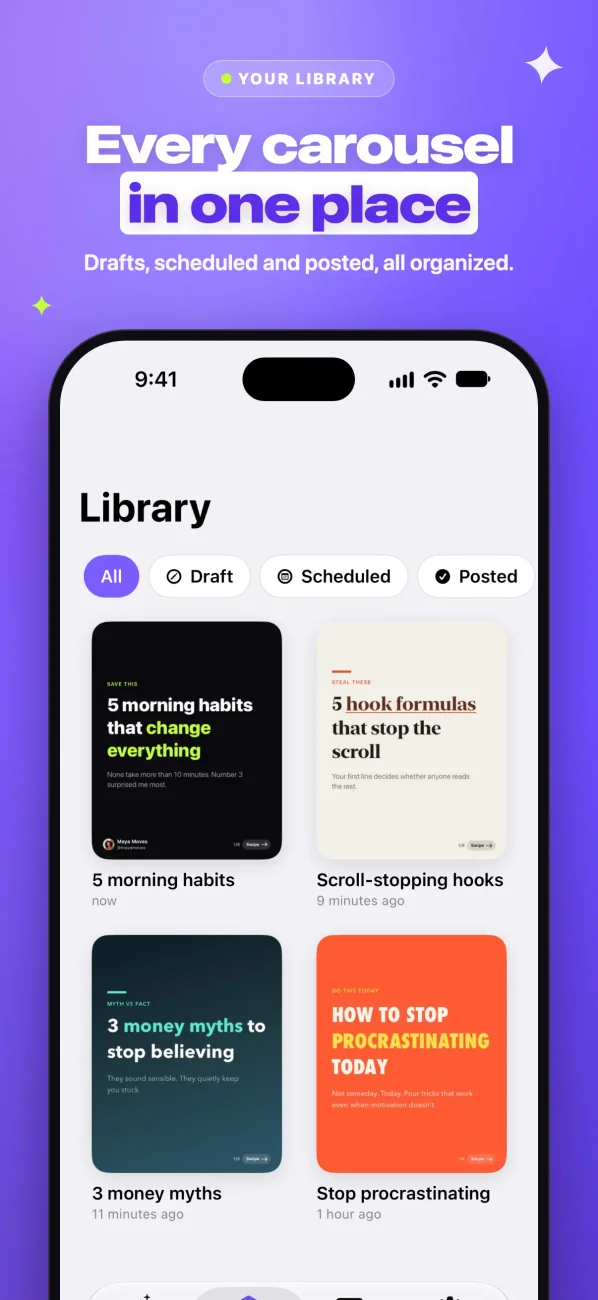
Every carousel lives in your project gallery with search, duplicate and edit. A built-in tutorial project shows you the full workflow in under two minutes.
PERFECT FOR
• Content creators growing an audience
• Marketers and small businesses posting branded content
• Coaches, educators and consultants sharing tips and frameworks
• Founders and professionals building a personal brand on LinkedIn
• Anyone who wants to turn quotes, lists, stories and how-tos into posts people actually swipe through
Carousel posts get more saves, shares and reach than single images. Carousel Post gives you the ideas, the words and the design so you can publish consistently.
Download Carousel Post and create your first swipe post today.
Terms of Use: https://www.apple.com/legal/internet-services/itunes/dev/stdeula/
Privacy Policy: https://anthonyharveyapps.com/carousel-post-privacy
What’s new
Version 2.0 · Nov 14, 2026
Carousel Post has been rebuilt from the ground up.
• All-new design and a quicker start
• Better AI models for stronger, more engaging slides
• A more powerful editor with new themes and more ways to customize every slide
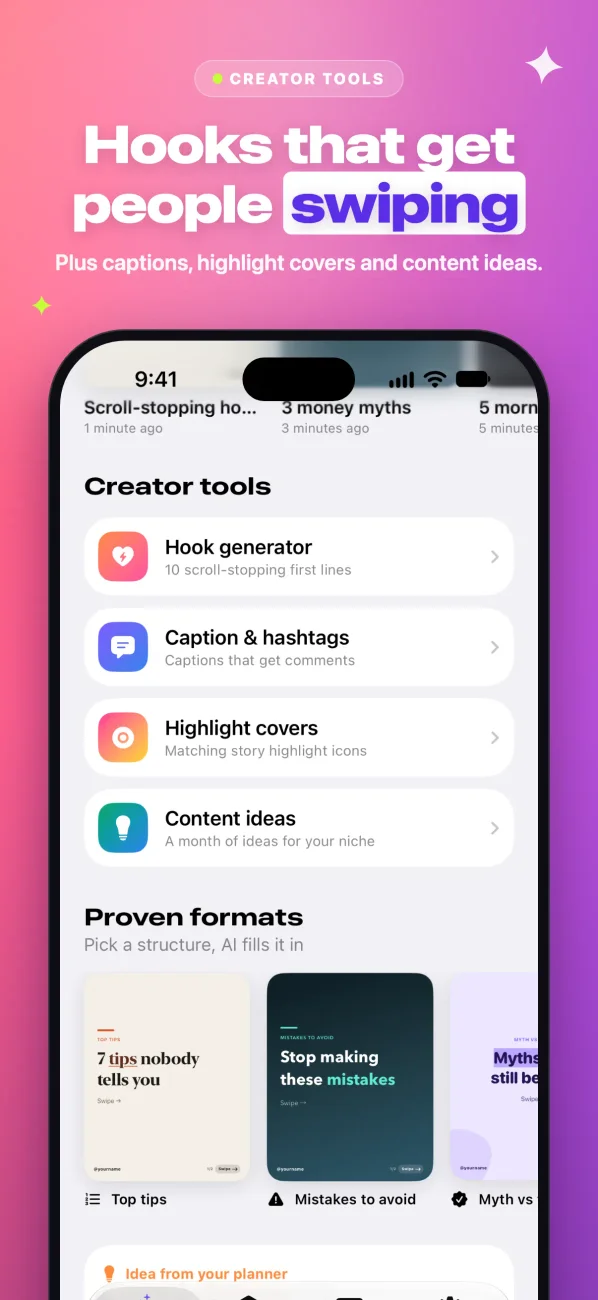
• Proven formats: pick a structure and let AI fill it in
• Multiple brand kits, and you can switch the brand on any carousel, before or after it’s made
• New creator tools: Hook Generator and Caption Writer
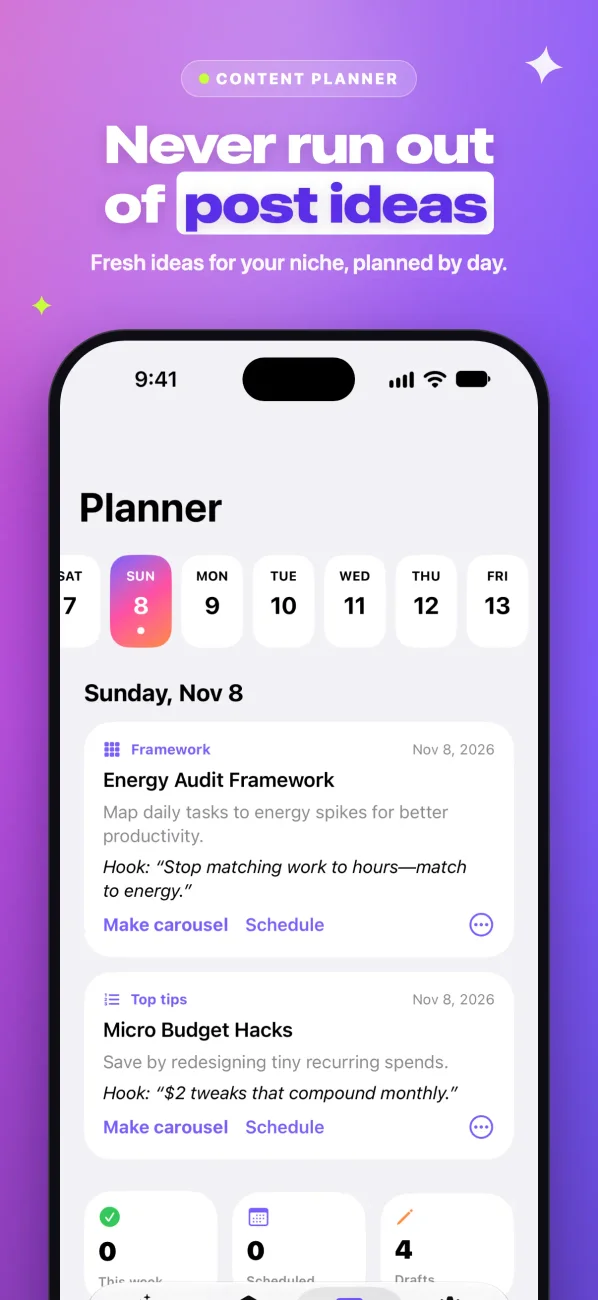
• A planner to save and organize your content ideas
• New Photo Dump and Profile Grid creators
• Export LinkedIn PDF carousels
• Your existing carousels are still here to view, edit and export
App privacy
What Anthony Harvey declares on the App Store about how this app handles data.
-
Data not collected
The developer does not collect any data from this app.
Privacy practices may vary, for example with the features you use or your age.
Information
- Seller
- AH Apps LLC
- Category
- Productivity
- Version
- 2.0
- Updated
- Nov 14, 2026
- Released
- Nov 24, 2025
- Size
- 40.8 MB
- Requires
- iOS 26.0 or later
- Age rating
- 4+
- Price
- Free
- In-app purchases
- Yes
- Languages
- English
- Copyright
- © AH Apps LLC, 2026
You might also like
-
 DropBraintake notes like you think
-
 Deck Meld - AI Slide MakerPitch Builder & Presentation
-
 Jobsy AI: Your interview coachNail your next job interview
-
 ViralSpinAIAI Storytelling for Creators
-
 Cria EstudioProductivity
-
 Gistr: Save. Learn. RecallUnderstand what you consume
-
 BriskNoteNew tab notes that sync
-
 FoxyFocus: Focus & Study TimerFocus Timer, Pomodoro & Sounds
-
 Ai EbookGenerate Books with AI
-
 OnePage PPT: AI Slide MakerPresentation & Infographic