
- Age rating4+
- CategoryUtilities
- DeveloperWeichen Cheng
- LanguagesEnglish+ 1 more
- Size5.7 MB
Links to the official App Store page
Download.org hosts no file of CarSpeedTest. The button opens its official App Store page, published by Weichen Cheng. Listing last checked on Nov 18, 2026.
Screenshots
About
How fast does your car really hit 0–100? Tap Start, hit the gas, and let GPS time it for you.
ACCELERATION TIMING
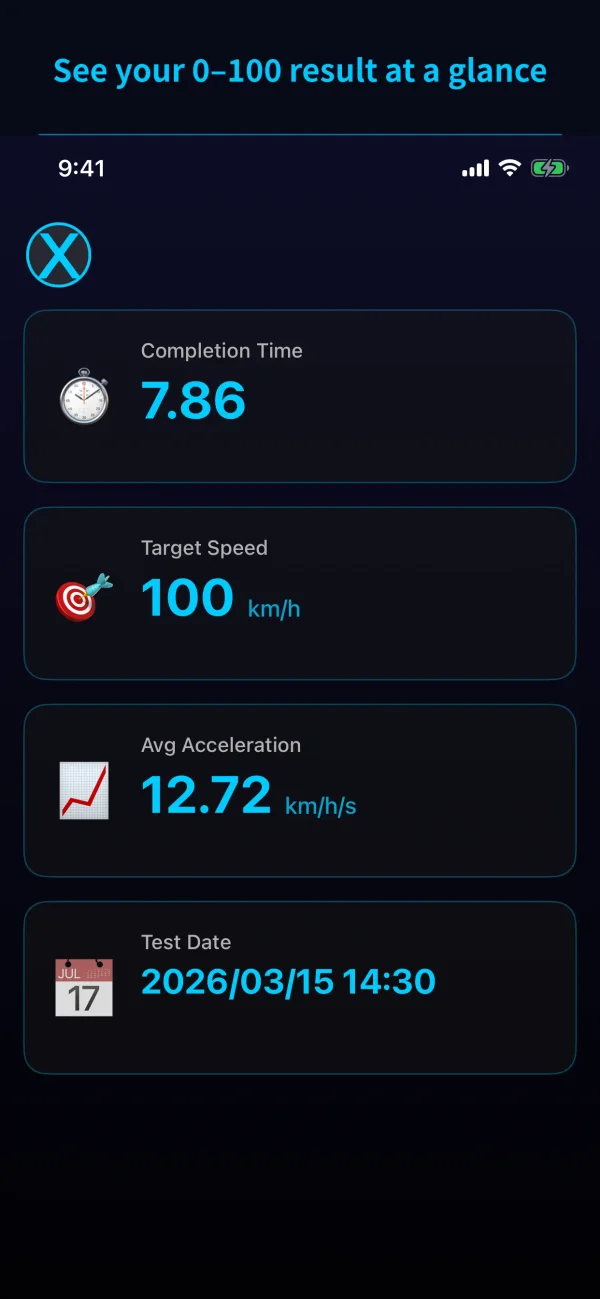
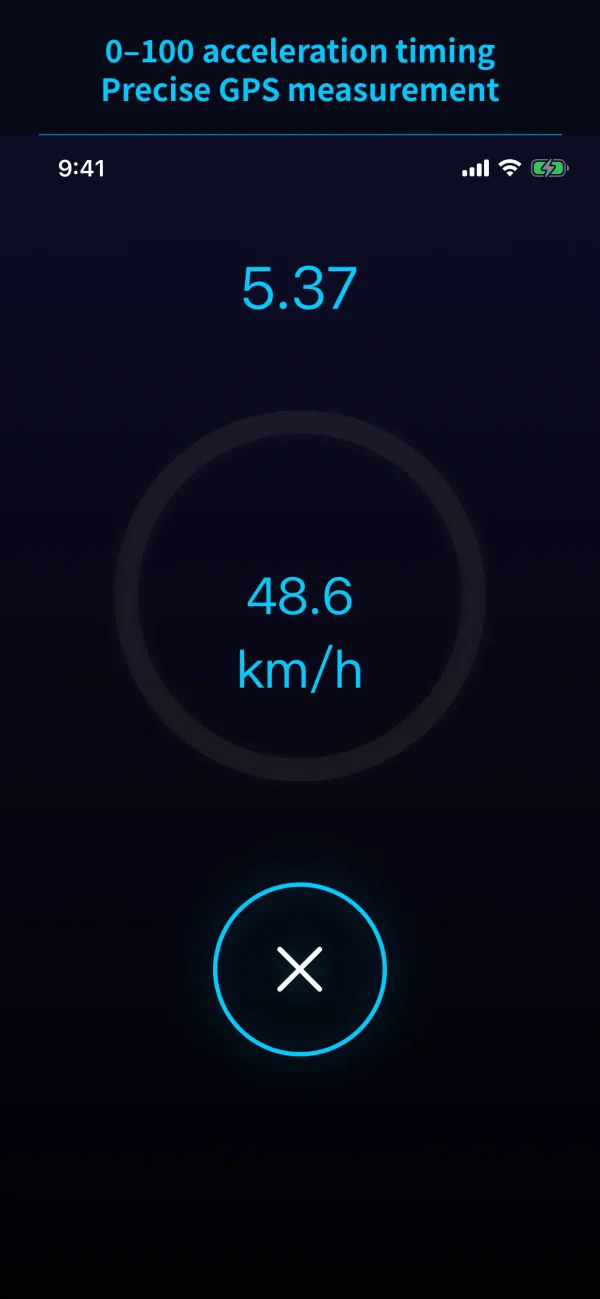
After you tap Start, timing begins automatically the moment you pull away and stops when you reach your target speed. See your result at a glance. Beyond 0–100, you can also measure 0–200 or 0–300.
CUSTOM TARGET SPEED
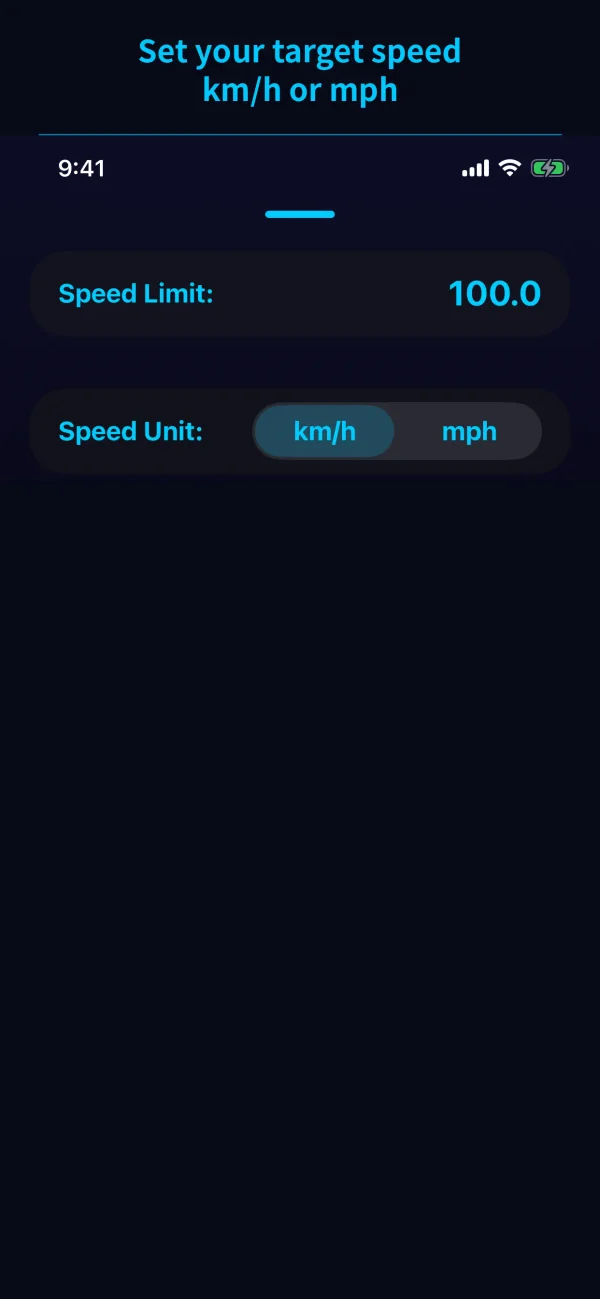
Choose a target speed of 100, 120, 150, 180, 200, 250, or 300. The default is 100.
PRECISE GPS MEASUREMENT
Speed is measured in real time with your phone's GPS. No extra hardware needed — just put your phone in a mount.
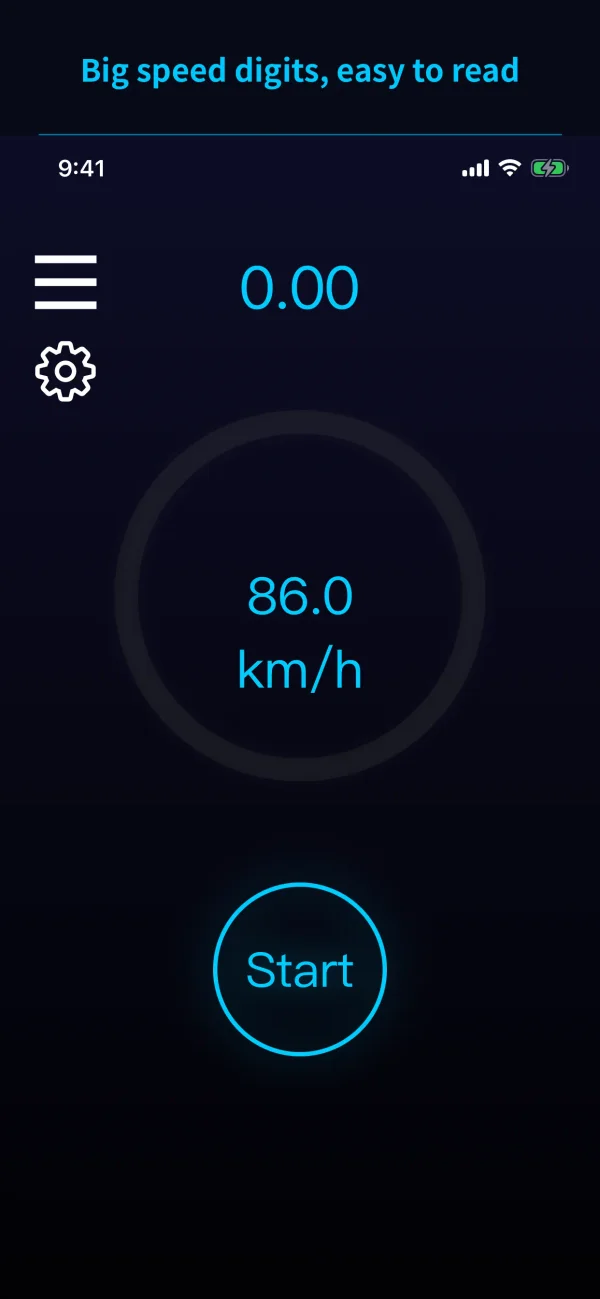
BIG, EASY-TO-READ SPEED
Extra-large digits show your current speed so you can read it in a glance.
KM/H OR MPH
Switch between kilometers and miles to suit your preference.
SPEED CURVE CHART
See your whole run as a curve and check how each stage of the acceleration performed.
HISTORY & ICLOUD SYNC
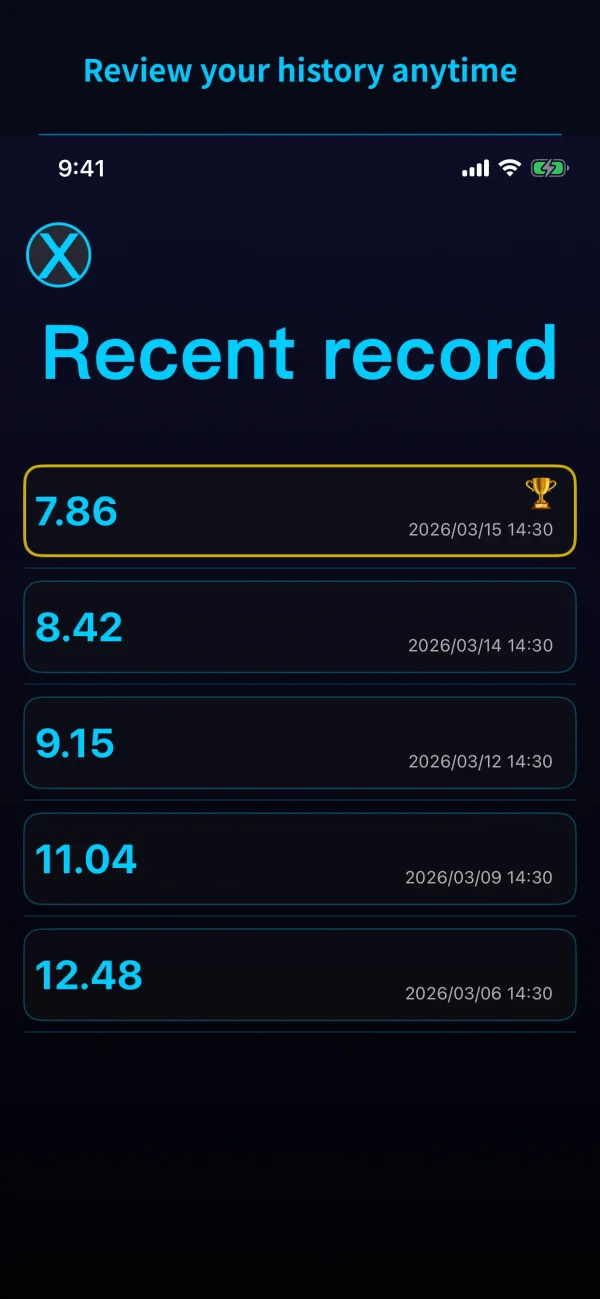
Your latest 10 results are saved automatically, so you can compare before and after mods or across different road conditions. When you're signed in to iCloud, your history and settings sync across your devices and stay with you when you reinstall the app or move to a new iPhone.
NO INTERRUPTIONS DURING A RUN
Ads only appear after you close your result, never while you're timing a run.
Safety note: Only test on a closed course or where it is legal and safe. Obey all traffic laws and never operate your phone while driving.
What’s new
Version 3.0 · Oct 20, 2026
• Your latest 10 results and your settings now sync with iCloud, so they stay with you when you reinstall the app or move to a new iPhone.
• More accurate speed curve chart for new runs.
• Stability and performance improvements.
App privacy
What Weichen Cheng declares on the App Store about how this app handles data.
-
Data used to track you
May be used to track you across apps and websites owned by other companies.
- Usage data
-
Data linked to you
May be collected and linked to your identity.
- Usage data
Privacy practices may vary, for example with the features you use or your age.
Information
- Seller
- Weichen Cheng
- Category
- Utilities
- Version
- 3.0
- Updated
- Oct 20, 2026
- Released
- Nov 9, 2020
- Size
- 5.7 MB
- Requires
- iOS 15.0 or later
- Age rating
- 4+
- Price
- Free
- Languages
- English, Simplified Chinese
- Copyright
- © Cow Cow
You might also like
-
 Car Timer: 0-60, 0-100Acceleration & Quarter Mile
-
 凌博智控Utilities
-
 STAR Race Timer | 0-60 mphCar Acceleration & Drag Test
-
 Colourful LEDGorgeous
-
 ANT BMS V2Utilities
-
 Race Stats: Lap & Drag Timer0-60, lean angle & lap times
-
 美团骑手-美团骑手送餐工具Utilities
-
 Speedometer km/h OdometerBicycle, Train, Fastest Speed
-
 顺丰同城骑士—专职众包兼职配送平台Utilities
-
 GPS Race Timer0 – 60, 60 – 120 & 1/4 mile