
Cartesian Coordinate System
Learning App for students
Designed for iPhone, iPad, iPod touch
$0.99
- Age rating4+
- CategoryEducation
- DeveloperIurie Guzun
- LanguagesEnglish
- Size5.6 MB
Links to the official App Store page
Download.org hosts no file of Cartesian Coordinate System. The button opens its official App Store page, published by Iurie Guzun. Listing last checked on Nov 15, 2026.
Screenshots

About
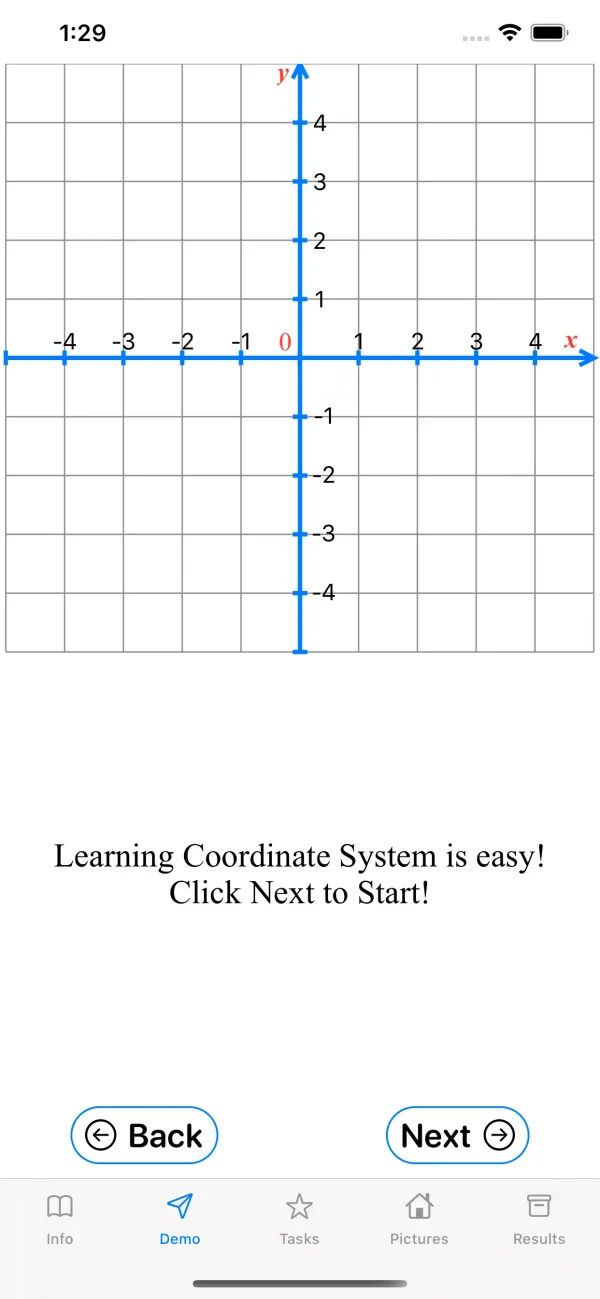
Learning Cartesian Coordinate System is easy.
Get a nice tutorial right now!
This is a TabBar application with five Views: Info, Demo, Tasks, Pictures, and Results.
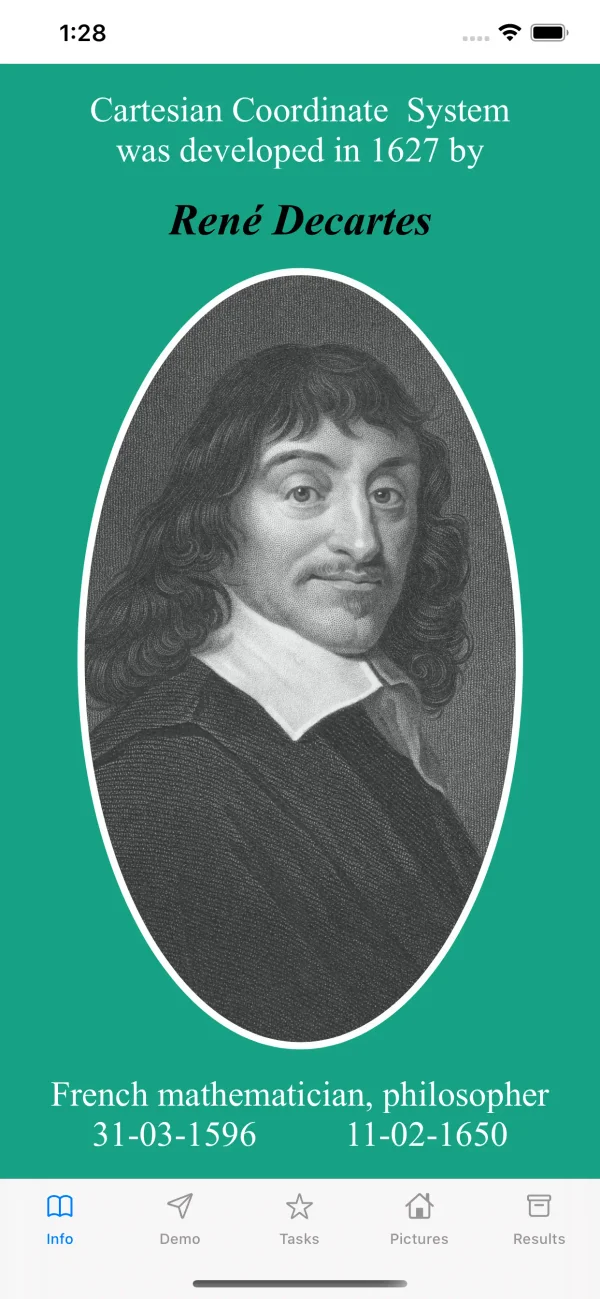
Info View will give you some historical information about the development of the Coordinate System.
Demo View will provide an explanation of the Cartesian Coordinate System using a few examples.
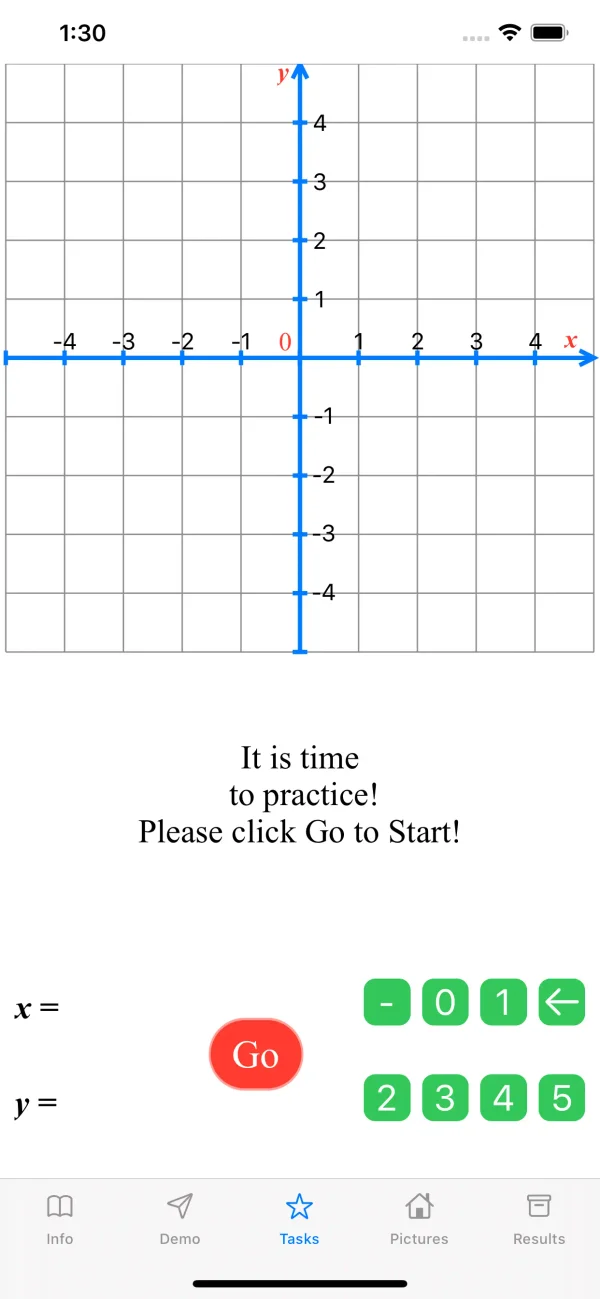
Tasks View will randomly generate points on Coordinate Plane. Students should write the abscissa and ordinate of the generated point.
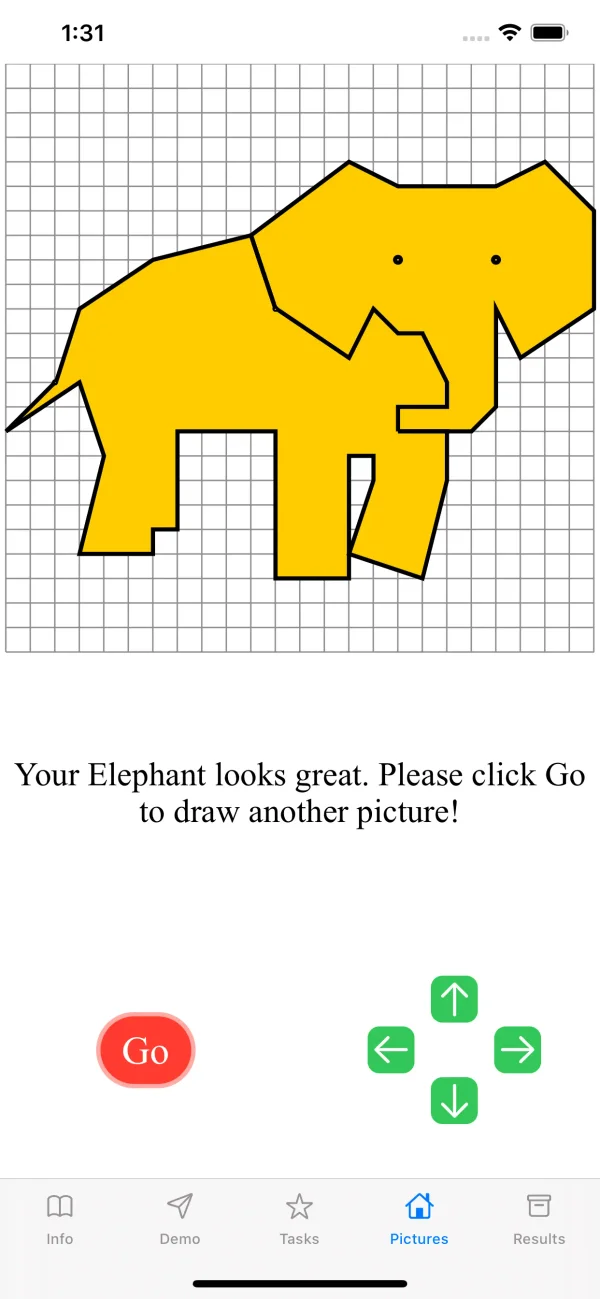
Pictures View will guide the students to draw pictures using points on the coordinate plane.
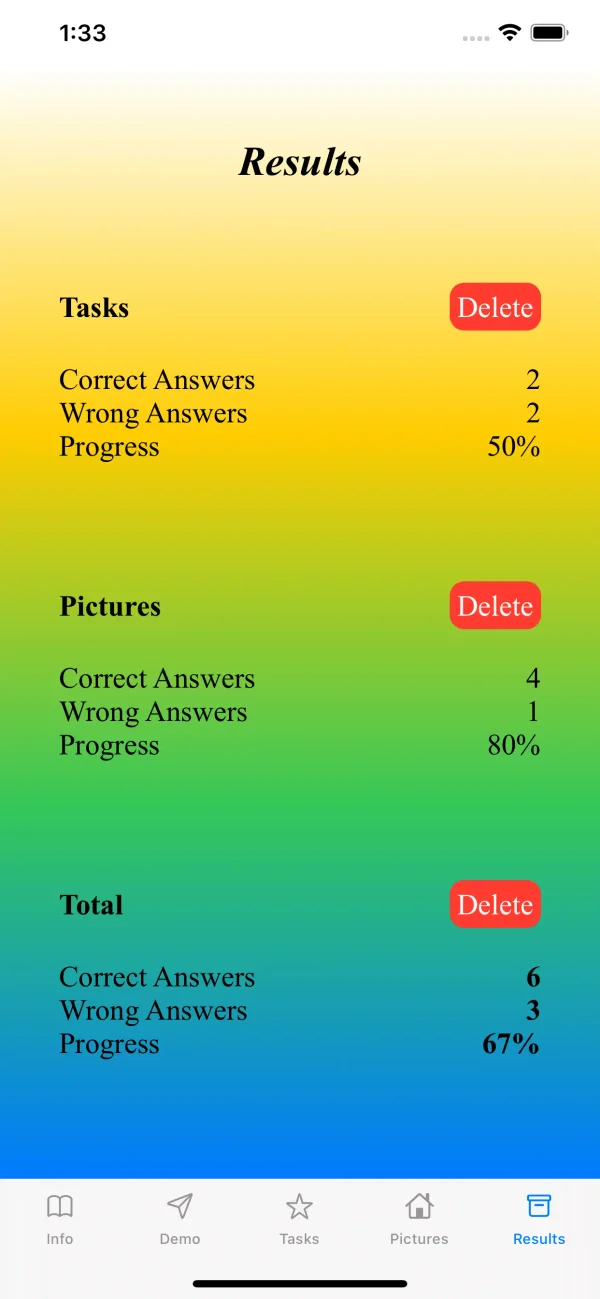
Results View will show the student's progress in the learning Coordinate System.
See screenshots below!
What’s new
Version 4.1 · Jul 28, 2026
Improved performance.
App privacy
What Iurie Guzun declares on the App Store about how this app handles data.
-
Data not collected
The developer does not collect any data from this app.
Privacy practices may vary, for example with the features you use or your age.
Information
- Seller
- Iurie Guzun
- Category
- Education
- Version
- 4.1
- Updated
- Jul 28, 2026
- Released
- Apr 10, 2013
- Size
- 5.6 MB
- Requires
- iOS 14.0 or later
- Age rating
- 4+
- Price
- $0.99
- Languages
- English
- Copyright
- © 2013 Iurie Guzun Inc
You might also like
-
 Graphing ProjectsEducation
-
 digital SAT math - totaltheory, practice, solutions
-
 GraphOE Graphing CalculatorGraph any equation in 2D
-
 Math Solver ProApp for solving math problems
-
 Symmetry Exercises for KidsLearning is Fun
-
 Calvary Chapel Lebanon PAEducation
-
 Mounce's Greek Word of the DayBasics of Biblical Greek
-
 sunClock World MapEducation
-
 Explayn: Learn ChemistryInteractive Science Lessons
-
 SenGram - Sentence DiagrammingEnglish grammar puzzle fun!