CarWidget – Car Widget Studio
Custom widgets for CarPlay
Designed for iPhone, iPad
Free · In-app purchases
- Age rating4+
- CategoryLifestyle
- DeveloperDEEPLY AI
- LanguagesEnglish+ 9 more
- Size54.1 MB
Links to the official App Store page
Download.org hosts no file of CarWidget – Car Widget Studio. The button opens its official App Store page, published by DEEPLY AI. Listing last checked on Nov 23, 2026.
Screenshots
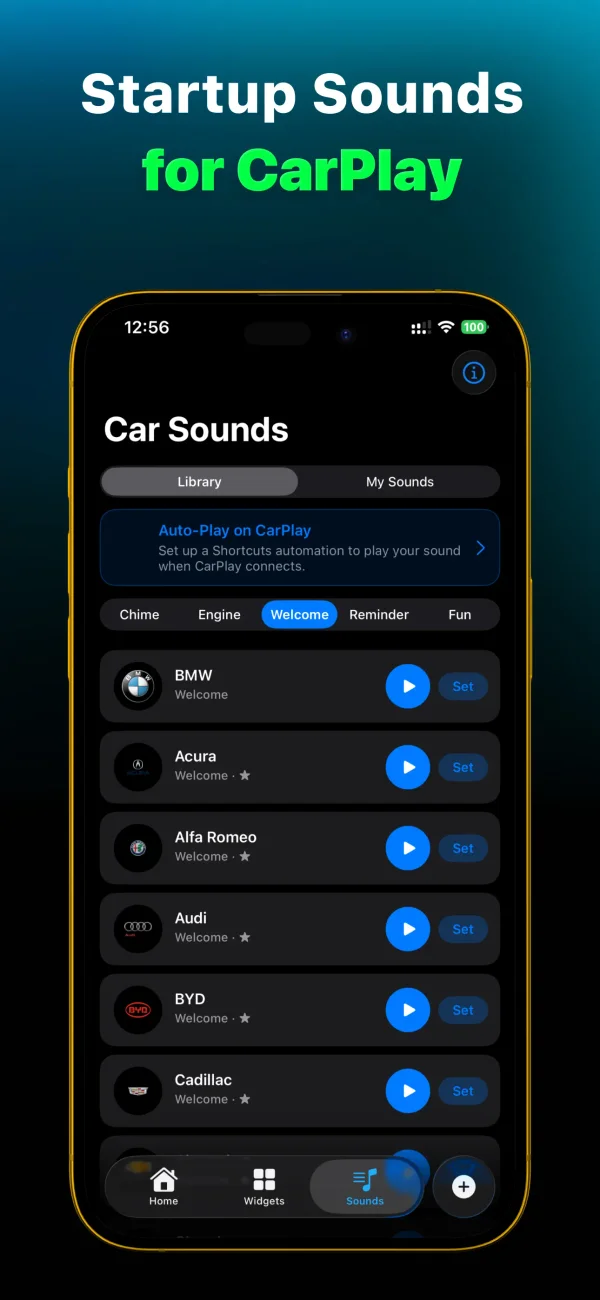
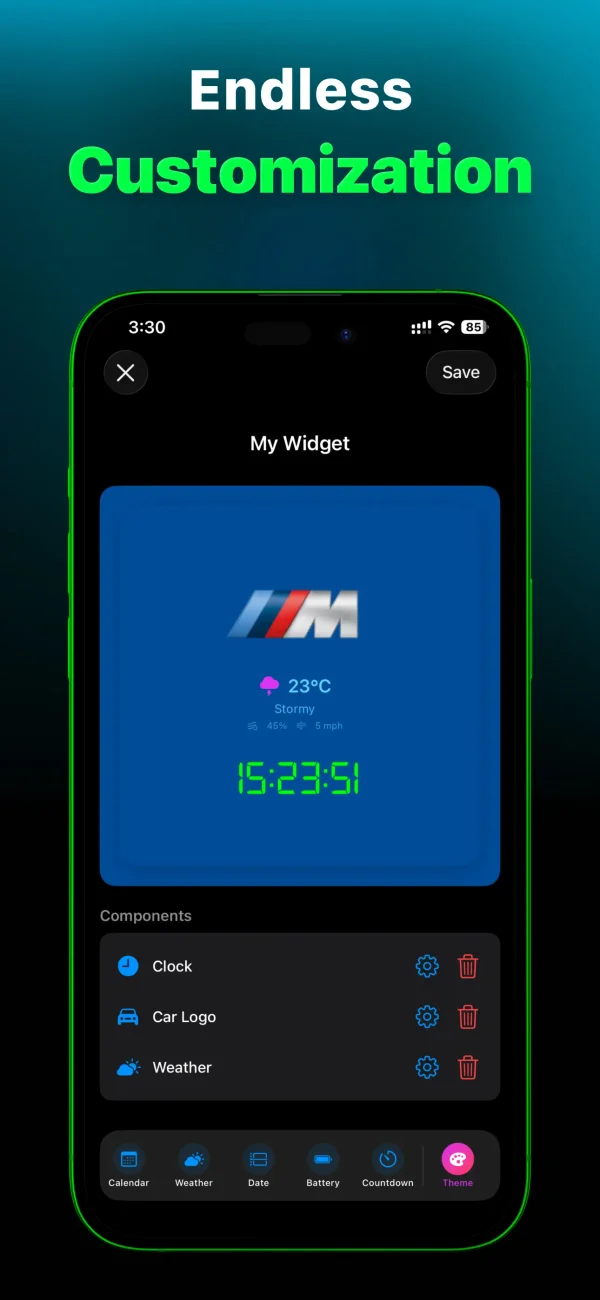
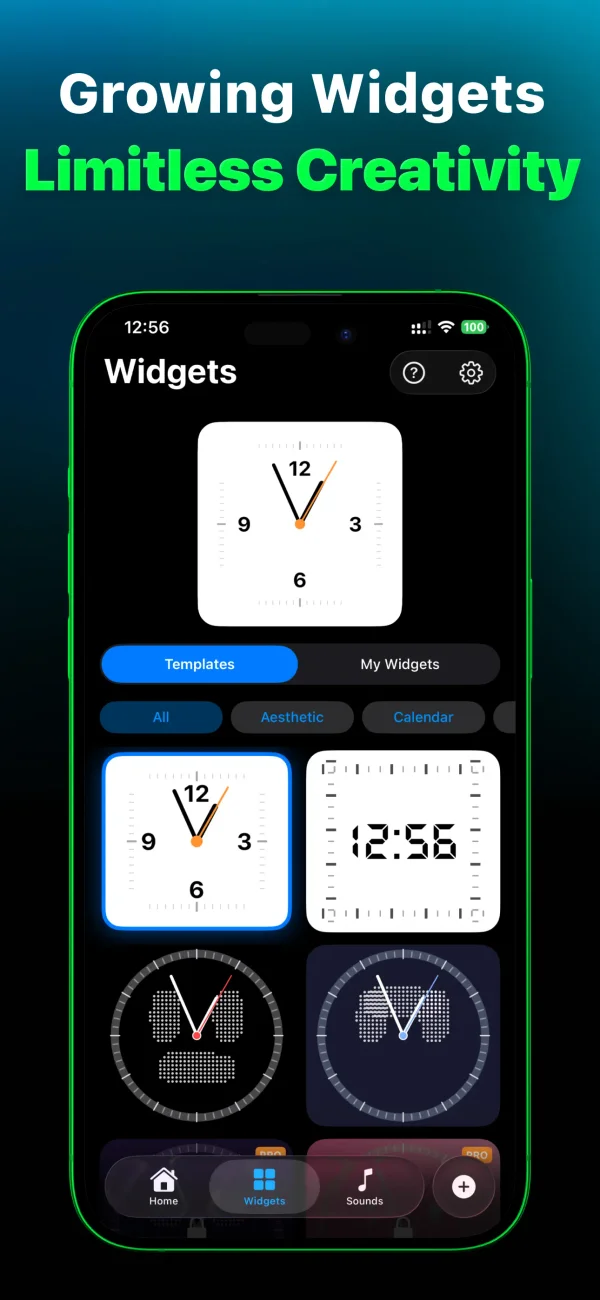
About
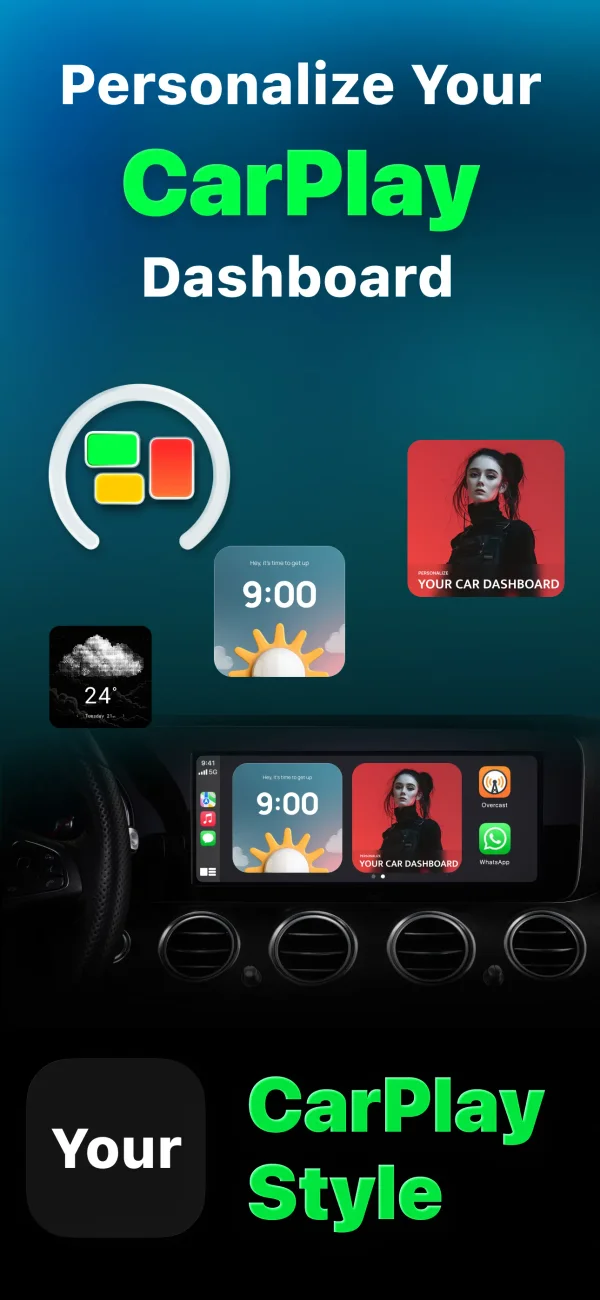
CarWidget – Car Widget Studio lets you create and customize car widgets with ease.
Design clean, modern dashboards and build widgets that show the information you need while driving.
Make your CarPlay screen yours.
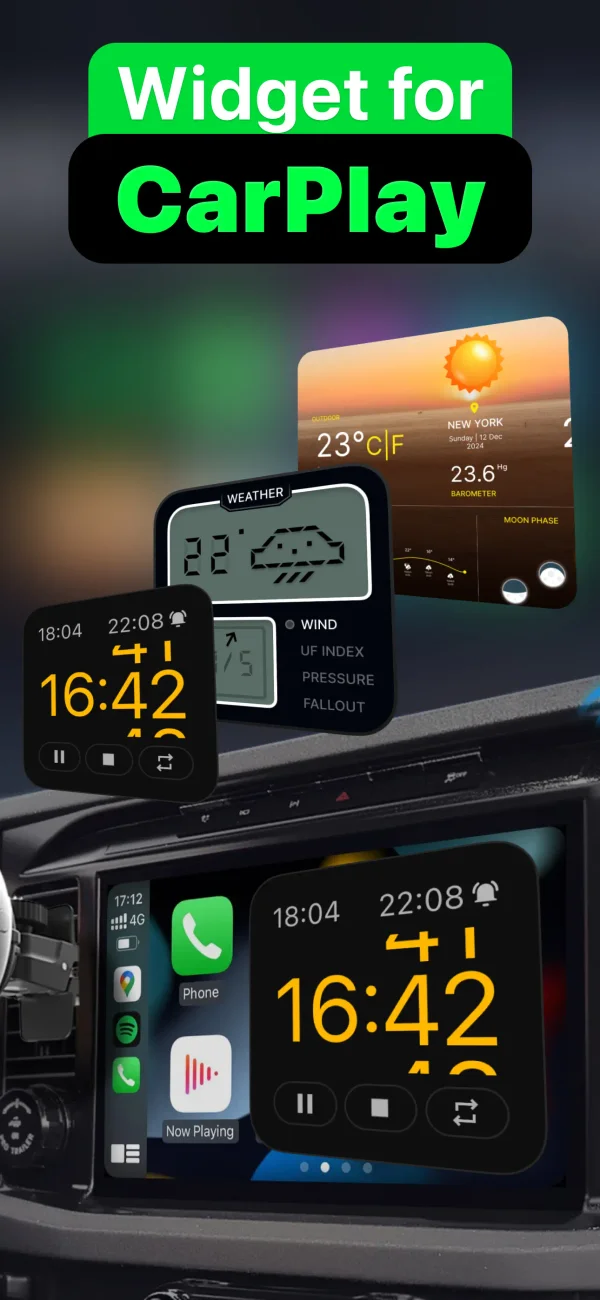
Car Widget Studio brings beautiful, glanceable widgets to CarPlay and your iPhone Home Screen. Choose from 350+ templates, design your own, or put your favorites on rotation so your car screen keeps feeling new.
WIDGET ROTATION — NEW Can't pick just one? Put 2 to 10 widgets on rotation and your car screen switches between them on its own.
• Play in order or on shuffle, like a playlist
• Auto timing helps you see every design during a typical drive, or set your own interval from 5 minutes to 1 hour
• Pin the design you love, or skip to the next one in a tap
• Keeps working while your iPhone is locked
350+ TEMPLATES Clocks, calendars, weather, countdowns, aesthetic, neon, retro and racing styles, plus collections:
• Dreamy: daily affirmations, the real moon phase, zodiac season, a weekend countdown, pastel calendars, Y2K butterflies and coquette bows
• Holidays (free): Thanksgiving, Christmas, New Year and Lunar New Year, each with a real countdown
• Halloween, Cute and Animals Search the whole library and save your favorites. Many templates are animated inside the app.
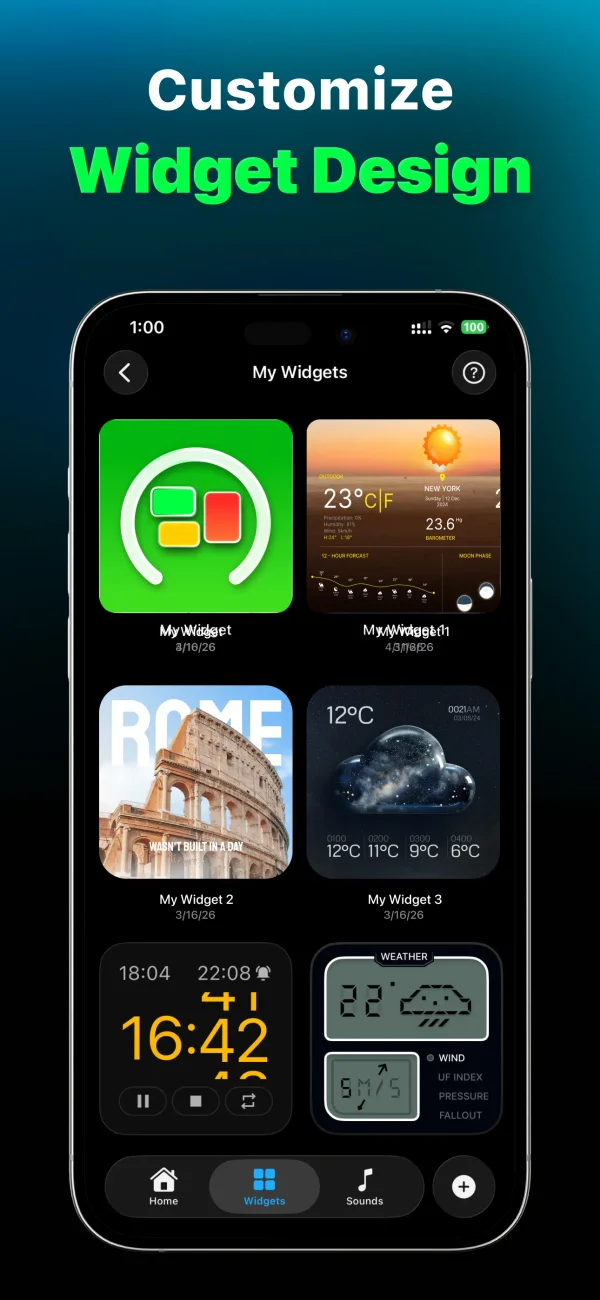
DESIGN YOUR OWN
• Start from scratch or from any template
• Add your photos, text, live clock, date, weather and calendar events
• Edit photos before adding them: filters, crop and one-tap background removal
• Turn a GIF or video into a widget by choosing the perfect frame, or create a Motion Slideshow that changes frames every few minutes
MADE FOR THE DRIVE
• Big, readable widgets designed to be understood at a glance
• Live weather and today's events from your calendar
• A step-by-step CarPlay Setup guide gets your widgets onto your car screen in about two minutes
GOOD TO KNOW CarPlay widgets are shown as still images that update on a schedule set by iOS. Designs change every few minutes, not every second, and video does not play on the car screen. Widgets in CarPlay require iOS 26 or later and a CarPlay-compatible vehicle.
CAR WIDGET STUDIO PRO Unlock every template, unlimited custom widgets and rotations, Motion Slideshows and an ad-free experience. You can use the free version with 3 custom widgets and 1 Widget Rotation.
Payment will be charged to your Apple Account at confirmation of purchase. Subscriptions renew automatically unless canceled at least 24 hours before the end of the current period. Your account will be charged for renewal within 24 hours before the end of the current period. You can manage and cancel your subscriptions in your App Store account settings after purchase.
Terms of Use: https://deeplyai.app/terms.html
Privacy Policy: https://deeplyai.app/privacy.html
Home: https://deeplyai.app/apps/carwidget/
• Support & Contact Need help?
Rate us! Got feedback?
info@deeplyai.app
Car Widget Studio is not affiliated with Apple or any vehicle manufacturer. CarPlay is a trademark of Apple Inc.
What’s new
Version 11.2026.1 · Nov 18, 2026
We’re excited to bring you this update with improvements focused on performance and customization.
• New Dreamy collection: 16 aesthetic designs with daily affirmations, the real moon phase, zodiac season, a weekend countdown, pastel calendars and more
• Free holiday collections for Thanksgiving, Christmas, New Year and Lunar New Year, each with a real countdown
• New and in-season collections now appear first, and holiday collections show on Home during their season
• Weather follows your region (°F or °C), and a new Temperature Unit setting lets you choose
• Weather blocks in your custom widgets now show your real local conditions
• Weather widgets find your location automatically and never show placeholder weather
• New "Beyond Clocks" filter, and widget names now appear in your language
• Setup Assistant helps when widgets go missing after an update
• Manage Subscription is now in Settings, and the paywall states what CarPlay widgets need
• Widget Rotation: New Rotation button is always within reach
• The add button stays separate from the tab bar on iOS 27
Thanks for driving with CarPlay Widgets! If you enjoy this update, please leave us a 5 Starts review.
Thank you for using CarPlay Widget Studio! We hope you love these new customization options.
• Support & Contact Need help?
Rate us! Got feedback?
info@deeplyai.app
App privacy
What DEEPLY AI declares on the App Store about how this app handles data.
-
Data used to track you
May be used to track you across apps and websites owned by other companies.
- Usage data
-
Data linked to you
May be collected and linked to your identity.
- Usage data
-
Data not linked to you
May be collected but is not linked to your identity.
- Location
- User content
Privacy practices may vary, for example with the features you use or your age.
Information
- Seller
- ACCOUNTING PLATFORM HUMAN RESOURCES JOINT STOCK COMPANY
- Category
- Lifestyle
- Version
- 11.2026.1
- Updated
- Nov 18, 2026
- Released
- Jan 12, 2026
- Size
- 54.1 MB
- Requires
- iOS 18.6 or later
- Age rating
- 4+
- Price
- Free
- In-app purchases
- Yes
- Languages
- English, French, German, Italian, Japanese, Korean, Russian, Simplified Chinese, Spanish, Vietnamese
- Copyright
- © DEEPLYAI
You might also like
-
 Car Widgets: AutoDashCustom Dashboard Screen Editor
-
 Car Widgets: Style Dashboard30+ Widgets and CarPlay Sounds
-
 MyCar Widgets - PlayLyricsVehicle status Dynamic-Lyrics
-
 Car Auto Play & WidgetsTV, Media Player & Dashboard
-
 Carveno: Car WidgetsDashboard Widgets for Car
-
 Car Widgets & Dashboard: CarZMy Car Speedometer & Gauges
-
 Car Play Connect - Auto Sync ®Driving Widgets, Navigation
-
 SideCarSetup and manage your SideCar
-
 Noctic Watch FacesWatch Face Gallery & Maker
-
 Tocky - Watch FacesCustom Faces, Your Style