Castify : WebCaster for iPhone
Chromecast Remote, Screencast
Designed for iPhone, iPad, iPod touch
Free · In-app purchases
- Age rating4+
- CategoryEntertainment
- DeveloperPIRON APPS
- LanguagesEnglish
- Size145.8 MB
Links to the official App Store page
Download.org hosts no file of Castify : WebCaster for iPhone. The button opens its official App Store page, published by PIRON APPS. Listing last checked on Nov 14, 2026.
Screenshots
About
Watch everything you love on the biggest screen in your home.
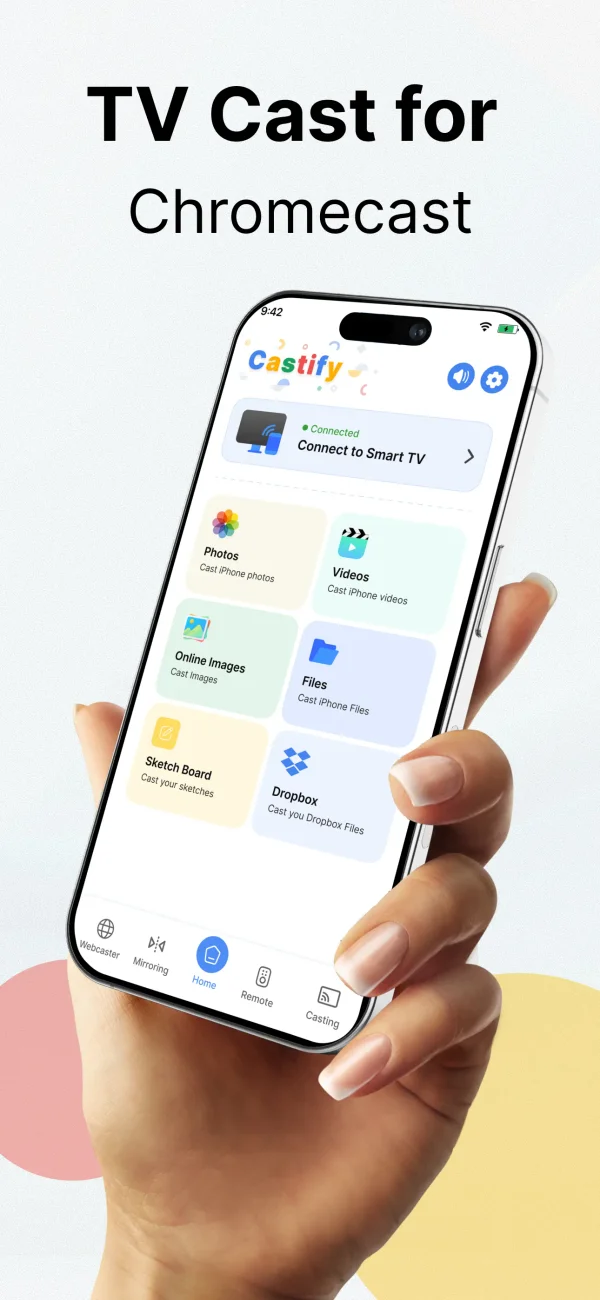
Turn your iPhone into a powerful casting and screen mirroring hub. Instantly stream videos, photos, music, web pages, and presentations to Chromecast, Smart TVs, Roku, Fire TV, and other supported devices.
Enjoy a smooth, fast, and reliable big-screen experience designed for everyday entertainment, sharing, and productivity.
Whether you want to watch movies, mirror your screen, stream YouTube videos, browse websites, play music, or present content, everything is just one tap away.
KEY FEATURES
• Screen Mirroring
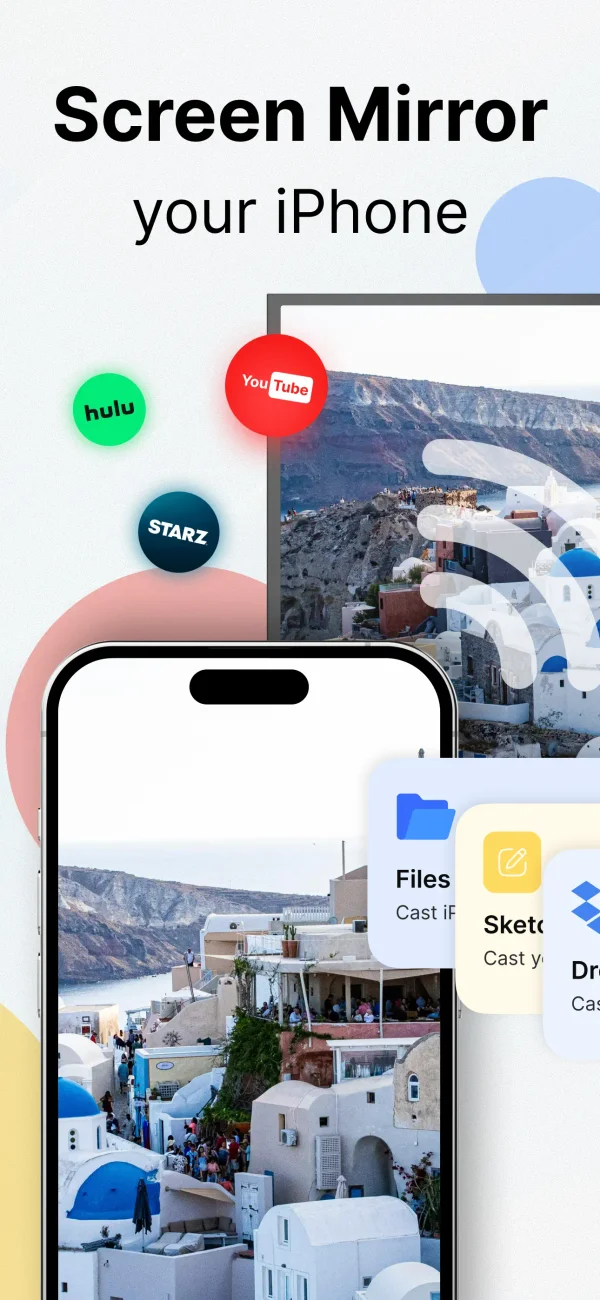
Mirror your iPhone or iPad screen to your TV in real time. Ideal for movies, gaming, fitness, meetings, and presentations.
• Cast to TV (Chromecast & Smart TV)
Stream videos, photos, and media directly to Chromecast, Smart TVs, Roku, Fire TV..
• Web Video Casting
Browse websites inside the app and instantly cast supported online videos to your TV.
• YouTube Casting
Stream YouTube videos on the big screen with smooth playback controls.
• Photo & Video Sharing
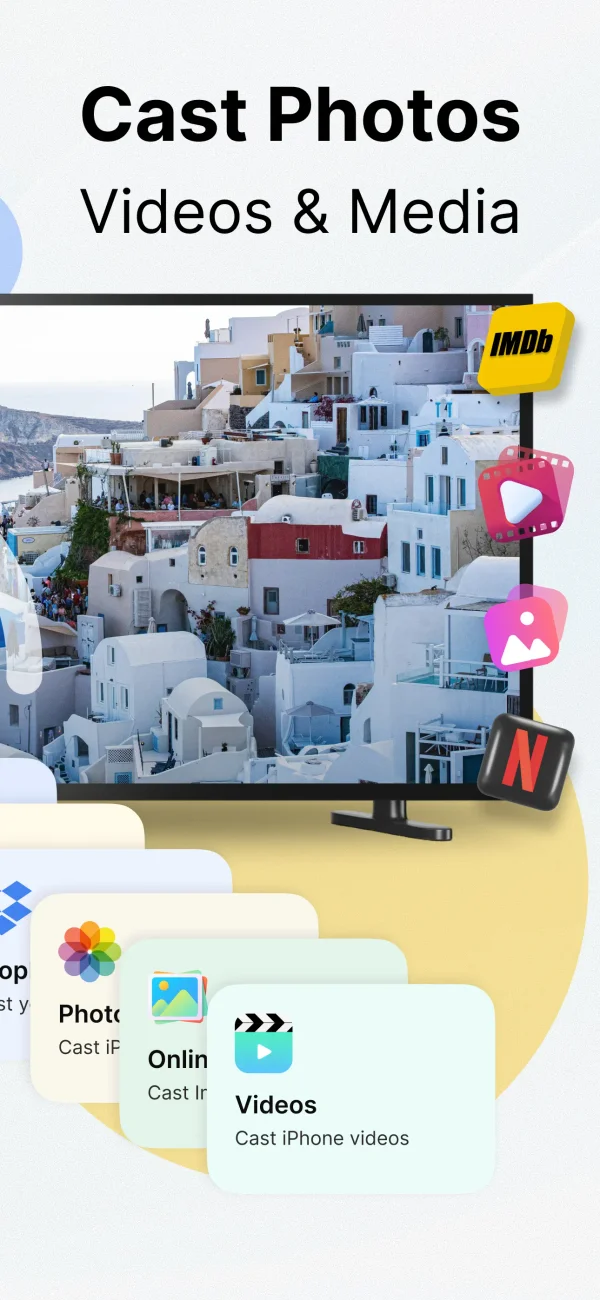
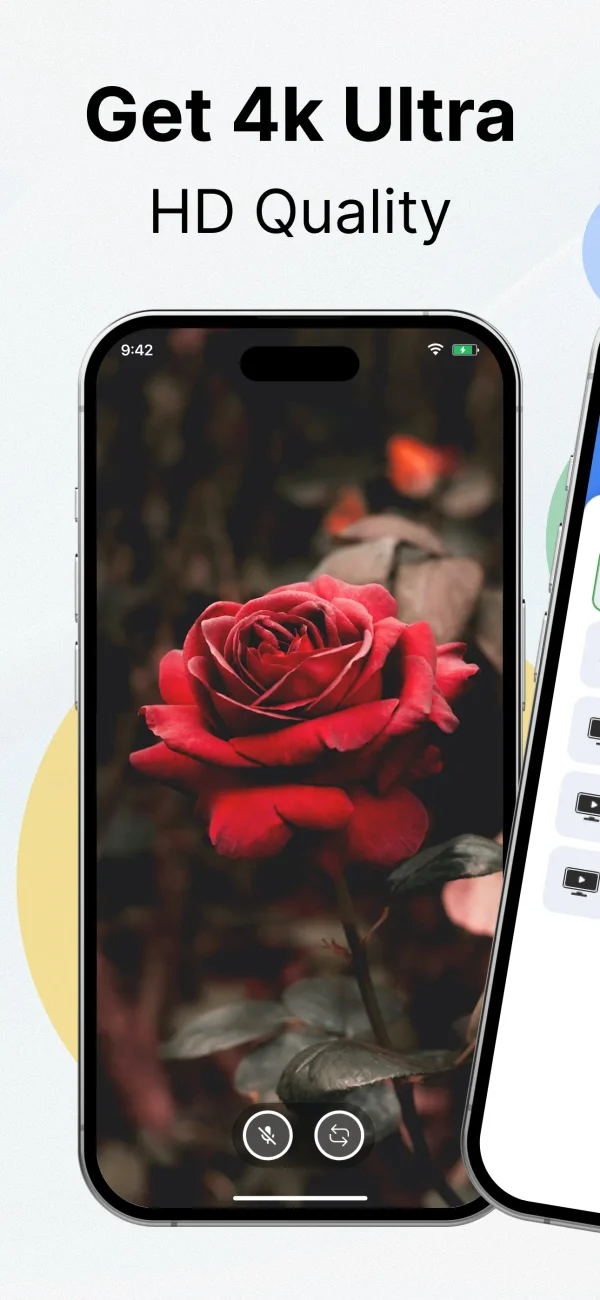
Display your photos, albums, and videos on your TV in high quality.
• Music Streaming
Play music and audio files from your iPhone to your TV or connected devices.
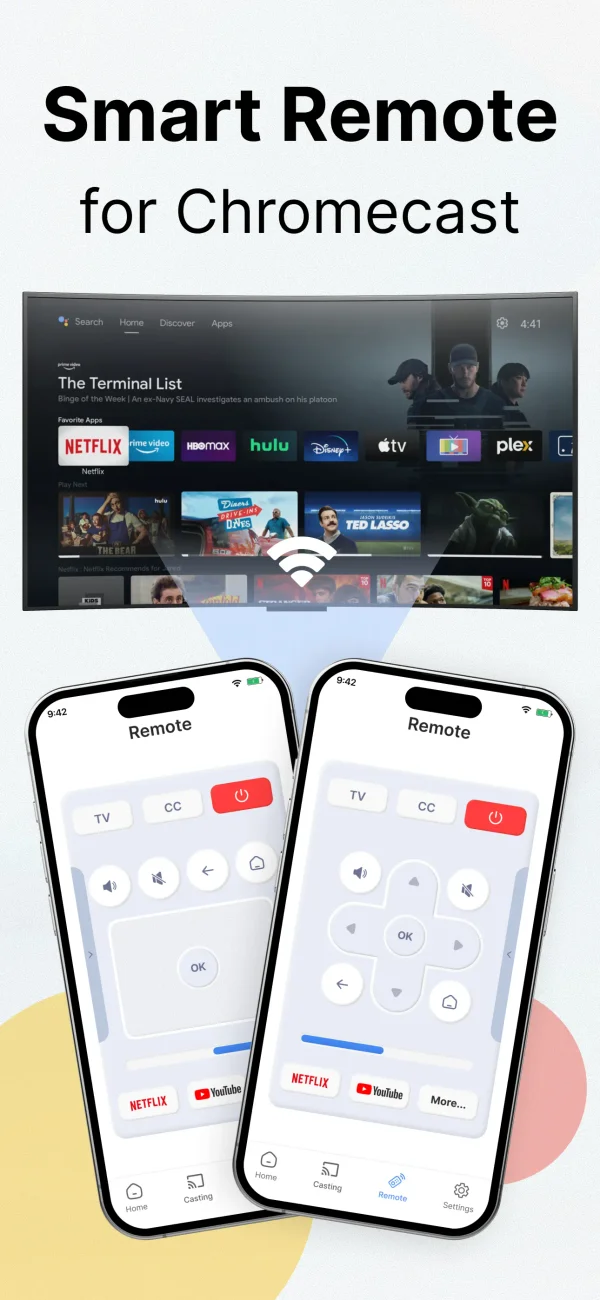
• TV Remote Control
Control supported smart TVs and streaming devices directly from your iPhone.
• Sketchboard / Drawing Cast
Draw, write, and instantly project your sketches to the TV screen.
• Full Playback Controls
Play, pause, seek, rewind, fast-forward, and control volume easily.
WHY USERS LOVE THIS APP
• Fast and easy connection setup
• High-quality streaming and mirroring
• Simple and intuitive interface
• All-in-one casting solution
• Reliable wireless performance
• Works with multiple devices
SUPPORTED DEVICES
Chromecast, Google TV, Roku, Fire TV, Smart TVs, DLNA receivers, and other compatible streaming devices.
HOW IT WORKS?
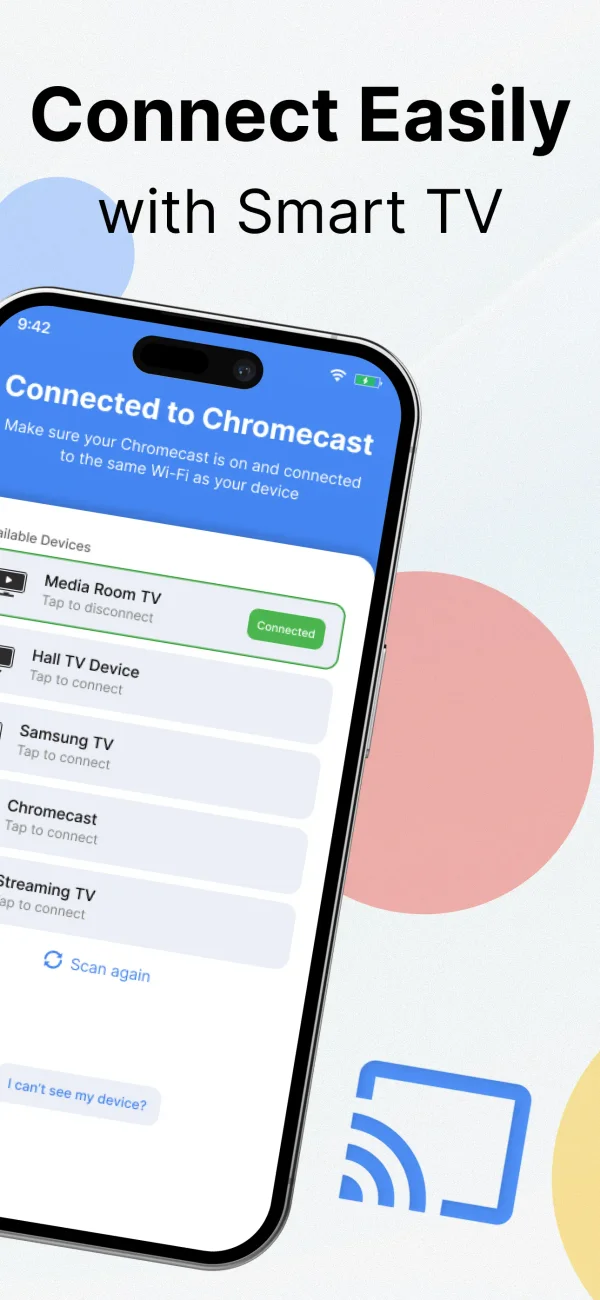
Connect your iPhone and TV to the same Wi-Fi network.
Select your device from the list.
Choose Screen Mirroring, Web Cast, Photos, Videos, Music, YouTube, or Remote.
Start enjoying your content on the big screen instantly.
SUBSCRIPTION TERMS:
https://hanoapps.weebly.com/subscription-terms-chromecast.html
TERMS & CONDITIONS:
https://hanoapps.weebly.com/terms--condition-chromecast.html
PRIVACY POLICY:
https://hanoapps.weebly.com/privacy-policy-chromecast.html
What’s new
Version 10.4 · Oct 22, 2026
-Minor Bug Fixes
-UI Improvements
-Smooth Casting
-Functionality Improvements
App privacy
What PIRON APPS declares on the App Store about how this app handles data.
-
Data not collected
The developer does not collect any data from this app.
Privacy practices may vary, for example with the features you use or your age.
Information
- Seller
- PIRON APPS
- Category
- Entertainment
- Version
- 10.4
- Updated
- Oct 22, 2026
- Released
- Jun 30, 2022
- Size
- 145.8 MB
- Requires
- iOS 15.0 or later
- Age rating
- 4+
- Price
- Free
- In-app purchases
- Yes
- Languages
- English
- Copyright
- © PIRON APPS
You might also like
-
 Screen Mirroring: Mirror To TVSmart Share & Cast Phone View
-
 Remote Control - Onn Smart TVMobile Controller With Volume
-
 Content Saver: Save Video etc.Story Snap, Music, Remover
-
 Mirror Screen: Cast to TV AppSmart View - Fast Share & Play
-
 Social Stats Profile AnalyticsFollowers Tracker Reports
-
 Remote TV Control TCL Onn AppRuku Smart Mobile Rolu Volume
-
 AR Sketch: Picture To DrawingDrawing Pad, Learn How To Draw
-
 DareMe - Games for LoversSpicy Adventure & Love Game
-
 Roku TV Remote Control MobileSmart Play Universal Remoto
-
 Voice Changer: Music CoverEntertainment