
Catendar: Shift Work Calendar
Nurse Rota Planner and Budget
Designed for iPhone, iPad
- Age rating4+
- CategoryLifestyle
- DeveloperBumjoon Lee
- LanguagesJapanese+ 8 more
- Size15.4 MB
Links to the official App Store page
Download.org hosts no file of Catendar: Shift Work Calendar. The button opens its official App Store page, published by Bumjoon Lee. Listing last checked on Nov 23, 2026.
Screenshots
About
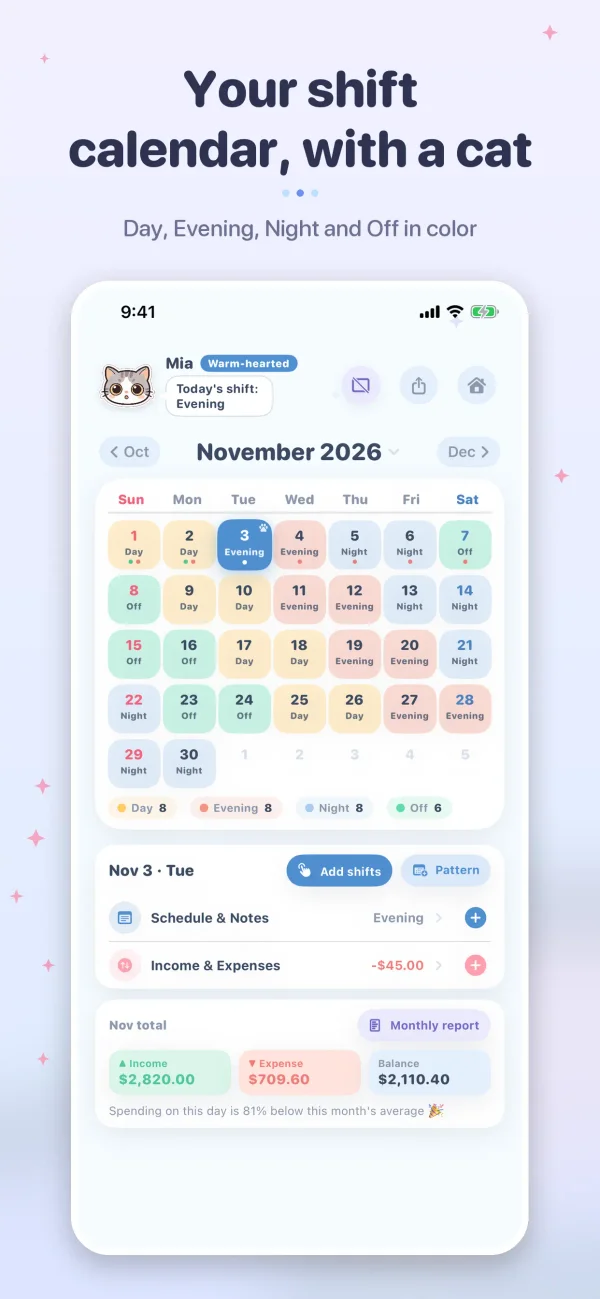
Catendar is a shift calendar for nurses and anyone on rotating shifts, with a simple budget diary and a cat to keep you company. Open it and your rota is right there.
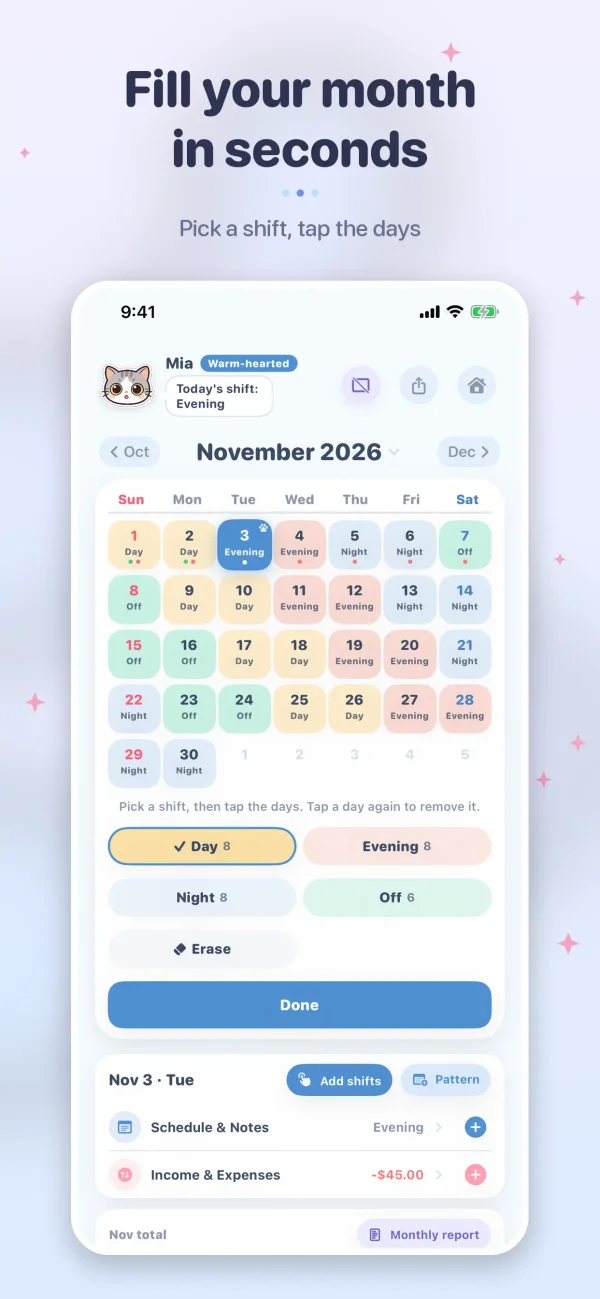
Fill your month in seconds
Pick a shift and tap the days. Tap a day again to clear it. For a regular rotation, Fill shift pattern repeats your cycle across the weeks in one go.
Your month at a glance
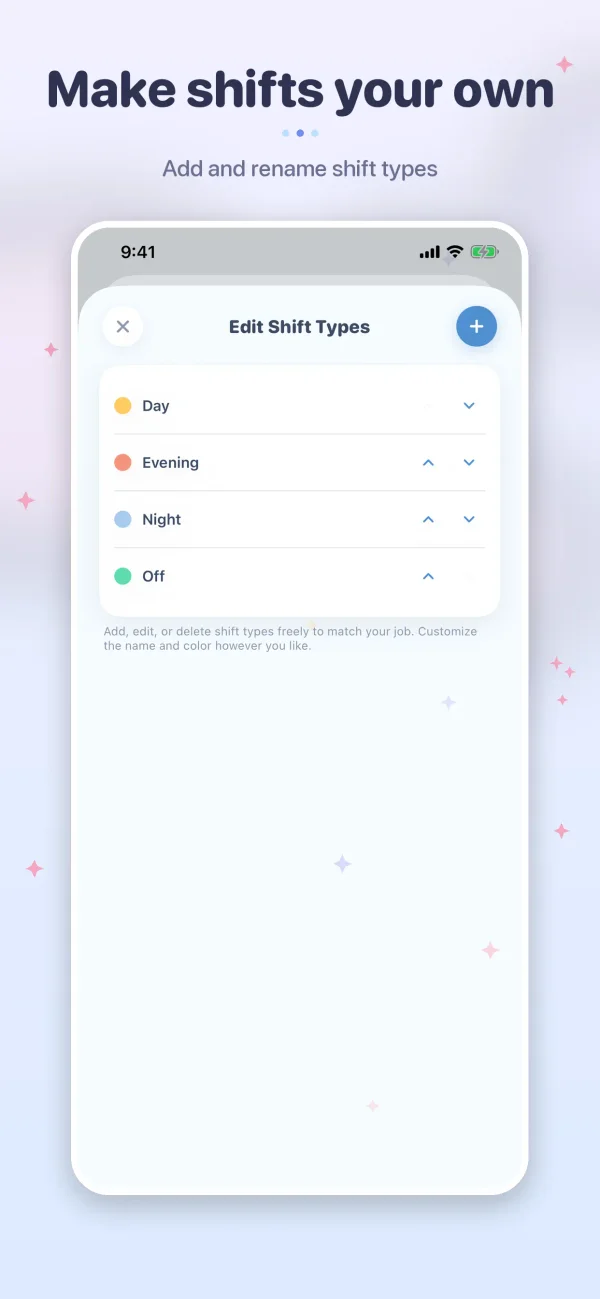
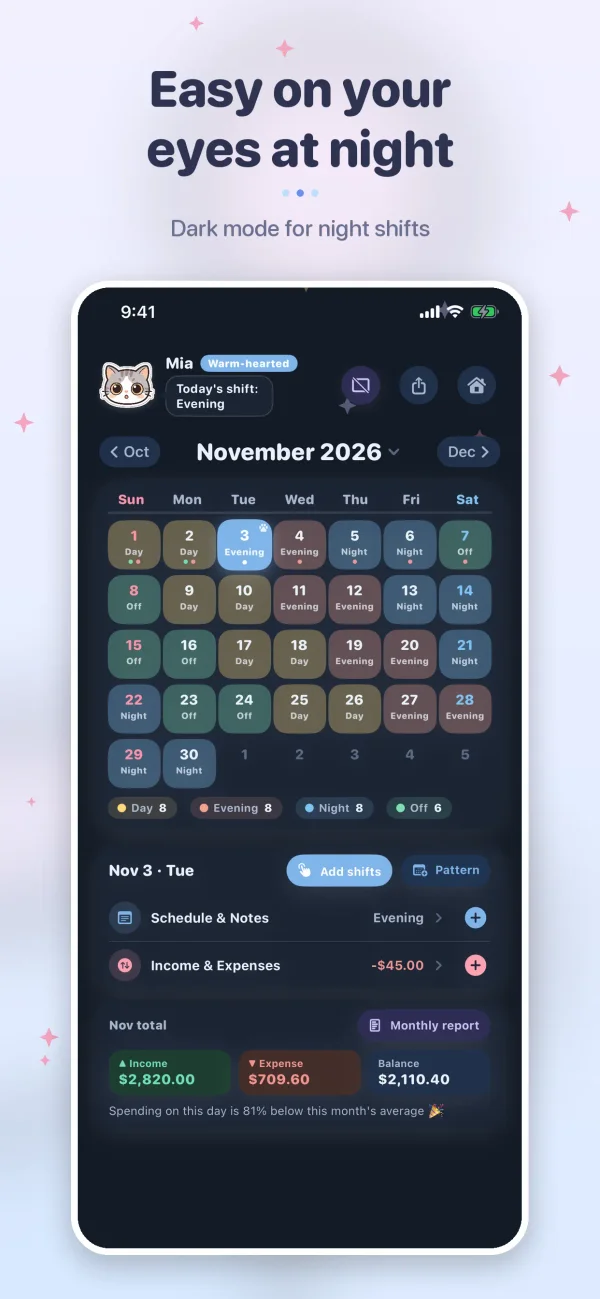
Day, Evening, Night and Off each have their own color, with this month's count next to each one, so you always know how many nights are coming. Tap the month title to jump to any month or year.
Your day under the calendar
The selected day's appointments, notes and spending sit right below the calendar. Tap a line to see everything.
Widgets
Put your rota on your Home Screen or Lock Screen. The small widget shows today, tomorrow and the day after. The medium one shows your whole week and today's plans.
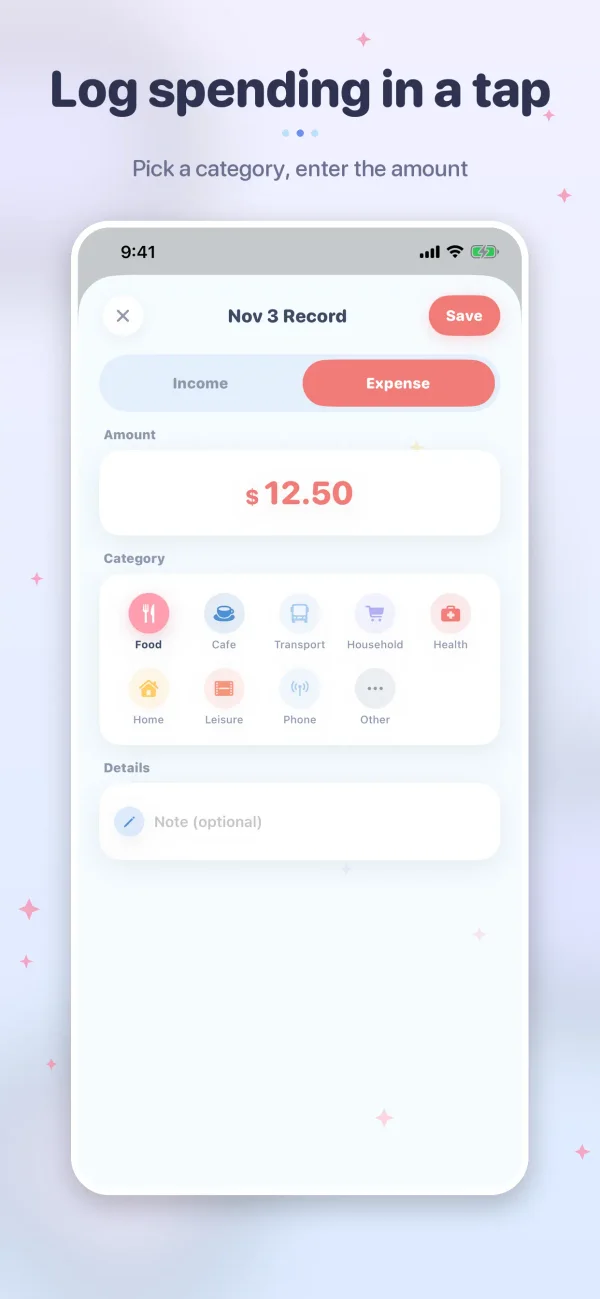
Budget diary
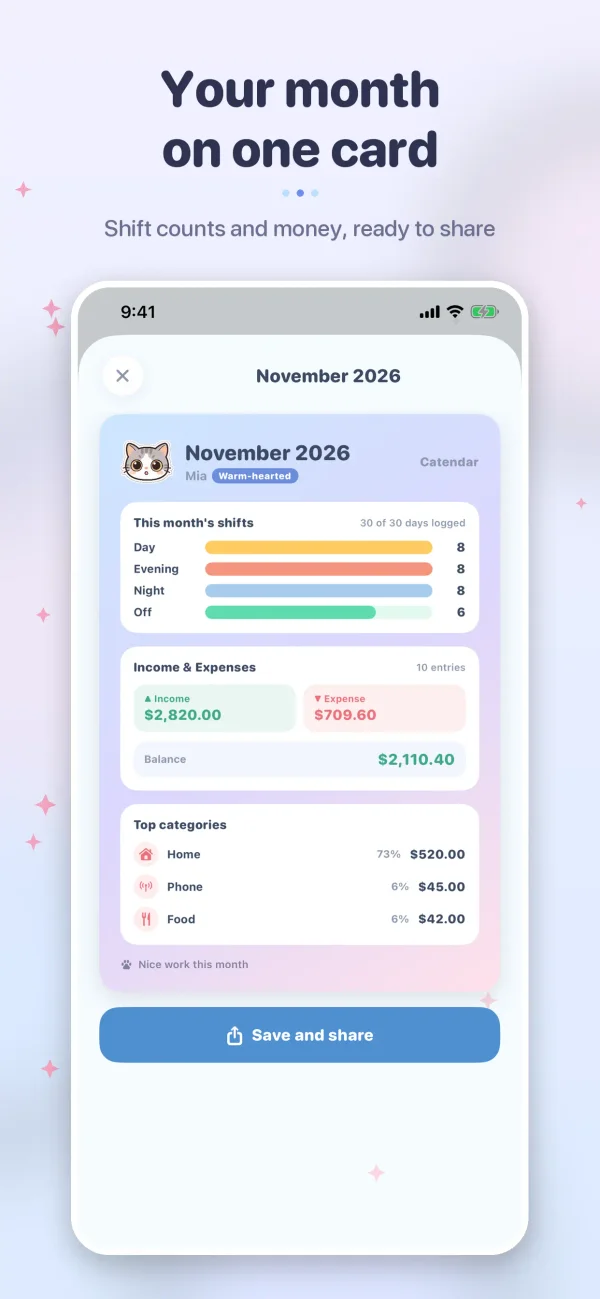
Log income and spending with one tap on a category like Food, Cafe or Transport. Totals add up by month, and the monthly report puts your shifts, income, spending and top categories on one card you can share.
Reminders
Set a reminder time for each shift type or appointment. Notifications come straight from your phone, never through a server.
Share your rota
Send this month's shift table as an image. Your appointments and notes stay private.
iPhone and iPad
On iPad, the calendar and your day sit side by side.
Your cat, your data
Pick one of eight cats and earn a new title each month. No account needed. Everything stays on your device, and you can export a backup anytime.
Nine languages: English, Korean, Japanese, Simplified and Traditional Chinese, Spanish, French, German and Italian.
What’s new
Version 1.4.1 · Nov 18, 2026
Update 1.4.1
1. Home Screen and Lock Screen widgets: see today's shift, the next two days and your whole week without opening the app.
2. VoiceOver can now select calendar days and entries.
3. The Start button no longer gets cut off on small screens.
App privacy
What Bumjoon Lee declares on the App Store about how this app handles data.
-
Data used to track you
May be used to track you across apps and websites owned by other companies.
- Identifiers
- Usage data
-
Data linked to you
May be collected and linked to your identity.
- Identifiers
- Usage data
Privacy practices may vary, for example with the features you use or your age.
Information
- Seller
- Bumjoon Lee
- Category
- Lifestyle
- Version
- 1.4.1
- Updated
- Nov 18, 2026
- Released
- Aug 25, 2026
- Size
- 15.4 MB
- Requires
- iOS 17.0 or later
- Age rating
- 4+
- Languages
- Japanese, Italian, Spanish, German, French, Simplified Chinese, Traditional Chinese, English, Korean
- Copyright
- © 2026 Bumjoon Lee
You might also like
-
 加油日誌Lifestyle
-
 CheckInDuck - Daily HabitDaily reminders & habit logs
-
 Calliary - Sticker CalendarDecorate & share your planner
-
 LoveQuest 情侶日常Lifestyle
-
 Sparkling DayRemember your important days
-
 寵物保姆-幫您呵護妳的毛孩Lifestyle
-
 心經抄經-般若精舍Lifestyle
-
 MuyuLock: Buddhist MeditationLock apps until you chant
-
 Floria - Mood Garden JournalAI Journaling, Mood Tracker
-
 Calun: Simple Monthly CalendarSwitch groups & fast scroll