
CC Lab
Explore Crypto Trading
Designed for iPhone, iPad, Mac
Free · In-app purchases
- Age rating4+
- CategoryFinance
- Developer菁晶 王
- LanguagesEnglish+ 19 more
- Size821.9 MB
Links to the official App Store page
Download.org hosts no file of CC Lab. The button opens its official App Store page, published by 菁晶 王. Listing last checked on Nov 23, 2026.
Screenshots

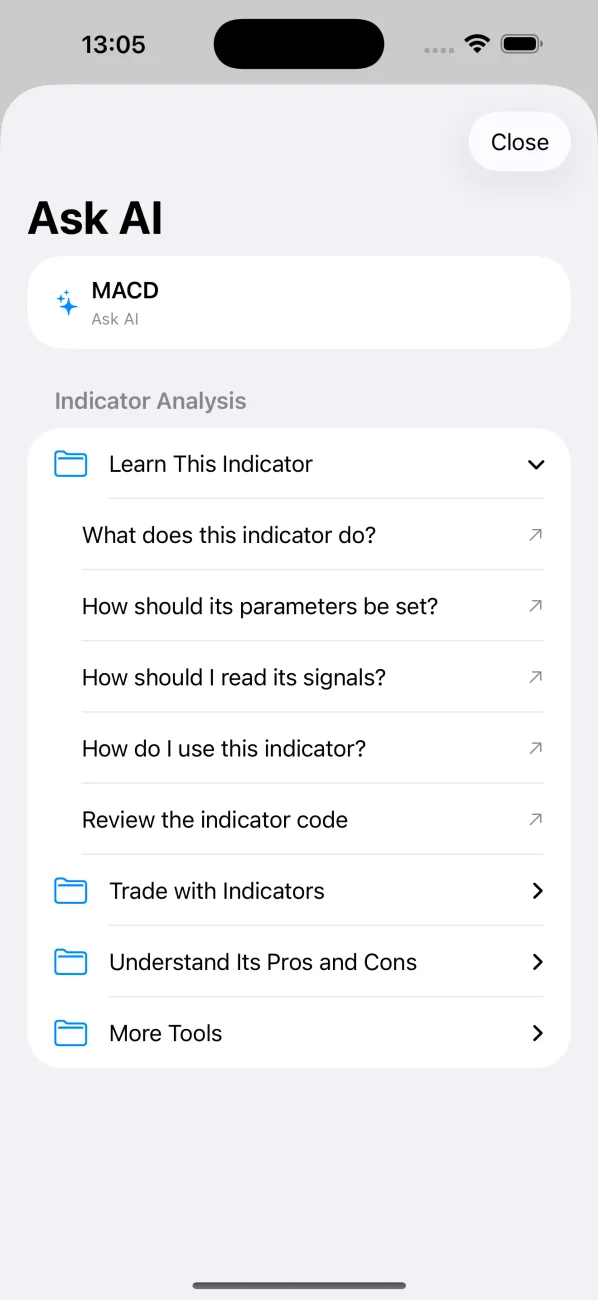

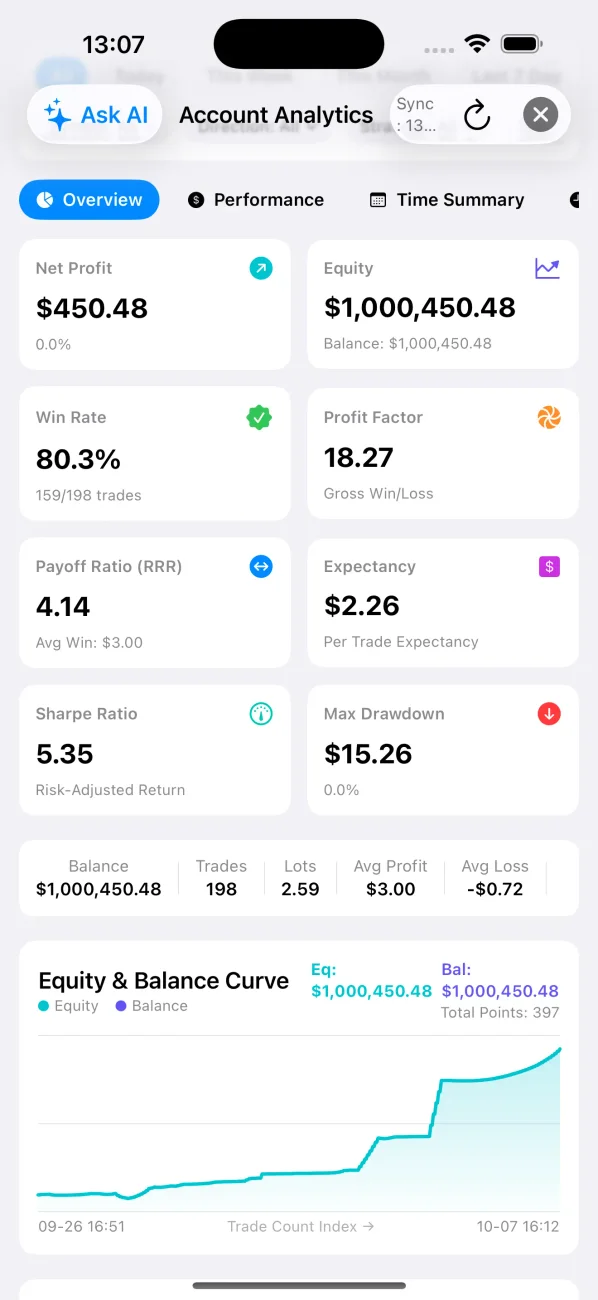
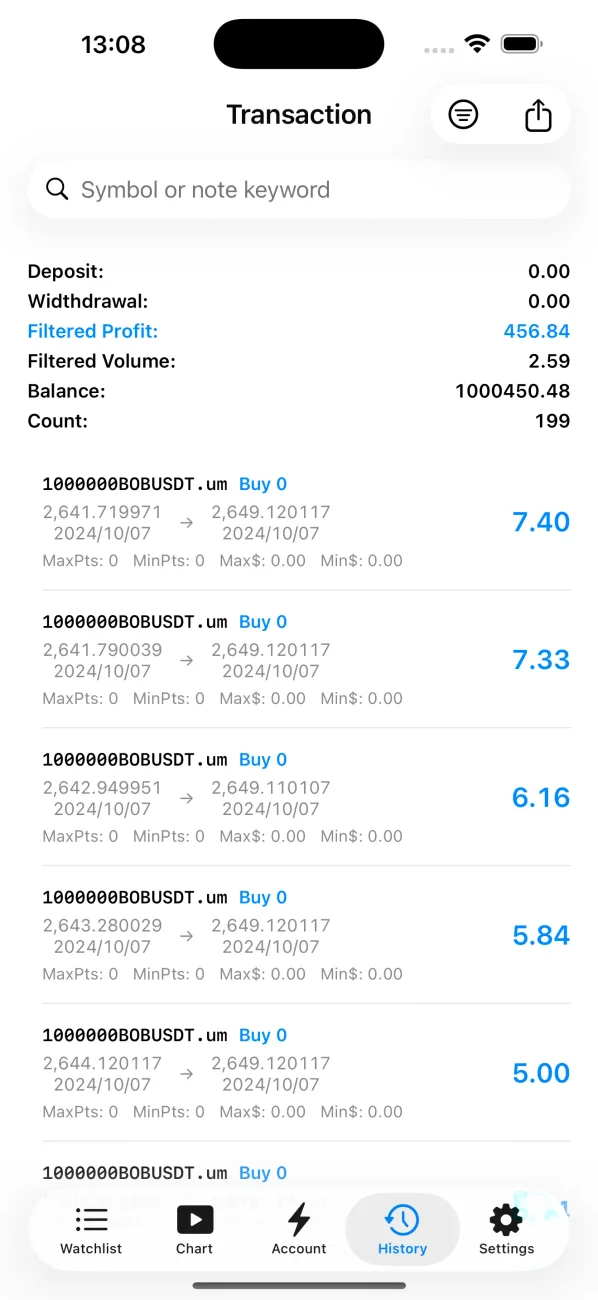
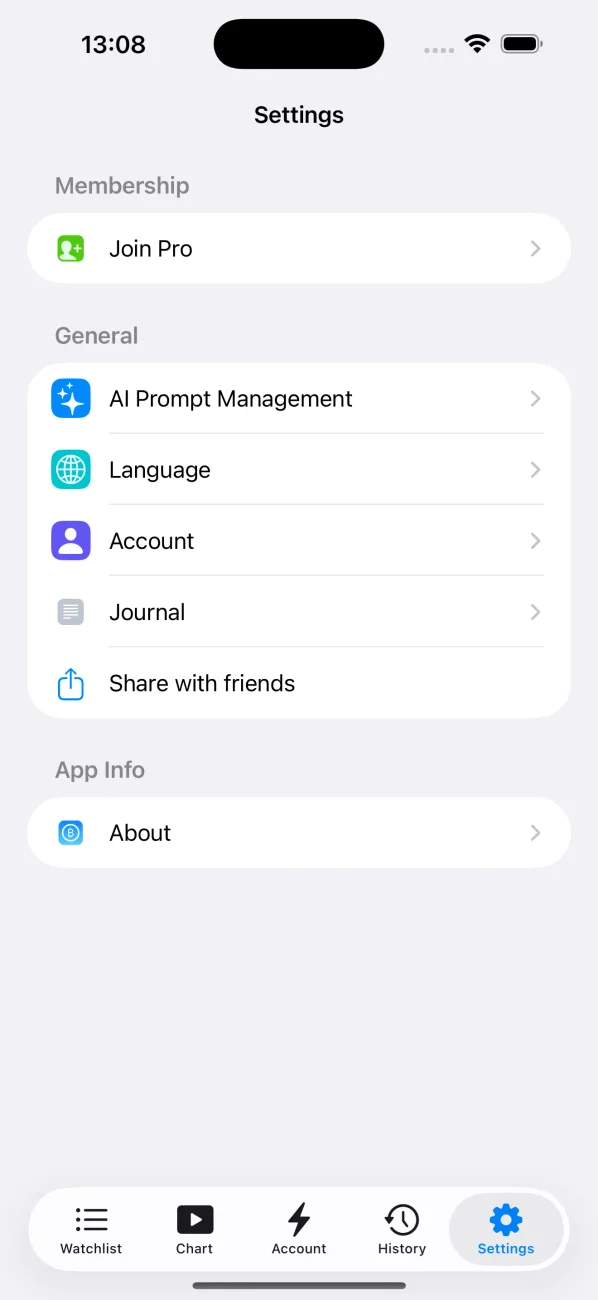
About
now supports iPhone, iPad, and Mac.
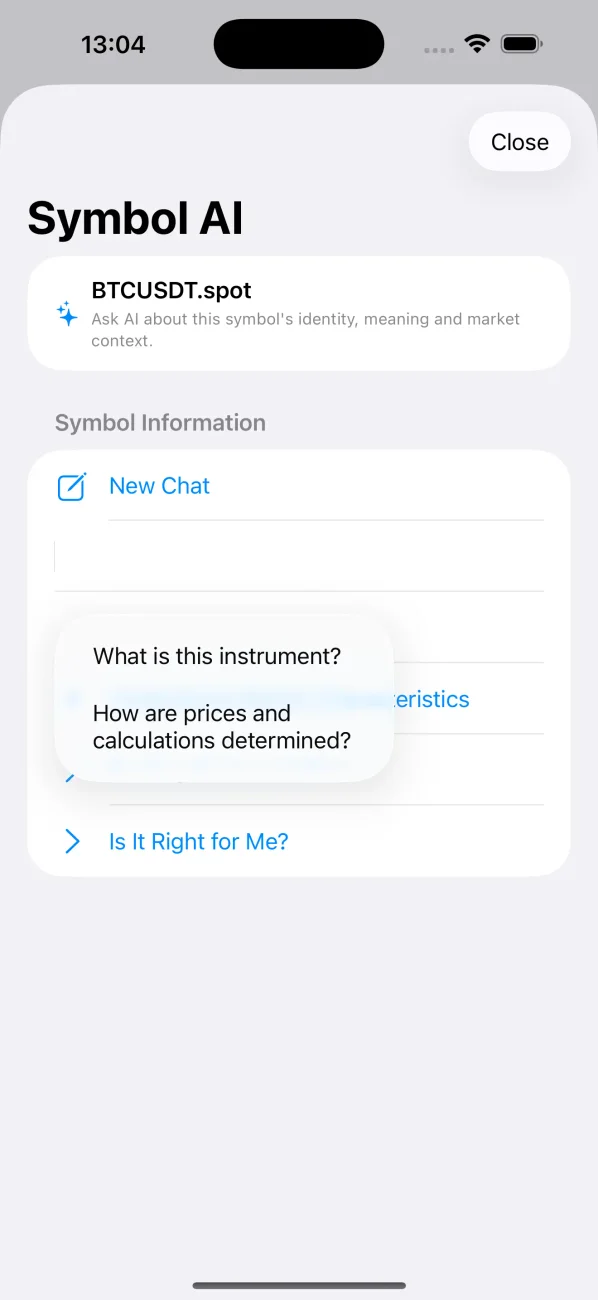
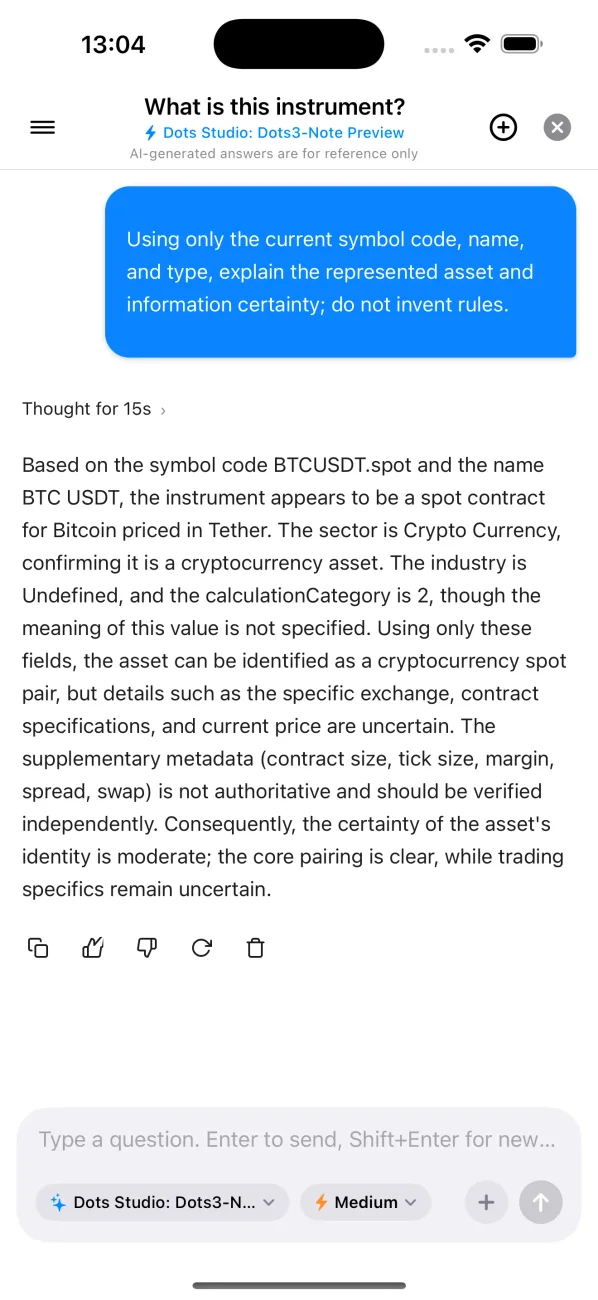
Cryptocurrency Lab is a trading review and training software designed to provide users with a training environment based on historical data playback. Key features include: extensive cryptocurrency support, high-quality historical data, comprehensive time cycles, high-performance indicators and charts, dynamic market playback, simulated quotes and accounts, and efficient trading tools.
### Feature List:
◆ Cryptocurrency Support : Covers thousands of cryptocurrencies, offering diverse trading options.
◆ High-Quality Historical Data :
1. Selected from top traders for high-quality historical data.
2. Supports complete minute-level data.
◆ Comprehensive Time Cycles : Supports all time cycles, from minutes to years.
◆ High-Performance Indicators and Charts :
- Metal-based high-performance charts.
- Multiple chart color schemes.
- Display settings: grid lines, time division lines, price lines, etc.
- Supports various main chart types: candlestick, HeikenAshi, ZoneTrade, etc.
- MT5 series and advanced indicators.
- Indicator parameter settings.
- Quick time period switching.
- Chart zoom in and out.
◆ Template Function :
- Save indicator combinations and color schemes as templates.
- Add, delete, and load templates.
◆ Dynamic Market Playback :
- Automatic and manual playback.
- Set playback speed and step length.
- Fast date jump.
◆ Simulated Quotes and Accounts :
- Margin trading mode by default.
- Simulate recharge and withdrawal.
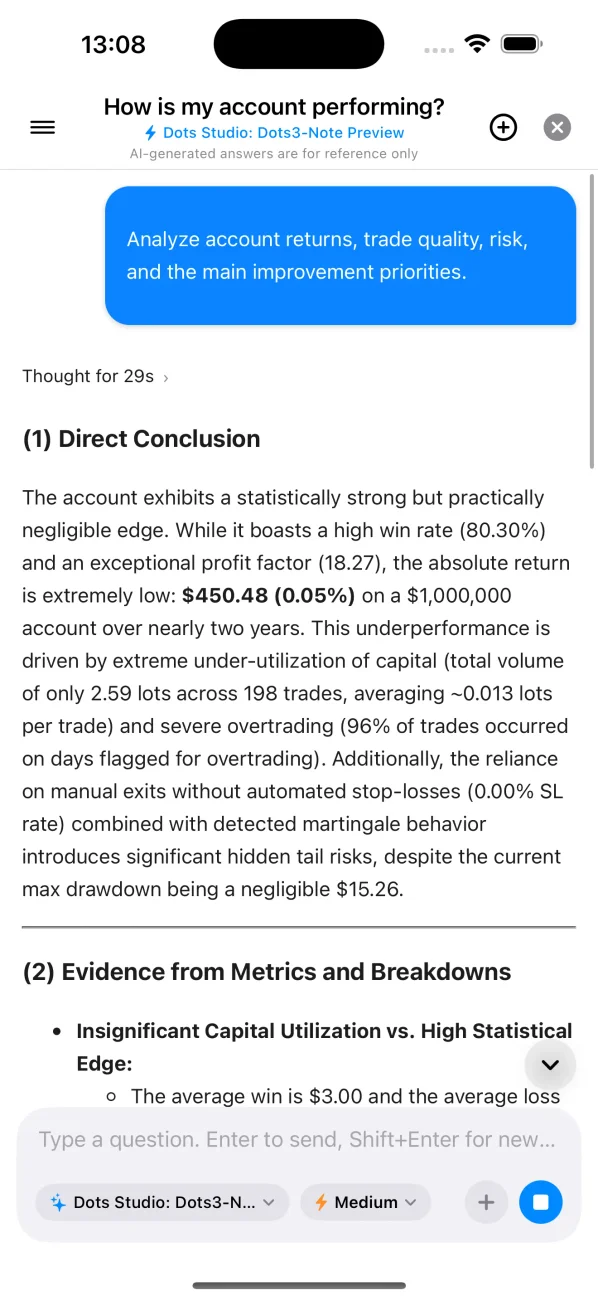
- Display account balance and profit.
- Position and order list.
- Account history and operation log.
◆ Efficient Trading Tools :
- Market and pending orders.
- One-click market order trading.
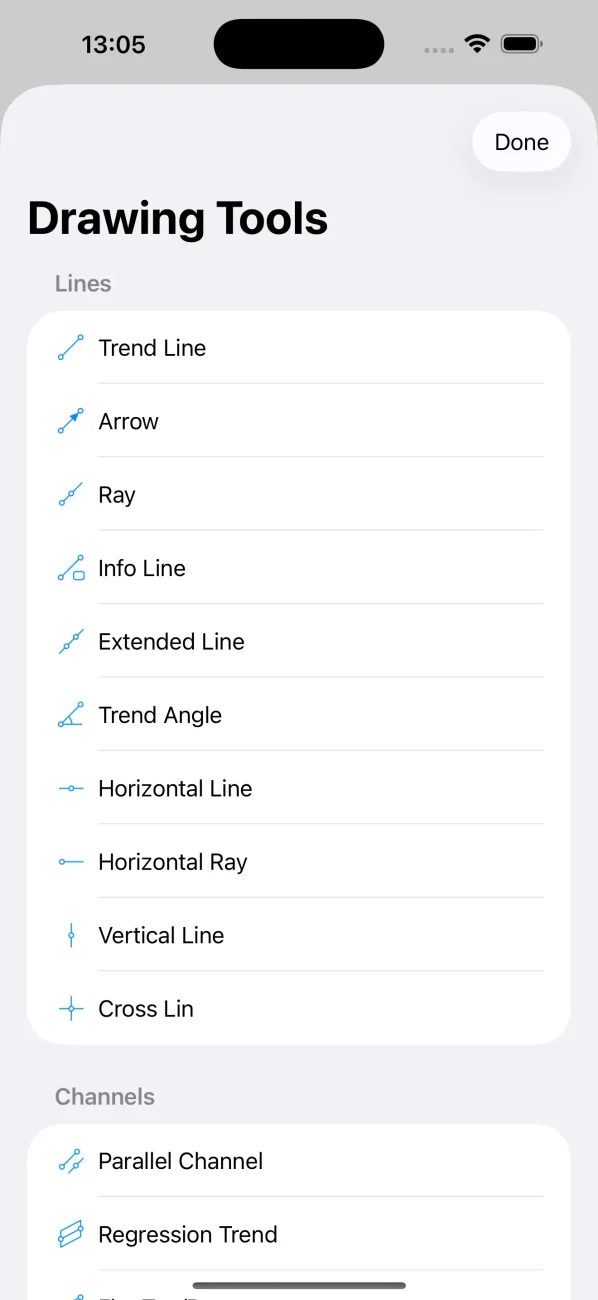
- Menu quick trading.
- Panel line drawing trading.
- Trailing stop loss.
- Group order function.
### Subscription Information:
• Choose between Pro Monthly and Pro Yearly subscriptions.
• Monthly updates every 31 days, yearly updates every 12 months. Unlimited access to trading products and tools.
• Subscription fee: $2.99/month, $19.99/year.
• Payment charged to iTunes account upon purchase confirmation.
• Auto-renew unless turned off 24 hours before the current period ends.
• Manage subscriptions in account settings.
Service Agreement: https://www.apple.com/legal/internet-services/itunes/dev/stdeula/
Privacy Policy: http://xmacd.com/privacypolicy.html
• Contact Us:
Official Weibo: https://weibo.com/tradingstar
Customer Service Email: tradingstarapp@hotmail.com
What’s new
Version 1.49 · Nov 21, 2026
1. Optimize performance and user experience.
2. Update historical data.
App privacy
What 菁晶 王 declares on the App Store about how this app handles data.
-
Data not collected
The developer does not collect any data from this app.
Privacy practices may vary, for example with the features you use or your age.
Information
- Seller
- 菁晶 王
- Category
- Finance
- Version
- 1.49
- Updated
- Nov 21, 2026
- Released
- May 28, 2025
- Size
- 821.9 MB
- Requires
- iOS 17.0 or later
- Age rating
- 4+
- Price
- Free
- In-app purchases
- Yes
- Languages
- English, Arabic, Catalan, French, German, Hindi, Indonesian, Italian, Japanese, Korean, Malay, Polish + 8 more
- Copyright
- © Jingjing Software
You might also like
-
 CoinAnk: Live Crypto TrackerPrice Alerts & Bitcoin Data
-
 CoinMeta-Blockchain LIVE News5M+ Web3 Use BTC Tool
-
 GoChartingFinance
-
 CoinGlass - Global Market DataStocks & Crypto Tracker
-
 金十数据-一个交易工具Finance
-
 OKX Wallet: Buy Crypto & RWADEX Swap, DeFi Earn & BTC
-
 GMGN - Meme TrackWallet Track & Trade Fast
-
 WEEX - Buy Bitcoin & CryptoTrade Crypto & Stocks
-
 imToken: BTC & ETH WalletA Reliable Web3 Wallet
-
 CoinGecko: Crypto TrackerCryptocurrency, Bitcoin News