
CCA Remote
BLE & WiFi Dashboard for MCUs
Designed for iPhone, iPad, iPod touch
Free
- Age rating4+
- CategoryUtilities
- DeveloperHTL Anichstrasse
- LanguagesEnglish+ 1 more
- Size20.1 MB
Links to the official App Store page
Download.org hosts no file of CCA Remote. The button opens its official App Store page, published by HTL Anichstrasse. Listing last checked on Nov 18, 2026.
Screenshots


About
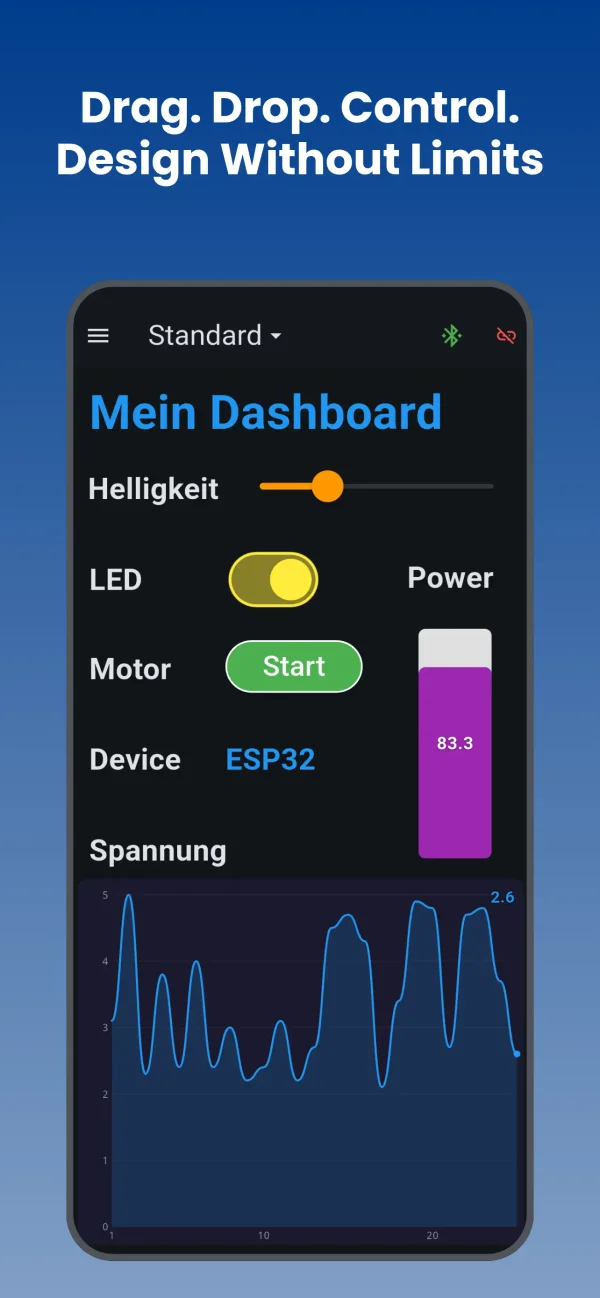
Control your microcontroller directly from your smartphone – no hardwiring, no complicated software. With CCA Remote, you can build a custom dashboard with buttons, sliders, joysticks, and displays in minutes. Developed at HTL Anichstraße – for everyone who wants to get more out of their DIY projects.
WHAT YOU CAN DO WITH IT
- Easily build your own custom control interfaces via drag-and-drop
- Connect to the controller via Bluetooth (BLE) or Wi-Fi
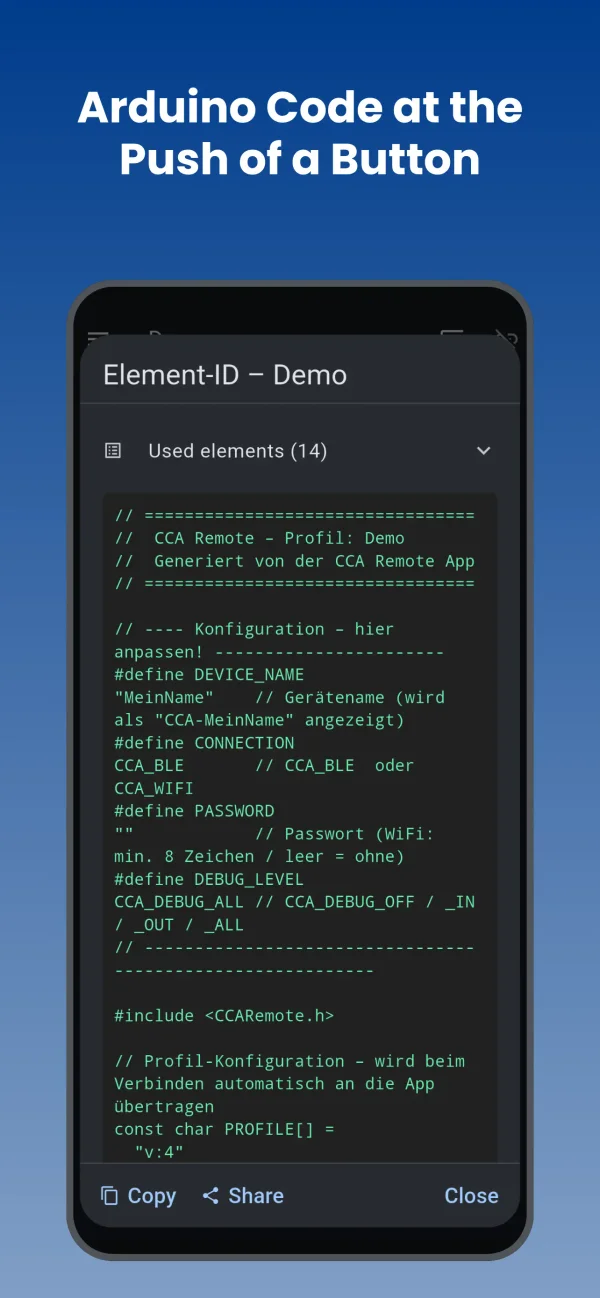
- Automatically generate Arduino code – no manual programming required
- Save, lock, and share profiles for different projects
- View live readings as a bar, gauge, chart, or LED status
- Remote profiles can be saved directly on the controller and are automatically transferred to the app upon connection
- Multilingual user interface (German, English)
- Element dependencies: Control elements can be enabled/disabled depending on other elements
- System backup and restore of the entire app configuration
CONTROL AND DISPLAY ELEMENTS
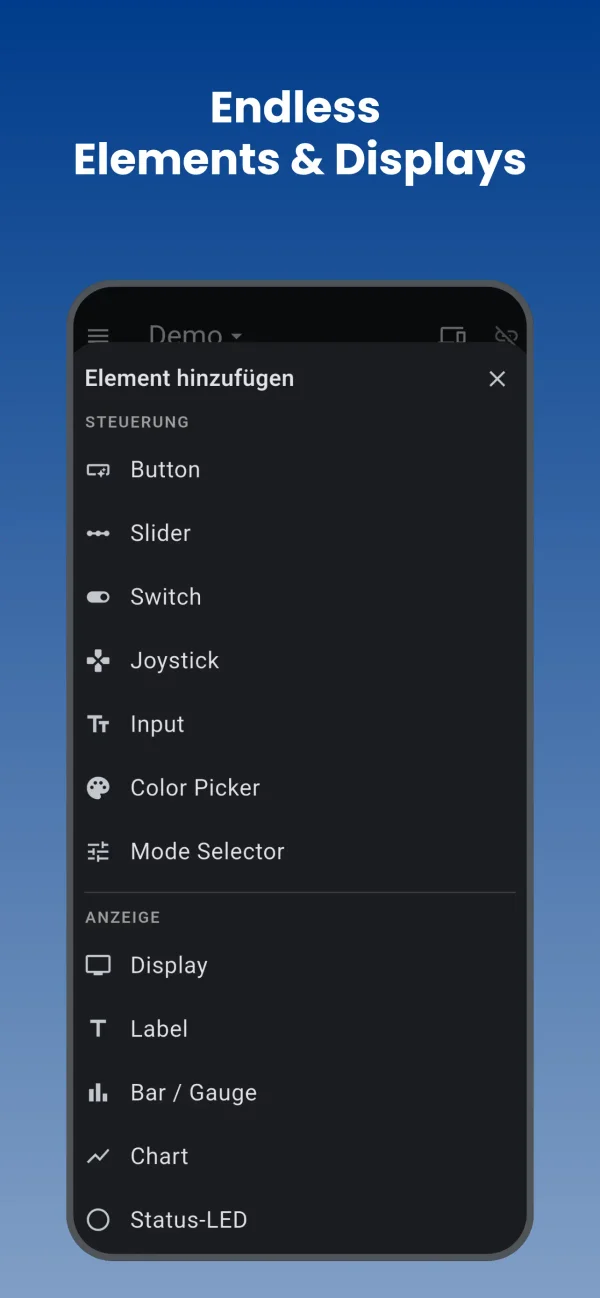
- Control: Button, Slider, Switch, Joystick, Text Input, Color Picker, Selector Switch
- Display: Display, Label, Bar, Gauge, Chart, Status LED, Icon
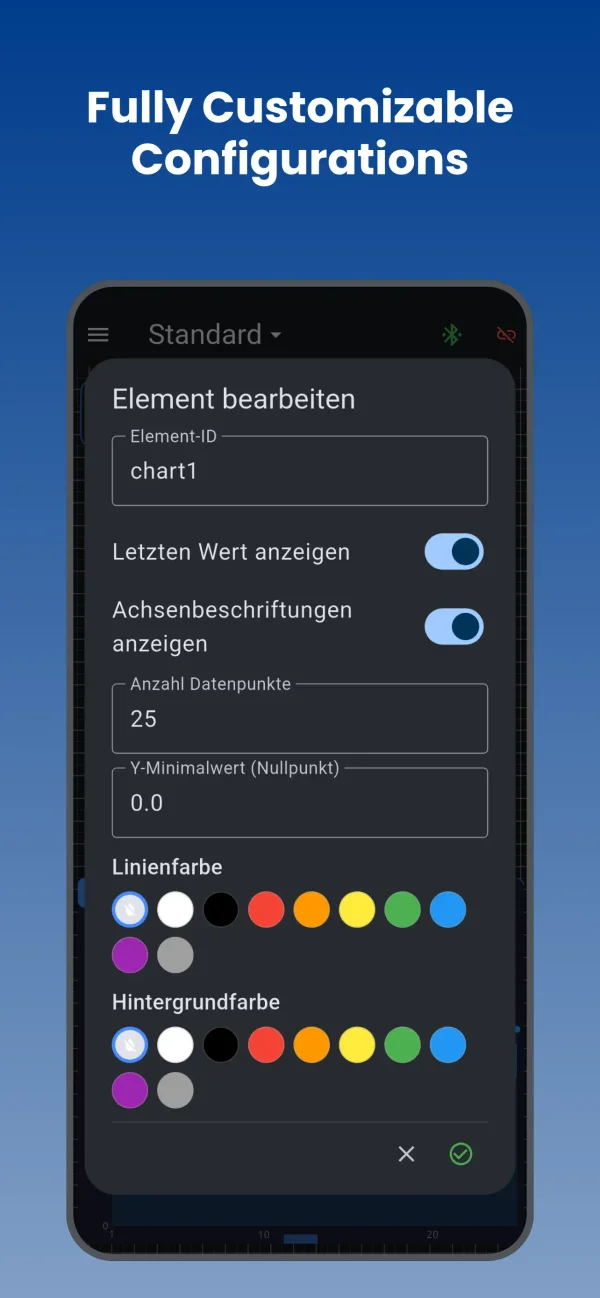
- All elements fully scalable and customizable.
SUPPORTED HARDWARE
- ESP32 – Native BLE & Wi-Fi
- ESP8266 – Wi-Fi
- Arduino Uno / Nano – BLE via HM-10 module
- Raspberry Pi Pico 2W and ESP32 – BLE & Wi-Fi (MicroPython)
LIBRARY & GETTING STARTED
The free CCARemote library is available on GitHub for Arduino and MicroPython. The integrated code generator automatically creates the complete sketch – including setup(), loop(), and all variable declarations.
ORIGIN
Originally developed as part of a diploma thesis by L. Eder and E. Duyar at HTL Anichstraße Innsbruck. This current version was further developed and published by A. Eckhart with the permission of the original authors.
What’s new
Version 1.2.1 · Jul 6, 2026
- Code generator comments translated to English
- Expanded multilingual support for error messages and UI elements
- Improved resizing behavior for elements
- Fixed layout distortion for remote profiles in landscape mode
App privacy
What HTL Anichstrasse declares on the App Store about how this app handles data.
-
Data not collected
The developer does not collect any data from this app.
Privacy practices may vary, for example with the features you use or your age.
Information
- Seller
- HTL Anichstrasse
- Category
- Utilities
- Version
- 1.2.1
- Updated
- Jul 6, 2026
- Released
- May 29, 2026
- Size
- 20.1 MB
- Requires
- iOS 14.0 or later
- Age rating
- 4+
- Price
- Free
- Languages
- English, German
- Copyright
- © 2026 Andreas Eckhart (HTL Anichstraße)
You might also like
-
 BlePad: BLE RemoteWireless BLE UART Remote
-
 MECHATRONX for Arduino & ESP32Bluetooth & Wi-Fi Controller
-
 BleD ConfigCreate Bluetooth LE Controller
-
 Easy History & CopyEasy Copy
-
 Lumi: Flashlight, Strobe & LEDSelfie fill light & party glow
-
 KingtaKingta
-
 Halo Adventure Safety CompanyStay Safe on Every Adventure
-
 Shield: Scam Text Blocker AINo scam sms instantly with AI
-
 mqttchSmart Home Control for Watch
-
 MCRCUtilities