
- Age rating4+
- CategoryHealth & Fitness
- DeveloperRyan Latture
- LanguagesEnglish
- Size3.0 MB
Links to the official App Store page
Download.org hosts no file of Celerie. The button opens its official App Store page, published by Ryan Latture. Listing last checked on Nov 14, 2026.
Screenshots
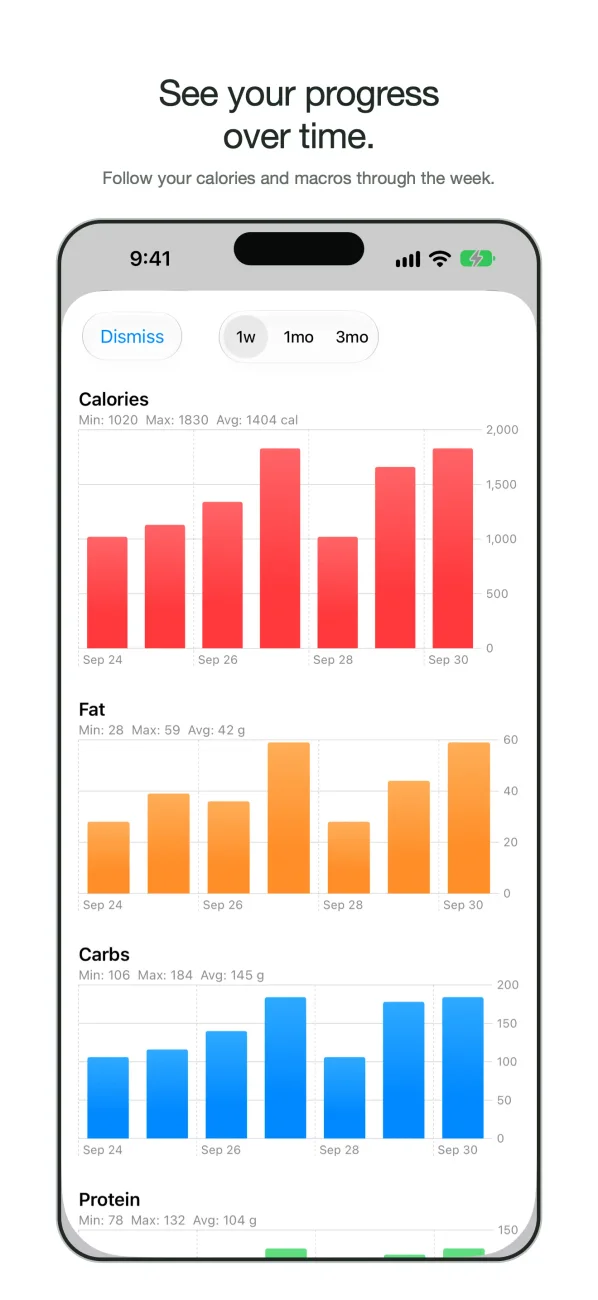
About
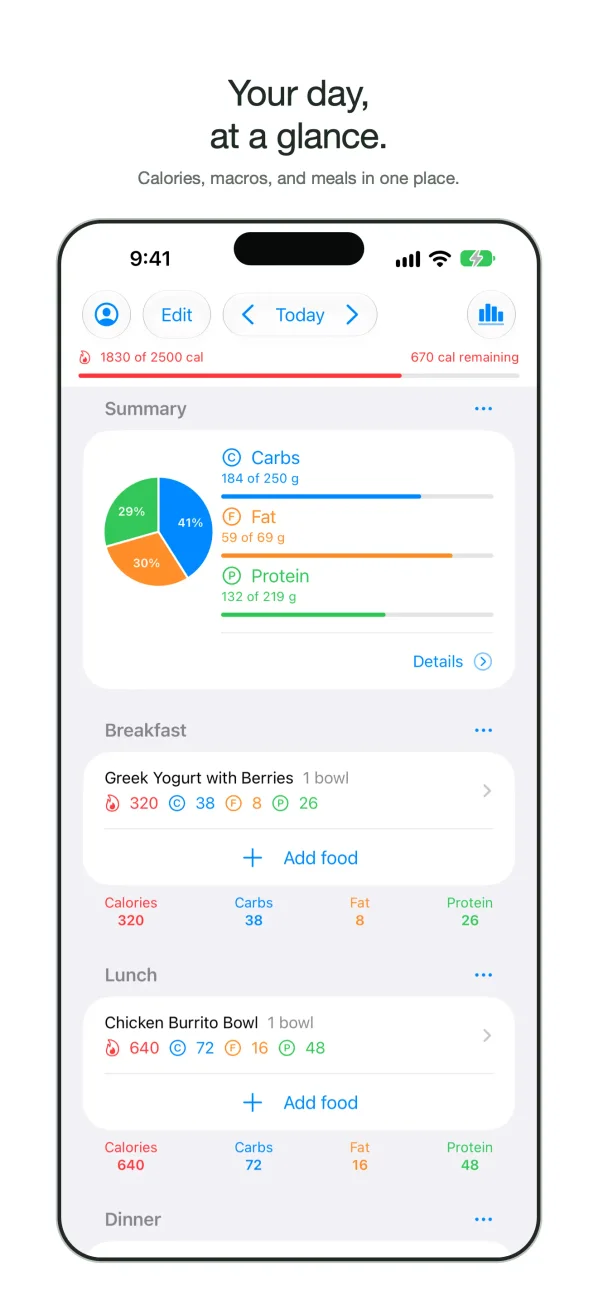
Celerie is a simple calorie counter that respects your privacy.
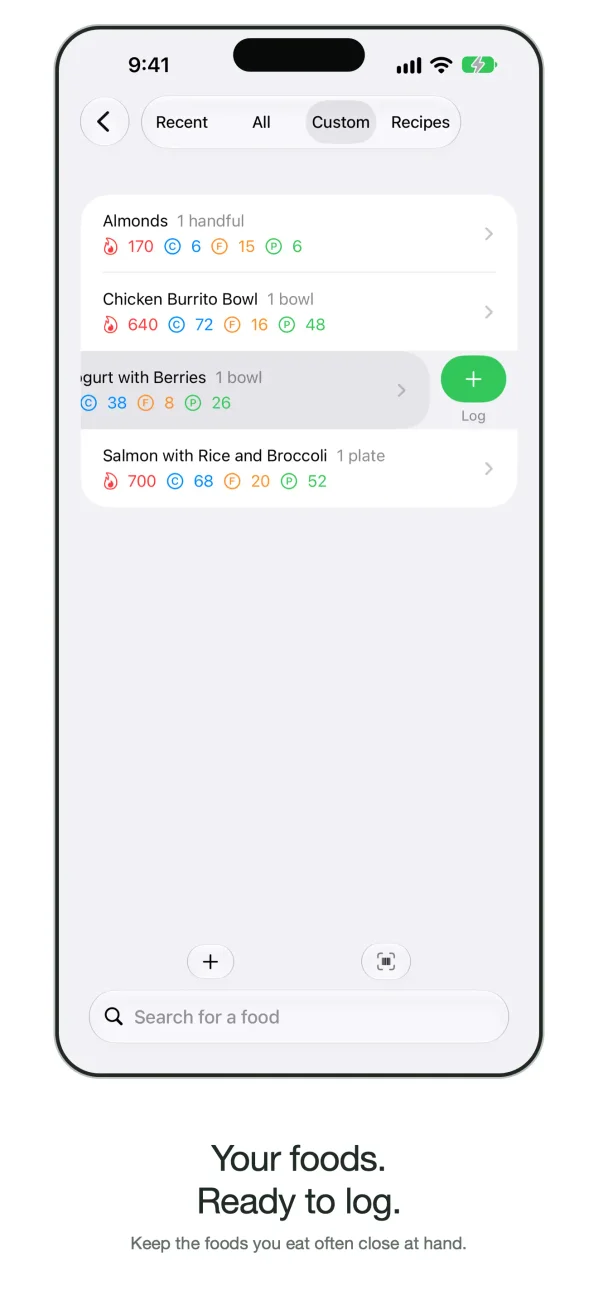
With Celerie, you can set custom calorie and macronutrient goals. If you often eat the same foods, you can easily copy existing meals or entire days.
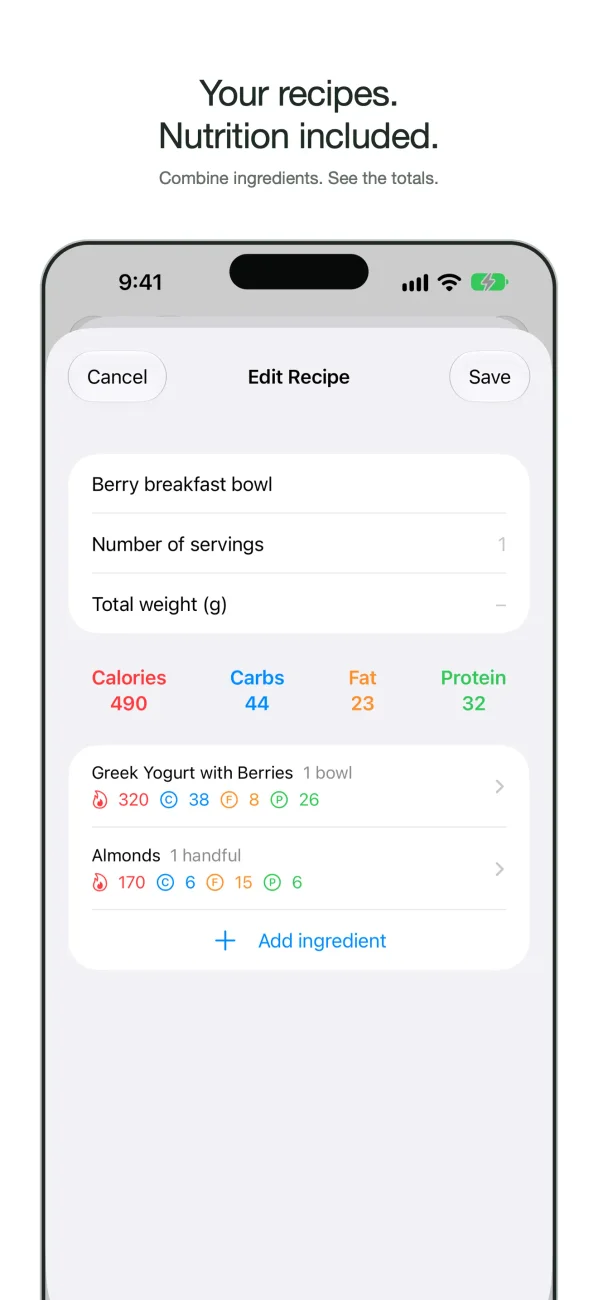
Celerie’s food database is powered by Edamam. You can create custom foods if you can’t find what you’re looking for in their database, and recipes can be created using existing or custom foods.
SCAN INSTEAD OF TYPING
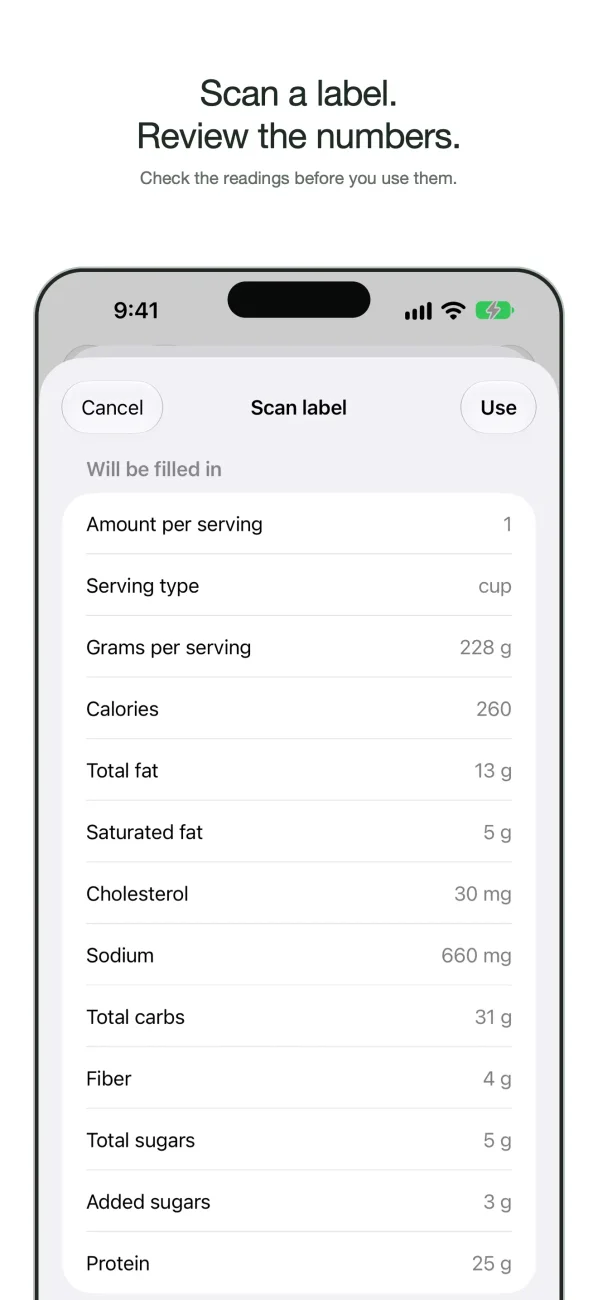
Point your camera at a nutrition label, review what was read, then save. Search the database by barcode; if a lookup fails, scan the label to create a custom food. Label and barcode recognition happen entirely on your device.
ON YOUR HOME SCREEN AND LOCK SCREEN
Widgets show today’s progress at a glance — calories or any macro you choose, with an optional meal-by-meal breakdown. Tap a meal to log straight into it. Add a Log Food button to Control Center, the Lock Screen, or the Action Button for one-tap access.
HANDS-FREE
Log a food or check your progress with Siri, and build Celerie into your own Shortcuts.
YOUR DAY IN SHORTCUTS
Use Get Daily Nutrition Summary in Shortcuts for today or a date you choose. It returns logged totals, meals, foods, and quantities as text on your device. You choose what your Shortcut does with that text.
Celerie does not require an account or contain ads. Your food logs stay on your device and are synced using iCloud. Every feature is free — there is no subscription and nothing to unlock.
Privacy Policy: https://latture.github.io/celerie/privacypolicy/
Terms of Use: https://latture.github.io/celerie/terms/
What’s new
Version 3.0.0 · Oct 19, 2026
Celerie has been rebuilt from the ground up for the latest iOS.
Widgets — See your day on the Home Screen and Lock Screen. Choose whether the widget leads with calories, carbs, fat, or protein, and pick a size that shows a meal-by-meal breakdown. Tap any meal to jump straight into logging it.
Control Center — Add a Log Food button to Control Center, the Lock Screen, or the Action Button.
Siri and Shortcuts — Log a food by voice, ask how you’re doing against your goal, and use Celerie as a building block in your own shortcuts.
A rebuilt nutrition label scanner — Capture a label, review what was read, then save. If a barcode lookup fails, scan the label to create a custom food. Scanning happens entirely on your device.
Daily nutrition summaries — Use Get Daily Nutrition Summary in Shortcuts for today or a date you choose. Get your logged totals, meals, foods, and quantities as text for the next action in your Shortcut.
Repeat a meal in one swipe — Swipe an empty meal to bring back what you last ate for it.
Everything is free — All limits have been removed. Custom foods and recipes are now unlimited for everyone.
Plus a faster, more reliable app throughout: many fixes to how meals, servings, and totals are calculated and stored, better handling of iCloud sync, and clearer error messages when the food database is unavailable.
App privacy
What Ryan Latture declares on the App Store about how this app handles data.
-
Data linked to you
May be collected and linked to your identity.
- Search history
- Other data
Privacy practices may vary, for example with the features you use or your age.
Information
- Seller
- Ryan Latture
- Category
- Health & Fitness
- Version
- 3.0.0
- Updated
- Oct 19, 2026
- Released
- Feb 1, 2021
- Size
- 3.0 MB
- Requires
- iOS 26.0 or later
- Age rating
- 4+
- Price
- Free
- Languages
- English
- Copyright
- © 2021 Ryan Latture
You might also like
-
 By The GramCalorie & Macro Tracking
-
 CountIt - Calorie TrackerFood and Macro Counter
-
 Calorie Counter: Macro TrackerMacro, Diet, Food, Nutrition
-
 ReCalAIAI-Powered Recipe Companion
-
 Byrner — Calories TrackerTrack calories in plain words
-
 Celéri HealthMedical
-
 One Body | Fitness & NutritionFeel amazing
-
 Celoras HealthPredicting Your Health Issues
-
 Minimal Calorie TrackerTrack calories. Lose weight.
-
 Nutiri:Calorie Counter&TrackerAI Food Scanner & Nutrition