- Age rating4+
- CategoryEntertainment
- DeveloperJohn Rouda
- LanguagesEnglish
- Size4.5 MB
Links to the official App Store page
Download.org hosts no file of Chalkboard app. The button opens its official App Store page, published by John Rouda. Listing last checked on Nov 18, 2026.
Screenshots


About
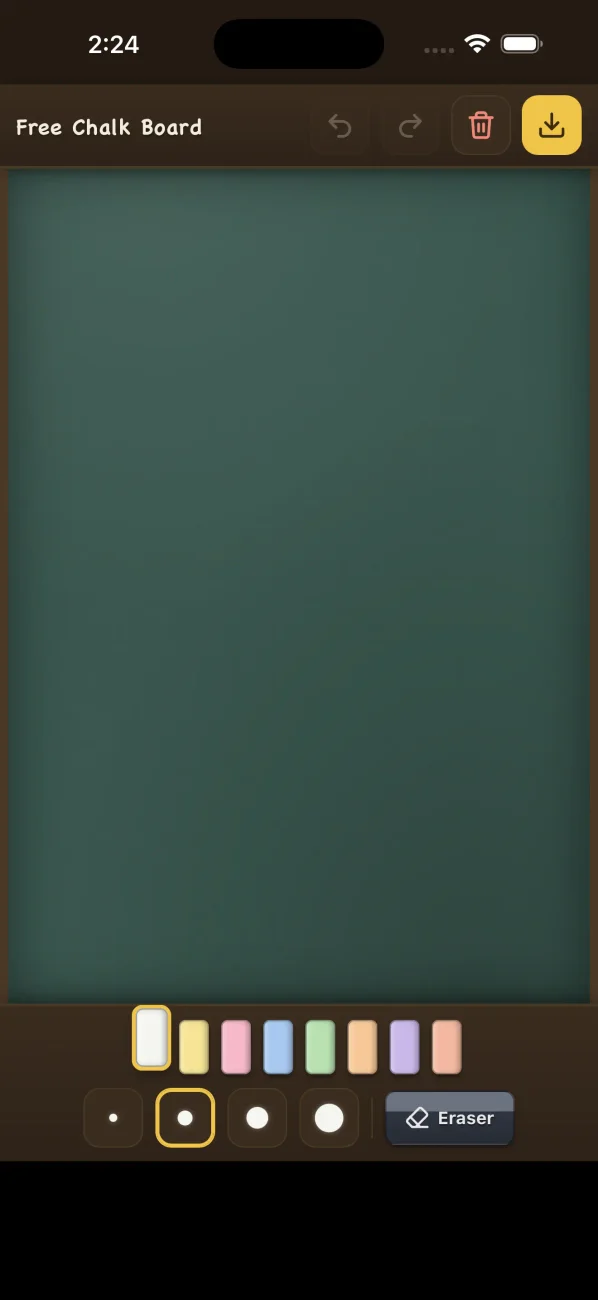
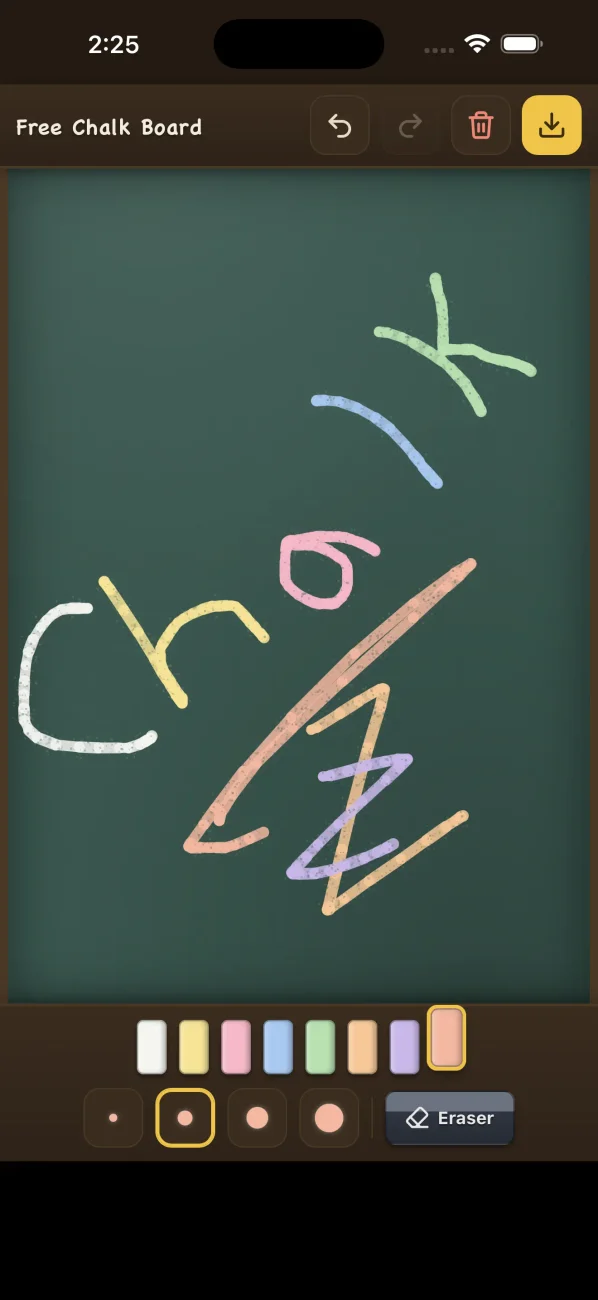
Free Chalk Board brings the classic classroom chalkboard to your phone or tablet. Pick a stick of chalk, draw on the slate-green board, and watch every stroke go down with real chalk texture — dusty edges and all.
No accounts. No internet required. Just a chalkboard, a tray of chalk, and a felt eraser.
WHY YOU WILL LOVE IT
• Realistic chalk strokes with authentic dusty texture
• Classic slate-green board with a subtle, natural surface
• 8 chalk colors — white, yellow, pink, blue, green, orange, purple and peach
• 4 chalk sizes, from thin lines to thick sidewalk-style strokes
• Felt eraser in 4 sizes, just like the one on the chalk rail
• Undo and redo any stroke
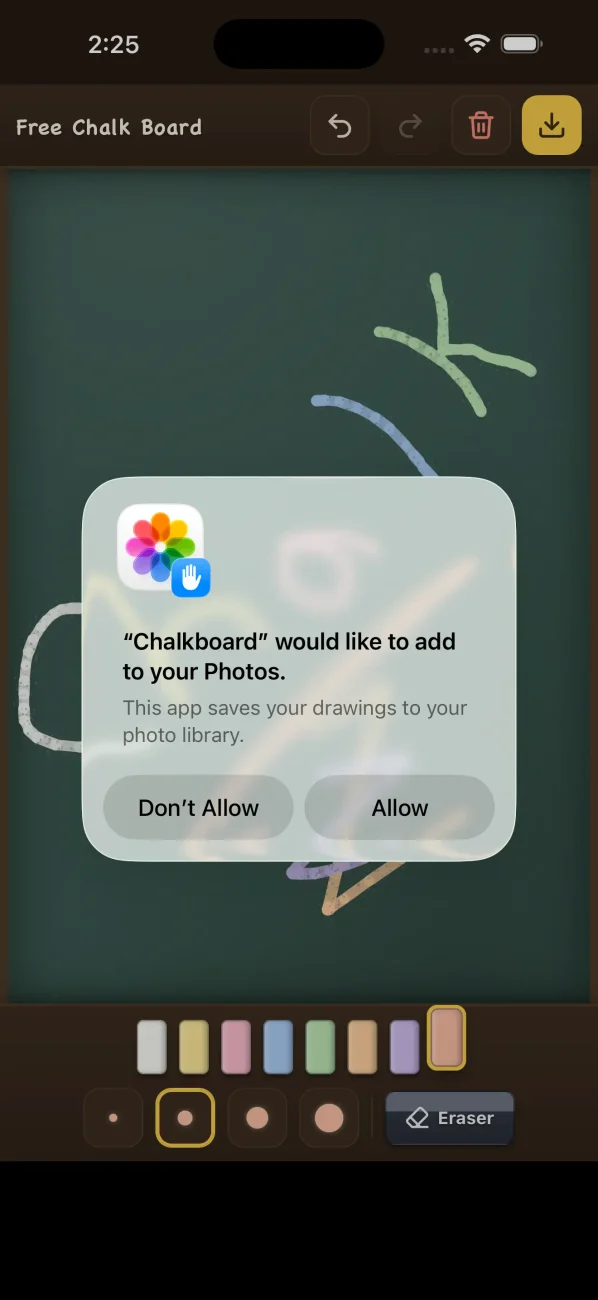
• Save your drawing straight to your photo library
• One-tap clear, with confirmation so you never wipe the board by accident
• Works 100% offline — draw anywhere, anytime
PERFECT FOR
• Kids who love to draw and doodle
• Menu boards, signs and hand-lettering practice
• Classic games — tic-tac-toe, hangman, Pictionary
• Teaching, tutoring and practicing letters or math
• Relaxing, nostalgic sketching
DESIGNED FOR EVERY SCREEN
A mobile-first design that feels great on phones and scales beautifully to large tablets, in portrait or landscape. Your drawing is preserved when you rotate the screen.
Download Free Chalk Board today — the chalk is already out of the box.
What’s new
Version 2.0 · Jul 28, 2026
Welcome to Free Chalk Board! Draw with 8 chalk colors and 4 stick sizes on a realistic slate-green board, erase with the felt eraser, undo and redo, and save your art to Photos — all fully offline.
App privacy
What John Rouda declares on the App Store about how this app handles data.
-
Data used to track you
May be used to track you across apps and websites owned by other companies.
- Identifiers
- Usage data
-
Data linked to you
May be collected and linked to your identity.
- Usage data
-
Data not linked to you
May be collected but is not linked to your identity.
- Location
- Identifiers
Privacy practices may vary, for example with the features you use or your age.
Information
- Seller
- John Rouda
- Category
- Entertainment
- Version
- 2.0
- Updated
- Jul 28, 2026
- Released
- Aug 31, 2011
- Size
- 4.5 MB
- Requires
- iOS 16.0 or later
- Age rating
- 4+
- Price
- Free
- Languages
- English
- Copyright
- © 2026
You might also like
-
 Draw on a ChalkboardEntertainment
-
 Sandbox DrawCalming soft sand drawing
-
 Prank Sounds 2026Ultimate Noise & Prank Maker
-
 My CrayonsEntertainment
-
 No One Crash - Classic ZigzagUp to Six-way Zig Zag flying
-
 PlayTales: Audiobooks for KidsAudio drama & bedtime stories
-
 Artin: Relaxing Coloring BookCozy Christmas Art for Adults
-
 Neon Drawing - Glow ArtGlow art for kids & adults
-
 Drawing Box LtdEntertainment
-
 Hard Rock Sioux CityEntertainment