
challenge note do habit track
Set your lifesyle & discipline
Designed for iPhone, iPad
Free · In-app purchases
- Age rating4+
- CategoryProductivity
- DeveloperBARS GANSUKH
- LanguagesEnglish
- Size57.8 MB
Links to the official App Store page
Download.org hosts no file of challenge note do habit track. The button opens its official App Store page, published by BARS GANSUKH. Listing last checked on Nov 21, 2026.
Screenshots
About
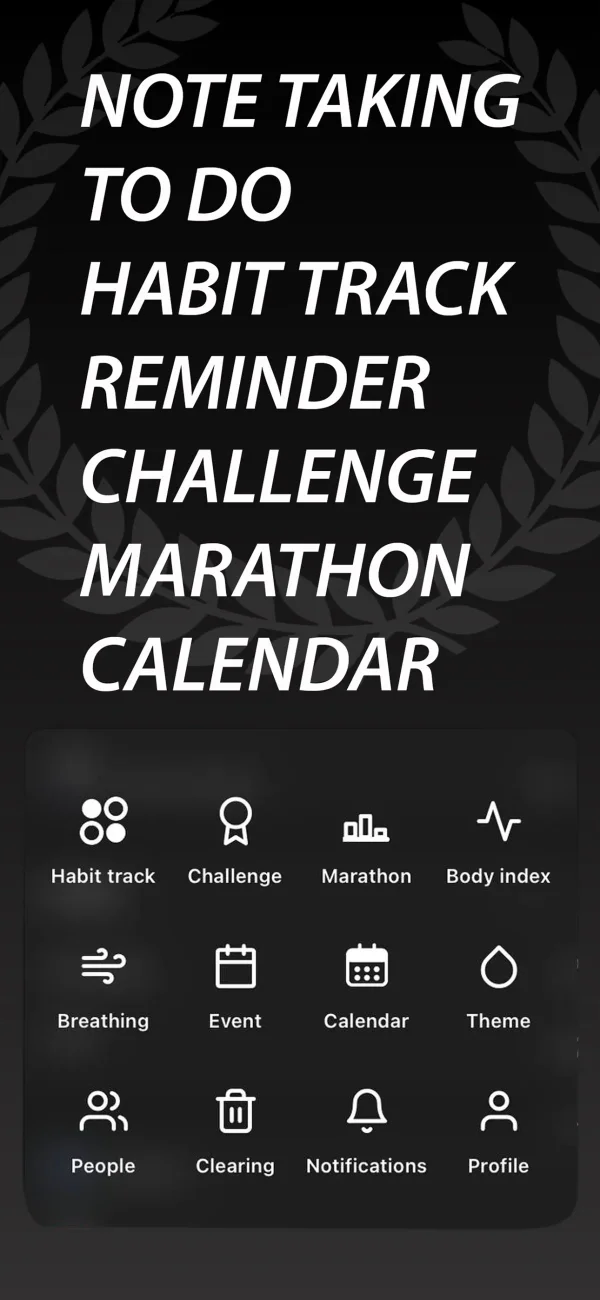
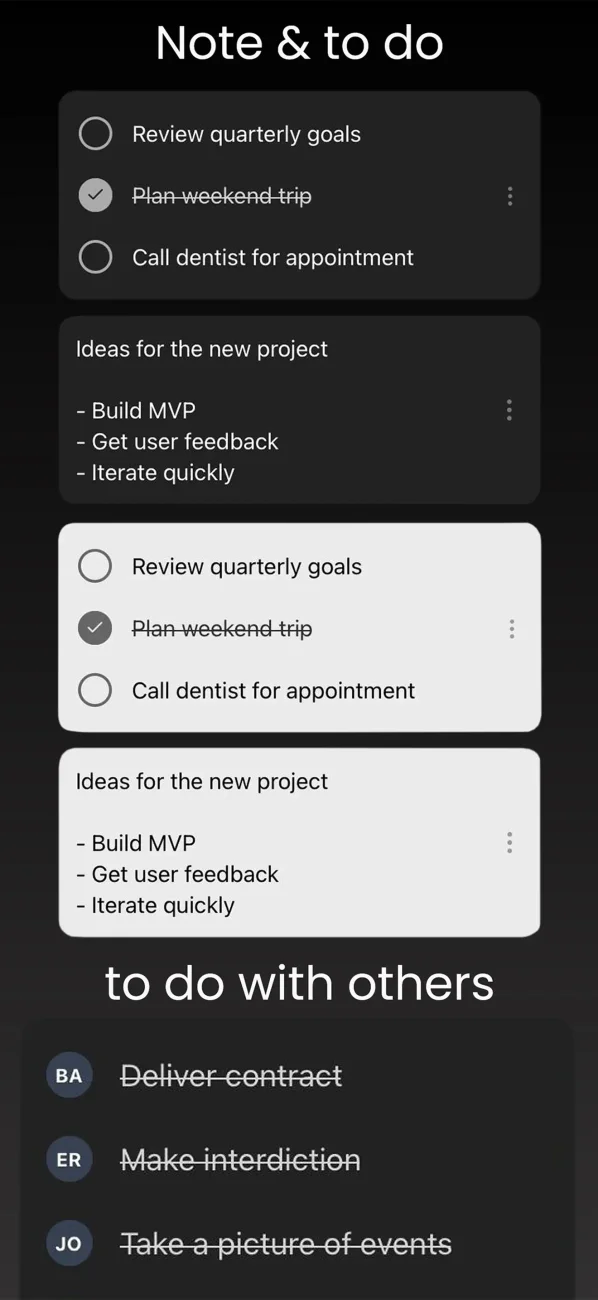
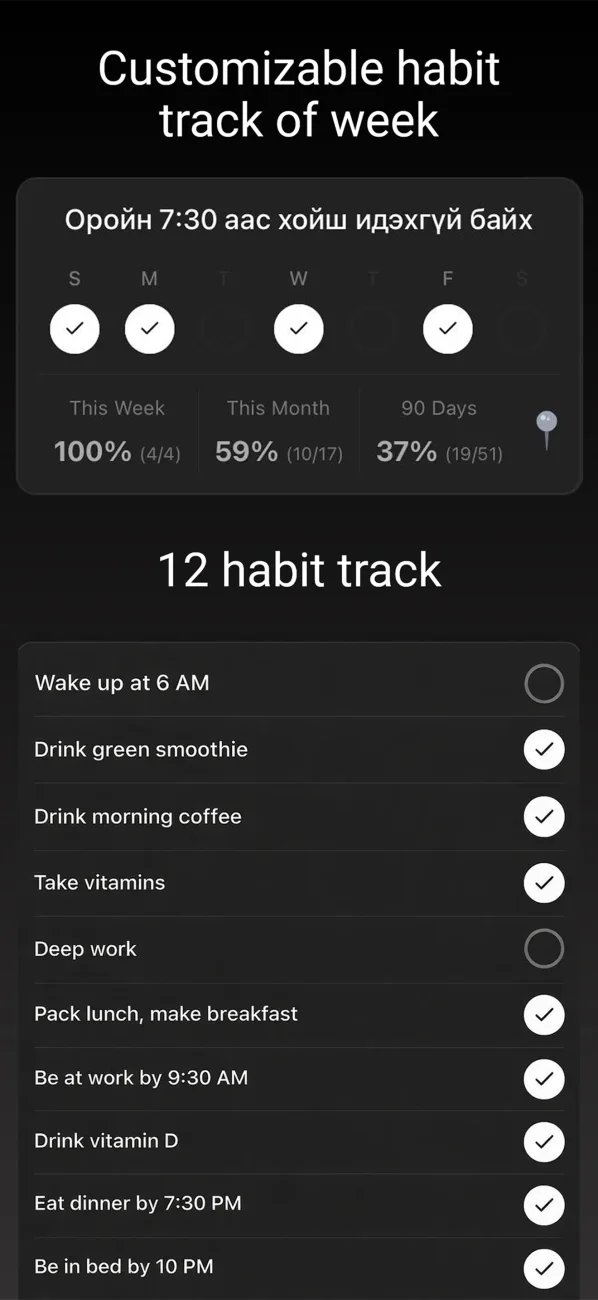
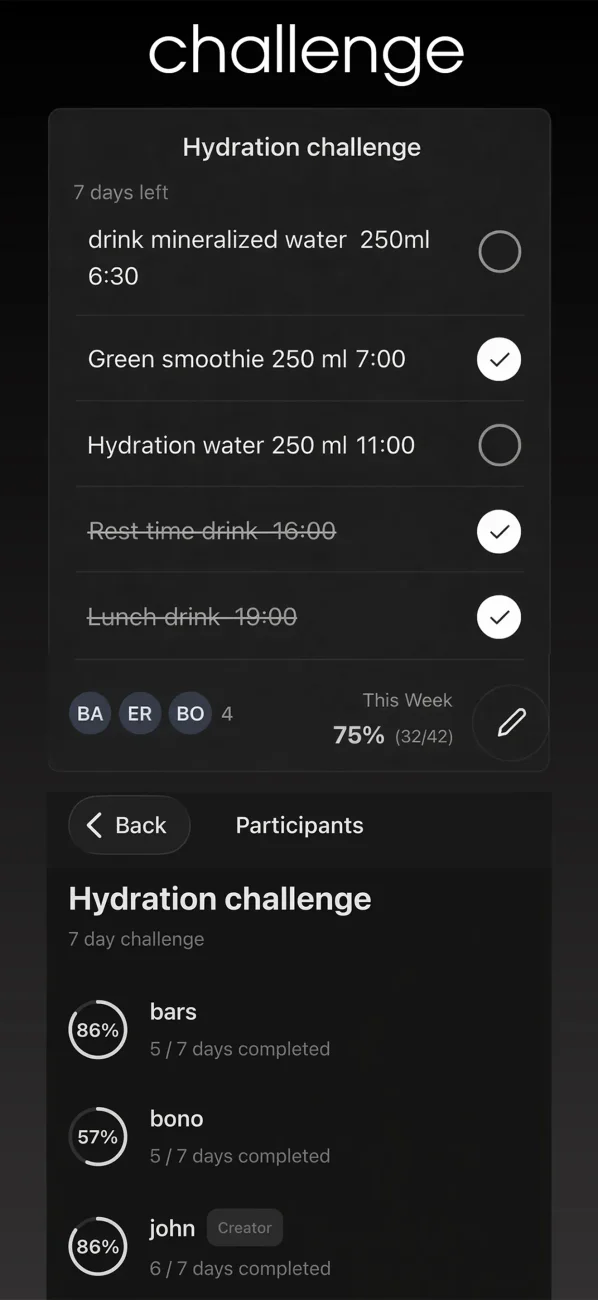
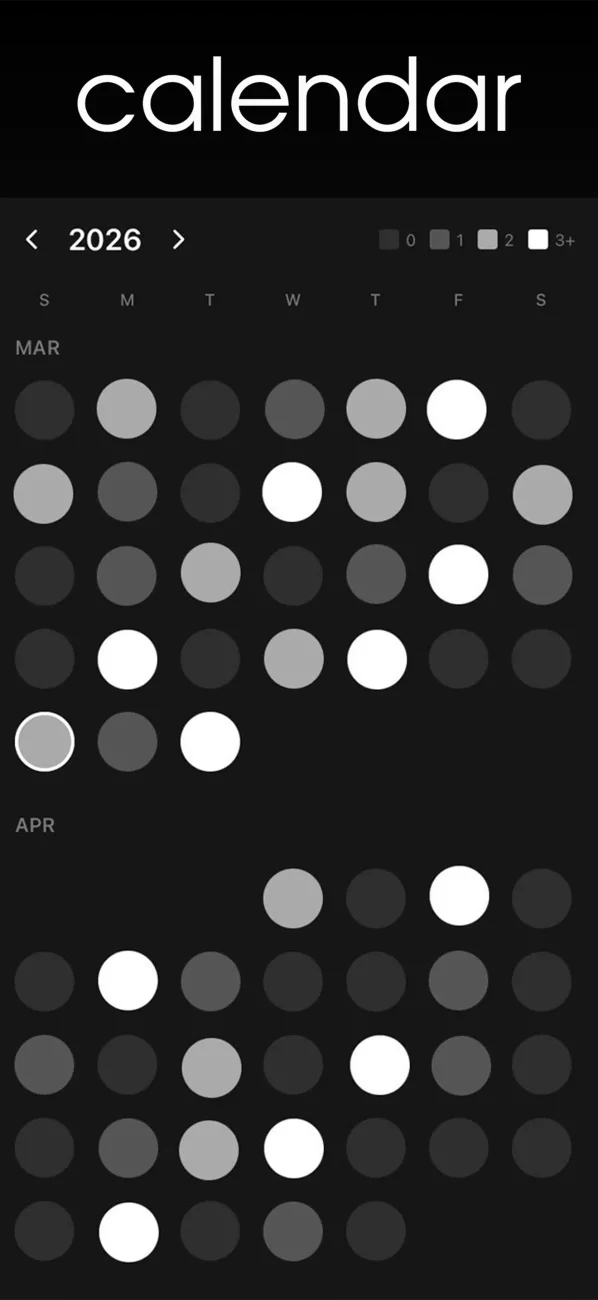
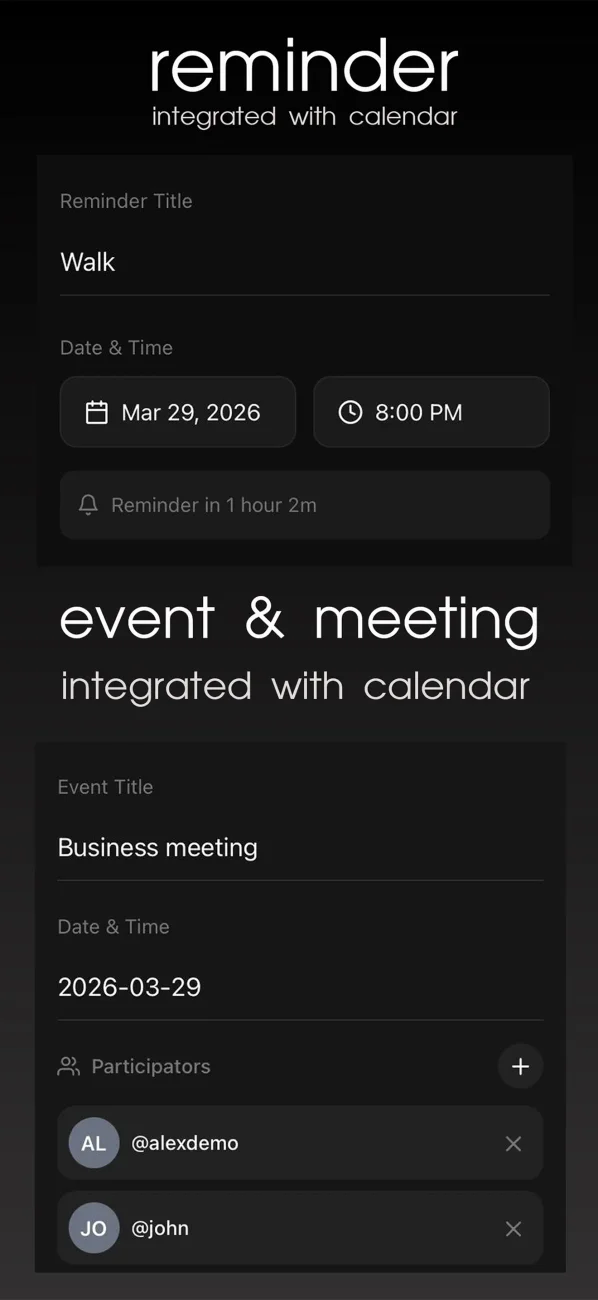
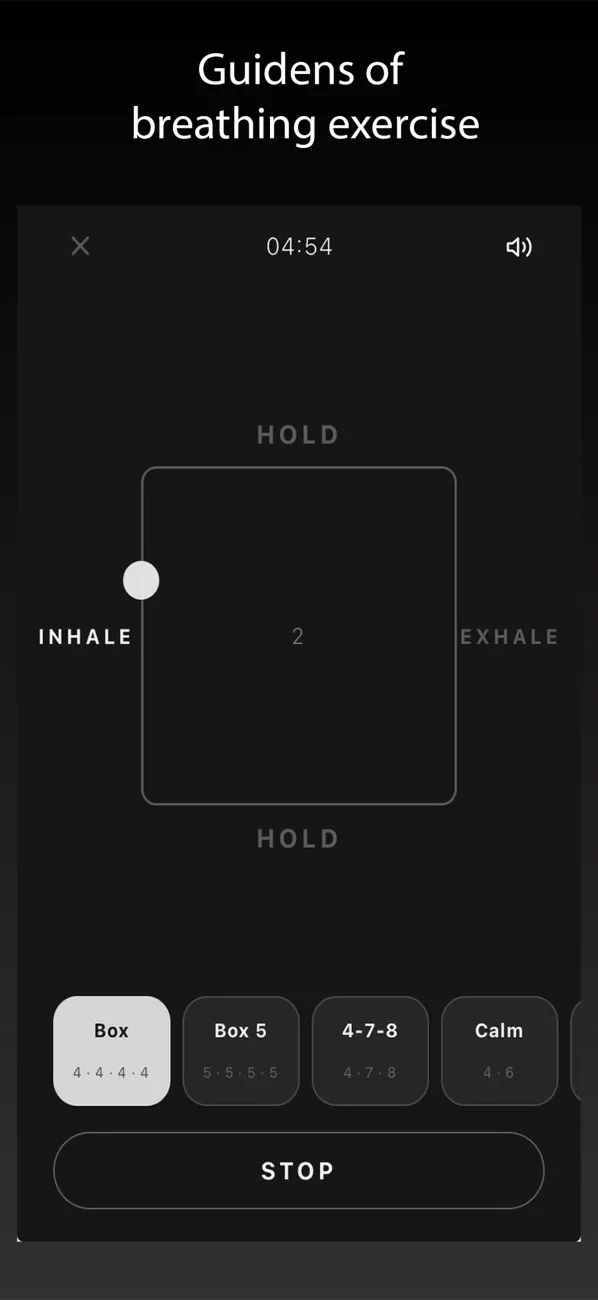
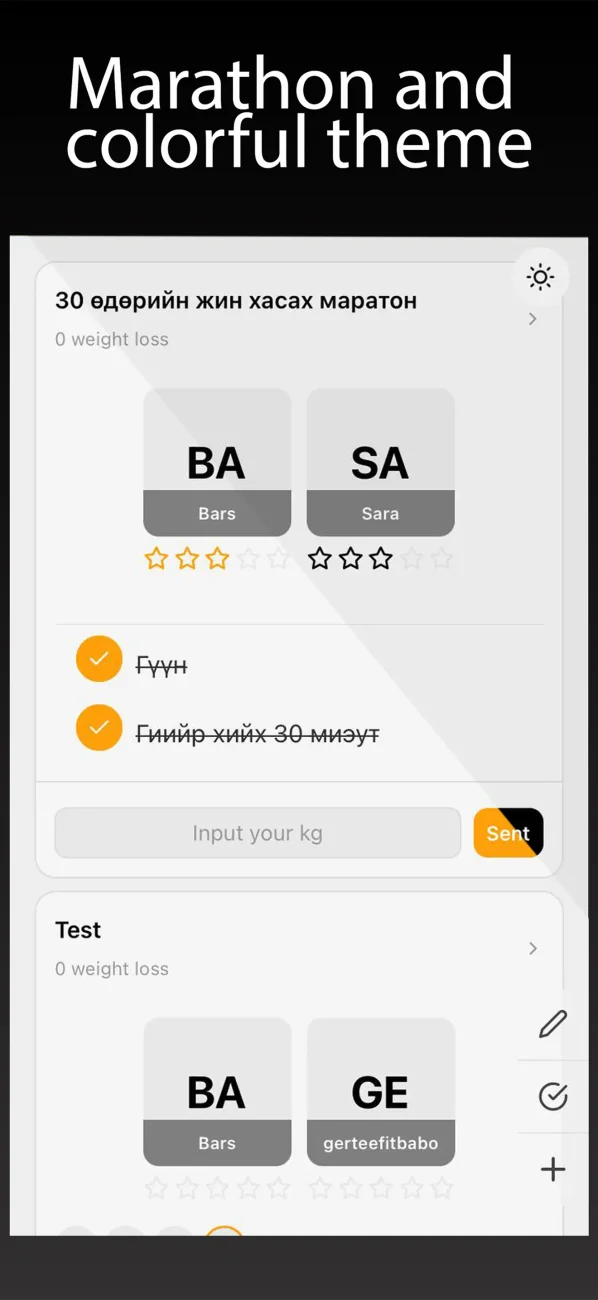
Minimalist approach and productive app of healthy lifestyle. Combined all that note taking, habit track, to do, challenge, reminder, event, calendar, marathon.
Terms of Use (EULA): https://www.apple.com/legal/internet-services/itunes/dev/stdeula/
Privacy Policy: https://challenge.support/
What’s new
Version 1.0.11 · Sep 20, 2026
1. Tasks inside a folder
- Sign in and create a note. In the note editor, turn on the checklist
control and add two or three task lines, then type a line of text
after them.
- Still in the editor, assign the note to a folder (list).
- Return to the Home screen. The note now appears inside that folder's
card, and its task lines, checkboxes and text are all visible there.
Tapping a checkbox ticks the task off without leaving the folder.
- Open the Notes screen from the Home screen to see the same folder card
with the same behavior.
2. Notes grouping and folder menu
- On the Notes screen, tap the "..." button on a folder header to rename
the folder, show or hide it on the Home screen, or delete it.
- Press and hold a note inside a folder to open that note's action sheet.
- Type in the search field to confirm that matching notes are found
inside folders and that empty folders drop out of the results.
3. Shared profile card visibility
- This applies to Body Index cards that another user has linked to your
account, so reproducing it requires two accounts.
- Removing such a card from the Home screen is now stored with the
account rather than on the device, so the same account shows the same
Home screen on every device. Only the hidden/visible flag is stored;
no new information is collected.
App privacy
What BARS GANSUKH declares on the App Store about how this app handles data.
-
Data not collected
The developer does not collect any data from this app.
Privacy practices may vary, for example with the features you use or your age.
Information
- Seller
- BARS GANSUKH
- Category
- Productivity
- Version
- 1.0.11
- Updated
- Sep 20, 2026
- Released
- Jul 27, 2026
- Size
- 57.8 MB
- Requires
- iOS 16.4 or later
- Age rating
- 4+
- Price
- Free
- In-app purchases
- Yes
- Languages
- English
- Copyright
- © 2026 Bars Gansukh
You might also like
-
 QamarDeen: Moon of FaithTrack Salah, Quran & Fasting
-
 pomo.mnProductivity
-
 Broadcast Buddy: Mass TextPrivate Group Messaging & SMS
-
 Remapp AppProductivity
-
 GroupSpeak: Mass Text MessagePrivate Group Text & Bulk SMS
-
 E-business MNProductivity
-
 HabitNow: Daily Habit TrackerBuild Better Habits & Routines
-
 Logger - Log, Track & JournalPlaces, events, times & notes
-
 Blanchard ExchangeProductivity
-
 Chimege ReaderProductivity