
Chat Archive: Export & Backup
Open, search, save as PDF
Designed for iPhone, iPad
Free · In-app purchases
- Age rating4+
- CategoryUtilities
- DeveloperDanilo Souza
- LanguagesEnglish+ 18 more
- Size68.7 MB
Links to the official App Store page
Download.org hosts no file of Chat Archive: Export & Backup. The button opens its official App Store page, published by Danilo Souza. Listing last checked on Nov 25, 2026.
Screenshots

About
Some conversations matter long after the phone that carried them.
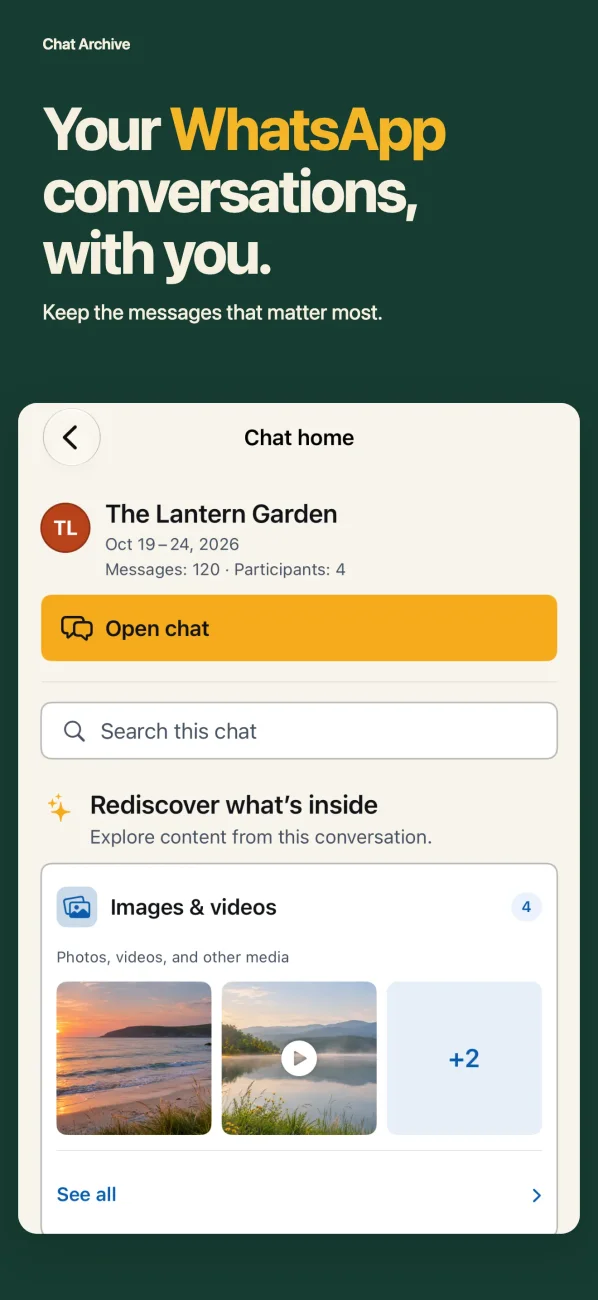
They hold a parent’s voice, the date of an agreement, a photograph, a receipt, the words that settled a decision. Chat Archive turns a WhatsApp chat export into a private, readable archive on your iPhone—carefully arranged, searchable, and ready to move with you.
BUILT AROUND THE CONVERSATION
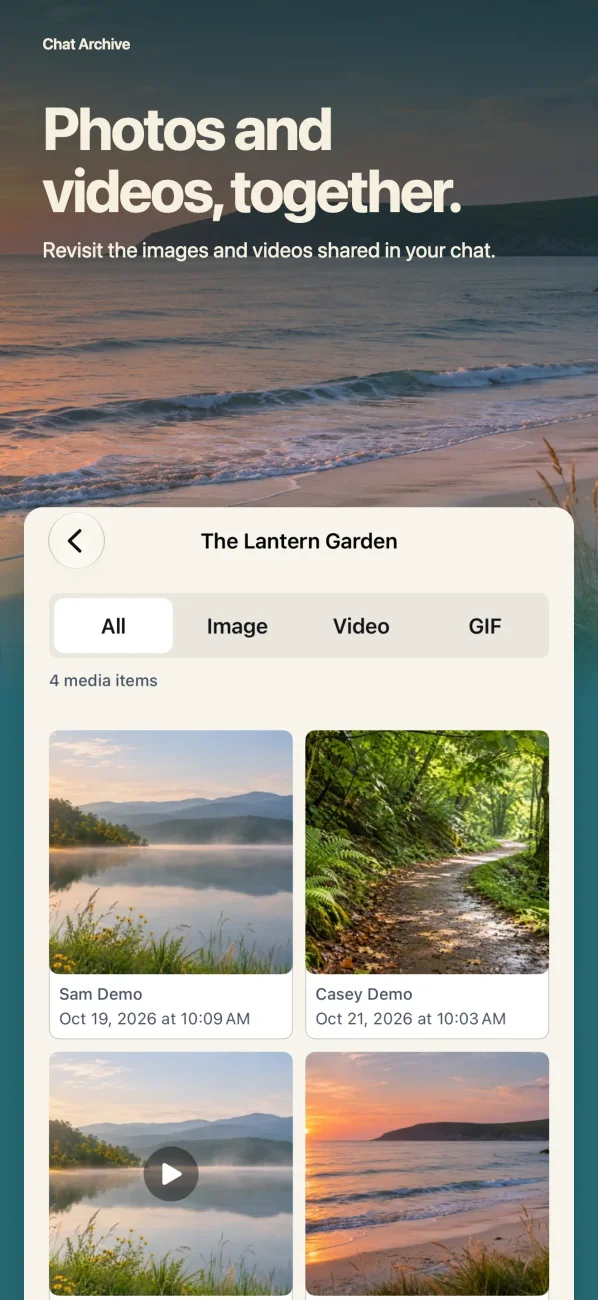
A conversation is not only its text. It is the sender, the date, the reply, and the photo, document, or voice message beside it.
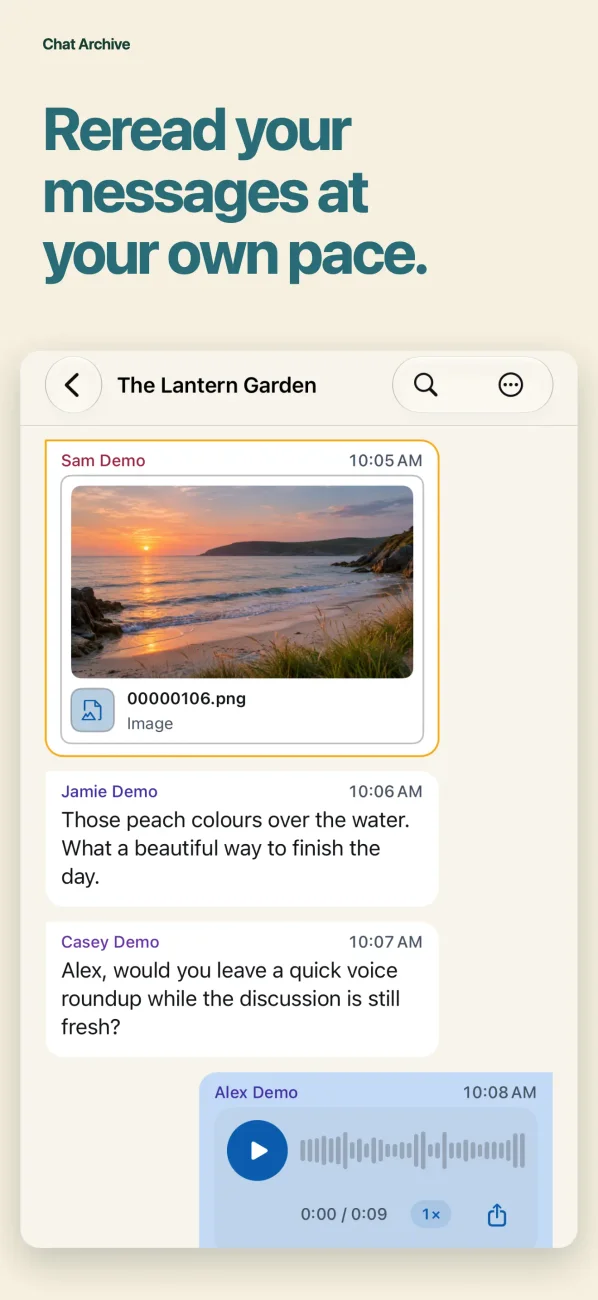
Chat Archive reads the ZIP created by WhatsApp’s Export Chat command, identifies the messages and participants, and arranges the content included in the file in chronological order. Names, dates, media, and voice messages remain in context.
A PRECISE, VISIBLE PROCESS
1. In WhatsApp, export the conversation.
For the fullest archive, include media. This keeps the available photos, videos, voice messages, and attachments with the conversation.
2. Save or transfer the exported ZIP to the iPhone where you want to keep it.
3. Open it in Chat Archive, review what WhatsApp included, and confirm the import.
The result is a readable backup outside WhatsApp: a separate archive you can return to on this iPhone or carry to a new one.
MADE TO BE REVISITED
Search across imported conversations. Within one conversation, refine by sender, date, time, weekday, file type, filename, or nearby context. Jump to the moment you need without scrolling through years of messages.
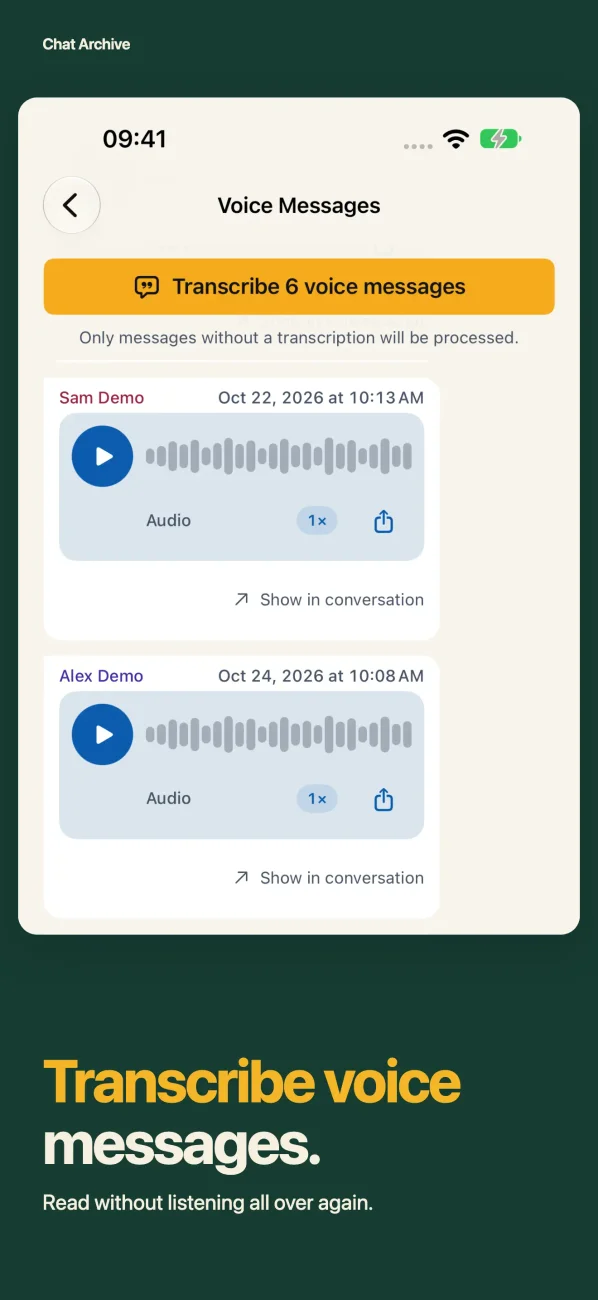
Listen to voice messages included in the export at 1×, 1.5×, or 2×. Transcribe included voice messages on your device, then search what was said.
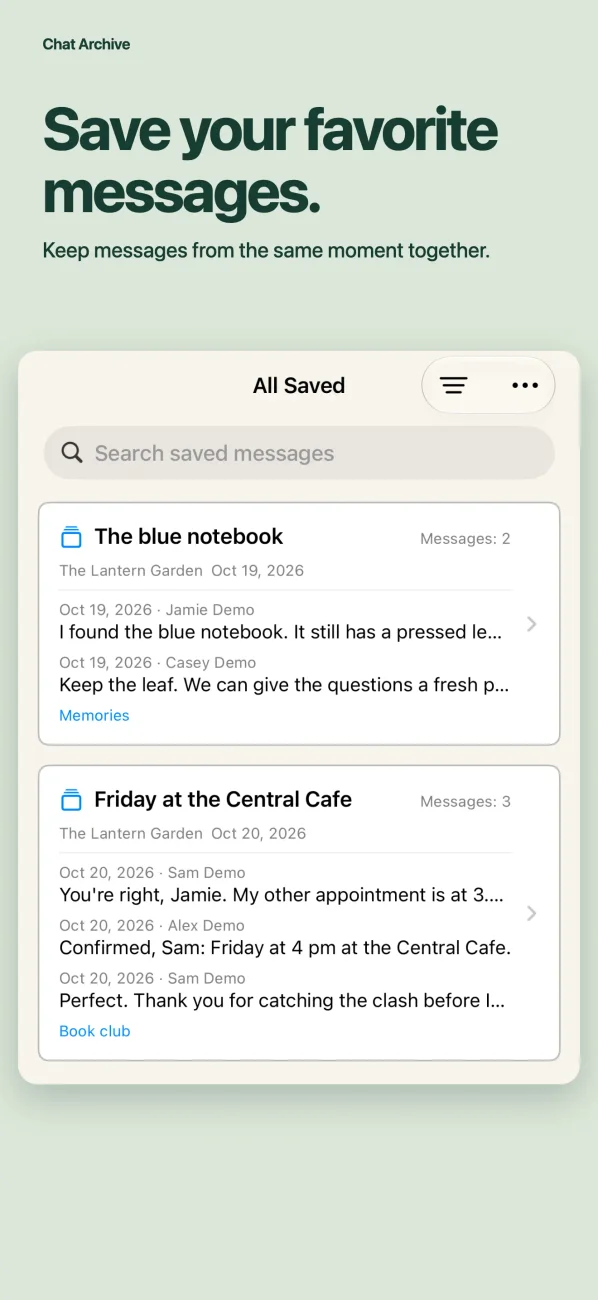
Select one message, several messages, or a whole day. Save an excerpt, give it a title, and use Labels to bring related passages together across conversations.
A RECORD YOU CAN READ, SHARE, AND PRINT
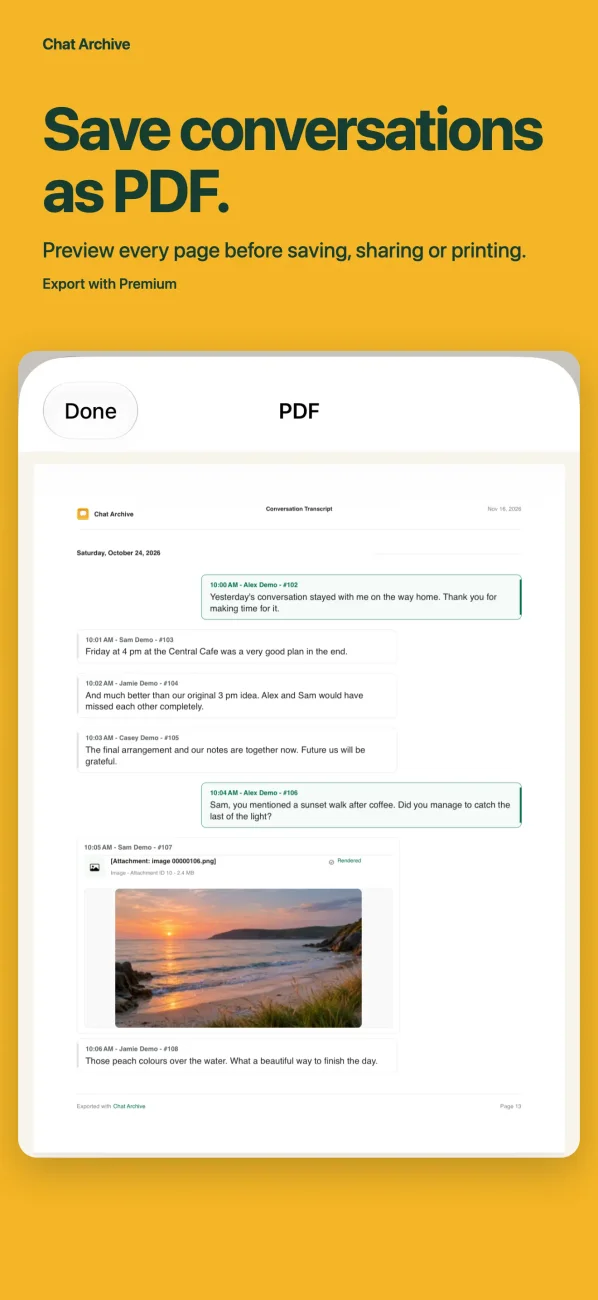
Create a carefully composed PDF with messages in order, names, dates, and available images and transcripts. Save a PDF of the full conversation, or select a set of messages and create a focused PDF of only that selection.
CHECK YOUR OWN ARCHIVE FIRST
Import your first conversation and inspect the messages, search results, media thumbnails, voice messages, and complete PDF preview.
IF A CONVERSATION WAS LOST
If the chat still exists on an old phone, with the other person, or with a member of the group, export that copy and open it in Chat Archive. The conversation becomes readable and searchable again on your iPhone.
YOUR CONVERSATION. YOUR IPHONE.
Premium unlocks the complete conversation, its full voice-message history, and the complete PDF for saving, sharing, or printing.
You choose the file. Importing, reading, ordinary search, voice transcription and PDF generation process your archive on your device. Optional AI search sends your question, context and selected message text, including names and dates, through Cloudflare to OpenAI only after your permission. Names are not automatically removed. Provider retention applies; you can decline or turn AI off and keep using ordinary search. Technical, purchase and diagnostic data are processed separately as described in our Privacy Policy. Chat Archive is not cloud storage; keep the original export somewhere you trust.
Chat Archive is independent and is not affiliated with WhatsApp or Meta. WhatsApp and Meta are trademarks of their respective owners.
Terms: https://www.apple.com/legal/internet-services/itunes/dev/stdeula/
Privacy: https://chatarchive.app/privacy
What’s new
Version 2.8.1 · Nov 23, 2026
This update improves search and subscription flows, and includes bug fixes.
App privacy
What Danilo Souza declares on the App Store about how this app handles data.
-
Data used to track you
May be used to track you across apps and websites owned by other companies.
- Purchases
- Location
- Identifiers
- Usage data
-
Data linked to you
May be collected and linked to your identity.
- Purchases
- Location
- User content
- Search history
- Identifiers
- Usage data
-
Data not linked to you
May be collected but is not linked to your identity.
- Diagnostics
Privacy practices may vary, for example with the features you use or your age.
Information
- Seller
- Danilo Souza
- Category
- Utilities
- Version
- 2.8.1
- Updated
- Nov 23, 2026
- Released
- May 6, 2025
- Size
- 68.7 MB
- Requires
- iOS 18.0 or later
- Age rating
- 4+
- Price
- Free
- In-app purchases
- Yes
- Languages
- English, Arabic, Czech, Dutch, French, German, Hebrew, Hindi, Indonesian, Italian, Polish, Portuguese + 7 more
- Copyright
- © 2026 Danilo Souza. All rights reserved.
You might also like
-
 Chat Export ReaderRead, Search & Save Chats
-
 ChatViewerView WhatsApp Chat Exports
-
 WA Chat ViewerWA Chat Viewer
-
 Chat KeeperWhatsApp backup & safe archive
-
 WTBackup: Chat & PDF ExportRestore, Recover & Export PDF
-
 WA Backup ReaderYour chats, readable & private
-
 Chat Export ViewerRead chat exports offline
-
 Message Recovery Backup: WAppRecover Deleted WhatsApp Chats
-
 Chat Backup: Export to PDFKeep Messages Even If Deleted
-
 Whatool: Saved Chat SearchYour WhatsApp backup