- Age rating17+
- CategoryProductivity
- DeveloperEncodebiz SL
- LanguagesEnglish
- Size46.1 MB
Links to the official App Store page
Download.org hosts no file of CheckBiz360. The button opens its official App Store page, published by Encodebiz SL. Listing last checked on Nov 15, 2026.
Screenshots


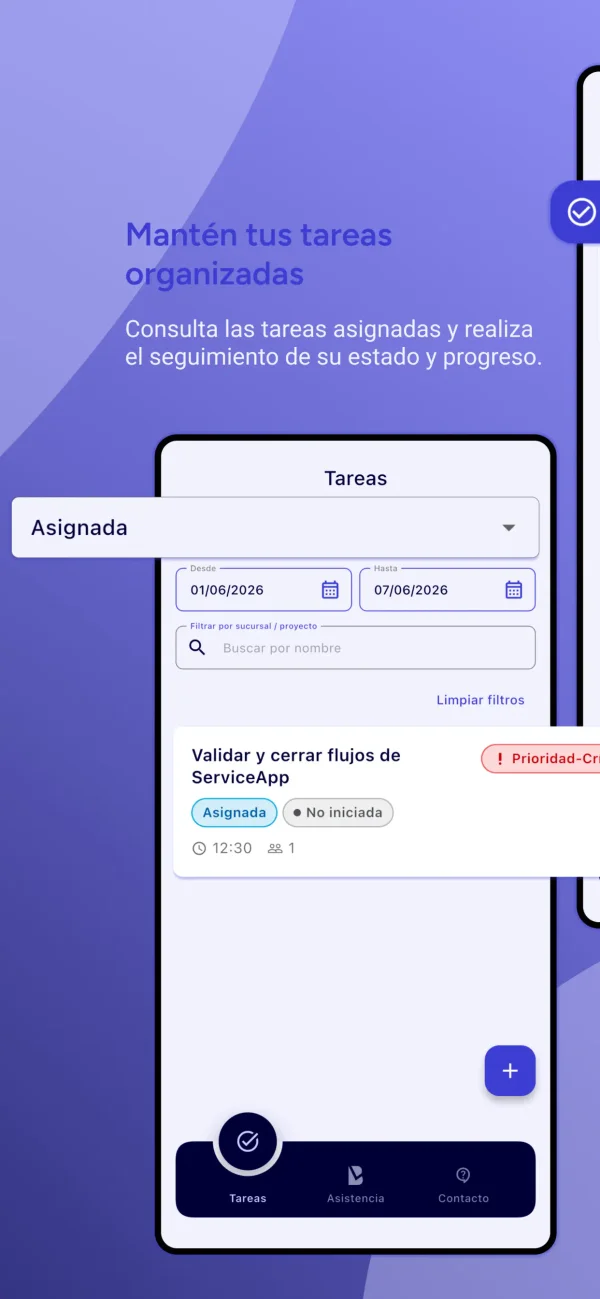

About
WHAT IS CHECKBIZ360
CheckBiz360 is EncodeBiz's field operations management platform: for companies with people spread across sites, projects, services or clients' premises. Where other systems only record entries and exits, CheckBiz360 brings workdays, tasks, documents and materials together in one place and turns them into information to act on: who is in, what was done, what was reviewed and what it costs.
It is not a digital time clock: it is the tool a company uses to keep its operation under control.
THE PROBLEM IT SOLVES
When the work is spread out, the information should not be. Job reports that arrive late, calls to find out what was done, work nobody reviews, hours paid without knowing which tasks they went to.
HOW IT IS BUILT
• THE WEB BACK OFFICE, from any browser. Managers set up sites and people, configure schedules, assign tasks, review and validate the work, hand out documents, keep track of materials and check costs and alerts.
• THIS APP, in the pocket of the person working. It is the field side.
YOUR OPERATIONS MANAGER IN CLAUDE OR CHATGPT
Managers can connect the company to their Claude or ChatGPT and ask for things in their own words: how today is going and who is missing, who can cover a job, building the whole team's week, moving a task or adding new people. The assistant does it in CheckBiz360 with their permissions, shows what it is about to do, and saves nothing without confirmation.
WHAT THIS APP DOES
CLOCKING IN
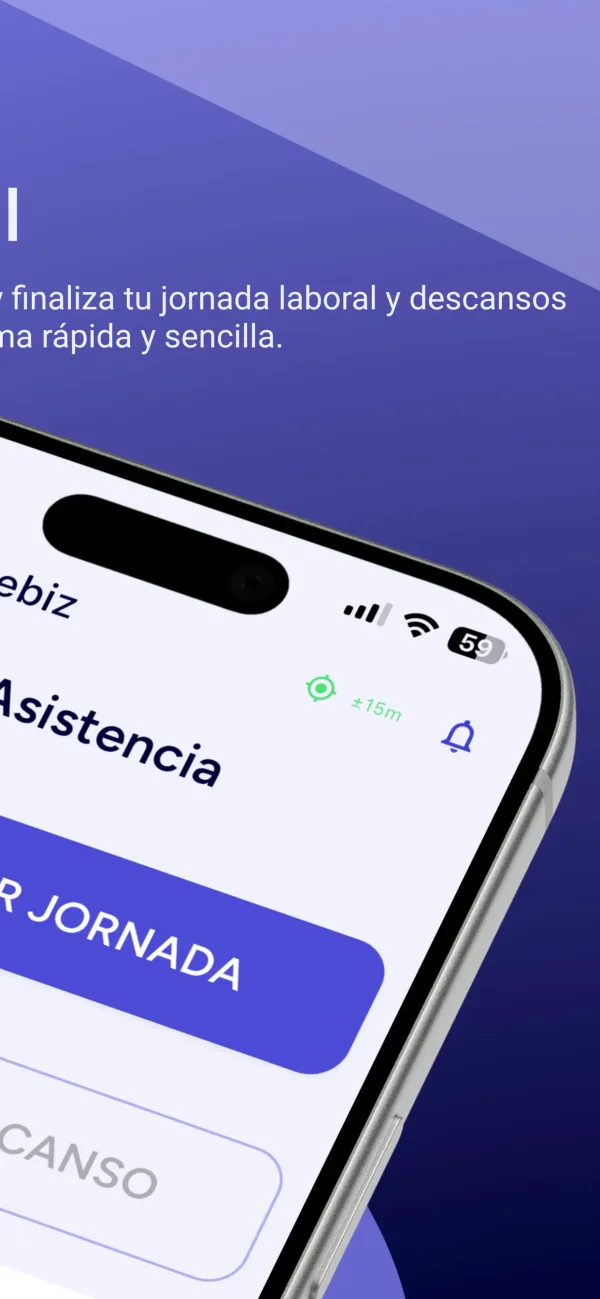
• Entry, exit and breaks from your phone.
• Location validated against your site's geofence or the job's own, and, depending on the setup, biometric verification.
• Remote clocking in where your company allows it, and manual workday requests when something went wrong.
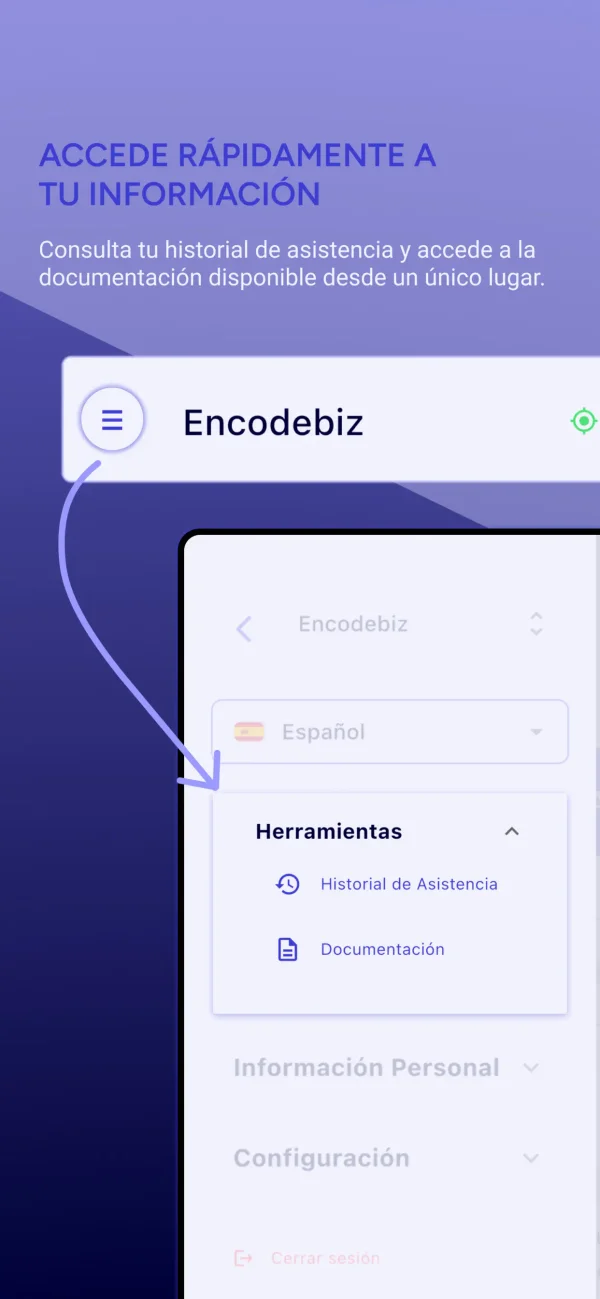
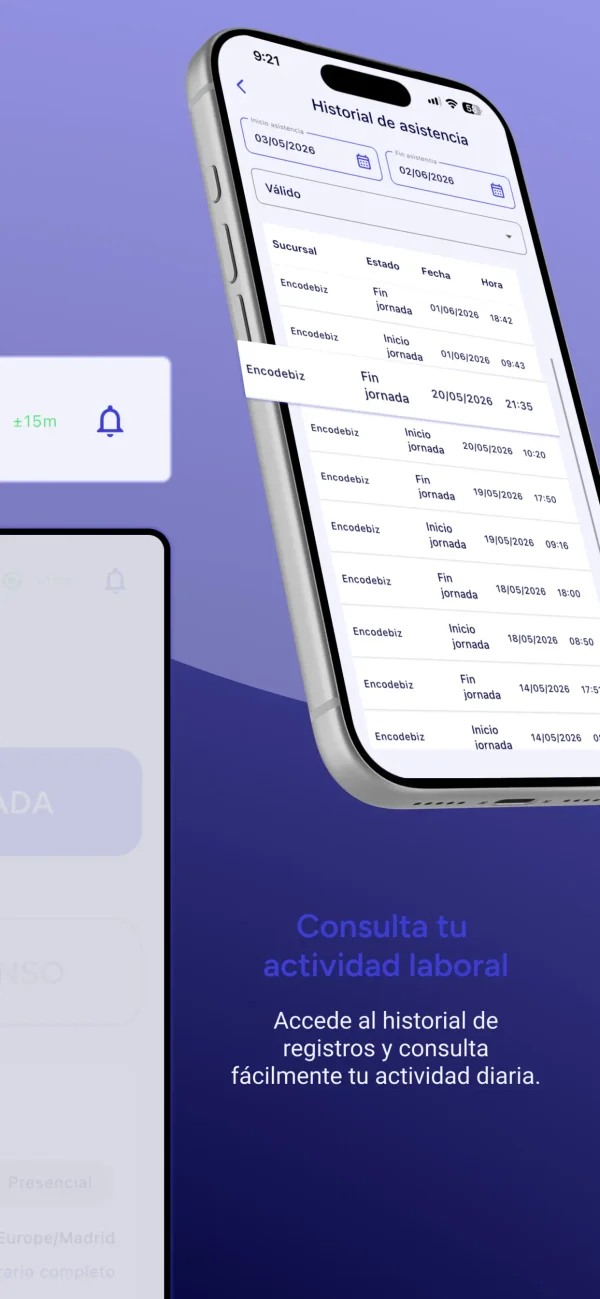
• Your own record history, as regulations require.
• Before closing your workday, the app tells you if your shift hasn't ended or you still have a task in progress.
TASKS
• Yours, with status, priority, planned start and deadline. Today's at the top, ready to start.
• Start, pause, resume and complete them from the list itself or from the home screen.
• Notes and photo or video evidence, which your manager validates or rejects with a reason.
• Every job with its location: the distance in view and the map to get there.
• If you run a team, your tasks appear separately from the team's, and you can filter by person.
DOCUMENTS AND SIGNATURE
• Your company's documents, to read and download, with read receipts where required.
• Signed confirmation from your phone, with your fingerprint, PIN or password: a record of who signed, when, and which version they received.
MATERIALS (with the Inventory add-on)
• What you have been issued, with its documentation, and what is at your site.
• You confirm or reject each issue from your phone, signed.
• You declare what you use on each task or during your workday, so materials are accounted for just like the work.
SCHEDULES AND ALERTS
• Your shift for the day, split shifts, public holidays and days off.
• If your company organises your day by tasks, clocking in starts and completes each job.
• Alerts for new tasks, validations, rejections, material issues and your workday.
• Incidents to support from the app.
WHAT HAPPENS WITH WHAT YOU RECORD
Every clock record, task, signature and consumption feeds your company's dashboard: who is in and who is missing at each site, which tasks are going wrong, late arrivals and records outside the geofence, cost per hour and per workday, which materials were used and who has them, and the per-person workday report in line with Spanish RDL 8/2019, with every change traceable.
WHO IT IS FOR
For work that happens away from an office: home care, cleaning across sites, maintenance, installations, construction, events. It works for any company that needs to know who worked, when, where and on what, and be able to prove it.
CheckBiz360 is part of a service contracted by the company: you need an account provided by your employer to use the app.
What’s new
Version 1.12.1 · Nov 12, 2026
• If something stops a task, mark it as an incident: the people in charge see it straight away.
• When closing a task, a reminder if there is material left to declare.
• Expenses with their receipt and customer details in the task.
• Signing is easier: if your phone has no screen lock, we show you how to turn it on.
• Accept a corrected workday in one go.
• Clearer menus and buttons in tasks and material.
• Security improvement and fixes.
App privacy
What Encodebiz SL declares on the App Store about how this app handles data.
-
Data linked to you
May be collected and linked to your identity.
- Location
- Contact info
- Identifiers
-
Data not linked to you
May be collected but is not linked to your identity.
- Diagnostics
Privacy practices may vary, for example with the features you use or your age.
Information
- Seller
- Encodebiz SL
- Category
- Productivity
- Version
- 1.12.1
- Updated
- Nov 12, 2026
- Released
- Dec 5, 2025
- Size
- 46.1 MB
- Requires
- iOS 15.0 or later
- Age rating
- 17+
- Languages
- English
- Copyright
- © @2025 EncodeBiz SL.
You might also like
-
 Work Time CounterProductivity
-
 FormSign: Fill & Sign PDFContracts, leases & waivers
-
 Inkdrop - Markdown NotesOrganized Tech Notes Hub
-
 TaskFire: To-Do List & PlannerShared lists, reminders & Siri
-
 First Due Mobile - FedRAMPFor a safer & faster response
-
 Schedule planner: to do listBoost Productivity & Routine
-
 Deckboard: Macropad for PCSupercharge your workflow
-
 Holded invoicing and much moreERP for small businesses
-
 LabscopeProductivity