
- Age rating4+
- CategoryFinance
- DeveloperAscent Envision LLC
- LanguagesEnglish
- Size951.0 KB
Links to the official App Store page
Download.org hosts no file of CheckSpector. The button opens its official App Store page, published by Ascent Envision LLC. Listing last checked on Nov 20, 2026.
Screenshots


About
CheckSpector checks the arithmetic on a restaurant bill, and tells you whether
the tip you are about to leave is the tip you meant to leave.
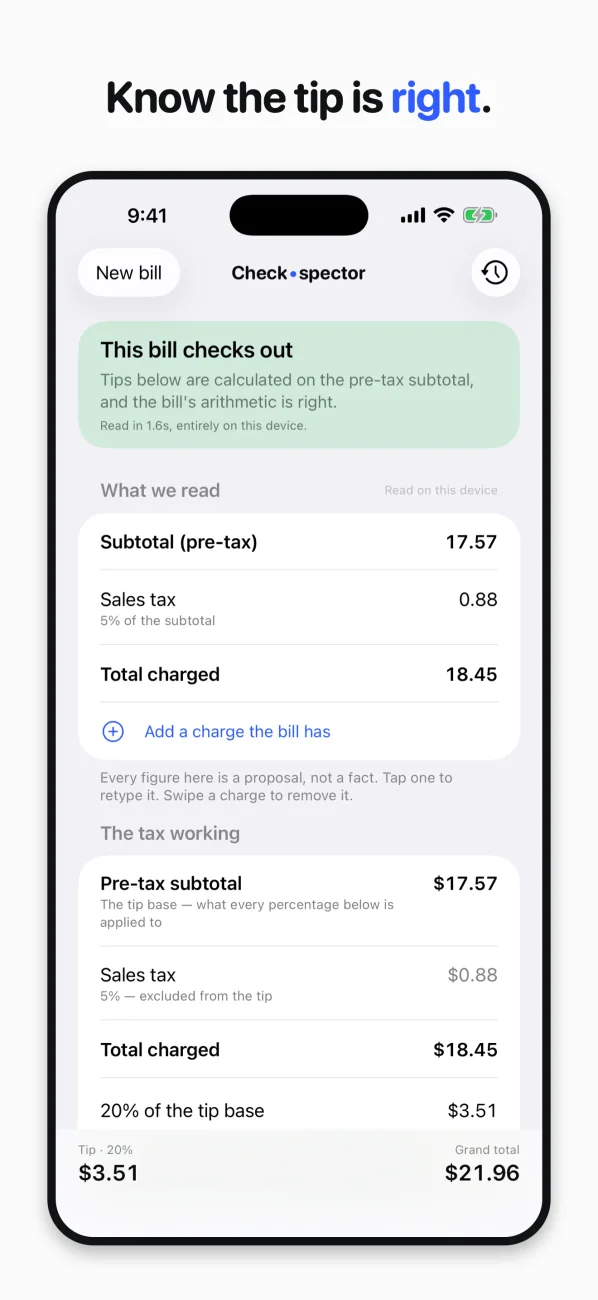
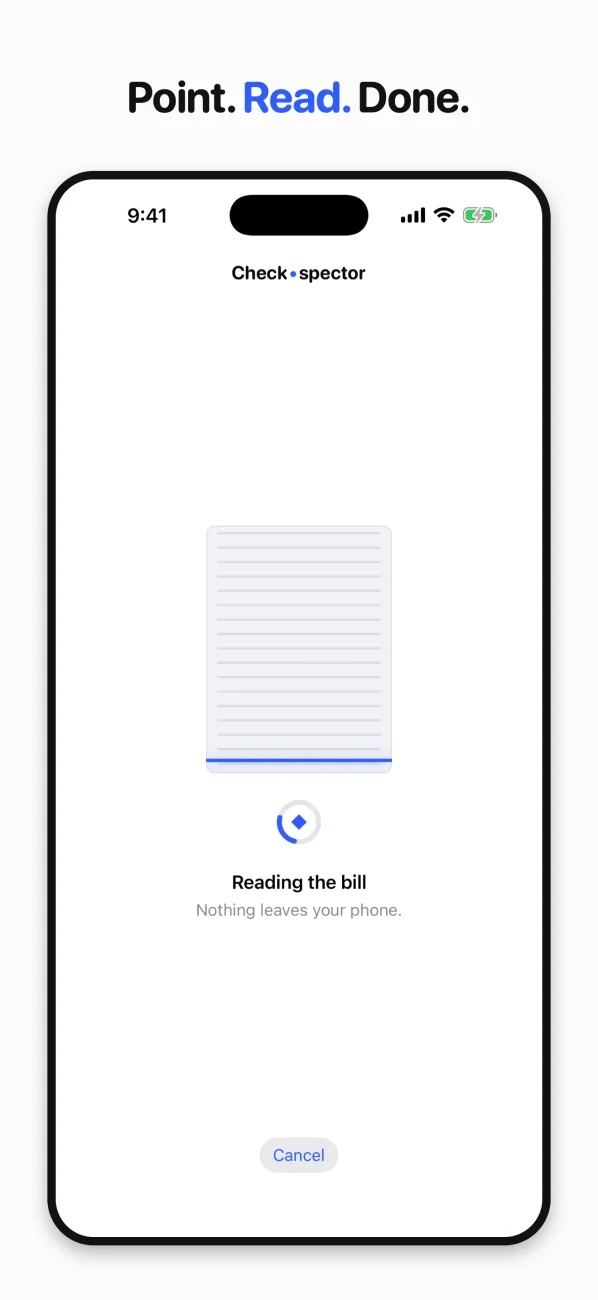
Photograph the receipt. CheckSpector reads it, checks it, and shows its working.
WHAT IT CATCHES
Tip suggestions calculated on the wrong number. Many printed "suggested
gratuity" lines are worked out on the total including tax rather than the
pre-tax subtotal, so you tip on the sales tax as well as the food.
CheckSpector works out what each printed suggestion was actually calculated
on, and tells you what the difference costs.
The double-tip trap. Large-party bills often add an automatic gratuity and
then still print a blank tip line underneath it. CheckSpector sees the
gratuity that is already there.
Bills that do not add up. Subtotal, tax, service charges and total are
reconciled against each other, and when they disagree you are told which
figure is the odd one out.
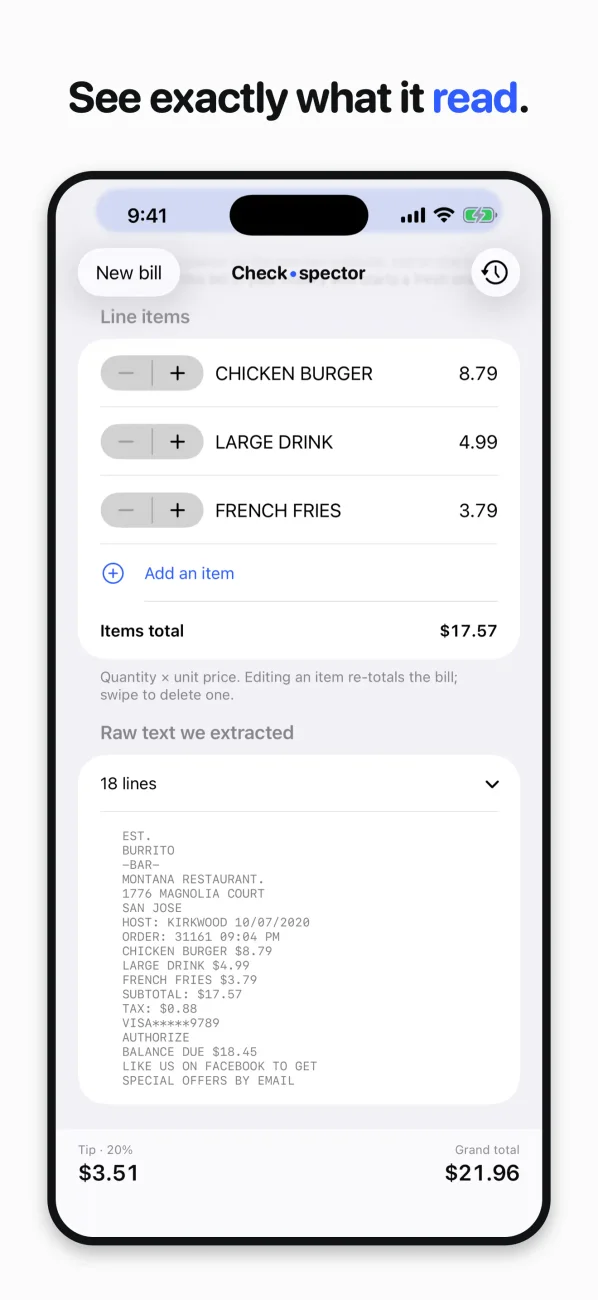
Line items that do not match the subtotal they are supposed to sum to.
EVERY FIGURE IS YOURS TO CORRECT
A scan is a proposal, not a fact. Faded thermal paper and unusual layouts are
genuinely hard to read, so when a figure comes out wrong you tap it and retype
it, and everything recalculates. You can also skip the camera entirely and
enter a bill by hand.
IT NEVER LEAVES YOUR PHONE
CheckSpector contains no networking code at all. No analytics, no crash
reporting service, no account, no sign-in, and no server to call. Your receipt
is photographed, read and checked on your iPhone, and the app sends nothing
anywhere.
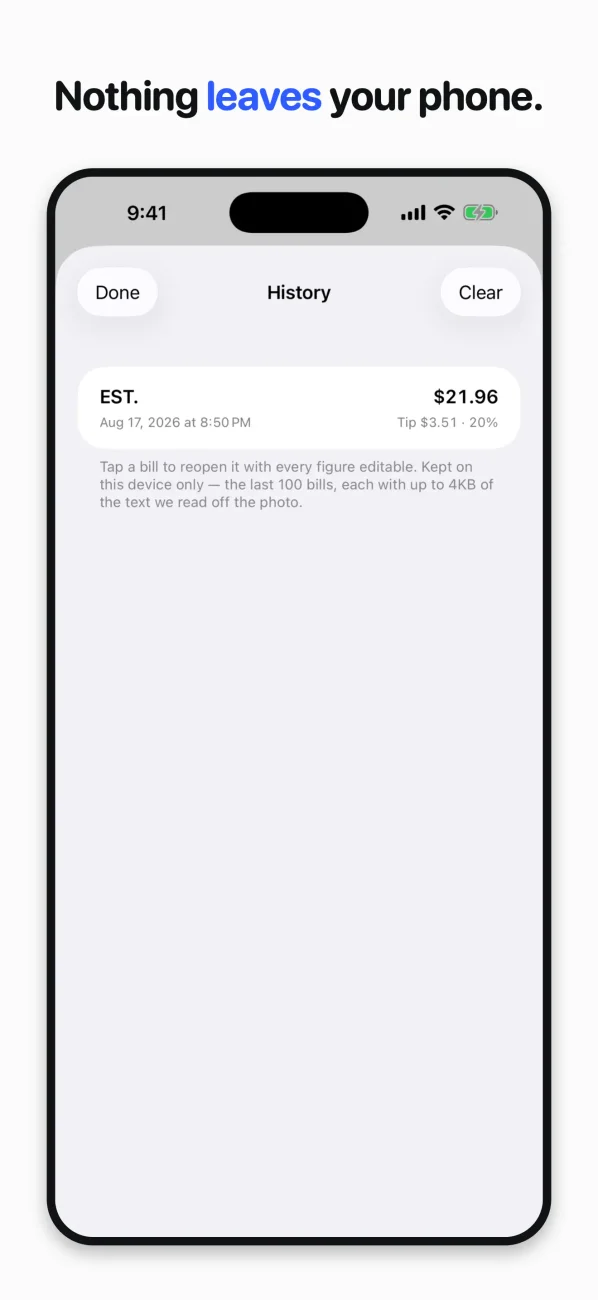
The photograph itself is never saved. If you save a bill to history it stays
in the app's own storage on your device, and it goes when you delete the app.
WHAT IT DOES NOT DO
It does not split a bill between people, and it does not track your spending.
It reads a bill, checks it, and helps you tip the amount you intended.
Tip percentages follow United States conventions.
App privacy
What Ascent Envision LLC declares on the App Store about how this app handles data.
-
Data not collected
The developer does not collect any data from this app.
Privacy practices may vary, for example with the features you use or your age.
Information
- Seller
- Ascent Envision LLC
- Category
- Finance
- Version
- 2.0
- Updated
- Aug 27, 2026
- Released
- Aug 26, 2026
- Size
- 951.0 KB
- Requires
- iOS 17.0 or later
- Age rating
- 4+
- Price
- Free
- Languages
- English
- Copyright
- © 2026 Ascent Envision LLC
You might also like
-
 TipLens: Tip & Bill CalculatorScannez, calculez, partagez
-
 TipFairy - Tip CalculatorCalculate Tips with Confidence
-
 Gratify - Tip CalculatorSplit the Bill, Scan Receipts
-
 Pitip: Tip Calculator & SplitScan the check, tip pre-tax
-
 Tip Calculator - GratuityProSplit Bill & Tipping Guide
-
 Split - Receipt ScannerBill Splitting Made Simple
-
 Fifth Third: 53 Mobile BankingFinance
-
 Monarch: Budget & Track MoneySpending, Net Worth, Investing
-
 Collect - Settlement FinderClass Action Settlement Claims