Chess411 - Puzzles & Analysis
Chess game review, no account
Designed for iPhone
Free
- Age rating4+
- CategoryBoard
- DeveloperMPL Ventures, LLC
- LanguagesEnglish
- Size53.1 MB
Links to the official App Store page
Download.org hosts no file of Chess411 - Puzzles & Analysis. The button opens its official App Store page, published by MPL Ventures, LLC. Listing last checked on Nov 27, 2026.
Screenshots
About
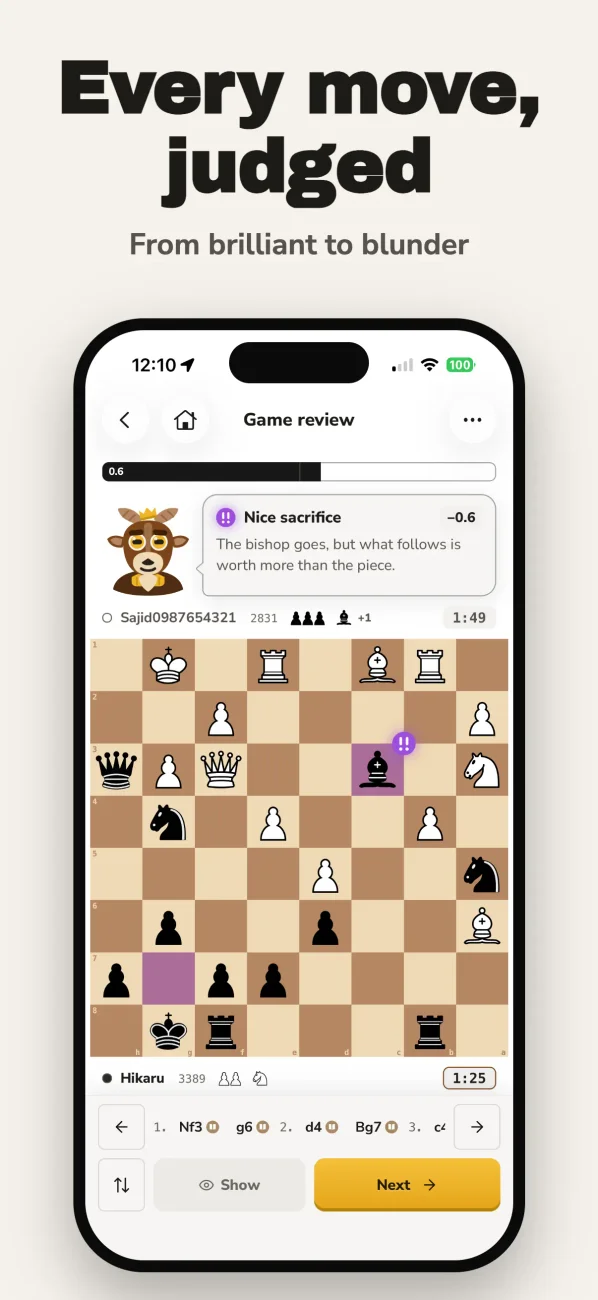
Review your games with Stockfish 18, as many as you like, and get told in plain English where each one turned.
Game review
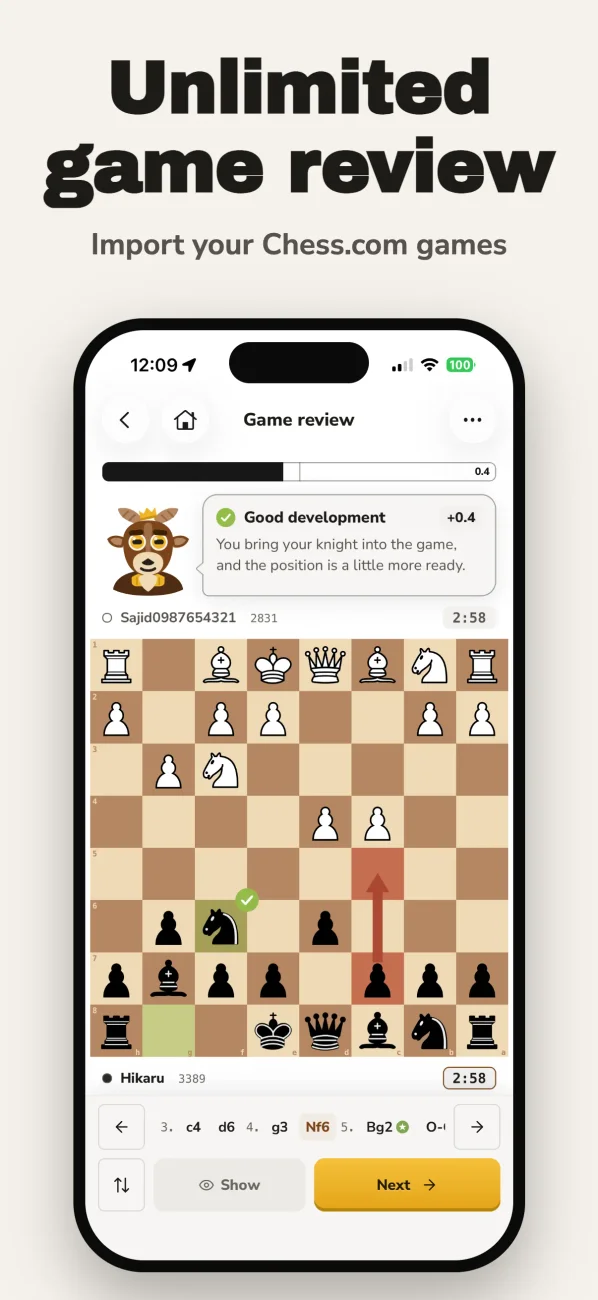
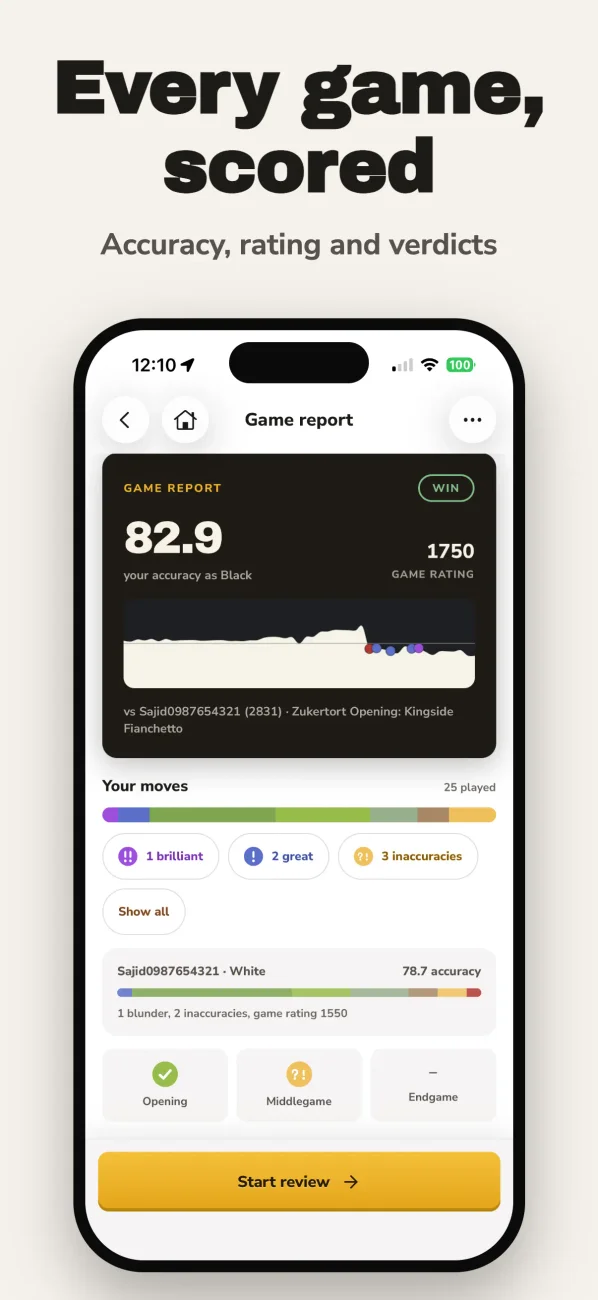
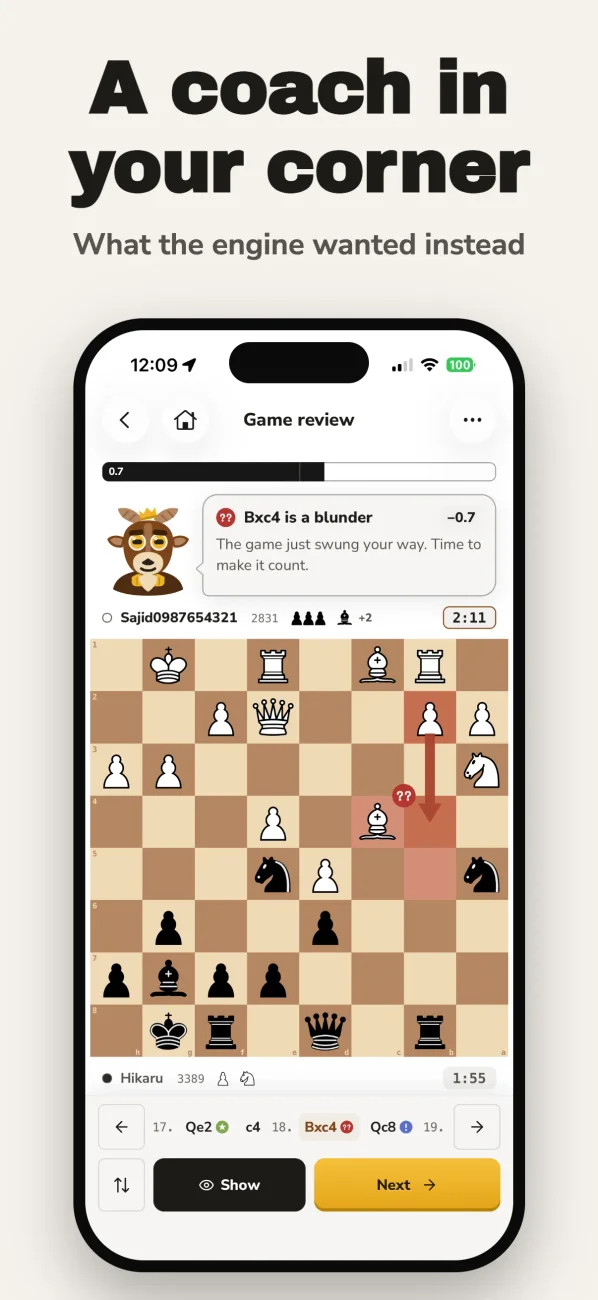
Type your Chess.com or Lichess username and your recent games are there to pick from, or paste a PGN from anywhere. Every move gets a verdict, from best move to blunder, and both players get an accuracy score. The part you will actually use is the coach: after each mistake it says what you missed, what the engine would have played, and why that mattered, in words rather than centipawns. Scrub through the evaluation graph, jump straight to the critical moments, and step through the line the engine wanted on the board.
Puzzles
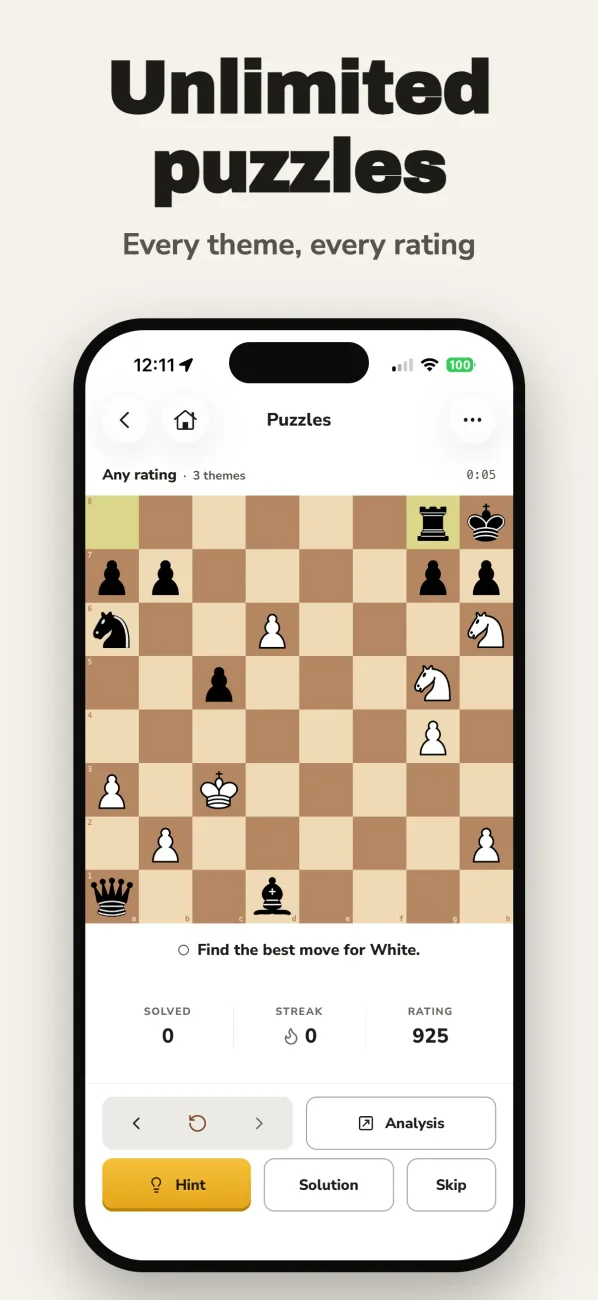
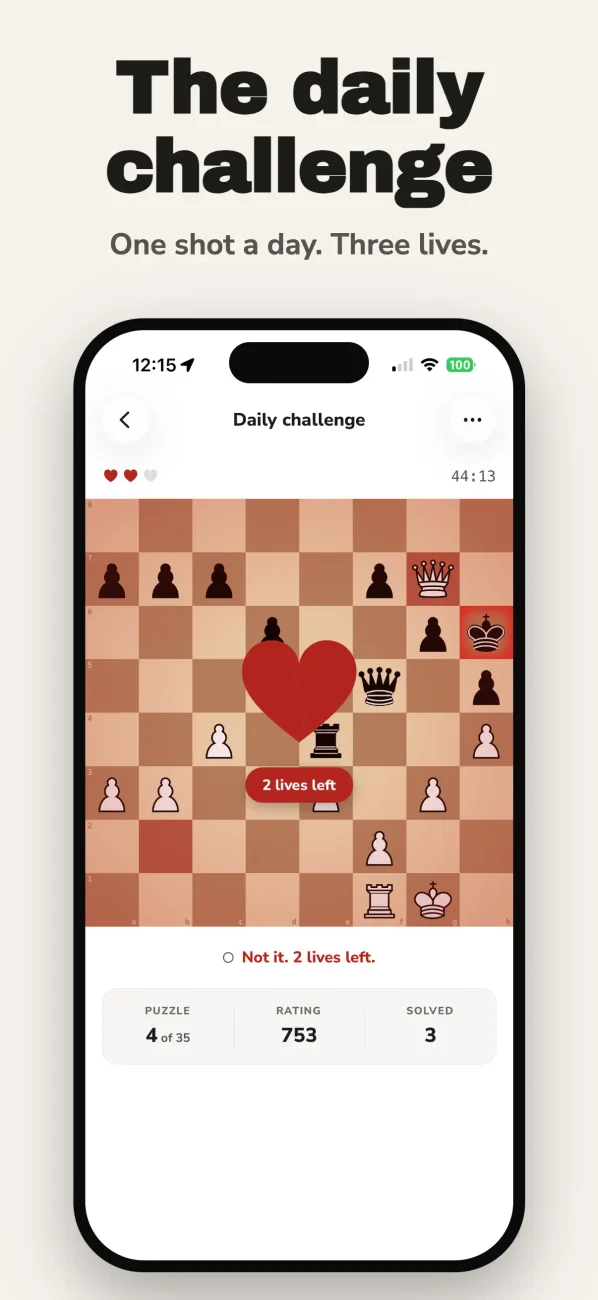
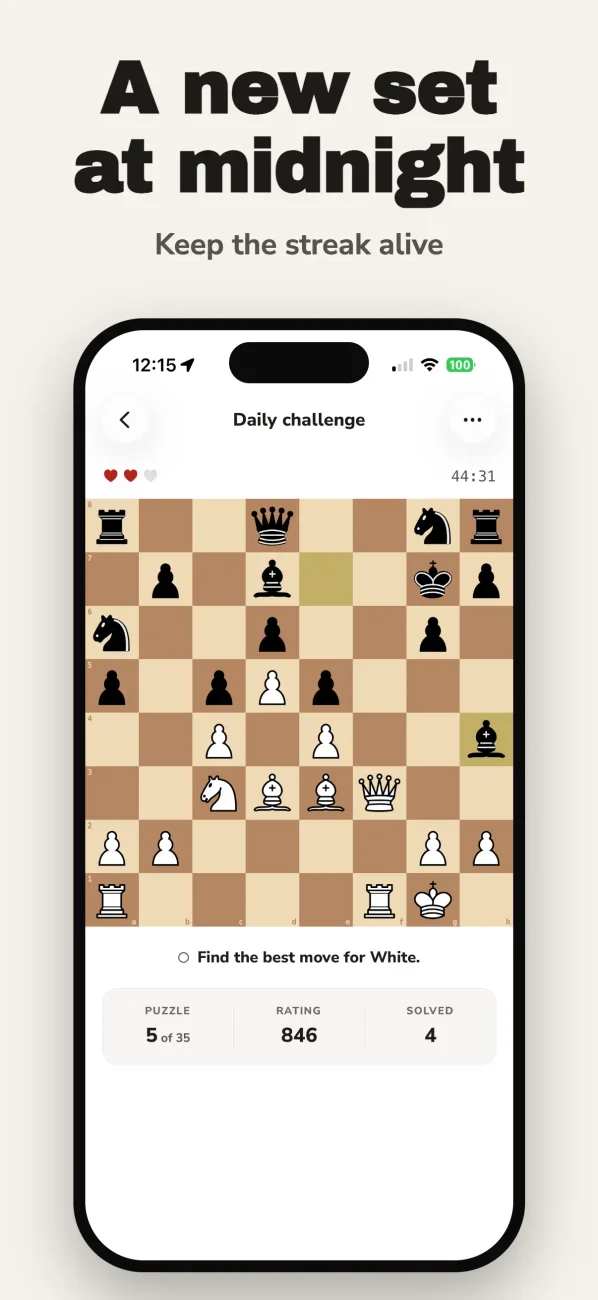
Tactics puzzles sorted by rating and theme, with no daily limit. Ask for forks, pins, back rank mates or rook endgames, or let the app choose. The board is made for solving: drag pieces with your thumb, hear them land, and go straight to the next one.
Daily challenge
Everyone gets the same puzzles each day. Three lives, one attempt, and a streak to protect.
Next move
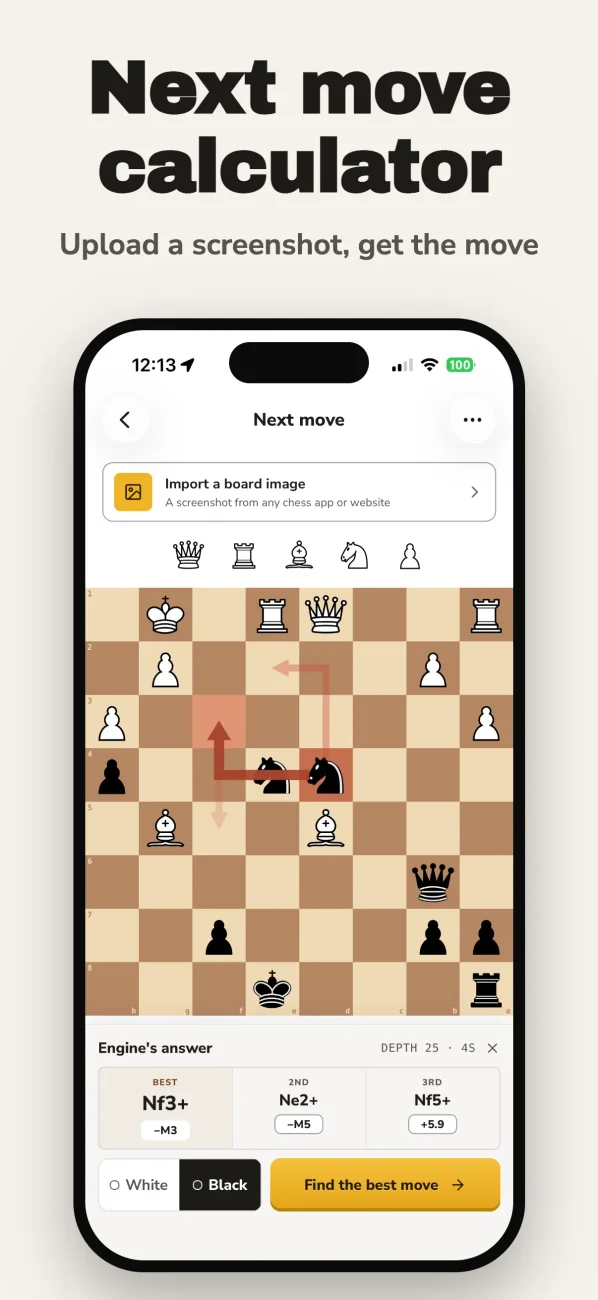
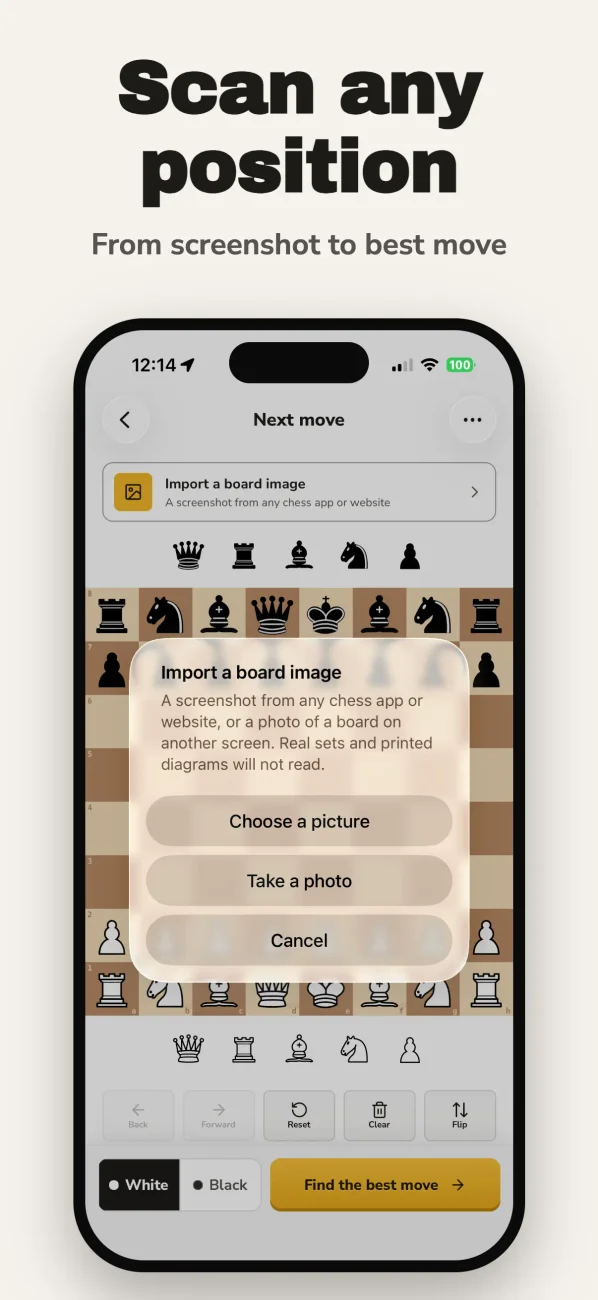
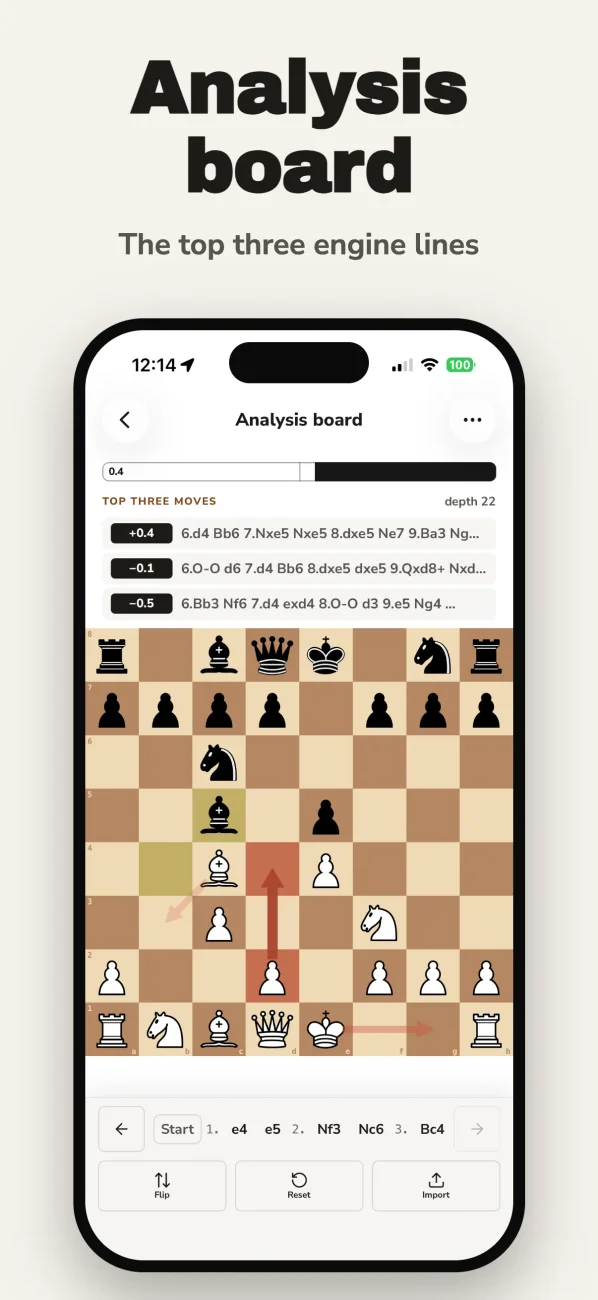
Set up any position and Stockfish shows the best move with its top three lines. The engine runs on your phone, so it works with no signal and the position never leaves the device. If the position is in a screenshot from another app or a website, the scanner reads the board off the picture for you.
Made to look right
Six board colours and ten piece sets, the walnut board by default. A real dark mode that you switch yourself. Move sounds and a soft haptic tick, each with its own switch.
What’s new
Version 1.0.1 · Nov 27, 2026
- Changing app screenshots
App privacy
What MPL Ventures, LLC declares on the App Store about how this app handles data.
-
Data not linked to you
May be collected but is not linked to your identity.
- Contact info
- User content
Privacy practices may vary, for example with the features you use or your age.
Information
- Seller
- MPL Ventures, LLC
- Category
- Board
- Version
- 1.0.1
- Updated
- Nov 27, 2026
- Released
- Sep 27, 2026
- Size
- 53.1 MB
- Requires
- iOS 16.4 or later
- Age rating
- 4+
- Price
- Free
- Languages
- English
- Copyright
- © 2026 MPL Ventures, LLC
You might also like
-
 Chaal: Chess Position AnalyzerScreenshot to Best Move
-
 Chess Snacks: Mate PuzzlesTactics & checkmate trainer
-
 Knightmare: The Long NightTurn-based chess survival game
-
 ChesswisePlay chess with AI guidance
-
 CherryChessPlay & train. No ads, offline.
-
 Blunder - Chess ScannerFrom photo to analysis board
-
 ChessLab: Chess TrainerChess game, analysis, puzzles
-
 Chess Expert ProPlay and analyze chess
-
 Chessmate: Puzzle RushChess Puzzles & Daily Tactics
-
 RankUpRising IndiaPlay, compete & master skills