
ChessLink App
Your real board. Online chess.
Designed for iPhone, iPad, iPod touch
Free
- Age rating4+
- CategoryBoard
- DeveloperJuergen Precour
- LanguagesEnglish
- Size34.9 MB
Links to the official App Store page
Download.org hosts no file of ChessLink App. The button opens its official App Store page, published by Juergen Precour. Listing last checked on Nov 17, 2026.
Screenshots



About
Online chess that feels like real chess.
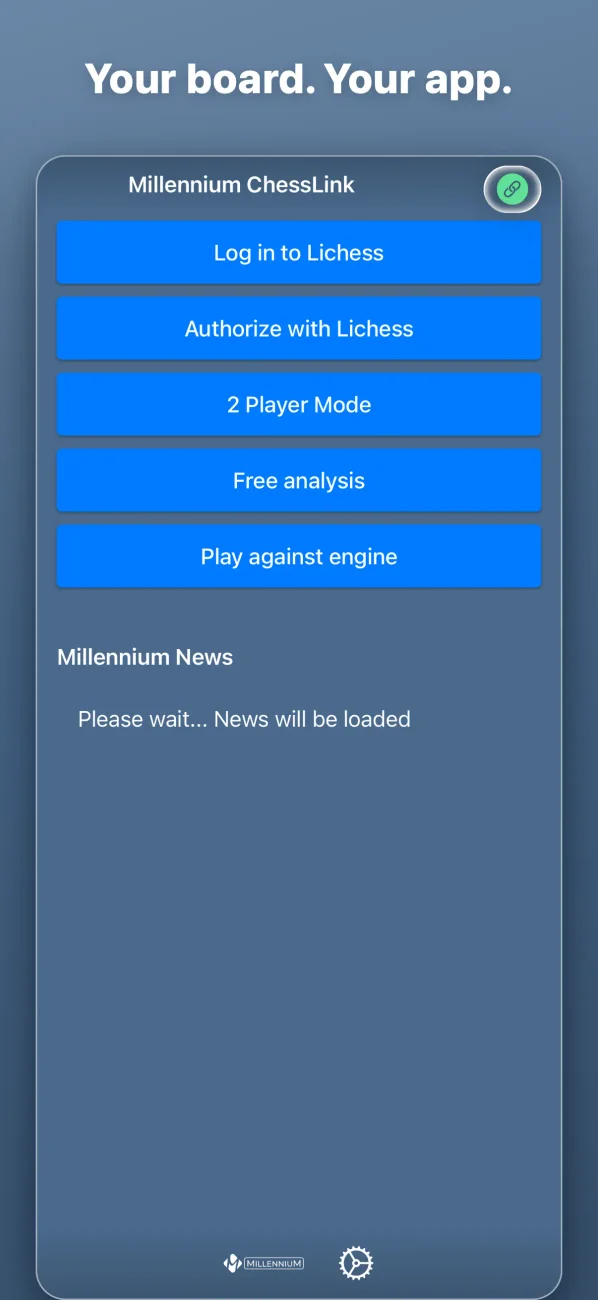
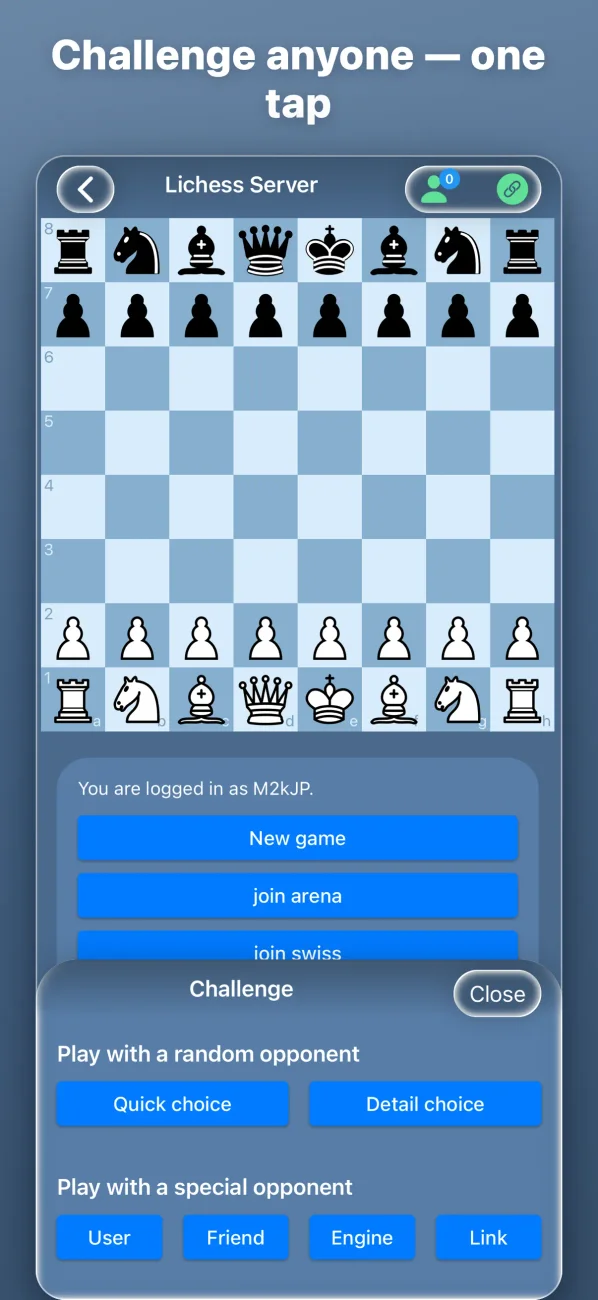
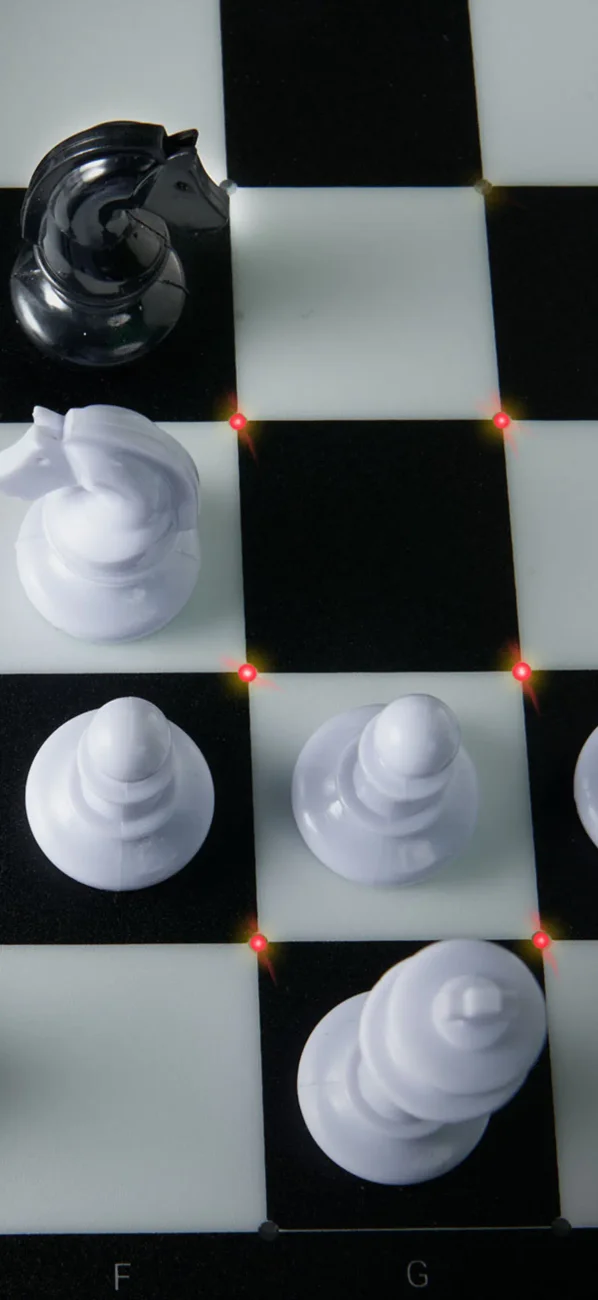
Connect your electronic chessboard and play on Lichess, against a local friend, or the built-in engine — on your real board. Your opponent's moves light up on the board via LEDs, so your eyes stay on the game.
WHAT'S NEW: A LOCAL CHESS ENGINE
• Get hints in 2-player mode
• Play against the engine — works fully OFFLINE, no internet needed
• Free Analysis: set up any position, the engine shows best lines and gives a full evaluation — the spirit of the classic TASC R30/40 chess computer
FEATURES
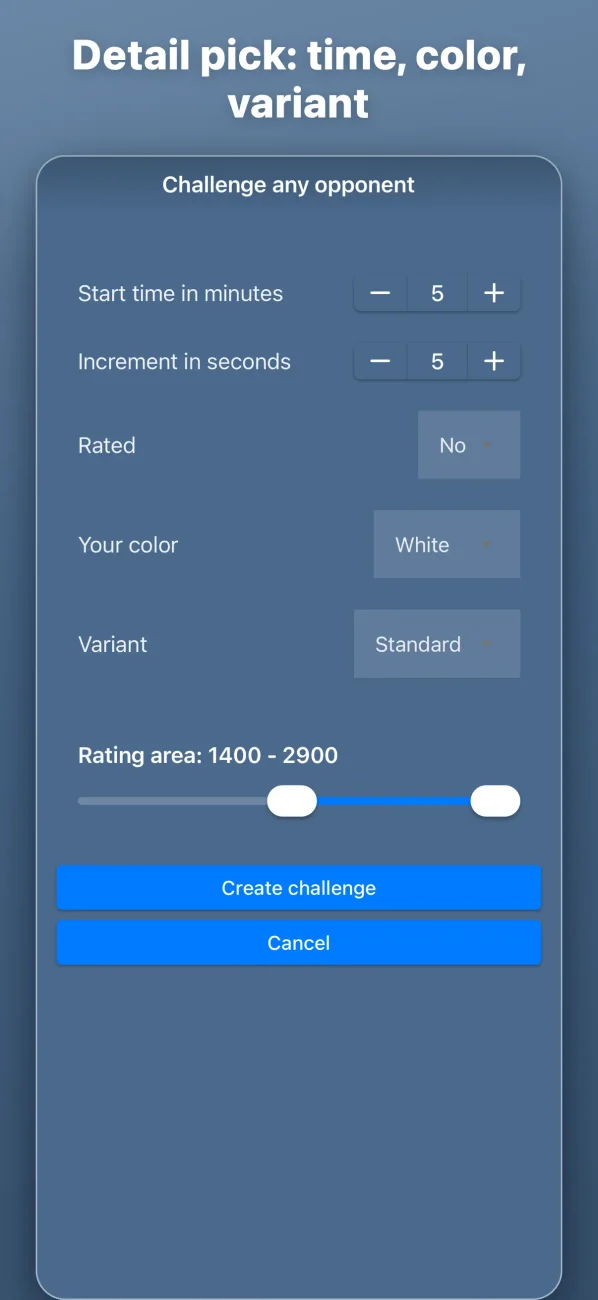
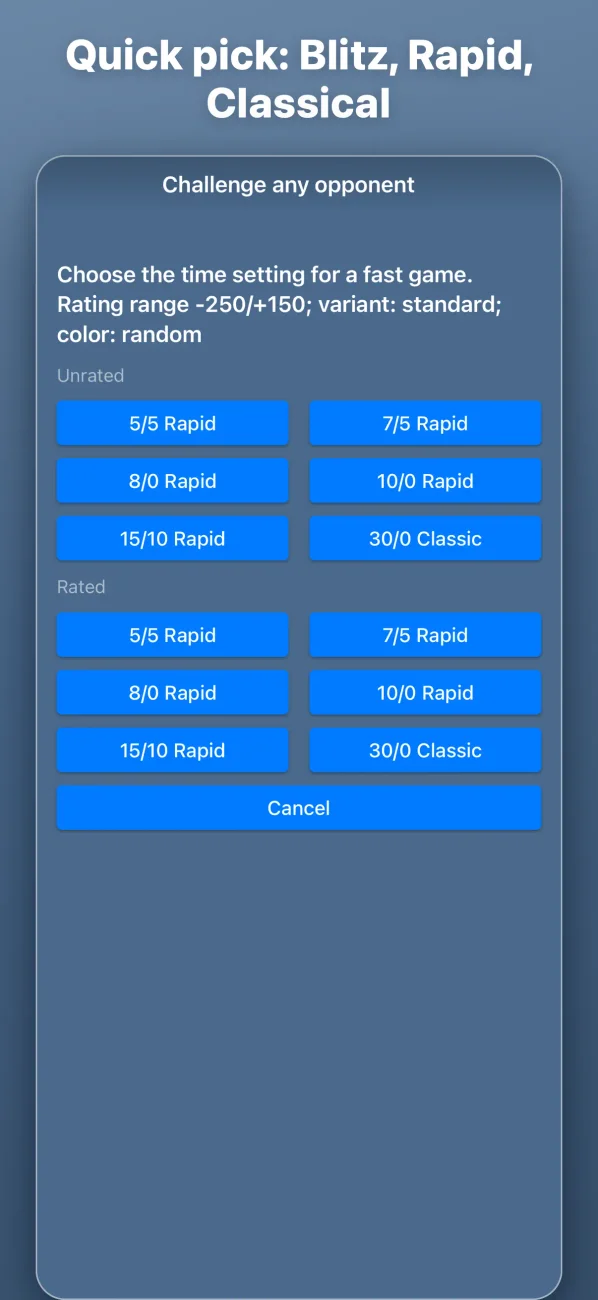
• Free online play on Lichess — millions of opponents worldwide
• 2-player mode with hints on one board
• Free analysis with evaluation and best-move lines
• Authentic over-the-board experience: real pieces, no screen-watching
SET UP IN MINUTES
Pair your board, launch the app, start playing.
COMPATIBLE BOARDS
Supreme T2, Supreme Boards, Exclusive Boards, Performance Boards, eONE.
MORE INFO
• Supreme T2 – computerchess.com/Supreme-T2/M880
• eONE – computerchess.com/eone/M841
• ChessClassics Exclusive – computerchess.com/en/chessgenius-exclusive-2/
• The King Performance – computerchess.com/the-king-performance/M830
What’s new
Version 3.4.9 · Nov 6, 2026
Sounds are back (the most important change)
Moving a piece — on the board or on screen — plays all sounds again: move, capture, castling, promotion, game start and game end
Sign-in & Lichess
The „Sign in again“ button works again
Signing out now keeps you signed out
An invalid or expired login is detected and shown
Cancelling during sign-in no longer loses anything
Switch accounts with the new „Other account“ button
Computer game
The computer starts calculating on the very first move
Fixed time issues: the computer no longer loses unnecessarily on time
Endgames are evaluated cleanly to the end: evaluations and variations now arrive fully (they used to cut off at depth 7 in endgames)
Castling on the board
Castling is detected and guided reliably — including Chess960
First setup
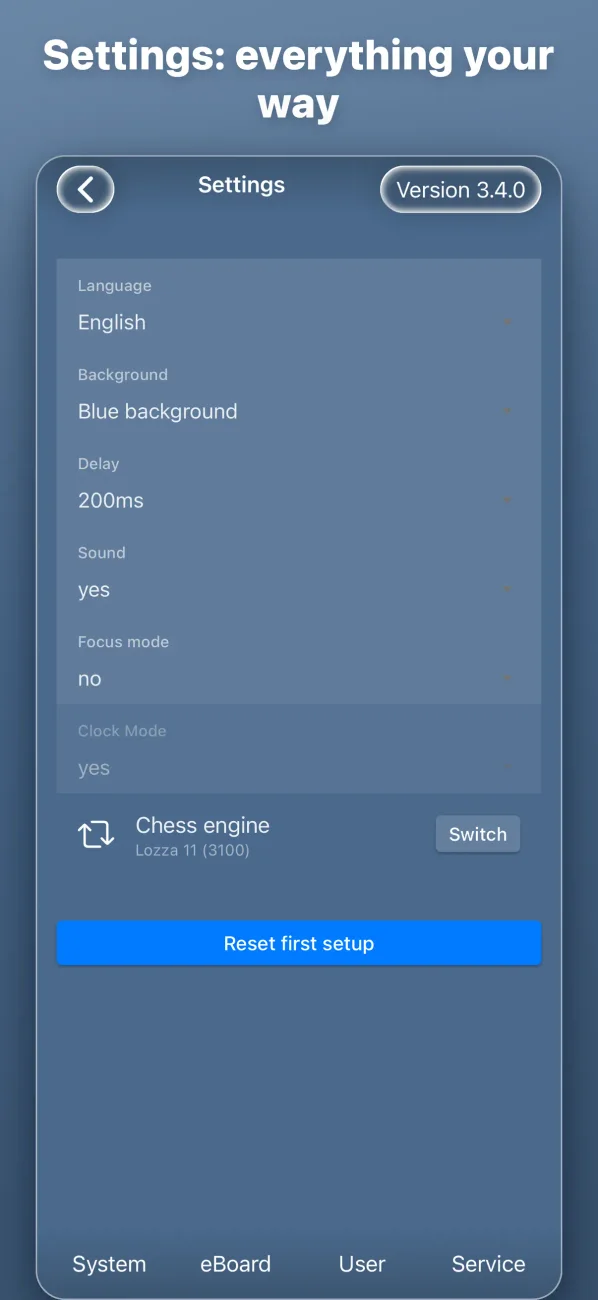
Resetting the settings brings back the first setup screen
Stability
Evaluation arrows no longer flicker
The clock mode no longer blocks play with incomplete settings
App privacy
What Juergen Precour declares on the App Store about how this app handles data.
-
Data not collected
The developer does not collect any data from this app.
Privacy practices may vary, for example with the features you use or your age.
Information
- Seller
- Juergen Precour
- Category
- Board
- Version
- 3.4.9
- Updated
- Nov 6, 2026
- Released
- Mar 27, 2021
- Size
- 34.9 MB
- Requires
- iOS 15.0 or later
- Age rating
- 4+
- Price
- Free
- Languages
- English
- Copyright
- © 2026 Millennium 2000 GmbH
You might also like
-
 HIARCS ChessPlay, analyse, learn & improve
-
 White PawnA modern Chess App
-
 DGT ChessBoard
-
 HIARCS Chess for iPadPlay, analyse, learn & improve
-
 iChessOneBoard
-
 Chess-StudioFor Serious Chess Players!!
-
 Chess Notation LabBoard Coordinate Master Class
-
 Chess Score PadScoresheet with PGN export
-
 GPT ChessPowered by ChatGPT & OpenAI
-
 Openings MastermindMaster your Chess openings