
ChessScope AI
Scan & analyze chess positions
Designed for iPhone, iPod touch
Free · In-app purchases
- Age rating4+
- CategoryUtilities
- DeveloperCedric Guegan
- LanguagesEnglish
- Size40.4 MB
Links to the official App Store page
Download.org hosts no file of ChessScope AI. The button opens its official App Store page, published by Cedric Guegan. Listing last checked on Nov 12, 2026.
Screenshots


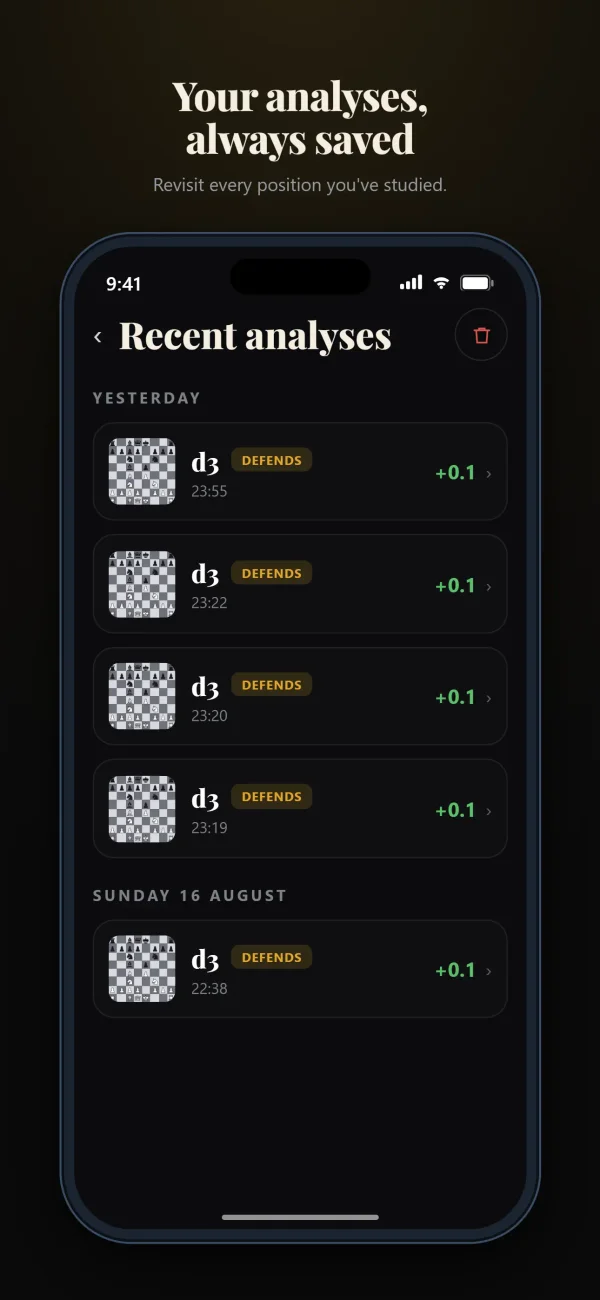
About
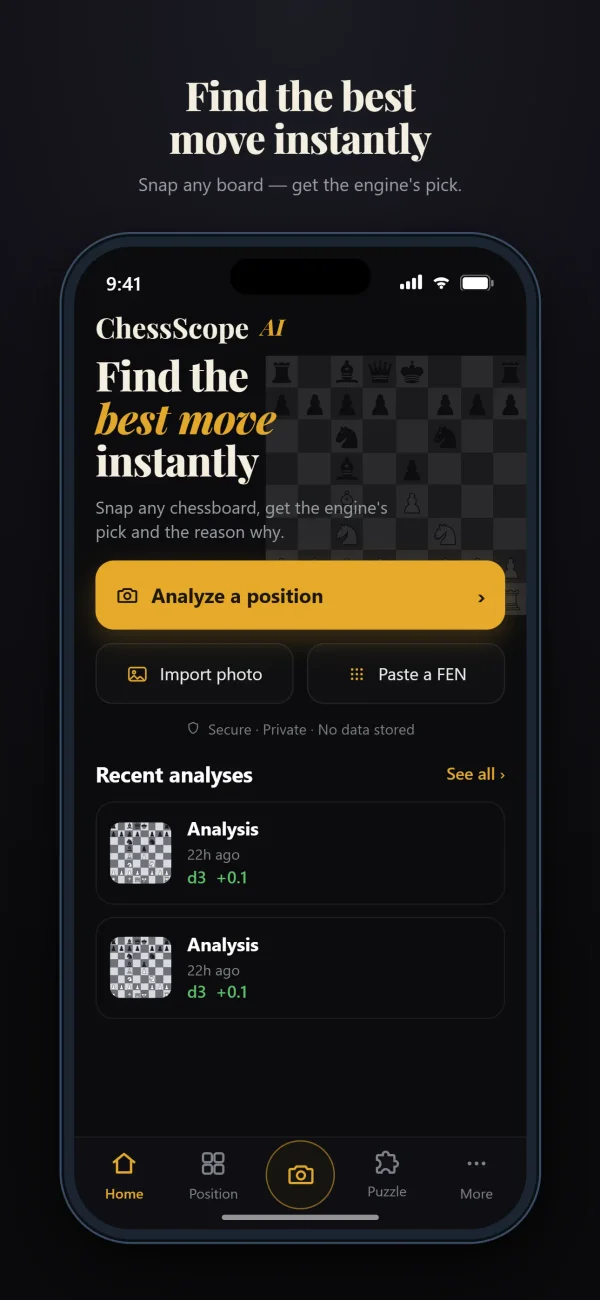
Stuck on a position? Let ChessScope AI find the winning move.
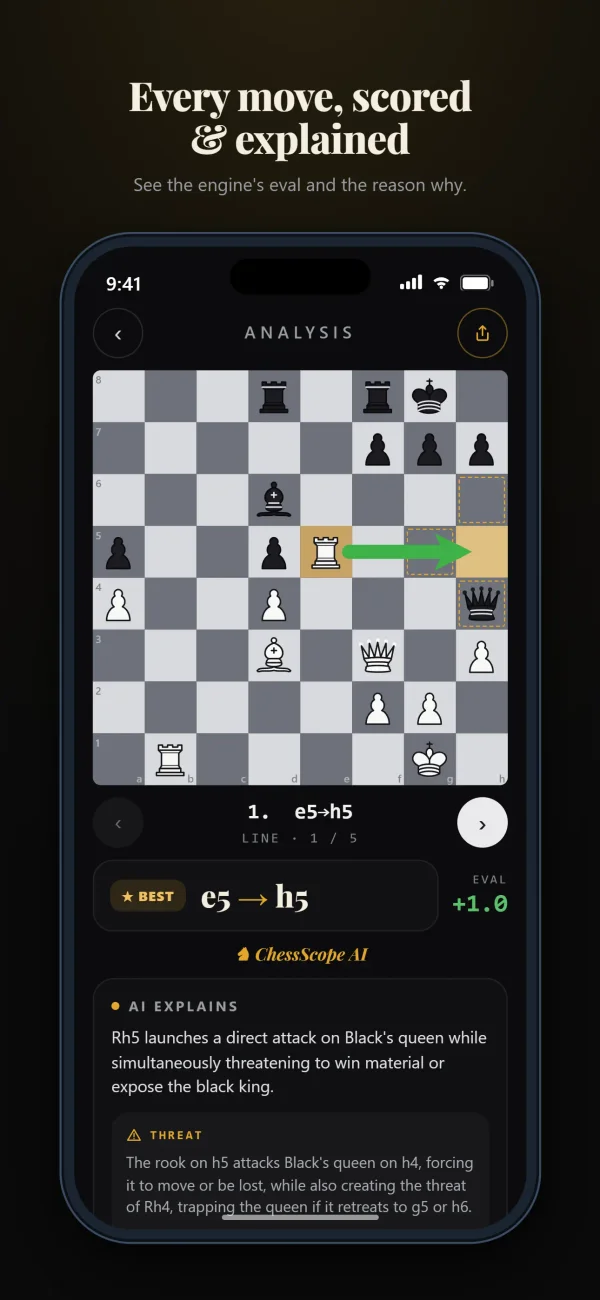
Point your camera at any chess screen or screenshot and get Stockfish's best move in seconds explained in plain language so you actually understand why it works.
Most apps stop at one move. ChessScope shows you the whole plan: step through the next 5 moves of the winning line, one tap at a time, and see exactly how the position unfolds.
Whether you're reviewing a game, solving a puzzle, or stuck mid-match, ChessScope turns any position into instant, grandmaster-level insight.
What you can do:
• Snap any screen, screenshot, or streamed game
• Get the best move in seconds, powered by Stockfish
• Step through up to 5 moves ahead — see the full winning line, not just one move
• Understand the why with clear AI explanations, not just arrows
• Paste a FEN for instant analysis, no photo needed
• Track your positions with full analysis history
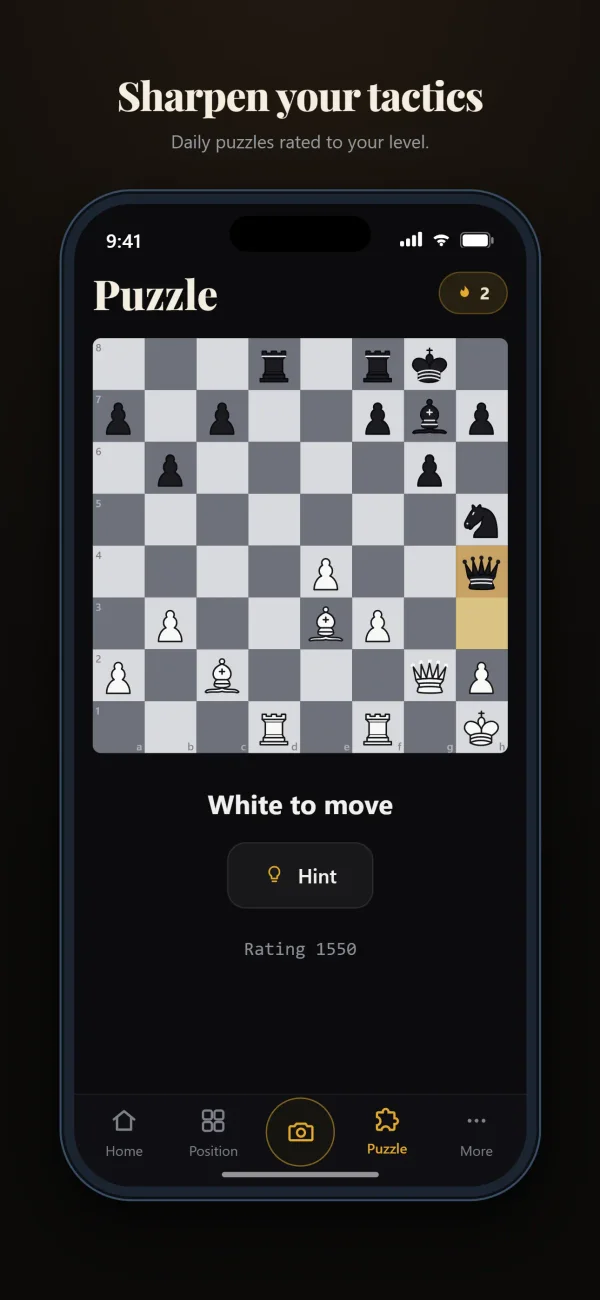
• Solve a daily tactical puzzle, with built-in hints at your own pace
Now available in English, French, Spanish, German, Portuguese, and Japanese.
Start free with 5 analyses, no account required.
Go Premium to unlock unlimited photo analyses, unlimited AI explanations, and your complete history. Improve faster, one position at a time.
Download ChessScope AI and never wonder "what's the best move?" again.
Terms of Use (EULA): https://www.apple.com/legal/internet-services/itunes/dev/stdeula/
What’s new
Version 1.2.0 · Aug 20, 2026
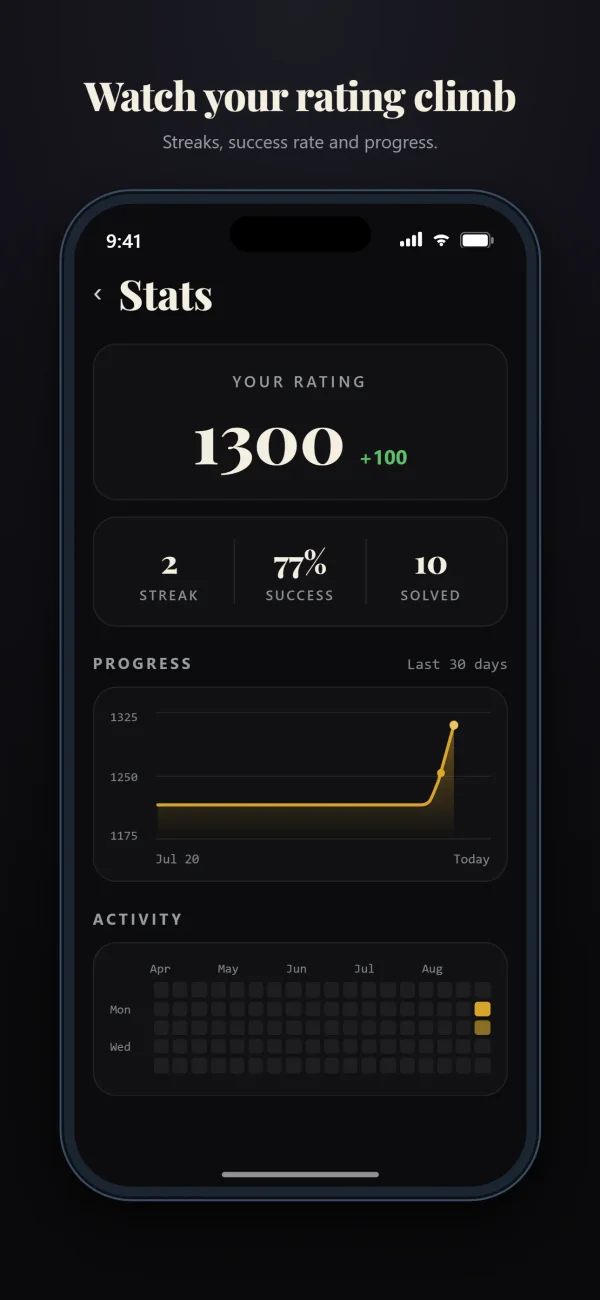
New: Stats tab
Track your puzzle progress with a personal rating, a daily streak, a progress curve and an activity calendar.
Puzzles are now rated
Solve one and your rating climbs; miss one and it drops — the tougher the puzzle, the more you gain.
Also in this update:
• Camera shortcut right in the tab bar
• Daily puzzle reset now shown in your local time
• Colour themes now apply across the entire app
• Tap any square mentioned in an AI explanation to light it up on the board
• Simplified Home and Position screens
• Completed Spanish, German, Portuguese and Japanese translations
App privacy
What Cedric Guegan declares on the App Store about how this app handles data.
-
Data not linked to you
May be collected but is not linked to your identity.
- Identifiers
Privacy practices may vary, for example with the features you use or your age.
Information
- Seller
- Cedric Guegan
- Category
- Utilities
- Version
- 1.2.0
- Updated
- Aug 20, 2026
- Released
- Jun 23, 2026
- Size
- 40.4 MB
- Requires
- iOS 15.1 or later
- Age rating
- 4+
- Price
- Free
- In-app purchases
- Yes
- Languages
- English
- Copyright
- © 2026 Cedric Guegan
You might also like
-
 Chess Best Next MoveScreenshot to best move
-
 The Wrong CalculatorBrain Training Calculator
-
 Scan Chess Board AIScan and get best chess move
-
 Sound Meter - Audio AnalyzerNoise Log, dB & Hum Finder
-
 SnapHand - Live Poker TrackerBankroll, Sessions & HUD Stats
-
 Chess Cheat - AI SolverCalculator for Next Chess Move
-
 Flip a Coin: Yes or NoHeads or Tails Decision Maker
-
 Synapse: Device CheckTest Phones to Buy or Sell
-
 FitMyRingRing Size Finder
-
 Commands for CS2Utilities