Chiptune: A Simple Composer
Write 8-bit video game music
Designed for iPhone, iPad
$0.99
- Age rating4+
- CategoryMusic
- DeveloperIndividuation Labs LLC
- LanguagesEnglish
- Size2.2 MB
Links to the official App Store page
Download.org hosts no file of Chiptune: A Simple Composer. The button opens its official App Store page, published by Individuation Labs LLC. Listing last checked on Nov 24, 2026.
Screenshots
About
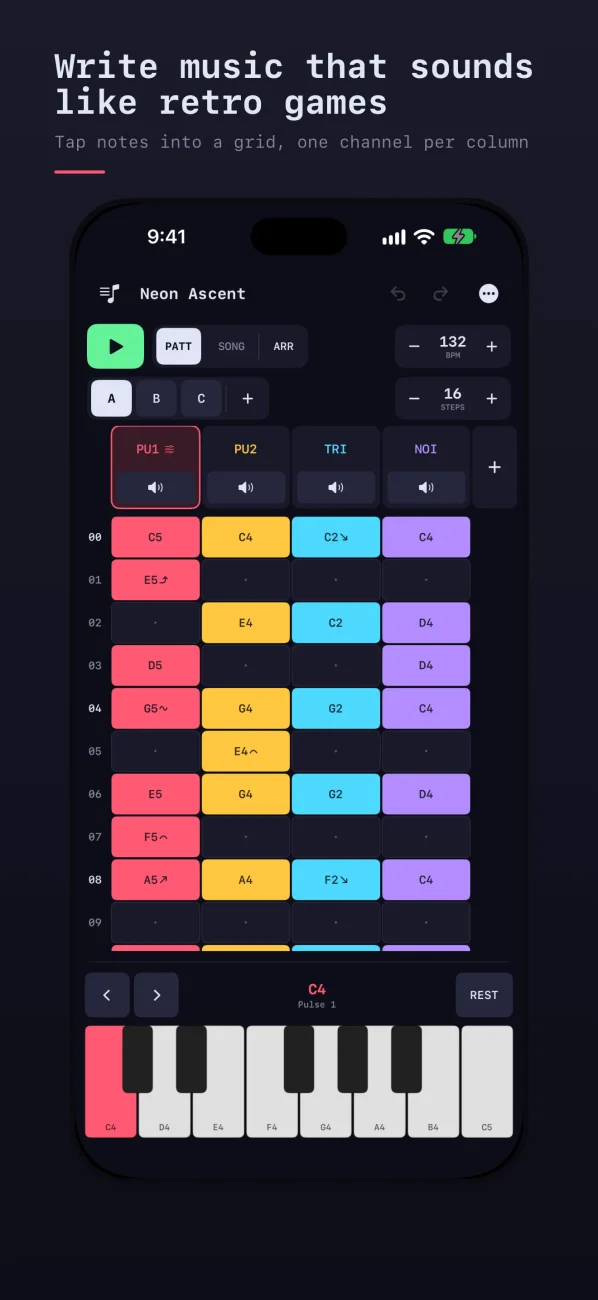
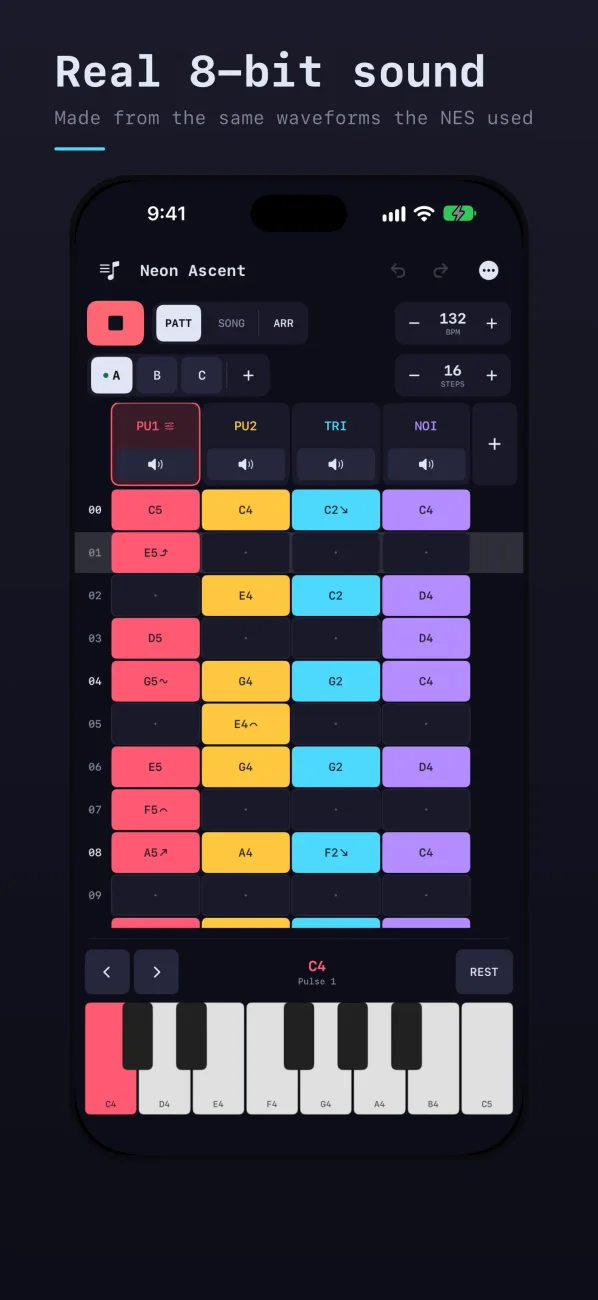
Chiptune is a step sequencer for writing music in a style of old game consoles. Simply tap a note, tap a cell in the grid, and it will play sounds from one of four NES-style channels. Chiptune has two pulses, a triangle and noise. Each channel is synthesized live rather than sampled.
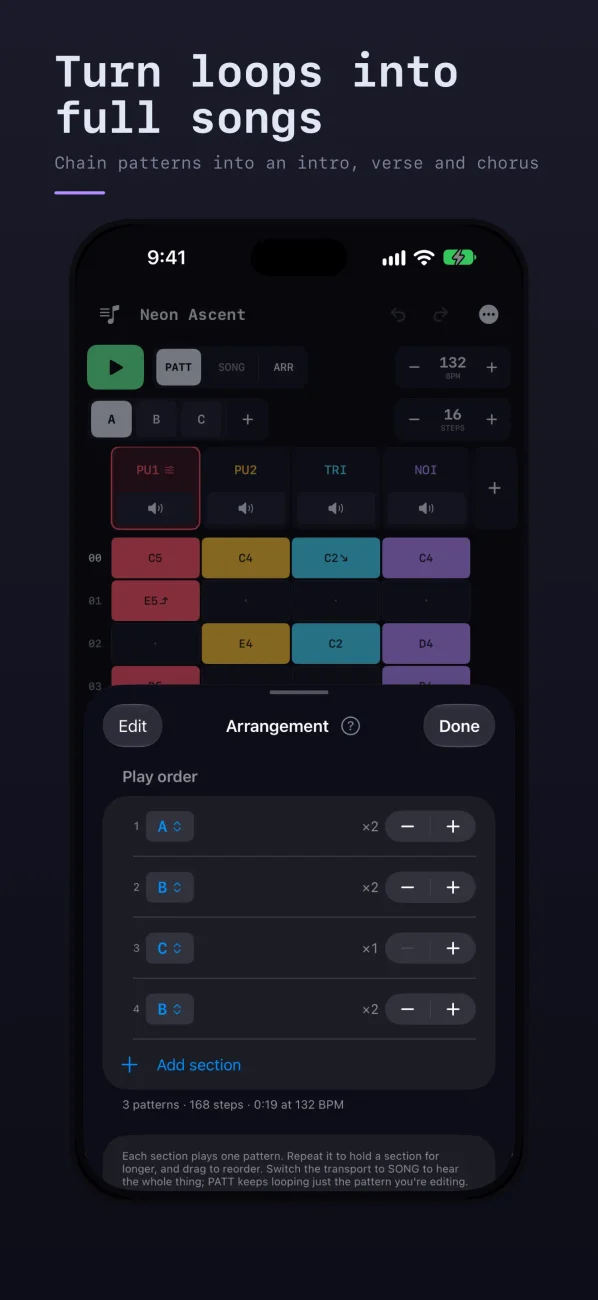
Patterns are customizable from 4 to 64 steps and can be chained into an arrangement. This lets a piece go from just a single loop into a full song with intros, verses, choruses, etc.
WRITE
• Compose on a grid of notes with 4 to 64 steps per pattern
• Customize your track to cut notes short or let them ring
• Set the tempo by typing it or nudging it a step at a time
• Easily undo any changes
• Three sample songs to play and take apart
• A How it works guide explains the controls
SOUND
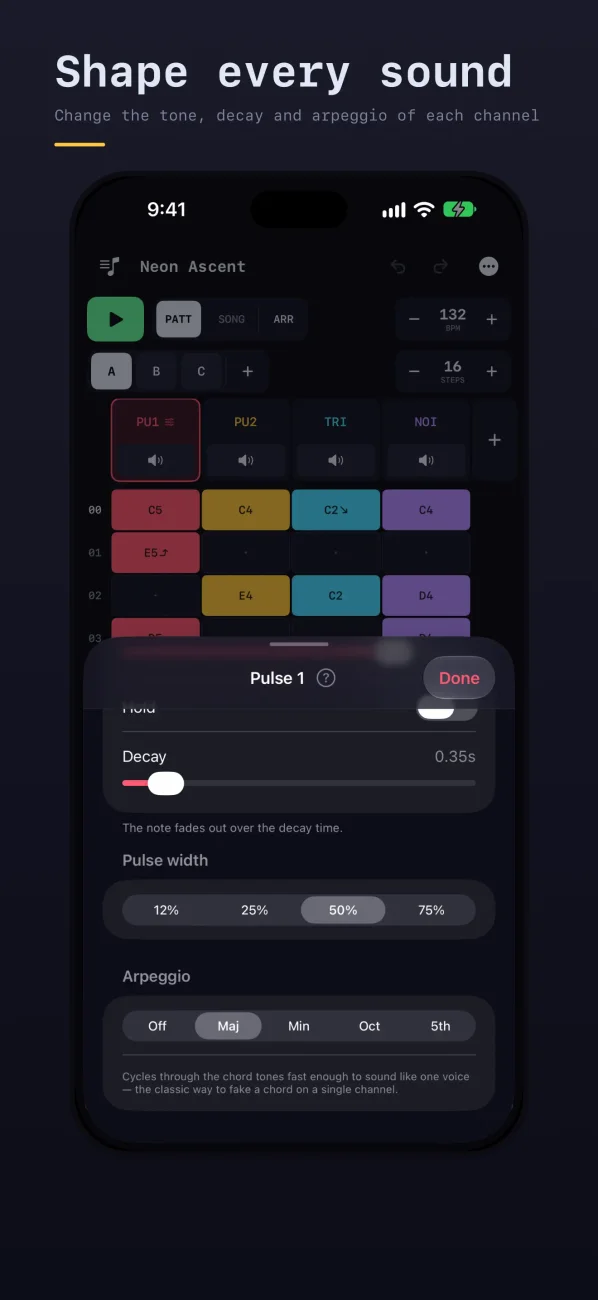
• Two pulse channels with four pulse widths, from thin and nasal to full square
• A triangle channel ideal for basslines
• Tunable noise for drums like a hi-hat or a low rumble
• Volume, decay, and arpeggio controls per channel, so one channel can fake a chord
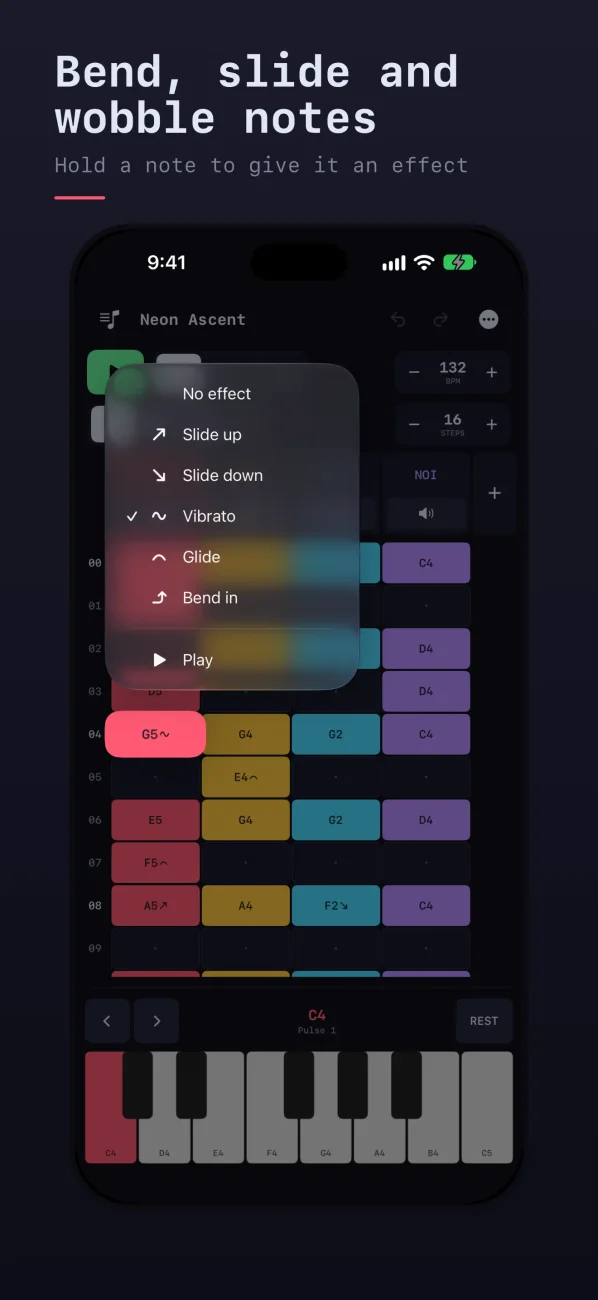
• Hold a note to slide it up or down, add vibrato, glide from the note before or bend into it
• Sounds come with basic presets
ARRANGE
• Create sections with a named pattern and a repeat count
• Loop one pattern while editing or play the whole song
• Add multiple tracks of any sound when four channels aren't enough
• Custom iPad specific layout in portrait and landscape
SAVE AND SHARE
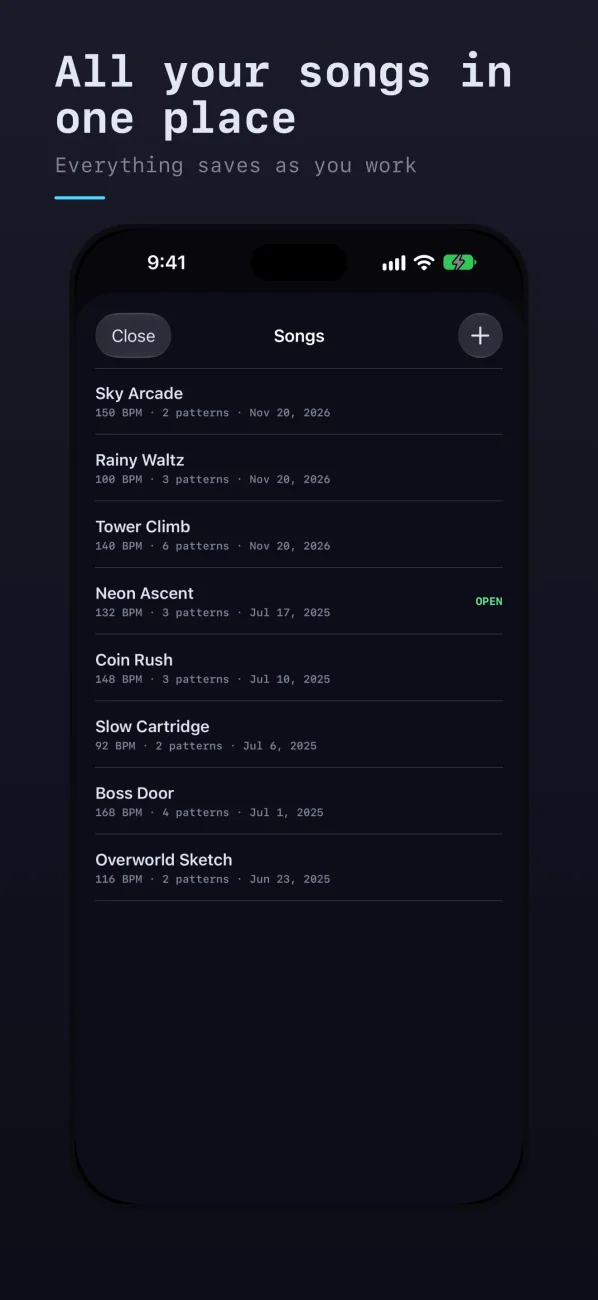
• Songs autosave as you work so you never lose anything
• Duplicate a song to try something slightly different
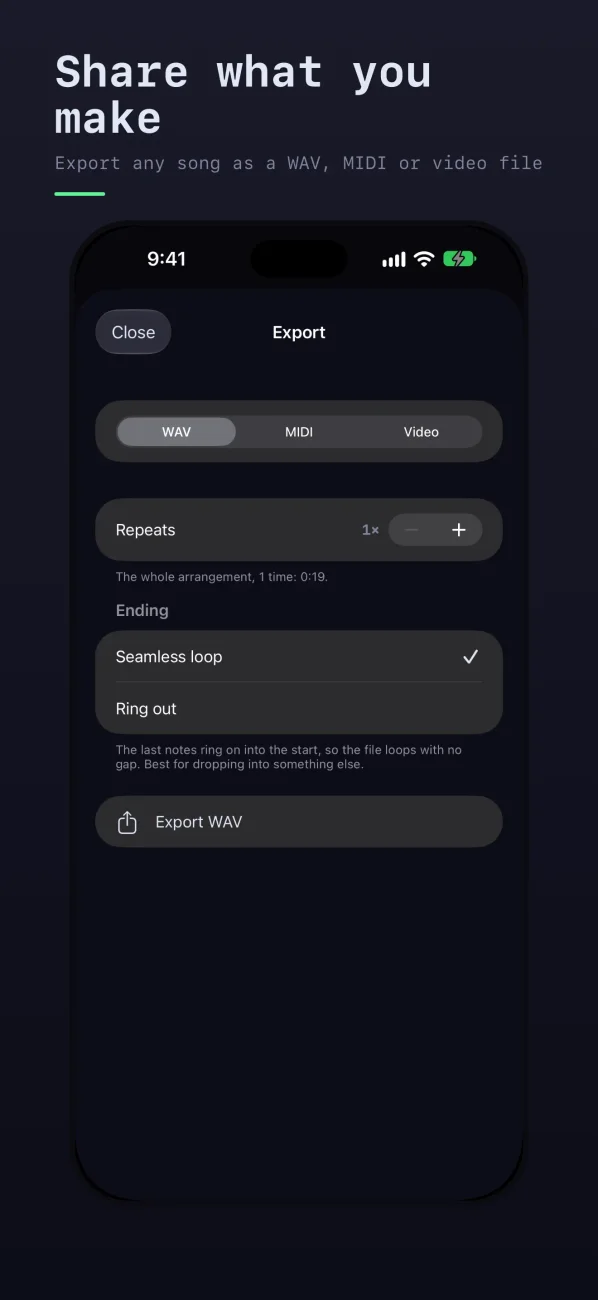
• Export any song as a WAV file with a seamless loop or with the last notes ringing out
• Export as a MIDI file to keep working on your notes in another music app
• Export a video of your song playing, as a scrolling grid or a game cartridge, to post on Instagram, TikTok or YouTube
Chiptune works fully offline and never asks for a subscription. No account, no ads, no tracking.
What’s new
Version 1.3.7 · Nov 21, 2026
Hold a note to give it an effect: slide up, slide down, vibrato, glide or bend in. A slide down on the triangle makes a kick drum, the way NES trackers do it.
App privacy
What Individuation Labs LLC declares on the App Store about how this app handles data.
-
Data not collected
The developer does not collect any data from this app.
Privacy practices may vary, for example with the features you use or your age.
Information
- Seller
- Individuation Labs LLC
- Category
- Music
- Version
- 1.3.7
- Updated
- Nov 21, 2026
- Released
- Oct 1, 2026
- Size
- 2.2 MB
- Requires
- iOS 17.0 or later
- Age rating
- 4+
- Price
- $0.99
- Languages
- English
- Copyright
- © 2026 Individuation Labs LLC
You might also like
-
 M-NES: 8-bit Chiptune Studio2A03 music maker & NSF player
-
 Musical Demon's ImpulseInstant IR Maker.
-
 Pocket VinylA turntable in your pocket
-
 Ikatomape LoFiMusic
-
 DuoBeat Music MakerBeat Maker & Step Sequencer
-
 1874 Sakura: Koto StudioChaos-driven Oriental Music
-
 M_SEQ - 8bit SequencerMusic
-
 DoReMixMulti-track music recorder
-
 StringVestAll in one musical groovebox
-
 bitcrustSID-style polyphonic synth