
Choreographic: Dance Formation
Plan & Edit Dancer Positions
Designed for iPhone, iPad
Free · In-app purchases
- Age rating4+
- CategoryProductivity
- DeveloperWilfred Bradley Tan
- LanguagesEnglish+ 11 more
- Size89.1 MB
Links to the official App Store page
Download.org hosts no file of Choreographic: Dance Formation. The button opens its official App Store page, published by Wilfred Bradley Tan. Listing last checked on Nov 27, 2026.
Screenshots





About
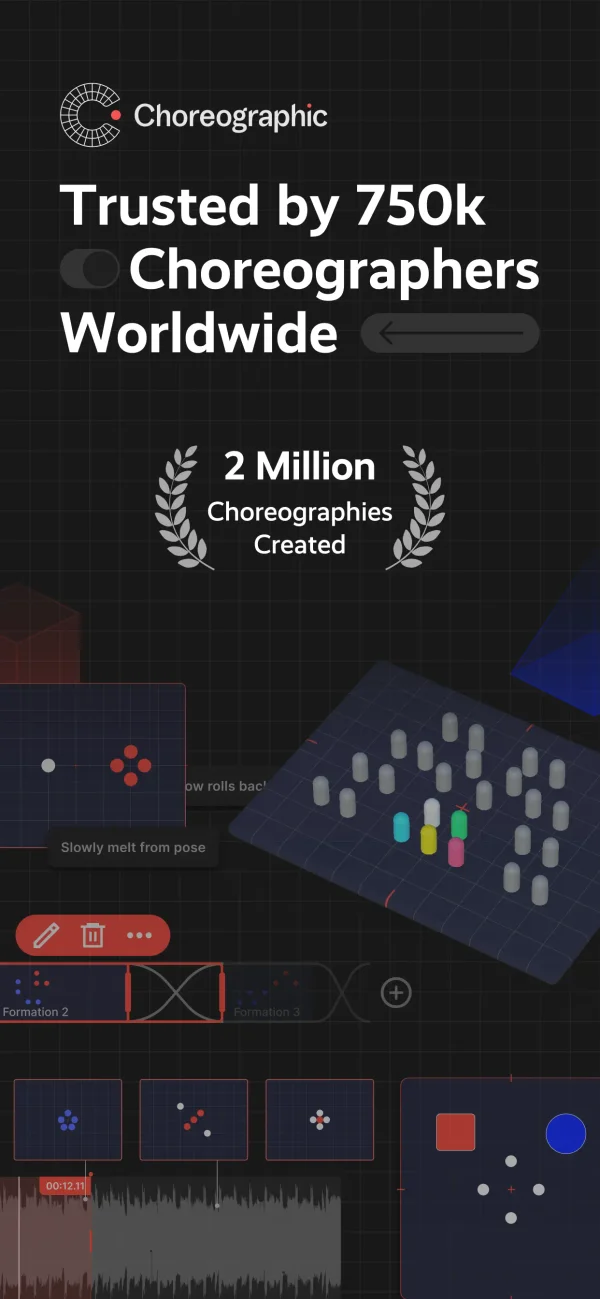
Choreographic is the fast, modern choreography app for planning dance formations and dancer positioning. Visualize formations on stage, fine-tune custom dancer paths, animate transitions in 3D, sync to music, collaborate in real time, and keep creating offline.
REAL-TIME COLLABORATION
Build the same choreography together with your team and watch changes appear instantly across devices.
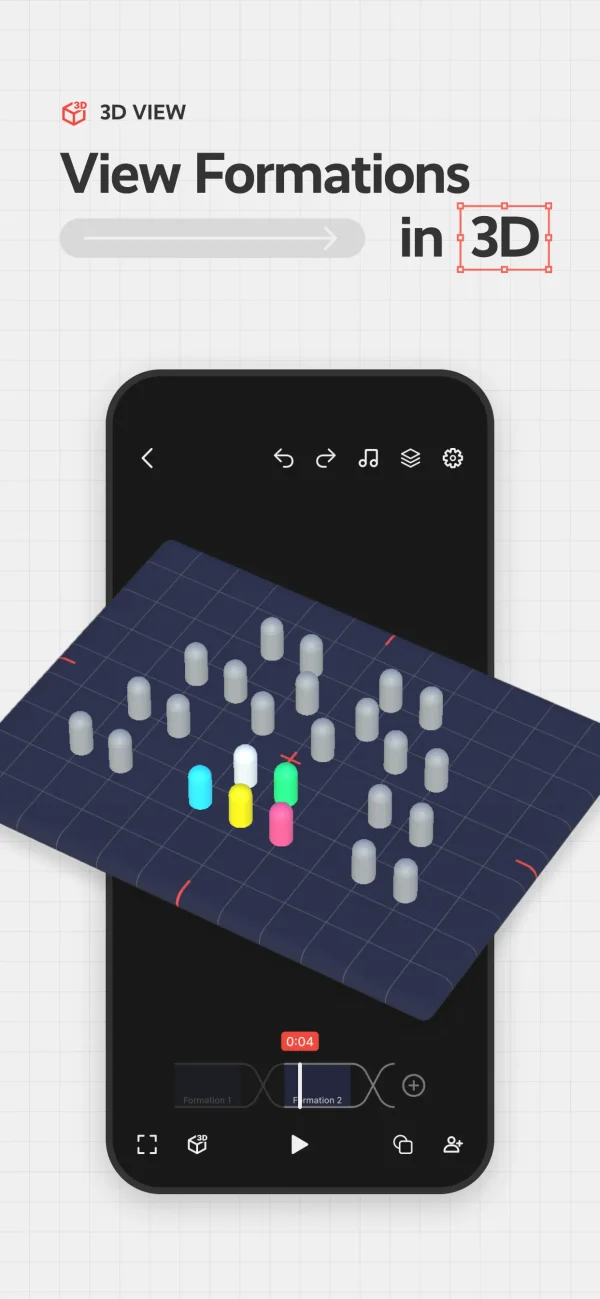
3D FORMATION VIEW
Visualize formations from any angle for a realistic preview of your dancers on stage.
CUSTOM DANCER PATHS
Create curves, arcs, and multi-point routes to shape exactly how dancers move between formations. Preview every path during playback in both 2D and 3D.
OFFLINE EDITING
Make choreographies and crews available offline, continue editing without a connection, and sync your changes when you reconnect.
MUSIC SYNC
See transitions hit every count as dancers move in time with your selected track.
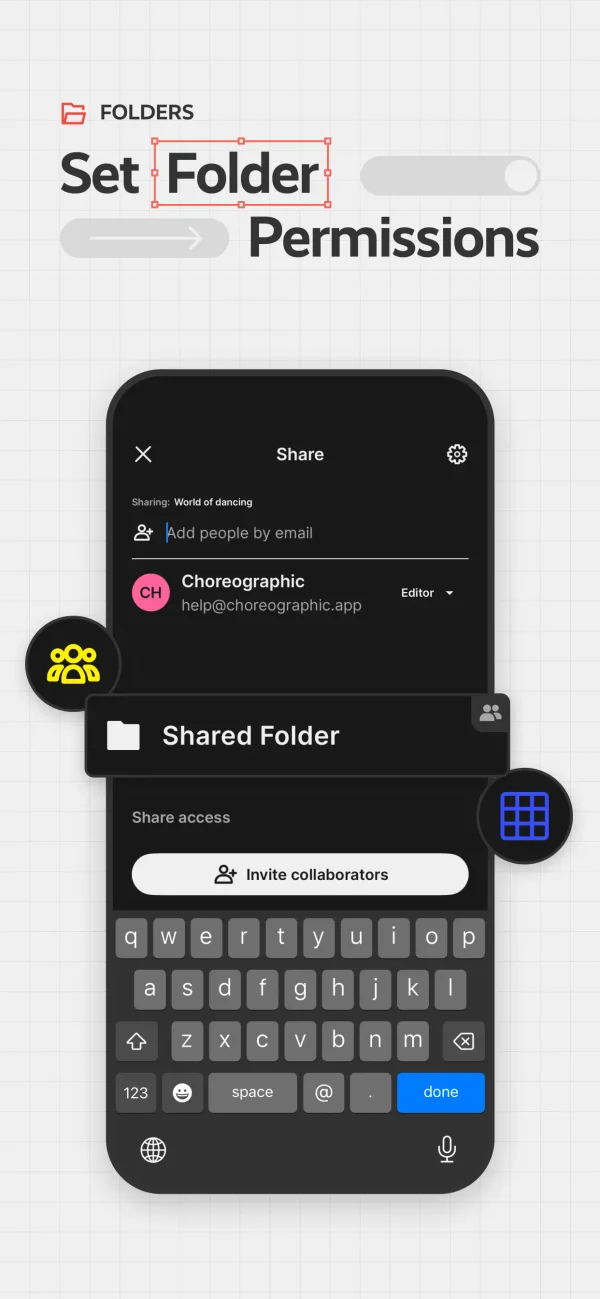
CUSTOM FOLDER PERMISSIONS
Choose who can view or edit each folder. Keep drafts private and share finished work with the right people.
CREATE REUSABLE CREWS
Save multiple crews and reuse them across choreographies.
DISCOVER FORMATION IDEAS
Browse choreographies hand-picked by our team and save favorites to your Library with a tap.
SET TRANSITION DURATION PRECISELY
Set formation and transition timing down to 0.01s with millisecond precision to plan exact travel time.
SMOOTH TRANSITION SLIDING
Slide through each transition with smooth animation to see movement step by step, helping dancers visualize precise travel paths from set to set and avoid collisions.
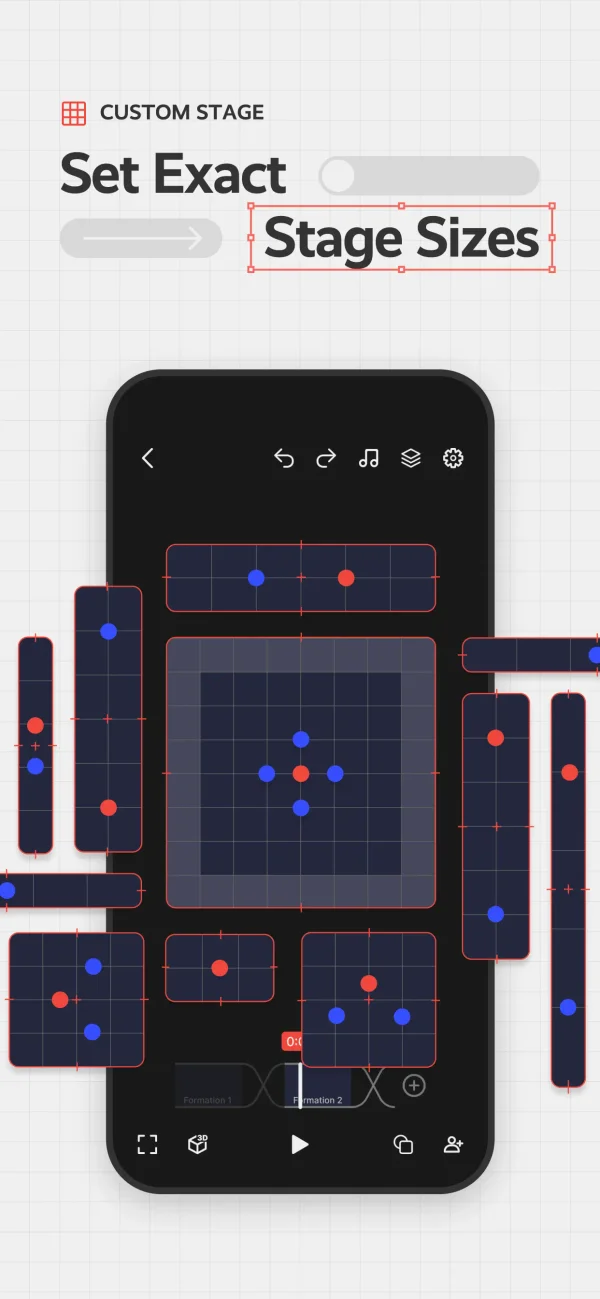
CUSTOM STAGE SIZE
Set exact stage width and depth, plus side and back stage areas, so spacing matches the venue.
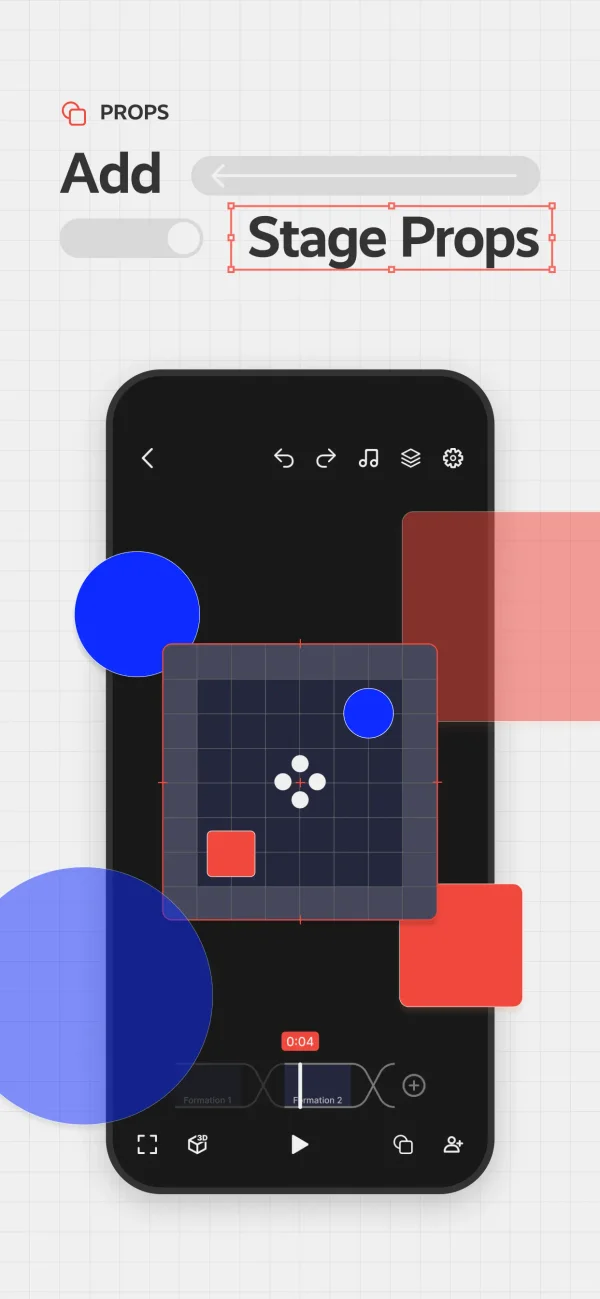
ADD STAGE PROPS
Add props and visualize interactions. Animate position, shape, size, and color.
SELECT & EDIT DANCERS BY COLOR
Color-code sections, then select by color to visualize interactions and make group edits in one step.
ADD NOTES TO FORMATIONS
Attach notes to any formation so dancers understand intent in context.
POWERFUL SEARCH
Find any choreography, crew, or folder in seconds.
CHOREOGRAPHIC PRO TRIAL AND SUBSCRIPTION
Start a 14-day free trial with the annual plan. After the trial, your subscription renews automatically unless auto-renew is turned off at least 24 hours before the end of the current period. Payment is charged to your Apple ID at purchase confirmation. Manage or cancel in Settings > Apple ID > Subscriptions.
Terms of Use: https://choreographic.app/terms
Privacy Policy: https://choreographic.app/privacy
What’s new
Version 3.6.2 · Nov 26, 2026
Copy, paste, and spotlight your dancers
Copy and paste dancers and props
- Copy selected dancers and props, then paste their positions into any other formation.
- Choose what to paste: position and color, plus size, rotation, opacity, and corners for props.
Apply Edits to the formations you choose
- Pick exactly which formations get your edits, or choose Before, All, or After in one tap.
- See your changes on each formation before you apply them.
Dancer Spotlight
- Make any dancer stand out: spotlight them and everyone else fades into the background.
Smarter selection tools
- A redesigned toolbar puts the right tools at your fingertips.
- Make it your own by picking and arranging your favorite tools.
App privacy
What Wilfred Bradley Tan declares on the App Store about how this app handles data.
-
Data used to track you
May be used to track you across apps and websites owned by other companies.
- Identifiers
-
Data linked to you
May be collected and linked to your identity.
- Purchases
- Location
- Contact info
- User content
- Identifiers
- Usage data
- Other data
-
Data not linked to you
May be collected but is not linked to your identity.
- Diagnostics
Privacy practices may vary, for example with the features you use or your age.
Information
- Seller
- Choreographic Pte. Ltd.
- Category
- Productivity
- Version
- 3.6.2
- Updated
- Nov 26, 2026
- Released
- Jul 14, 2022
- Size
- 89.1 MB
- Requires
- iOS 16.4 or later
- Age rating
- 4+
- Price
- Free
- In-app purchases
- Yes
- Languages
- English, French, German, Indonesian, Japanese, Korean, Portuguese, Russian, Simplified Chinese, Spanish, Traditional Chinese, Vietnamese
- Copyright
- © 2026 Choreographic Pte. Ltd.
You might also like
-
 ArrangeUsDance formations made easy
-
 FODI - Formation DirectorMake formations easy, Show pro
-
 Run Lines With MeMemorize your lines. Fast.
-
 Stage WriteCapture Creativity
-
 Sway: Dance Formation AppFormation Maker for Teams
-
 Castograph: Dance FormationChoreography & Stage Blocking
-
 mo-simDesign dance formations
-
 PCollect: K-Pop PhotocardsCatalog your collection!
-
 FocusFlight - Deepfocus TimerTake off into deep focus
-
 Forms: Online Form BuilderCreate Form & View Responses