
ChoreoSync: Dance Video Editor
Sync music to choreography
Designed for iPhone
Free · In-app purchases
- Age rating4+
- CategoryPhoto & Video
- DeveloperCM Tech Consulting LLC
- LanguagesEnglish+ 7 more
- Size11.5 MB
Links to the official App Store page
Download.org hosts no file of ChoreoSync: Dance Video Editor. The button opens its official App Store page, published by CM Tech Consulting LLC. Listing last checked on Nov 21, 2026.
Screenshots
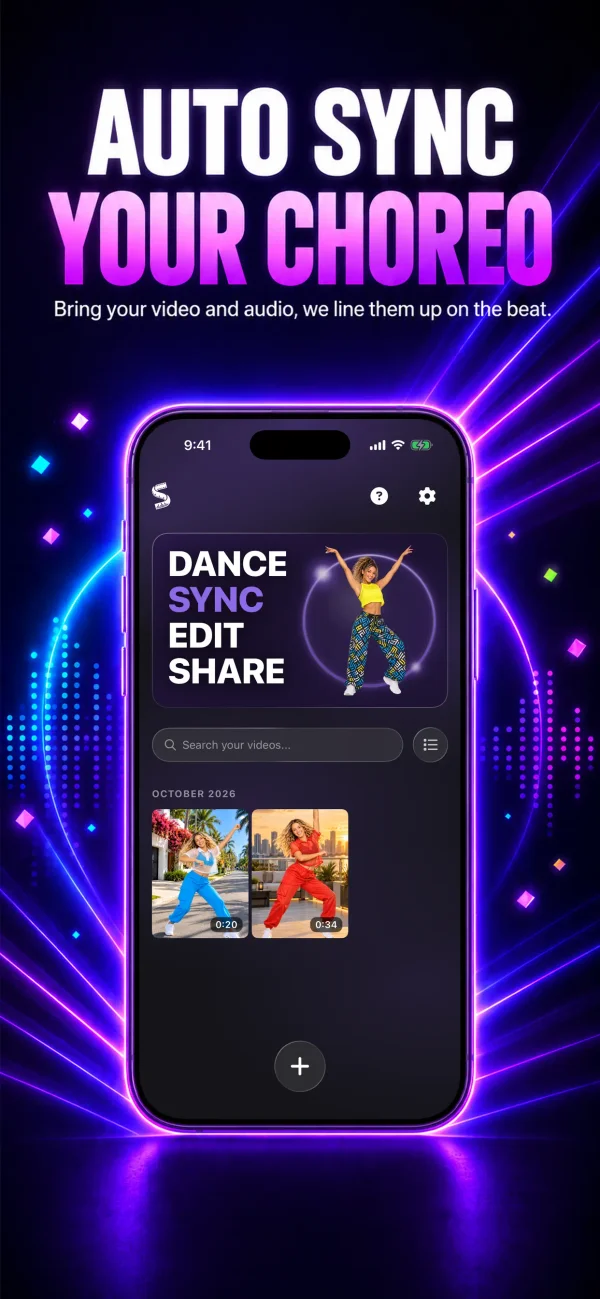
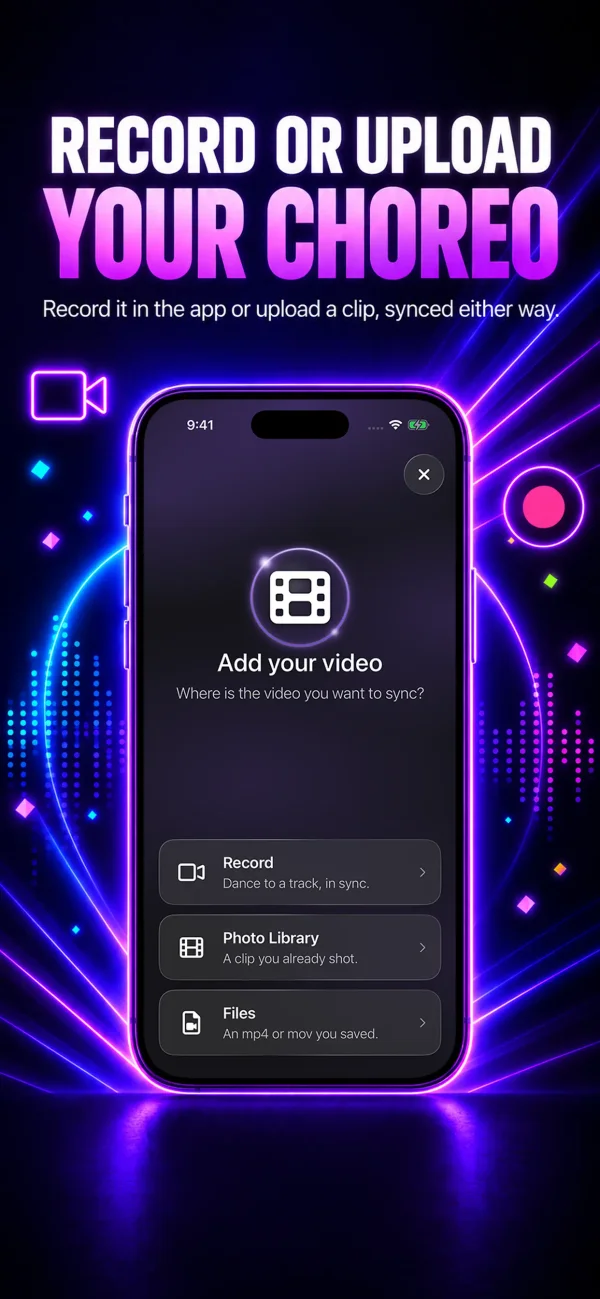
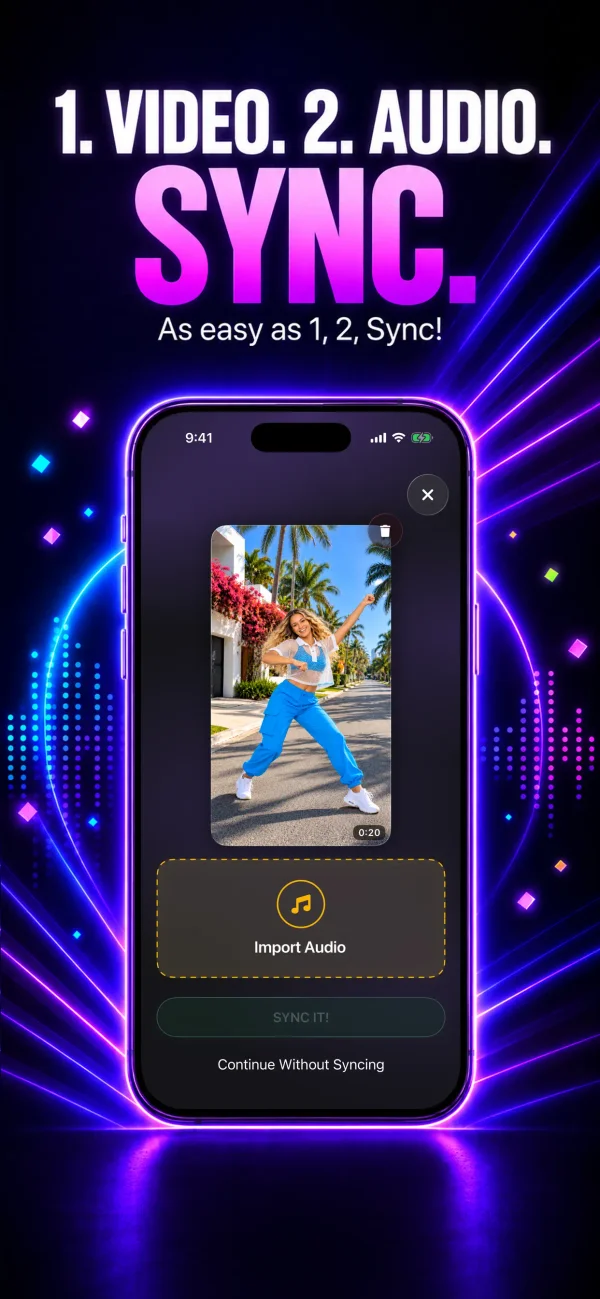
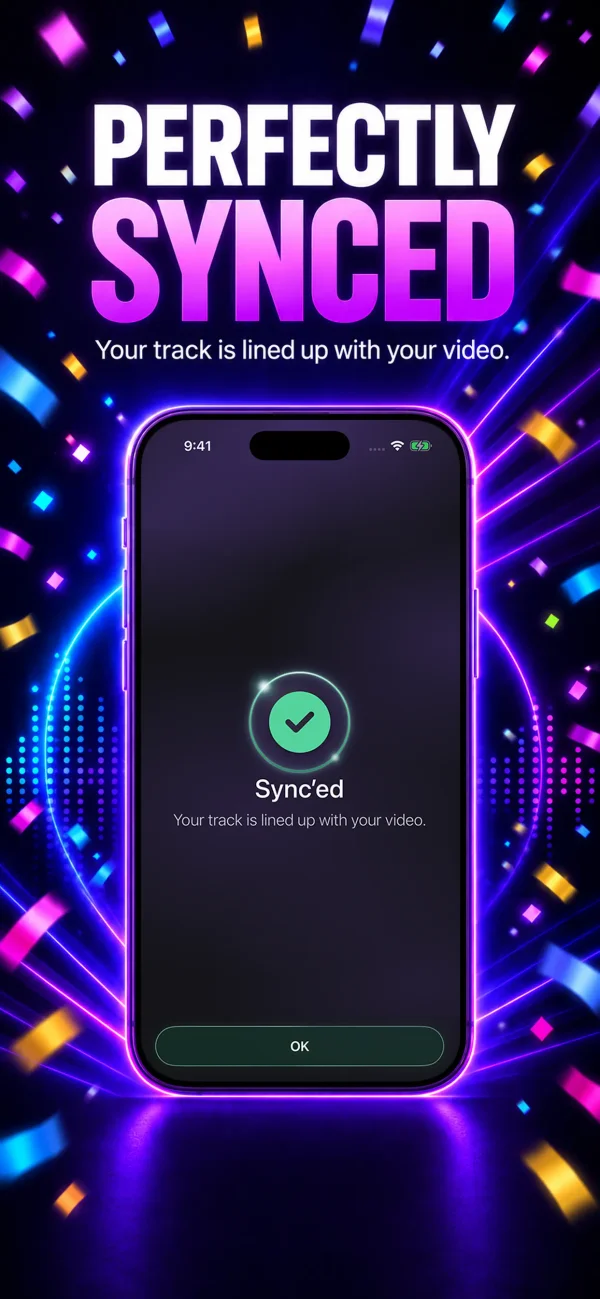
About
A dance video editor that lines your clean music up with your choreography automatically.
Record your routine in the app or import a clip you already shot, then add your own copy of the song. ChoreoSync finds that song in your video, swaps in the clean version and lines it up with your movement. Then finish it in a real editor: more than 200 effects, 8 filters, keyframed camera moves, 18 color tools, six aspect ratios, and export up to 4K.
Free to record, import, sync and edit, with no account, and your first two exports are free. Pro unlocks unlimited exports to Photos.
HOW IT WORKS
1. Record in ChoreoSync, or import a video from Photos.
2. Add your own copy of the song in that video.
3. ChoreoSync lines the two up and replaces the camera audio.
4. Frame it, color it, add effects, and save it to Photos.
THE SYNC
Studio, gym, driveway, park, rooftop: wherever you filmed, you can hear the song in your video. It just sounds like your phone recorded it. That recording is what ChoreoSync listens to. It finds the same moment in your clean copy and drops it in at that point, so every count stays where you danced it.
No dragging waveforms. If a clip has no usable audio, mark one move and its beat by hand instead, then nudge the timing until it sits right.
RECORDED IN SYNC
Pick the section of the song you want, tap record, and dance while it plays. A count-in gives you time to get into place, and recording stops on its own at the end of the section. The take lands in your library already lined up with the track.
FRAME IT
- Six aspect ratios: 9:16, 1:1, 16:9, 4:3, 3:4, or the original
- Pinch, drag and twist to reframe the shot
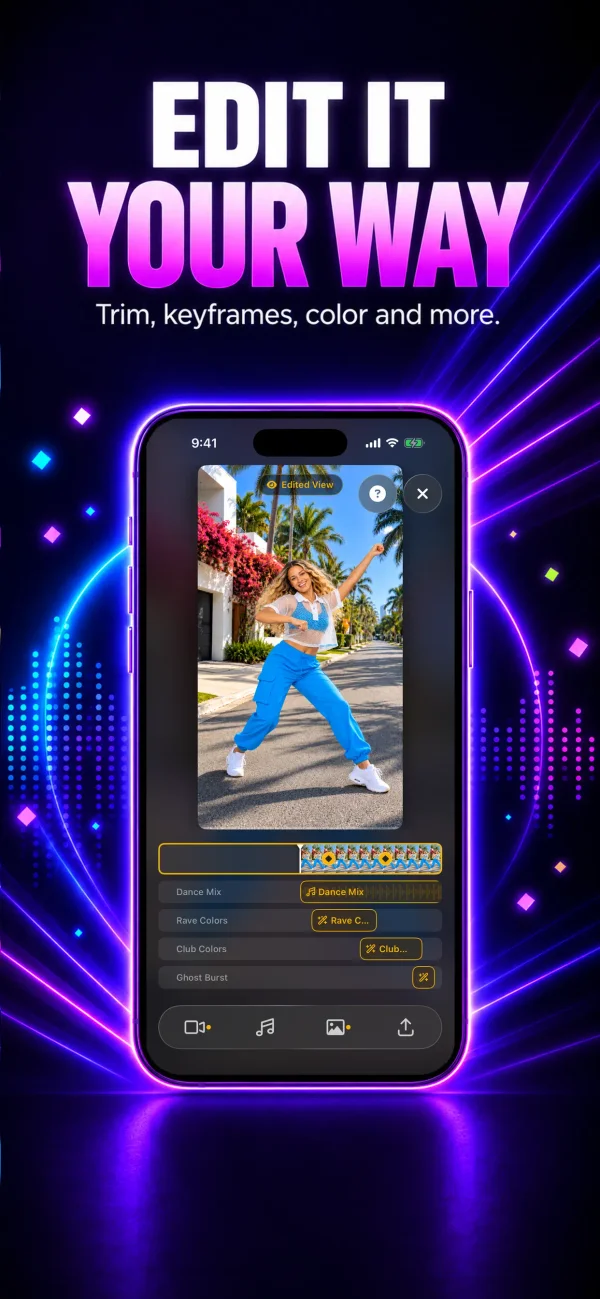
- Keyframes: set the framing at any moment and the camera moves between them, so a wide shot can push in on the chorus and follow you across the floor
- Trim the start and end
COLOR IT
- 18 adjustments, from exposure, highlights and shadows to warmth, vibrance, sharpness, noise reduction and vignette
- 8 filters: HDR, Vivid, Warm, Cool, B&W, Vintage, Fade and Dramatic
- Tap to compare against the original at any time
EFFECTS
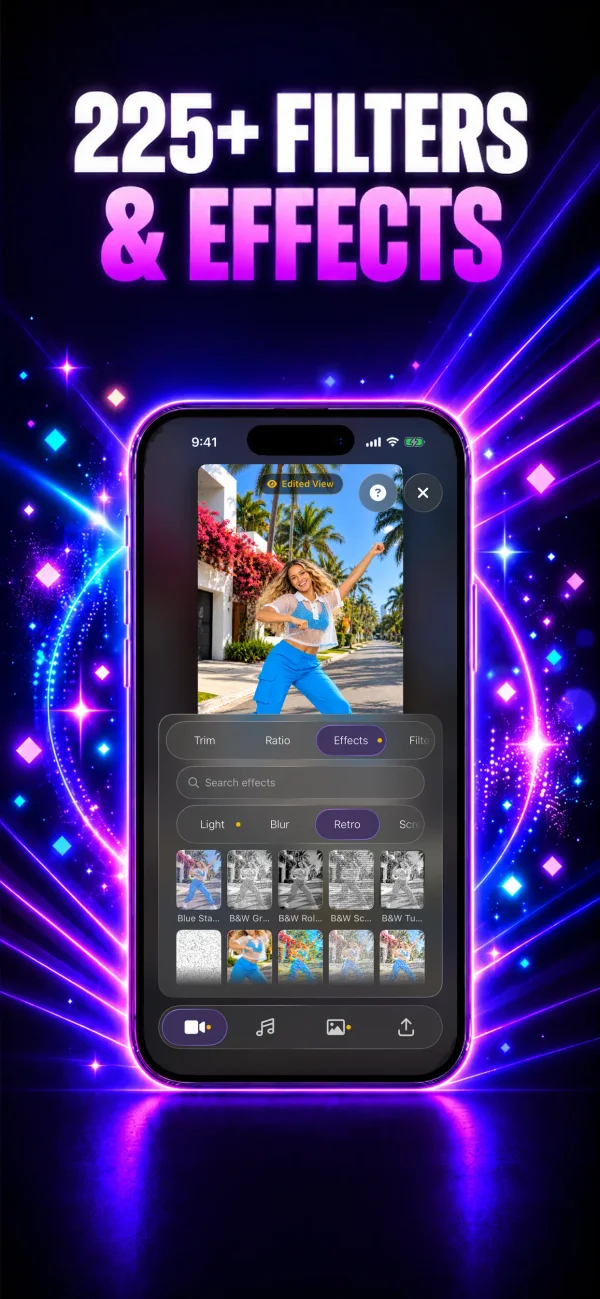
- More than 200 effects, each previewed on your own video before you add it: openers and closers, glows and trails around the dancer, motion, light, retro looks, split screens and more
- Every effect is a bar on the timeline under your video. Hold a bar to move it, drag its ends to set how long it runs
- Search effects by name
- Undo and redo your edits
FINISH IT
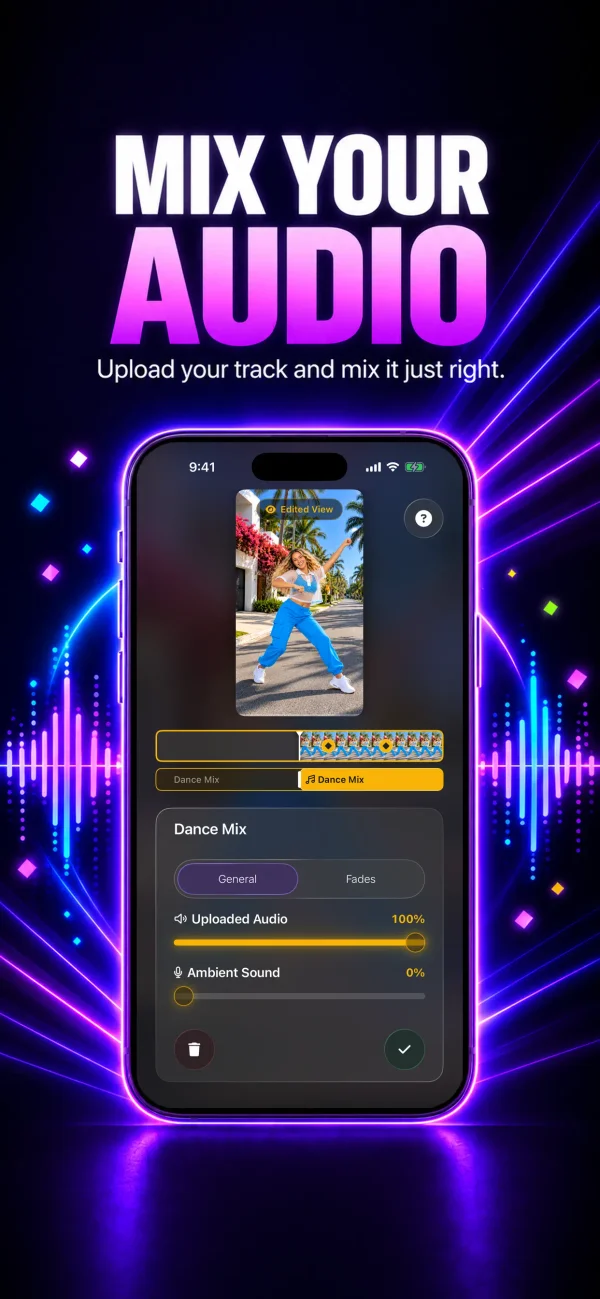
- Mix the clean track with your camera audio, so the cues you called out still come through
- Fade your song in and out at the start and end
- Choose the cover frame, and pinch to frame it
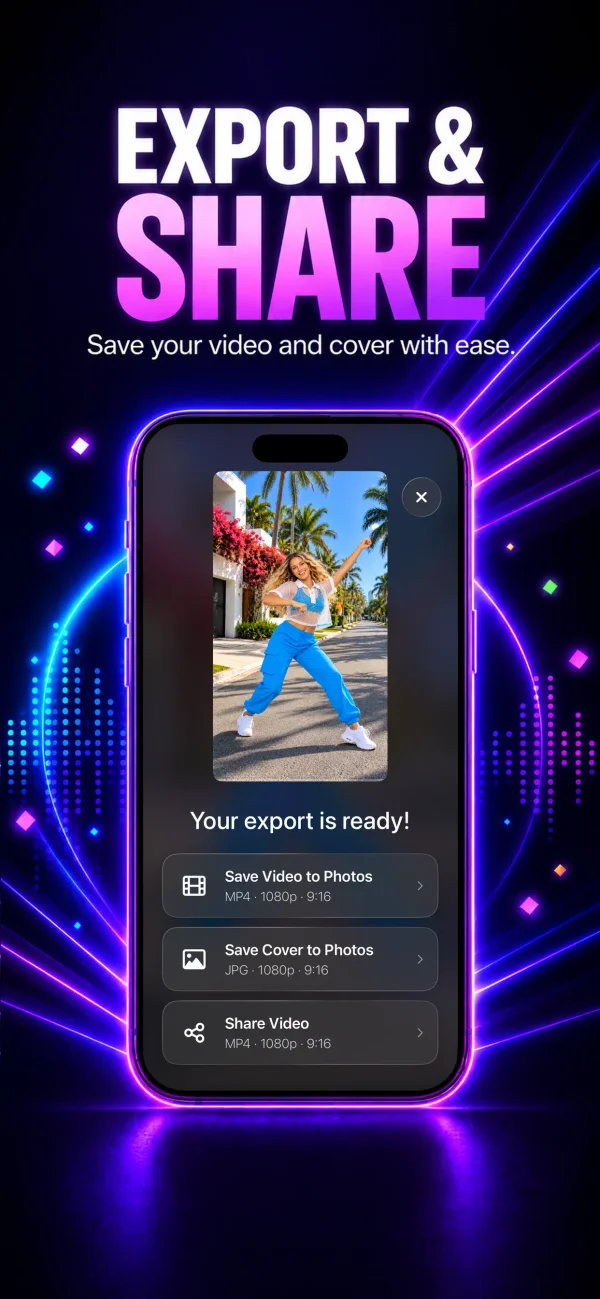
- Export at 720p, 1080p or 4K
Projects stay in your library, so you can pick one back up later.
WHO IT'S FOR
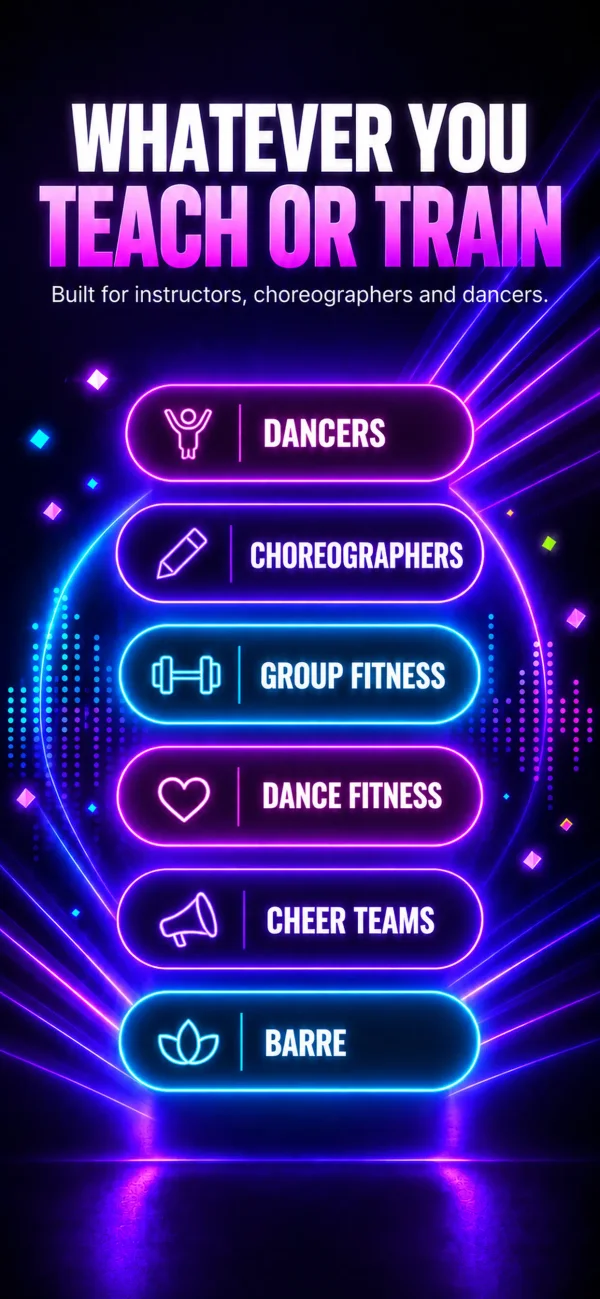
Dance and dance fitness instructors, choreographers, and anyone filming routines to post. Rehearsals, run-throughs, combos, class previews, showcases. If you filmed it to music, you can sync it.
WHAT YOU NEED
- A video, recorded in ChoreoSync or imported from Photos
- Your own copy of the song in that video
ChoreoSync does not stream or provide music. You bring your own copy of the song.
Your video is rendered on your iPhone and saved to Photos. Nothing is uploaded to be rendered.
FREE AND PRO
Record, import, sync, edit and preview for free, with no account and no payment. Your first two finished videos save to Photos for free. ChoreoSync Pro unlocks unlimited exports, on a monthly or a yearly plan.
An account is optional. It keeps your library on every device you sign in on.
Subscriptions renew automatically unless canceled at least 24 hours before the end of the current period. Payment is charged to your Apple Account at confirmation of purchase. You can manage or cancel your subscription in your Apple Account settings.
Terms of Use (EULA):
https://www.apple.com/legal/internet-services/itunes/dev/stdeula/
Privacy Policy:
https://choreosync.com/legal/privacy/
What’s new
Version 1.6.1 · Nov 19, 2026
Fixes the video preview after exporting so it fits on the screen again, with the save buttons right below it.
App privacy
What CM Tech Consulting LLC declares on the App Store about how this app handles data.
-
Data linked to you
May be collected and linked to your identity.
- Contact info
- User content
- Identifiers
- Usage data
-
Data not linked to you
May be collected but is not linked to your identity.
- Diagnostics
Privacy practices may vary, for example with the features you use or your age.
Information
- Seller
- CM Tech Consulting LLC
- Category
- Photo & Video
- Version
- 1.6.1
- Updated
- Nov 19, 2026
- Released
- Sep 21, 2026
- Size
- 11.5 MB
- Requires
- iOS 17.6 or later
- Age rating
- 4+
- Price
- Free
- In-app purchases
- Yes
- Languages
- English, French, German, Italian, Japanese, Korean, Portuguese, Spanish
- Copyright
- © CM Tech Consulting, LLC.
You might also like
-
 CamJam: shoot to the beatVideos cut to the music
-
 WEAVE: Music Video EditorBeat Sync, Reels & Effects
-
 DanceShot: Dance Video EditorBeat Sync · Cam Moves · Fancam
-
 Dance AI Video Maker: AI DanceGenerate Viral AI Dance Videos
-
 RhythmReelMake videos bounce to music.
-
 ChallengeMe - AI dance compareAI · Real-time / pose analysis
-
 CutFrame - AI Video EditorReels Maker, Captions & Music
-
 Artech - Photo & Video EffectsThe Art of Technology
-
 Tael — Cinematic Video MakerCinematic Reels in Minutes
-
 Camuzo: Music CameraFilm with your music playing