ChroMuse - Smart Coloring
Smart Preview, Palettes, Guide
Designed for iPhone, iPod touch
Free · In-app purchases
- Age rating4+
- CategoryGraphics & Design
- DeveloperINNOKWAY LIMITED
- LanguagesEnglish
- Size56.0 MB
Links to the official App Store page
Download.org hosts no file of ChroMuse - Smart Coloring. The button opens its official App Store page, published by INNOKWAY LIMITED. Listing last checked on Nov 16, 2026.
Screenshots

About
ChroMuse is the ultimate smart coloring companion designed specifically for traditional artists, marker lovers, and coloring enthusiasts. Ever worried about ruining a beautiful coloring page with the wrong color choices?
With ChroMuse, you can test different color directions digitally before applying a single drop of ink to your final physical artwork. Can't pick a color? Just Chromuse it.
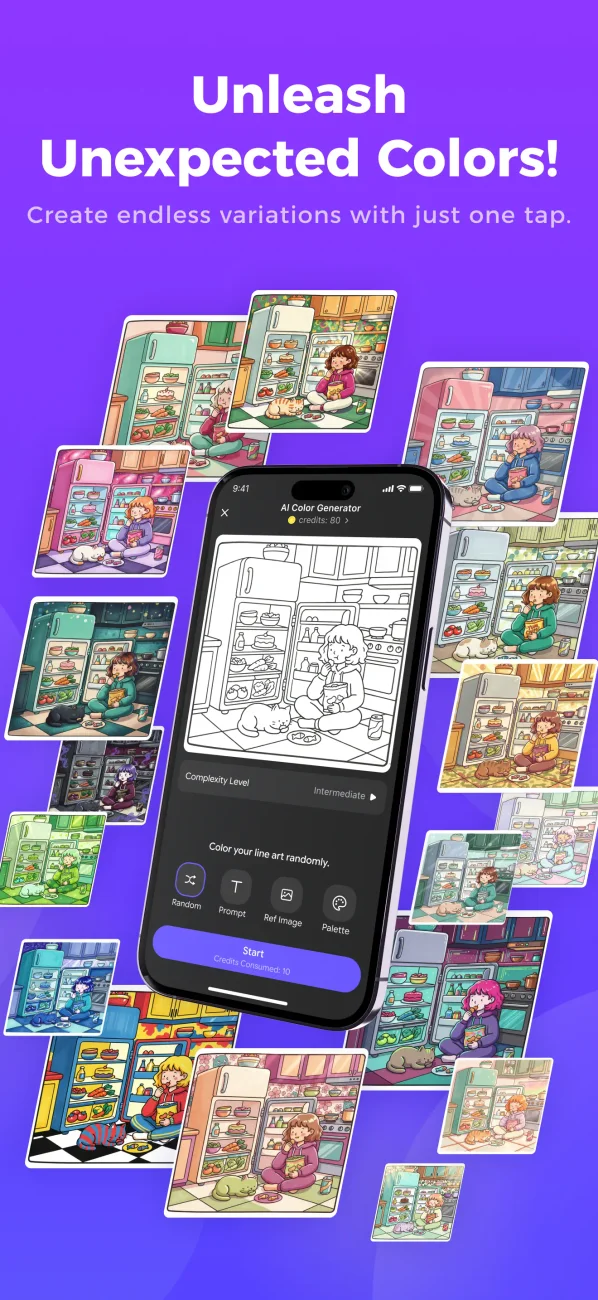
4 SMART COLORING MODES
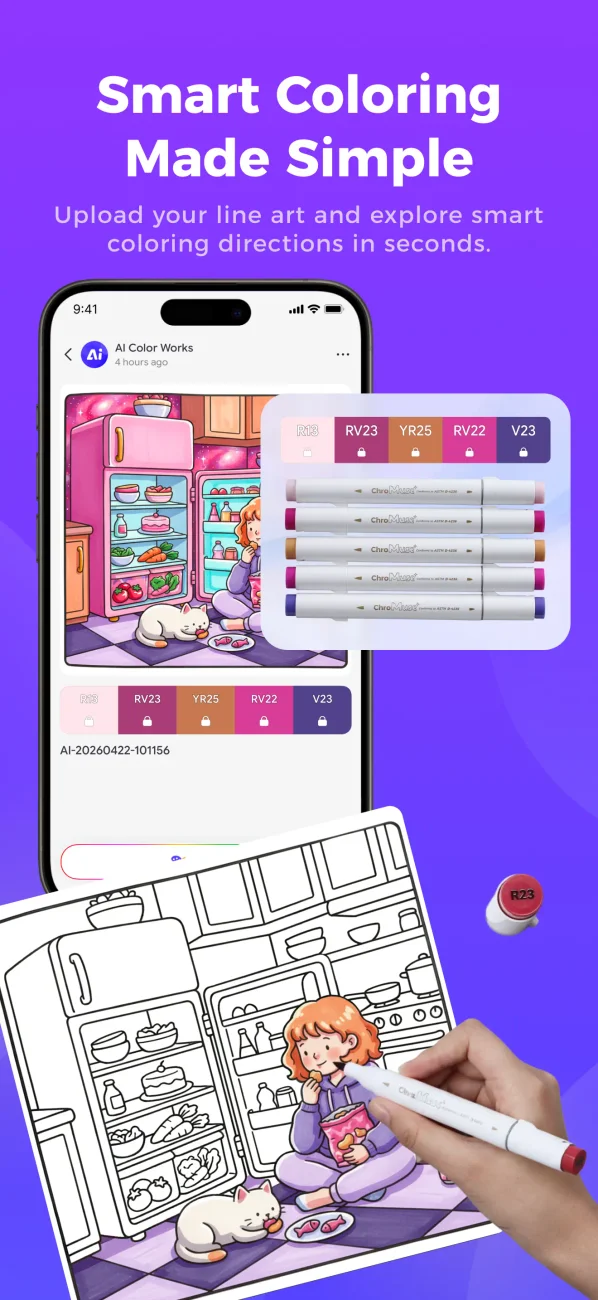
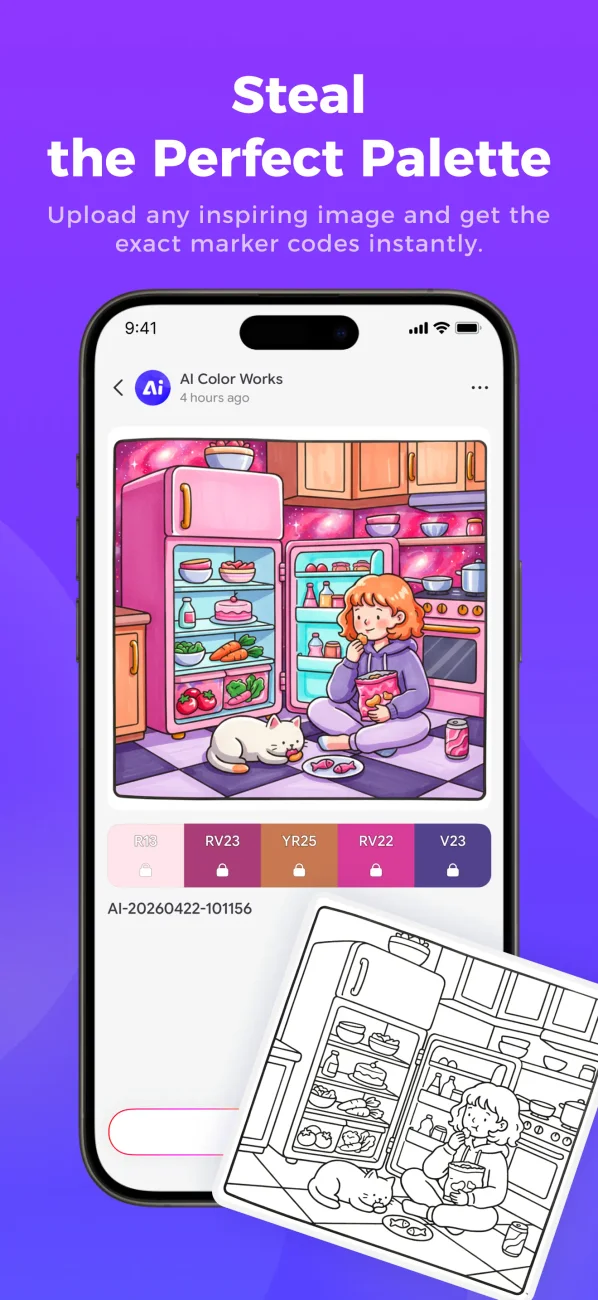
Preview your coloring pages in 4 smart ways, and get the exact marker color codes to recreate them in real life!
- Random: Let the app surprise you with unexpected and beautiful color combos.
- By Words: Type a theme (e.g., "Vintage Autumn") and watch the magic happen.
- By Reference: Upload a photo to transfer its color vibe directly to your line art.
- By Palette: Input your chosen markers to preview the final result and avoid clashing colors.
FREE CREATIVE RESOURCES
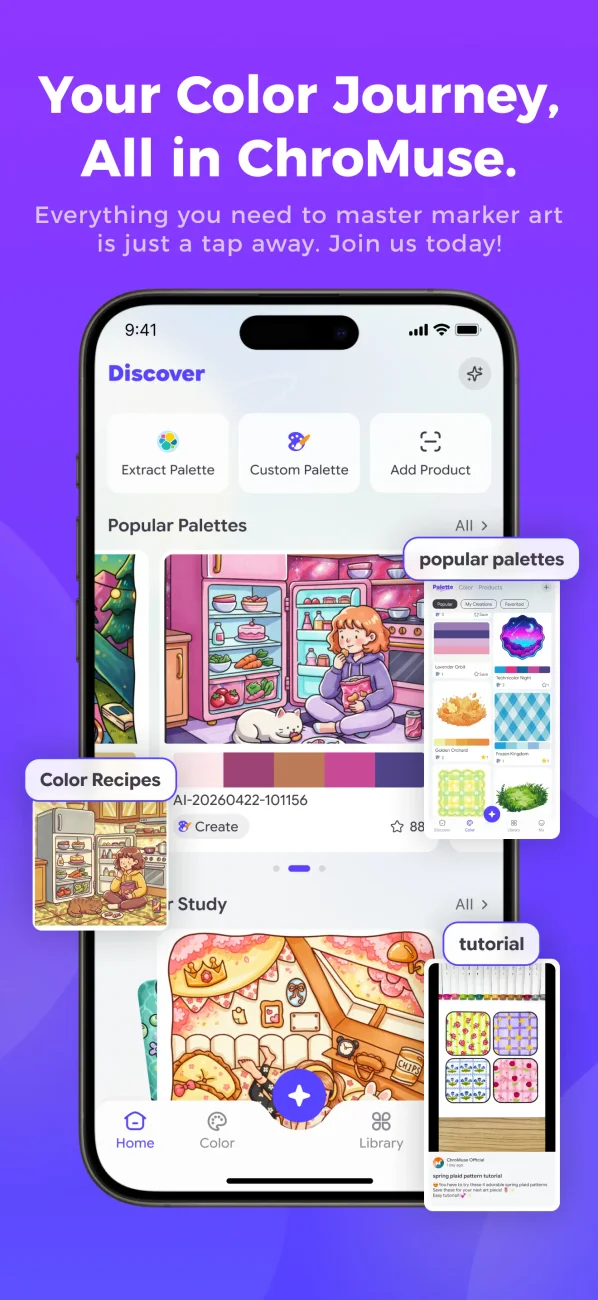
- Pro Tutorials: Learn texture and rendering techniques from pro designers (updated weekly).
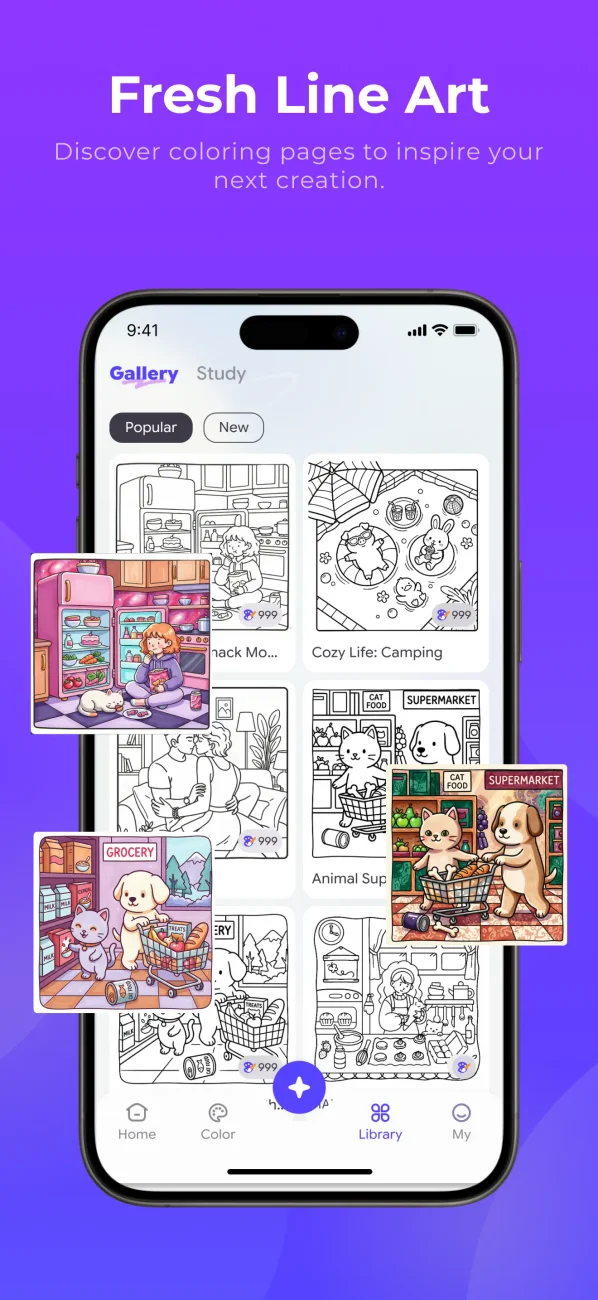
- HD Line Art: Access high-quality, free line arts ready to color.
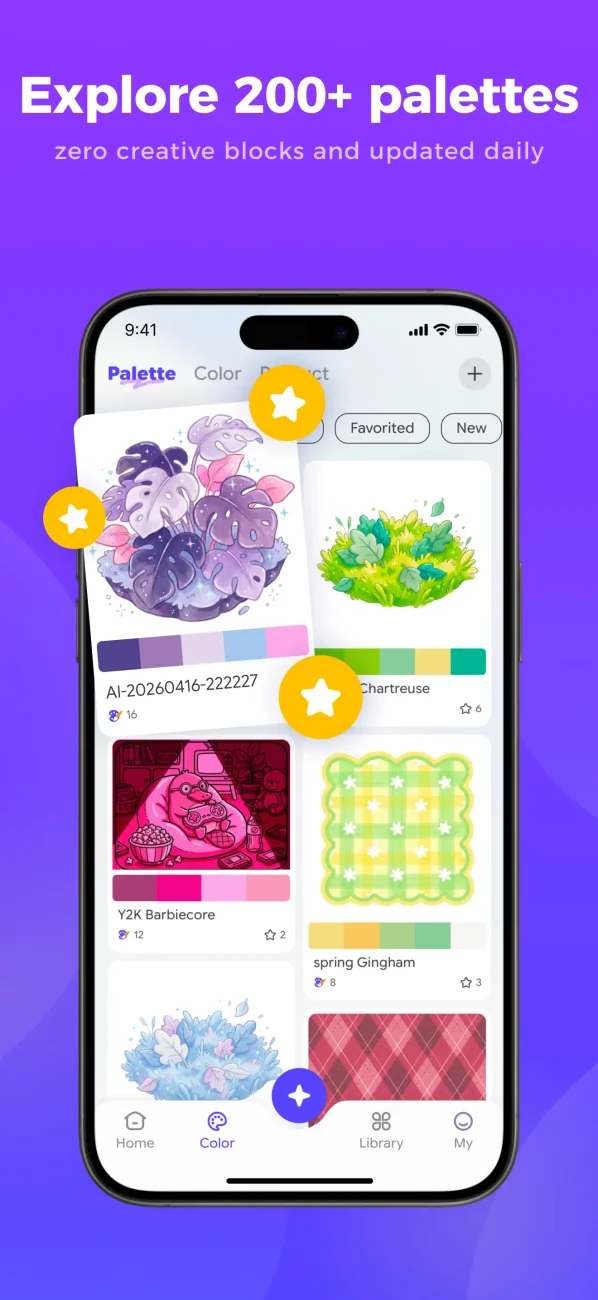
- Trending Palettes: Browse and save 200+ popular color combinations.
COLOR & PALETTE MANAGEMENT
- Smart Palettes: Extract colors from photos or build your own custom palettes.
- Digital Chart: Track and manage your physical marker collection effortlessly.
- Ink Tracker: Mark empty markers so you know exactly which refills to buy.
Your Color Journey, All in ChroMuse.
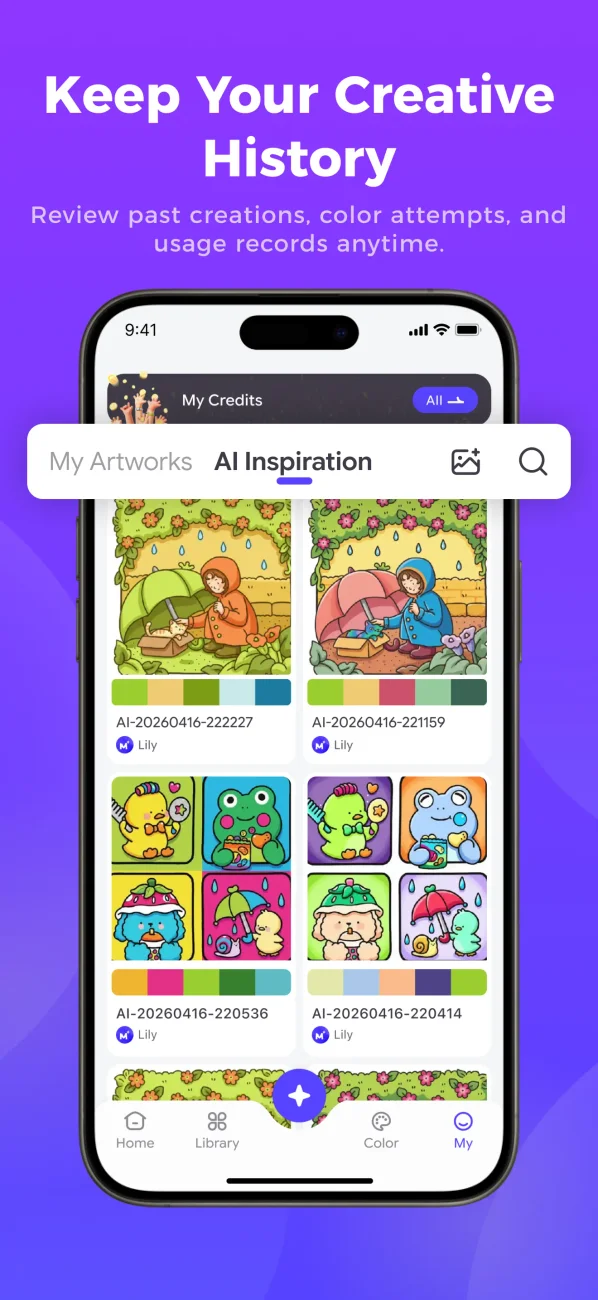
- Record Your Journey: Upload your finished physical artworks to create your personal digital gallery.
- Color Recipes: Log the exact markers used for each piece to easily replicate successful combos.
What’s new
Version 1.1.3 · Nov 13, 2026
- Optimized Palette tags
- Optimized Palette data filtering
- Added an entry point for product binding
- Improved the My tab
App privacy
What INNOKWAY LIMITED declares on the App Store about how this app handles data.
-
Data linked to you
May be collected and linked to your identity.
- Contact info
-
Data not linked to you
May be collected but is not linked to your identity.
- User content
- Diagnostics
Privacy practices may vary, for example with the features you use or your age.
Information
- Seller
- INNOKWAY LIMITED
- Category
- Graphics & Design
- Version
- 1.1.3
- Updated
- Nov 13, 2026
- Released
- May 7, 2026
- Size
- 56.0 MB
- Requires
- iOS 16 or later
- Age rating
- 4+
- Price
- Free
- In-app purchases
- Yes
- Languages
- English
- Copyright
- © 2026, ChroMuse
You might also like
-
 Marker MuseNo AI Touching Your Art
-
 ColorBestie: Cozy ColoringAdult Coloring & Marker Plans
-
 Hueforia: Color Palette MakerMood Boards & Coloring Shades
-
 Cozy HuesPalettes from your own markers
-
 Color Wheel & PalettesColor Theory & Color Harmony
-
 Chroma Color Palette MakerCreate & browse color swatches
-
 BuddyColo: Coloring TrackerYour art therapy journal
-
 Pocket PaletteSimple color scheme maker.
-
 ColoringBook AI GeneratorPhoto & text to coloring page
-
 ColorPalette - Color HarmonyGraphics & Design