- Age rating4+
- CategoryProductivity
- Developer冠宇 龚
- LanguagesEnglish+ 1 more
- Size3.3 MB
Links to the official App Store page
Download.org hosts no file of ChronoCap. The button opens its official App Store page, published by 冠宇 龚. Listing last checked on Nov 18, 2026.
Screenshots




About
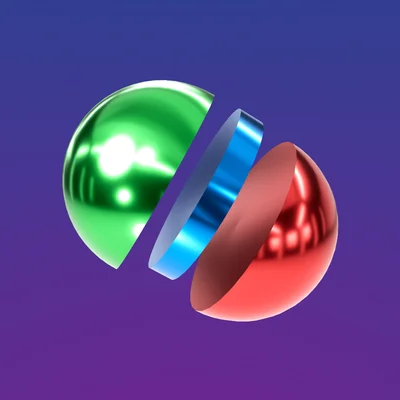
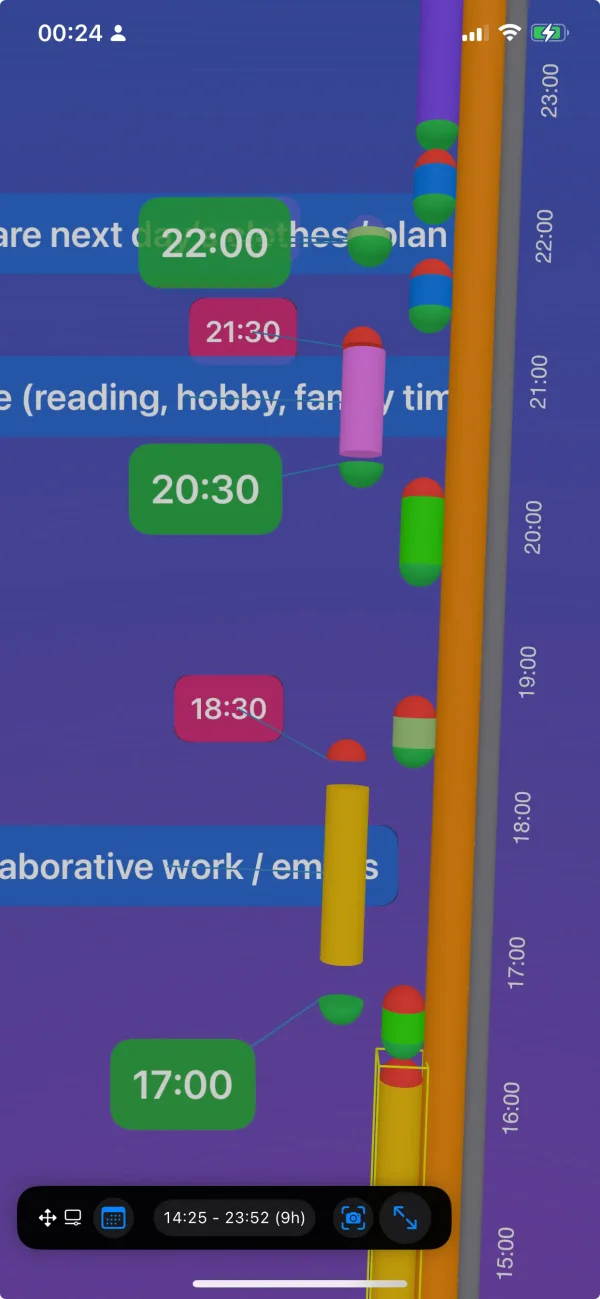
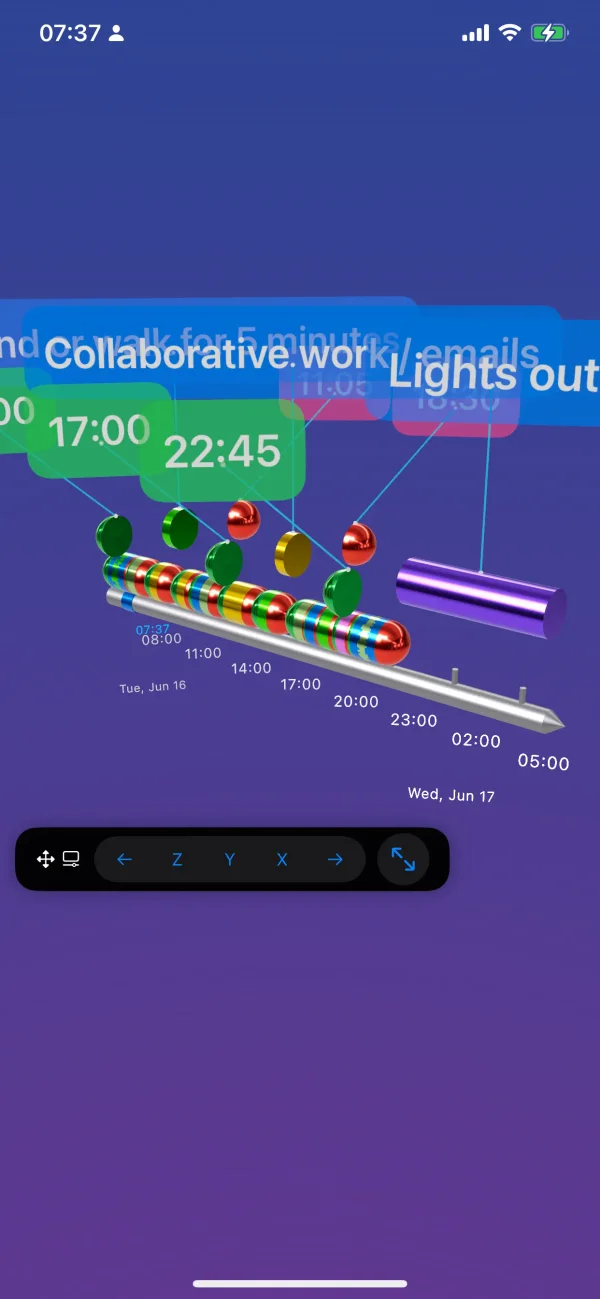
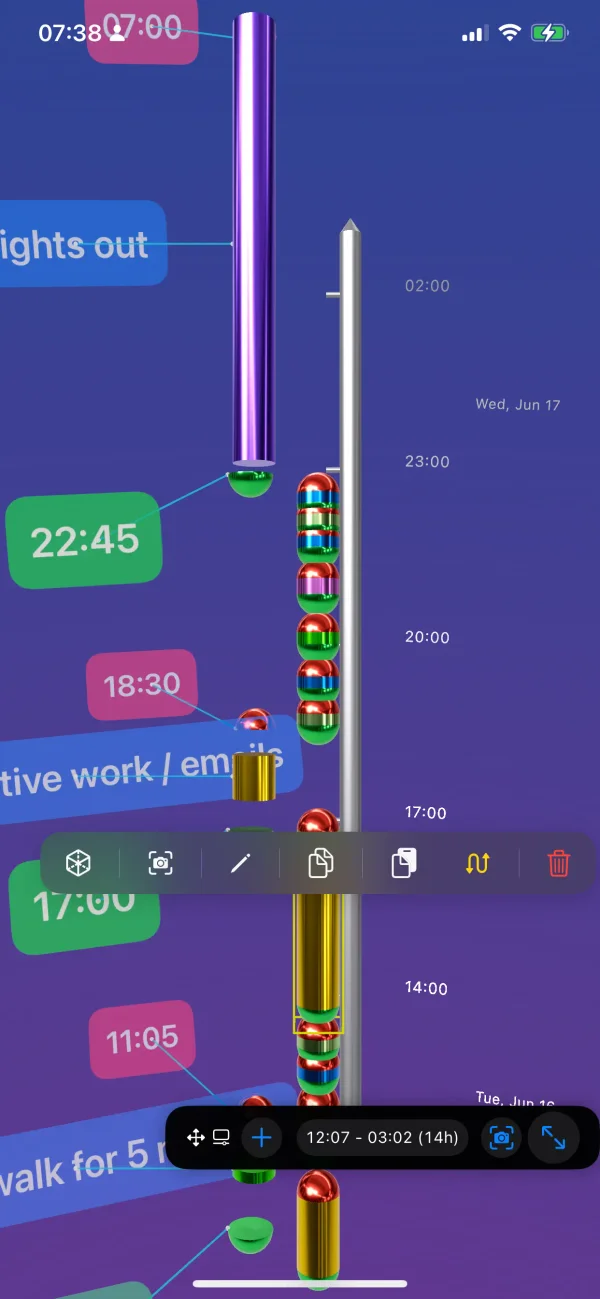
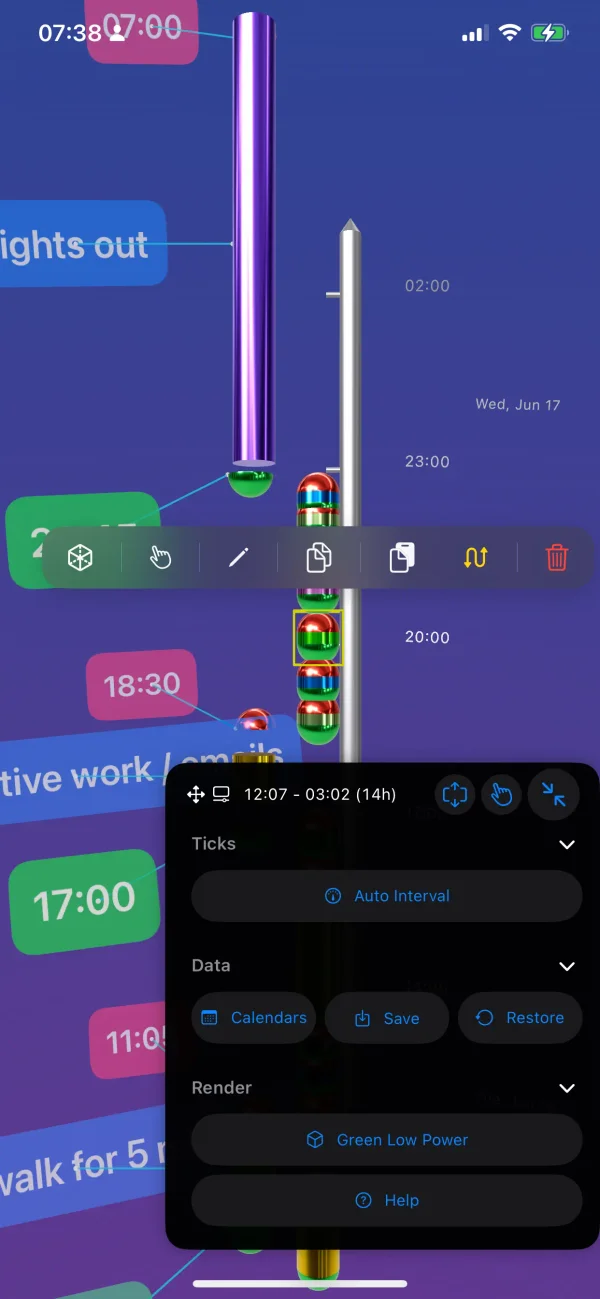
ChronoCap turns your everyday calendar into a stunning sci‑fi timeline. Each event becomes a glowing capsule suspended along a time corridor. Rotate, zoom, swipe through days, and tap to “explode” capsules for details — a futuristic interaction that makes planning feel like exploration.
Key Features
• 3D Time Capsules – Every event appears as a distinct, colorful capsule, giving you an instant overview of your schedule.
• Exploding Events – Tap any capsule to elegantly break it open, revealing title, time, and details with a satisfying animation.
• Dual Display Modes – Switch between “Power Saver” and “Rich Visuals” styles to balance battery life and visual quality.
• Intuitive Gestures – Swipe with one finger to travel through time, rotate with two fingers, and pinch to zoom — as fluid as touching a real universe.
• Smart Time Ruler – Tick marks and dates automatically adjust spacing so text is always readable, whether you view one day or several.
• Full Calendar Editing – Create, modify, copy, delete events right on the timeline. Supports recurring events and reminders.
• Immersive Gradient Sky – A blue‑purple skysphere wraps your timeline in a cosmic atmosphere, with automatic Dark Mode support.
• Privacy – All calendar data stays on your device. We never collect, upload, or analyze any of your information.
For Anyone Who
• Wants a creative new way to manage their schedule
• Feels overwhelmed by dense agendas and craves clarity
• Loves sci‑fi aesthetics and tactile digital interactions
Privacy Commitment
The app only reads your system calendar to display events. No network requests, no third‑party tracking. Your data belongs to you.
What’s new
Version 1.0.2 · Nov 4, 2026
New
• Automation: enable “Auto Locate to Now”, “Expand When Entering Event”, and “Collapse When Leaving Event”
• Scene gesture lock: prevents accidental input; when locked, only a two-finger tap can switch modes
• Three-state floating panel: full panel / bar / circular button; the circular button is draggable
• Exploded label size: adjustable from 0.1× to 1.8×; fine-tune with the panel slider, or use quick presets from the long-press menu
• Hide status bar and home indicator: for a more immersive browsing experience
• Language shortcut: jump to system settings from within the app to change language
Improvements
• Redesigned camera gestures: removed the easily triggered roll; two-finger rotate and pinch can now work simultaneously
• “Go to Now” is more accurate: centers correctly at any zoom level and window size
• Gestures are fully aligned across both render engines
• Lower frame rate when idle for better battery life
• The scene follows iPad Split View / Stage Manager resizing
Bug fixes
App privacy
What 冠宇 龚 declares on the App Store about how this app handles data.
-
Data not collected
The developer does not collect any data from this app.
Privacy practices may vary, for example with the features you use or your age.
Information
- Seller
- 冠宇 龚
- Category
- Productivity
- Version
- 1.0.2
- Updated
- Nov 4, 2026
- Released
- Jun 18, 2026
- Size
- 3.3 MB
- Requires
- iOS 18 or later
- Age rating
- 4+
- Price
- $0.99
- Languages
- English, Simplified Chinese
- Copyright
- © nicevolution
You might also like
-
 TrustStewardYour trust spans decades.
-
 Dienstmappe: Site Photo LogPhoto reports & sign-off
-
 BoatLedgerBoat renewals & safety expiry
-
 To Do List & Planner · HandfulDaily Tasks, Reminders & Focus
-
 TextSwapEditor-AI Text RemoverRemove objects from photo
-
 Tab Space – Tab SaverSync & reopen Safari sessions
-
 Colorblind Helper & SimulatorCook with confidence
-
 Stilo - Typewriter NotesOffline Journal & Writing
-
 VoxSafe-Offline TranscriptionVoice notes, offline & private
-
 NanagiProductivity