Chunklink – Bedrock Servers
Your console, on any server
Designed for iPhone, iPod touch
Free
- Age rating4+
- CategoryUtilities
- DeveloperLukas Braach
- LanguagesEnglish+ 1 more
- Size46.3 MB
Links to the official App Store page
Download.org hosts no file of Chunklink – Bedrock Servers. The button opens its official App Store page, published by Lukas Braach. Listing last checked on Nov 13, 2026.
Screenshots

About
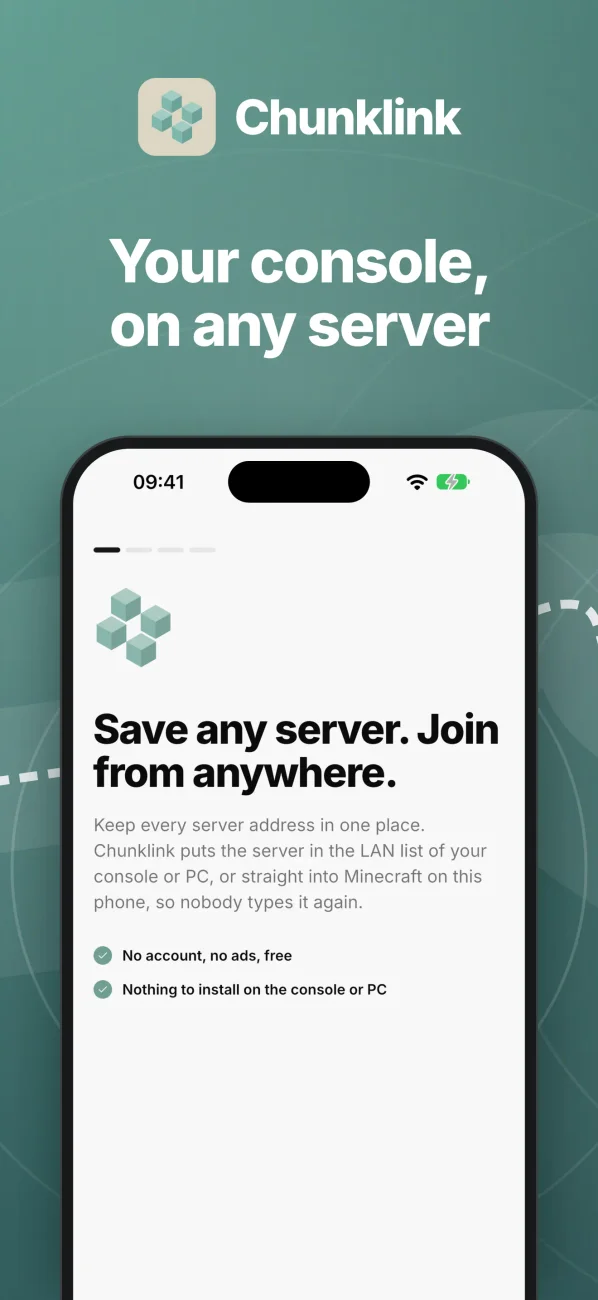
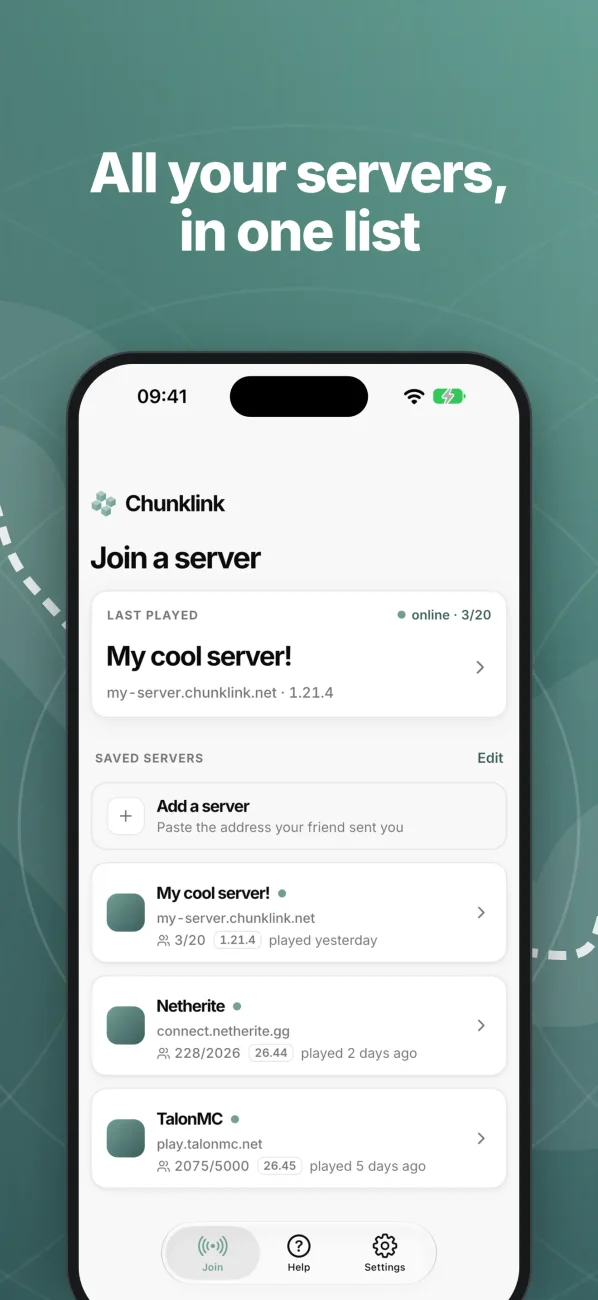
Minecraft on Xbox, PlayStation and Nintendo Switch has no field for a server address. Chunklink gives your console one: type the address into your phone, press start, and the server shows up in the console's LAN games list like a game from the next room.
Free. No account. No ads.
HOW IT WORKS
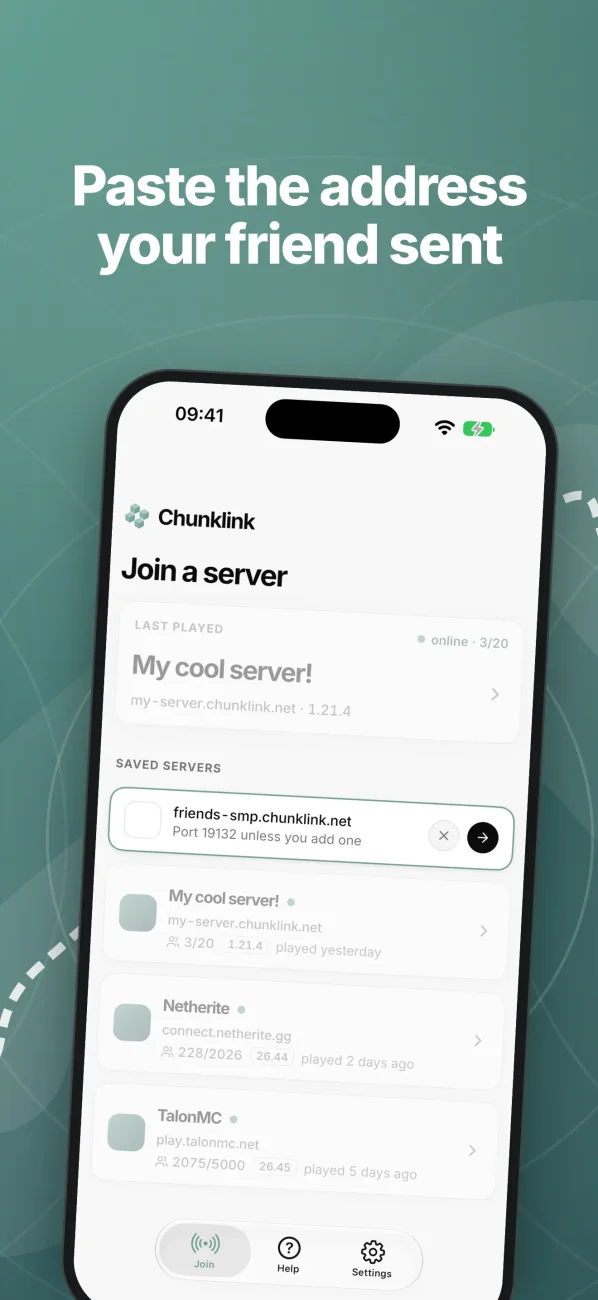
1. Add a server. Paste the address a friend sent you, or start with one of the two the app comes with.
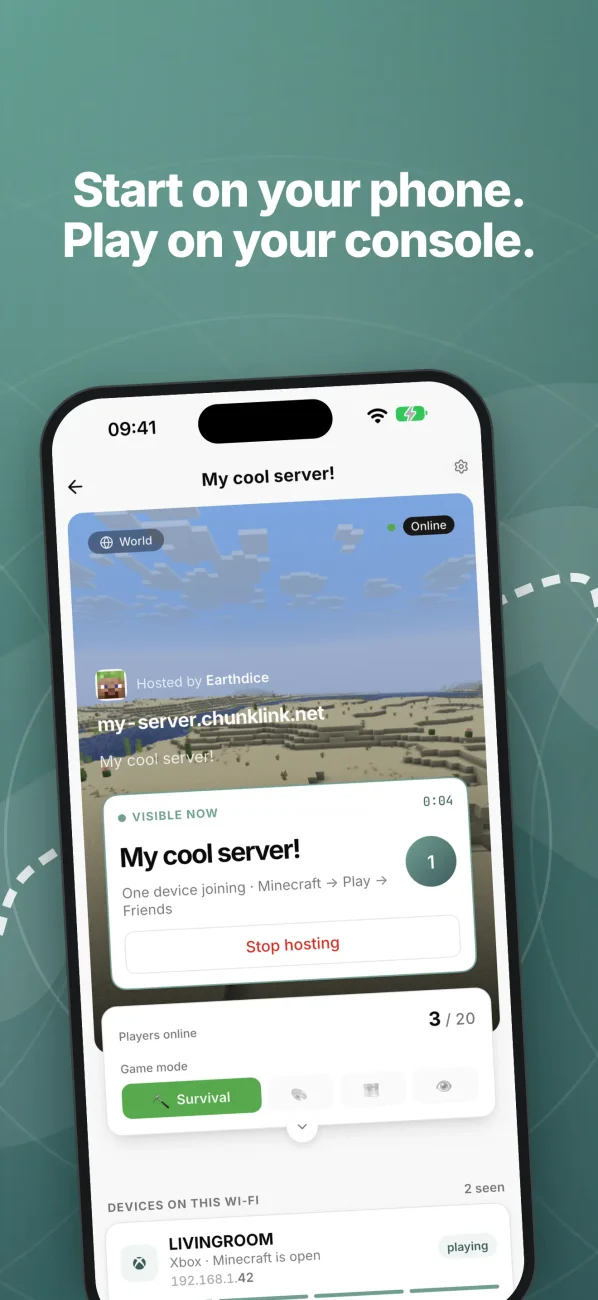
2. Press start. Your phone announces the server on your Wi-Fi.
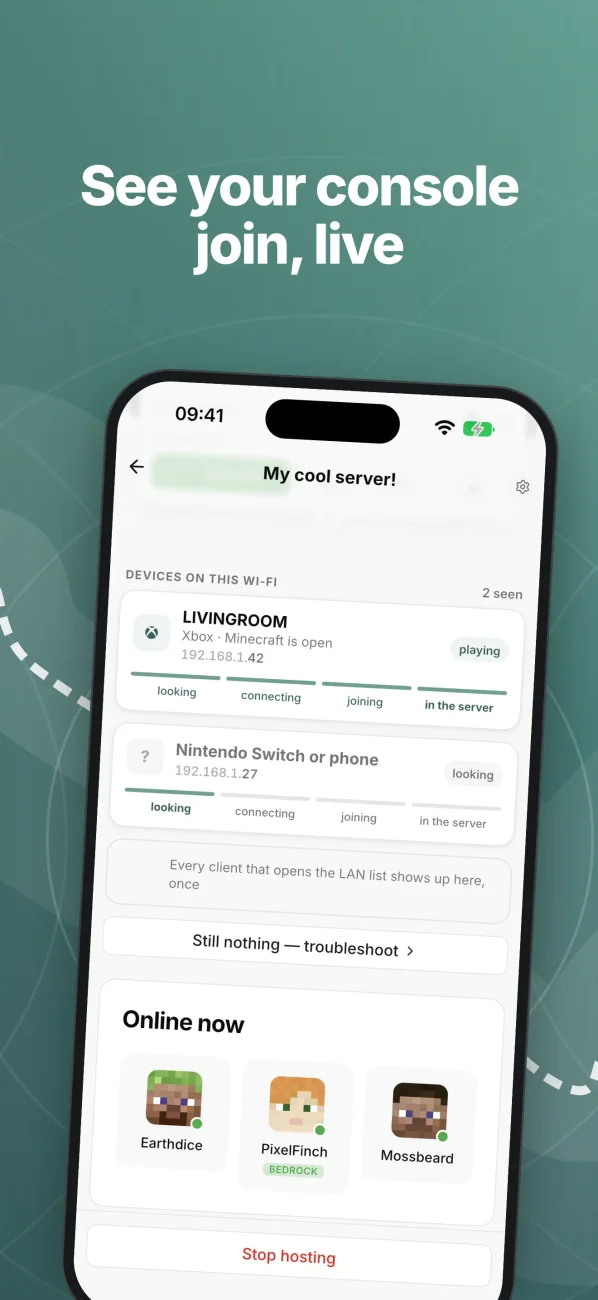
3. On the console, open Minecraft and go to Play → Friends. The server is there under LAN Games, with its real name.
4. Join. The console connects to the server directly, and once everyone is in you can put the phone away.
WHAT YOU NEED
- Phone and console on the same Wi-Fi. A hotspot from the phone works too.
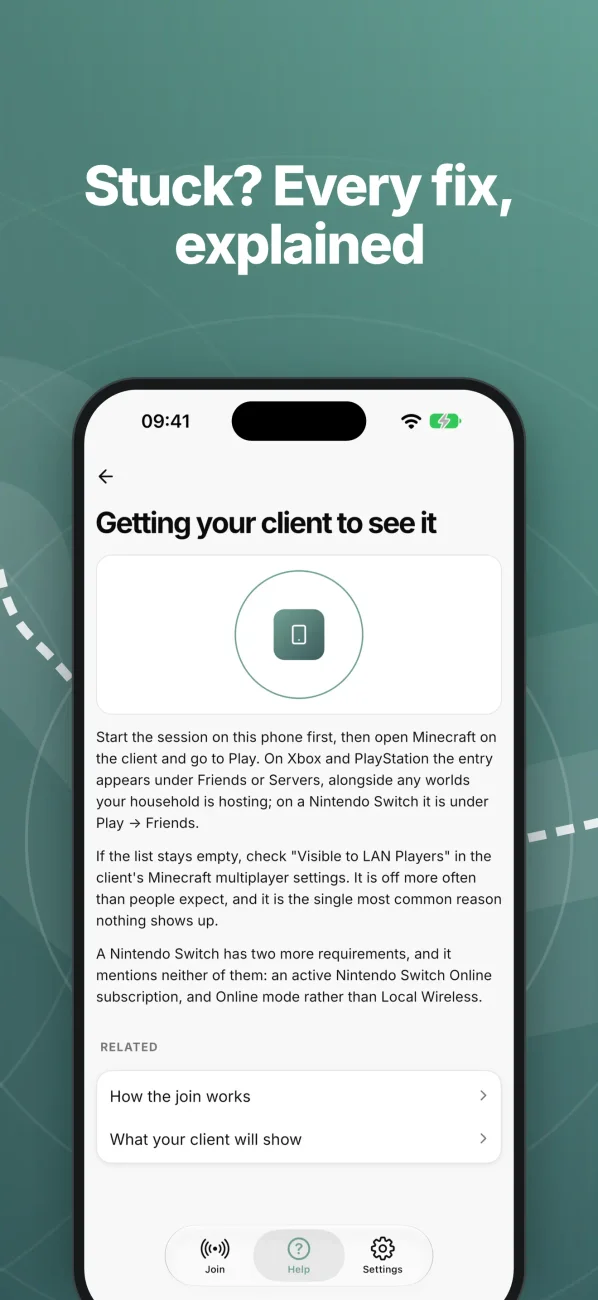
- "Visible to LAN Players" switched on in Minecraft's multiplayer settings on the console. It is off more often than you'd think, and it is the number one reason nothing shows up.
- On a Nintendo Switch: an active Nintendo Switch Online subscription, and Minecraft in Online mode rather than Local Wireless.
Nothing to install on the console, nothing to change on it, no DNS tricks.
TWO WAYS A CONSOLE JOINS
Most servers get the direct hand-off above, and your phone is out of the picture seconds after the console is in. If a server runs a Minecraft version the hand-off doesn't cover yet, Chunklink passes the whole connection through your phone instead: the app stays open and the screen stays on for as long as anyone plays, the battery notices, and a Nintendo Switch cannot join that way at all. The app tells you which of the two you're getting before you start.
Chunklink asks for Local Network access the first time. That is the whole feature: consoles look for games on the local network, and your phone answers. It never asks for your location. Saved servers stay on your phone.
Works with any Bedrock server, whoever runs it: a Bedrock Dedicated Server, a Java server with GeyserMC, or a Chunklink server.
Chunklink is an independent app and is not affiliated with Mojang Studios, Microsoft, Nintendo or Sony Interactive Entertainment. Minecraft is a trademark of Mojang Synergies AB. Xbox, PlayStation and Nintendo Switch are trademarks of their respective owners.
NOT AN OFFICIAL MINECRAFT PRODUCT. NOT APPROVED BY OR ASSOCIATED WITH MOJANG OR MICROSOFT.
What’s new
Version 1.1.1 · Nov 9, 2026
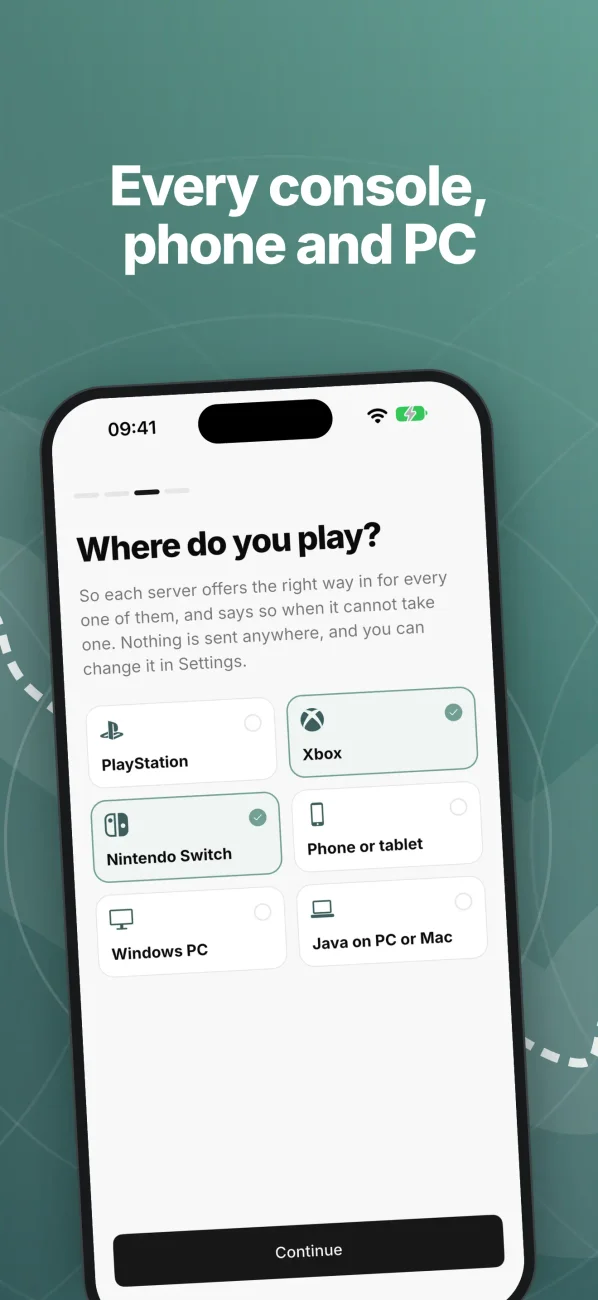
Every server now has its own page: the world, who's online, game mode and rules, before you join. Tap a chunklink.net server link and it opens right in the app. And tell the app where you play: each server shows whether those devices can join.
App privacy
What Lukas Braach declares on the App Store about how this app handles data.
-
Data linked to you
May be collected and linked to your identity.
- Contact info
- User content
- Identifiers
- Usage data
- Diagnostics
Privacy practices may vary, for example with the features you use or your age.
Information
- Seller
- Lukas Braach
- Category
- Utilities
- Version
- 1.1.1
- Updated
- Nov 9, 2026
- Released
- Oct 20, 2026
- Size
- 46.3 MB
- Requires
- iOS 15.0 or later
- Age rating
- 4+
- Price
- Free
- Languages
- English, German
- Copyright
- © 2026 Lukas Braach
You might also like
-
 ServerMoxUtilities
-
 Strainlabs BoltsMonitor your bolts tightening
-
 Parental Control: SmartBlockEarn It: Maths App Blocker
-
 BridgePlay — Bedrock LAN ToolShow your servers as LAN
-
 BLE Beacon ToolkitBLE Tools & iBeacon Simulator
-
 Bedrock ArabUtilities
-
 Bot Creator StudioBuild & host bots without code
-
 RACEXINGUtilities
-
 Bedrock OnlineMinecraft Servers | Any Device
-
 Diamond Strike for MinecraftDiamond Finder and Mapper