- Age rating4+
- CategoryProductivity
- DeveloperAxel Hauschild
- LanguagesEnglish+ 1 more
- Size9.6 MB
Links to the official App Store page
Download.org hosts no file of Circuit Planner. The button opens its official App Store page, published by Axel Hauschild. Listing last checked on Nov 12, 2026.
Screenshots


About
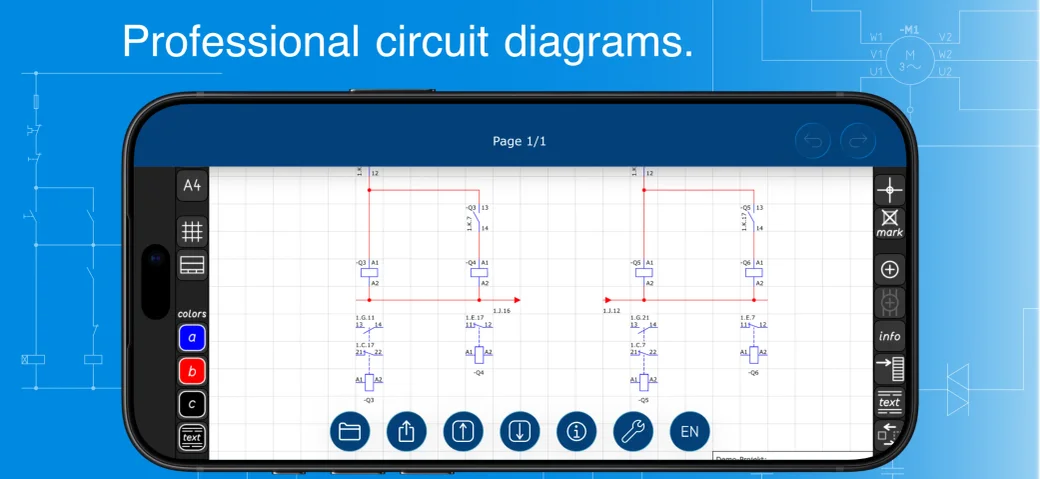
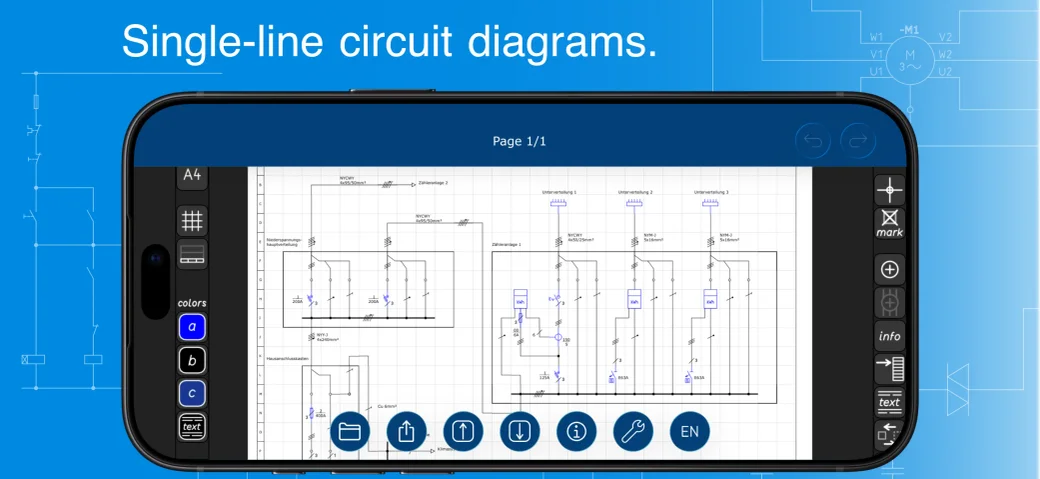
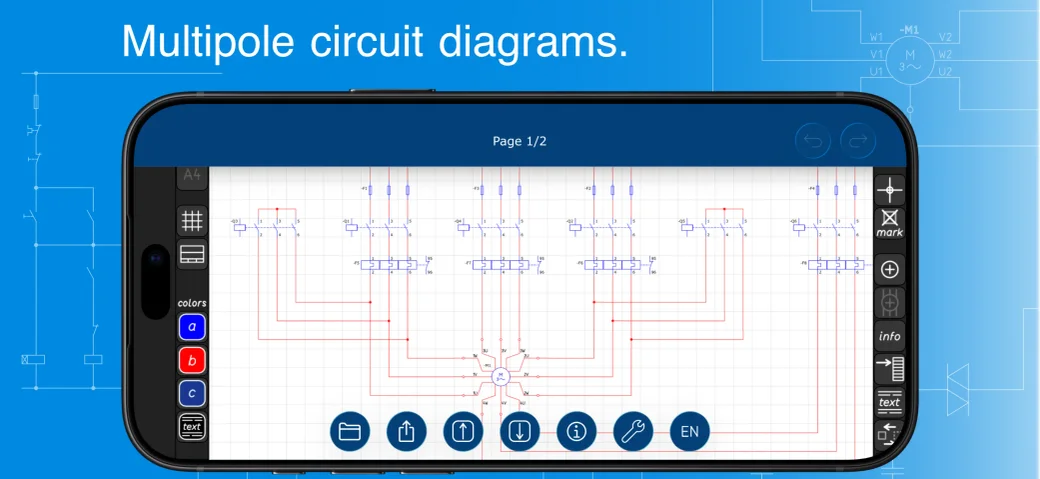
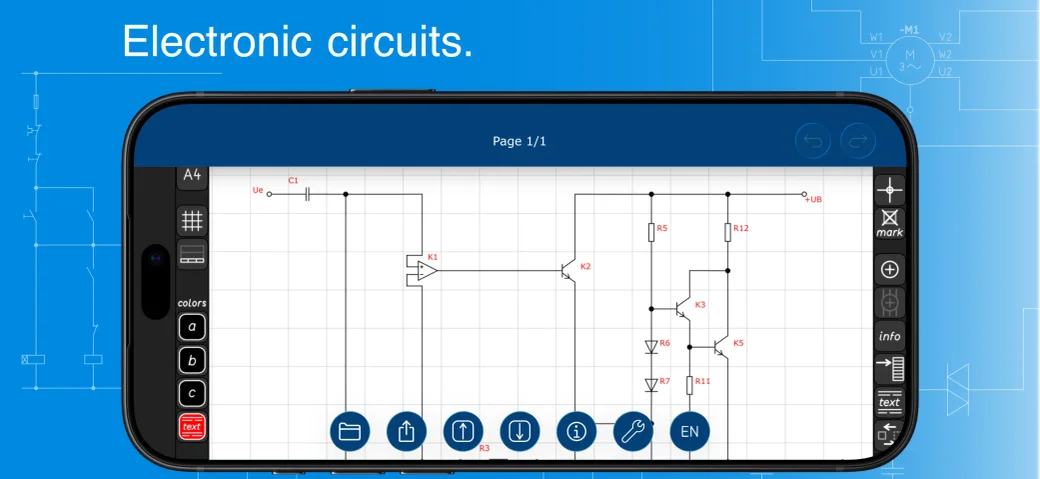
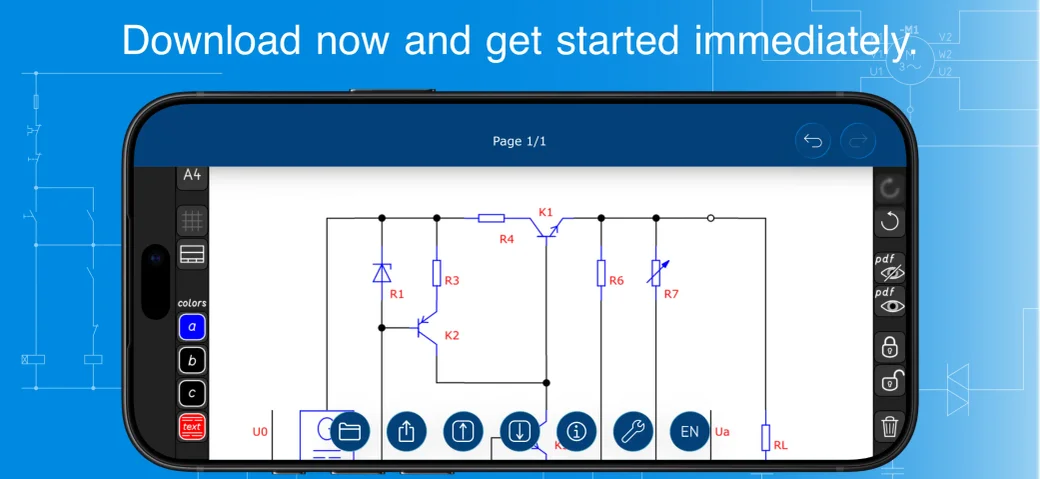
Circuit Planner is the intuitive and creative App to design IEC circuit diagrams for electrical engineering:
• Uncomplicated handling and fast results close the gap between conventional drawing programs and complex CAD applications.
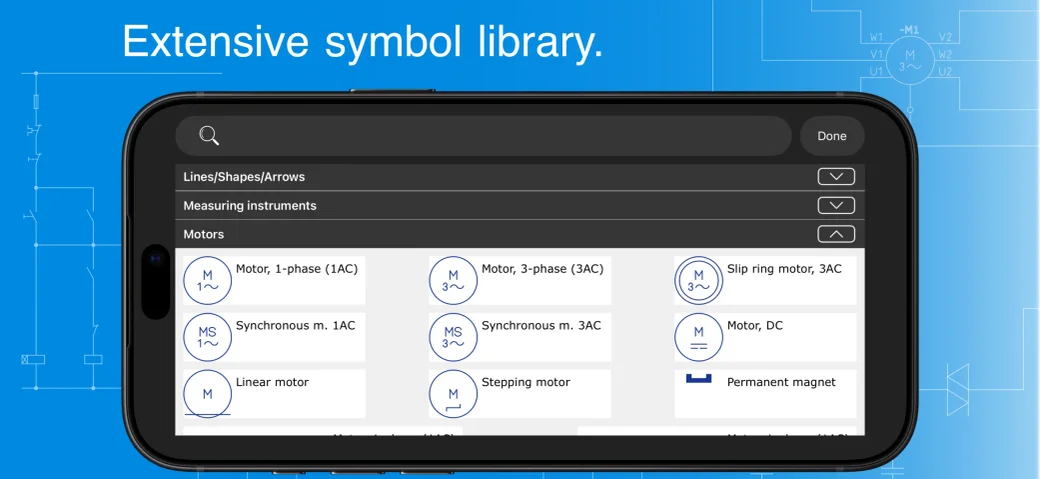
• Numerous circuit diagram symbols, divided into categories, cover a wide range of applications in absolutely high-quality visualization.
• All planning results can be exported in pdf format and printed out if required.
The features in detail:
• User-friendly, uncomplicated application for creating circuit diagrams for electrical engineering
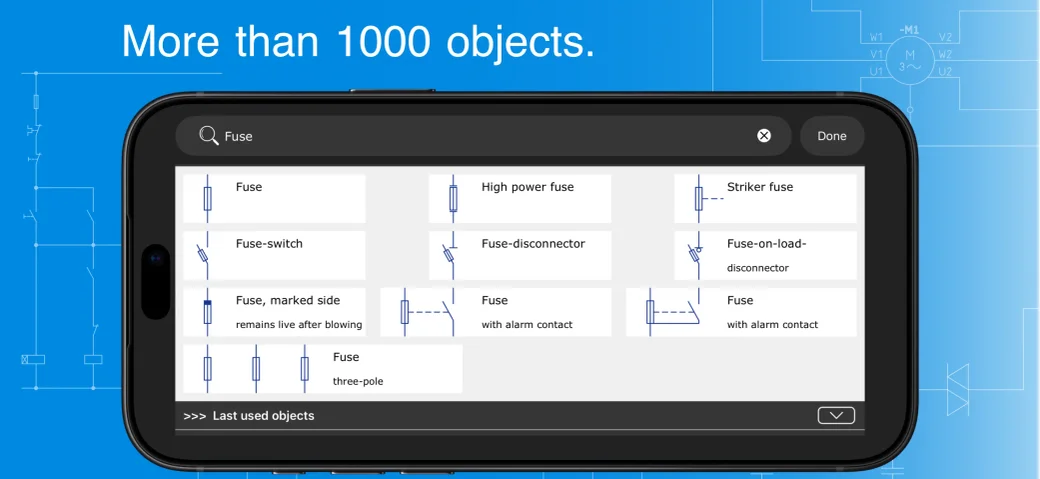
• 1070 integrated objects such as IEC circuit diagram symbols, text fields and geometries
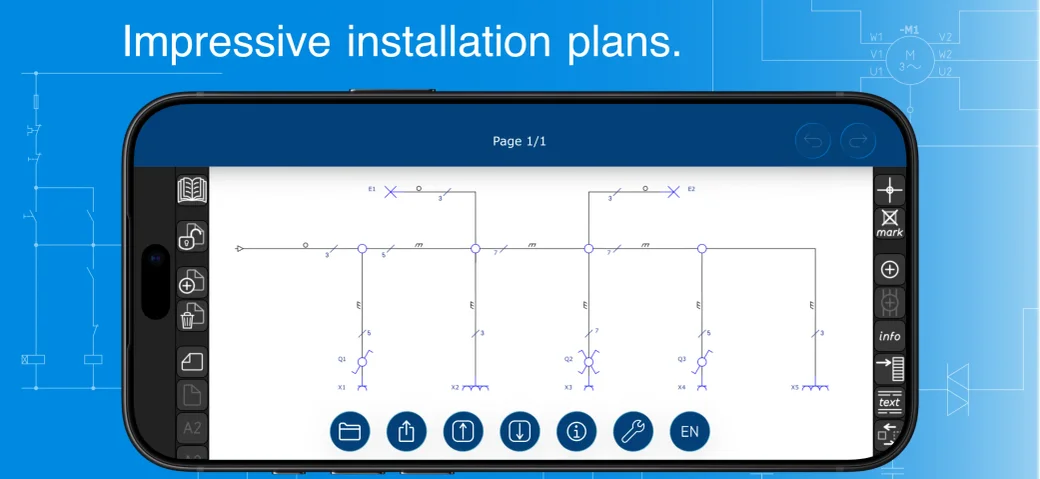
• Detailed IEC circuit diagram symbols, stored in categories, such as batteries, brakes, capacitors, conductors/cables, connections/terminals, control technology, converters, cross-references, devices, digital technology, fuses, generators, inductors, installation plans, integrated circuits / ICs, light sources, measuring instruments, motors, optical fibre cables, overvoltage protection, photovoltaic, plugs/sockets, protective devices, relays/contactors, reporting/signal devices, resistors, semiconductors, starters, switches/contacts, terminal strips, transformers and voltage sources
• Reliable snap function for precise arrangement of objects on the drawing sheet
• The automatic connection system ensures the correct electrical connection to immediately adjacent circuit diagram symbols at the starting point and end point of conductors
• Automatically updated cross-references
• Circuit diagrams in A4, A3 and A2 formats, each in landscape or portrait format with up to 20 drawing sheets
• Drawing sheets with title block in two sizes for project details, date and name
• Drawing sheets with column and row labelling and optional drawing grid
• Print and export function for the circuit diagram in pdf format
• Export and import options for scpData - project files
• Clear and understandable explanations on how to use
• Demo projects from the fields of energy technology, control technology and electronics
• Save, load and sort function for project files
• Automatic backup of project data when closing the application
• App language: English and German
Circuit Planner - A professional tool without annoying adverts, requires no internet connection and no in-app purchases.
What’s new
Version 2.20 · Oct 23, 2026
Our app is now ready for the iPhone Duo! Enjoy full compatibility with the latest device and use Circuit Planner even more flexibly – be creative, plan, and develop, no matter where you are.
App privacy
What Axel Hauschild declares on the App Store about how this app handles data.
-
Data not collected
The developer does not collect any data from this app.
Privacy practices may vary, for example with the features you use or your age.
Information
- Seller
- Axel Hauschild
- Category
- Productivity
- Version
- 2.20
- Updated
- Oct 23, 2026
- Released
- Oct 8, 2024
- Size
- 9.6 MB
- Requires
- iOS 17.0 or later
- Age rating
- 4+
- Price
- $7.99
- Languages
- English, German
- Copyright
- © 2014 - 2026 Dipl.-Ing. Axel Hauschild
You might also like
-
 ElectricalCanvas: SchematicsCircuit Diagram Designer
-
 EE ToolKit PRO for iPadElectronics Engineering
-
 EE ToolKit PROElectronics Engineering
-
 Electronics Engineer HelperCalculators and references
-
 KNIPEXPliers finder for experts
-
 Electrical CalculationsCable sizing & capacity
-
 ZWCAD Mobile - Mobile CADDWG viewer and editor
-
 Autodesk FusionProductivity
-
 Onshape 3D CADSpeed Up Your Product Design
-
 Shapr 3D CAD modelingDesign models, draft drawings