Clackboard: Flip Clock
Scoreboard, Countdown & Widget
Designed for iPhone, iPad
Free · In-app purchases
- Age rating4+
- CategoryUtilities
- DeveloperKris Pierre Ludemann
- LanguagesEnglish+ 6 more
- Size3.8 MB
Links to the official App Store page
Download.org hosts no file of Clackboard: Flip Clock. The button opens its official App Store page, published by Kris Pierre Ludemann. Listing last checked on Nov 17, 2026.
Screenshots


About
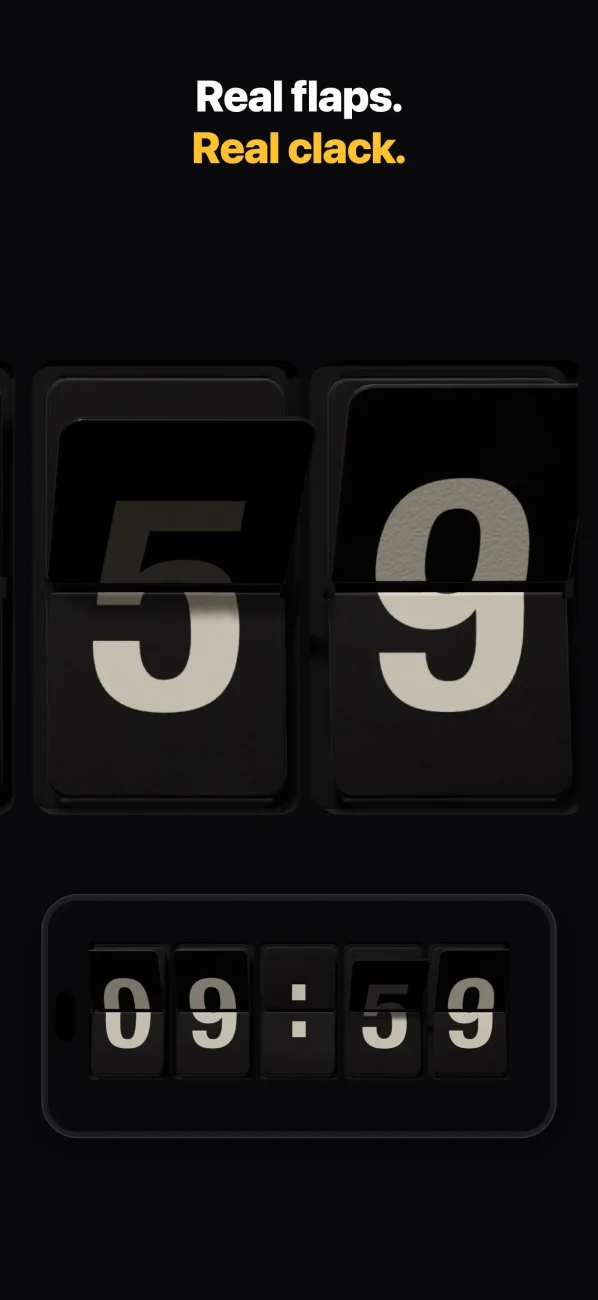
A real split-flap board on your iPhone: flip clock, message board, countdown and scoreboard in one. Every flap falls with gravity, catches the light, casts a shadow, hits the stop and bounces – just like the departure boards at the station.
IPHONE DUO
Your iPhone Duo becomes a bedside clock, and Clackboard works out how it is standing. Half-folded on a table, the clock stands on the upper half with a reflection below. Propped half-open on its edges, like a book stood up, the left side shows the hours and the right side the minutes, and the fold stays clear. As a tent, the clock uses the full width of the outer display. In the night hours the board turns amber, with no clacking and no seconds; on a table the lying half is a dimmer – swipe up or down. Without a charger, a quiet notice appears below 20 % battery. You can switch the night light off in Settings. With Pro, the Duo also shows a second time zone, one clock per half, and becomes a scoreboard pad: on the lying half each team gets a big field – tap for +1, swipe up for −1; propped on its edges, Home is on the left and Guest on the right. Nothing changes on other iPhone models.
CLOCK
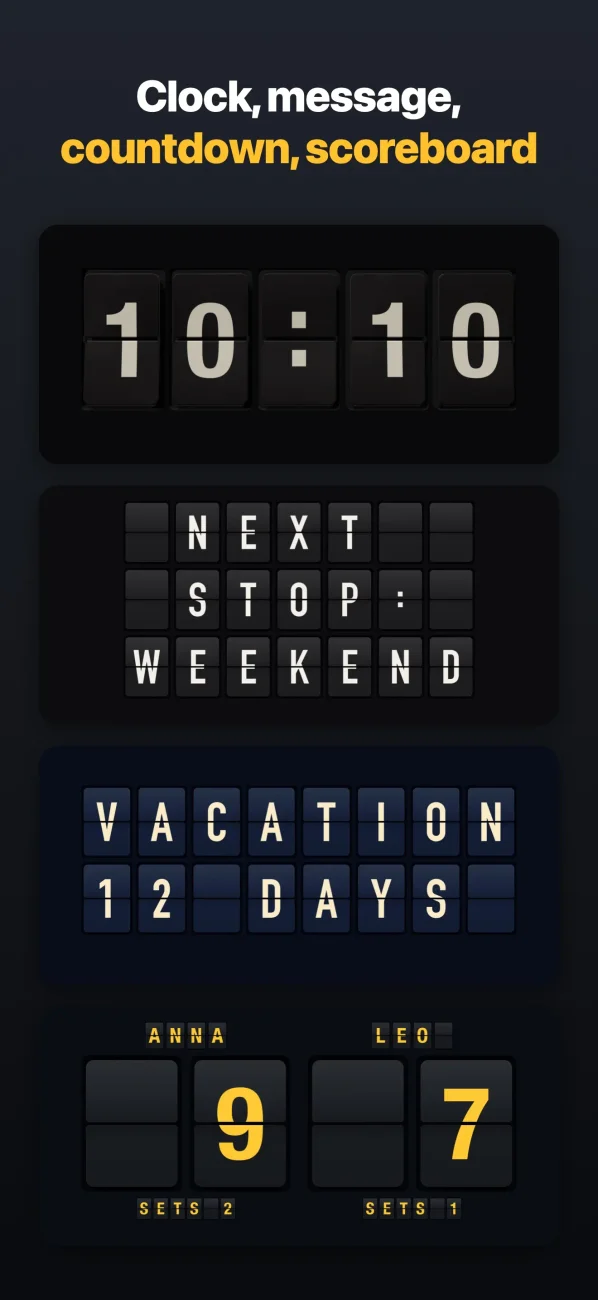
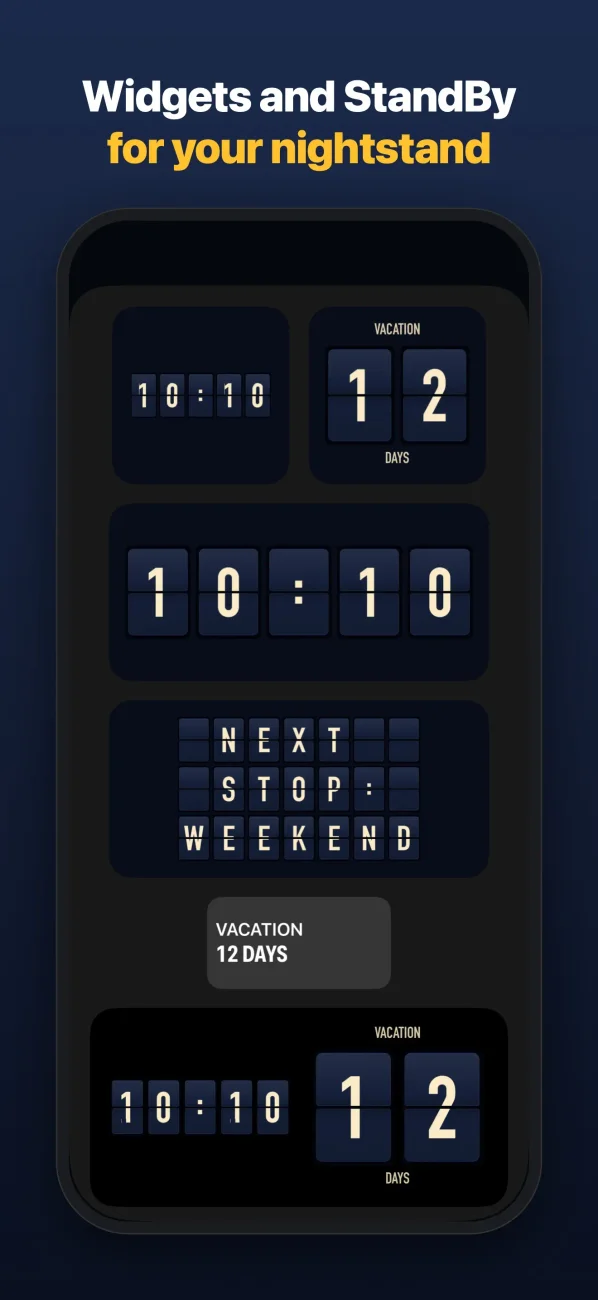
Stand your iPhone sideways on its charger and it becomes a split-flap desk clock. 12 or 24 hours, with seconds and date. At night the board can dim by itself.
MESSAGE
"Coffee?", "Do not disturb", "Delayed by about 5 min" – type what the board should say and watch every flap run through the alphabet until your text stands.
COUNTDOWN
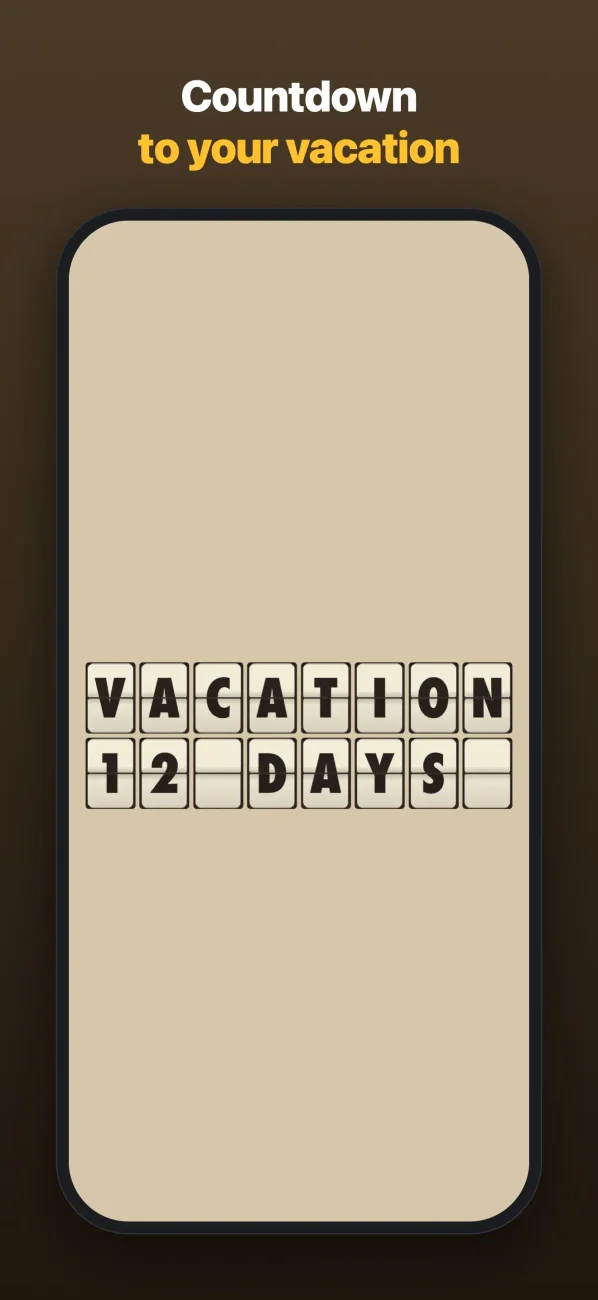
How long until your vacation, a birthday or the end of the workday? The board keeps count.
SCOREBOARD
Table tennis in the garden, the match on TV, a game night: two teams, their names, points and sets. Tap or swipe down for a point, pull the flap back up to take it away – every point is one flap.
WIDGETS & STANDBY
The clock, your message and your countdown on the Home Screen and in StandBy, the countdown also on the Lock Screen – your iPhone on the charger becomes a split-flap clock.
IPHONE & IPAD
One purchase for both. An iPad on the desk or on the wall makes a big departure board.
ON THE BIG SCREEN
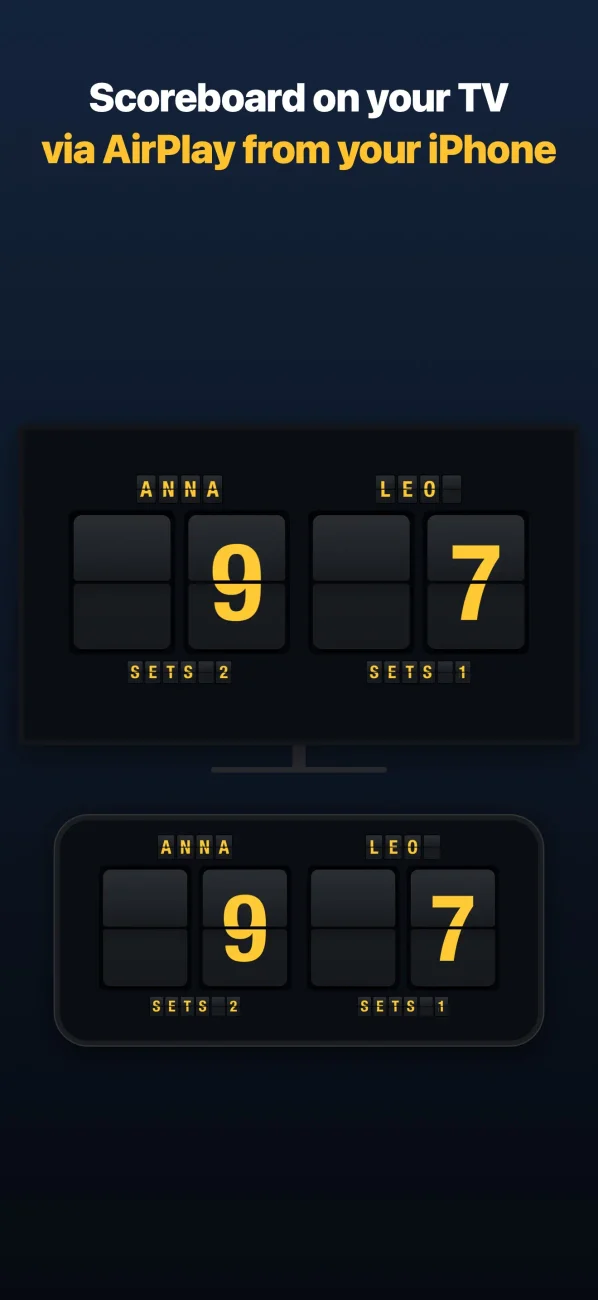
Mirror your iPhone to the TV with AirPlay or a cable, and the whole room can read the board.
DELUXE IN 3D
Real plastic flaps, rendered live in 3D: light, shadows, reflections and a little wear, like a board that has hung in a station for years.
DESIGNS
Deluxe, Station, Airport, Night Train, Retro, Brass, Signal Red, White and Terminal. Pick one from the menu – swipe sideways to switch between clock, message, countdown and scoreboard.
CLACKBOARD PRO – BUY ONCE, KEEP FOREVER
• 8 more designs, including Deluxe in 3D
• Countdown, also as a widget
• Scoreboard with your own team names, also as a pad on iPhone Duo
• Second time zone on the clock
• Your own messages on rotation
• Video clips with sound and high-res images
• No subscription, Family Sharing included
No ads. No account. No data collected.
What’s new
Version 1.1.0 · Oct 20, 2026
New for iPhone Duo: Clackboard becomes a bedside clock that knows how your Duo stands: half-folded on a table, propped on its edges or as a tent. At night the board turns amber, with no clacking. With Pro: a second time zone on any iPhone and iPad, and a scoreboard pad on the Duo. Everything else stays as it was.
App privacy
What Kris Pierre Ludemann declares on the App Store about how this app handles data.
-
Data not collected
The developer does not collect any data from this app.
Privacy practices may vary, for example with the features you use or your age.
Information
- Seller
- Kris Pierre Ludemann
- Category
- Utilities
- Version
- 1.1.0
- Updated
- Oct 20, 2026
- Released
- Oct 8, 2026
- Size
- 3.8 MB
- Requires
- iOS 18.0 or later
- Age rating
- 4+
- Price
- Free
- In-app purchases
- Yes
- Languages
- English, Dutch, French, German, Italian, Portuguese, Spanish
- Copyright
- © 2026 Kris Lüdemann
You might also like
-
 Nixie Tube Timer: CountdownPomodoro focus & study clock
-
 Matrix WidgetUtilities
-
 Dice Drop – 3D Dice RollerCustom DnD & RPG dice, D1–D120
-
 Roll A Dice 3D3D dice for any tabletop game
-
 Hourglass Timer: Draw YoursDraw the glass, pour the sand
-
 Retrotick: Split-Flap ClockRetro Bedside Widget & Themes
-
 Clockist: Desk Clock & DaysFlip clock, widgets, countdown
-
 RPG Dice Roller: d20 TabletopRoll d20 with advantage
-
 Local AI Image GeneratorOffline Stable Diffusion Art
-
 Random Number: Spin The WheelDice Roller: Randomizer & RNG