
Clairvoyance AI
Remote AI agent control
Designed for iPhone
Free · In-app purchases
- Age rating12+
- CategoryProductivity
- DeveloperStardock
- LanguagesEnglish
- Size4.9 MB
Links to the official App Store page
Download.org hosts no file of Clairvoyance AI. The button opens its official App Store page, published by Stardock. Listing last checked on Nov 14, 2026.
Screenshots
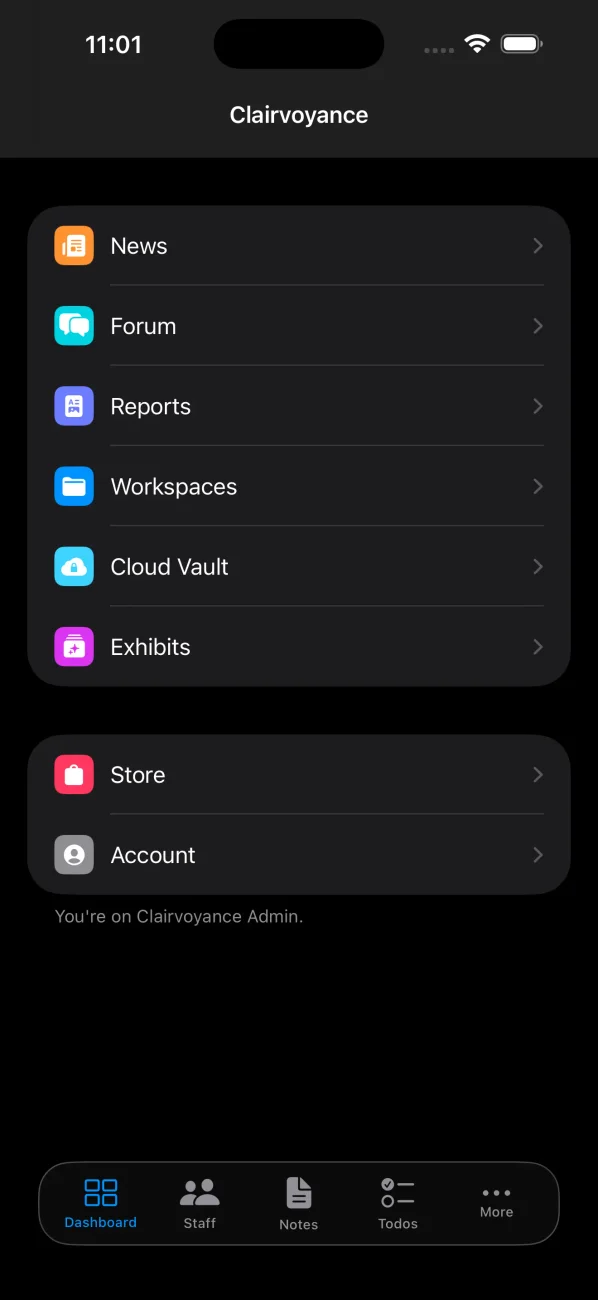
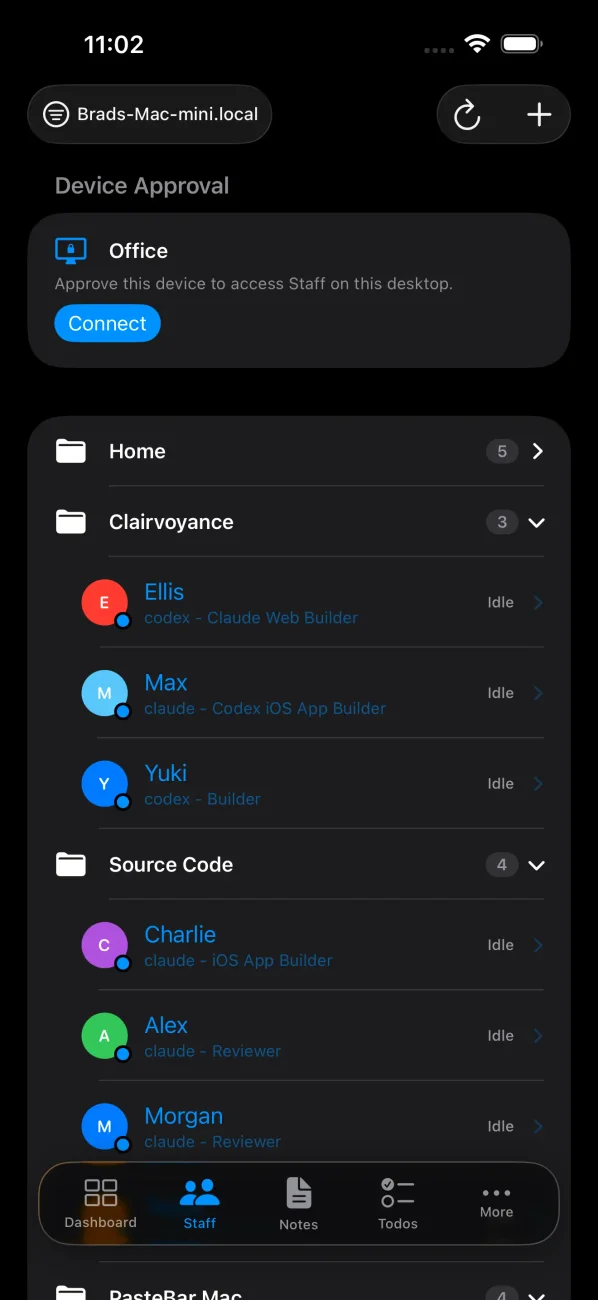
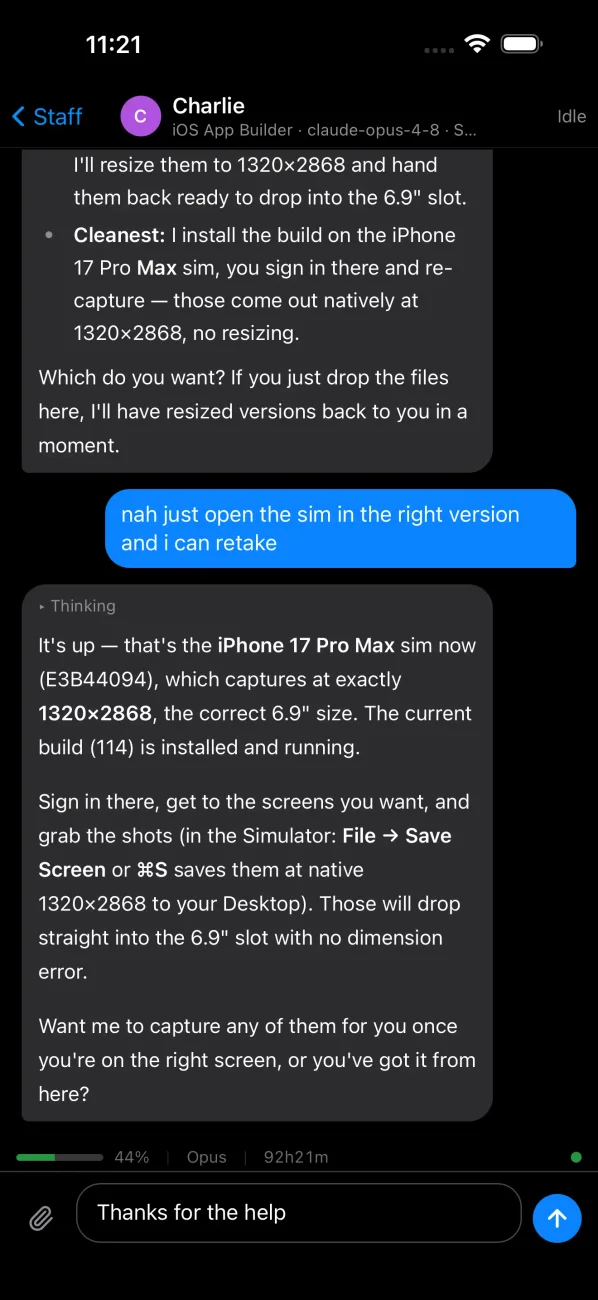
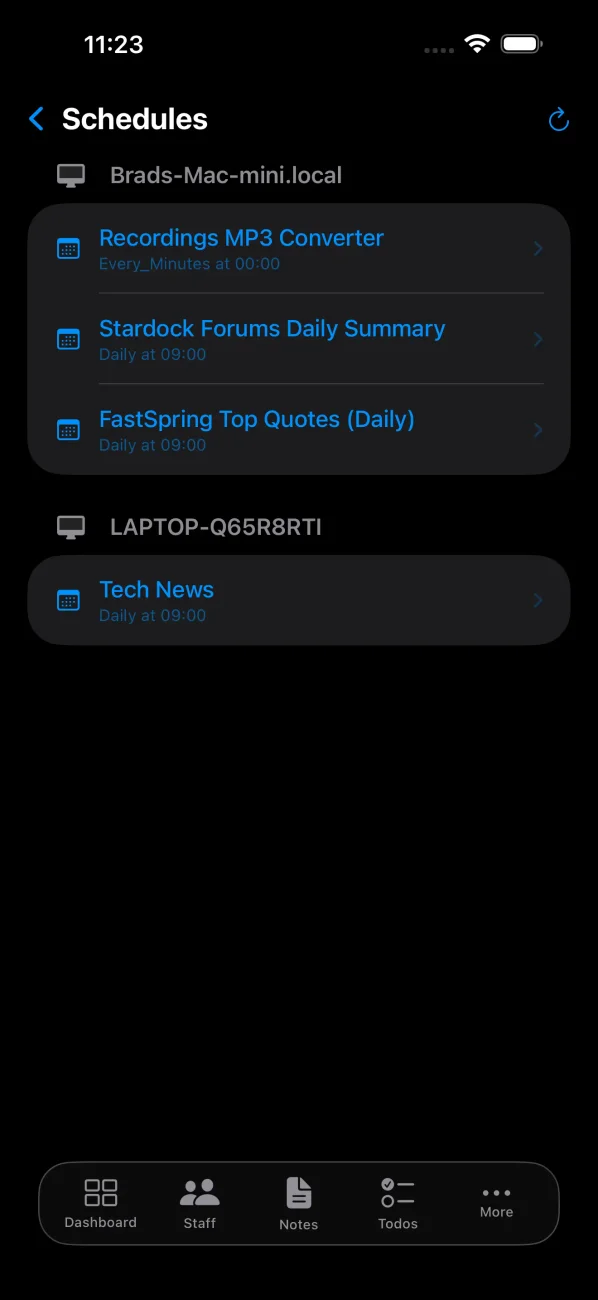

About
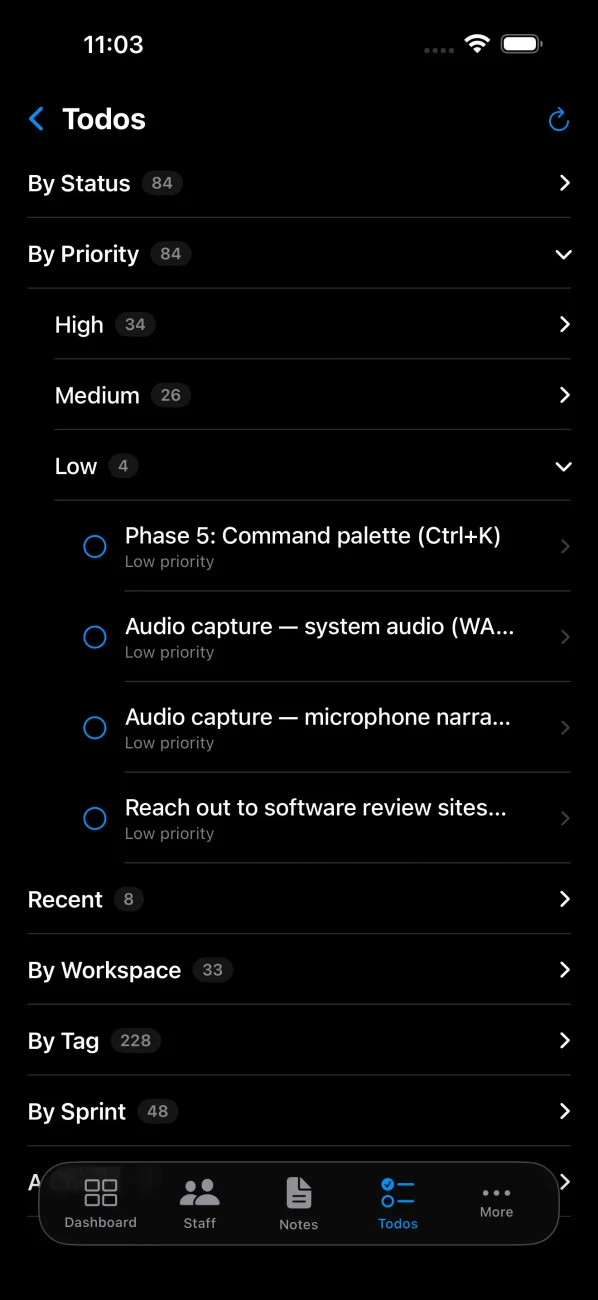
Clairvoyance is a free app where you direct a staff of AI agents. They work in your real files, remember what they learn, and pick up right where they left off.
Assign tasks to AI staff who build real deliverables: apps, reports, diagrams, and research. They work in parallel, collaborate with each other, and keep going while you're away. Close your laptop and wake up to finished work.
KEY FEATURES
AI Staff: Recruit specialists that understand your projects and work autonomously
Rich Notes: Markdown editing with WikiLinks, backlinks, and workspace organization
Visual Canvases: Brainstorm and diagram in interactive visual workspaces
Cloud Sync: Access your work from desktop and mobile, always in sync
Workspaces: Organize everything by project, client, or team
Clairvoyance AI for iOS is a companion to the Clairvoyance desktop application. View your notes, check on staff progress, and chat with your AI team from anywhere. Changes sync automatically between desktop and mobile.
Terms of Use (EULA): https://www.apple.com/legal/internet-services/itunes/dev/stdeula/
]
What’s new
Version 90.0 · Nov 12, 2026
lairvoyance 90 brings the iPhone app in line with the 0.90 desktop release.
Staff
- Teams are shown as nested groups, so you can see each lead and their reports at a glance
- Clearer status: working and supervising staff are called out, idle staff stay quiet
- Avatars animate the same way they do on the desktop
Notes
- Hire a Notes Assistant on any note from your phone; it runs on one of your connected computers
- Free accounts can now sync Markdown notes from a verified iPhone
- The notes list opens instantly from the last snapshot
Account
- Edit your profile, choose light, dark or system appearance, and manage your subscription (renewal and cancellation dates included)
- Set up an authenticator app for approving new devices
- Token subscriptions are available on every plan
- Opt in to email about new versions and features
Security
- Connecting a new device now uses the number shown on your desktop or your authenticator app, and the app is ready for location confirmation on new networks
Fixes
- Staff chats no longer show stale messages after you navigate away
- Dictation keeps working in the keyboard accessory bar
App privacy
What Stardock declares on the App Store about how this app handles data.
-
Data linked to you
May be collected and linked to your identity.
- Contact info
- User content
- Identifiers
-
Data not linked to you
May be collected but is not linked to your identity.
- Usage data
- Diagnostics
Privacy practices may vary, for example with the features you use or your age.
Information
- Seller
- Stardock Entertainment, Inc.
- Category
- Productivity
- Version
- 90.0
- Updated
- Nov 12, 2026
- Released
- Aug 17, 2026
- Size
- 4.9 MB
- Requires
- iOS 17.0 or later
- Age rating
- 12+
- Price
- Free
- In-app purchases
- Yes
- Languages
- English
- Copyright
- © ClairvoyanceAI 2026
You might also like
-
 Eney - AI AssistantGet things done from anywhere
-
 OpenClawPersonal AI on your devices
-
 Google AI Edge EloquentUnlimited, no cost dictation
-
 Raycast: Keyboard, AI and moreProductivity on the go
-
 Lumo AI by ProtonPrivate Assistant from Europe
-
 Locally AI by LM StudioLocal & Private AI Assistant
-
 Claude Duet by AnthropicYour proactive work agent
-
 Proton Authenticator & 2FASecure verification, MFA & OTP
-
 Grok BotAI agents that do real work
-
 Google AI Edge GalleryPrivate, Fast, Offline AI