- Age rating4+
- CategoryEducation
- DeveloperAmnas Ahamed
- LanguagesEnglish
- Size3.9 MB
Links to the official App Store page
Download.org hosts no file of ClapsBoard. The button opens its official App Store page, published by Amnas Ahamed. Listing last checked on Nov 23, 2026.
Screenshots

About
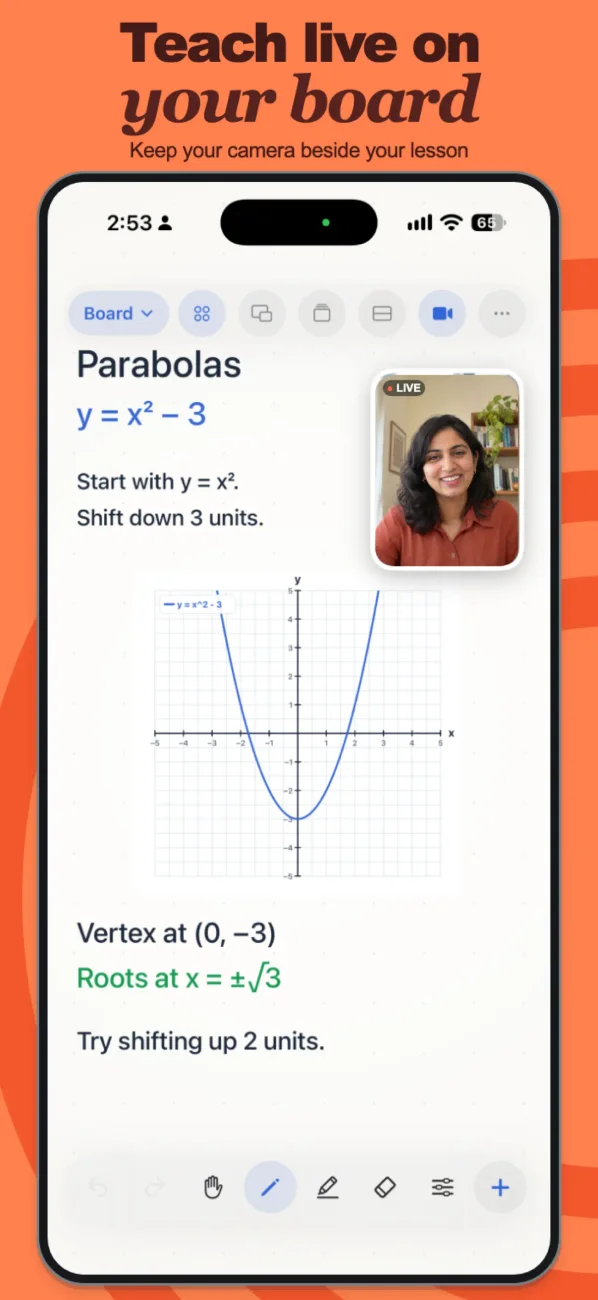
Transform your iPhone into a powerful interactive whiteboard designed specifically for teachers, tutors, and online educators. ClapsBoard combines the simplicity of a traditional whiteboard with advanced digital tools to create an engaging learning environment.
KEY FEATURES:
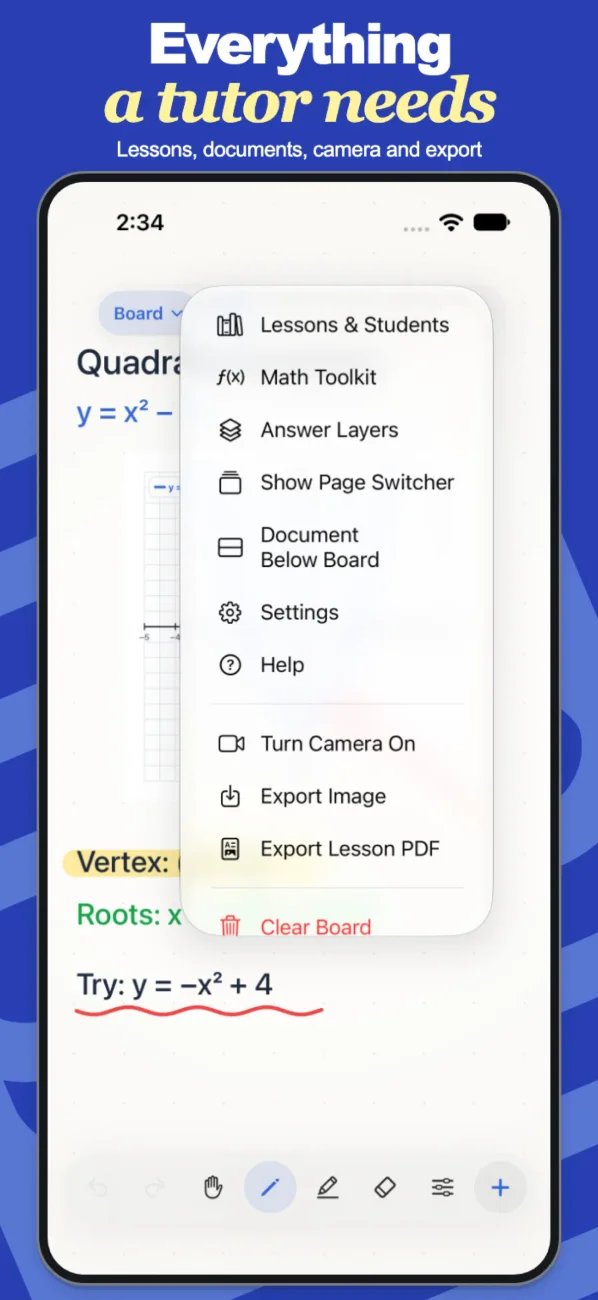
- Professional Whiteboard
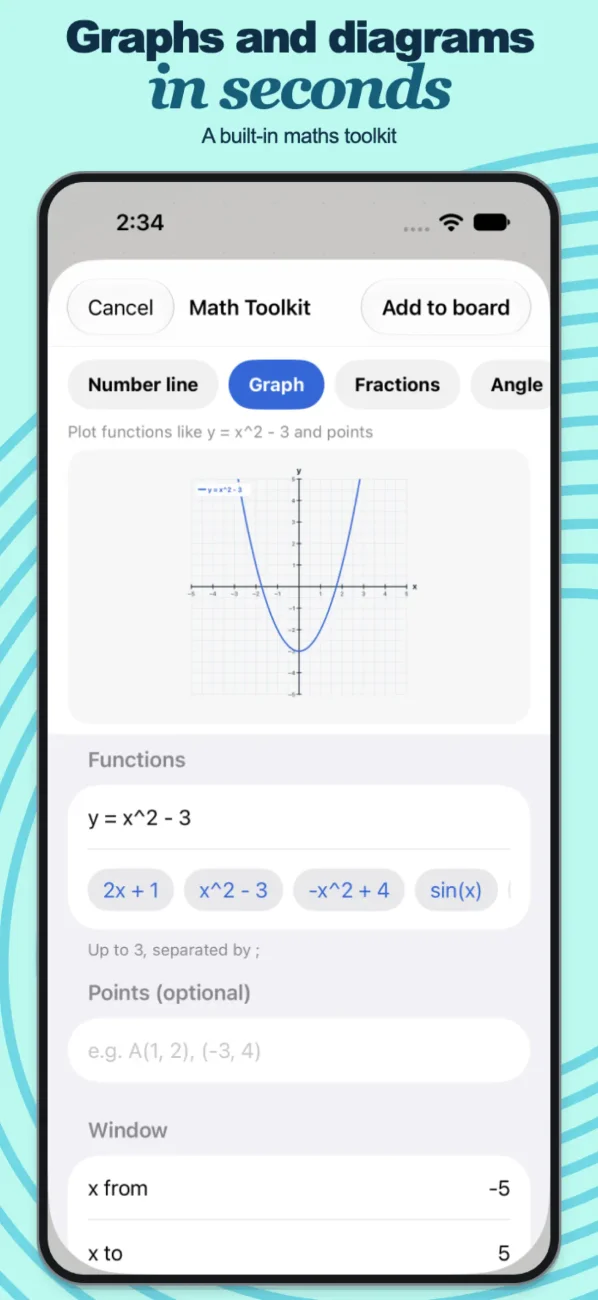
Draw, write, and explain concepts with a responsive, low-latency ink engine. Whether you are solving math problems or diagramming complex systems, the writing experience feels natural and fluid.
- Picture-in-Picture Tutor Mode
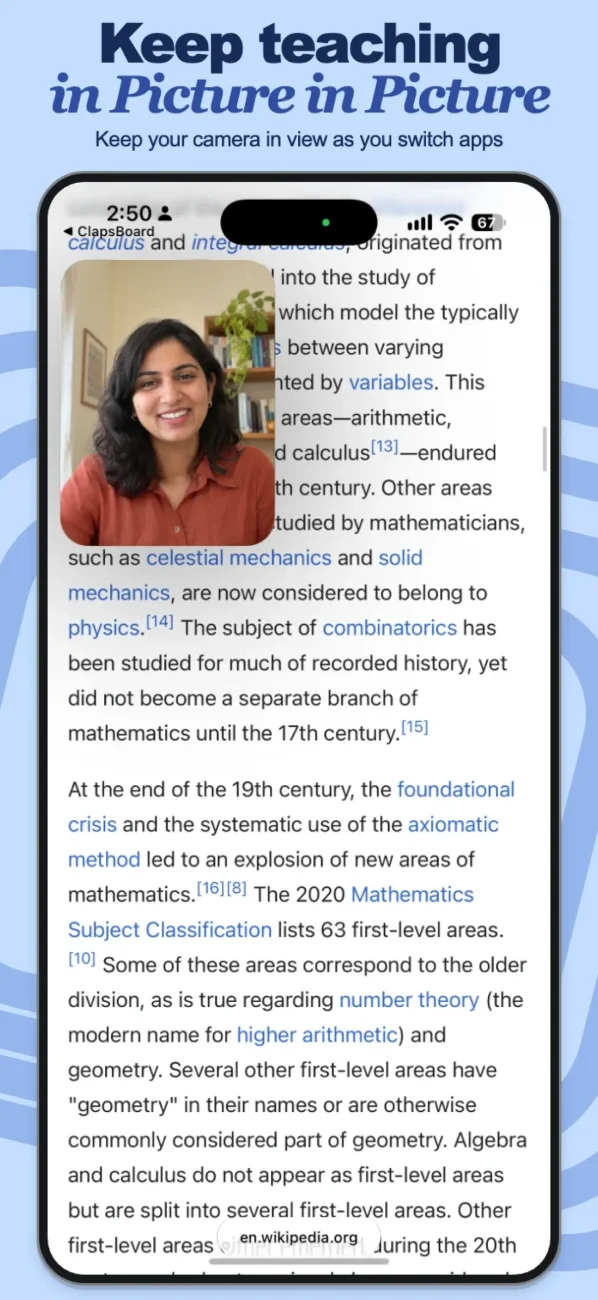
Build a personal connection with your students. Use the front or rear camera to display a floating, movable view of yourself overlaying the whiteboard content. It’s perfect for maintaining eye contact while explaining materials.
- Document Integration
Import your existing teaching materials directly onto the board. ClapsBoard supports:
- PDF Documents
- PowerPoint Presentations (PPT/PPTX)
- Images from your Photo Library
Annotate directly over your slides and worksheets without switching apps.
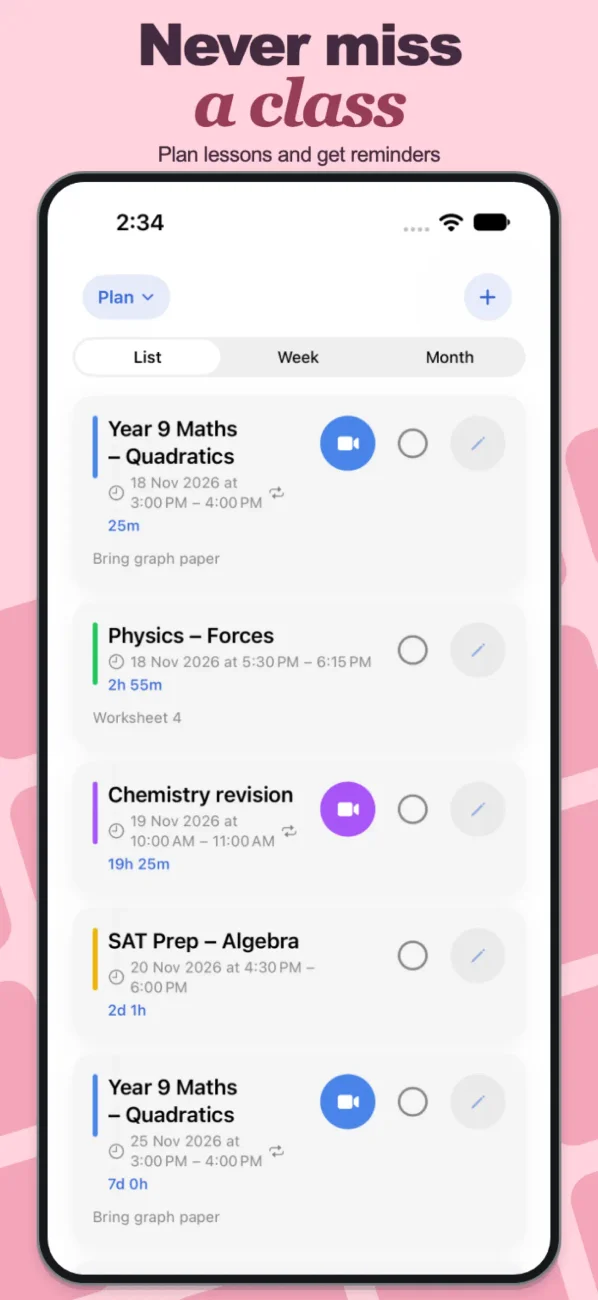
- Class Planner & Schedule
Stay organized with the built-in "Plan" tab. Schedule your upcoming classes and receive automatic notifications 5 minutes before they start, ensuring you never miss a session.
- Easy Sharing
Save your class notes and whiteboard sessions as images directly to your Photo Library, ready to be shared with students or parents.
- Native iOS Design
Built with SwiftUI, ClapsBoard feels right at home on your device, supporting native features like Split View, Drag & Drop, and Dark Mode.
Perfect for remote teaching, recording educational videos, or in-person classroom projection. Download ClapsBoard today and elevate your teaching experience.
What’s new
Version 1.5.3 · Nov 19, 2026
Bug fixes and improvements across the board, calendar, documents and camera:
- Repeating classes now work, with reminders that keep coming
- Add photos to the board and rotate anything you select
- Text tool, eraser and export fixes
- More document types supported
- Voice Channel and Picture-in-Picture reliability fixes
App privacy
What Amnas Ahamed declares on the App Store about how this app handles data.
-
Data not collected
The developer does not collect any data from this app.
Privacy practices may vary, for example with the features you use or your age.
Information
- Seller
- Amnas Ahamed
- Category
- Education
- Version
- 1.5.3
- Updated
- Nov 19, 2026
- Released
- Jan 27, 2026
- Size
- 3.9 MB
- Requires
- iOS 17.0 or later
- Age rating
- 4+
- Price
- Free
- Languages
- English
- Copyright
- © 2026 Amnas Ahamed
You might also like
-
 Cyra LearningsDelivers the Best
-
 Interval Live Learning AppEducation
-
 KTET MASTEREducation
-
 NAVABHARATH CENTRAL SCHOOLOnline Campus ERP
-
 iPlus Learning AppEducation
-
 SS College,AreecodeTotal Campus Solution
-
 CC Learning AppComplete Exam Preparation
-
 MeduSparkEducation
-
 Edublitz LearningTop Coaching for CUET & More
-
 D EL ED Kerala Learning AppLesson Planning Made Easy