Classic TV Remote Control
Smart TV remote for 7 brands
Designed for iPhone, iPad, iPod touch
Free
- Age rating4+
- CategoryUtilities
- DeveloperAndrii Chernykh
- LanguagesEnglish
- Size6.1 MB
Links to the official App Store page
Download.org hosts no file of Classic TV Remote Control. The button opens its official App Store page, published by Andrii Chernykh. Listing last checked on Nov 16, 2026.
Screenshots


About
Control your Smart TV from your iPhone. Classic TV Remote Control supports 7 major TV brands:
Philips, LG, Samsung, Sony, TCL, Xiaomi, and Hisense.
Features:
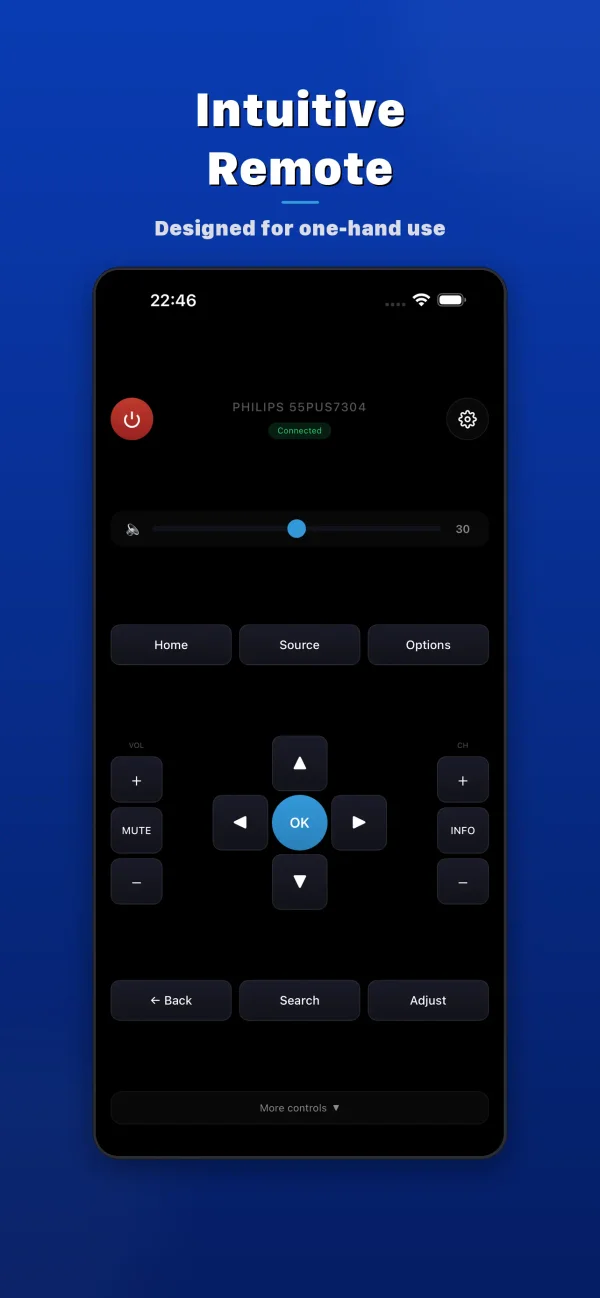
• Universal remote with D-pad, volume, channels, playback controls
• Auto-discovery — finds your TV on the network automatically
• Brand-specific extra buttons (Ambilight, Smart Hub, etc.)
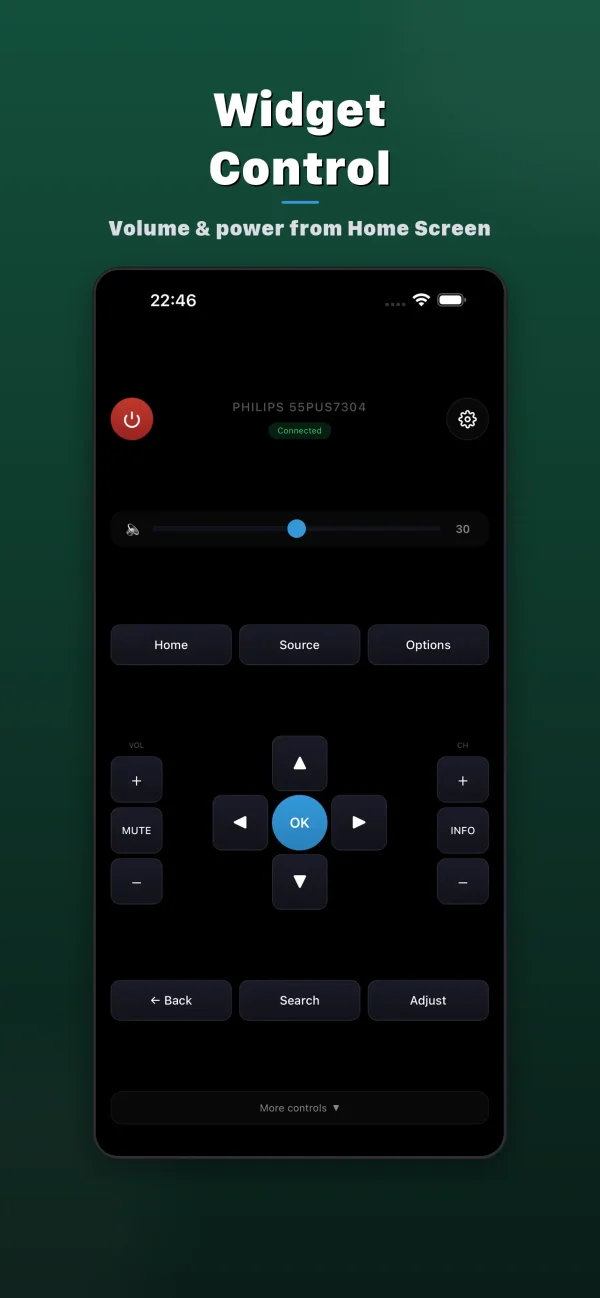
• Home Screen widget for quick volume and power control
• Works over Wi-Fi — no IR blaster or additional hardware needed
• Dark and Light themes
Supported protocols:
• Philips — JointSpace API (v1/v5/v6 with Digest Auth)
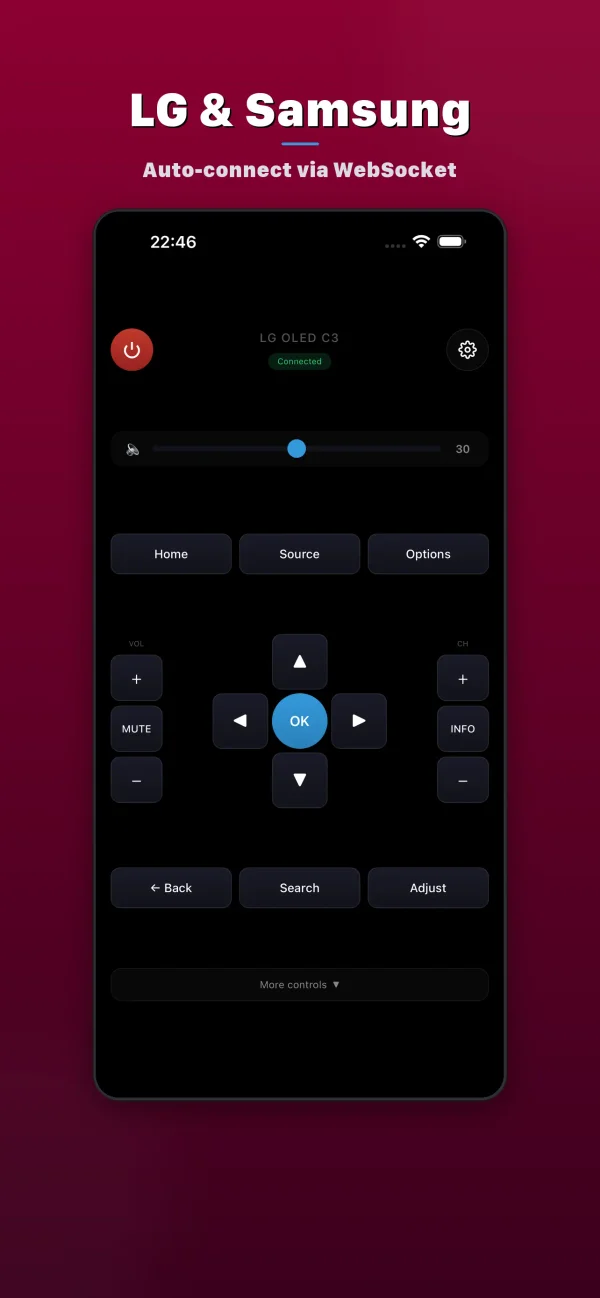
• LG — WebOS SSAP (WebSocket)
• Samsung — Tizen (WebSocket)
• Sony — Bravia REST API + IRCC
• TCL / Hisense — Roku ECP
• Xiaomi — MIUI Remote API
What’s new
Version 1.0.1 · Apr 7, 2026
What's New in 1.0.1:
• Sleep Timer — set your TV to turn off automatically (15/30/45/60/90 min or 2 hours)
• App Launcher — quick launch Netflix, YouTube, Disney+, and Prime Video directly on your TV
• Power Confirmation — confirmation dialog before turning off the TV to prevent accidental presses
• Multiple TV Profiles — save up to 5 TVs and switch between them instantly in Settings
• LG Touchpad Mode — swipe to control the cursor on LG webOS TVs (Magic Remote style)
• Lock Screen Widgets — control volume and power right from your Lock Screen
• Control Center Controls (iOS 18+) — volume, mute, and power buttons in Control Center
• Siri Shortcuts — "Mute TV with Classic Remote", "Turn off TV with Classic Remote" and more
• Apple Watch App — control volume, mute, and power from your wrist
• Smart Haptic Feedback — different vibration intensity for different buttons
• Supported TVs Guide — brand-specific connection tips and supported models list
• Improved keyboard for IP address entry
• 22 bug fixes and stability improvements
App privacy
What Andrii Chernykh declares on the App Store about how this app handles data.
-
Data used to track you
May be used to track you across apps and websites owned by other companies.
- Identifiers
-
Data not linked to you
May be collected but is not linked to your identity.
- Identifiers
Privacy practices may vary, for example with the features you use or your age.
Information
- Seller
- Andrii Chernykh
- Category
- Utilities
- Version
- 1.0.1
- Updated
- Apr 7, 2026
- Released
- Apr 3, 2026
- Size
- 6.1 MB
- Requires
- iOS 15.0 or later
- Age rating
- 4+
- Price
- Free
- Languages
- English
- Copyright
- © 2026 Andrii Chernykh - KULTURA
You might also like
-
 TV Remote Control for Roku: AISmart Universal App: TCL & onn
-
 Universal TV Remote Watch AppAndroid TV Remote from Watch
-
 Universal Remote (TV)Utilities
-
 TV Remote - ControllerControl TV from Your Phone
-
 Universal TV Remote Wi-FiWi-Fi Remote Control for TVs
-
 Clicker: Tactile TV RemoteA remote with a physical feel
-
 Universal TV Remote | Cast TVUniversal Remote for Smart TVs
-
 Smart TV Remote Felix PlusTV Remote app for any smart TV
-
 Remote Control for all TV.sUniversal Smart TV Controller
-
 Unimote - Universal TV RemoteSmart TV Control & Keyboard