- Age rating12+
- CategoryEducation
- DeveloperKeith Potgieter
- LanguagesEnglish
- Size31.3 MB
Links to the official App Store page
Download.org hosts no file of Classrota. The button opens its official App Store page, published by Keith Potgieter. Listing last checked on Nov 18, 2026.
Screenshots

About
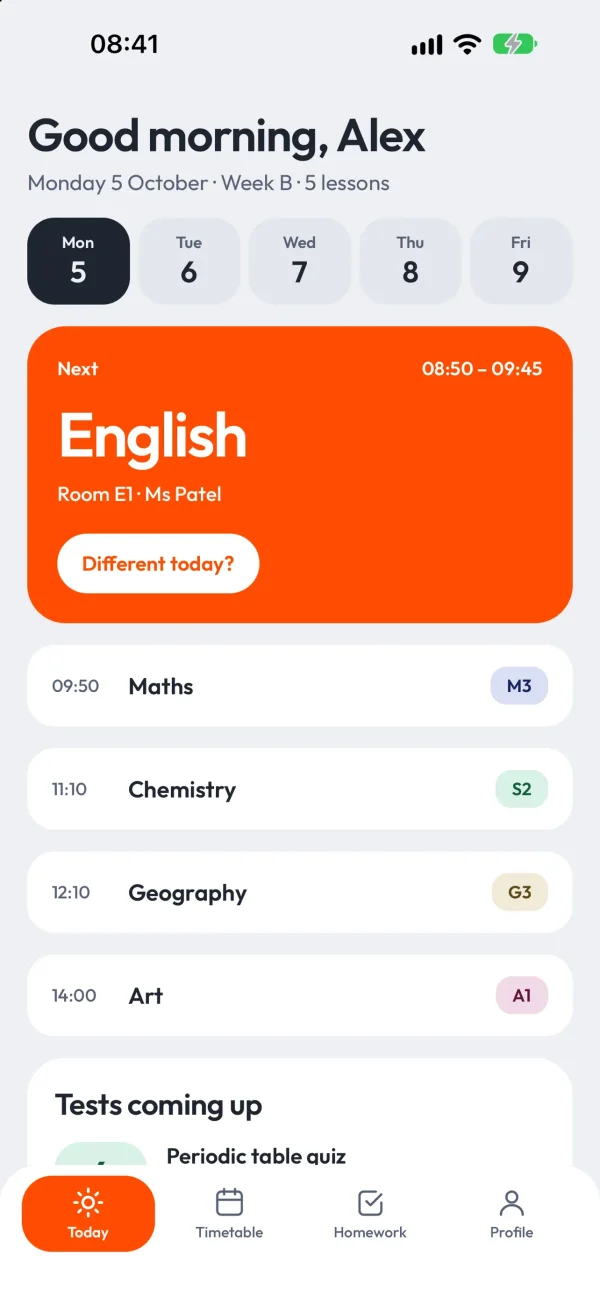
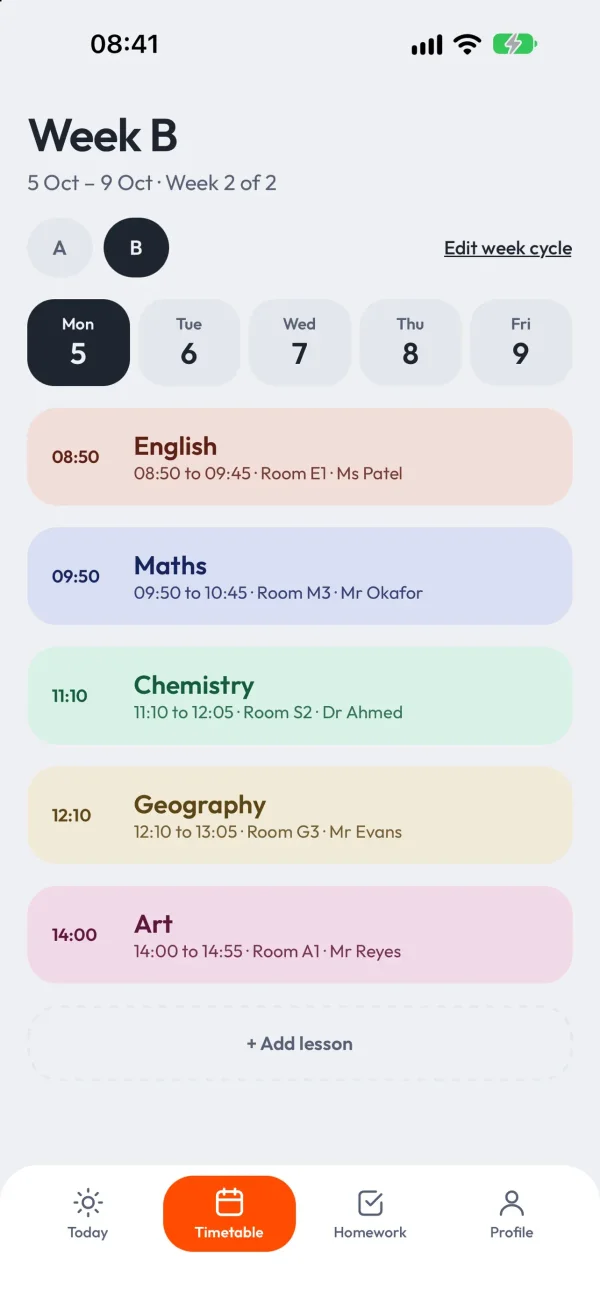
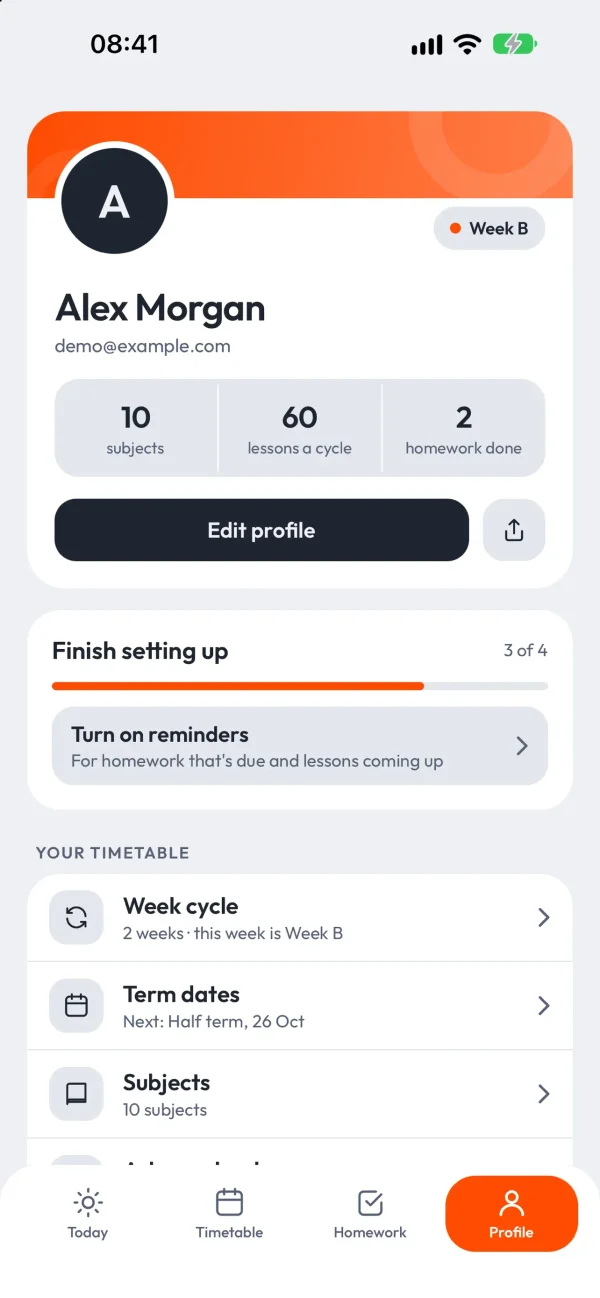
Classrota is the free timetable and homework planner for students, made for schools that run Week A and Week B, or three, four or five different weeks.
Set up your lessons once and Classrota always shows the right week. Open it to see what you have now, what is next, which room to go to and what to bring.
ROTATING WEEKS, DONE PROPERLY
• Choose how many weeks pass before your timetable repeats, from one to five
• Name them Week A and Week B, or anything you like
• Add term dates and holidays so the rotation pauses while you are away
• Change a single lesson for one day when there is a room change, a cover teacher or a cancellation
YOUR DAY AT A GLANCE
• See the lesson you are in, how long is left and what comes next
• Free periods show up between lessons
• Add what to bring for a subject, like PE kit or a calculator, and see it on the right days
• From Friday evening, Today and your timetable move on to next week
HOMEWORK YOU WILL ACTUALLY FINISH
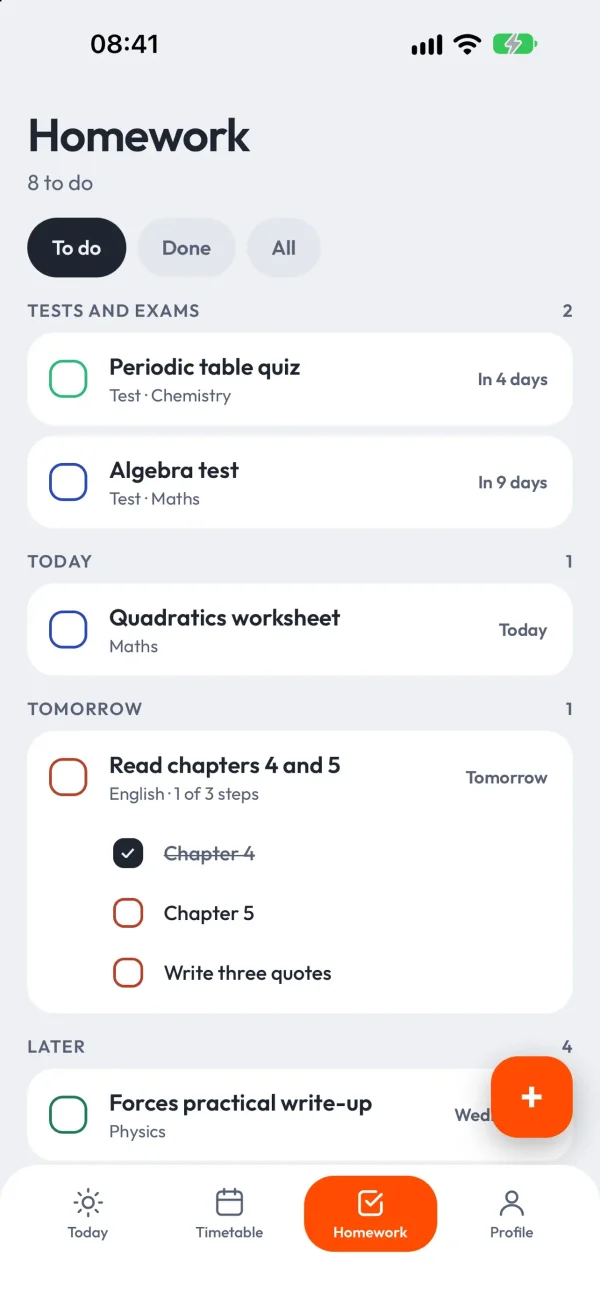
• Add homework with a subject, due date and notes
• Break bigger pieces into steps and tick them off as you go
• Attach a photo of the worksheet or the board
• Set homework that repeats every day, week or fortnight
• See what is overdue, due today and due tomorrow
• Start a focus timer on a piece of work and keep it on your Lock Screen
EXAMS IN ONE PLACE
• A separate Exams tab with the date, time, ro
• A countdown to every test and exam
• Bring in your school's exam timetable from a PDF on the web
• Let Classrota plan your revision, spread ove
ALWAYS IN VIEW
• Home Screen and Lock Screen widgets show you
• Your current lesson can stay on the Lock Screen with a countdown to the bell
• Apple Watch app and complications, and you can tick homework off from your wrist
• Ask Siri what your next lesson is or what isoice
• Reminders for homework and lessons, a morning summary of your day, a nudge to pack for tomorrow, and a Sunday summary
of the week ahead
FRIENDS AND SHARING
• Swap a code with a friend to see when you are both free and who is in your lesson
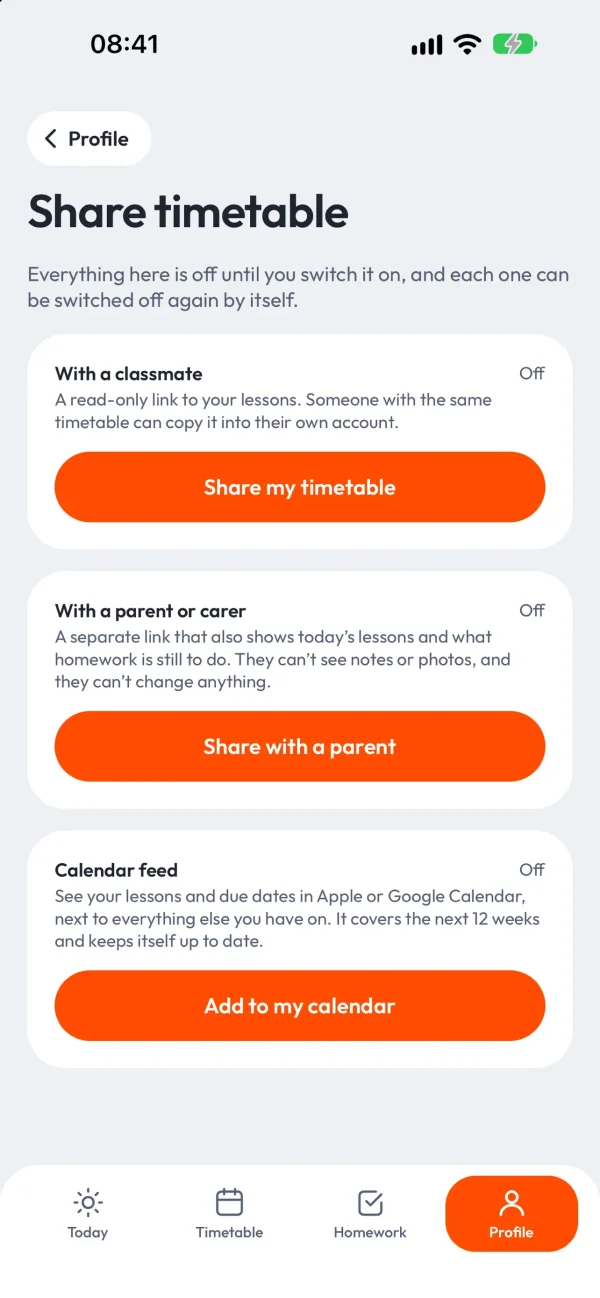
• Send your timetable to a classmate, who can ame
• Give a parent or carer a read-only link to t due, or a weekly email if they agree to it
• Add your lessons and due dates to Apple Cale
• Everything is private until you switch it onf again at any time
WORKS WITH YOUR SCHOOL
• Connect Google Classroom and assignments from your teachers arrive by themselves
• Import your timetable on the web at app.clas on your iPhone
• Rooms and teachers for every lesson, and a colour for every subject
• School staff can use it too, with a to-do list in place of homework and a timetable that stays in step with their
school calendar
YOURS TO CUSTOMISE
• Five accent colours, and light, dark or auto
• Show weekdays only or all seven days
PRIVATE BY DESIGN
No ads, no trackers and no selling your data. ess, Apple or Google. You can delete youraccount and everything in it from the app at any time.
Classrota is free. It works on iPhone, iPad, Ad keeps working when you are offline.
What’s new
Version 1.2.0 · Oct 7, 2026
New for teachers and school staff:
• Link Google Classroom and Today shows what each class has due in on its lessons. Nothing is added to your task list
• Syncing your Arbor calendar now sets up the classes you teach by itself, each with its own colour. Meetings and one-off events stay on your timetable without cluttering the list
• Classroom classes are matched to your lessons automatically
• The classes you teach are now called Lessons
For everyone: small fixes and tidying up.
App privacy
What Keith Potgieter declares on the App Store about how this app handles data.
-
Data linked to you
May be collected and linked to your identity.
- Contact info
- User content
- Identifiers
- Usage data
Privacy practices may vary, for example with the features you use or your age.
Information
- Seller
- Keith Potgieter
- Category
- Education
- Version
- 1.2.0
- Updated
- Oct 7, 2026
- Released
- Oct 6, 2026
- Size
- 31.3 MB
- Requires
- iOS 16.4 or later
- Age rating
- 12+
- Price
- Free
- Languages
- English
- Copyright
- © 2026 Techtix Global
You might also like
-
 LingoRoveLearn languages while driving
-
 Time-TableTrack Classes with Ease
-
 Pre CalculusDo My Homework
-
 Timetable ( Spread )Education
-
 FreeHour - Student TimetableShare timetable with friends
-
 SA PapersGrade 12 Past Papers
-
 Assignment Tracker: TimetableHomework planner and School
-
 Komodo - Study & Exam PrepHigh school study and quizzes
-
 Busy Bees ChildcareEducation
-
 Adapt - Revision & AssessmentGCSE & A Level Study Planner