Classycal – Calendar & Tasks
Agenda, reminders, with style
Designed for iPhone, Mac
Free · In-app purchases
- Age rating4+
- CategoryProductivity
- DeveloperElias Amari
- LanguagesEnglish+ 9 more
- Size97.9 MB
Links to the official App Store page
Download.org hosts no file of Classycal – Calendar & Tasks. The button opens its official App Store page, published by Elias Amari. Listing last checked on Nov 25, 2026.
Screenshots




About
Classycal brings your calendars and reminders together, drawn with care. Nothing extra on screen, and no account to create.
Write it as you’d say it.
Type “Dinner with Julie Friday 8pm at Le Perchoir”. Classycal picks out the day, the time and the place as you type, in English or in French.
One gesture through your time.
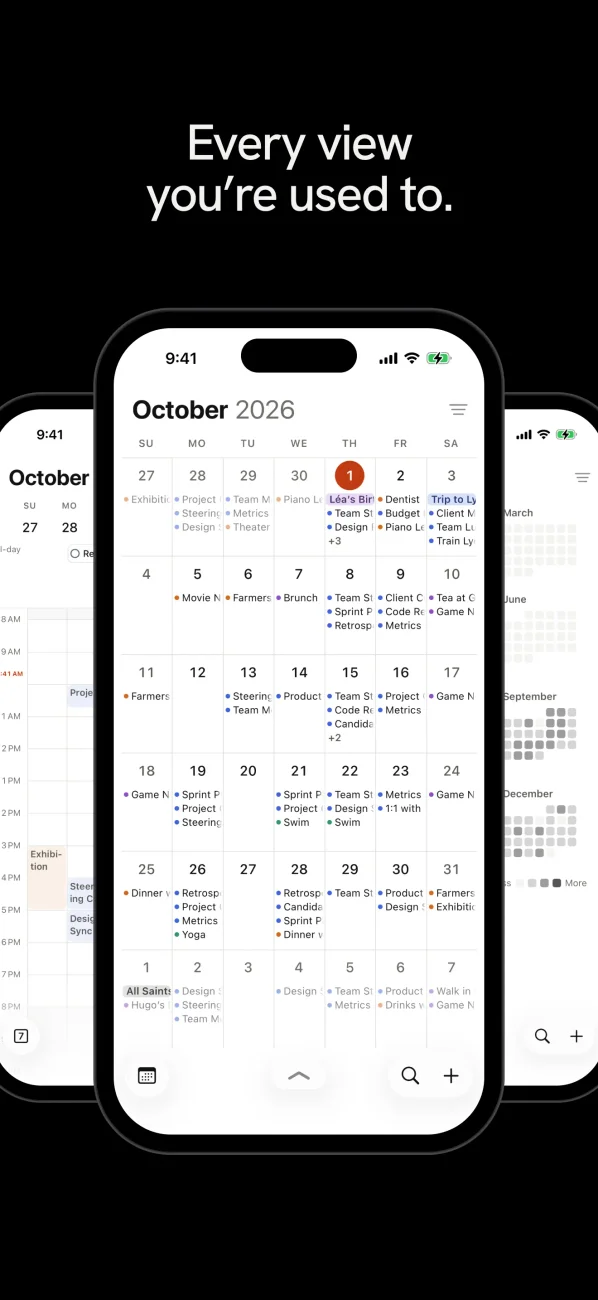
Pull down from your tasks to the agenda, the month, then your view in full screen. Push up to come back. Day, three days, week, month and year are all there.
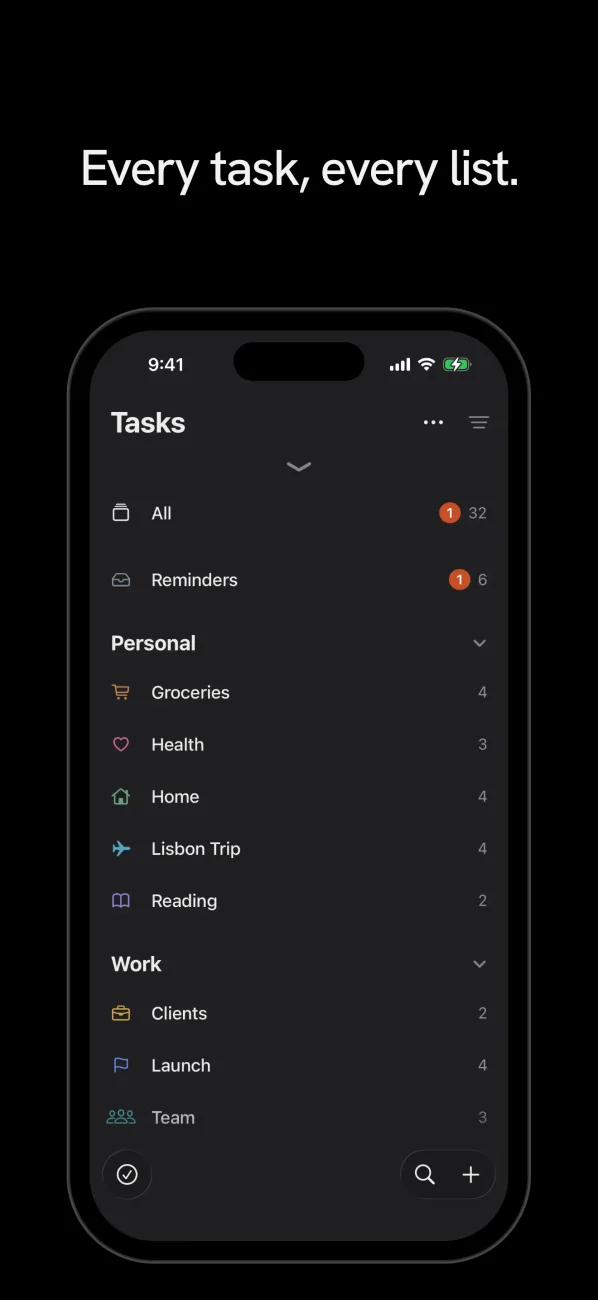
Every task, every list.
A complete task manager, built on Apple Reminders. Type a task at the end of any list, swipe it to tomorrow, sort each list your way, get reminded when you arrive somewhere. Your lists stay in iCloud, in sync with all your devices.
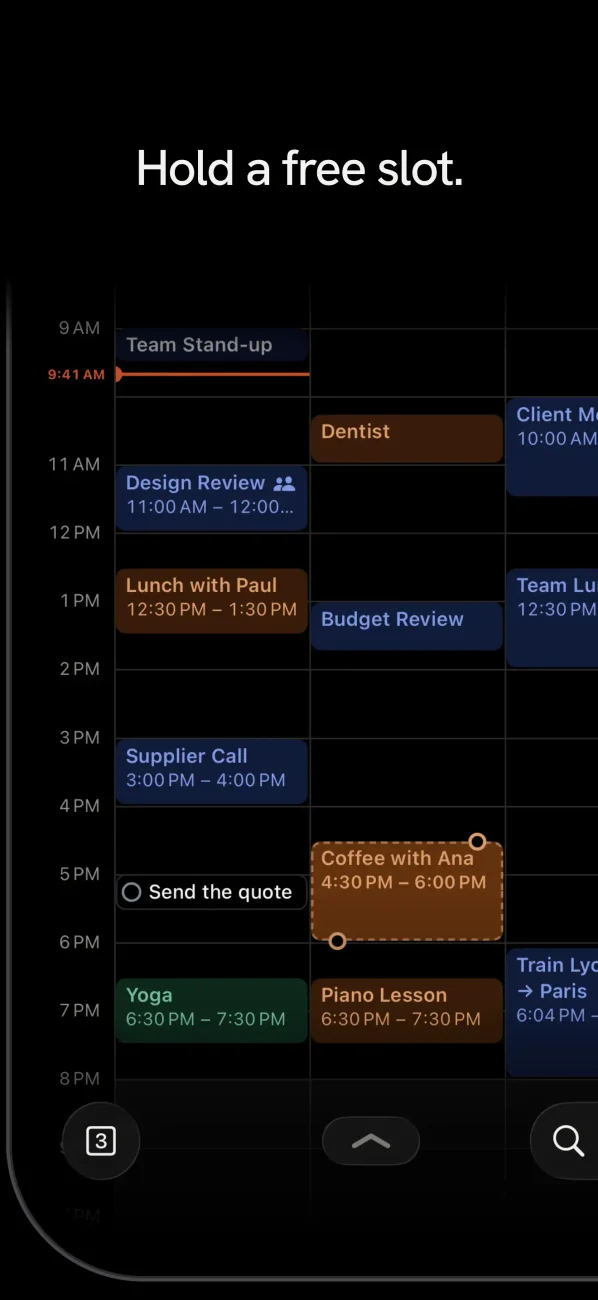
Hold a free slot.
In the day, three-day and week views, an event appears under your finger. Type its name, then drag it where it belongs.
Widgets, drawn with the same care.
Today and Upcoming on the Home Screen, Agenda and Weeks on the Lock Screen. Tick a task without opening the app.
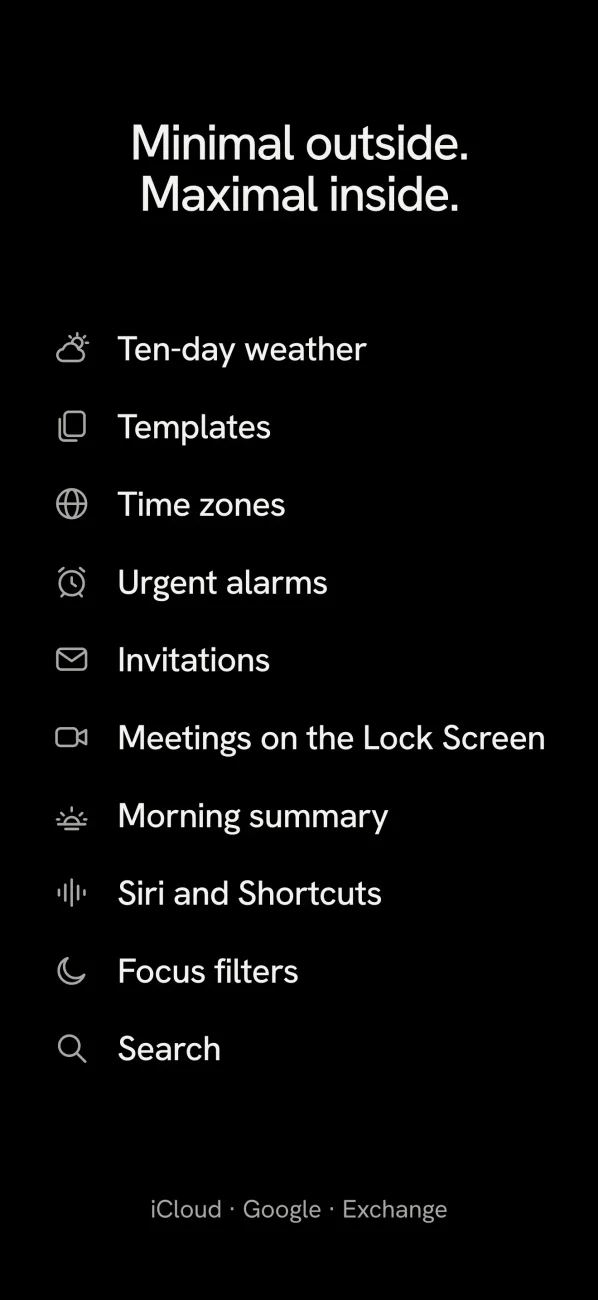
Minimal outside. Maximal inside.
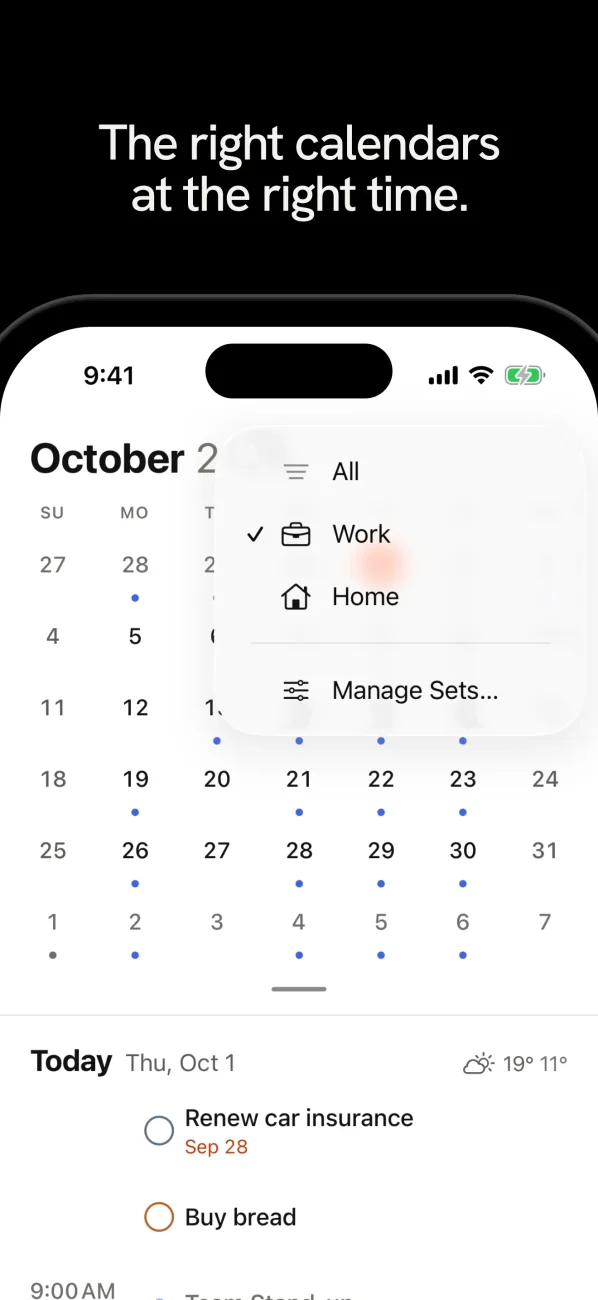
• A calendar set, chosen by hand or automatically
• Invitations, and a reminder for those still waiting for your answer
• Time zones, event by event
• Search across events and tasks
• Siri and Shortcuts
• A morning summary
• Duplicates merged into one, events hidden on this iPhone
• Calendars from iCloud, Google and Exchange
• In English, French, German, Spanish, Italian, Simplified Chinese and Japanese
Nothing reaches us.
Classycal works with the calendars and reminders already on your iPhone. No account, no tracking, no data collected.
Classycal Plus
Everything you need to plan your days is free, for good. Classycal Plus adds services, automation and the finishing touches:
• Ten days of weather in the agenda
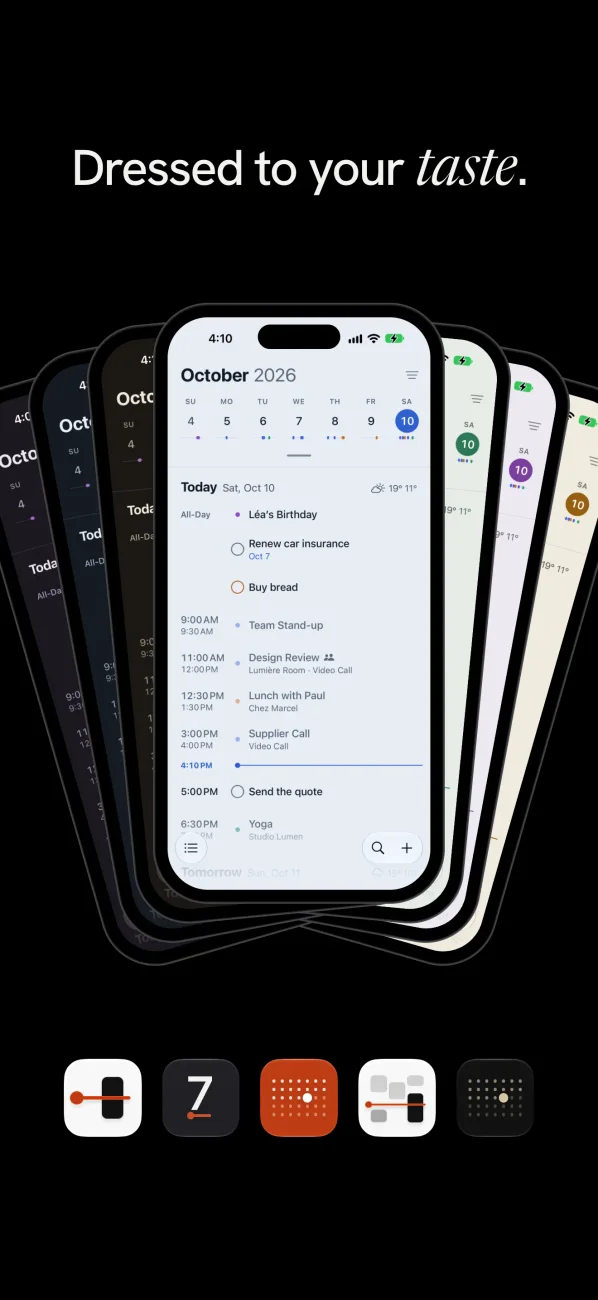
• Ten themes, the serif, and the Blue, Green, Plum and Ochre accents
• Twelve app icons
• List icons and list groups
• Twenty notification sounds
• Unlimited calendar sets that switch on by themselves
• Departure alerts, with the traffic expected
• Urgent alarms that ring even on silent
• Meetings on the Lock Screen
• Templates
• Tags in color, across events and tasks
• A second column of hours
• The Month widget
• The icon badge
Classycal Plus comes by the year, starting with 14 days free, or for life, in one payment. The yearly subscription renews automatically unless you cancel it at least 24 hours before the end of the period. Manage or cancel it in your Apple Account settings.
Terms of Use: https://www.apple.com/legal/internet-services/itunes/dev/stdeula/
Privacy Policy: https://classycal.app/privacy/
Made with care in Switzerland.
What’s new
Version 1.13 · Nov 25, 2026
• Repeat a task from the day it’s done: “After Completion” under Repeat
• Tasks still to do move on to today, so nothing slips past
• “Events in Blocks” in Settings › Appearance: each event of the agenda in its calendar’s color
• Type a place in lower case (“coffee at starbucks”) and pick the real place
• Type a date in Search to go to that day
• In Day and Week, press and drag across the days to create an all-day event
• App icons that follow light and dark mode
• Sorted by due date, tasks go by day first, then by priority
• Today’s tasks keep their place in the widgets, and the large Tasks widget no longer stays blank
• On the iPhone Duo folded, the buttons stand in the side column
• Bug fixes and performance improvements
App privacy
What Elias Amari declares on the App Store about how this app handles data.
-
Data not collected
The developer does not collect any data from this app.
Privacy practices may vary, for example with the features you use or your age.
Information
- Seller
- Elias Amari
- Category
- Productivity
- Version
- 1.13
- Updated
- Nov 25, 2026
- Released
- Oct 24, 2026
- Size
- 97.9 MB
- Requires
- iOS 26.0 or later
- Age rating
- 4+
- Price
- Free
- In-app purchases
- Yes
- Languages
- English, French, German, Italian, Japanese, Korean, Polish, Simplified Chinese, Spanish, Traditional Chinese
- Copyright
- © 2026 Elias Amari
You might also like
-
 Prazo: Calendar & To-Do ListDaily planner & reminders
-
 TickbaseEverything to get things done
-
 Anythings: To-Do List & TasksKeeps itself in order
-
 ShinyboxSave, organize, and rediscover
-
 WishNote: Notes & To-DoGoals, Notebooks & Reminders
-
 Horizon: Calendar HighlightsBriefings, goals & countdowns
-
 nocal - calendar reinventedThe most productive calendar
-
 Stellata: Save Links & ReelsBookmark Manager & Moodboard
-
 Glimpsed: Screenshot SearchOrganizer & OCR Text Finder
-
 Winter CalendarYour week, written for you