- Age rating4+
- CategoryProductivity
- LanguagesEnglish
- Size6.4 MB
Links to the official App Store page
Download.org hosts no file of ClawTalk. The button opens its official App Store page, published by . Listing last checked on Nov 12, 2026.
Screenshots



About
Have a real, hands-free conversation with your AI agents. ClawTalk is a native iOS client for OpenClaw, the open-source AI agent framework — and it's built around voice.
CONVERSATION MODE
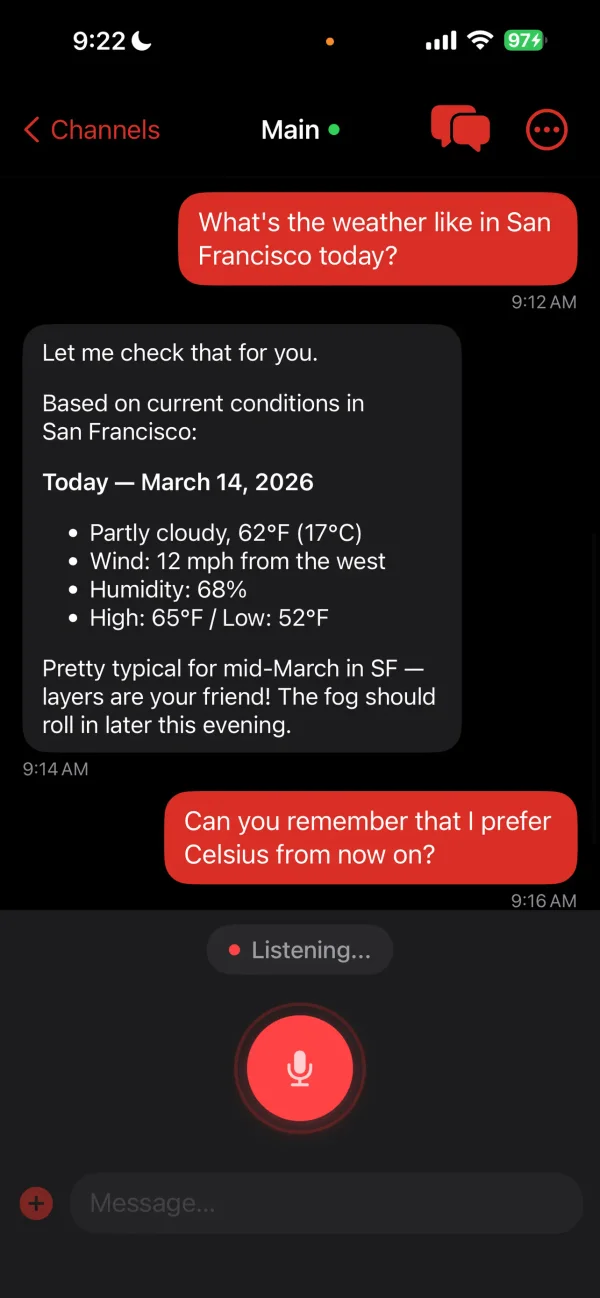
Tap once and start talking. ClawTalk listens for the end of your sentence, transcribes it on-device with WhisperKit on the Apple Neural Engine, sends it to your agent, streams the reply, and speaks it back to you. Then it starts listening again — automatically. No buttons, no taps between turns. iOS voice processing (the same audio pipeline Zoom and FaceTime use) handles echo cancellation, automatic gain, and noise suppression, so the agent's own voice never re-triggers the mic.
Your audio never leaves the device. Only the resulting text is sent to your gateway.
PUSH-TO-TALK
Prefer to just dictate a single message? Press and hold the mic. Release to send.
STREAMING RESPONSES
Text streams in real-time as your agent generates it. Full markdown support: code blocks, tables, lists, inline formatting.
TEXT-TO-SPEECH
Choose how the agent speaks back:
- ElevenLabs — highest quality, most natural voices
- OpenAI — great quality, cost-effective
- Apple — free, works offline, no API key needed
MULTI-AGENT CHANNELS
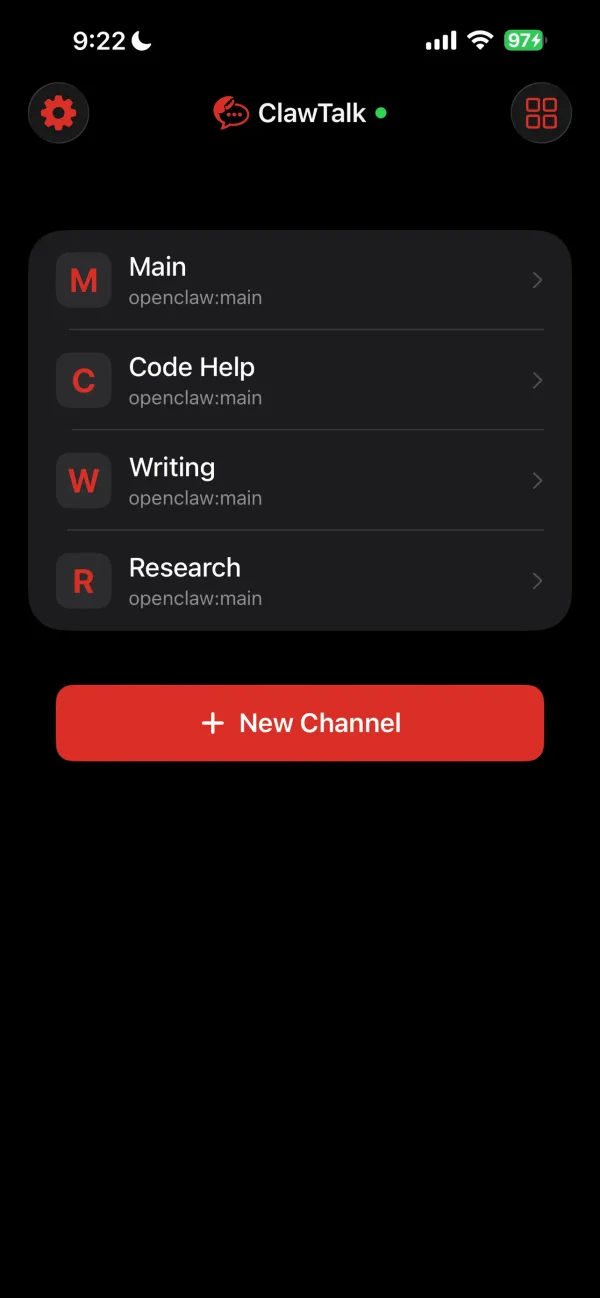
Separate channels for separate agents. Each channel keeps its own conversation history. Browse the agents on your gateway, or type an agent ID manually.
IMAGE SENDING
Attach up to 8 photos per message. Your agent can see and respond to images.
TOOLS DASHBOARD
Reach into your agent's internals without going through chat — memory, sessions, available agents, browser status, models.
SECURITY FIRST
- Credentials live in the iOS Keychain (encrypted by the Secure Enclave)
- HTTPS enforced on every connection — plain HTTP is rejected
- On-device speech-to-text — audio never reaches any server
- Chat history encrypted at rest with iOS Data Protection
- TLS 1.2 minimum
WHAT YOU NEED
ClawTalk connects to your own OpenClaw gateway over HTTPS. You'll want:
1. A running OpenClaw instance with the HTTP API enabled
2. A secure path to it — Cloudflare Tunnel, Tailscale, or similar
3. A gateway token
ClawTalk ships no AI models and no cloud services. It's a client for your self-hosted OpenClaw setup. The GitHub repo has setup instructions.
OPEN SOURCE
ClawTalk is MIT-licensed and fully open source on GitHub. Build it yourself for free, or buy from the App Store to support ongoing development and get automatic updates.
What’s new
Version 1.1.0 · May 18, 2026
Conversation Mode is here. Tap once, talk, and ClawTalk handles the rest — on-device transcription, streaming reply, and a spoken response. Then it keeps listening for your next turn. Hands-free, end-to-end. Push-to-talk and text input still work the same.
App privacy
What declares on the App Store about how this app handles data.
-
Data not collected
The developer does not collect any data from this app.
Privacy practices may vary, for example with the features you use or your age.
Information
- Seller
- Samuel David
- Category
- Productivity
- Version
- 1.1.0
- Updated
- May 18, 2026
- Released
- Mar 23, 2026
- Size
- 6.4 MB
- Requires
- iOS 17.0 or later
- Age rating
- 4+
- Price
- $2.99
- Languages
- English
- Copyright
- © 2026 Sam David
You might also like
-
 ClawVoice for OpenClawformerly Iclawd
-
 Clawket: AI Agent CompanionOpenClaw & Hermes on mobile
-
 QuickClawYour AI agent, no setup.
-
 OpenClawPersonal AI on your devices
-
 ClawOSPowered by OpenClaw
-
 Cloud Bot Hosting - AI AgentEasy Deploy Personal Assistant
-
 Buzz - chat with your hiveWhere humans and agents build
-
 GoClawConnect Your AI Bot
-
 UniFi DesignProductivity
-
 Google AI Edge EloquentUnlimited, no cost dictation