
Clean Wave: Remove Water
Speaker Cleaner & Water Eject
Designed for iPhone, iPad, iPod touch
Free · In-app purchases
- Age rating4+
- CategoryUtilities
- DeveloperDavid Krejci
- LanguagesEnglish+ 36 more
- Size125.9 MB
Links to the official App Store page
Download.org hosts no file of Clean Wave: Remove Water. The button opens its official App Store page, published by David Krejci. Listing last checked on Nov 27, 2026.
Screenshots

About
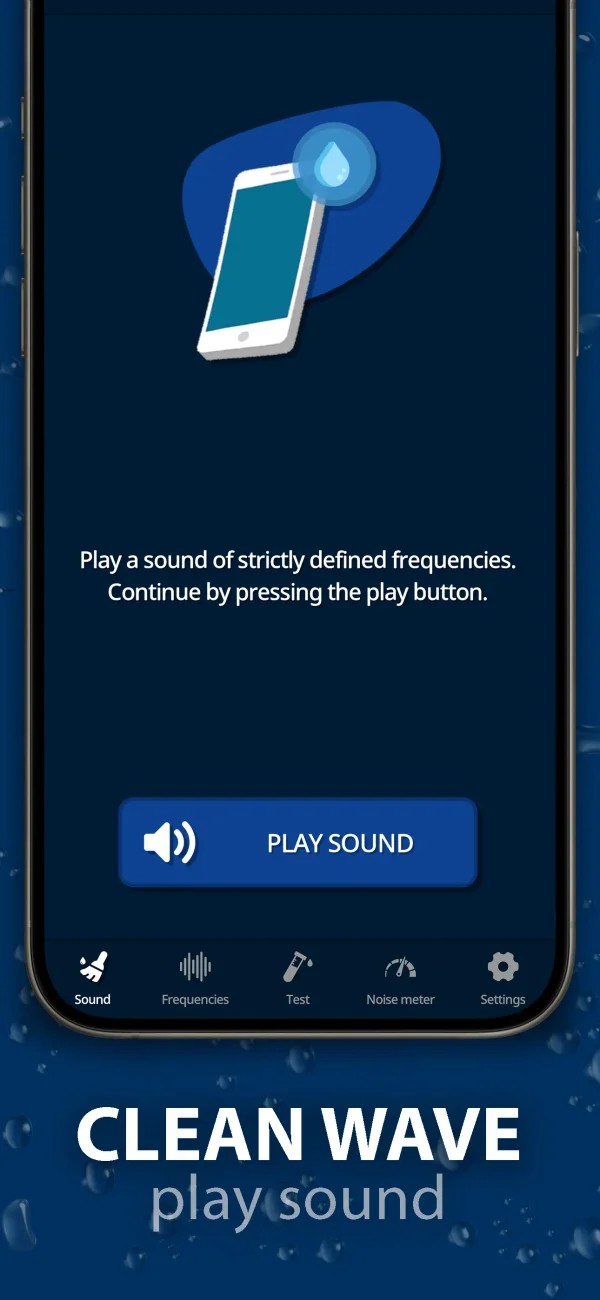
Sound muffled after rain, a swim or a shower? A few drops of water may be sitting in the speaker grille. Water Eject plays low-frequency tones that make the speaker vibrate, which can help push small water droplets out of the grille.
HOW TO USE WATER EJECT
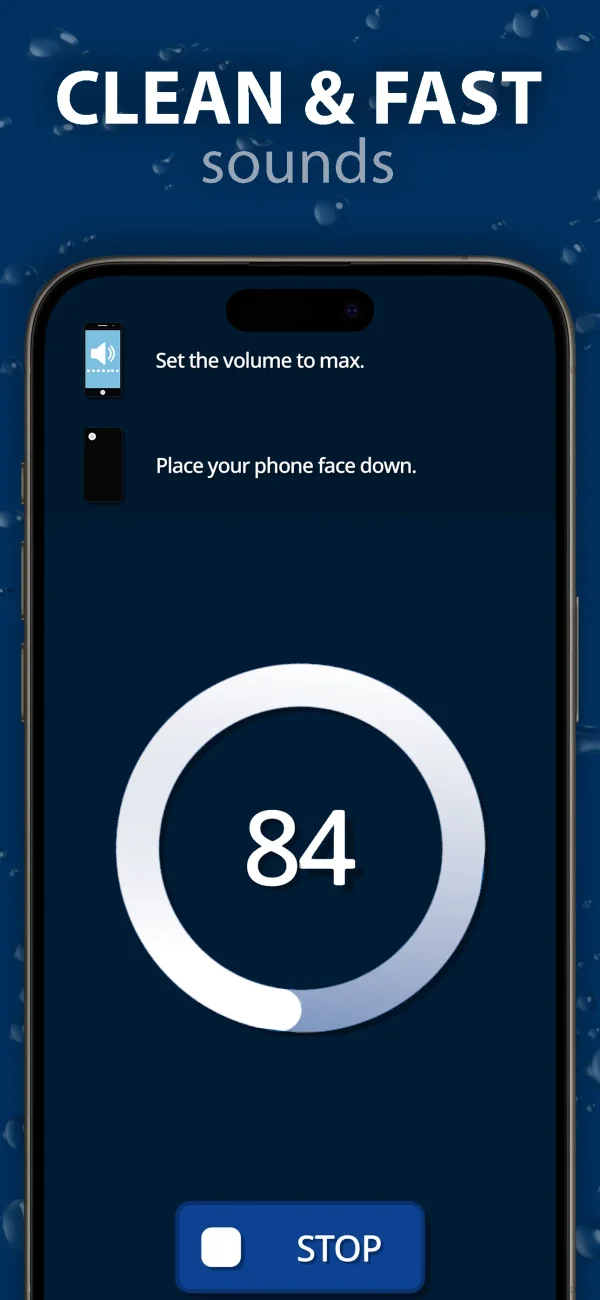
1. Turn the volume all the way up and disconnect headphones.
2. Place your phone screen down on a towel or tissue.
3. Pick a cleaning mode and tap Play. If the sound is still muffled, run another short cycle.
FEATURES
• Water Eject: 10 cleaning modes with tones, bass pulses and frequency sweeps. Premium unlocks all of them.
• Speaker test (Premium): test sounds such as a frequency sweep, bass, stereo and piano clips, to hear how your speakers sound.
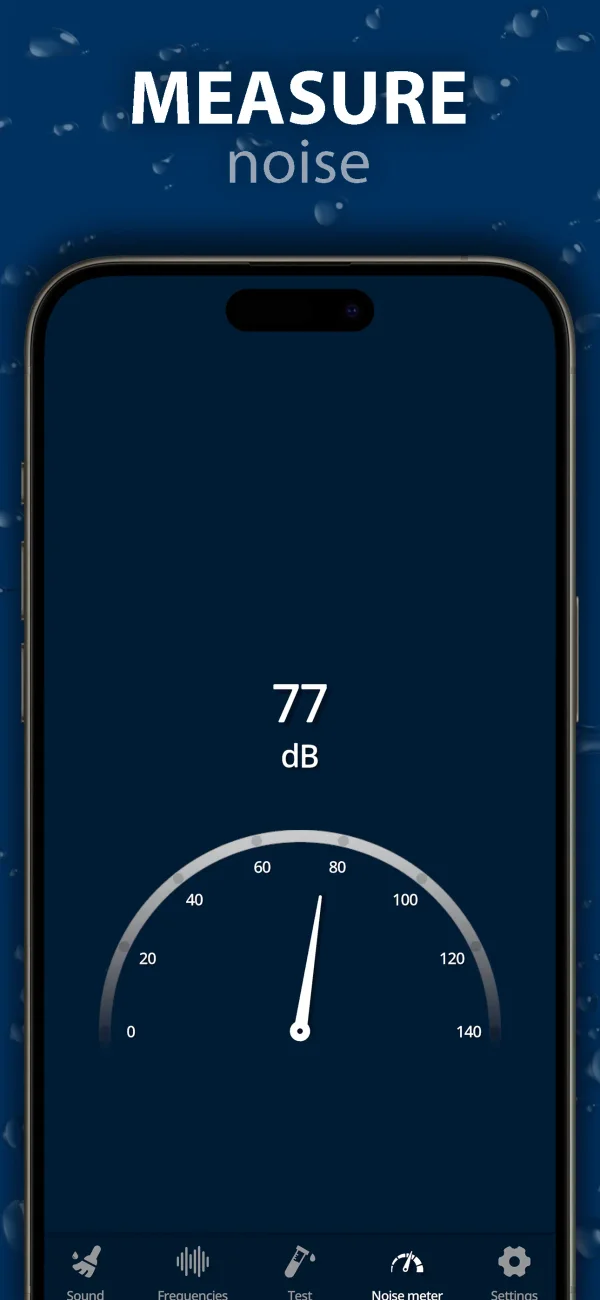
• Noise meter: live sound level readings. Values are estimates, not a calibrated decibel meter.
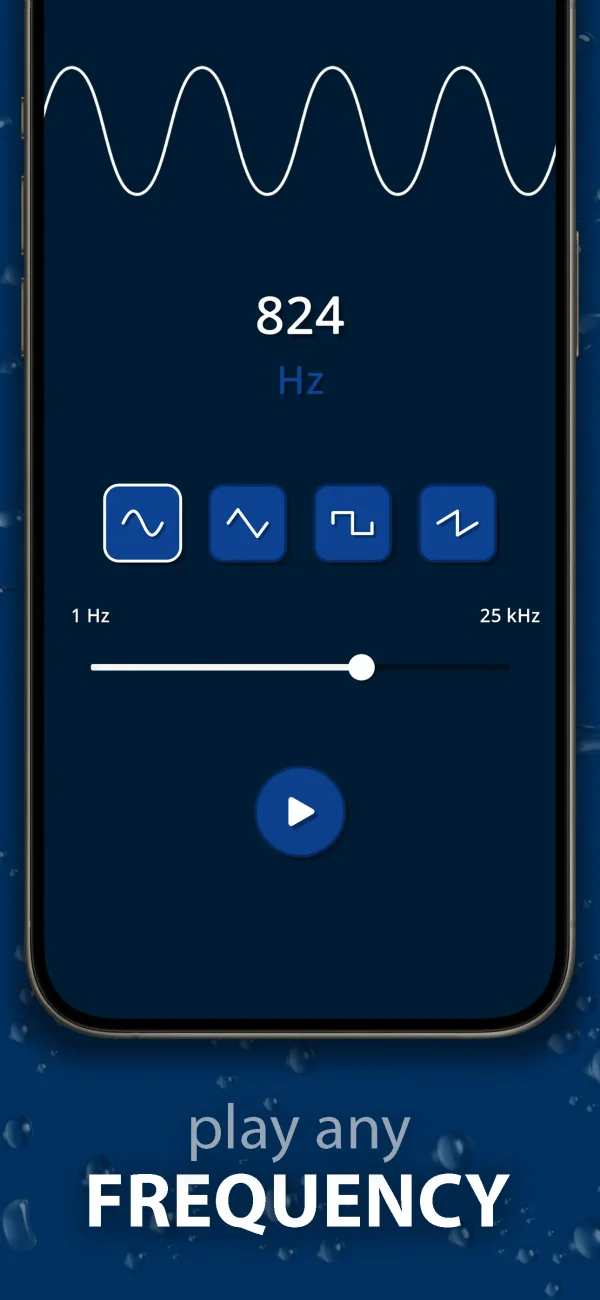
• Tone generator (Premium): play any frequency in Hz with sine, square, triangle or sawtooth waves.
TIPS
• Hold the phone with the speaker facing down so droplets can drain out.
• Run two or three short cycles rather than one long one.
• Let the phone dry at room temperature afterwards. Do not use a hair dryer or heat.
• If the noise meter cannot access the microphone, allow it in Settings > Privacy & Security > Microphone.
IMPORTANT
Water Eject is meant for small amounts of water in the speaker grille after splashes or brief contact with water. It cannot repair water damage or remove water from inside your phone. If your phone was submerged or does not work properly, contact the manufacturer or an authorized repair service.
Premium is optional. A subscription or one-time purchase unlocks all cleaning modes, the speaker test and the tone generator.
EULA: https://www.cleanspeaker.app/terms
Privacy Policy: https://www.cleanspeaker.app/privacy
What’s new
Version 6.1.5 · Nov 9, 2026
This version includes:
• Bug fixes and improvements.
App privacy
What David Krejci declares on the App Store about how this app handles data.
-
Data used to track you
May be used to track you across apps and websites owned by other companies.
- Identifiers
- Usage data
-
Data linked to you
May be collected and linked to your identity.
- Purchases
- Location
- Identifiers
- Usage data
- Diagnostics
- Other data
-
Data not linked to you
May be collected but is not linked to your identity.
- User content
Privacy practices may vary, for example with the features you use or your age.
Information
- Seller
- David Krejci
- Category
- Utilities
- Version
- 6.1.5
- Updated
- Nov 9, 2026
- Released
- Mar 12, 2021
- Size
- 125.9 MB
- Requires
- iOS 15.0 or later
- Age rating
- 4+
- Price
- Free
- In-app purchases
- Yes
- Languages
- English, Afrikaans, Arabic, Azerbaijani, Belarusian, Bulgarian, Czech, Danish, Dutch, Finnish, French, German + 25 more
- Copyright
- © 2026 David Krejci
You might also like
-
 Speaker Cleaner – Water EjectClear Sound Wave & Remover
-
 Speaker Cleaner · Water EjectClear Liquid & Dust from Phone
-
 Clean Tune - Speaker CleanerDecibel dB Sound Level Meter
-
 Water Eject - Clear Wave +Speaker Cleaner, Water Remover
-
 Water Eject – Speaker CleanerClear Wave & Tone Generator
-
 Water Remover: Speaker CleanerClear Wave for Your Phone
-
 SpeakClean - Speaker CleanerBest Speaker Cleaner
-
 Water Eject ۬Get Water Out of Phone Speaker
-
 Speaker Cleaner: Water & DustRemove Dust & Water Instantly
-
 Sound Surge ~ Speaker CleanerCheck & Clean Speaker