
ClearHear : Hearing Amplifier
Hear Better: Voice & TV Boost
Designed for iPhone, iPad, iPod touch
Free · In-app purchases
- Age rating4+
- CategoryUtilities
- DeveloperAtomdev Labs
- LanguagesEnglish
- Size39.7 MB
Links to the official App Store page
Download.org hosts no file of ClearHear : Hearing Amplifier. The button opens its official App Store page, published by Atomdev Labs. Listing last checked on Nov 23, 2026.
Screenshots
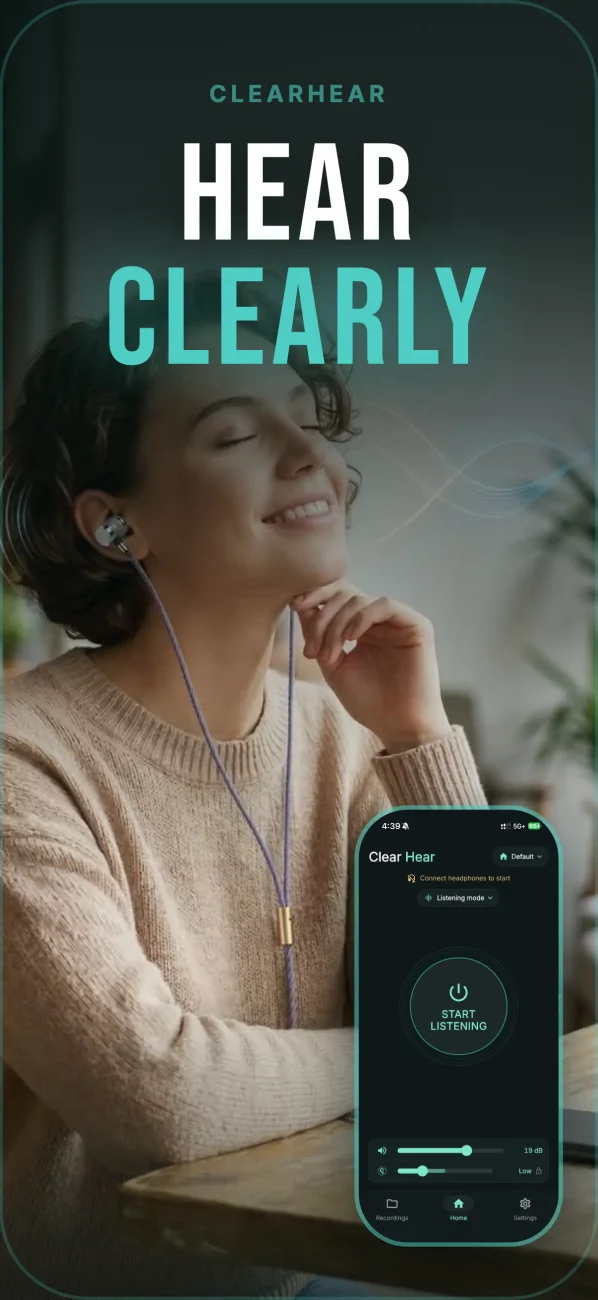
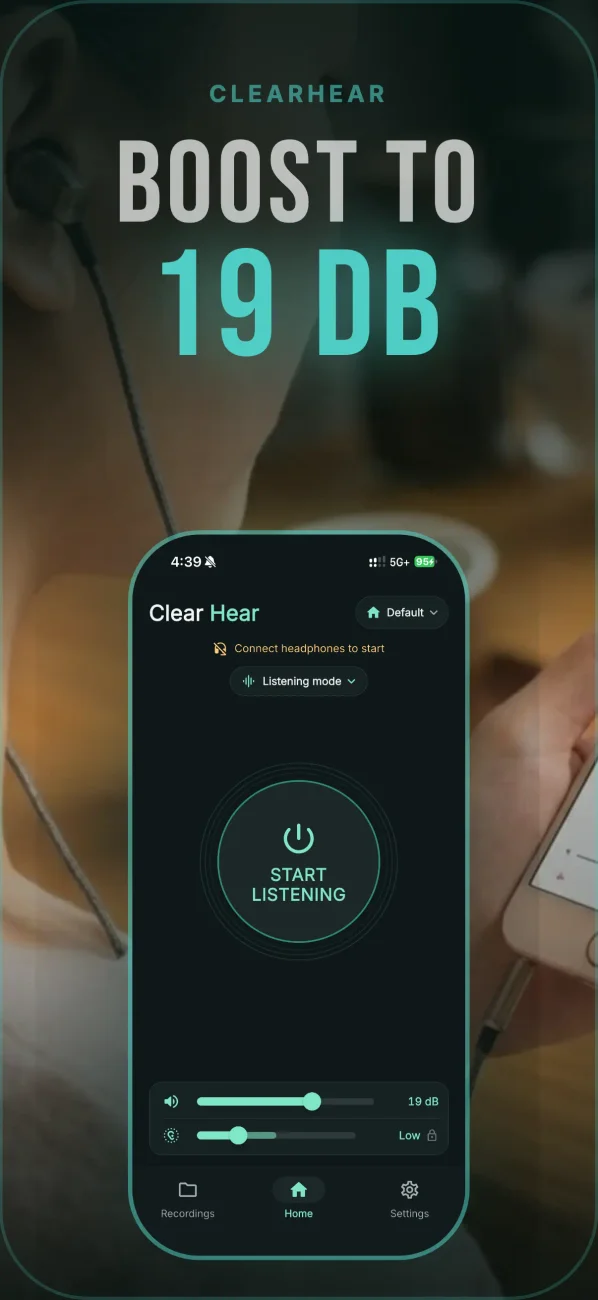
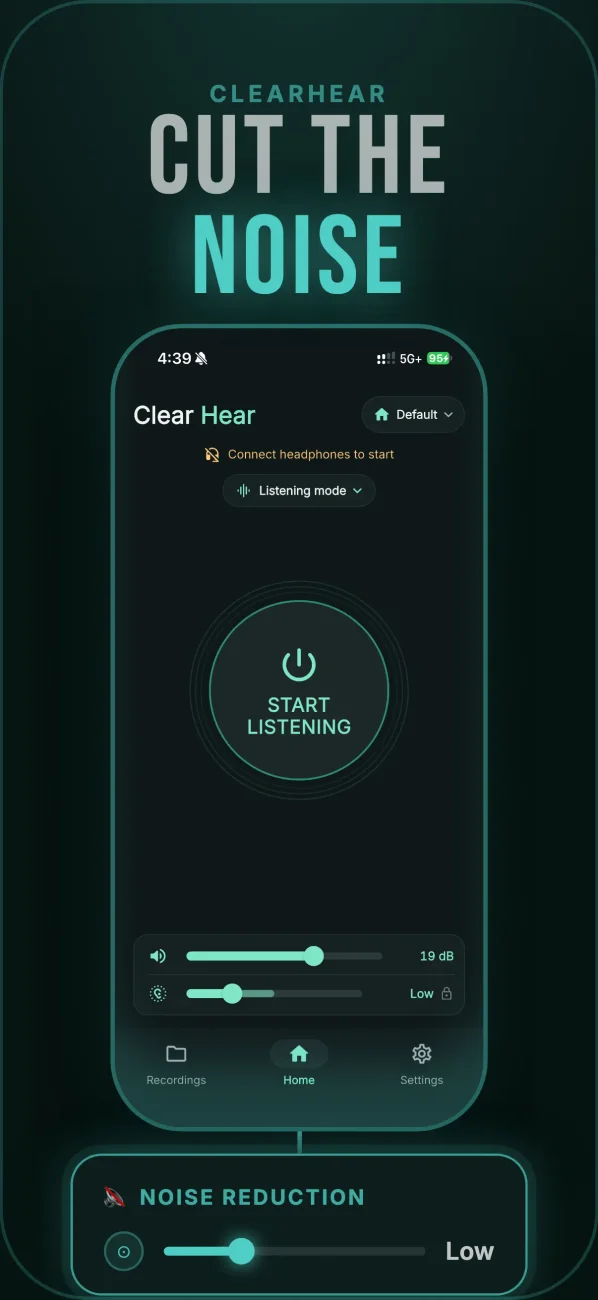

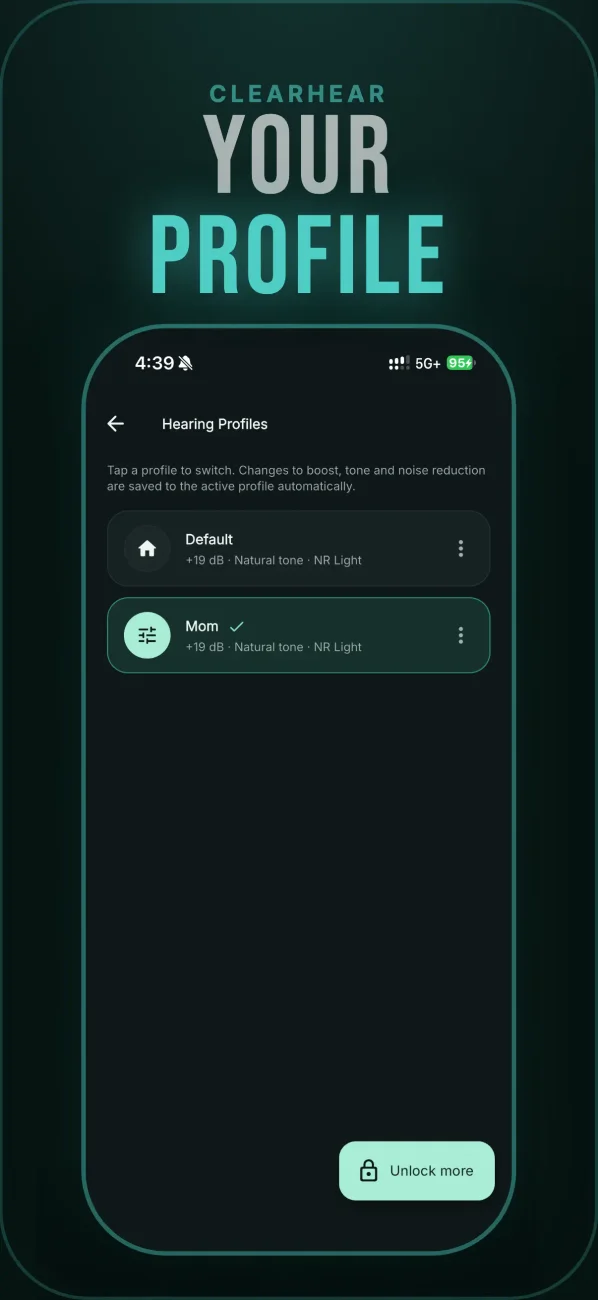
About
Hear the people and sounds around you more clearly.
ClearHear turns your iPhone into a personal sound amplifier. Put on your headphones, tap Start Listening, and ClearHear picks up the sound around you, boosts it and plays it into your ears in real time. Follow conversations at the dinner table, hear the TV without turning it up for everyone, and keep up in meetings and lectures.
LISTENING MODES FOR EVERY PLACE
Pick the mode that fits where you are:
• Conversation – brings voices forward so speech is easier to follow
• TV Mode – clearer dialogue from across the room
• Meeting – focused sound for talks, classes and lectures
• Outdoor – balanced sound for busy places
• Music – full, rich sound for live music
SHAPE THE SOUND YOUR WAY
• Natural, Clear Voice and Bass Boost tones
• Custom Tone: fine-tune each frequency band to suit your ears
• Noise reduction to cut background hum and chatter
• Choose which microphone ClearHear listens with
HEARING PROFILES
Save your favorite settings as profiles, such as "Restaurant", "Living Room" or "Office". Each profile keeps its own volume and tone, so you can switch in a single tap.
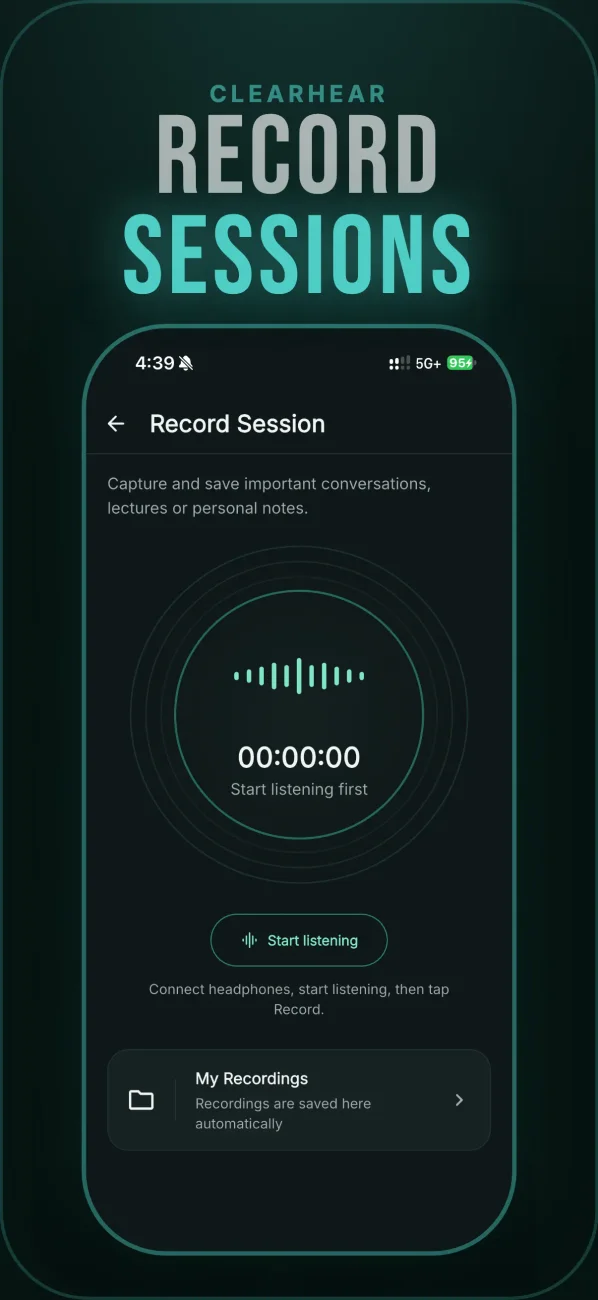
RECORD WHAT YOU HEAR
Capture important conversations, lectures or personal notes and play them back later. Recordings stay on your phone and are never uploaded.
PRIVATE BY DESIGN
Sound is processed on your device in real time. ClearHear has no account and does not send your audio anywhere.
WORKS WITH YOUR HEADPHONES
Use wired headphones, AirPods or any Bluetooth headphones. Wired headphones give the lowest delay.
CLEARHEAR PREMIUM
Enjoy ClearHear for free, or upgrade to Premium for:
• Advanced noise reduction
• Unlimited recordings
• Unlimited custom hearing profiles
• No ads
• All future premium features
Premium is available as a monthly or yearly subscription, or as a one-time lifetime purchase. Payment is charged to your Apple ID at confirmation of purchase. Subscriptions renew automatically unless cancelled at least 24 hours before the end of the current period. You can manage or cancel your subscription in your App Store account settings.
Privacy Policy: [YOUR PRIVACY POLICY URL]
Terms of Use: https://www.apple.com/legal/internet-services/itunes/dev/stdeula/
IMPORTANT
ClearHear is a sound amplifier for everyday listening. It is not a hearing aid or a medical device, and it is not intended to diagnose, treat or replace professional hearing care. If you have hearing loss, please see a hearing professional. Start at a low volume to protect your hearing. Please respect the privacy of others and get their agreement before recording.
What’s new
Version 1.0.3 · Nov 22, 2026
* Improved app routing and navigation for a smoother experience.
* Enhanced overall app performance and stability.
* Fixed minor bugs and UI issues.
App privacy
What Atomdev Labs declares on the App Store about how this app handles data.
-
Data not collected
The developer does not collect any data from this app.
Privacy practices may vary, for example with the features you use or your age.
Information
- Seller
- Atomdev Labs
- Category
- Utilities
- Version
- 1.0.3
- Updated
- Nov 22, 2026
- Released
- Nov 6, 2026
- Size
- 39.7 MB
- Requires
- iOS 15.0 or later
- Age rating
- 4+
- Price
- Free
- In-app purchases
- Yes
- Languages
- English
- Copyright
- © 2026 clearhear
You might also like
-
 Clear Hearing: Hear From FarVolume Booster, Ear Test & EQ
-
 Audio Lab: SPL & SpectrumDecibel Meter & FFT Analyzer
-
 MDA RemoteUtilities
-
 Hear Outside Through EarphonesHear the world, earbuds in
-
 Voice AmplifyAmplify soft, quiet voices
-
 ClearTone: Sound AmplifierUtilities
-
 Hear Through Walls: Amplify#1 Hearing Amplifier
-
 Voice Recorder LiteUtilities
-
 Spy Hearing: Sound AmplifierLive Listening Device
-
 Hear Better from DistanceLive Hearing Amplifier