
ClearPage: Dyslexia Reader
Read your way. Fully offline
Designed for iPhone, iPad
Free
- Age rating4+
- CategoryEducation
- DeveloperNatalia Andrzejewski
- LanguagesEnglish+ 4 more
- Size11.4 MB
Links to the official App Store page
Download.org hosts no file of ClearPage: Dyslexia Reader. The button opens its official App Store page, published by Natalia Andrzejewski. Listing last checked on Nov 19, 2026.
Screenshots

About
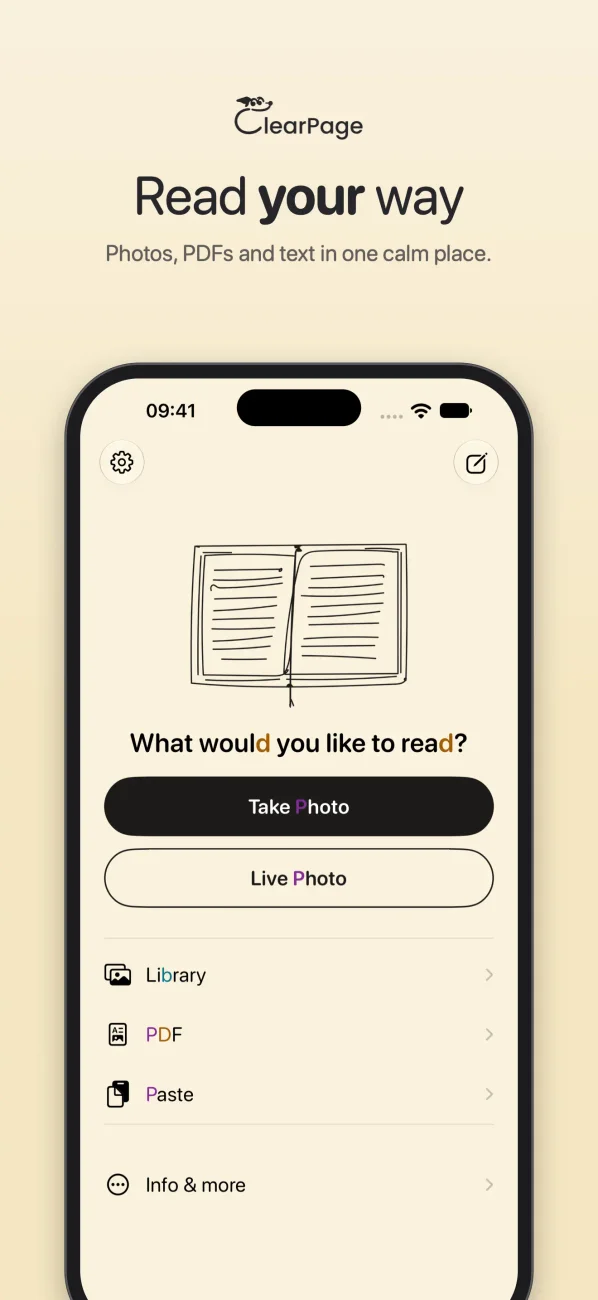
ClearPage re-renders any text — a photo, a screenshot, pasted text, or the live camera — in a layout designed for dyslexic readers. Everything runs on your device: no account, no network, no analytics.
YOUR READING PROFILE
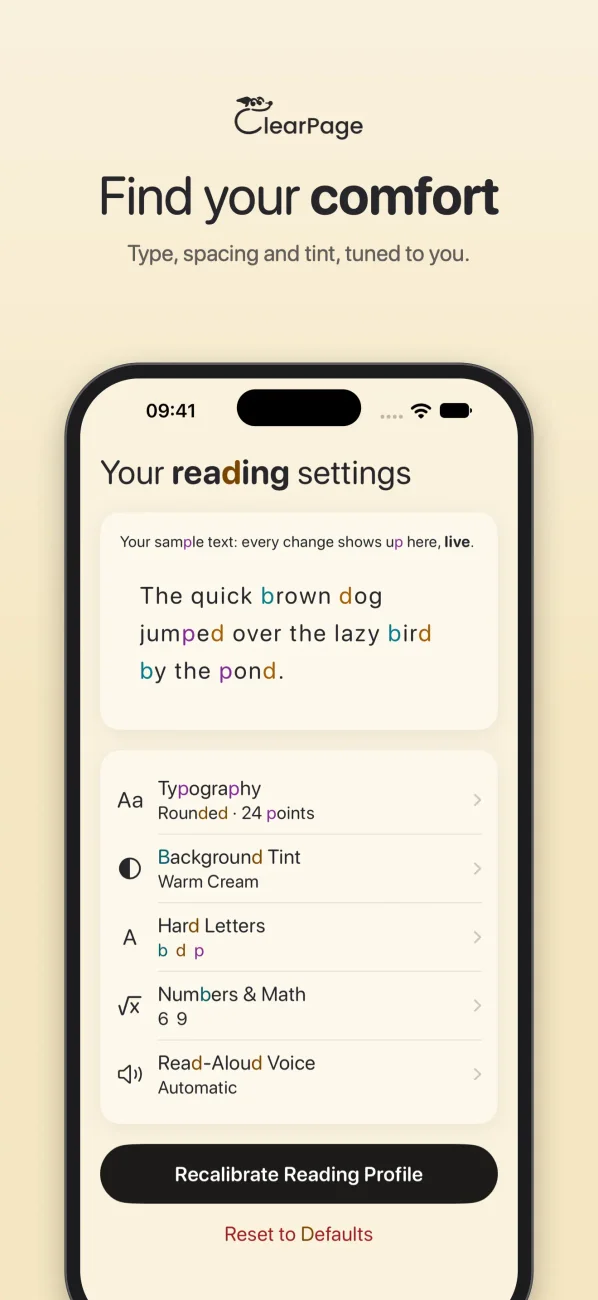
A 30-second calibration asks one question: which feels easiest to read? From your answers, ClearPage derives your profile — letter spacing, line height, text size, a dyslexia-friendly typeface (OpenDyslexic included), and a low-stimulus background tint. The profile styles the whole app, even the Home Screen icon and widget.
LETTERS THAT STAY PUT
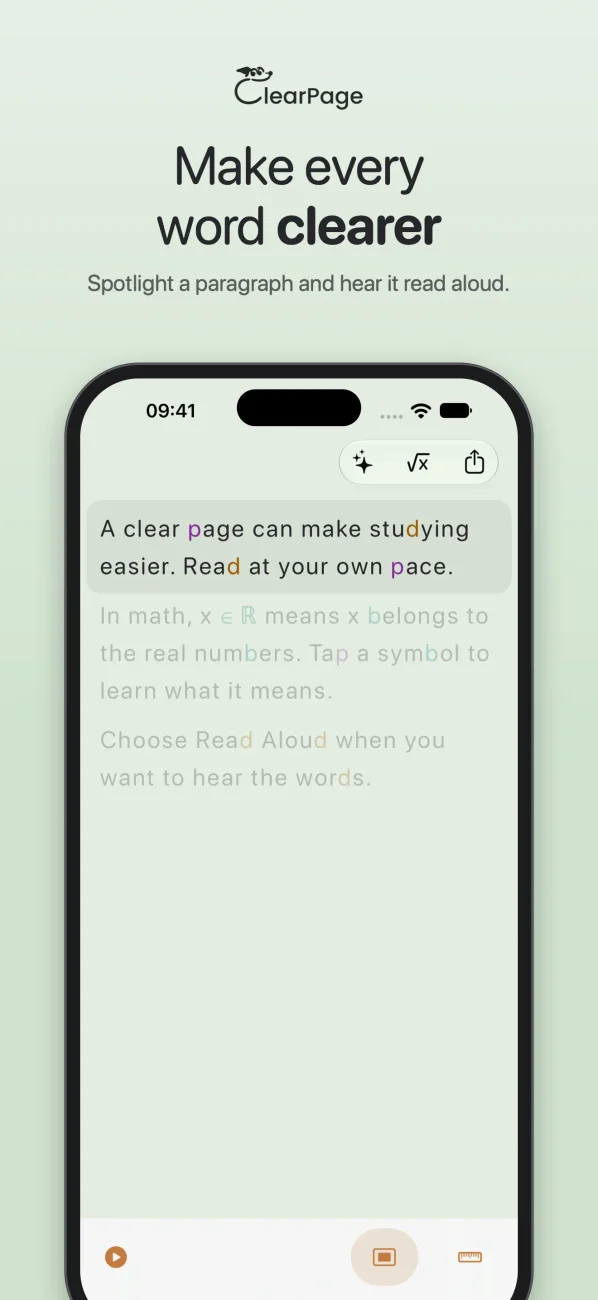
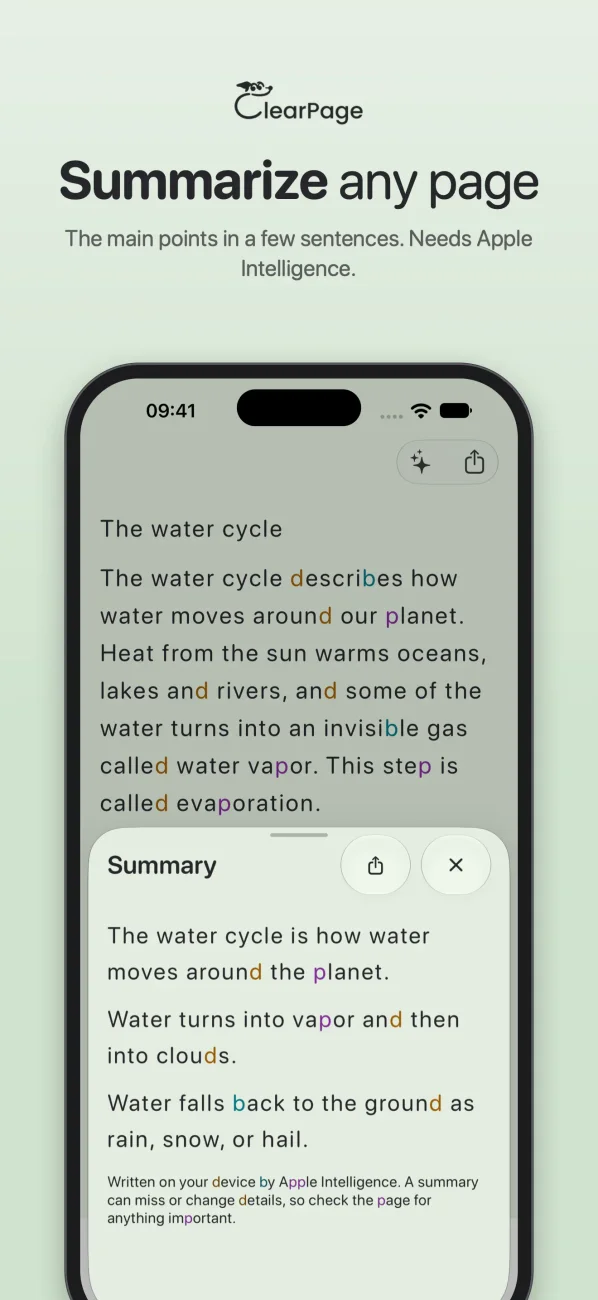
Confusable letters (b, d, p, q) are anchored in consistent colors, so they stop flipping. Contrast is checked on every surface.
MATH WITHOUT THE GUESSWORK
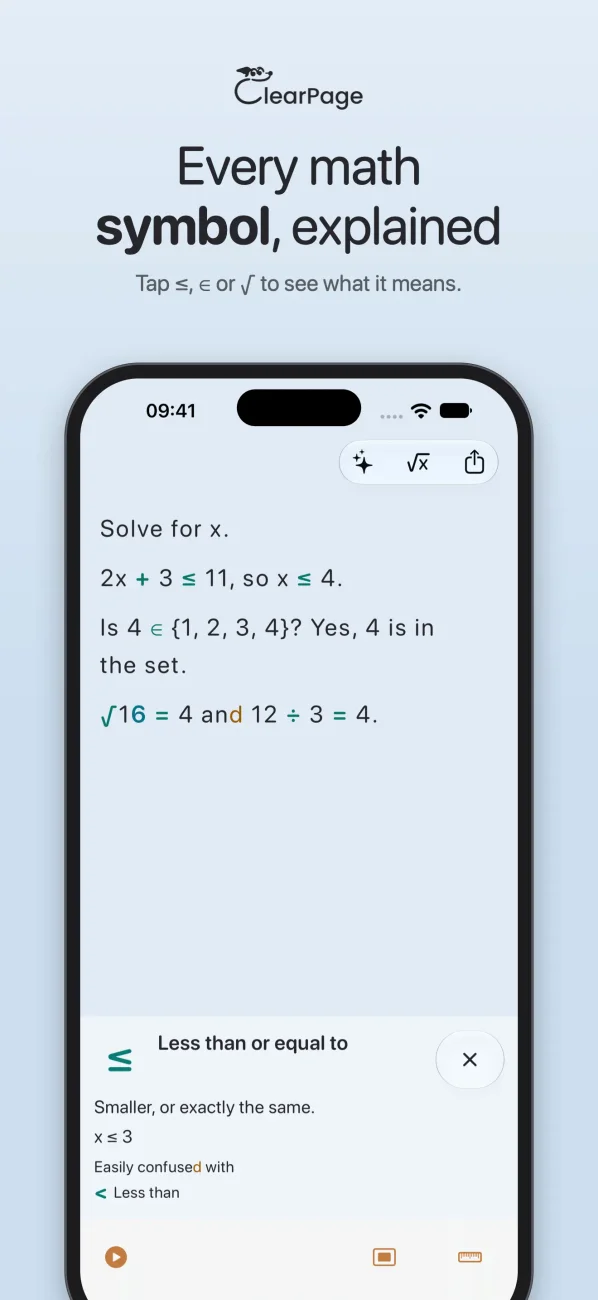
Built for dyscalculia too: 35 confusable math symbols are color-anchored. Tap any symbol for a plain-language meaning card with lookalike disambiguation. Read Aloud speaks them in words. A Math Power toggle tunes the scanner for formulas.
READ ANYTHING, FROM ANYWHERE
Photo, screenshot, camera, pasted image or text — crop to just the passage you want
Live mode: point the camera and read continuously in your layout, with an optional focus band
Share & Action Extensions: send images or text from any app
Siri, Shortcuts, and Action Button support
Home Screen widget: one-tap scan, camera, live, or paste from the clipboard
READ ALOUD
On-device speech with word-by-word highlighting and automatic language detection, plus a Live Activity so you can follow along from the Lock Screen.
STAY FOCUSED
A draggable reading ruler dims surrounding lines so your eyes keep their place.
PRIVATE BY DESIGN
Text recognition uses Apple's on-device engine in English, Spanish, and German. Nothing you scan ever leaves your iPhone or iPad.
ACCESSIBLE TO EVERYONE
Reading sizes up to 80 pt (multiplied further by Dynamic Type), full VoiceOver labelling, Reduce Motion respected.
ClearPage was built on the curb-cut principle: features designed for dyslexia make reading easier for everyone — tired eyes, second-language readers, anyone studying dense material.
What’s new
Version 3.2.0 · Nov 14, 2026
A better reading ruler, and read-aloud that starts where you are.
• The reading ruler can now leave one, two or three lines clear, and you choose how dark the rest of the page goes.
• Step the ruler line by line with Next Line and Previous Line, or drag it and the page scrolls along.
• Double-tap a paragraph to move the spotlight to it, now also while the ruler is on.
• Read Aloud starts from the line under the ruler or the paragraph in the spotlight, not always from the top.
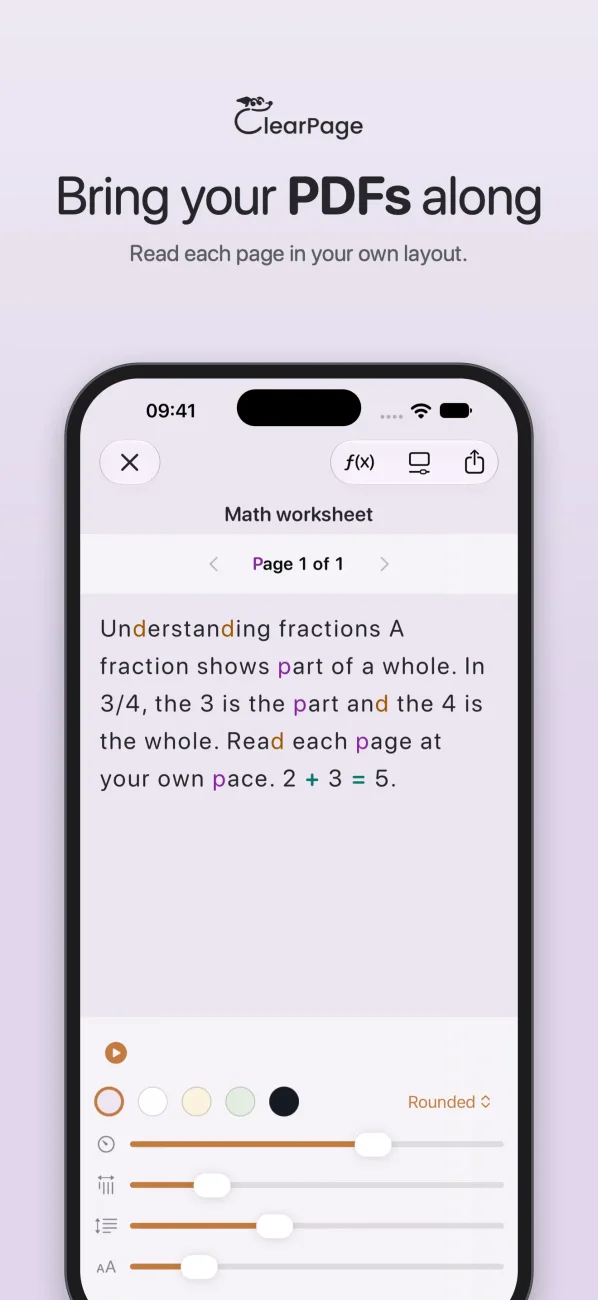
• In PDFs, read-aloud turns the page by itself and keeps reading.
• Tint, typeface, spacing and text size are behind the gear on the reading page, so you can adjust them without leaving the text.
• PDFs keep their paragraphs, and scanned pages that are turned sideways are now read correctly.
• On iPad, setting up your reading profile uses the full page.
Special thanks to Susanne for the feedback!
App privacy
What Natalia Andrzejewski declares on the App Store about how this app handles data.
-
Data not collected
The developer does not collect any data from this app.
Privacy practices may vary, for example with the features you use or your age.
Information
- Seller
- Natalia Andrzejewski
- Category
- Education
- Version
- 3.2.0
- Updated
- Nov 14, 2026
- Released
- Jun 16, 2026
- Size
- 11.4 MB
- Requires
- iOS 26.0 or later
- Age rating
- 4+
- Price
- Free
- Languages
- English, German, Simplified Chinese, Spanish, Traditional Chinese
- Copyright
- © 2026 Natalia Andrzejewski
You might also like
-
 ReadEase – AI Text ReaderRead Aloud for Dyslexia & ADHD
-
 Freshscan AppCamera reads pages aloud
-
 DysViewerRead documents your way
-
 SpellLogicDyslexia-friendly spelling
-
 Niki Scene ProCreate interactive images
-
 Dyslexia Reading LensRead, listen, simplify text
-
 Driving Tests PrepDMV Practice Test & Permit
-
 EasyReader - AI for ReadingCircle to get AI Explanations
-
 Niki ButtonsEducation
-
 Niki PlanDaily organization