
- Age rating12+
- CategorySocial Networking
- DeveloperClearview Social
- LanguagesEnglish
- Size38.1 MB
Links to the official App Store page
Download.org hosts no file of Clearview Social. The button opens its official App Store page, published by Clearview Social. Listing last checked on Nov 16, 2026.
Screenshots


About
Please note: This app is intended for users that are already signed up by their organization to use Clearview Social.
Using Clearview Social, you can browse the latest content to share to your professional networks. With a single click, you can share content using our PeakTime™ AI-based scheduler.
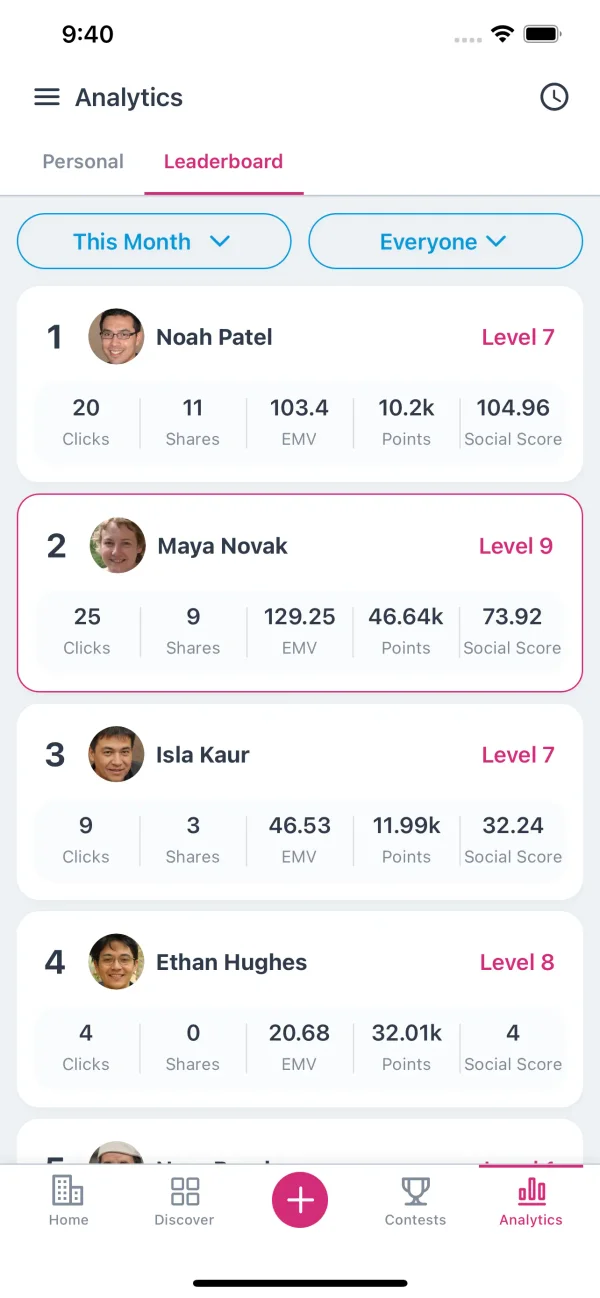
Once your content is scheduled, you can track its activity on your connected social networks. See how you stack up against the competition using our leaderboard, and view your overall progress on our results screen. As you continue to share great content, earn badges for your success.
Take your social media skills to the next level with Clearview Social!
What’s new
Version 2.0.0 · Oct 23, 2026
Clearview Social 2.0
Clearview Social has been rebuilt from the ground up, bringing the tools you use on the web to your phone.
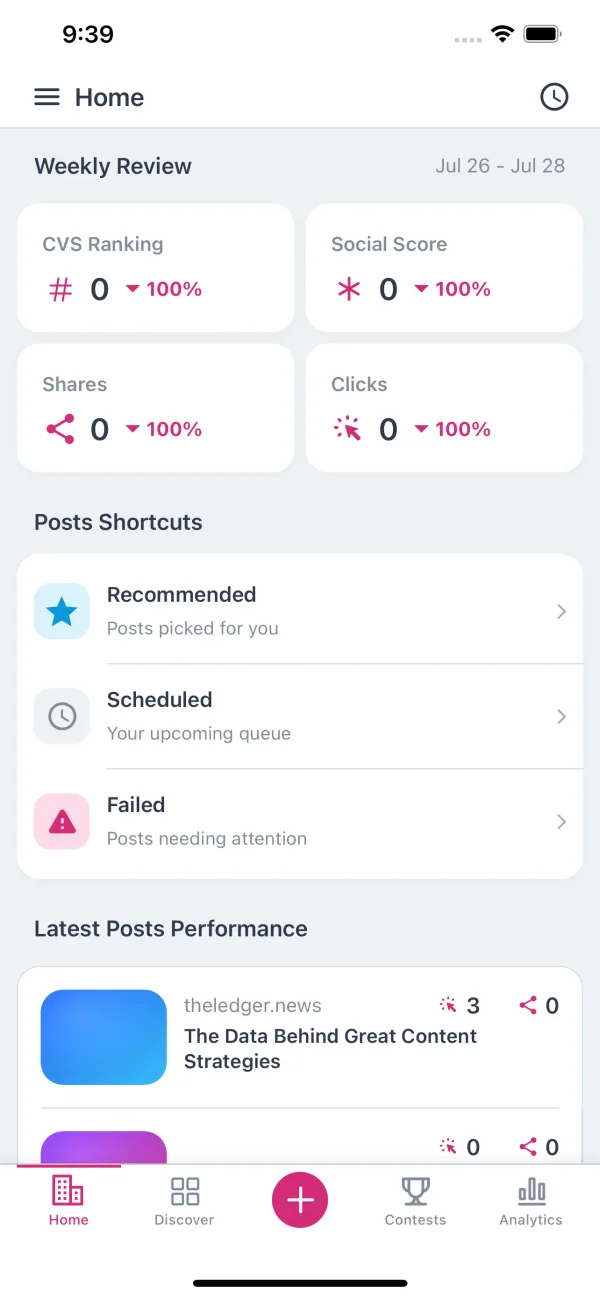
Home — See your Weekly Review at a glance: CVS Ranking, Clicks, Shares, and Social Score. Jump straight to your Recommended, Scheduled, or Failed posts, and check how your latest posts are performing.
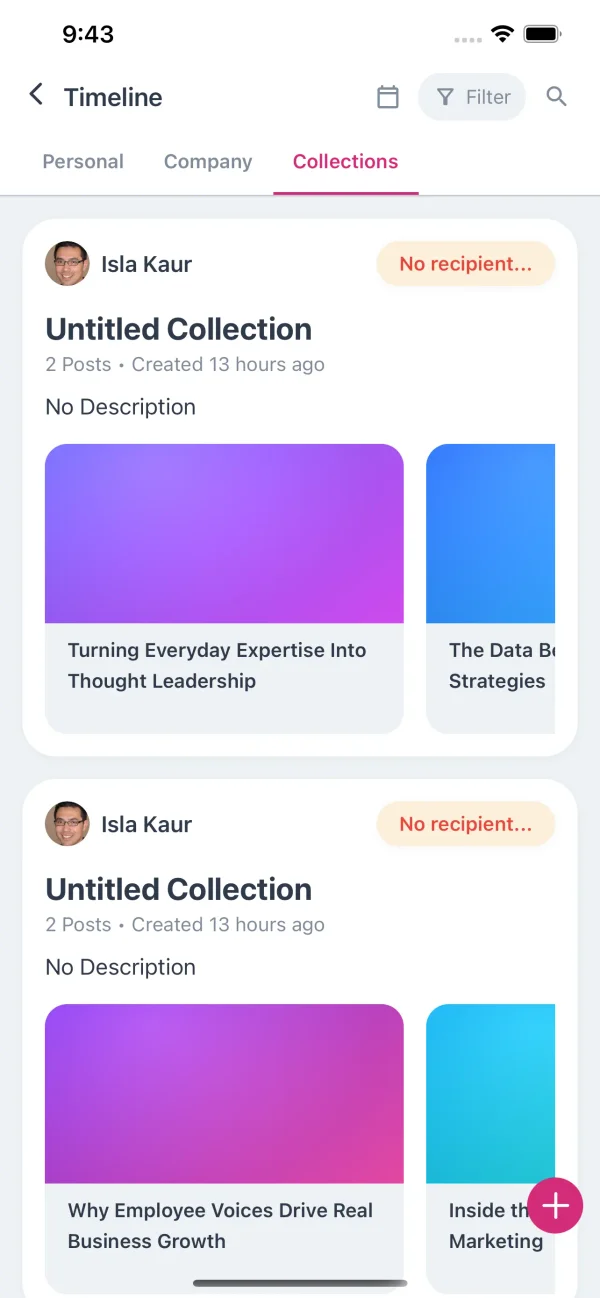
Timeline — See your Personal, Company, and Collection views in one place. Search your posts, filter them the way you want — your filters are remembered next time — and switch to Calendar view to see everything you have scheduled.
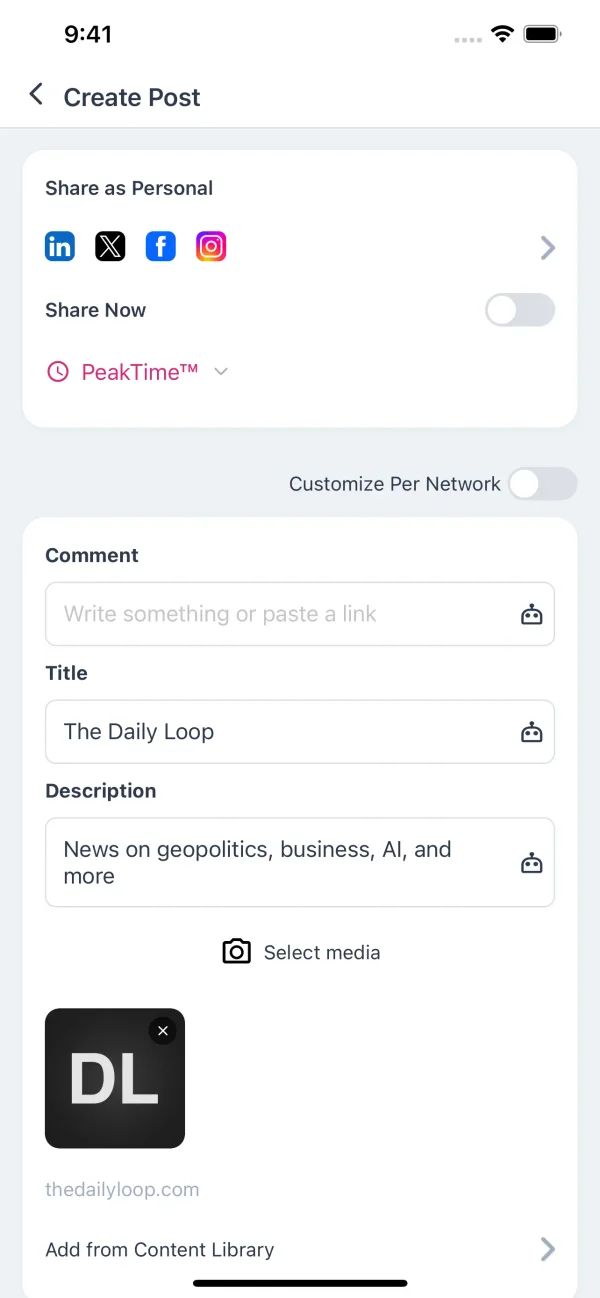
Create and schedule — Write and edit posts from your phone, pull from your Content Library, or add your own RSS feed. AI Assist drafts captions for you, and PeakTime™ schedules your posts and shares at the times they are most likely to get attention.
Collections — Build a Collection, set how long its posts stay shareable, and revoke sharing when you are done.
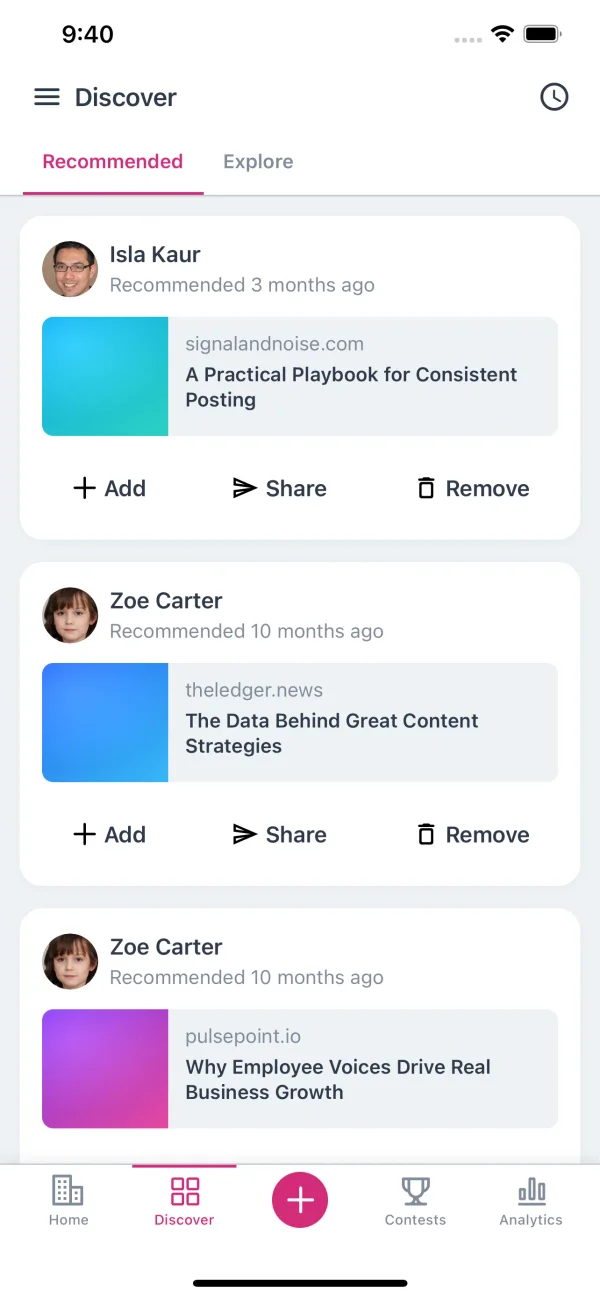
Explore — Browse Industry News and your own RSS feeds, filter down to the sources that matter to you, and share what fits your audience.
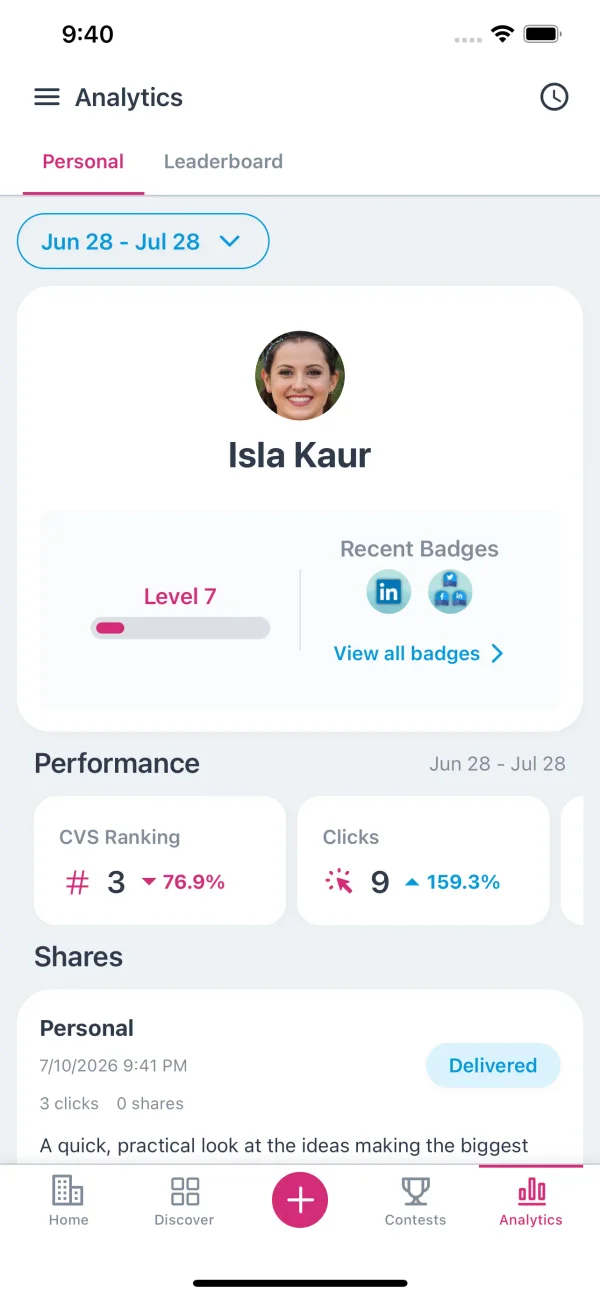
Analytics — Track your results over any date range, see where you stand on the Leaderboard, and review the Achievement badges you have earned.
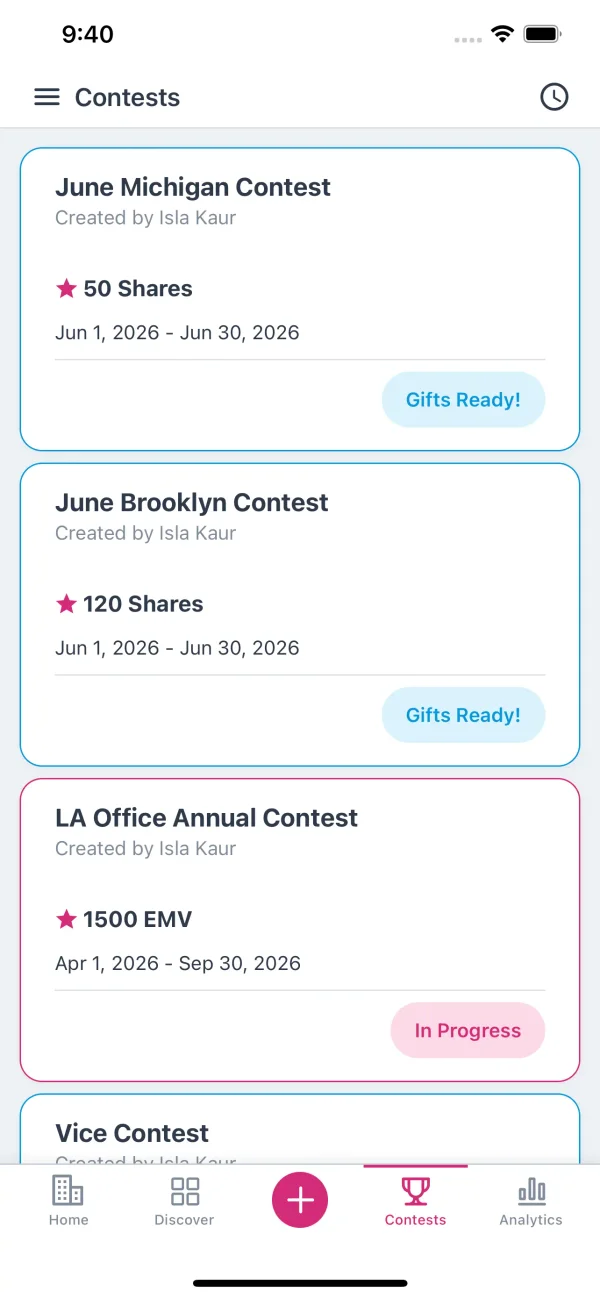
Contests — Follow your contests.
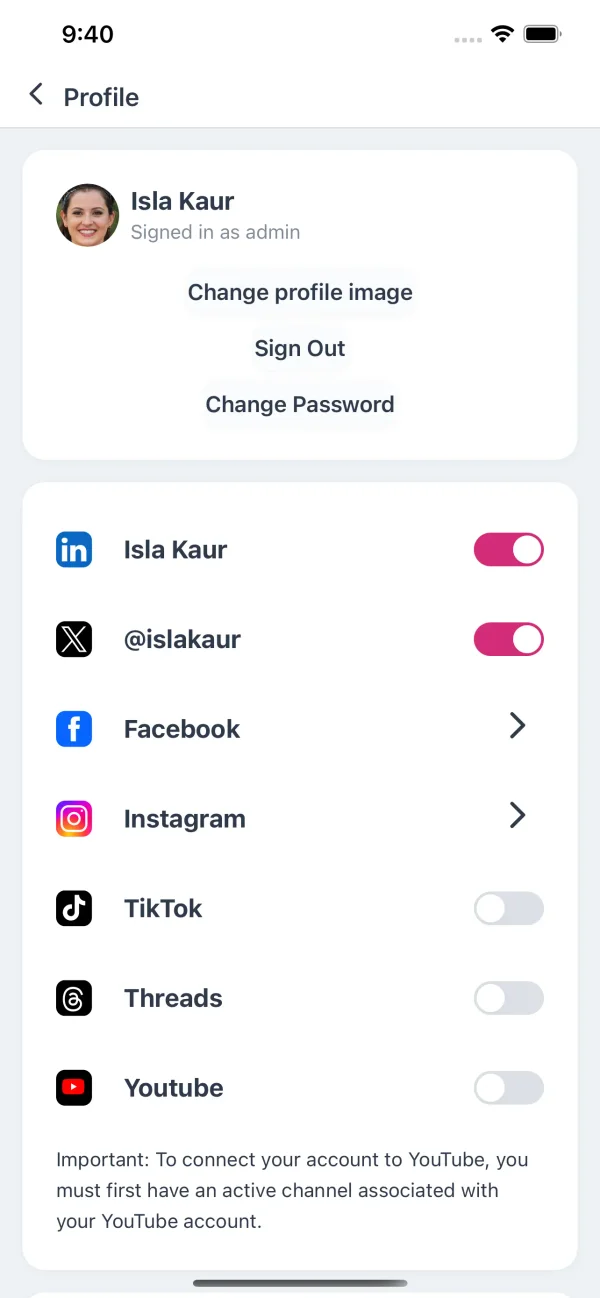
Your accounts — Connect LinkedIn, Facebook, Instagram, TikTok, Threads, YouTube, and enable Share All™ for Facebook and Instagram. Set your PeakTime™ hours, your Virtual Assistant, group subscriptions, and email notifications.
For admins — Manage Customization & Branding and Corporate Accounts, and create company posts, collections, and contests from Quick Add.
App privacy
What Clearview Social declares on the App Store about how this app handles data.
-
Data used to track you
May be used to track you across apps and websites owned by other companies.
- Diagnostics
-
Data linked to you
May be collected and linked to your identity.
- Contact info
- User content
- Identifiers
- Usage data
Privacy practices may vary, for example with the features you use or your age.
Information
- Seller
- Clearview Social, Inc.
- Category
- Social Networking
- Version
- 2.0.0
- Updated
- Oct 23, 2026
- Released
- Mar 14, 2019
- Size
- 38.1 MB
- Requires
- iOS 15.1 or later
- Age rating
- 12+
- Price
- Free
- Languages
- English
- Copyright
- © 2014 Clearview Social, Inc.
You might also like
-
 Social ButterSocial Networking
-
 WatchLinkSocial Networking
-
 Seismic LiveSocialSocial Selling & Enablement
-
 Vest Construction JobsThe place for contractors.
-
 Social Network AnalyzerInstagram Stats Made Easy
-
 Loop'd SocialConnect and Play
-
 Timid AppSocial media without the noise
-
 Picnic SocialMeet people over a meal
-
 CandescoSocial Networking
-
 AquaTerraSocial Networking