
Clearing: Camera Roll Cleaner
Delete Photos, Merge Contacts
Designed for iPhone
In-app purchases
- Age rating4+
- CategoryUtilities
- DeveloperDanil Chshavelev
- LanguagesEnglish+ 2 more
- Size26.4 MB
Links to the official App Store page
Download.org hosts no file of Clearing: Camera Roll Cleaner. The button opens its official App Store page, published by Danil Chshavelev. Listing last checked on Nov 26, 2026.
Screenshots




About
Your iPhone says Storage Full. Clearing is a camera roll cleaner that shows what is actually filling it, biggest piles first, so you can free up space in a few taps.
Open the app and it scans your library on the device. Home then lists what can go, sorted by size, so you start with the pile that gives back the most space:
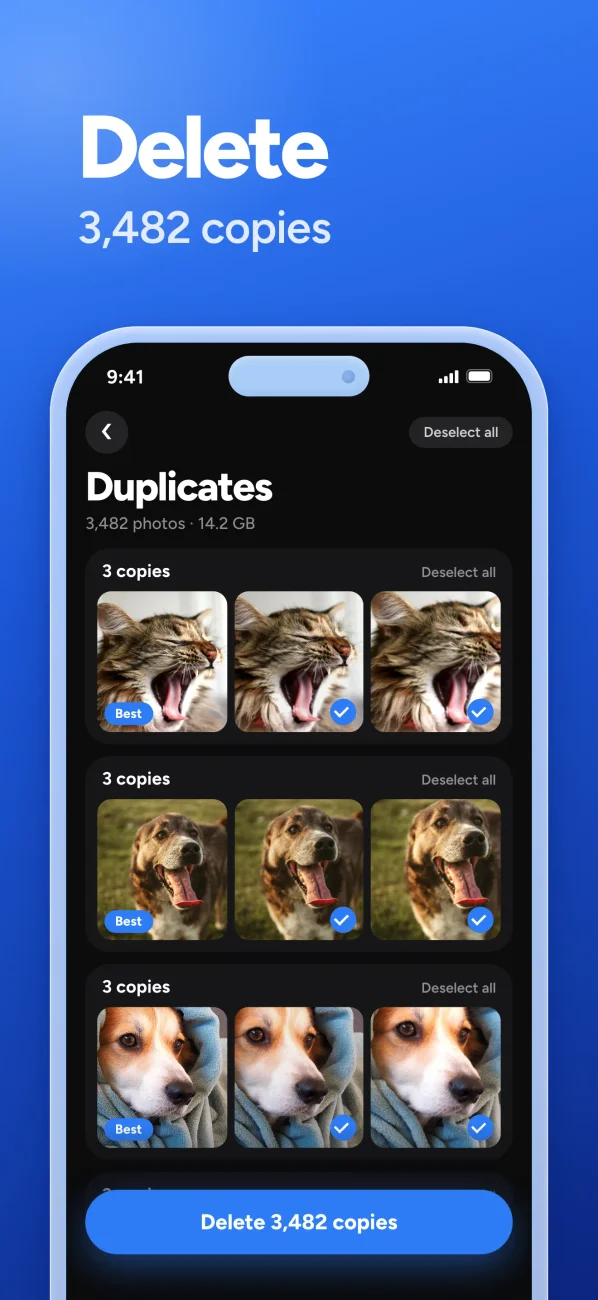
→ Duplicates and similar photos: the same shot twice, bursts and retakes that differ by a blink
→ Similar videos and similar screenshots
→ Blurry shots: out of focus, never going to be posted
→ Screenshots and screen recordings: receipts, maps and chats from years ago
→ Chat photos and large videos
Smart Clean takes the sets Clearing has checked and keeps the best shot of each one. You see every set before anything is removed, and you can change the pick with one tap.
Swipe through your library month by month: left to delete, right to keep. A quick way to sort the photos no category catches.
More space: compress large videos and turn Live Photos you never replay into still photos.
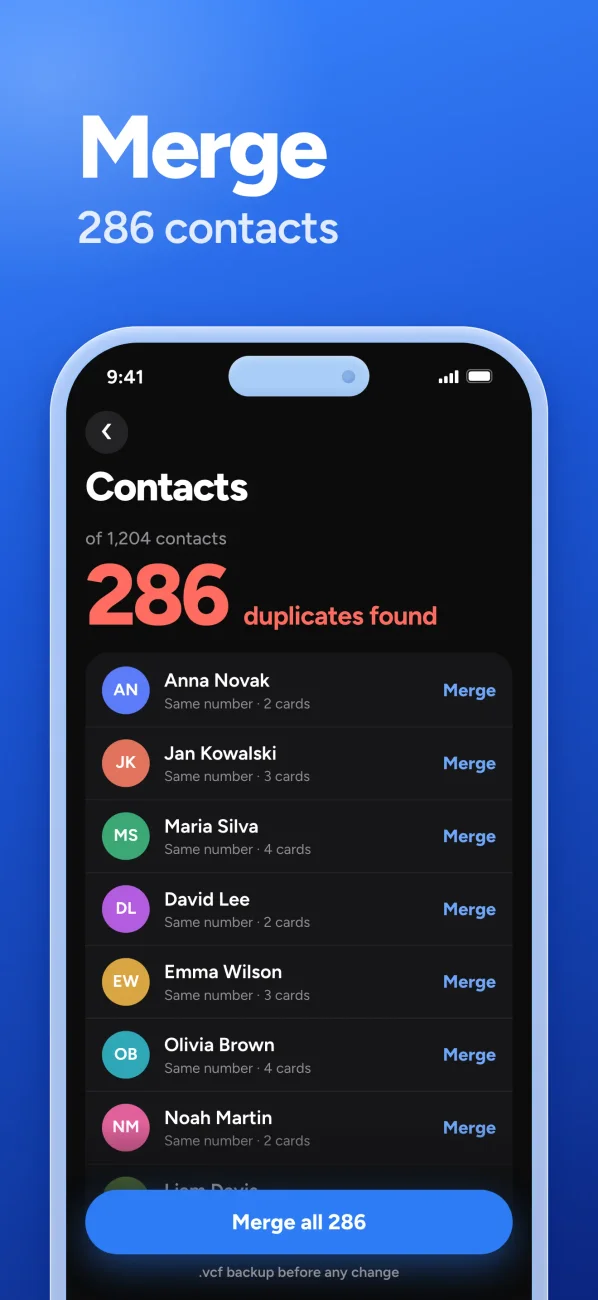
Contacts: find duplicates that share a name, number or email, and cards with no phone or email. Back up all your contacts as a .vcf file to Files before you merge.
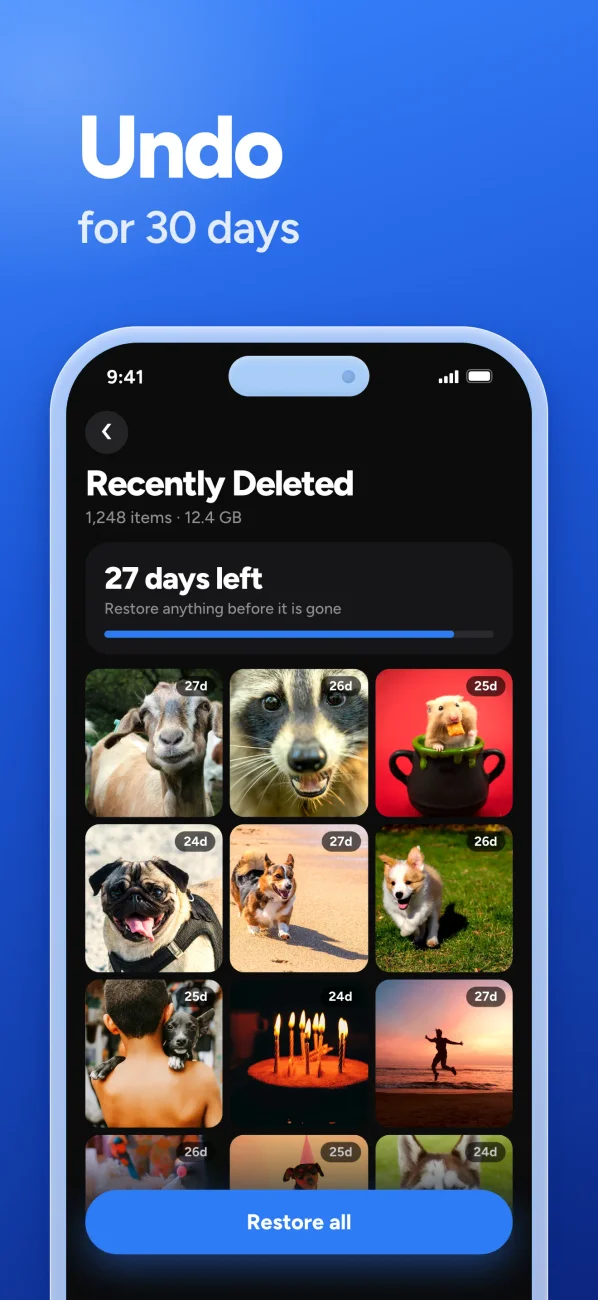
You stay in charge. Photos are analysed on your iPhone and never uploaded. Nothing is removed until you confirm, and deleted photos stay in Recently Deleted for 30 days, so any cleanup can be undone.
Clearing Pro unlocks deleting, merging and the More space tools. Plans: weekly with a 3-day trial, or yearly. Payment is charged to your Apple ID when you confirm. Subscriptions renew automatically unless renewal is turned off in Settings › Apple ID › Subscriptions at least 24 hours before the end of the current period. Start a paid plan during the 3-day trial and the remaining trial days end at that moment.
Terms of Use (Apple standard EULA): https://www.apple.com/legal/internet-services/itunes/dev/stdeula/
Privacy policy: https://cleen-smart-cleaner.web.app/privacy
What’s new
Version 4.4.0 · Nov 25, 2026
What's new in 4.4:
• Recently Deleted: see when the space of removed photos comes back, day by day
• Progress: every month you cleaned, in one log
• Videos, blurry photos and screenshots: the biggest file comes first
• A reminder to sort photos after a few busy days, and total freed space in the widget
• Layout and stability fixes
App privacy
What Danil Chshavelev declares on the App Store about how this app handles data.
-
Data not linked to you
May be collected but is not linked to your identity.
- Purchases
- Contacts
- User content
- Identifiers
- Usage data
- Diagnostics
Privacy practices may vary, for example with the features you use or your age.
Information
- Seller
- Danil Chshavelev
- Category
- Utilities
- Version
- 4.4.0
- Updated
- Nov 25, 2026
- Released
- May 19, 2026
- Size
- 26.4 MB
- Requires
- iOS 17.0 or later
- Age rating
- 4+
- In-app purchases
- Yes
- Languages
- English, Japanese, Polish
- Copyright
- © 2026 Clearing
You might also like
-
 SmartClean: Media CleanerCompress, curate & print
-
 BT Finder - Device TrackerFind Device with Bluetooth
-
 AI Cleaner: PhotoCraftElevate Your Photo Experience
-
 Sweep: Photo Cleanup by SwipeSwipe to sort photos & videos
-
 AI CleanUp - OneTap CleanCurate media. Keep private
-
 CleanStorage: Storage CleanerClean Up Space, Delete Dupes
-
 Spark Cleaner - Easy CleanClean Storage in One Tap
-
 Photo and Contacts CleanerClean photos and contacts
-
 CleanUp Storage CleanerRemove Duplicates & Free Space
-
 CleanerTurbo-Ai phone cleanerDelete Duplicates&Photo Clean