
Clef Sight Reading Trainer
Read Piano Notes & Sheet Music
Designed for iPhone, iPad
Free · In-app purchases
- Age rating4+
- CategoryEducation
- DeveloperMel Owen
- LanguagesEnglish+ 5 more
- Size81.6 MB
Links to the official App Store page
Download.org hosts no file of Clef Sight Reading Trainer. The button opens its official App Store page, published by Mel Owen. Listing last checked on Nov 20, 2026.
Screenshots

About
Clef: Sight Reading Trainer
Connect written notes, note names and piano keys through short, repeatable drills.
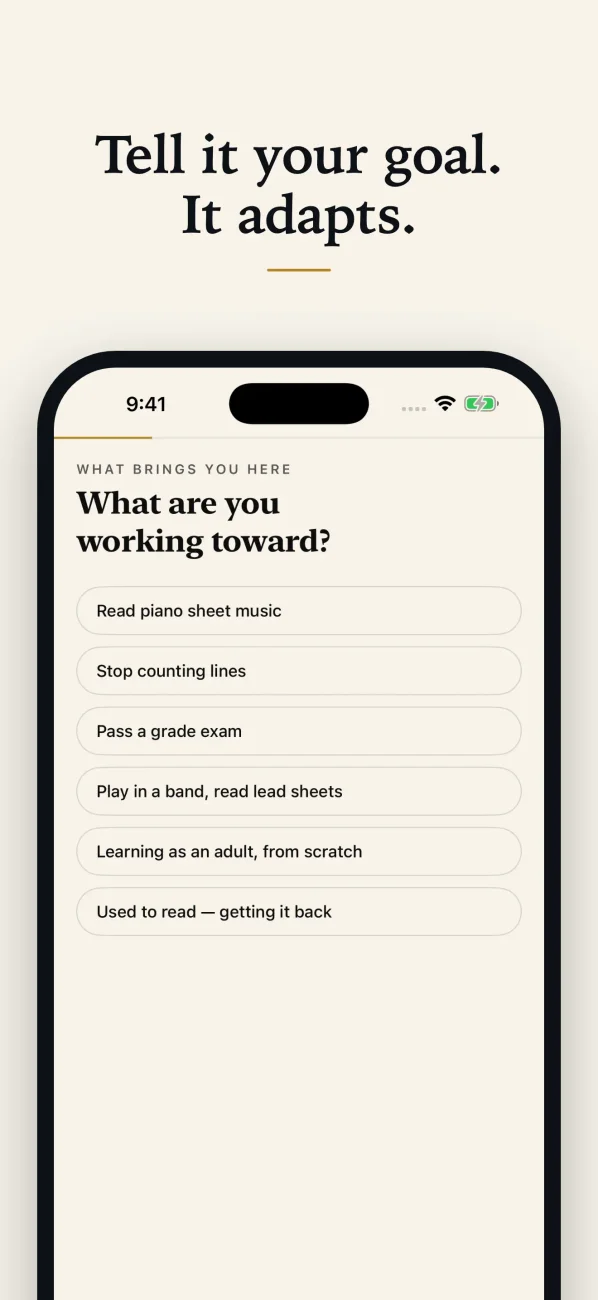
Choose your reading level and session length, then start practising. New beginners start with a small group of C-position notes and patterns. Short explanations introduce unfamiliar concepts, and help stays available during practice. Spaced repetition uses your answers to schedule what to revisit.
READING
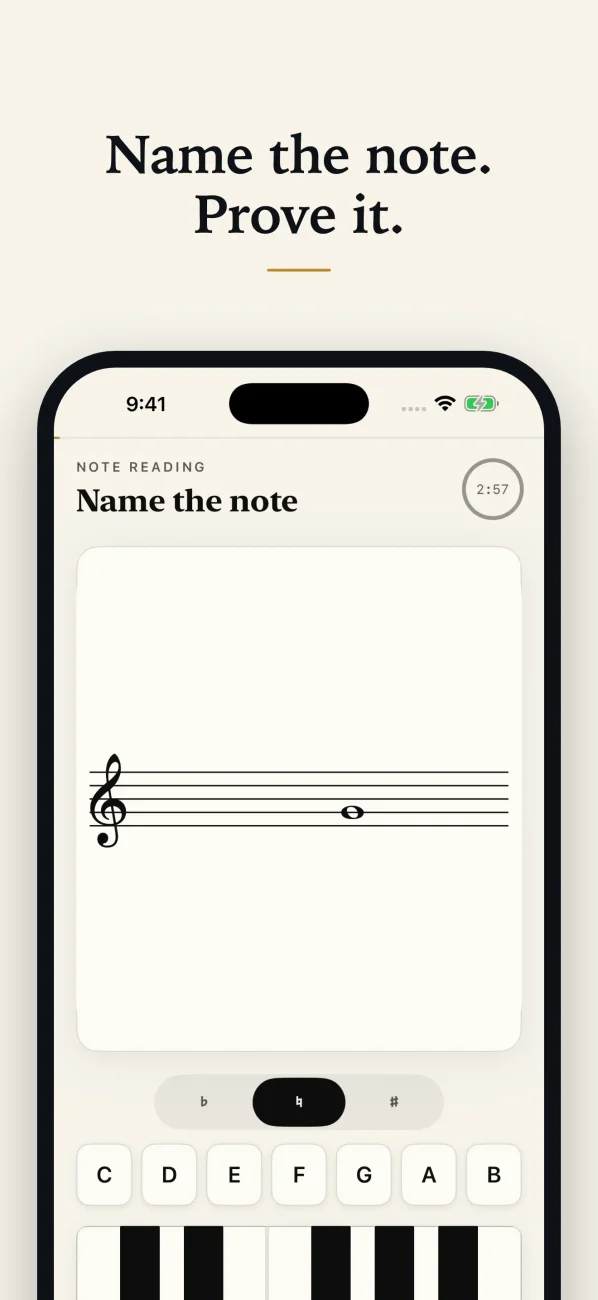
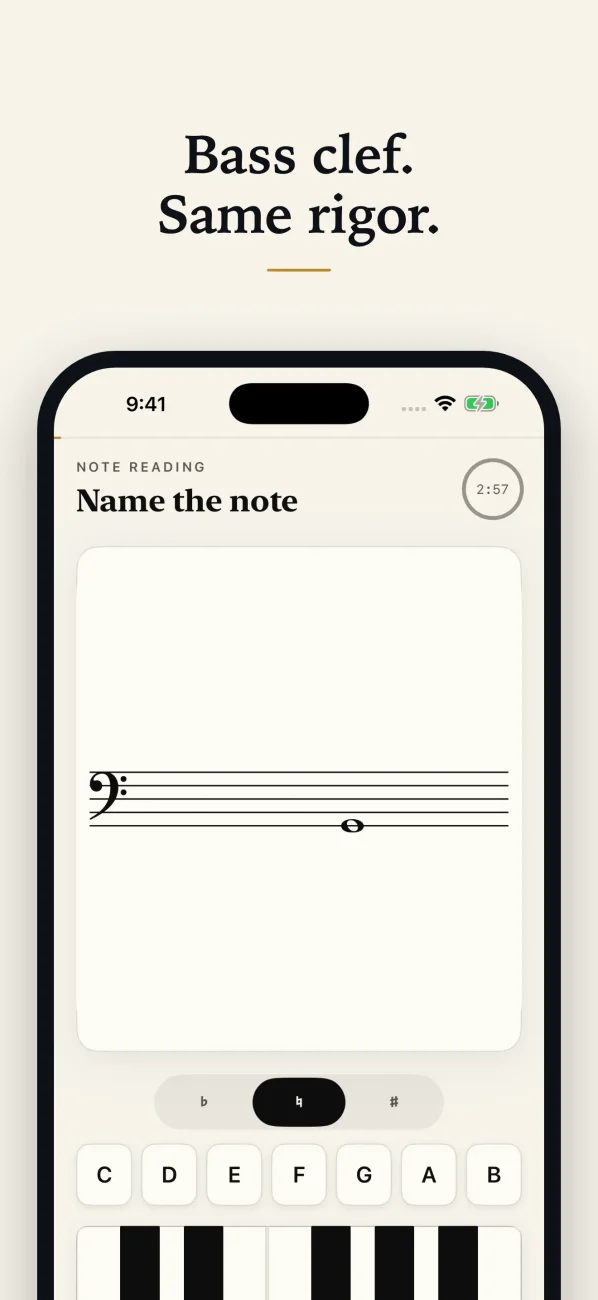
- Note Naming: treble and bass
- Grand Staff: alternate between treble and bass
- Ledger Notes: notes above and below the staff
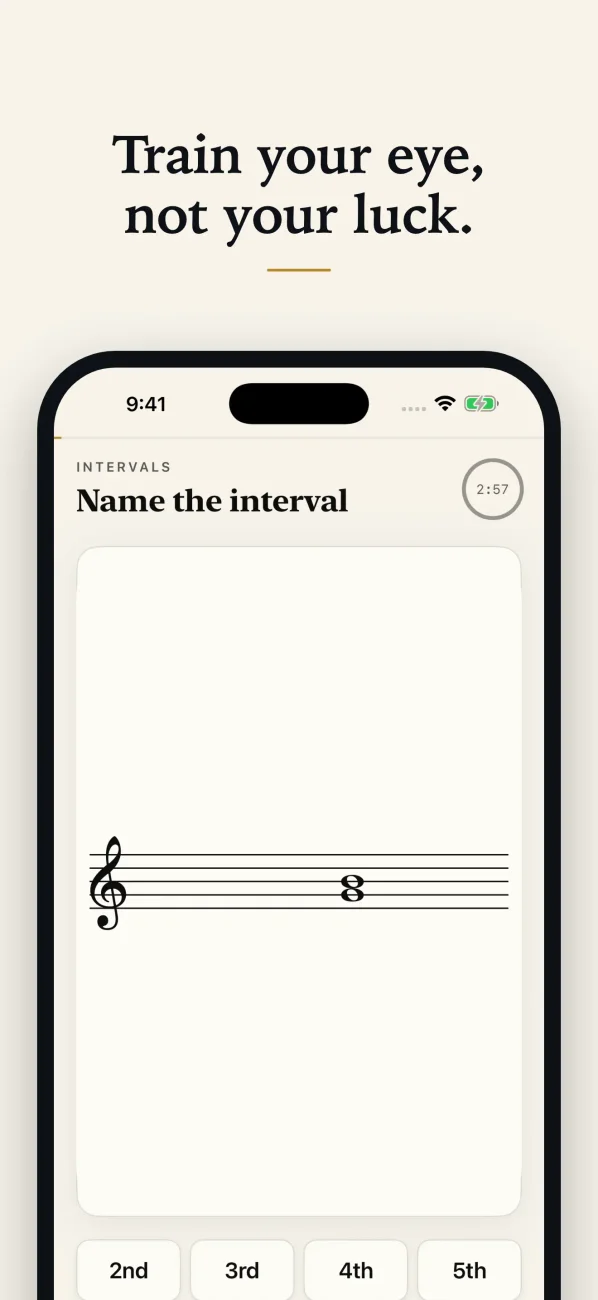
- Intervals: the distance between two notes
- Key Signatures: sharps and flats
AT THE KEYBOARD
- Keyboard Mapping: find the named note
- Five-Finger Patterns: repeat short patterns and read-and-play exercises
- Triads and Inversions: recognise and play chord shapes
- Seventh Chords: practise four-note chords
- Major and Minor Scales: follow note patterns and fingering guides
- Arpeggios: practise broken chords
- Hands Together: coordinate paired notes
Fifteen focused practice tracks, with daily mixed sessions and individual drills.
PLAY ON SCREEN OR WITH MIDI
Use the on-screen piano and answer buttons, or connect a compatible MIDI keyboard. Follow the note and register instructions for each drill. Note names can use letters or do-re-mi.
For played patterns, “Watch & listen” demonstrates the exercise; “Your turn” returns to practice. Clef checks the notes you enter. Fingering guides are references, not a measurement of your physical technique.
SHORT SESSIONS, USEFUL FEEDBACK
Choose three or five minutes, then continue practising from the results screen when you want to keep going. Review your answers, clean recall and best run, with an estimated recall forecast for the items practised in that session. Adjust your reading level, session length and practice goals in Settings.
Paper, ink and a single gold accent keep the focus on the music. Practice history stays on your device. If you sign in, Clef keeps it in sync across your devices. No account is required.
FULL ACCESS
Clef is free to download. Full access is available through annual or monthly subscriptions, or a one-time lifetime purchase. Prices and any eligible introductory offer are shown before purchase. Existing owners of the earlier one-time unlock retain their access.
Terms for Clef: https://clefdrills.com/terms/
Privacy Policy: https://clefdrills.com/privacy/
What’s new
Version 2.0 · Nov 13, 2026
Clef 2.0. A short first look at what you will learn, then your first lesson ends with a results screen. Create an account or continue as guest. Every session has a set number of exercises, Hands together practice no longer stops by itself, and the Time is up card is cleaner. Every note plays with the real piano sound.
Also new: practice tips stay on screen, the staff stays still between notes, the first note in Echo by ear plays, and scales open in landscape with wider keys. Many of these fixes came from a user who wrote in. Thank you.
App privacy
What Mel Owen declares on the App Store about how this app handles data.
-
Data linked to you
May be collected and linked to your identity.
- Purchases
- Location
- Contact info
- User content
- Identifiers
- Usage data
- Diagnostics
- Other data
Privacy practices may vary, for example with the features you use or your age.
Information
- Seller
- Mel Owen
- Category
- Education
- Version
- 2.0
- Updated
- Nov 13, 2026
- Released
- Jul 8, 2026
- Size
- 81.6 MB
- Requires
- iOS 26.0 or later
- Age rating
- 4+
- Price
- Free
- In-app purchases
- Yes
- Languages
- English, French, German, Italian, Portuguese, Spanish
- Copyright
- © 2026 Clef by Mel Owen
You might also like
-
 Clefly: Learn to Read MusicSight reading & notes trainer
-
 Clefs: Note Reading TrainerLearn to read sheet music
-
 Pianotype – Sight ReadingLearn to Read Music Notes
-
 Clefable - Learn Sheet MusicClef Sight Reading Practice
-
 Notaforte: Sight Reading TutorLearn to read music notes
-
 Music Theory 101: Study CourseLearn one new topic per day!
-
 Waay: Learn music theoryPerfect for beginners
-
 MyMusicTheory - Music TheoryExercises, lessons and quizzes
-
 Learn Music Notes PianoSight Reading & Clef Practice
-
 Notevision - Sight ReadingPiano, violin, viola & cello