ClefMastery
Master sight reading all clefs
Designed for iPhone, iPad, Mac, iPod touch
Free · In-app purchases
- Age rating4+
- CategoryEducation
- DeveloperChristopher Michaelis
- LanguagesEnglish
- Size20.2 MB
Links to the official App Store page
Download.org hosts no file of ClefMastery. The button opens its official App Store page, published by Christopher Michaelis. Listing last checked on Nov 12, 2026.
Screenshots


About
ClefMastery helps you build fluency in treble, bass, alto, and tenor clefs through quiz-style practice, scales, and arpeggios. Whether you’re a student, instrumentalist, or vocalist, you can strengthen note recognition and sight reading.
Practice Your Way
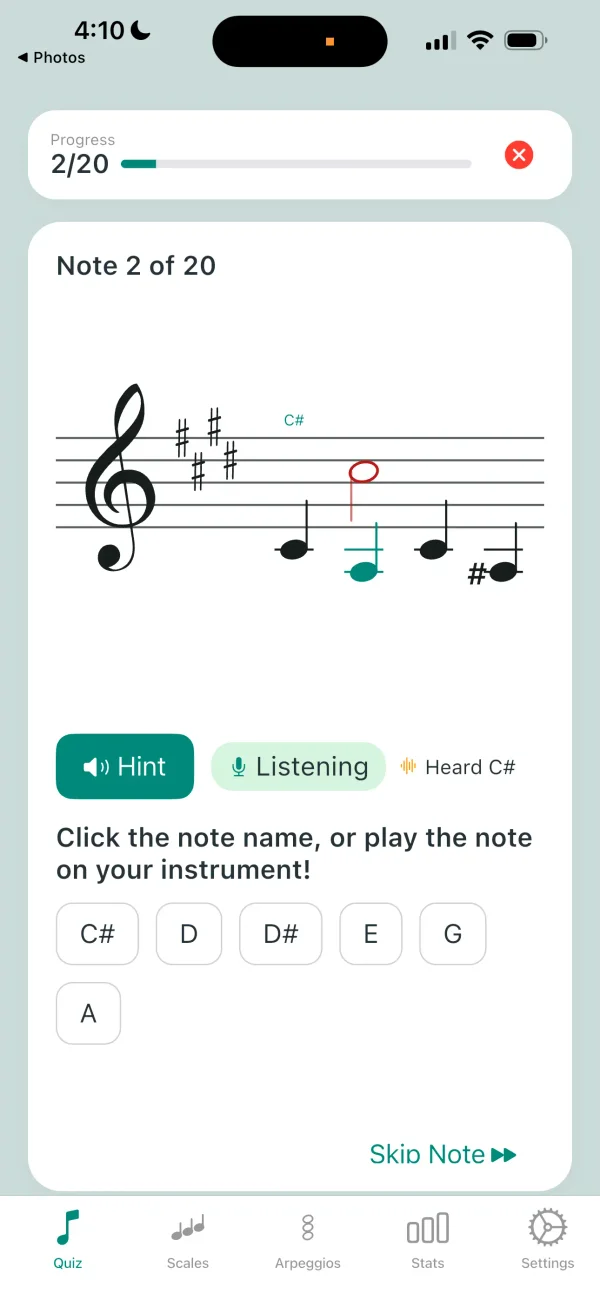
• Tap to answer: Choose the correct note name by tapping a button.
• Play to answer: Use your instrument or voice; real-time pitch detection recognizes your notes!
Scales & Arpeggios
• Scales: Practice major, natural minor, harmonic minor, and melodic minor. Choose root note, direction (ascending, descending, or both), and octaves.
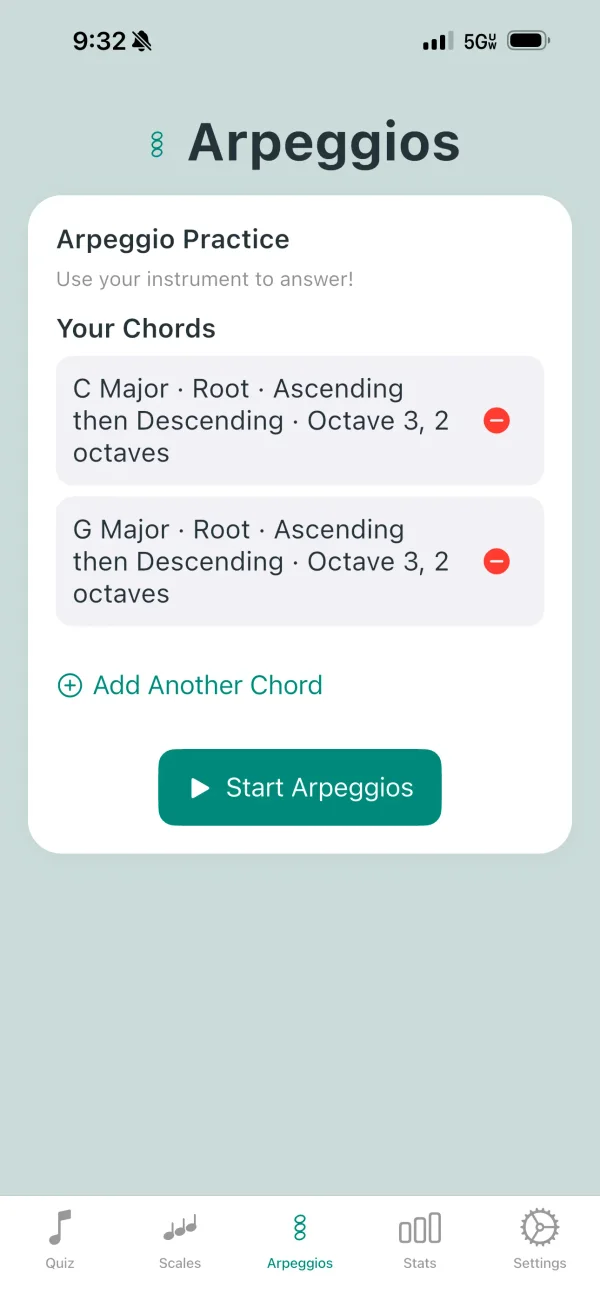
• Arpeggios: Build custom chord lists with major, minor, diminished, augmented, and 7th chords. Pick root, quality, inversion, and direction. Chord labels on the staff show your progress through each pattern.
• Scales and arpeggios require answering with your instrument or voice (no note buttons).
All Four Clefs
• Viola player? Cello player? No worries. We have alto and tenor clefs!
• Practice treble, bass, alto, and tenor clefs separately or together in realistic scenarios.
• Key signatures from the full Circle of Fifths are supported, so you learn correct spellings in any key.
Built for Musicians
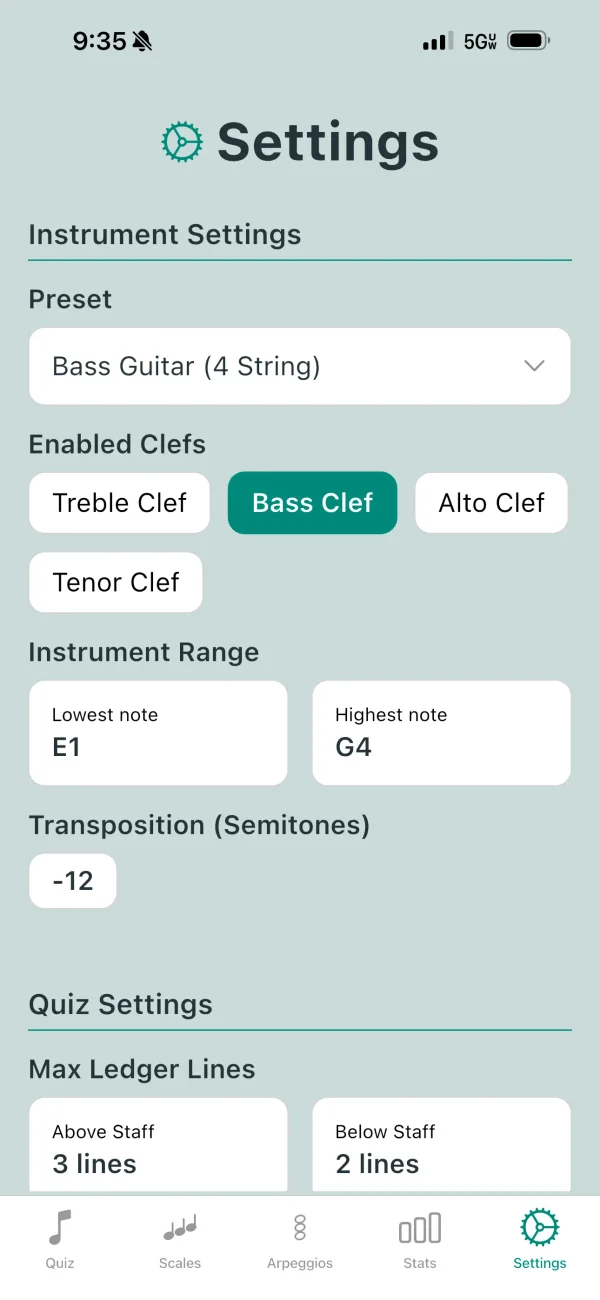
• Instrument presets: Quickly choose from violin, cello, piano, voice, and other instruments to set your ranges.
• Flexible settings: Instrument not in the presets? No worries. Just choose your note range and any transposition!
• USB and external mics: Use your external audio interfaces with ease.
• Pitch tolerance: Adjust sensitivity for fretless instruments and vibrato. You control how precise you have to be.
• Audio hints: Optional reference tones when you’re stuck.
• Intelligent sequencing: We plan the quiz intelligently to move around in pitch without making you do massive shifts on your instrument, yet still cover the full range.
Stay Motivated
• Badges will highlight when you reach milestones!
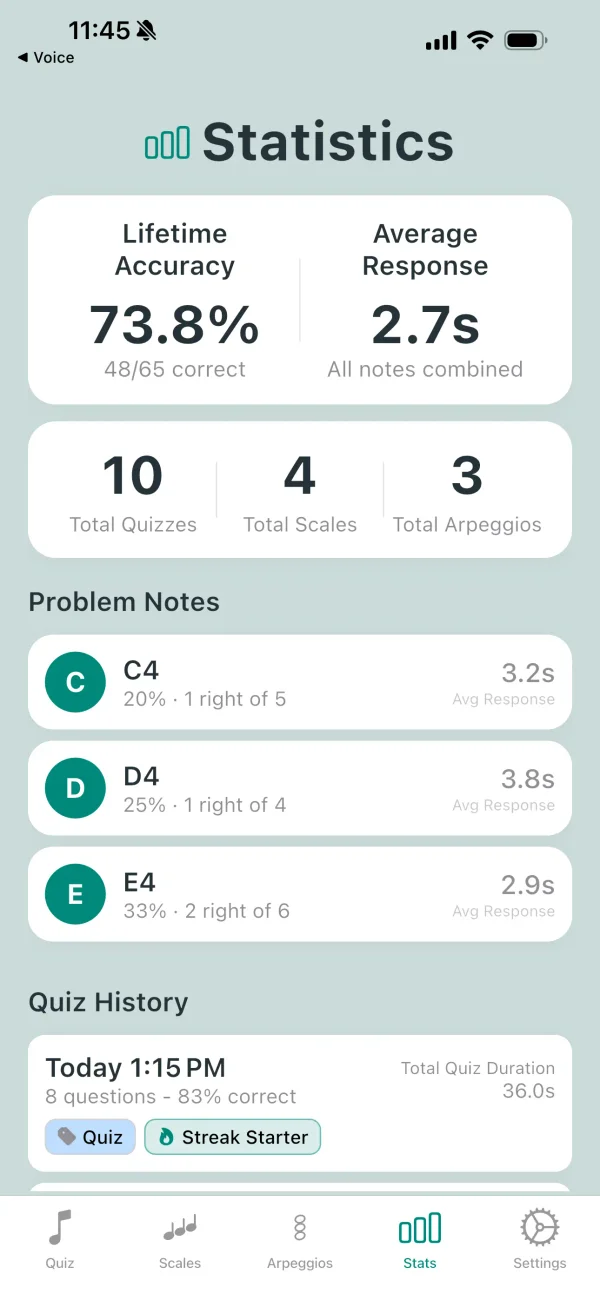
• Stats: Track accuracy, problem notes, and progress over time.
• iCloud sync: History, stats, and settings sync across your Apple devices (iPad, iPhone, and MacOS apps).
Try it Free!
Start using it right away with no prompts or nags for 7-days, then a one-time purchase for full access. No subscription necessary.
What’s new
Version 2.1 · Mar 22, 2026
Version 2.1 brings improvements based on your feedback! How long you need to hold a note to count as correct or incorrect is now configurable. The pause after playing an audio hint and the delay after a correct note are gone for a snappier feel. You can now choose which key signatures appear in quizzes. Enjoy!
App privacy
What Christopher Michaelis declares on the App Store about how this app handles data.
-
Data not collected
The developer does not collect any data from this app.
Privacy practices may vary, for example with the features you use or your age.
Information
- Seller
- Christopher Michaelis
- Category
- Education
- Version
- 2.1
- Updated
- Mar 22, 2026
- Released
- Mar 6, 2026
- Size
- 20.2 MB
- Requires
- iOS 13.0 or later
- Age rating
- 4+
- Price
- Free
- In-app purchases
- Yes
- Languages
- English
- Copyright
- © Copyright 2026 Strategic Code LLC
You might also like
-
 Clef StoriesNote-reading story worksheets
-
 FareGate: Flashcard BlockerAnki reviews unlock your apps
-
 GCP Exam Prep 2026Master Google Cloud Exams
-
 NeuroQurEducation
-
 StaffReader: Learn Sheet MusicSight Reading Note Trainer
-
 NeuroEndo TrialsStroke & Endovascular Trials
-
 hayakana - learn kana fastJapanese characters quiz
-
 Moya Chinese FlashcardsHSK 3.0 Mandarin & Dictionary
-
 Clefly: Learn to Read MusicSight reading & notes trainer
-
 LEWE: Learn English MoviesEveryday Vocabulary & Idioms