Clicker Writer
Writing for all abilities
Designed for iPad
Free · In-app purchases
- Age rating4+
- CategoryEducation
- DeveloperCrick Software
- LanguagesEnglish
- Size177.5 MB
Links to the official App Store page
Download.org hosts no file of Clicker Writer. The button opens its official App Store page, published by Crick Software. Listing last checked on Nov 27, 2026.
Screenshots



About
THE WRITING TOOL FOR SCHOOLS
Develop students’ writing skills and build struggling writers’ confidence with Clicker Writer - the writing tool that provides differentiated support for students of all abilities. Continuously developed by Crick Software for over 30 years, the Clicker product range is used in thousands of schools around the world.
REVIEW WRITING WITH CLEAR SPEECH
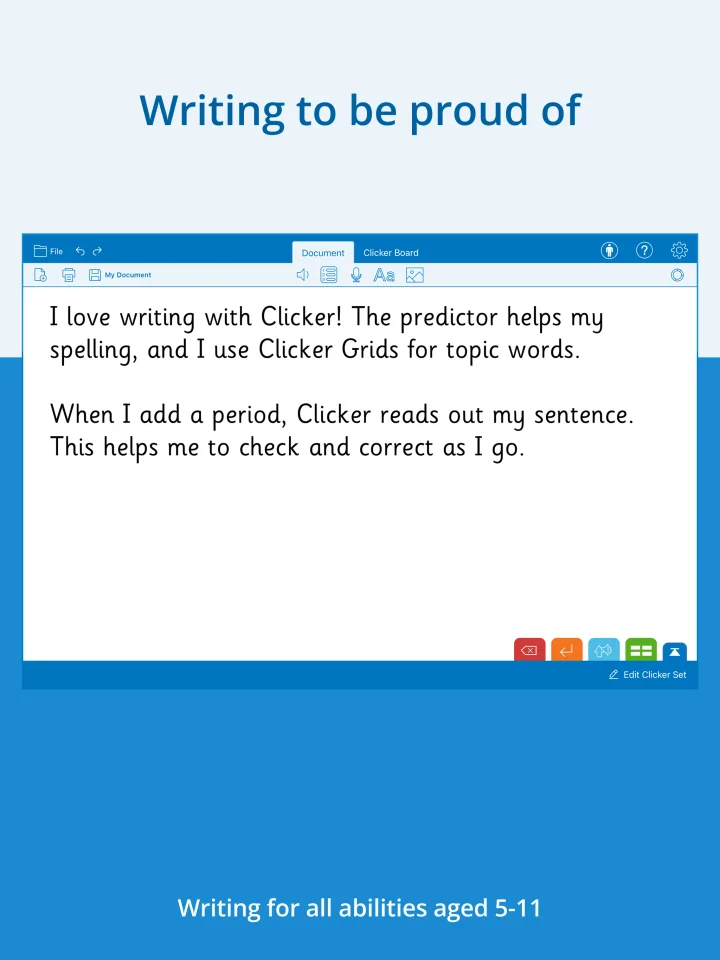
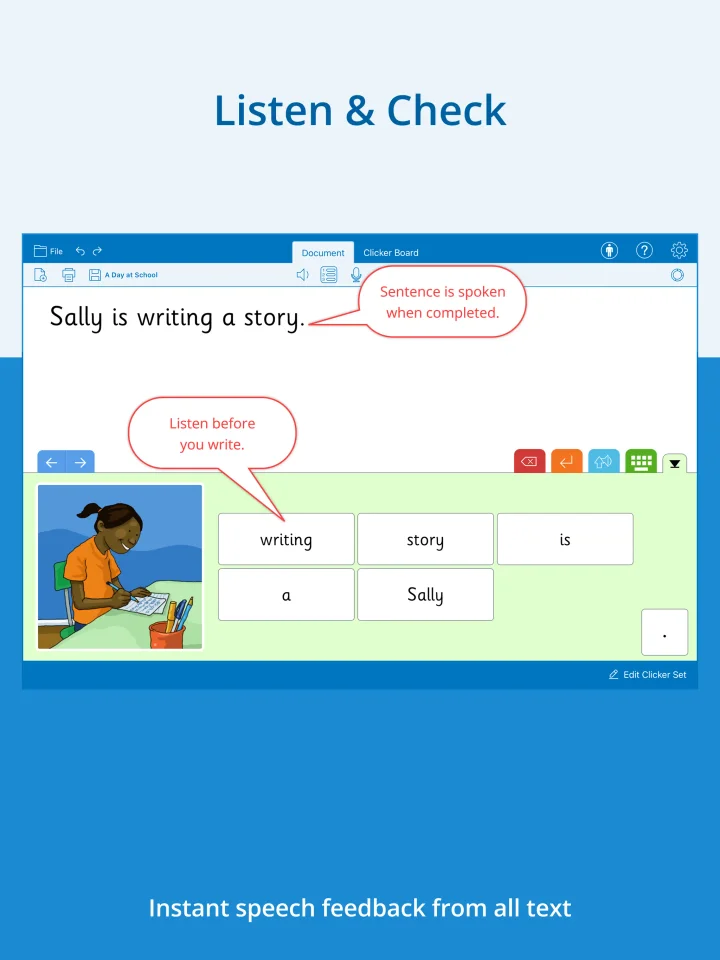
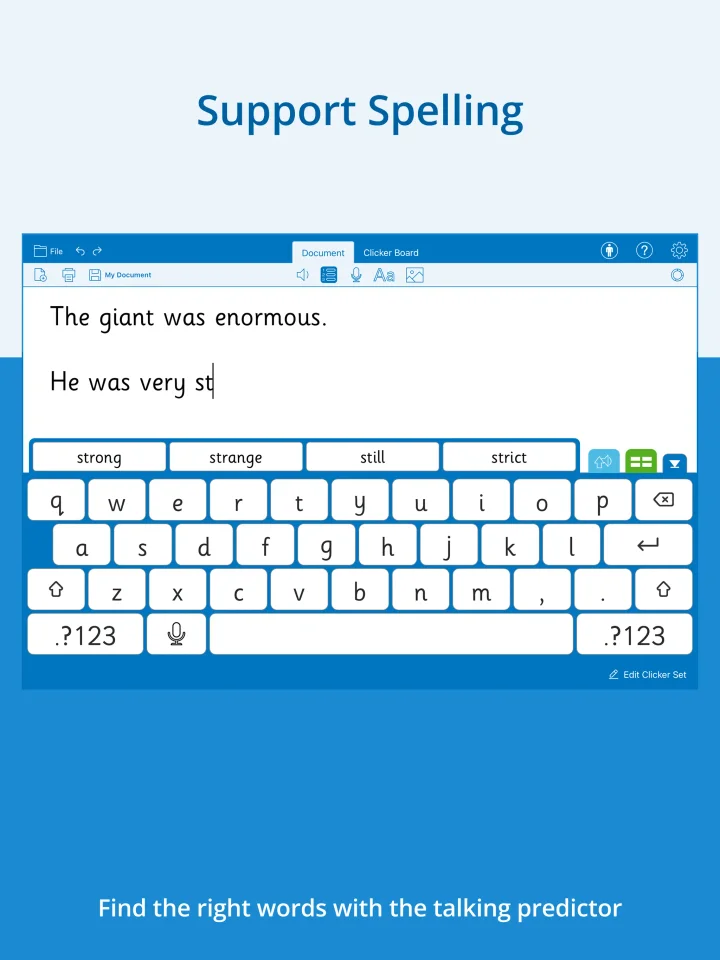
Students use the child-friendly keyboard to type into the simple word processor, and a range of speech options encourages them to review what they have written. This helps students find and correct errors for themselves, enabling them to become more independent writers.
BUILD WRITING CONFIDENCE WITH CLICKER GRIDS
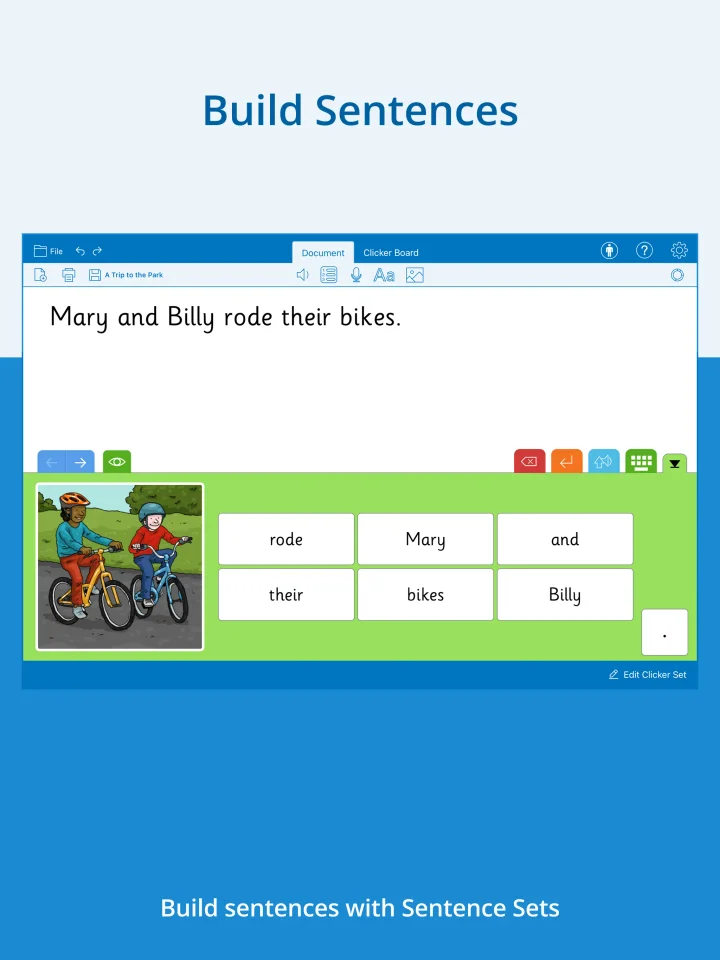
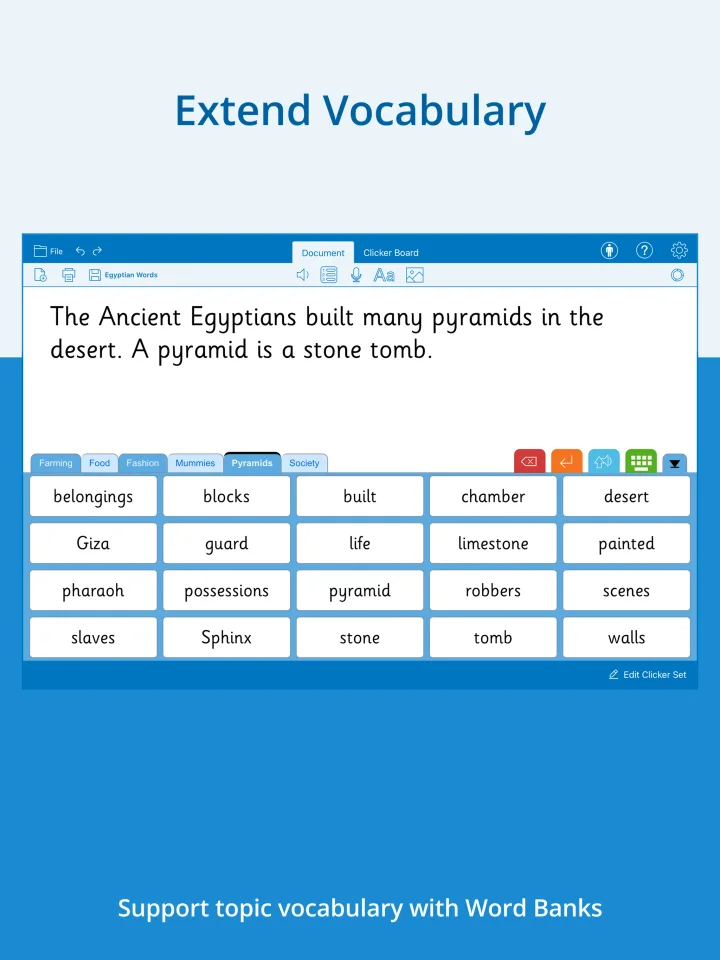
Clicker Grids provide students with point and click access to whole words and phrases. Beginner writers build sentences word-by-word, while developing writers use topic-based word banks to complement their keyboard writing. Browse LearningGrids directly from the app to access hundreds of free sets of Clicker Grids on a wide range of topics - or use the built-in editor (which now includes Cai, our amazing AI assistant) to create your own in seconds!
USE SYMBOLS AND PICTURES FOR EXTRA SUPPORT
Clicker Writer’s Picturize tool makes it easy to add symbols or pictures to support understanding and writing across Clicker Grids, the spell checker, the word predictor, and your document. It includes 10,000 Widgit symbols and 4,500 curriculum pictures, and you can also add your own images.
DEVELOP VOCABULARY AND SPELLING WITH WORD PREDICTION
The intelligent word predictor suggests words that fit the context of students’ writing, helping them to use good vocabulary and create flowing text with accurate spelling.
CHECK WORDS BEFORE THEY ARE USED
Learners can listen to words before they write them, helping them to find the word they want and achieve writing success. Any word in a Clicker Grid or the predictor can be heard before it is used by using our unique Sound Shift tool.
ADD VOICE NOTES
Voice Notes are a simple yet highly effective way for students to add their own prompts, so they don’t forget their train of thought – add them to the document at any time.
WRITING TO BE PROUD OF
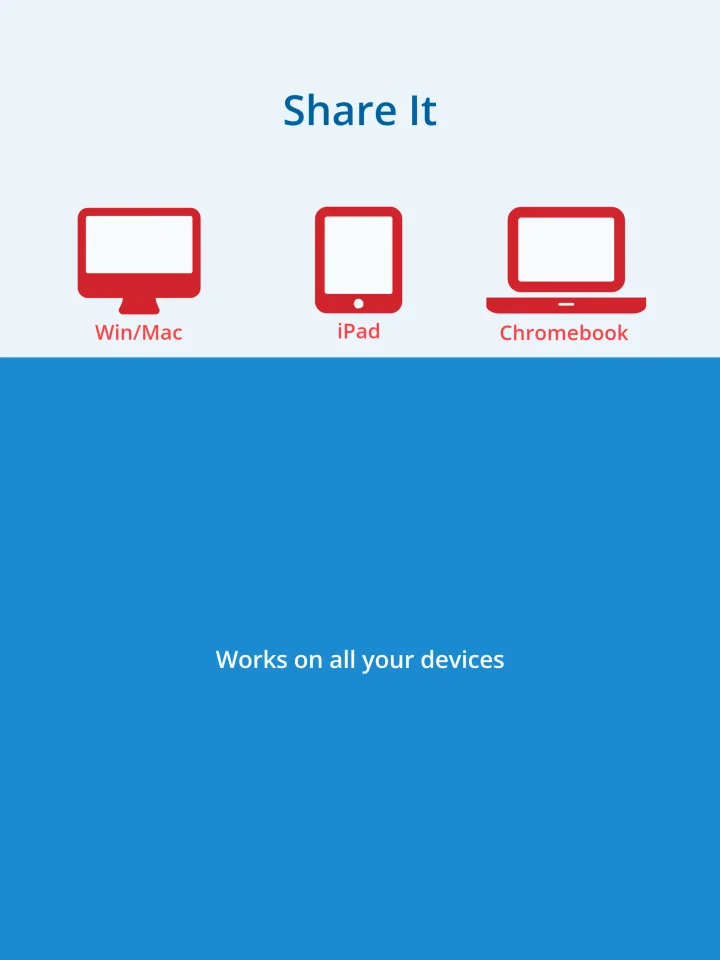
The child-friendly Sassoon font included in the app makes Clicker documents look great. Save and print your documents directly on your device, or share them with Clicker Writer on your PC, Mac or Chromebook via Google Drive or OneDrive. Whatever your students’ current level, you’ll watch their confidence grow and their motivation soar as they experience writing success!
ACCESSIBLE FOR ALL
To make access easier for those with physical challenges, the unique SuperKeys option groups the letter keys into clusters, creating just six large areas to target. Just select the cluster containing the letter you want, then choose the letter in the enlarged cluster. Colors and font sizes can be customized for enhanced visibility.
ORGANIZE IDEAS WITH CLICKER BOARD
Organizing ideas is an important first step in the writing process, and one that many learners struggle with. Clicker Board is a child-friendly mind mapping area that makes it easy to capture and organize thoughts using words, Voice Notes, and pictures.
What’s new
Version 3.2.0 · Nov 26, 2026
Updated subscription screens
App privacy
What Crick Software declares on the App Store about how this app handles data.
-
Data linked to you
May be collected and linked to your identity.
- Contact info
- Identifiers
- Usage data
Privacy practices may vary, for example with the features you use or your age.
Information
- Seller
- Crick Software Ltd
- Category
- Education
- Version
- 3.2.0
- Updated
- Nov 26, 2026
- Released
- Jan 27, 2020
- Size
- 177.5 MB
- Requires
- iOS 17 or later
- Age rating
- 4+
- Price
- Free
- In-app purchases
- Yes
- Languages
- English
- Copyright
- © 2020-2026 Crick Software
You might also like
-
 Co:Writer UniversalEducation
-
 SnapTypeComplete any school worksheet!
-
 Read&WriteAccessible TTS writing/reading
-
 Snap&Read UniversalEducation
-
 PixWriter LiteEducation
-
 Number Line, by MLCA Math Learning Center tool
-
 Snap Scene LiteEducation
-
 HB Phonological AwarenessPart of the HearBuilder Series
-
 Grid for iPad - AACSymbol and text communication
-
 simPODDDigital and print PODD in one