
Clicky: Universal TV Remote
Wake & Control Any Smart TV
Designed for iPhone, iPad
Free · In-app purchases
- Age rating4+
- CategoryUtilities
- DeveloperGurwinder Singh
- LanguagesEnglish+ 17 more
- Size18.1 MB
Links to the official App Store page
Download.org hosts no file of Clicky: Universal TV Remote. The button opens its official App Store page, published by Gurwinder Singh. Listing last checked on Nov 23, 2026.
Screenshots




About
Turn your iPhone or iPad into a universal TV remote. Clicky works over Wi-Fi with Samsung, LG, Roku, Sony, Google TV, Fire TV, Vizio, Hisense and Philips. No account needed. Turn on your TV, adjust volume, launch apps, type with your keyboard and go hands-free with Siri.
Designed for iPhone, iPad and iPhone Duo, Clicky brings convenient TV control to your Apple devices.
EASY SETUP. NO ACCOUNT REQUIRED.
Connect your iPhone or iPad and TV to the same Wi-Fi network, select your TV and start controlling it. No registration or sign-up required.
YOUR SMART TV REMOTE, ALL IN ONE
• Automatically discover compatible Smart TVs on your Wi-Fi network
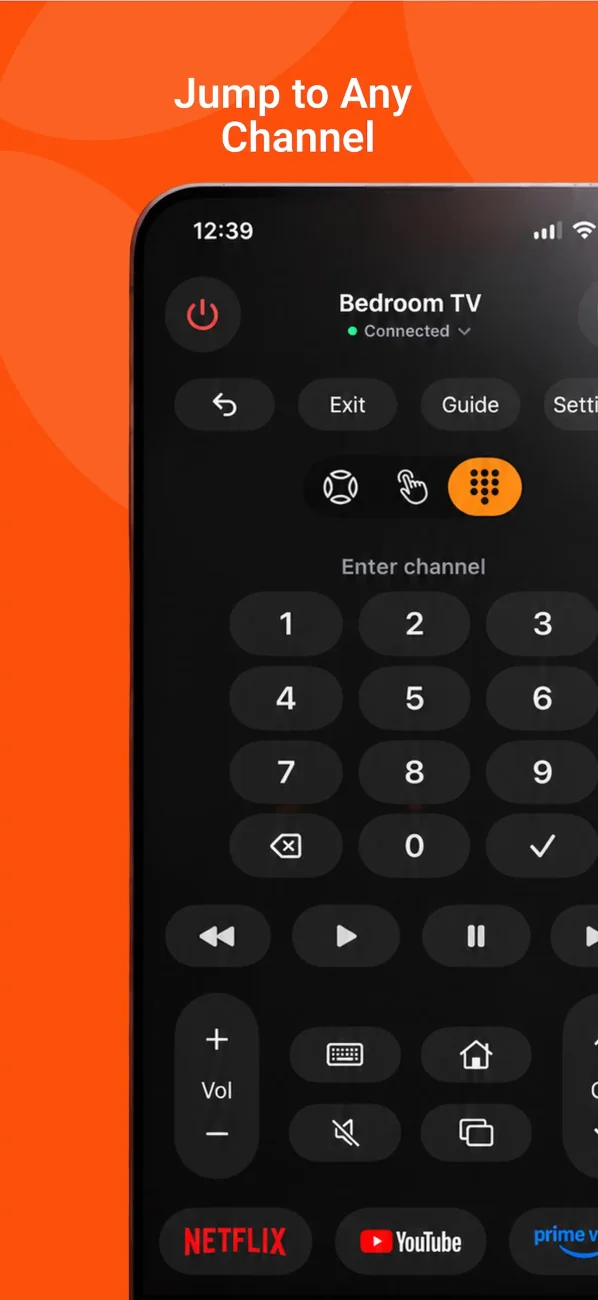
• Control power, volume, mute, channels and inputs
• Navigate using a directional pad, touchpad or number pad
• Play, pause, rewind and fast-forward supported media
• Launch your favorite streaming apps with one tap
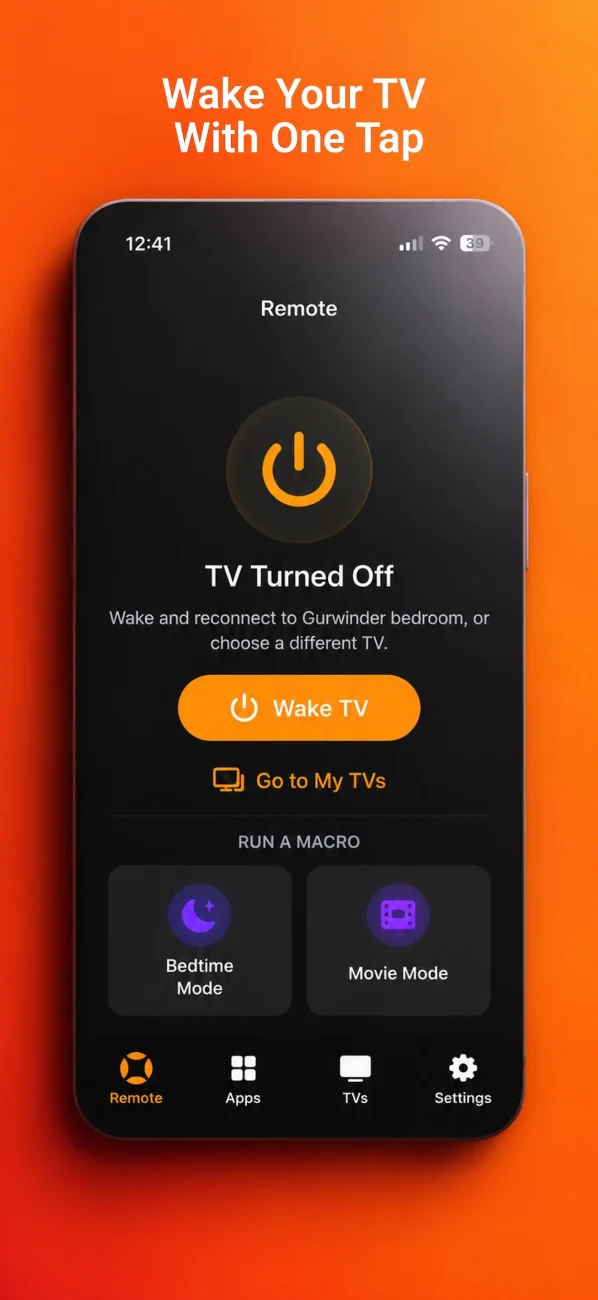
• Wake compatible TVs from standby
• Save multiple TVs and reconnect on their respective networks
• Securely store pairing details in your device's Keychain
TYPE ON YOUR TV WITH YOUR IPHONE OR IPAD
Searching, signing in and entering text is easier with your Apple device's keyboard.
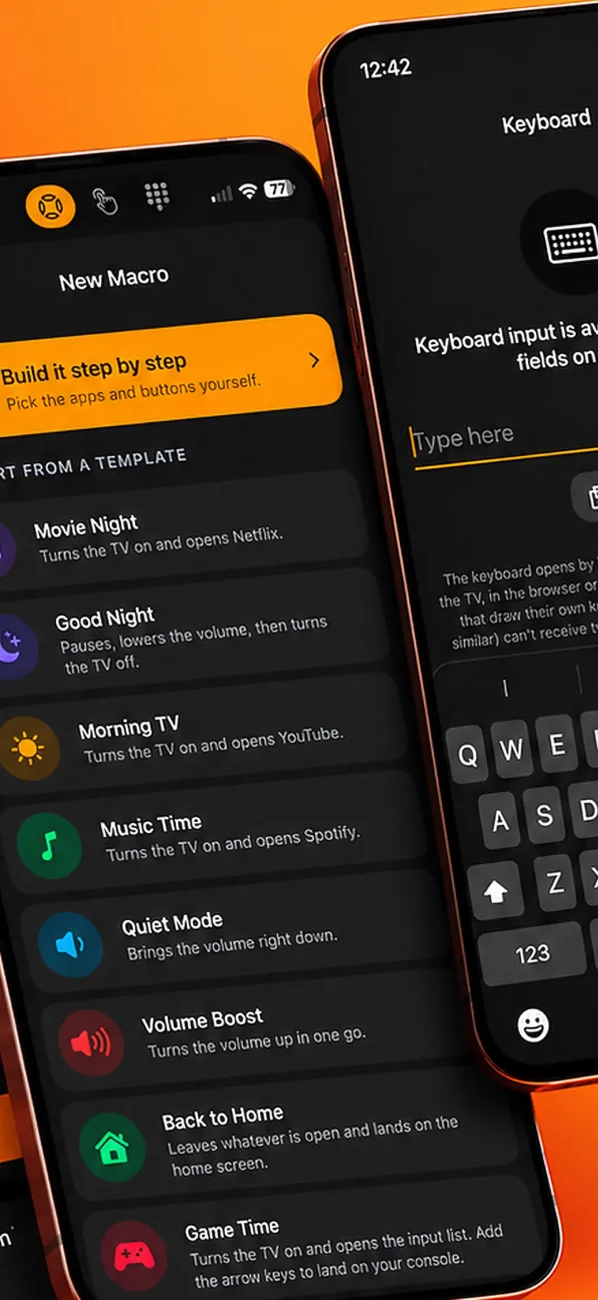
• Type directly using your iPhone or iPad keyboard
• Automatically open the keyboard when your TV requests text
• Paste text or dictate searches
• Review dictated text before sending
Available on supported TVs.
CREATE CUSTOM TV ROUTINES
Turn multiple actions into a single tap with Clicky's customizable macros.
• Turn on your TV and launch a streaming app
• Change channels and adjust volume
• Enter text and perform multiple actions
• Turn off your TV as part of a routine
Start with templates like Movie Night and Good Night. Select which TV each macro controls and schedule reminders for everyday routines.
CONTROL YOUR TV WITH SIRI
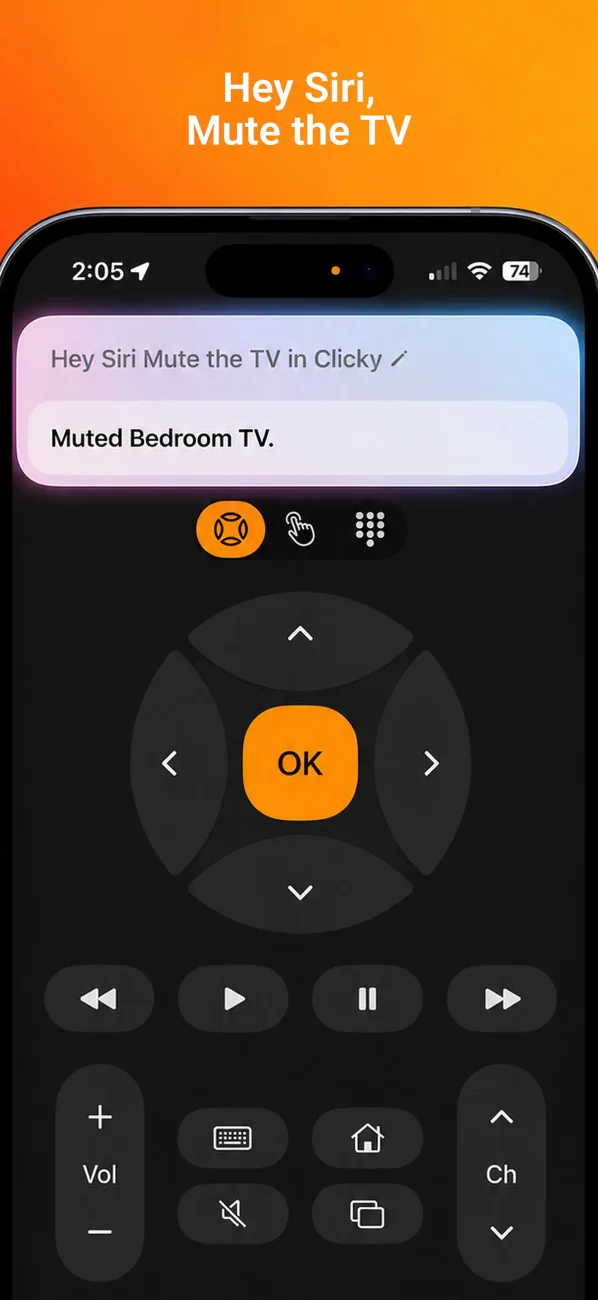
Use Siri and Apple Shortcuts for convenient hands-free TV control.
Try saying:
• "Hey Siri, mute the TV in Clicky"
• "Hey Siri, turn up the TV volume in Clicky"
Turn your TV on or off, adjust volume, pause playback, change channels, open apps and run saved macros. Create custom shortcuts and automations using Apple's Shortcuts app.
COMPATIBLE SMART TV BRANDS
Clicky supports compatible Smart TVs and streaming devices from:
Samsung, LG webOS, Roku, Sony BRAVIA, Google TV, Amazon Fire TV, Vizio SmartCast, Hisense and Philips.
TCL and other TVs running supported Roku TV, Google TV or Fire TV platforms are also supported.
Hisense models running Google TV, Roku TV or Fire TV are supported. Hisense VIDAA compatibility is limited. Apple TV is not supported.
PERSONALIZE YOUR REMOTE
• Choose between light and dark mode
• Customize accent colors
• Enjoy an optimized experience on iPhone and iPad
• Save and manage multiple TVs
COMPATIBILITY AND REQUIREMENTS
Your iPhone or iPad and TV must be connected to the same Wi-Fi network. Clicky requires Local Network permission to discover and connect to compatible TVs.
Available controls vary by TV brand, model, operating system, firmware, region and network settings. Some TVs require connection approval, a pairing code or specific network-control settings.
The Turn On feature requires a compatible TV with Wake-on-LAN support and the appropriate settings enabled.
FREE TO USE. PREMIUM WITHOUT ADS.
Clicky is free to use and supported by ads. Upgrade to Clicky Premium with an optional monthly subscription or lifetime purchase for an ad-free experience.
Subscriptions renew automatically unless canceled at least 24 hours before the end of the current period. Manage subscriptions through your Apple Account settings.
Clicky is independently developed and is not affiliated with, sponsored by, or endorsed by any TV or streaming-device manufacturer. All trademarks belong to their respective owners.
Terms of Use: https://zesbe.com/terms/
Privacy Policy: https://zesbe.com/privacy/
What’s new
Version 1.3.1 · Nov 14, 2026
Siri & Shortcuts, smarter macros, a touchpad and 18 languages. Minor improvements and maintenance. Thanks for using Clicky!
App privacy
What Gurwinder Singh declares on the App Store about how this app handles data.
-
Data not linked to you
May be collected but is not linked to your identity.
- Purchases
- Location
- Identifiers
- Usage data
- Diagnostics
Privacy practices may vary, for example with the features you use or your age.
Information
- Seller
- Gurwinder Singh
- Category
- Utilities
- Version
- 1.3.1
- Updated
- Nov 14, 2026
- Released
- Oct 22, 2026
- Size
- 18.1 MB
- Requires
- iOS 17.0 or later
- Age rating
- 4+
- Price
- Free
- In-app purchases
- Yes
- Languages
- English, Arabic, Dutch, French, German, Hindi, Indonesian, Italian, Japanese, Korean, Polish, Portuguese + 6 more
- Copyright
- © 2026 Zesbe
You might also like
-
 Remote for TV. ControlUniversal Smart Controller
-
 Wheel: TV RemoteA click wheel for your TV
-
 Fire Remote - Smart TV ControlRemote, Keyboard & Apps
-
 EyesOnTV: Smart TV RemoteSwipe control, LG & Samsung
-
 Clicker – TV RemoteAd-free remote for your TV
-
 TV Remote+ Smart TV ControllerUniversal Smart TV Remote
-
 Proscan TV RemoteUniversal TV Remote Control
-
 TV Remote: UniversalControl Every Streaming Device
-
 Uni Remote for Smart TV & CastScreen Mirror, Web & Control
-
 Beam: TV Remote for Smart TVsSamsung, LG, Roku, Vizio & TCL