
Clip-It Recorder
Clip the Clutch Moments
Designed for iPhone, iPad
Free · In-app purchases
- Age rating4+
- CategoryUtilities
- DeveloperAdetunji Adeyinka
- LanguagesEnglish
- Size35.3 MB
Links to the official App Store page
Download.org hosts no file of Clip-It Recorder. The button opens its official App Store page, published by Adetunji Adeyinka. Listing last checked on Nov 12, 2026.
Screenshots
About
Clip-It: Never miss the moment
You’re gaming and you just hit a crazy shot. You’re testing and something weird happens. You’re watching something and you think, “I wish I’d saved that.” Clip-It makes sure you never lose it.
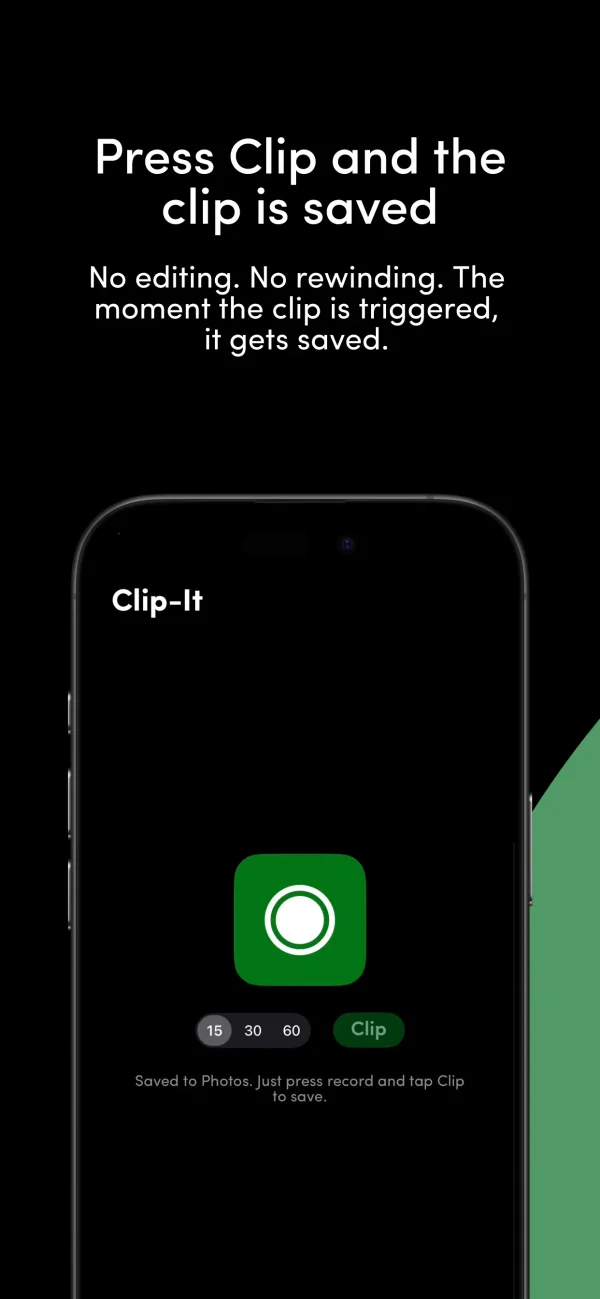
Open Clip-It, start recording, then keep doing what you’re doing. When something worth saving happens, tap Clip in the app or press it from Control Centre - Clip-It saves the last 15, 30, or 60 seconds straight to your Photos. No editing, no scrubbing, no hoping you caught it in time.
How it works
Open Clip-It and tap Record to start capturing your screen. Clip-It runs in the background while you use your device normally. When you hit that moment - a clutch play, a funny bug, a perfect reaction, a workflow you want to share - tap once and your clip is saved. That’s it.
Built for anyone who records their screen
- Gamers capturing highlights and clutch moments
- Creators and streamers saving content on the fly
- Developers clipping bugs and unexpected behaviour
- Anyone who’s ever thought, “I wish I’d saved that”
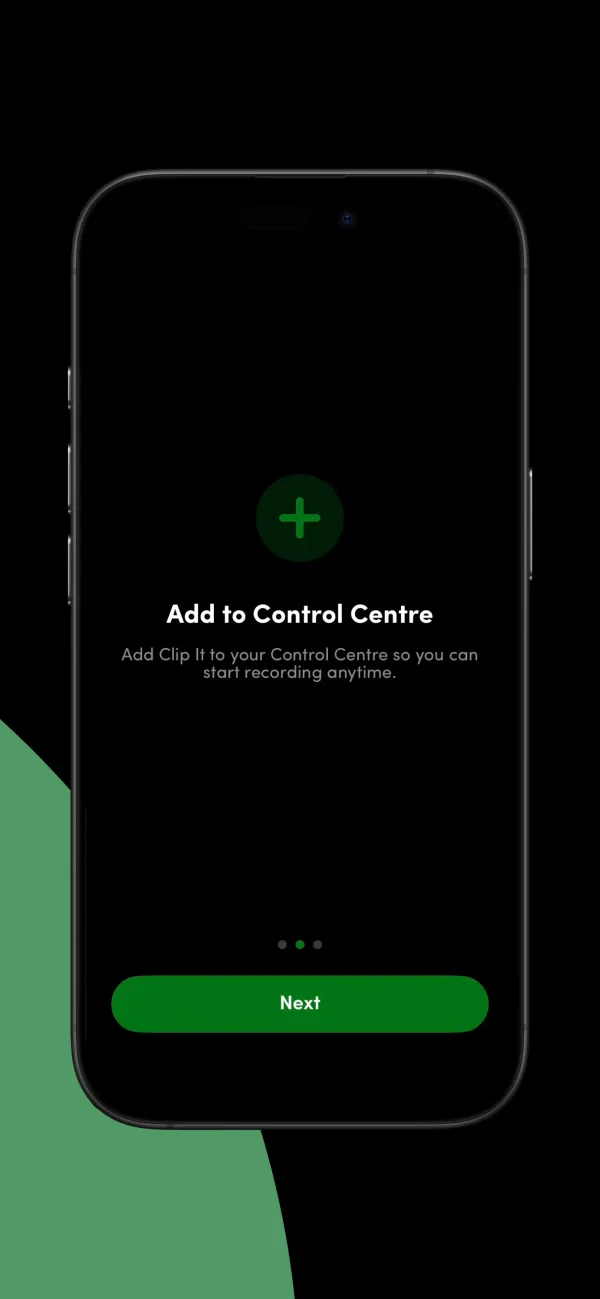
Control Centre support
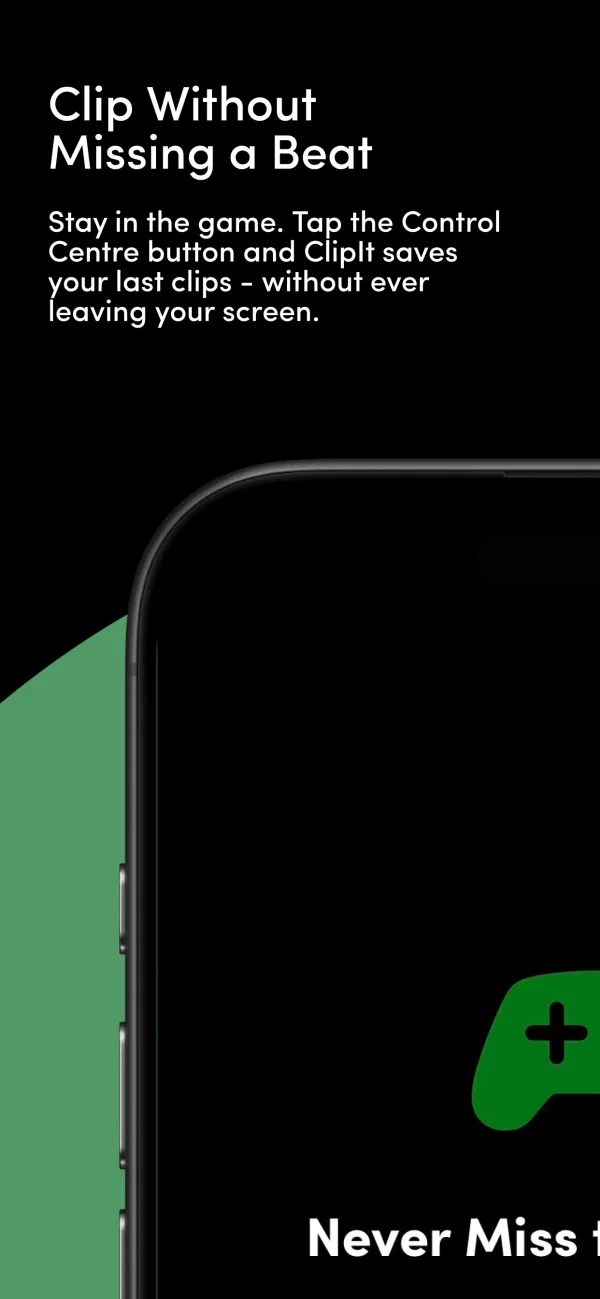
Clip without leaving your app. Add Clip-It to Control Centre and save clips with a single tap, no matter what’s on screen.
Choose your clip length
Pick 15, 30, or 60 seconds depending on the moment. Short and snappy, or a bit more context - your choice.
Private by design
Clip-It does not collect any information about you. It does not store, upload, or retain any video after you’re done recording. Everything stays on your device. Always.
Clean, simple, fast
No subscription. No account. No clutter. Just your clips, saved the moment you need them.
Terms - https://clip-it-web.vercel.app/terms
Privacy - https://clip-it-web.vercel.app/privacy
App privacy
What Adetunji Adeyinka declares on the App Store about how this app handles data.
-
Data not collected
The developer does not collect any data from this app.
Privacy practices may vary, for example with the features you use or your age.
Information
- Seller
- Adetunji Adeyinka
- Category
- Utilities
- Version
- 1.0
- Updated
- Apr 10, 2026
- Released
- Apr 10, 2026
- Size
- 35.3 MB
- Requires
- iOS 18.6 or later
- Age rating
- 4+
- Price
- Free
- In-app purchases
- Yes
- Languages
- English
- Copyright
- © 2024-2025 Health Wrapped. All rights reserved.
You might also like
-
 Book Finder: Library ScannerSearch Bookshelves Easily
-
 Agent Files: Video&Media SaverTransfer,Manage & Play Offline
-
 LiDAR Scanner 3D: Scan Measure3D Model Maker, Export STL
-
 TV Remote, Universal ControlRemote Control for TV
-
 Plumb: Bubble Spirit LevelAngle Finder, Slope & Surface
-
 Seed Map Pro for MinecraftBiome, Structure & Ore Finder
-
 Secure Private Web BrowserIncognito Privacy Surfing Hub
-
 EveryCord: Co-host Live StreamScreen Recorder, Clips & Chat
-
 RYTDReturn YT Dislikes
-
 Remote Control for TV - Play +Smart TV Controller for Any TV