
ClipEZ: Stream Highlights
Edit clips for social media
Designed for iPhone, iPad
Free · In-app purchases
- Age rating4+
- CategoryPhoto & Video
- DeveloperOleksandr Pavlovych
- LanguagesEnglish+ 10 more
- Size85.6 MB
Links to the official App Store page
Download.org hosts no file of ClipEZ: Stream Highlights. The button opens its official App Store page, published by Oleksandr Pavlovych. Listing last checked on Nov 24, 2026.
Screenshots
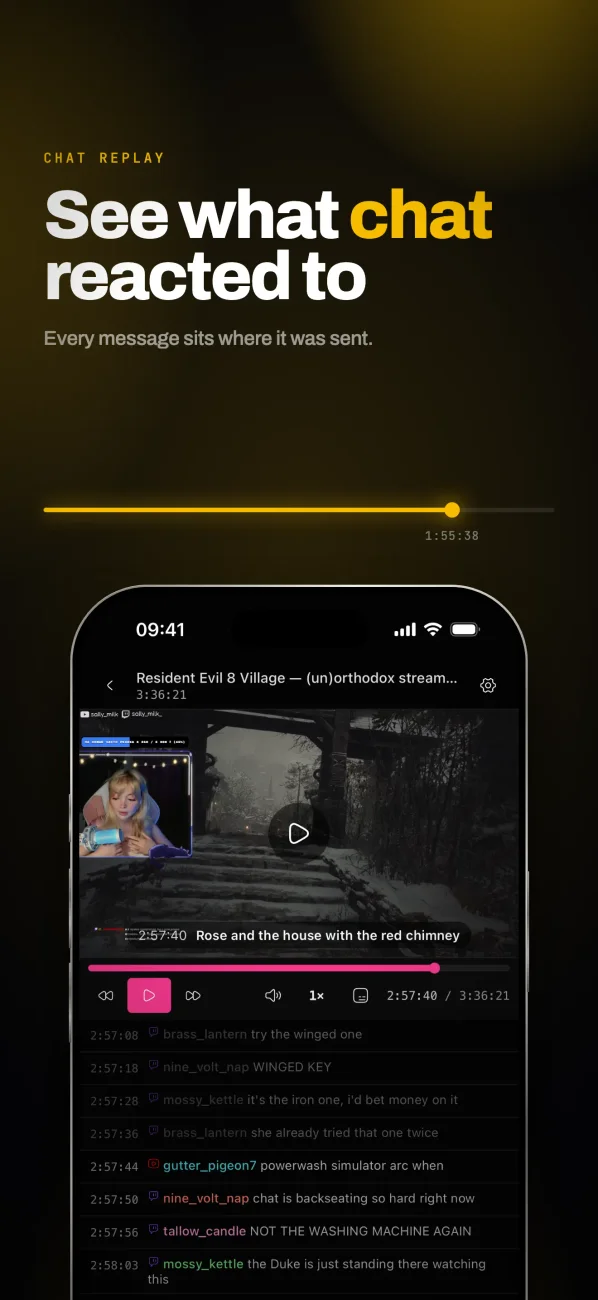

About
Find the moments worth posting, without watching your entire stream again
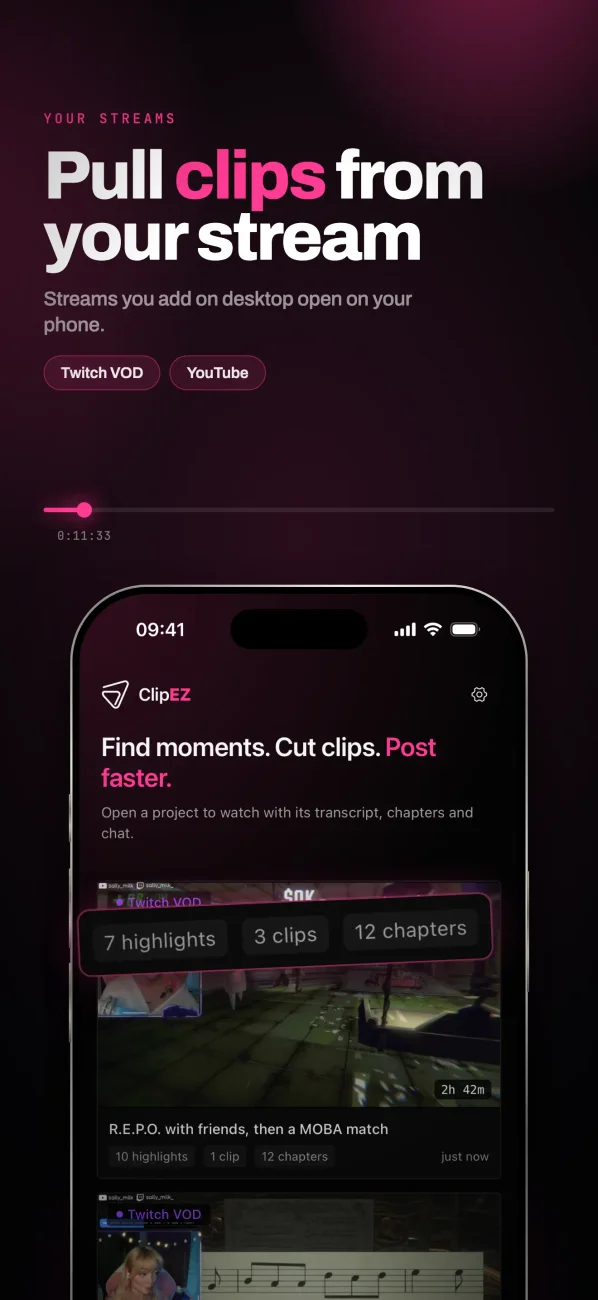
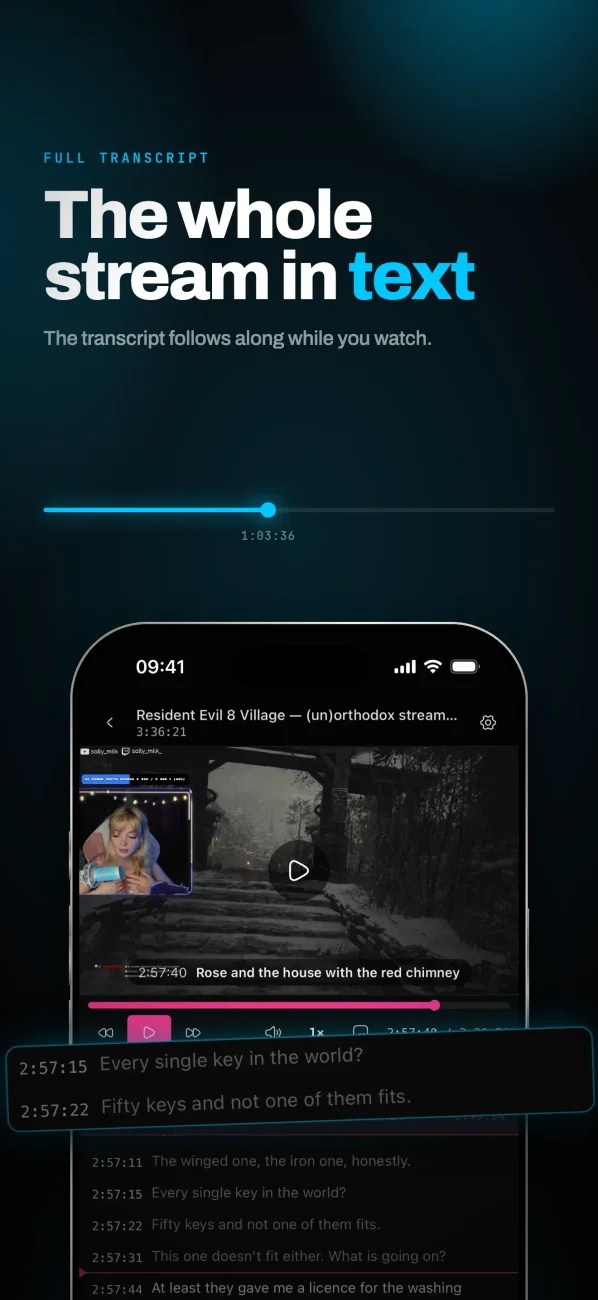
ClipEZ turns a long Twitch or Kick recording into a project you can review in minutes: a synchronized transcript, chapters, chat replay, and AI-picked highlights, all linked to the video so you can jump to any moment and decide what deserves to become a Short.
How it works
Pick one of your past broadcasts or paste a Twitch or Kick link. The analysis runs in the cloud, so you can close the app and come back when it's done. Open the project, jump between chapters, scrub the transcript, replay chat, and go through the highlights with the reason each one was picked. Turn the ones you like into vertical Shorts with captions, or into clips, then share them or save them to your photo library.
Projects you analyze in ClipEZ on your Mac or PC show up here too, with their transcript, chapters, chat replay, and AI highlights.
Features
- Import your own Twitch and Kick recordings straight from your phone
- Review a long stream in a fraction of the time
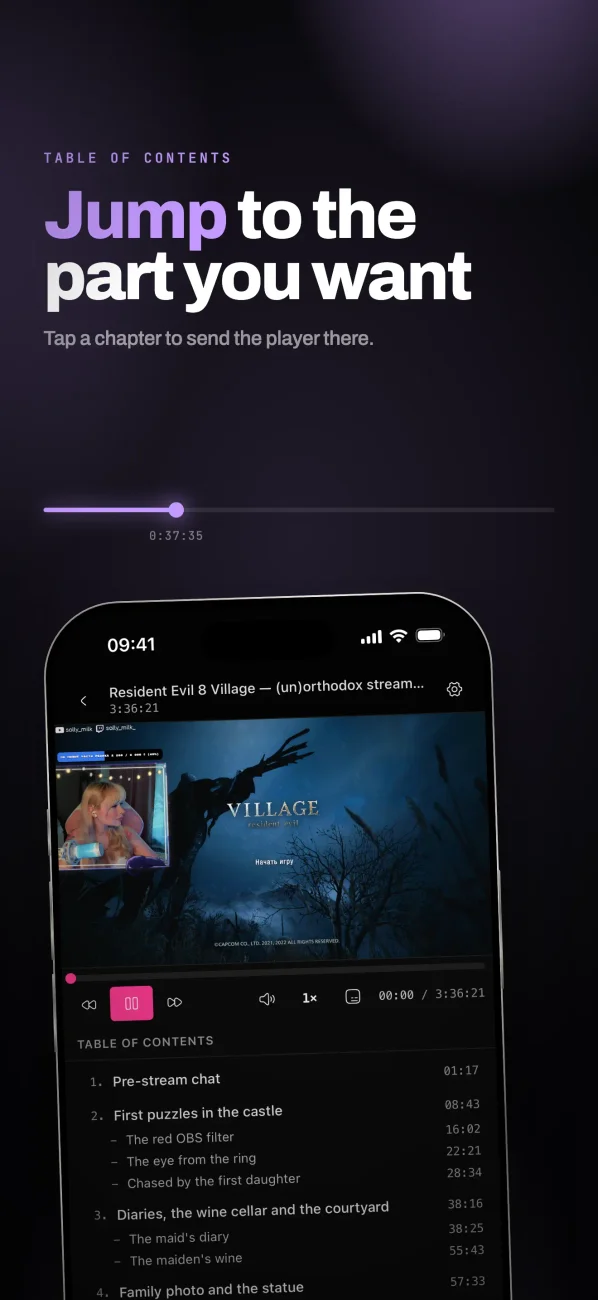
- Jump to any moment from the transcript, chat, or chapters
- Replay Twitch and YouTube chat exactly where each message was sent
- Automatically generated chapters for quick navigation
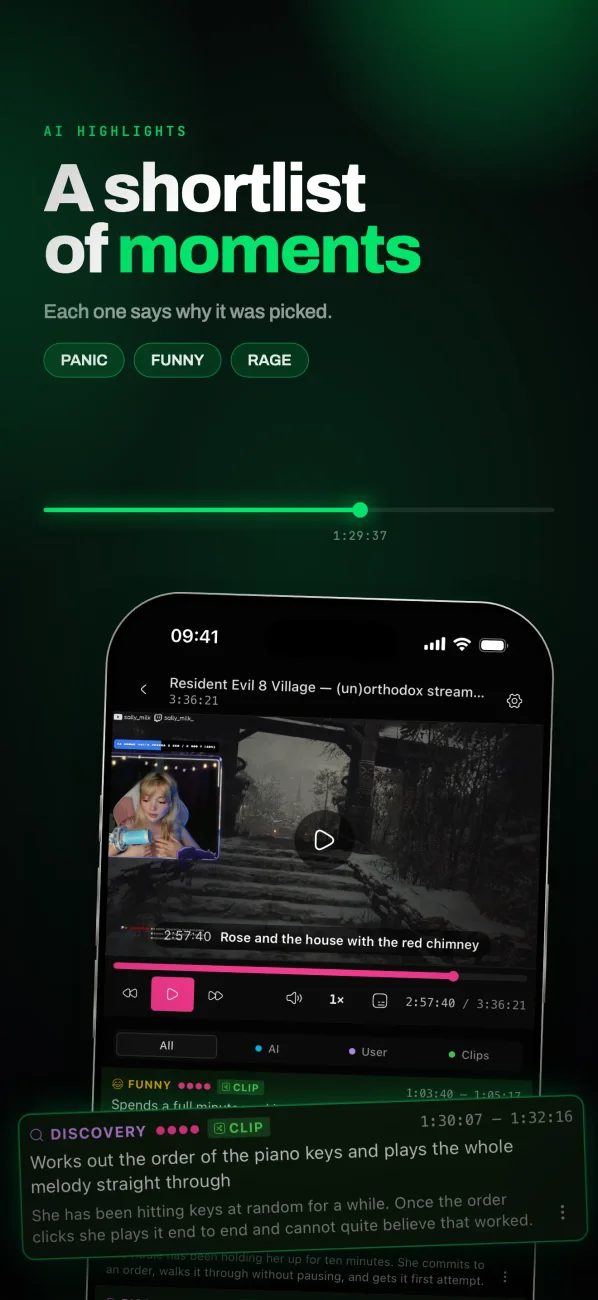
- AI-picked highlights with explanations, and your own: select a passage in the transcript to add one
- Vertical Shorts with stacked gameplay and webcam: trim, pinch to reframe, add captions
- Caption templates, fonts, colors, and animations, plus a label and a watermark
- Share finished clips to any app or save them to your photo library
- On iPad, the transcript, player, timeline, and highlights sit side by side
- Available in 11 languages
Subscriptions
Eligible new accounts can try 10 hours of stream analysis for free, with no credit card and no automatic renewal. The free allowance is shared across devices. Once it runs out, subscribe to keep importing and analyzing streams. On iPhone and iPad, plans are sold as monthly App Store subscriptions. A subscription renews automatically until cancelled, and you can manage or cancel it any time in your App Store settings.
Terms of Use: https://clipez.app/terms
Privacy Policy: https://clipez.app/privacy
What’s new
Version 2.0.0 · Nov 23, 2026
ClipEZ 2.0 brings improved caption styling, framing, text and watermarks, plus more reliable imports, playback and downloads.
App privacy
What Oleksandr Pavlovych declares on the App Store about how this app handles data.
-
Data used to track you
May be used to track you across apps and websites owned by other companies.
- Identifiers
- Usage data
-
Data linked to you
May be collected and linked to your identity.
- Purchases
- Contact info
- User content
- Identifiers
- Usage data
- Diagnostics
-
Data not linked to you
May be collected but is not linked to your identity.
- Contact info
- Usage data
Privacy practices may vary, for example with the features you use or your age.
Information
- Seller
- Oleksandr Pavlovych
- Category
- Photo & Video
- Version
- 2.0.0
- Updated
- Nov 23, 2026
- Released
- Sep 9, 2026
- Size
- 85.6 MB
- Requires
- iOS 16.4 or later
- Age rating
- 4+
- Price
- Free
- In-app purchases
- Yes
- Languages
- English, Czech, Dutch, French, German, Italian, Polish, Portuguese, Russian, Spanish, Ukrainian
- Copyright
- © 2026 Oleksandr Pavlovych
You might also like
-
 Video Teleprompter - PromptOneText Mirror & Video Recorder
-
 Lucky create - Video EditorAuto captions and AI editing
-
 Video Slideshow Maker & MusicVideo Maker
-
 Clipped: AI Video ClipperOffline Podcast Shorts Maker
-
 StreamLadder: AI Clip EditorTwitch & Kick Streaming Tools
-
 Generator Photo AIGenerator Photo AI
-
 Reelful - AI Video EditorAI edits your clips into Reels
-
 Gen AI: AI Video GeneratorImage to AI Video Maker
-
 Vizard - AI Video Clip MakerAI Shorts Video Editor
-
 Eklipse.ggStream highlights for TikTok