
Clipsana: Video Effects
Combine clips into one video
Designed for iPhone, iPad
Free · In-app purchases
- Age rating4+
- CategoryPhoto & Video
- DeveloperD BEST
- LanguagesEnglish
- Size76.7 MB
Links to the official App Store page
Download.org hosts no file of Clipsana: Video Effects. The button opens its official App Store page, published by D BEST. Listing last checked on Nov 27, 2026.
Screenshots

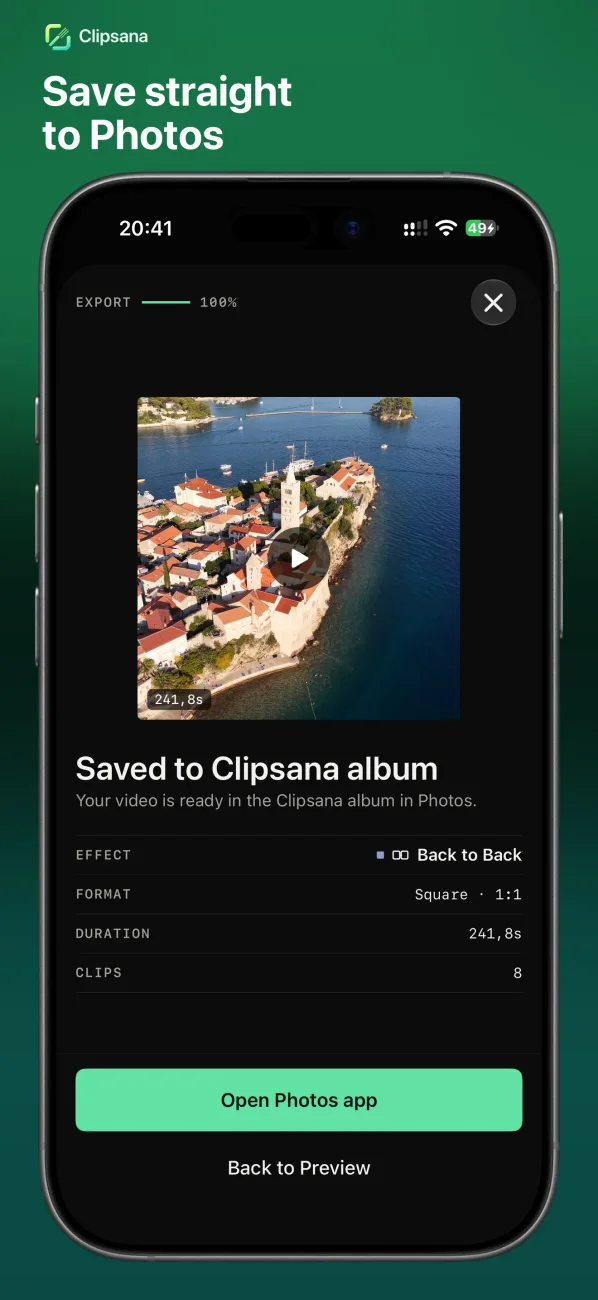
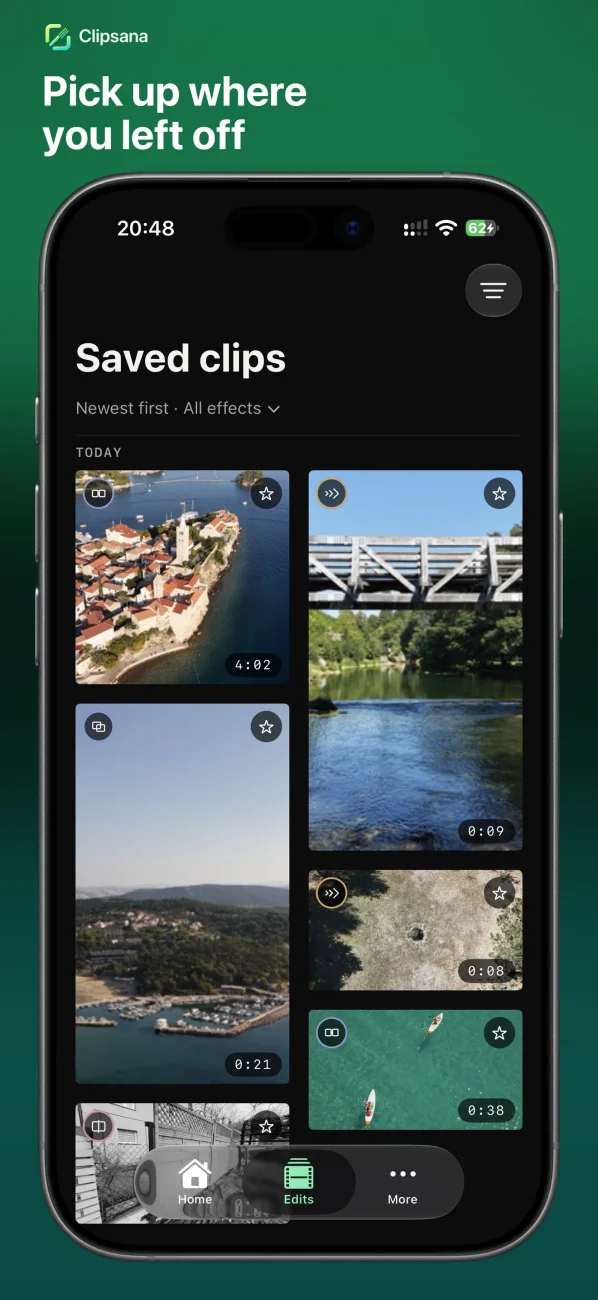
About
Your best moments deserve more than a camera roll.
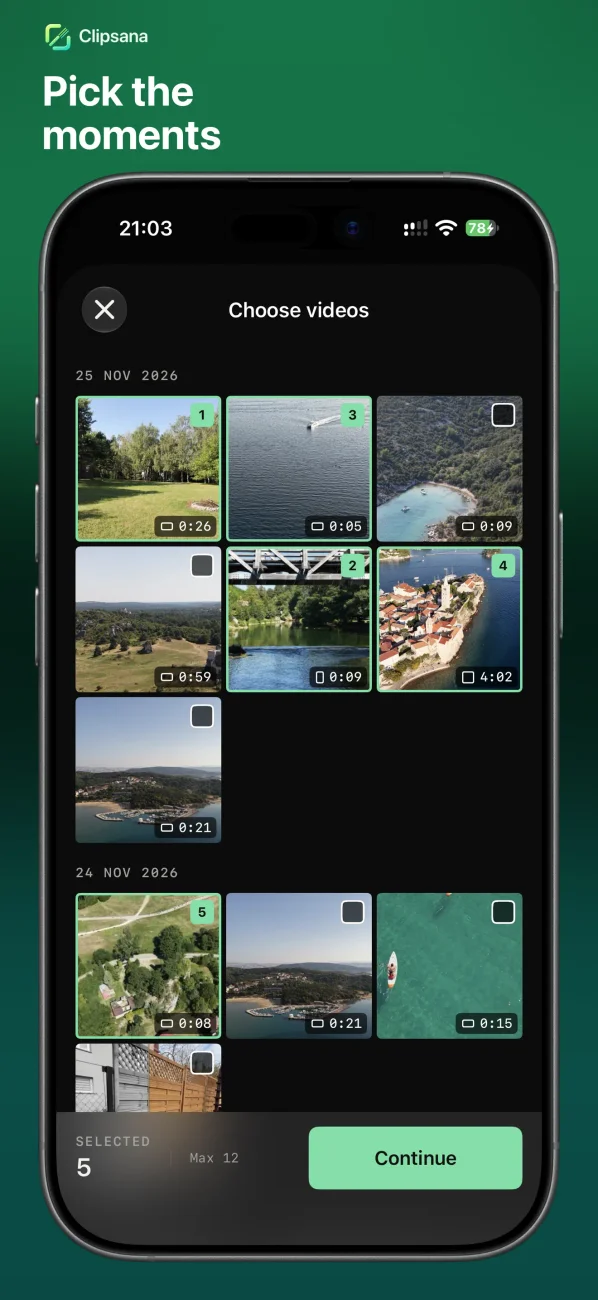
Clipsana turns your videos into one finished edit. Choose an effect, select clips from Photos, preview the result, and save your video back to Photos.
CHOOSE YOUR EDIT
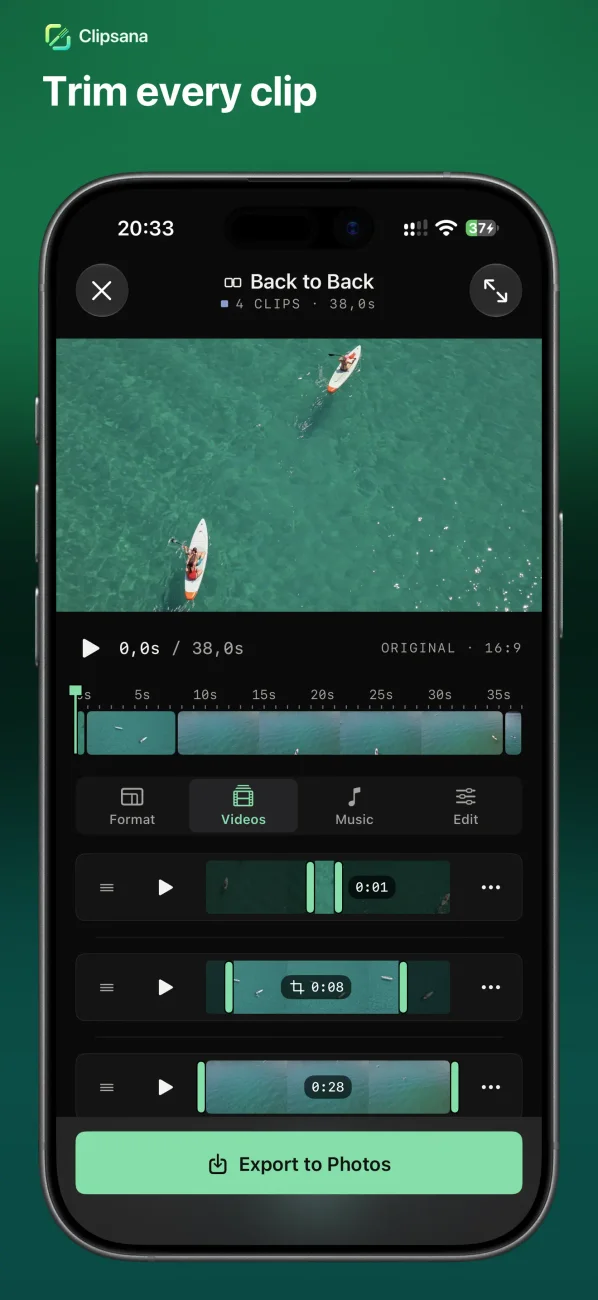
• Back to Back joins 1 to 12 clips into one film. Trim each clip, mute the ones you want, frame it your way, and pick a hard cut or a smooth dissolve.
• Before & After shows two videos side by side. Choose Split or Slide, where the divider moves across the frame, and add BEFORE and AFTER labels.
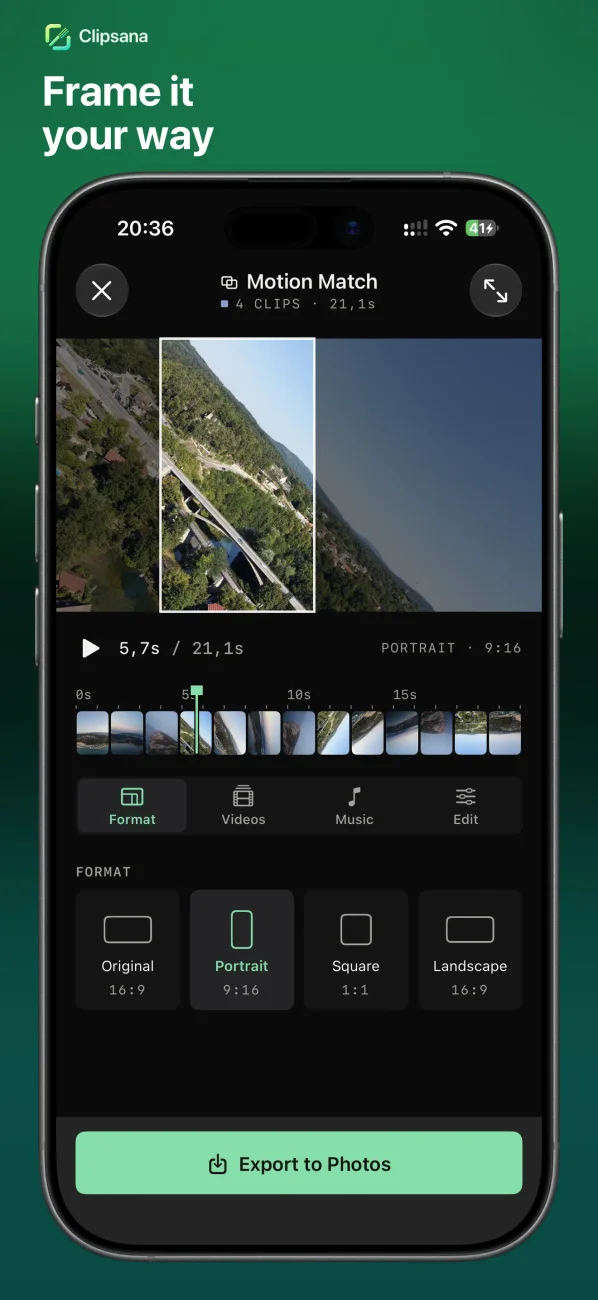
• Motion Match joins similar moments from clips of a repeated movement into one sequence. For the best result, record the action with similar timing and framing.
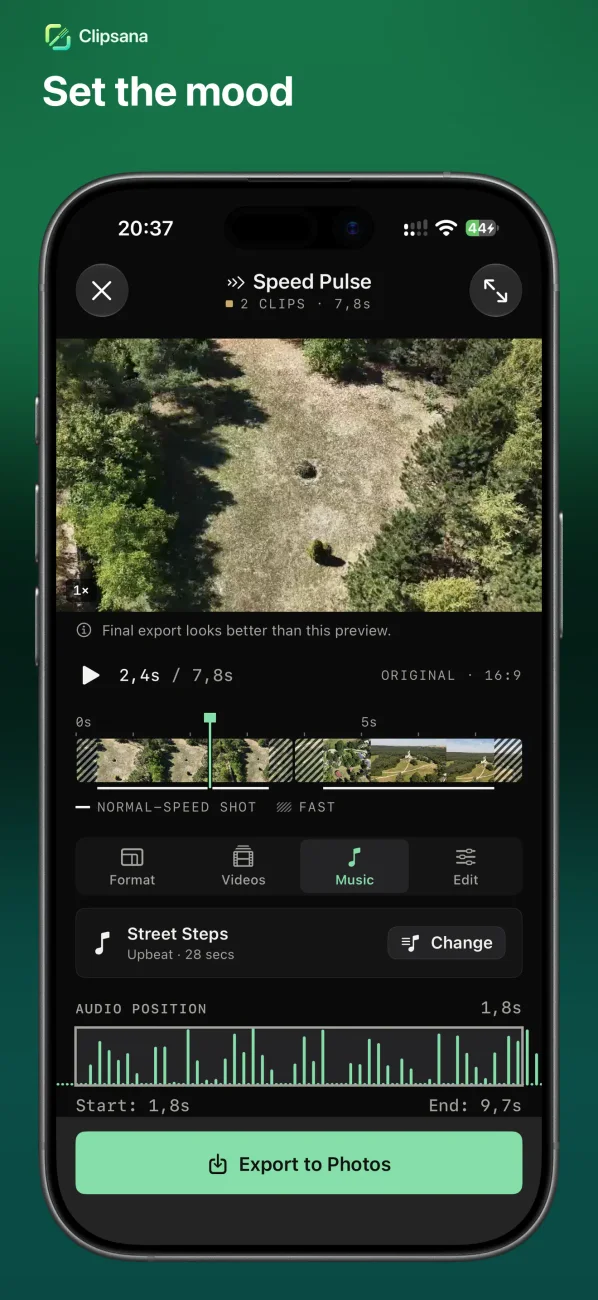
• Speed Pulse races through each clip, then returns to normal speed around the moments you want to show.
FIND THE RIGHT FOOTAGE
Smart Match suggests clips with compatible video settings. Change the reference clip without leaving the screen, and check clips stored only in iCloud with one tap. You decide which shots look good together.
MAKE IT YOURS
• Add, remove, reorder, trim, or reverse clips.
• Choose original, vertical (9:16), square (1:1), or wide (16:9) framing and adjust the crop.
• Keep your clips' own sound in Back to Back and Motion Match. The music plays quieter under it.
• Add a built-in soundtrack: 30 tracks in six moods, or play a whole mood as a playlist.
• Scrub the preview on a timeline with thumbnails.
• Adjust transitions and fades; repeat the sequence in Motion Match.
• Save edits on your device and return to them later.
Export your finished MP4 to Photos. Free exports include a Clipsana watermark. Clipsana Pro removes the watermark and is required to export Before & After videos.
No account needed. Your videos are processed on your device.
Terms of Use: https://dbest.pl/clipsana/terms/
Apple Standard EULA: https://www.apple.com/legal/internet-services/itunes/dev/stdeula/
What’s new
Version 2.0.0 · Nov 26, 2026
Version 2.0 is the biggest update so far. There are two new effects: Before & After puts two videos side by side with a moving divider, and Back to Back joins up to 12 clips into one film. Your clips can now keep their own sound, and the music gets quieter under them. I added 10 longer tracks, so every mood has five, and you can play a whole mood as a playlist. The whole app has a new look, the editor has a timeline with thumbnails, and exported colors now match your originals. Let me know what you make with it!
App privacy
What D BEST declares on the App Store about how this app handles data.
-
Data not linked to you
May be collected but is not linked to your identity.
- Purchases
- Location
- Identifiers
- Usage data
- Diagnostics
Privacy practices may vary, for example with the features you use or your age.
Information
- Seller
- Marcin Bieda D BEST
- Category
- Photo & Video
- Version
- 2.0.0
- Updated
- Nov 26, 2026
- Released
- Oct 1, 2026
- Size
- 76.7 MB
- Requires
- iOS 26.0 or later
- Age rating
- 4+
- Price
- Free
- In-app purchases
- Yes
- Languages
- English
- Copyright
- © D BEST
You might also like
-
 FlowCut - Video Editor & MakerAuto Captions & Video Effects
-
 Shady FarGet your Photos Instantly
-
 MergeHDRPhoto & Video
-
 Mavis Monitor: Pro DisplayVideo tools certified by NDI
-
 BlackRAW Studio: Color GradingBRAW, ProRes RAW & LUTs
-
 Passport Photo App – ID Studio2x2, DS-82, Green Card
-
 Filmsim RecipesFilm simulation recipes
-
 Bing video creatorBing AI - Photo to video
-
 MOZA MasterCapture The World
-
 Snappr PhotographersPhoto & Video