
Clock In: Work Hours Tracker
Timesheet Log, Time Calculator
Designed for iPhone, iPod touch
Free · In-app purchases
- Age rating4+
- CategoryUtilities
- DeveloperMajestica Lab LLC
- LanguagesEnglish
- Size55.5 MB
Links to the official App Store page
Download.org hosts no file of Clock In: Work Hours Tracker. The button opens its official App Store page, published by Majestica Lab LLC. Listing last checked on Nov 23, 2026.
Screenshots
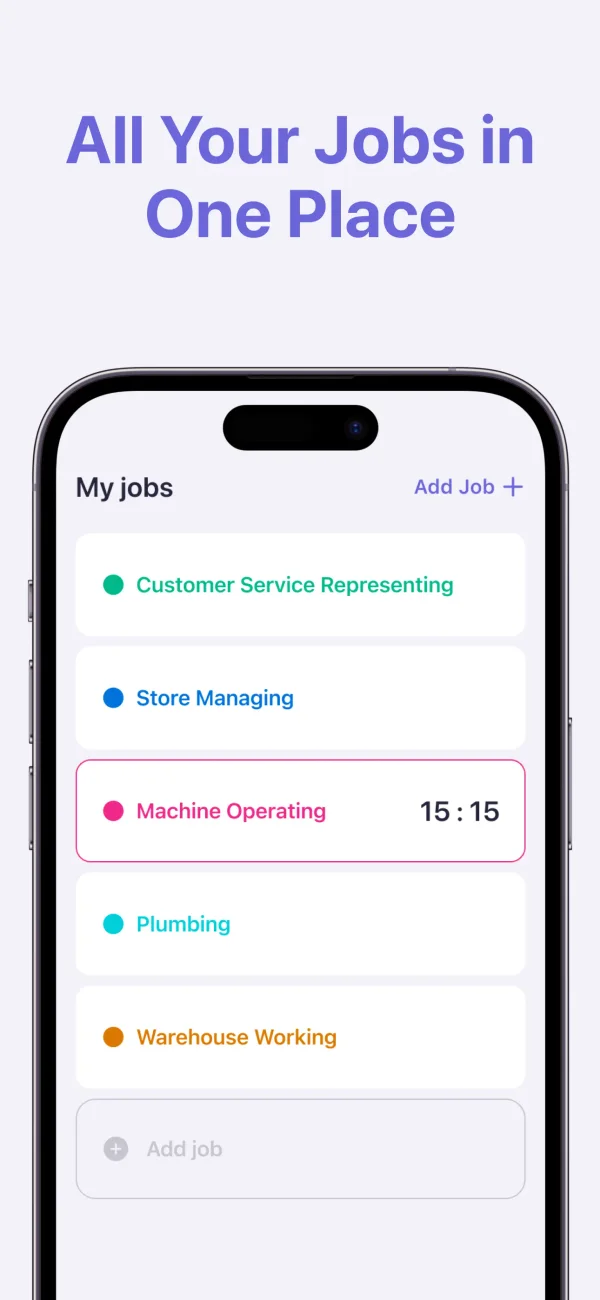
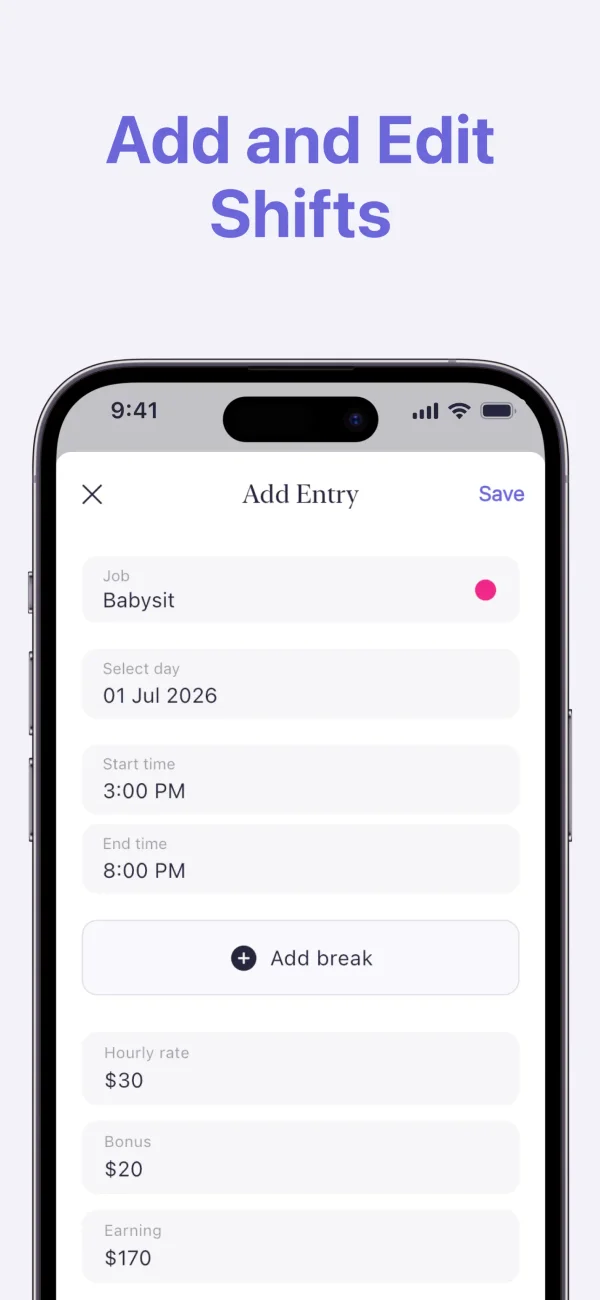
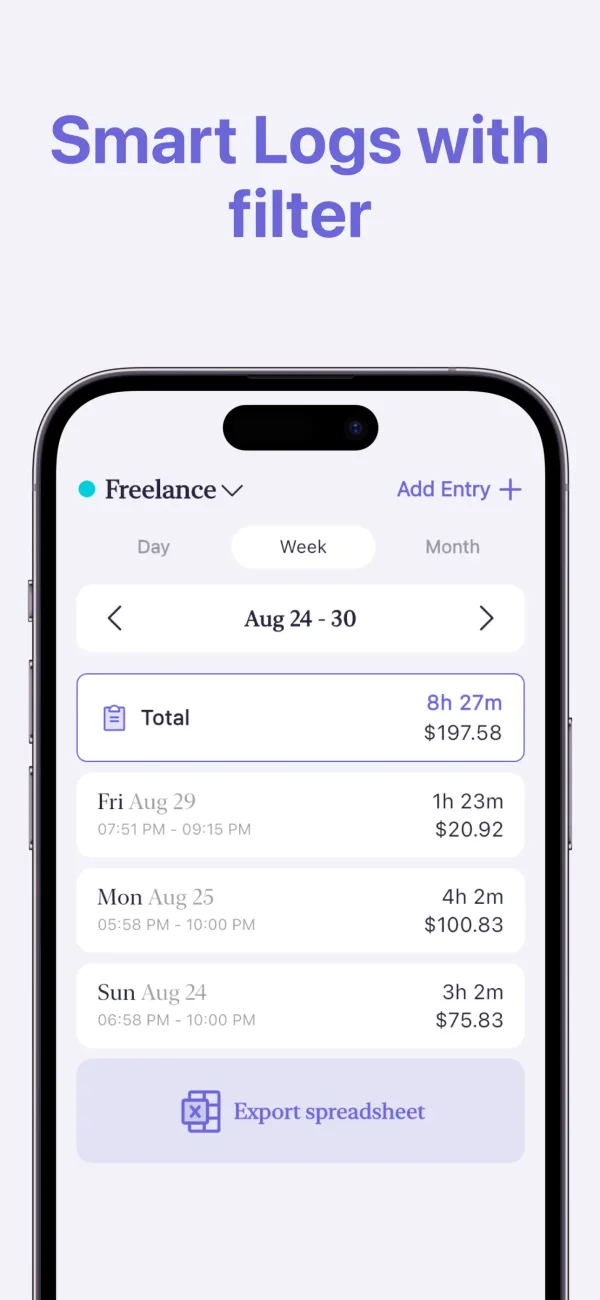
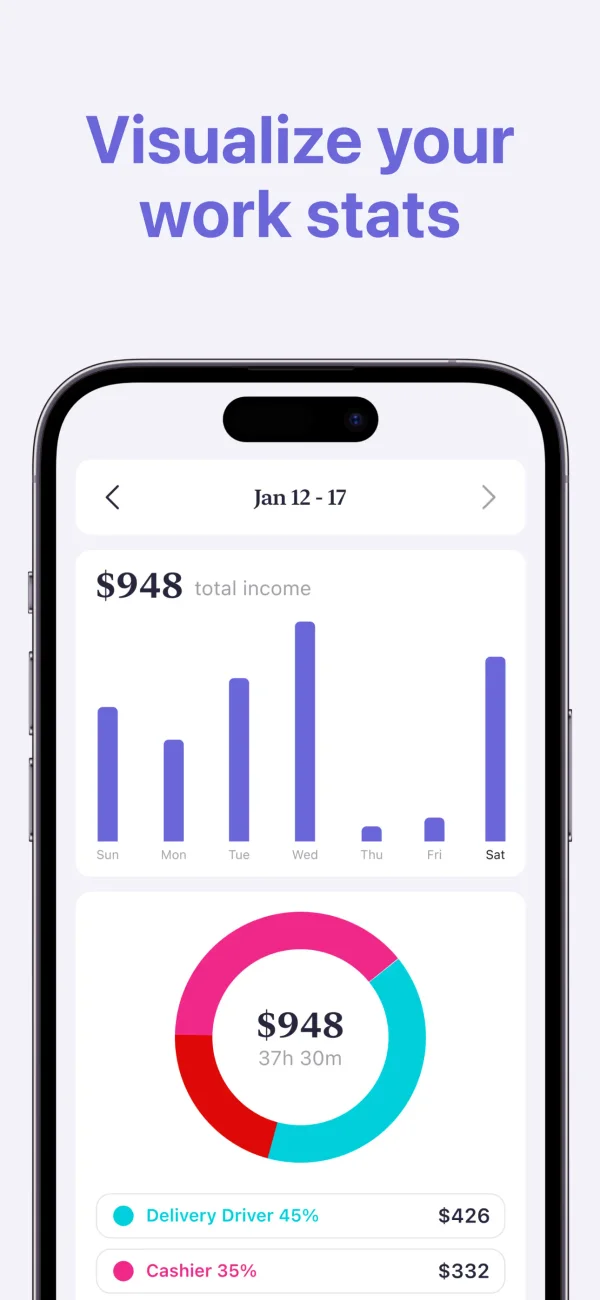
About
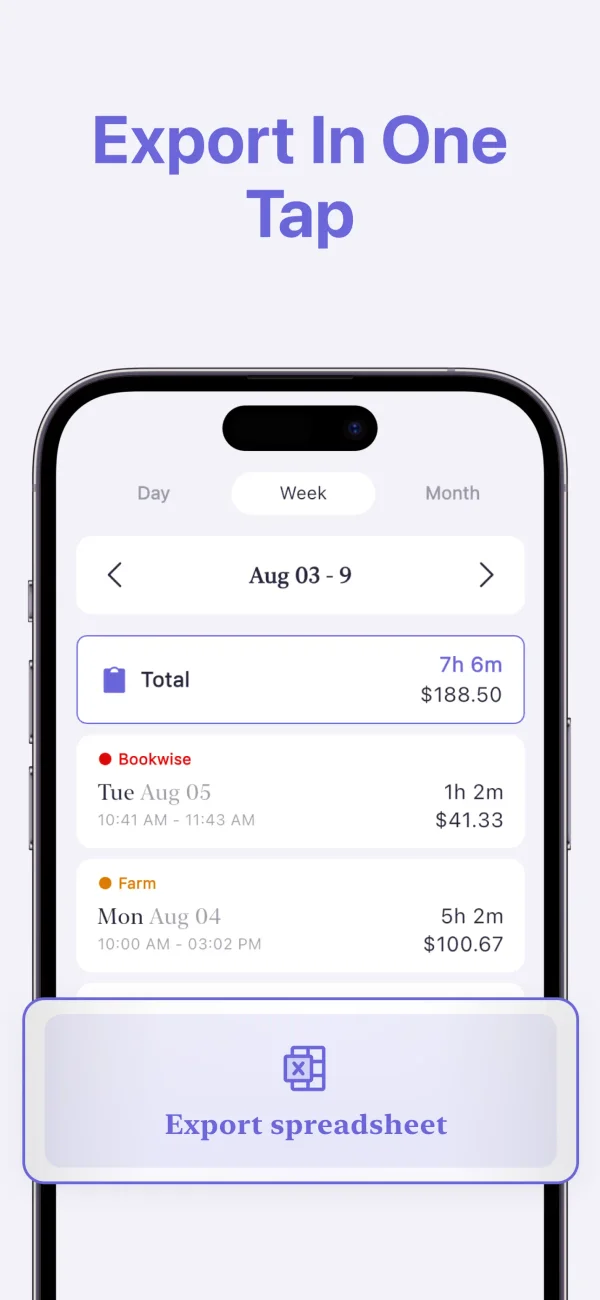
Track work hours, clock in and out, and keep your timesheets organized with Clock In. Built for employees, freelancers, and contractors, this simple time tracking app helps you record shifts, review project hours, and export your work log in a clean, ad-free experience.
Whether you need a personal time clock for work, a daily work log, or a timesheet for freelance projects, Clock In keeps your recorded hours easy to find and review.
CLOCK IN AND OUT
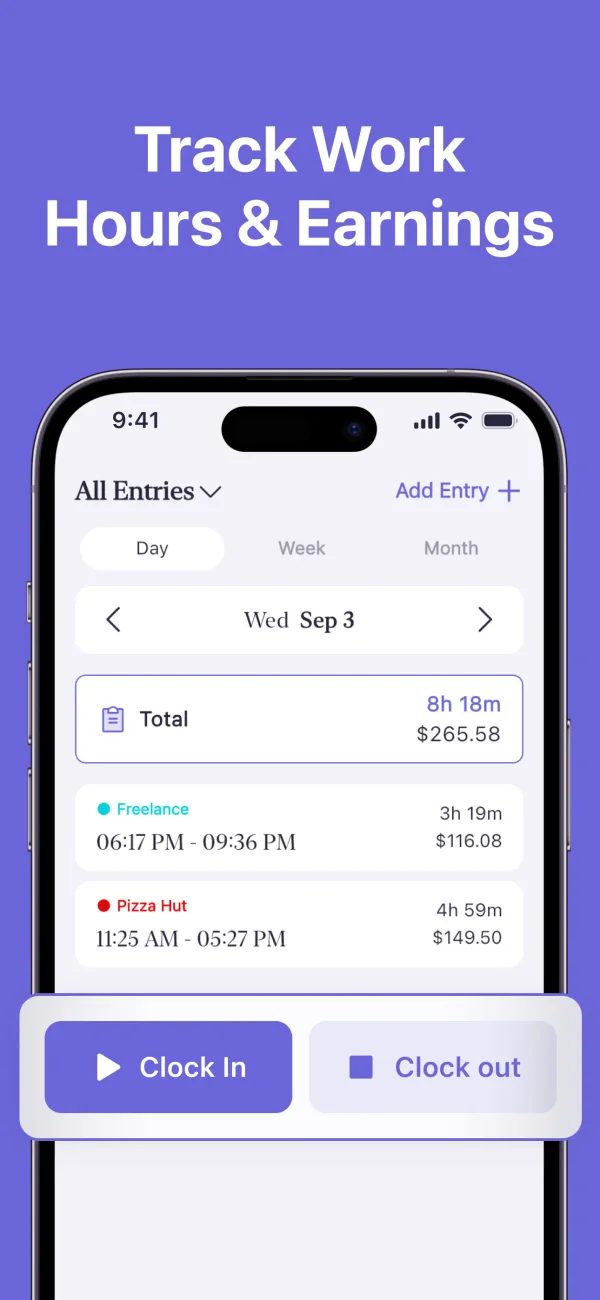
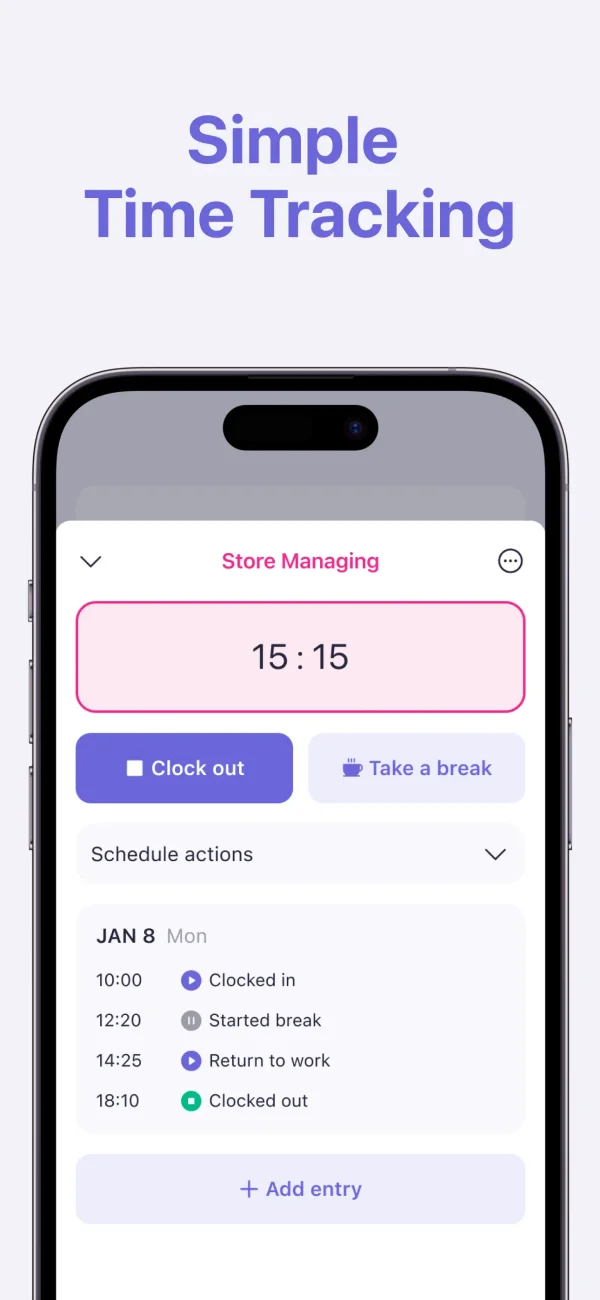
Start and finish your workday with fast, simple time logging. Record when you begin and end work, and keep your working hours together in one place.
TRACK WORK HOURS
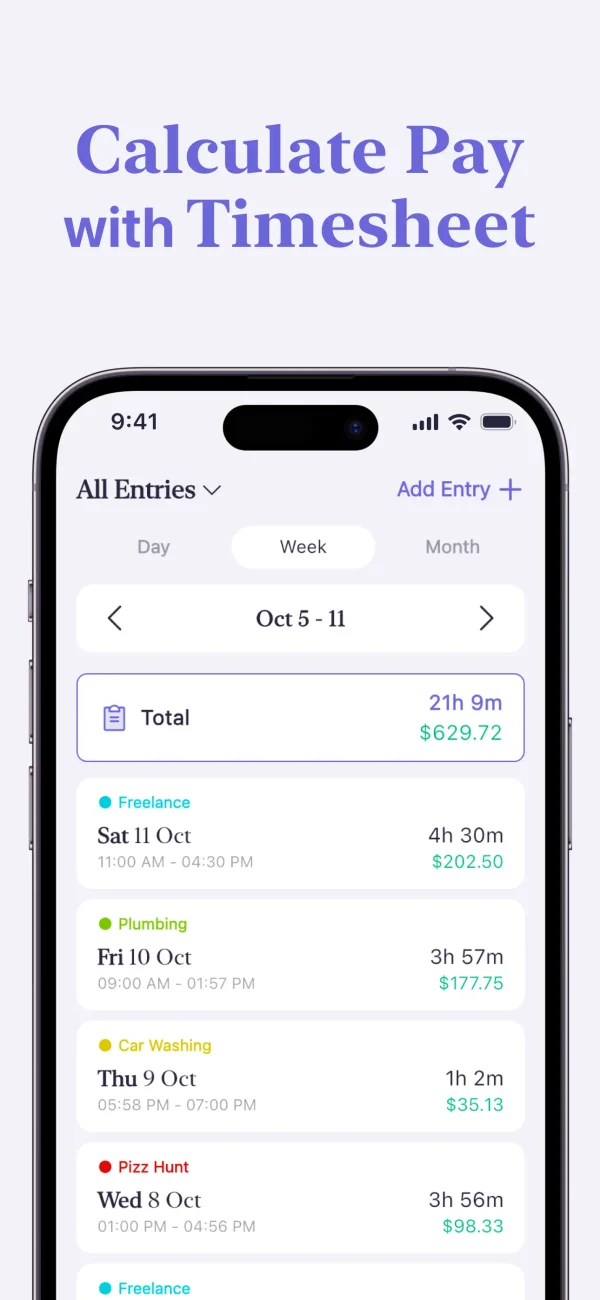
See how many hours you’ve worked with clear daily, weekly, and monthly totals. Review your time records and follow your hours throughout the week.
KEEP TIMESHEETS ORGANIZED
Replace your paper time sheet or manual time card with a digital record of your work. Keep timesheets for shifts and projects so you can review your logged hours when you need them.
LOG SHIFTS AND FREELANCE WORK
Use Clock In to record employee shifts, f,reelance client work or contractor project hours. Maintain a clear work history to help you understand where your time goes.
SET TIME TRACKING REMINDERS
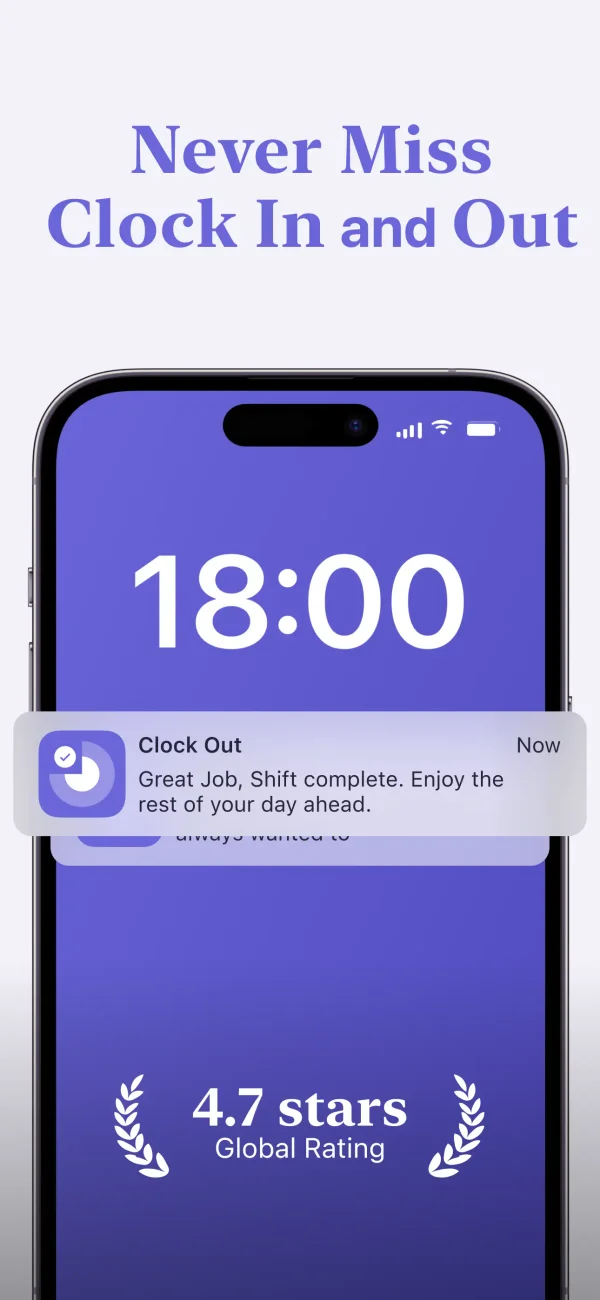
Forget to log your time? Set customizable reminders to help you remember to clock in and out and keep your work log up to date.
REVIEW AND EXPORT YOUR WORK LOG
Look back through your recorded hours and export your work log to save or share your time records.
SIMPLE, AD-FREE TIMEKEEPING
Spend less time maintaining your timesheet and more time on your work. Clock In brings work hour tracking, shift logs, and timesheets together in an easy-to-use app without ads.
Subscription Information:
You may purchase an auto-renewing subscription through an in-app purchase.
• Annual subscription: $29.99, with a 3-day free trial
• Monthly subscription: $5.99
Terms of Use: [https://majestica-dev.github.io/public/clockin/terms](https://majestica-dev.github.io/public/clockin/terms)
Privacy Policy: [https://majestica-dev.github.io/public/clockin/privacy](https://majestica-dev.github.io/public/clockin/privacy)
What’s new
Version 1.16.13 · Nov 17, 2026
• Minor Improvements: Enhanced performance, improved stability, and small refinements to the overall experience
App privacy
What Majestica Lab LLC declares on the App Store about how this app handles data.
-
Data not linked to you
May be collected but is not linked to your identity.
- Usage data
- Diagnostics
Privacy practices may vary, for example with the features you use or your age.
Information
- Seller
- Majestica Lab LLC
- Category
- Utilities
- Version
- 1.16.13
- Updated
- Nov 17, 2026
- Released
- Jun 13, 2024
- Size
- 55.5 MB
- Requires
- iOS 14.0 or later
- Age rating
- 4+
- Price
- Free
- In-app purchases
- Yes
- Languages
- English
- Copyright
- © 2026 Majestica Lab LLC
You might also like
-
 Mushroom Identifier: Plant IDIdentify Mushrooms by Picture
-
 Spam Text Repeater - CopiedMessage Spammer Keyboard
-
 Tally Counter ۬Tap, Click, Clicker Counting
-
 Phone Storage Cleaner: BroomDelete duplicate photos,videos
-
 Spam Call Blocker - Caller IDBlock Robocalls & Scam Calls
-
 Delete Contacts `Contact Cleanup
-
 Clipboard : ClipboxAuto copy and paste keyboard
-
 Conversion Calculator - MetricCooking Converter, kg to lbs
-
 RoomPlan - Interior 3D ScannerFloor & Furniture LIDAR Models
-
 Waveform Visualizer • AudiomMake Reel & Diary with Audio