Clock Widget+
Flip, World & Weather Clocks
Designed for iPhone, iPad, Mac
Free · In-app purchases
- Age rating4+
- CategoryLifestyle
- DeveloperPROGRESSIO STUDIO COMPANY LTD
- LanguagesEnglish+ 19 more
- Size80.5 MB
Links to the official App Store page
Download.org hosts no file of Clock Widget+. The button opens its official App Store page, published by PROGRESSIO STUDIO COMPANY LTD. Listing last checked on Nov 21, 2026.
Screenshots

About
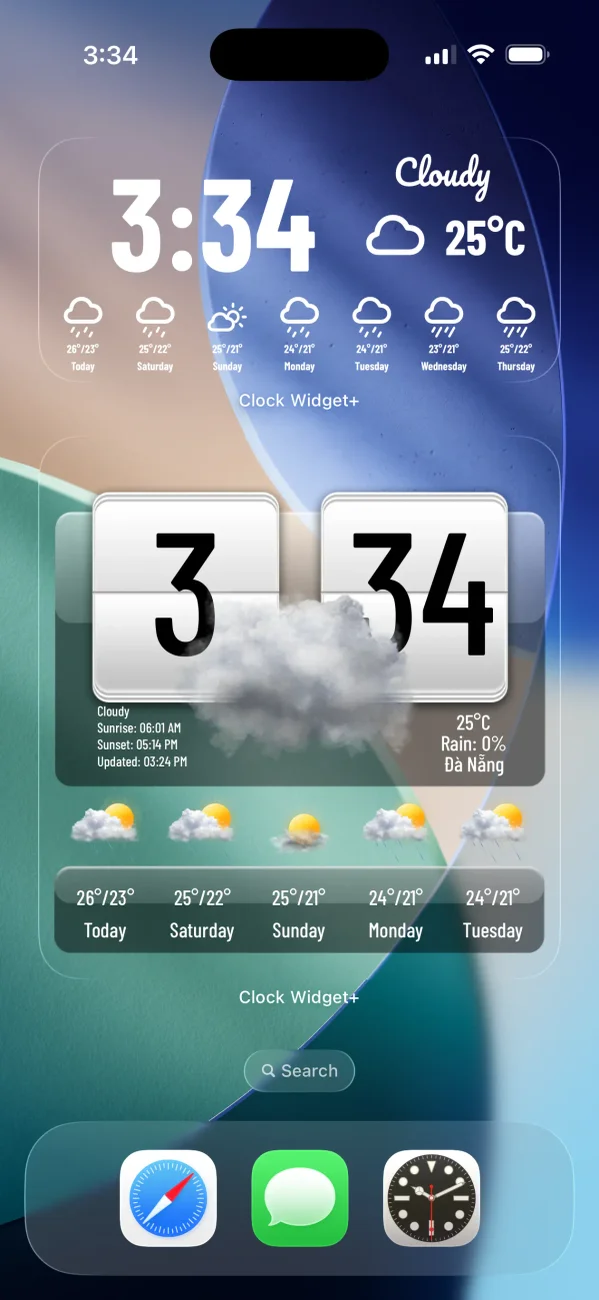
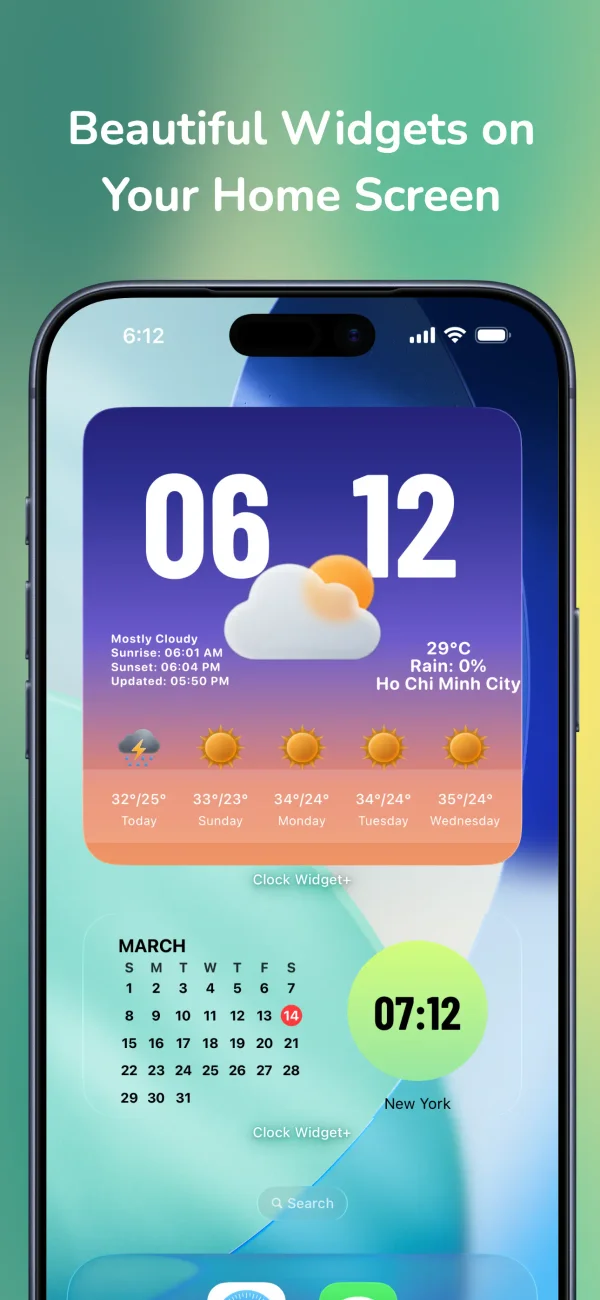
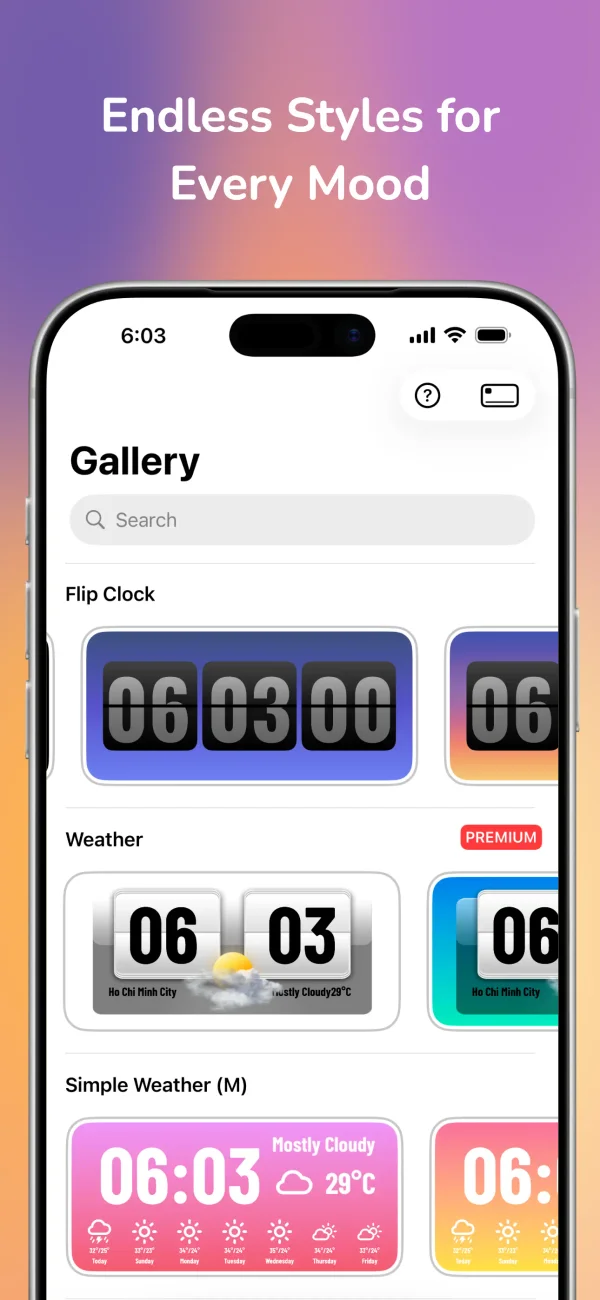
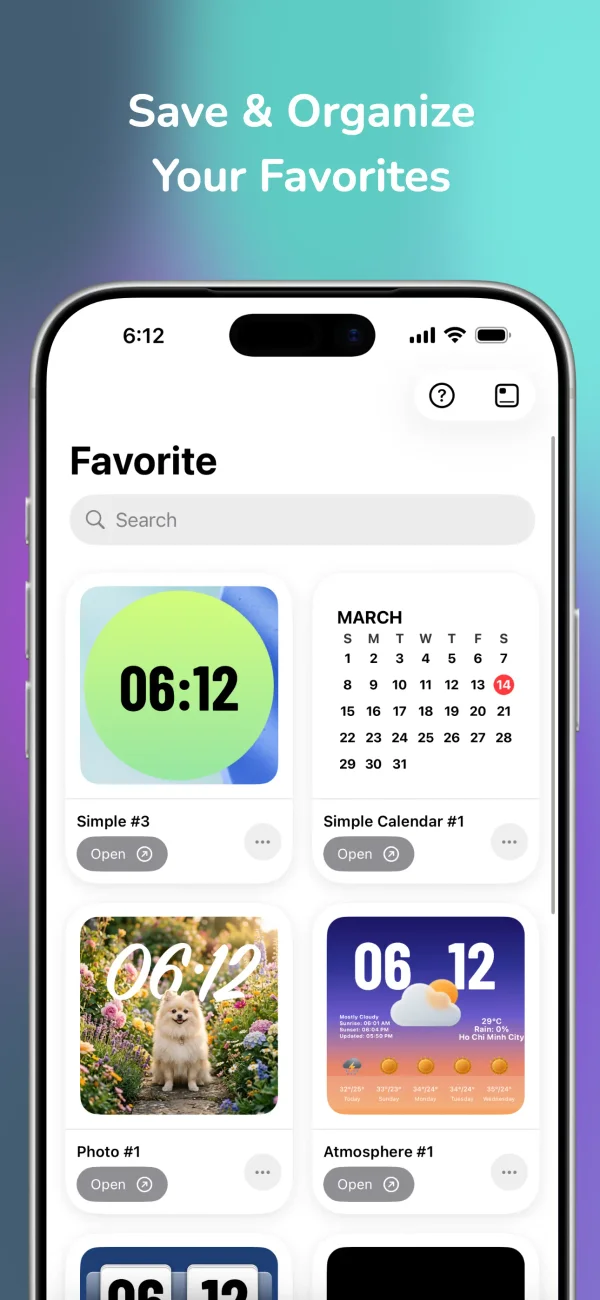
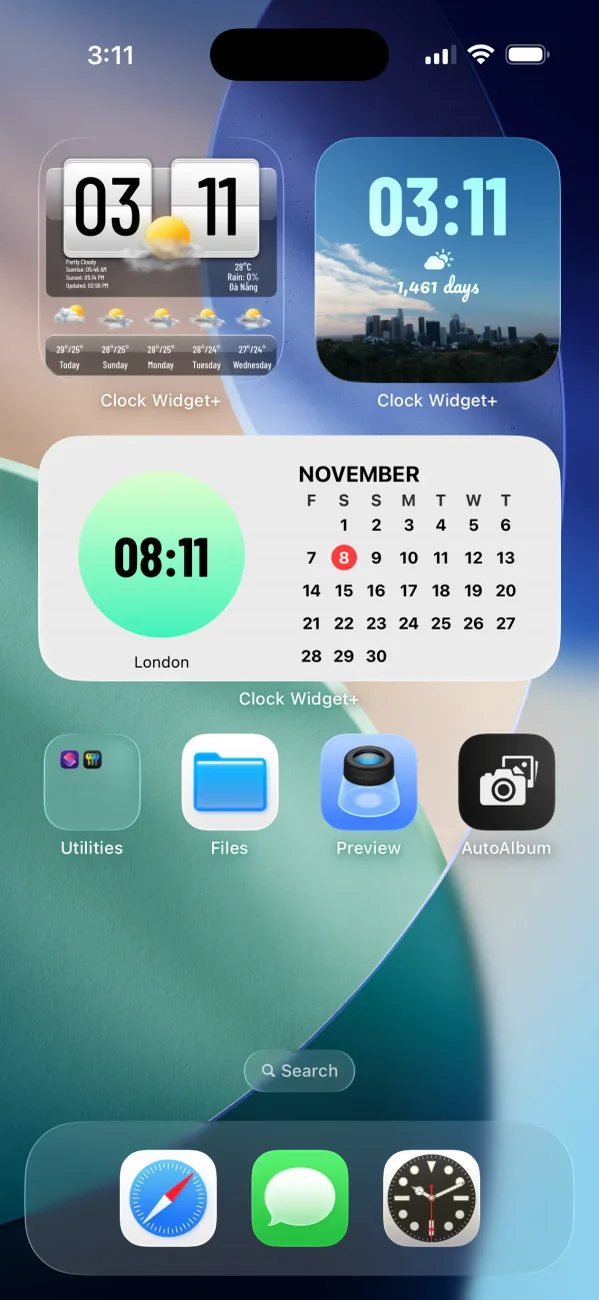
Transform your home screen with the Clock Widget Gallery app! Easily create stunning, customizable clock widgets in various colors and styles. From sleek minimalist aesthetics to retro and vibrant themes, personalize your device with powerful timepieces, world clocks, built-in alarms, and timers right at your fingertips. Simple to use, beautifully designed, and deeply customizable—enhance your home screen in seconds!
KEY FEATURES:
- All-new face editor: drag, resize and turn complications right on the face, with undo
- Full Screen clocks: turn your iPhone or iPad into a desk clock with tick and flip sounds and Picture in Picture
- Weather and holiday effects that follow the forecast on the weather faces (Premium)
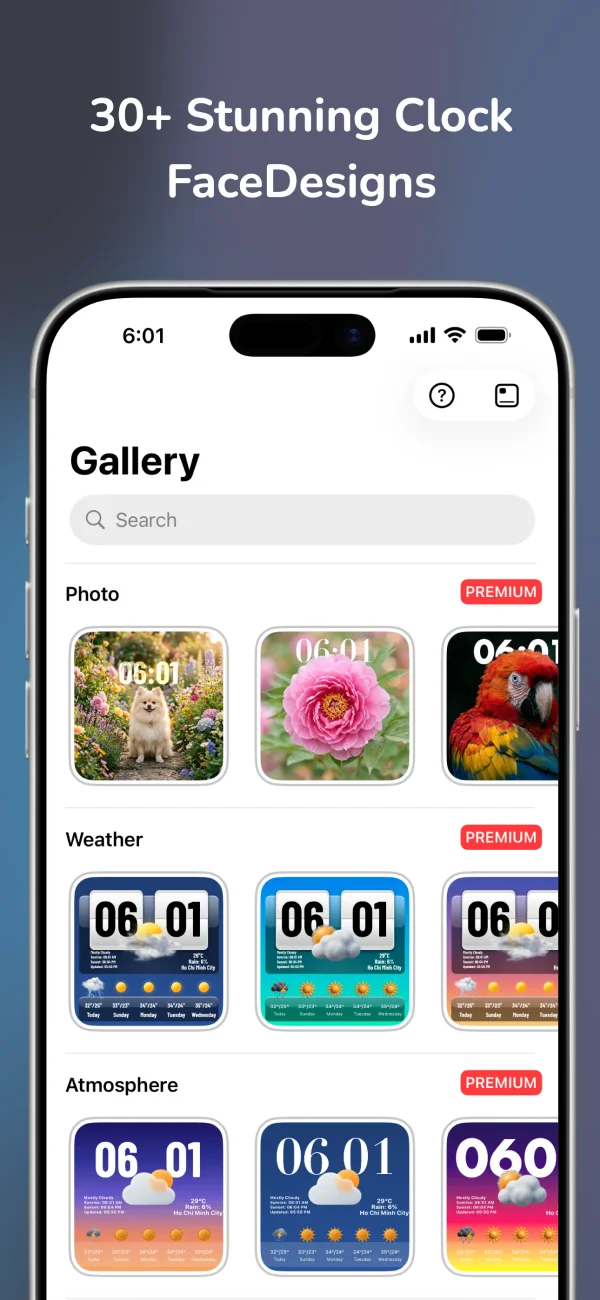
- 40+ face templates including World Time, Station, Paper Calendar, World Desk, Atmosphere, Aurora, Terminal, and more
- World Time: 24-hour dial, 3D interactive daylight globe, and 5-minute timeline scrubber across 900+ cities
- Widget Tap Actions: launch apps, run Apple Shortcuts, or open website URLs directly from your widgets
- Solid & Glass finishes: blend seamlessly into your wallpaper with translucent glass and solid materials
- Built-in Alarm & Timer: wake up to tactile puzzle games and track live countdowns
- 3D weather icons and live weather complications
- Digital clocks, analog clocks, flip clocks, calendars, and photo faces
- Dynamic, minimalist, retro, and gradient backgrounds
- Fully customizable fonts, colors, hands, and complication layouts
- CWF file sharing — seamlessly export and import custom clock designs
- Liquid Glass design support for modern iOS styling
Clock Widget+ is free to download. Some faces and features require Clock Widget+ Premium, available as a weekly, monthly or yearly subscription or a one-time Lifetime purchase.
=================================
Payment
Payments are not managed directly by Clock Widget+ but through Apple App Store. If you would like a refund for the app PREMIUM version, it should be managed directly through the App Store process provided by Apple (https://support.apple.com/en-us/HT204084).
If you purchase Clock Widget+ Premium, the payment will be charged to your Apple Account. If you purchase a weekly, monthly or annual subscription, your account will automatically be charged for renewal within 24-hours prior to the end of the current subscription period unless you disable auto-renew. You can turn off auto-renewal at any time by going to your Account Settings on the App Store after purchase.
If you cancel a Clock Widget+ Premium subscription, the content and features it unlocked stay available until the end of the current subscription period. After that, you return to the free version, with the same content every free user has.
=================================
Terms of Service: https://clockwidgetplus.progressiostudio.com/terms-of-service
Privacy Policy: https://clockwidgetplus.progressiostudio.com/privacy-policy
What’s new
Version 3.1.1 · Nov 8, 2026
Bug fixes and improvements
App privacy
What PROGRESSIO STUDIO COMPANY LTD declares on the App Store about how this app handles data.
-
Data not collected
The developer does not collect any data from this app.
Privacy practices may vary, for example with the features you use or your age.
Information
- Seller
- PROGRESSIO STUDIO COMPANY LIMITED
- Category
- Lifestyle
- Version
- 3.1.1
- Updated
- Nov 8, 2026
- Released
- Sep 30, 2024
- Size
- 80.5 MB
- Requires
- iOS 17.0 or later
- Age rating
- 4+
- Price
- Free
- In-app purchases
- Yes
- Languages
- English, Czech, Dutch, French, German, Hindi, Indonesian, Italian, Japanese, Korean, Polish, Portuguese + 8 more
- Copyright
- © Progressio Studio
You might also like
-
 Big Clock - Pro Time WidgetsBeautiful Bedside Color Widget
-
 TickClock-Widget flipclockThe best digital clock
-
 Digital Time-Big Clock WidgetHome Screen 4K WallpaperClock
-
 Flip Clock - Time WidgetMonth & Year Progress Widgets
-
 Always On - Time Clock WidgetsDesktop Full-Screen Live Time
-
 Digital Clock ۬Standby Time & Digital Clock
-
 24Clock - AtomBoxLifestyle
-
 McClockface – Flip ClockStopwatch & Time Widgets
-
 PX Clock - See the timeDigital clock, timer, widgets
-
 Nightstand Desk Clock & WidgetFullscreen clock , wallpaper