Clock Widgets in Standby Mode
Lock screen time with seconds
Designed for iPhone, iPad, iPod touch
Free · In-app purchases
- Age rating4+
- CategoryGraphics & Design
- Developer云云 唐
- LanguagesEnglish+ 33 more
- Size57.8 MB
Links to the official App Store page
Download.org hosts no file of Clock Widgets in Standby Mode. The button opens its official App Store page, published by 云云 唐. Listing last checked on Nov 24, 2026.
Screenshots

About
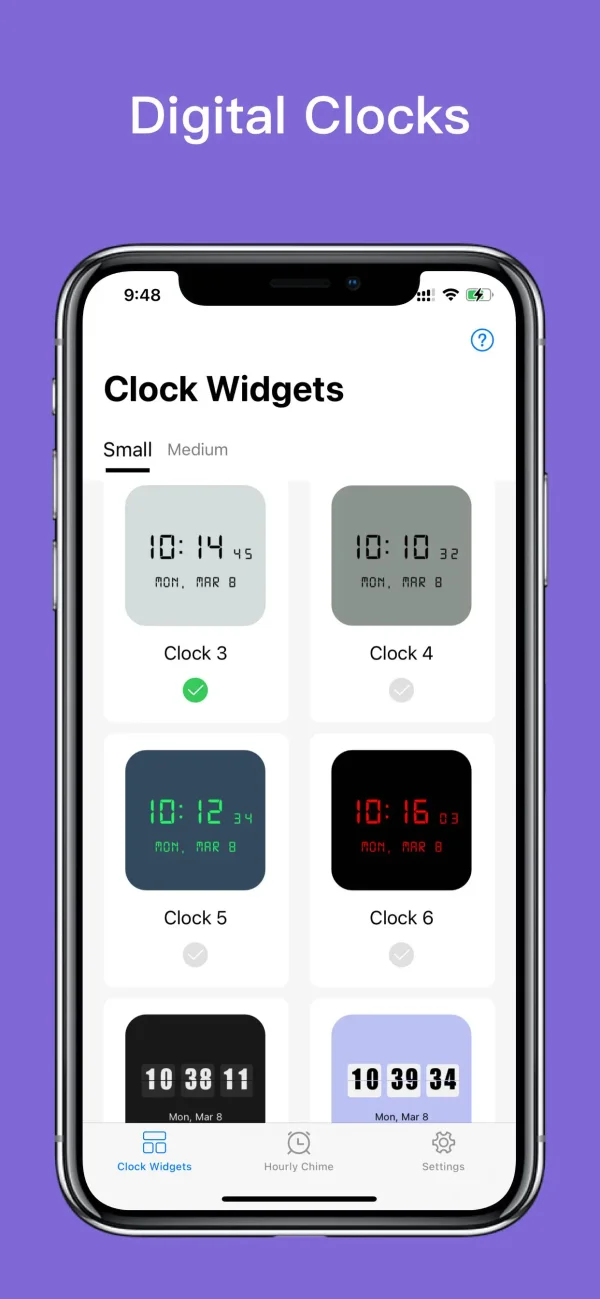
Standby Clock Widgets, a digital clock dynamically displayed on the mobile phone desktop in real time, supporting updates every second.
- Beautiful home screen digital clock display
- Support seconds display and real-time refresh
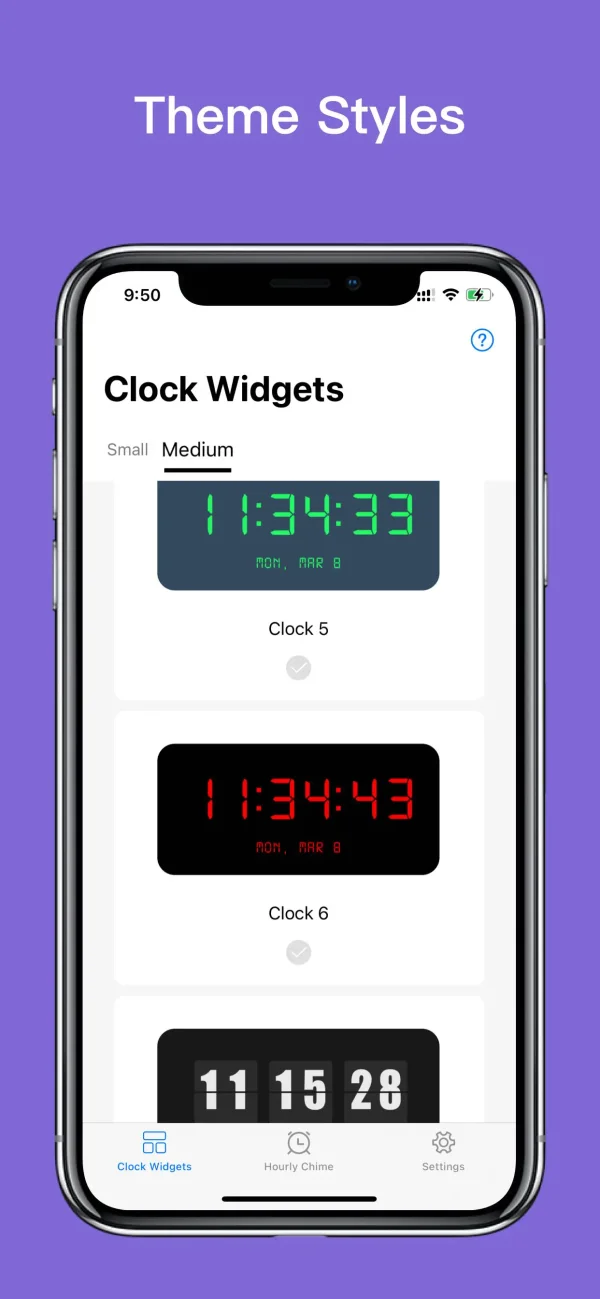
- Multiple theme styles
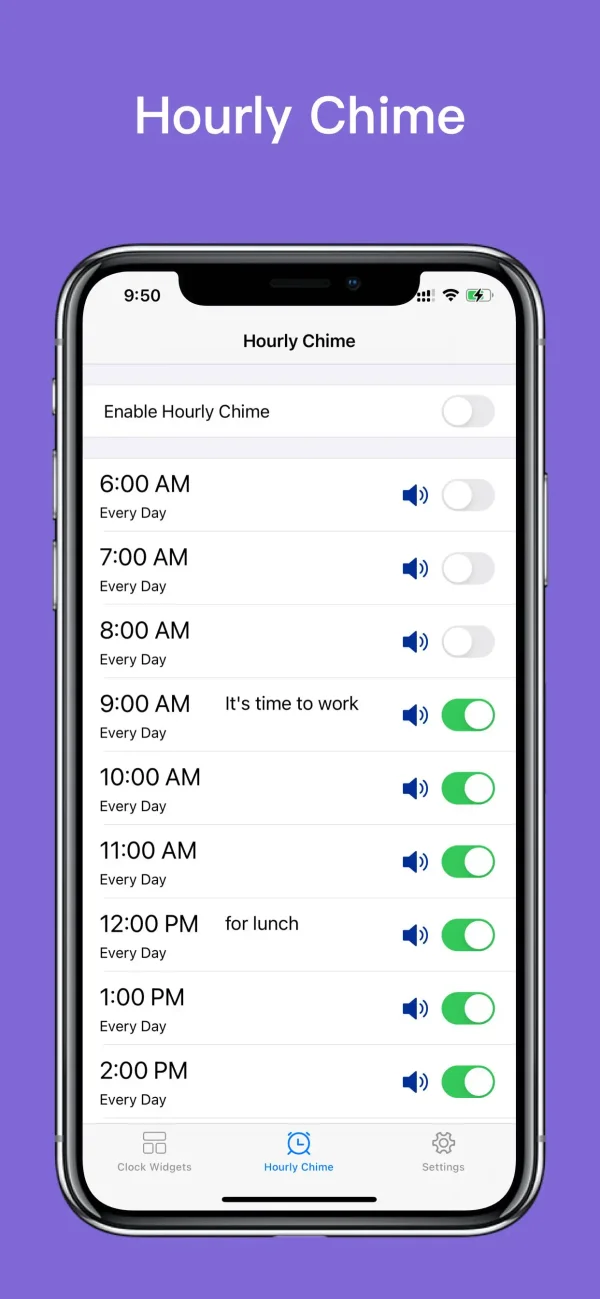
- Hourly chime:Real human voice tells the time on the hour
- Show time on home screen, Lock Screen, dynamic island, standby screen.
What’s new
Version 1.6 · Jan 2, 2024
Bug fixes and performance improvements.
App privacy
What 云云 唐 declares on the App Store about how this app handles data.
-
Data used to track you
May be used to track you across apps and websites owned by other companies.
- Identifiers
-
Data not linked to you
May be collected but is not linked to your identity.
- Identifiers
Privacy practices may vary, for example with the features you use or your age.
Information
- Seller
- 云云 唐
- Category
- Graphics & Design
- Version
- 1.6
- Updated
- Jan 2, 2024
- Released
- Mar 12, 2021
- Size
- 57.8 MB
- Requires
- iOS 11.0 or later
- Age rating
- 4+
- Price
- Free
- In-app purchases
- Yes
- Languages
- English, Arabic, Catalan, Croatian, Czech, Danish, Dutch, Finnish, French, German, Greek, Hebrew + 22 more
- Copyright
- © Clock Widgets
You might also like
-
 Clock Widget with Seconds LiveWorld Time Zones & Calendar
-
 My widget clock +Your own clock widget!
-
 My widget clock | kawaii JapanMake your home cute and fun
-
 StandBy Widgets 17 Wallpapers4K Live Backgrounds & Themes
-
 Gallerie Wallpapers: 4K & LiveLive HD Wallpaper & Background
-
 Widgit - App Launcher WidgetsCustom Aesthetic & Interactive
-
 Themes: Widget,Wallpaper,IconLock Widget, Widgets, Theme
-
 Wallpapers App: Cool HD ThemesBackgrounds, Lock Screen Saver
-
 Notchify - Wallpaper MakerSimple & Effortless Wallpapers
-
 StandBy - WidgetsThemes, Wallpapers, Clock