- Age rating4+
- CategoryUtilities
- DeveloperStefano Acerbetti
- LanguagesEnglish+ 8 more
- Size2.2 MB
Links to the official App Store page
Download.org hosts no file of Clocks in Motion. The button opens its official App Store page, published by Stefano Acerbetti. Listing last checked on Nov 18, 2026.
Screenshots

About
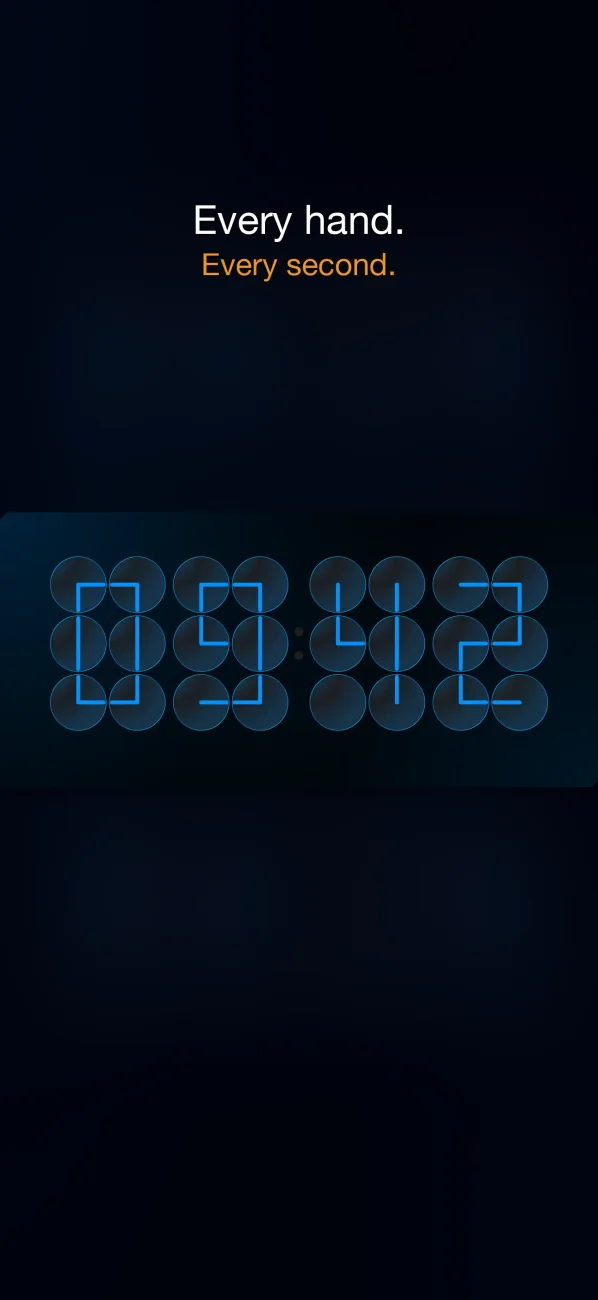
A clock so beautiful you'll watch it change. Every digit is drawn by tiny analog clock faces—24 in all—their hands sweeping into position each minute to spell out the time. Part timepiece, part kinetic art.
Give it sixty seconds. You'll never want a plain digital clock again.
WHY YOU'LL LOVE IT
• A living display for your nightstand, desk, or shelf
• Minimal, elegant, and mesmerizing to watch
• One-time $0.99 — no subscriptions, no ads, no in-app purchases
HOW IT WORKS
Each digit is a 3×2 grid of six clock faces. Forty-eight hands choreograph themselves every sixty seconds, sweeping smoothly to their new positions to redraw the time.
ALARMS
Create alarms with a label, choose which days they repeat, and set a snooze from 1 to 30 minutes. When an alarm fires, a countdown Live Activity appears on your Lock Screen and in the Dynamic Island, showing exactly how much snooze time remains.
ALWAYS-ON / BEDSIDE MODE
Long-press the clock to enter always-on mode: the display dims, overlays disappear, and the idle timer is disabled—perfect as a quiet bedside or desk clock. Tap once to exit.
AIRPLAY
Send the clock to an Apple TV or any AirPlay 2 display. It fills the screen in the full television layout and stays perfectly in sync.
WIDGET
Add the medium Home Screen widget—independently configurable per instance for time format, theme, and accent color.
CUSTOMIZE
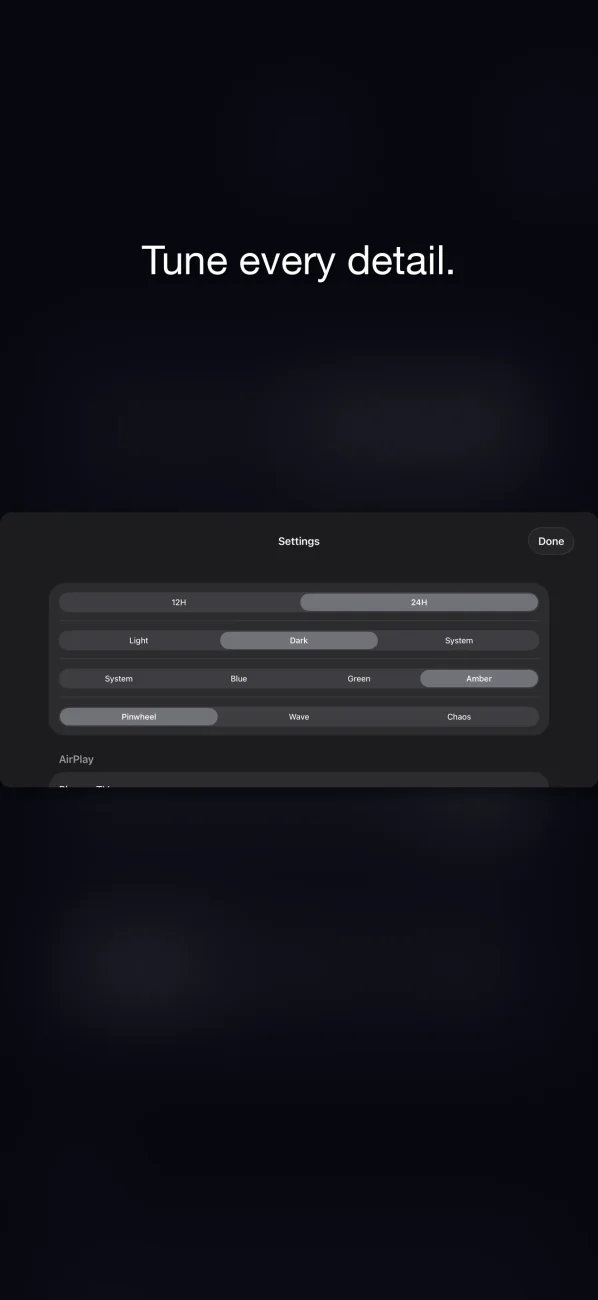
• 12-hour or 24-hour format
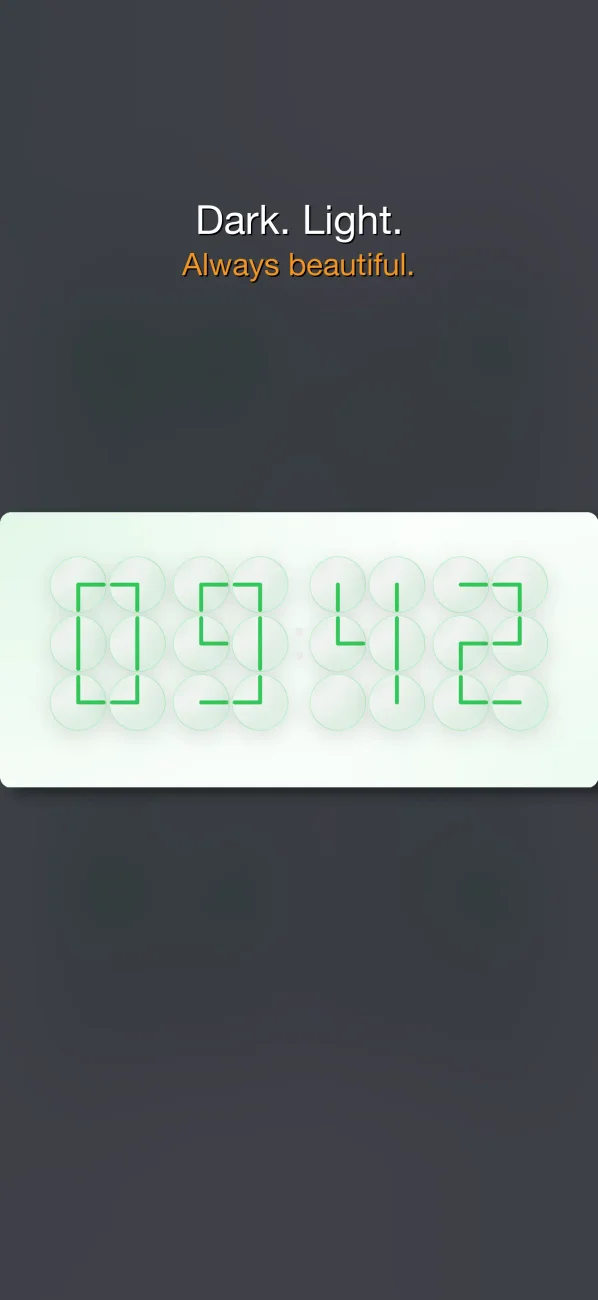
• Light, Dark, or System theme
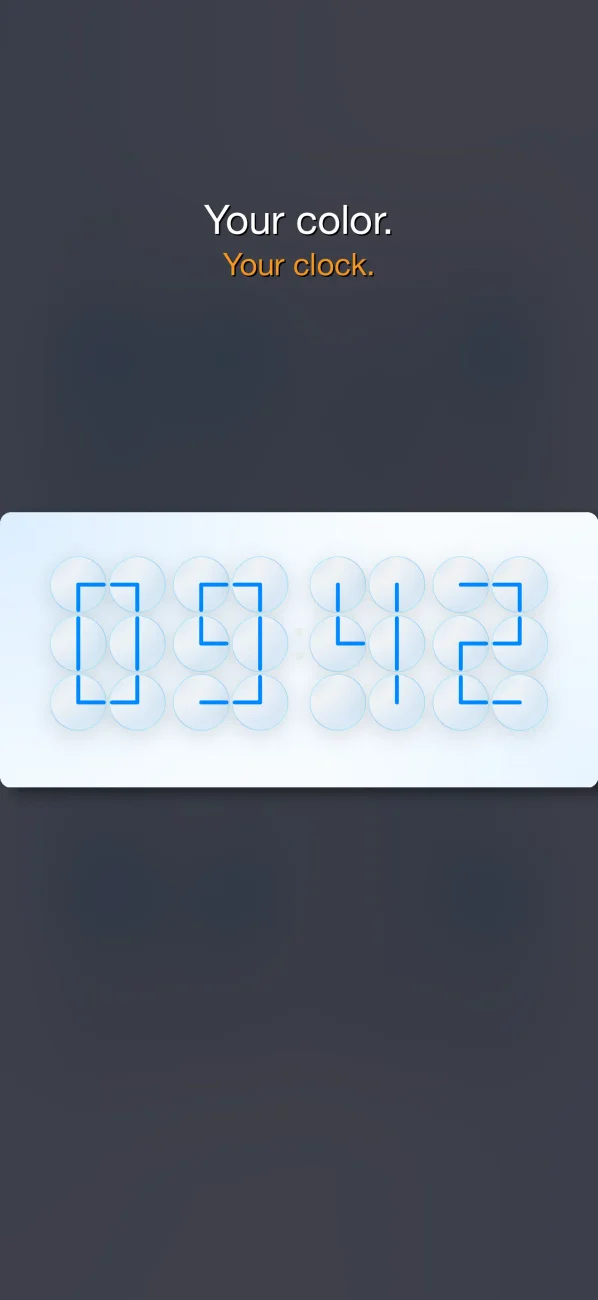
• Hand accent: System, Blue, Green, or Amber
ACCESSIBILITY
Reduce Motion snaps transitions instead of sweeping. Increase Contrast switches to a high-separation opaque palette. VoiceOver reads the current time as one element.
The same beautiful clock is available on iPhone, iPad, Mac, and Apple TV.
What’s new
Version 3.2.0 · Aug 29, 2026
Now in Portuguese and Korean. Clocks in Motion adds Brazilian Portuguese and Korean, following your device language automatically.
App privacy
What Stefano Acerbetti declares on the App Store about how this app handles data.
-
Data not collected
The developer does not collect any data from this app.
Privacy practices may vary, for example with the features you use or your age.
Information
- Seller
- Stefano Acerbetti
- Category
- Utilities
- Version
- 3.2.0
- Updated
- Aug 29, 2026
- Released
- Jan 12, 2020
- Size
- 2.2 MB
- Requires
- iOS 26.0 or later
- Age rating
- 4+
- Price
- $0.99
- Languages
- English, French, German, Italian, Japanese, Korean, Portuguese, Simplified Chinese, Spanish
- Copyright
- © 2026 Caplaz
You might also like
-
 Timers!Utilities
-
 Done Right – AI Powered To-DoPhoto-based AI Task Verifier
-
 Orator's ClockUtilities
-
 Beautiful TimerUtilities
-
 Binary O'ClockTell time like a computer
-
 Ciudad de la MúsicaUtilities
-
 Tameno – Auto-Repeating TimersStretch,Workout,Yoga,Breathe
-
 Earth Clock - 地球時計Utilities
-
 TetraClock - Falling BlockUtilities
-
 BankwuptSecure your keys