
ClockShark Time Tracking
View Schedules & Job Details
Designed for iPhone, iPad, iPod touch
Free
- Age rating4+
- CategoryBusiness
- DeveloperClockShark, LLC
- LanguagesEnglish+ 1 more
- Size107.1 MB
Links to the official App Store page
Download.org hosts no file of ClockShark Time Tracking. The button opens its official App Store page, published by ClockShark, LLC. Listing last checked on Nov 23, 2026.
Screenshots


About
ClockShark is designed specifically for field workers, tradespeople, and construction businesses to make your workday smoother and more efficient. With ClockShark, you can easily clock in and out, switch between tasks, accurately track your time, and manage your jobs—all directly from your mobile device. Say goodbye to paper timesheets and enjoy the convenience of managing your work schedule on the go.
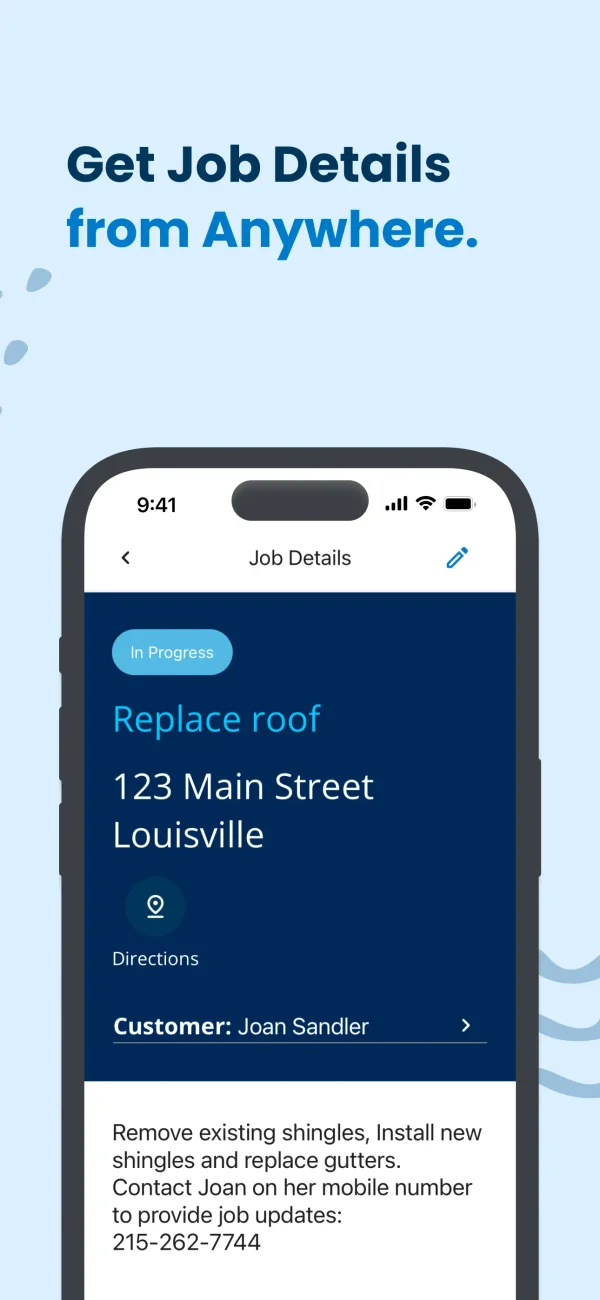
Stay organized by managing your schedule and navigate your day effortlessly with detailed job information and directions to job sites.
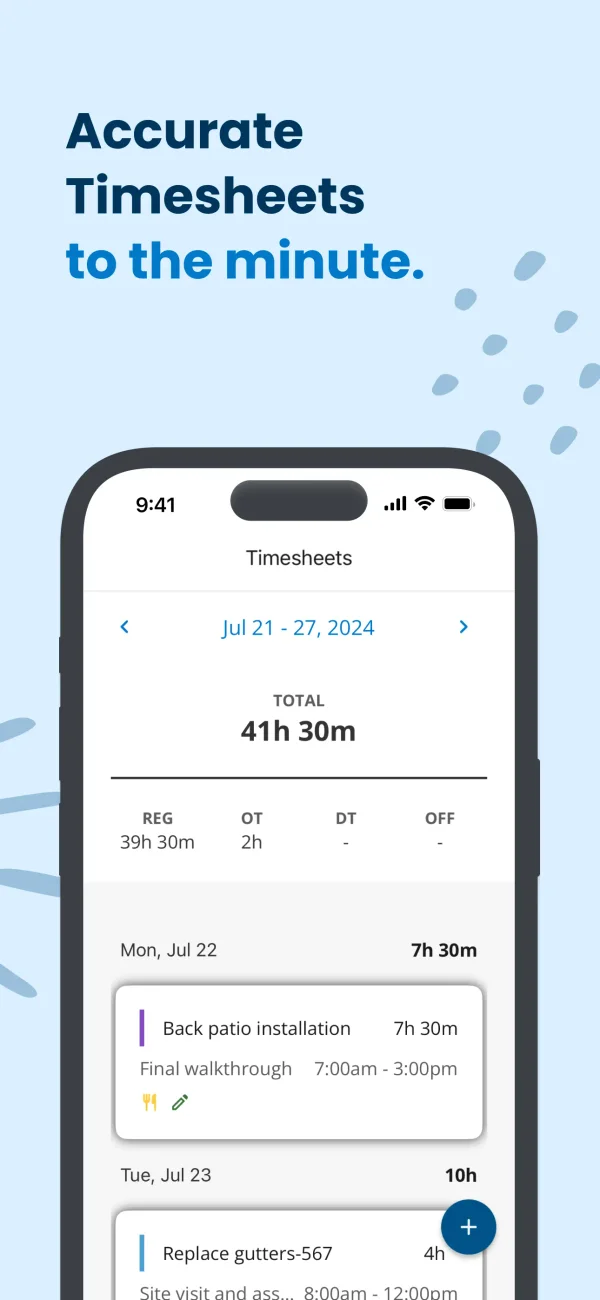
Track your work hours with precision by viewing your timesheets and adding notes, photos, and attachments for clear internal communication. Request and view the status of your time off seamlessly, ensuring your schedule is always up-to-date.
Use GPS to share your location securely with your employer only when you are clocked in, providing accurate job tracking and accountability without compromising your privacy. Designed for ease of use in the field, ClockShark saves you time and effort, backed by live customer support whenever you need it.
Clock In and Out for You and Your Team
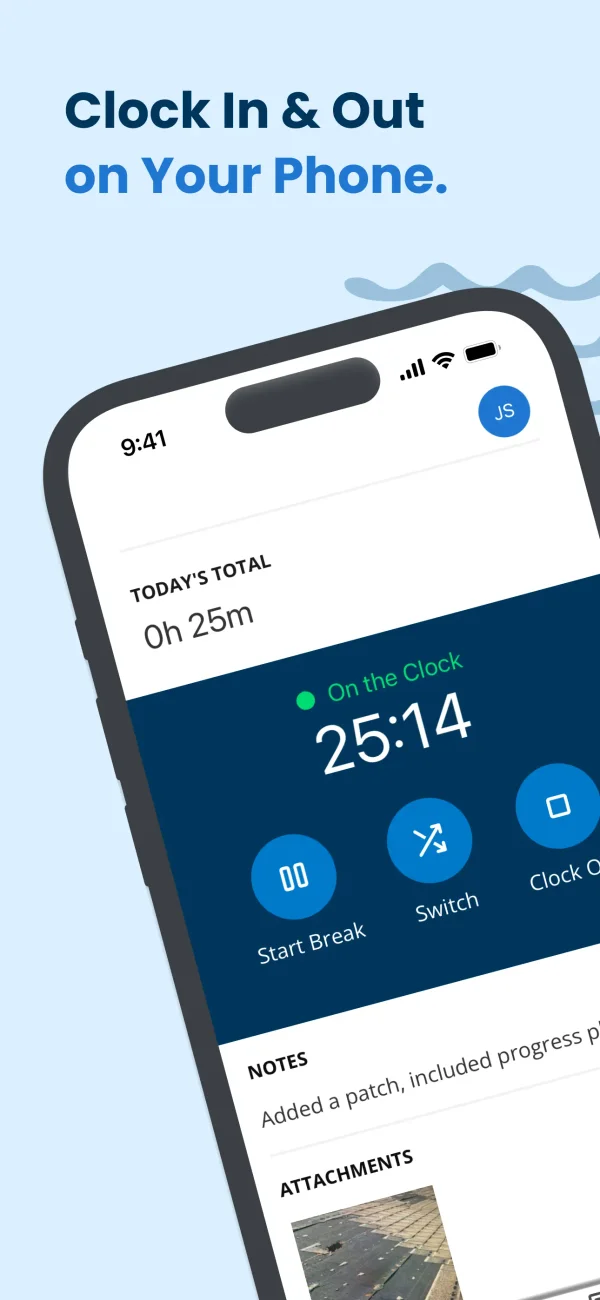
• Clock in and out directly from your mobile device. No more paper timesheets.
• Easily switch between jobs and tasks, take breaks, and track time accurately.
• Clock in, manage breaks, and clock out your entire team with Crew Clock.
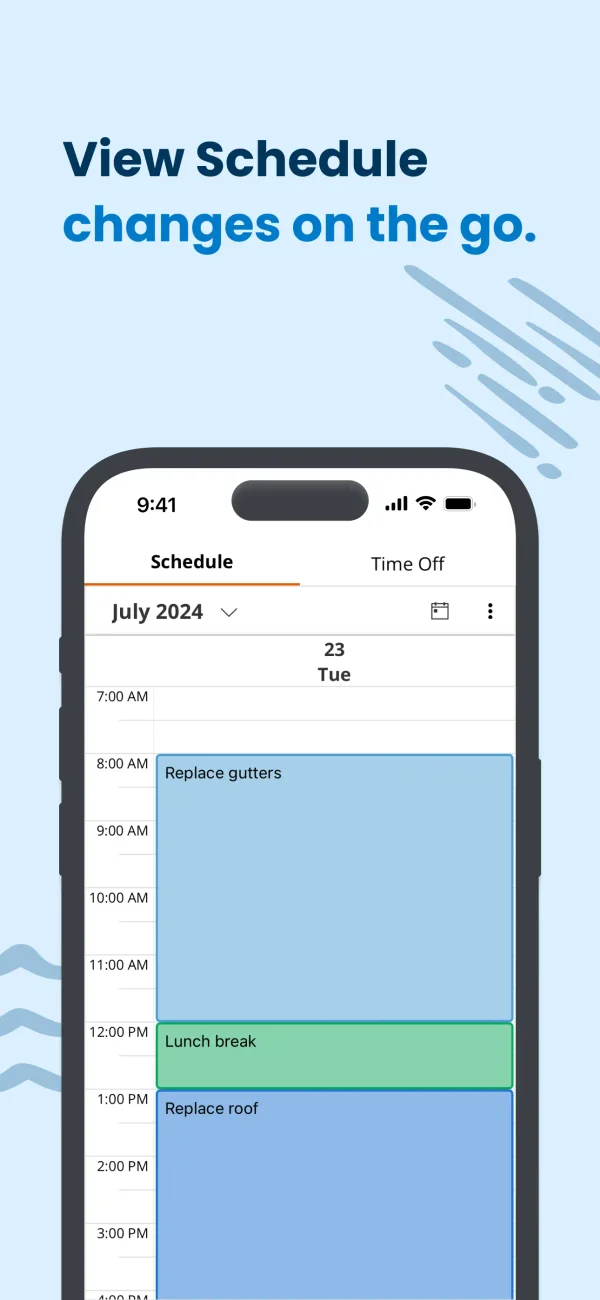
Manage your Schedule
• View your schedule and know what jobs you're assigned to.
• Get automatic reminders to clock out when you leave a job site with GPS Tracking.
• Create and manage scheduled shifts for yourself and teammates from anywhere.
Easy Job Navigation
• Get directions to your job sites directly from the app.
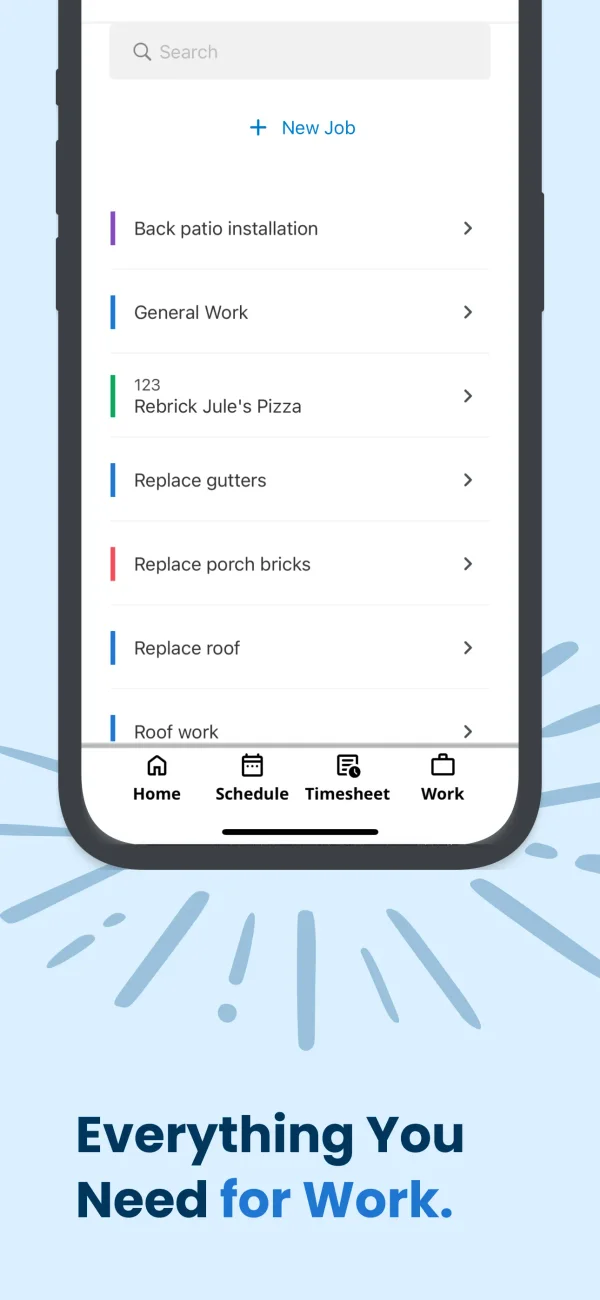
• Easily find the right job and task in the app and view detailed job information.
• Clock in directly from job details to efficiently and accurately start working.
• Add job notes, attachments, and comments to effectively communicate progress.
Manage Your Time and Work
• Track your work hours and view or edit your timesheets to ensure accuracy.
• Add notes, photos, and attachments to timesheets for easy updates and internal communication on job progress.
Handle Time Off Seamlessly
• Request time off directly from the app.
• View the status of your time off requests in real-time.
• Manage your time off and ensure it’s accurately reflected in your schedule.
Share Your Location Securely
• Share your location with your employer only when you are clocked in with GPS Tracking.
• Ensure accurate job tracking and accountability while on the clock.
• View locations on a map to understand your team’s location and job position.
User-Friendly and Efficient
• Designed for easy use in the field, ClockShark saves you time and effort.
• Customer Support contact information is available in the app on the Settings page to help you make the most of your work day.
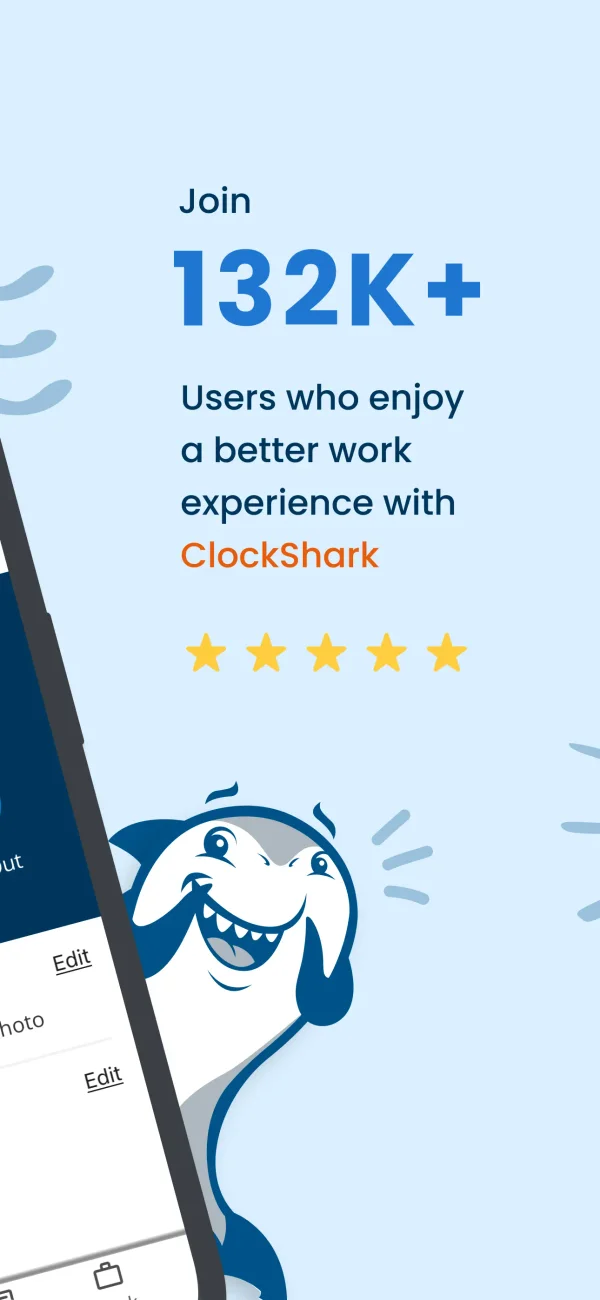
Join thousands of field workers and tradespeople who rely on ClockShark to make their workday easier and more efficient. Sign up and download ClockShark today and experience the difference!
Sign up for a FREE 14 day trial on our website: https://www.clockshark.com/signup/trial
What’s new
Version 2.19.226 · Nov 17, 2026
Performance improvements and bug fixes.
App privacy
What ClockShark, LLC declares on the App Store about how this app handles data.
-
Data linked to you
May be collected and linked to your identity.
- Location
- Contact info
- User content
- Identifiers
- Usage data
- Diagnostics
Privacy practices may vary, for example with the features you use or your age.
Information
- Seller
- ClockShark, LLC
- Category
- Business
- Version
- 2.19.226
- Updated
- Nov 17, 2026
- Released
- Jan 8, 2024
- Size
- 107.1 MB
- Requires
- iOS 15.0 or later
- Age rating
- 4+
- Price
- Free
- Languages
- English, Spanish
- Copyright
- Copyright © 2026 ClockShark, LLC
You might also like
-
 Workyard GPS Time Tracking AppConstruction Hours & Job Costs
-
 busybusy GPS Time Clock MobileConstruction Team Time Keeping
-
 ProcoreConstruction Management
-
 Contractor ForemanJobsite Project Management
-
 Fieldwire - Construction AppField Management & Punch List
-
 Field BendGet it right the first time.
-
 CompanyCamCamera App for Contractors
-
 ExakTime Mobile–Time Clock AppBusiness
-
 SupercrewTime tracking for the trades.
-
 Raken Construction ManagementDaily Reports, Time & Safety