
- Age rating4+
- CategoryPhoto & Video
- DeveloperGGM41
- LanguagesEnglish
- Size47.9 MB
Links to the official App Store page
Download.org hosts no file of Cloud Spy. The button opens its official App Store page, published by GGM41. Listing last checked on Nov 12, 2026.
Screenshots
About
Application to capture photo, video web cam from Mac computer, or other iPhone, iPad, or iPod, with help from Dropbox, and control it over internet.
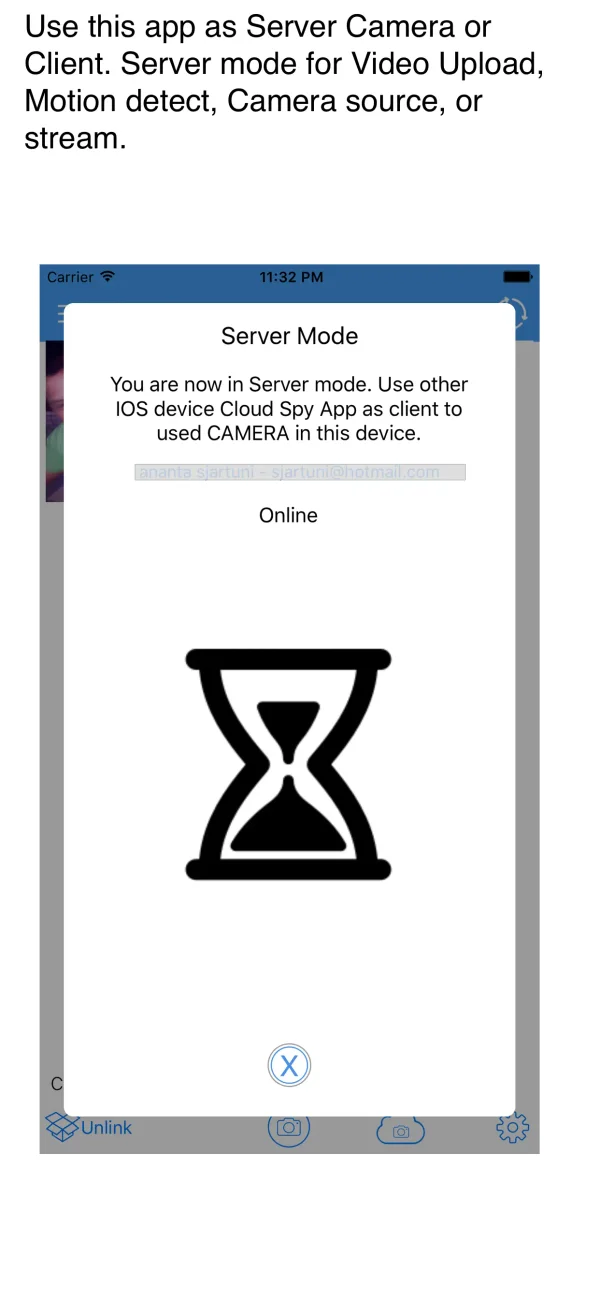
The iPhone, iPad, or iPod can used as client as well as server camera.
Optional Mac server software called "Cloud Spy Svr", and please download from Mac App store, if you want to use your Mac computer as server camera or as Client at the same time.
http://itunes.apple.com/us/app/cloud-spy-svr/id501988002?ls=1&mt=12
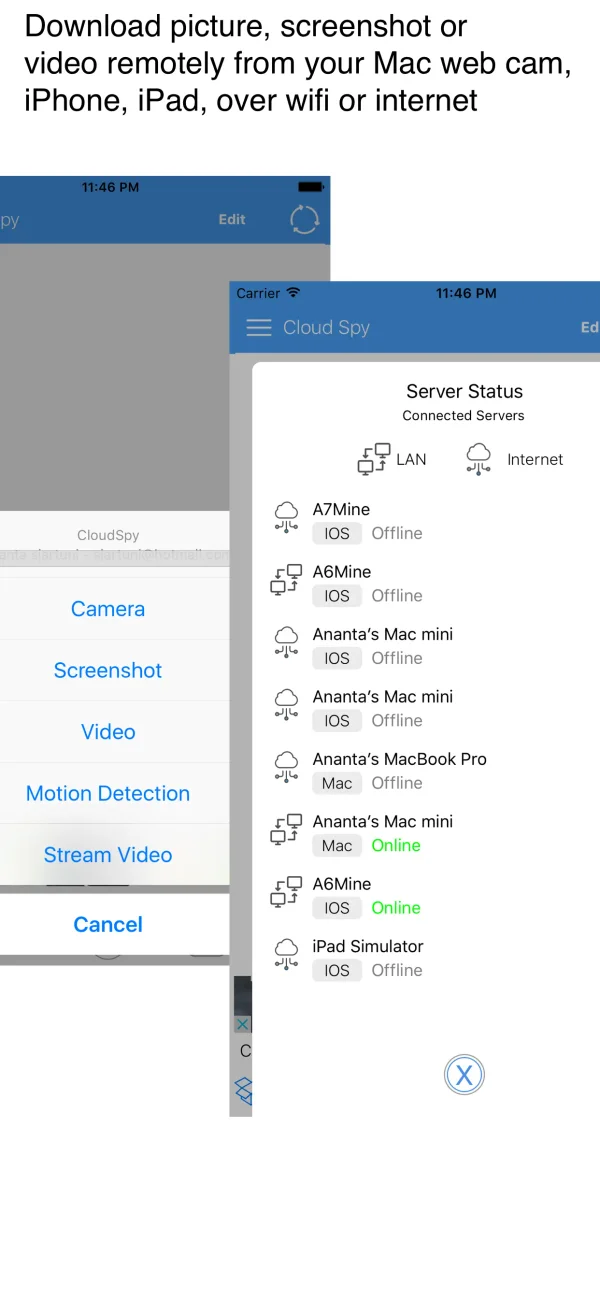
* Using "Cloud Spy" you can easily access your Mac Camera, iPhone, or iPad as server camera capture it, and display it in your iPhone, iPad.
* Download 30 second video from server camera
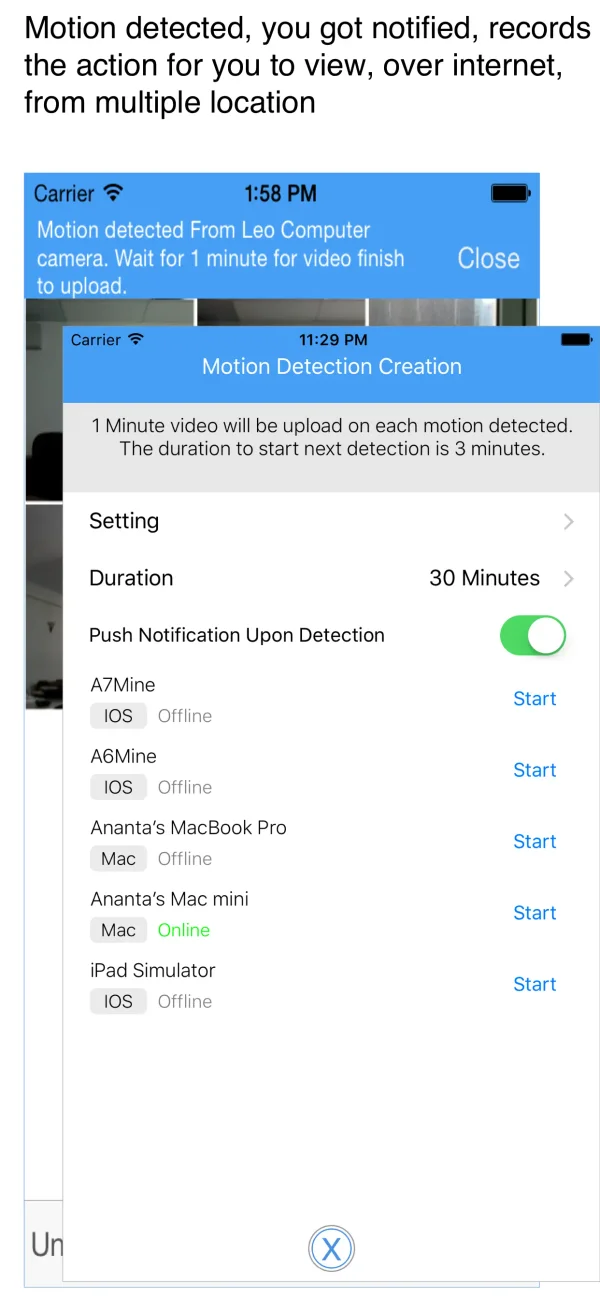
* Detect motion in front of Mac webcam, and record the activity, and notify IOS client.
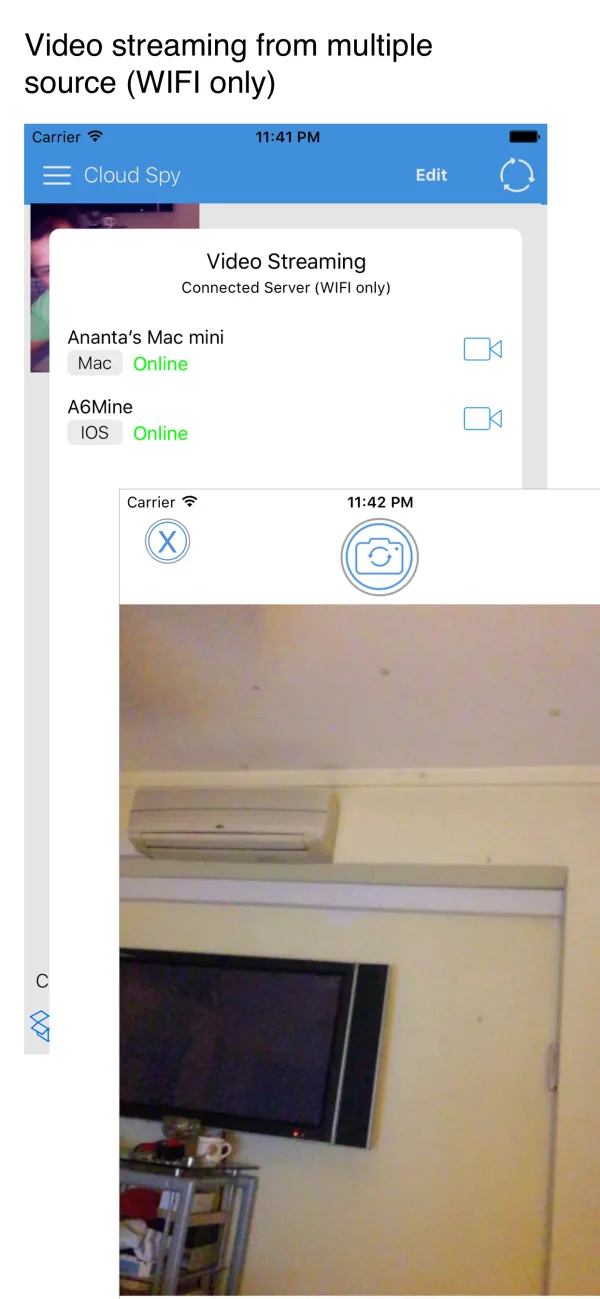
* Stream image (WIFI only)
* You can also make task to inform server to capture camera from start time, interval of taking snapshot and duration.
* Using "copy paste" features, whenever you copy text or image from your mac, the text and image will be automatically send to iPhone/iPad app.
* Now you can drag and drop file to iPhone or iPad with easy
You can remote control Mac OS X camera and download the image when you on the move.
Do not need special software or network setting to use this application, just register for Dropbox account "www.dropbox.com" (its free).
Features
- Motion detection and inform client through push notification
- Record video by your command over internet.
- Capture camera on your mac using iPhone, iPad
- Capture screenshot on your mac using iPhone, iPad
- Send command to server to capture image by tasks (start time, duration, and interval) no need to trigger server to capture camera manually.
Easy Install
(1) Apply for Dropbox account if you dont have one (www.dropbox.com)
(2) Download this software on iPhone or iPad, and link to Dropbox using Dropbox Account.
(3) Download server application, run and link to Dropbox using Dropbox Account and you are done.
Please go to following website for more detail how to install dan use the software.
http://www.gmsoft.net/Cloud%20Spy.html
What’s new
Version 10.3 · Jun 3, 2024
Bug fix
App privacy
What GGM41 declares on the App Store about how this app handles data.
-
Data used to track you
May be used to track you across apps and websites owned by other companies.
- Identifiers
- Usage data
- Diagnostics
-
Data linked to you
May be collected and linked to your identity.
- Identifiers
- Usage data
- Diagnostics
Privacy practices may vary, for example with the features you use or your age.
Information
- Seller
- Ananta Sjartuni
- Category
- Photo & Video
- Version
- 10.3
- Updated
- Jun 3, 2024
- Released
- Feb 21, 2012
- Size
- 47.9 MB
- Requires
- iOS 11.0 or later
- Age rating
- 4+
- Price
- Free
- In-app purchases
- Yes
- Languages
- English
- Copyright
- © GMSoft 2012
You might also like
-
 myCameraPal - Look Busy!Photo & Video Recorder
-
 Remote Video RecorderRecording Movie on Web
-
 Midnight Video CameraNight Vision Scope
-
 CameraFTP ViewerPhoto & Video
-
 SP CameraCapture without any notice
-
 PV Cam ViewerPhoto & Video
-
 Tamera - 24 hour Camera RollKeep the photos that matter
-
 LockCam - Lock Secret AlbumsProtect private photos videos
-
 CamamaMini camera
-
 Black Screen Video CameraCapture personal moments