
CloudGear: PC Gaming Browser
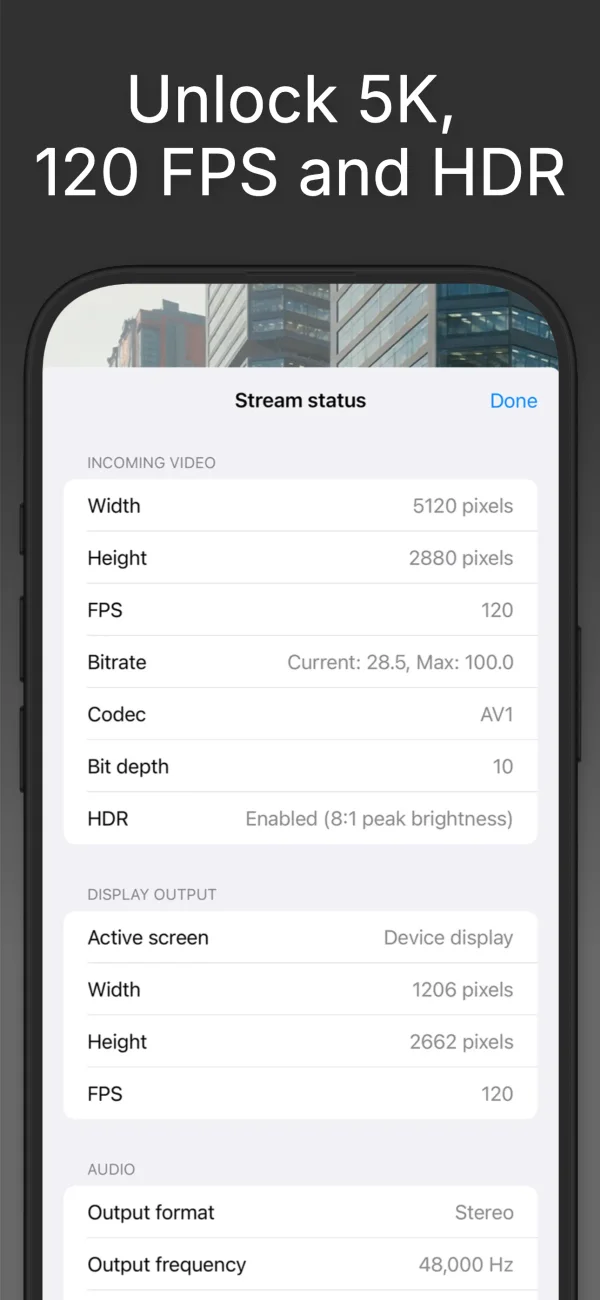
Stream in 5K, 120 FPS & HDR
Designed for iPhone, iPad
Free · In-app purchases
- Age rating17+
- CategoryGames
- DeveloperBitwise Solutions Limited
- LanguagesEnglish+ 7 more
- Size66.6 MB
Links to the official App Store page
Download.org hosts no file of CloudGear: PC Gaming Browser. The button opens its official App Store page, published by Bitwise Solutions Limited. Listing last checked on Nov 25, 2026.
Screenshots
About
CloudGear is the browser designed for gamers - custom-engineered to deliver the speed, visuals, and control that other browsers can't. Stream from GeForce NOW, Xbox Cloud Gaming, Amazon Luna, Boosteroid, or any browser-based game with performance and immersion mobile gaming has never had. Plug into a TV, monitor, or AR glasses and your iPhone or iPad becomes a portable gaming rig. No console required.
UNCOMPROMISED PERFORMANCE
- High-Resolution Gaming: Stream at up to 5K video on supported platforms.
- Smooth Frame Rates: Up to 120fps for fast, responsive gameplay - plus frame pacing that helps to eliminate stutter.
- Advanced Codec Support: H.265 and AV1 for efficient streaming at maximum quality.
- Low-Latency Streaming: A custom rendering engine built for speed. Frames display sooner and gameplay feels closer to native.
YOUR GAME, ANY SCREEN
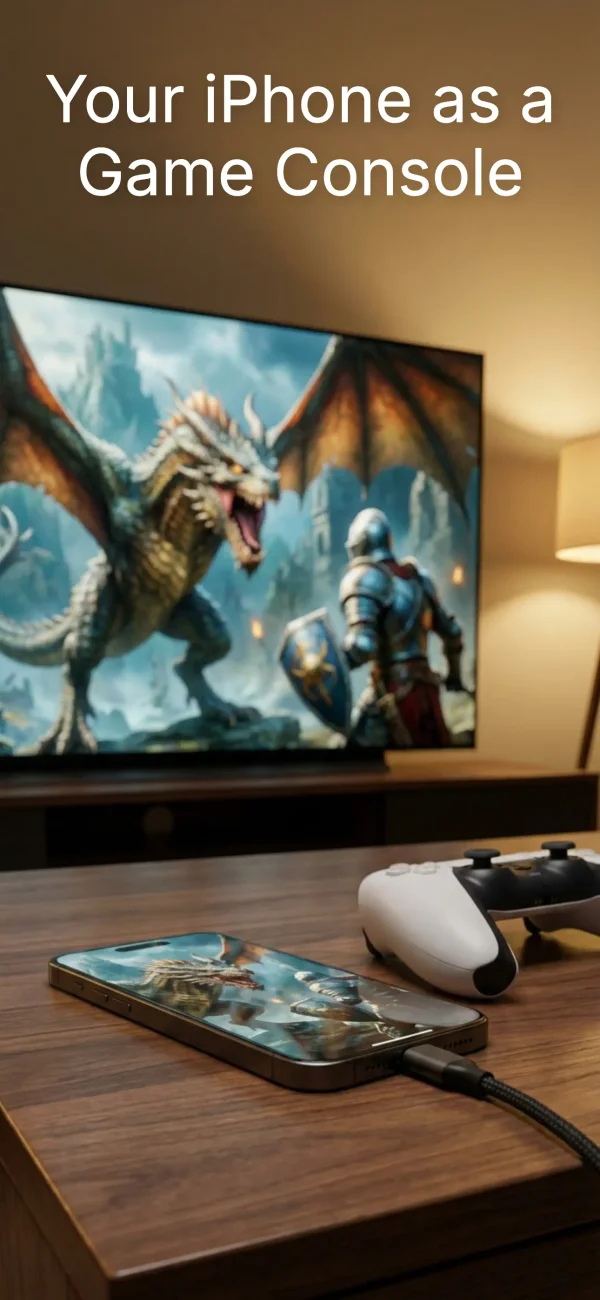
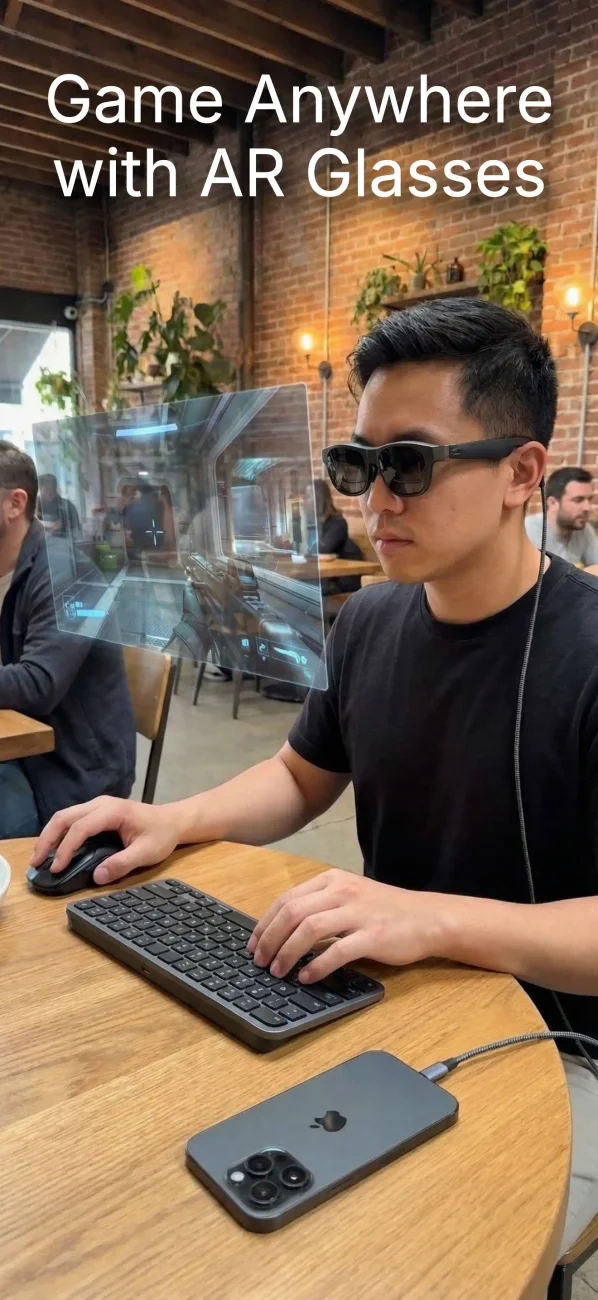
- External Display & AR Glasses: Connect to a TV, monitor, or AR glasses like XREAL, Rokid, VITURE, or RayNeo via USB-C or HDMI. CloudGear outputs at native resolution with no black bars, turning your iOS device into a portable gaming rig you can plug in and play anywhere.
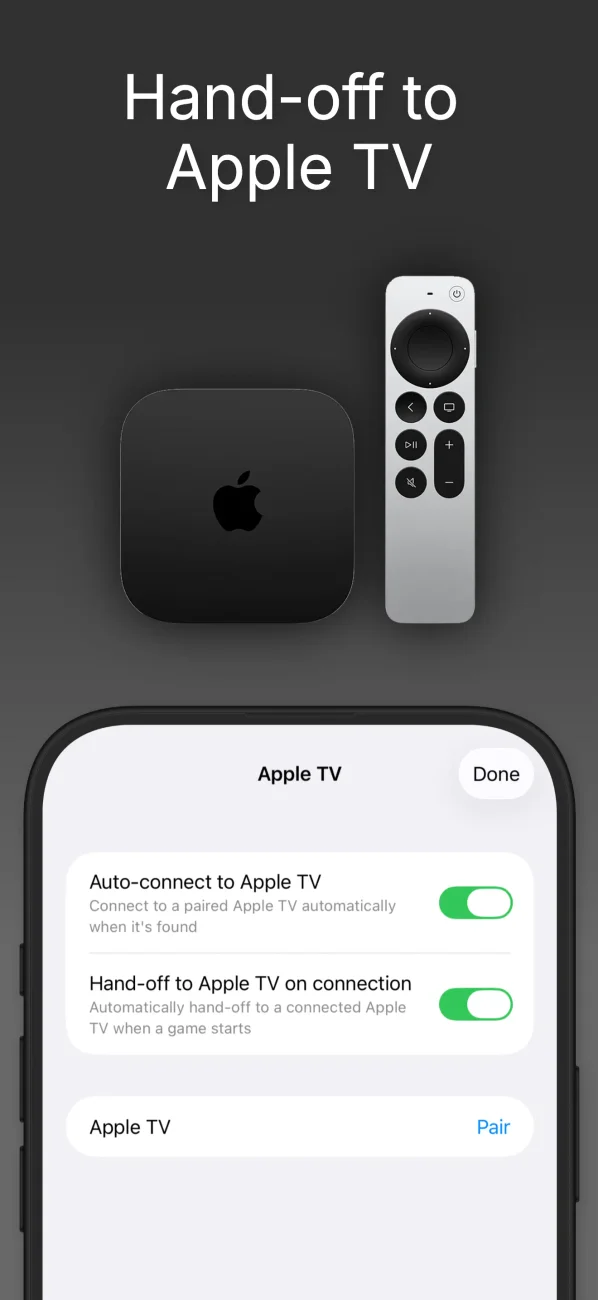
- Apple TV Companion: Pair your iPhone or iPad with the CloudGear app for Apple TV and hand games off to the big screen.
- HDR & 10-Bit Color: High dynamic range and rich color depth bring games to life the way developers intended.
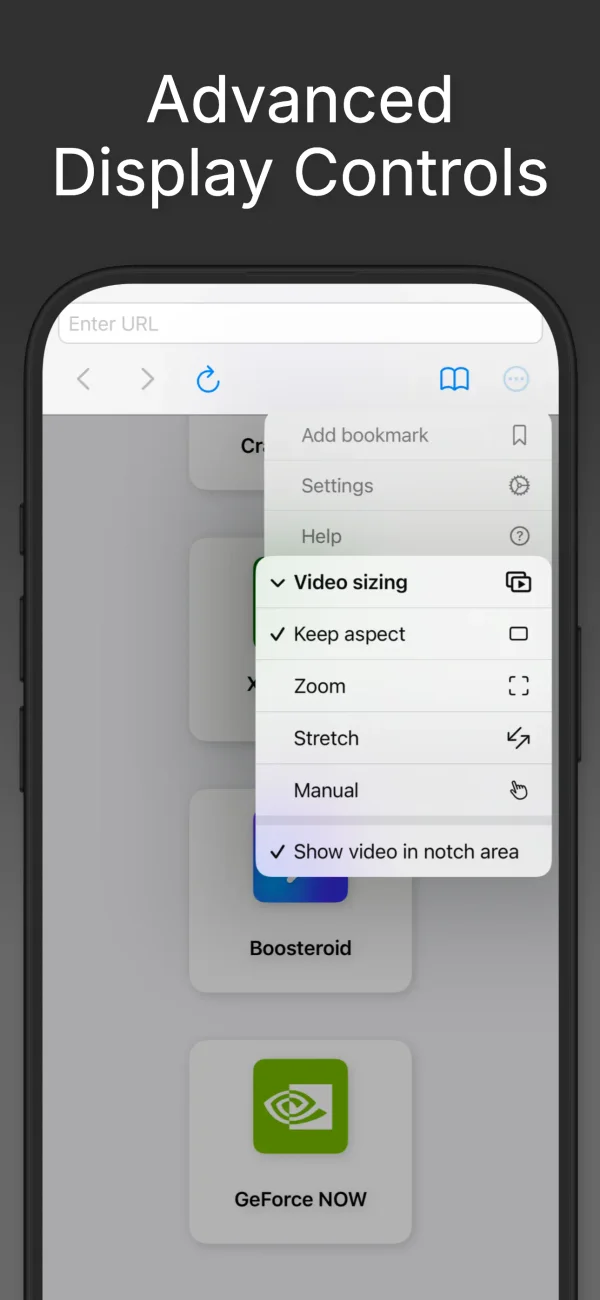
- Configurable Video Sizing: Zoom, stretch, or manually position the stream to fill every inch of your display.
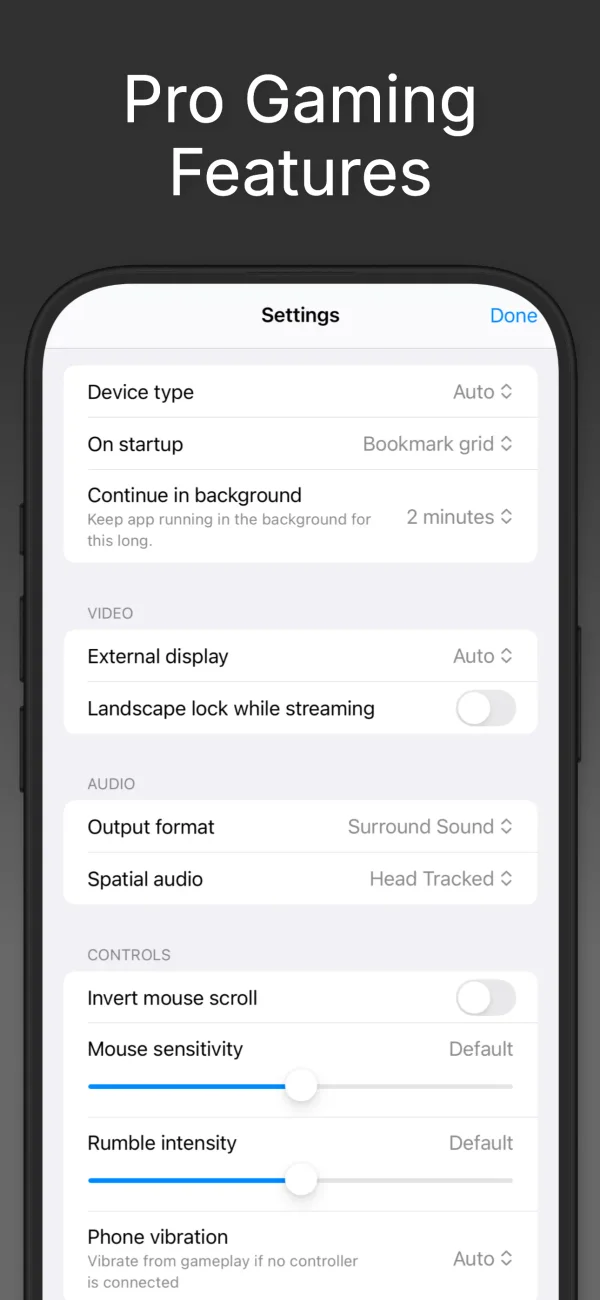
- Spatial Audio & Surround Sound: Support for 7.1 channel surround sound and spatial audio.
DESKTOP-CLASS GAMING CONTROLS
- True Mouse Pointer & Keyboard Lock: Get the precision you need with mouse pointer lock that makes your mobile experience feel like playing on desktop.
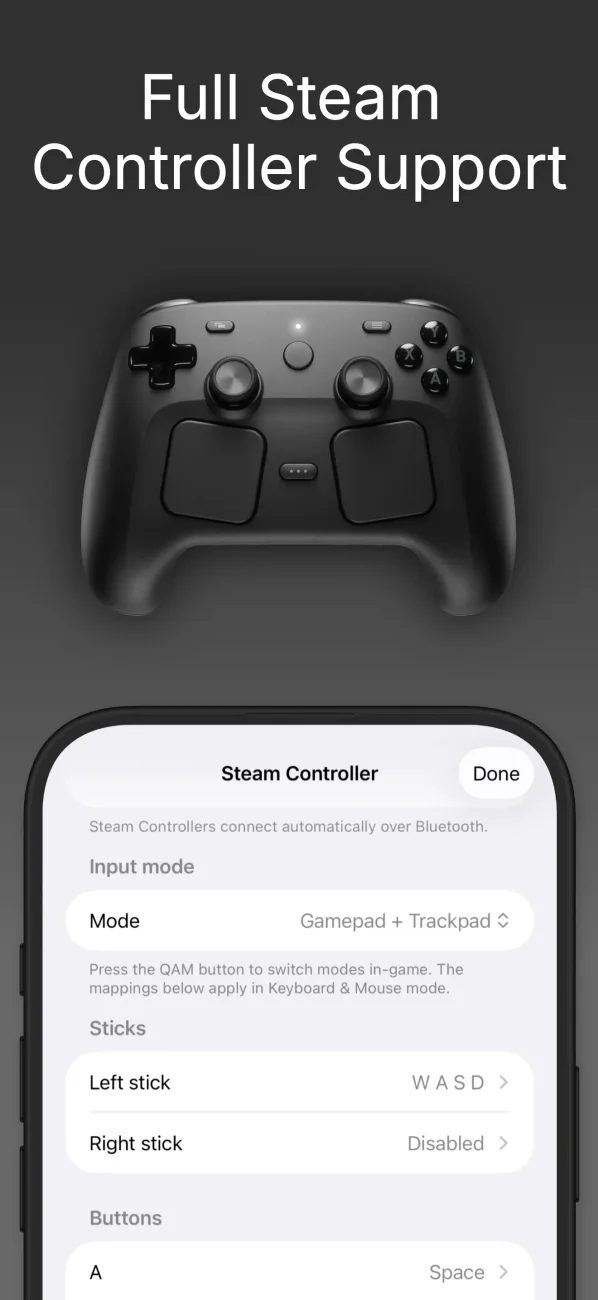
- Steam Controller: First-class Valve Steam Controller support - use its trackpad as a mouse, with full control remapping for keyboard-and-mouse only games.
- Controller Vibration: Full rumble for any connected controller. For controllers without motors, vibration routes through your iPhone's Taptic Engine.
- Touchscreen Mouse Controls: No mouse or controller? Touchscreen mode turns touch gestures into a mouse pointer.
- Universal Compatibility: Works with any iOS-supported Bluetooth or USB-C controller, plus external keyboards and mice.
QUICK LAUNCH & WIDGETS
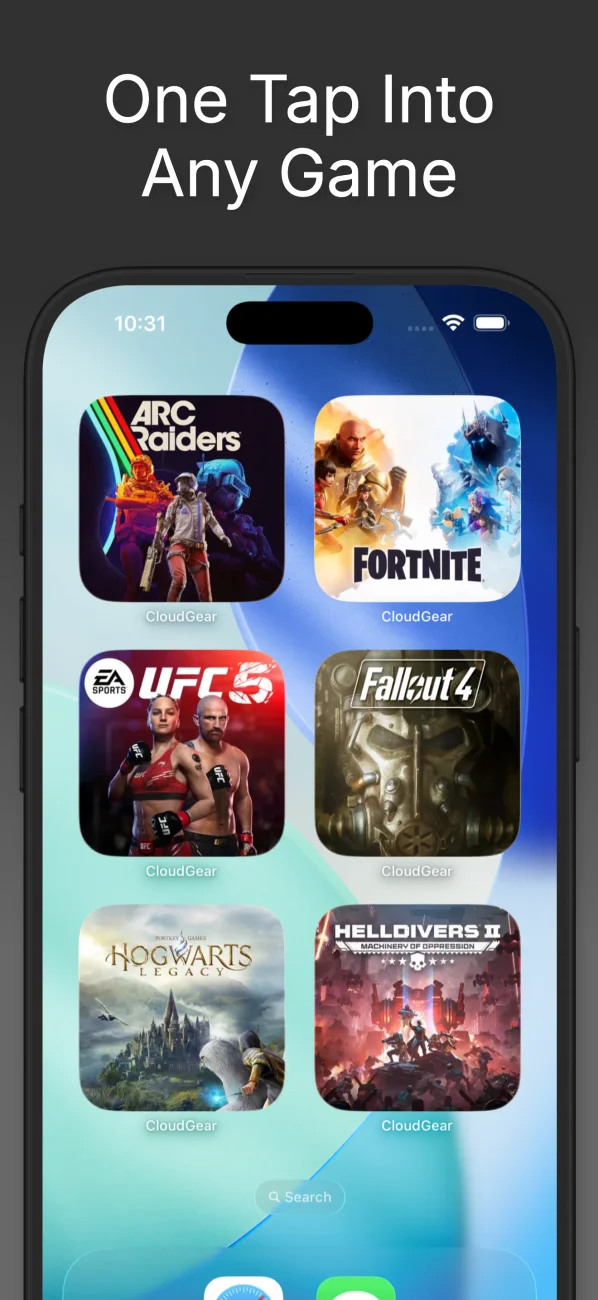
- Quick Launch Bookmarks: Bookmark individual games and launch them with a single tap - no menus, no browsing.
- Home Screen Widget: Add any game to your iOS Home Screen as a widget for instant access.
- iCloud Sync: All bookmarks sync automatically across your devices via iCloud.
CloudGear works with major cloud gaming services and enables the best experience for each:
- GeForce NOW: Up to 5K @ 120fps, H.265 & AV1 codec, HDR, 10-bit color, 7.1 surround sound
- Boosteroid: Up to 4K @ 120fps, AV1 codec, HDR, custom resolution selection
- Xbox Cloud Gaming: Up to 1440p video, built-in Better xCloud script manager for higher bitrate, improved input, and more
- Amazon Luna: Up to 1080p @ 60fps, max resolution and bitrate unlocked even on iPhone
- OnePlay: Up to 4K @ 120fps
- HTML5 Gaming Sites: Full controller support, mouse pointer lock, and keyboard lock for browser-based games
Actual streaming quality depends on each service's capabilities and your account tier. CloudGear enables the maximum quality available.
Please note: CloudGear is a premium utility. A subscription or one-off lifetime purchase is required to access the browser and all features. A 7-day free trial is available for new subscribers.
Disclaimer: CloudGear is an independent application and is not affiliated with, endorsed by, or sponsored by GeForce NOW, Boosteroid, Amazon Luna, OnePlay or Xbox. It is simply compatible with these third-party services in its capacity as a general web browser.
Terms of Use: https://www.apple.com/legal/internet-services/itunes/dev/stdeula/
Privacy Policy: https://www.cloudgear.app/privacy/
What’s new
Version 2.2.2 · Nov 24, 2026
- Fixed a crash that could occur during longer sessions with controller vibration
- Fixed an audio configuration related crash
- Fixed an issue on iPhone when using a mouse where the pointer could accidentally click the iOS home bar
- Boosteroid and Luna: When playing on an external display, touching your iPhone or iPad screen now shows a cursor on the display, so you can see where you're pointing
- Added "Use controller touchpad as mouse" under Settings > Controls, so you can turn off mouse control from the DualShock 4 and DualSense touchpad
- GFN: Fixed touchscreen input in Native mode when the video is on an external display
- GFN: Games will now launch in either mobile or desktop mode depending on which device type CloudGear is running in (previously GFN Native mode would only use desktop mode)
- GFN: Improved controller detection with some games in Native mode
- Miscellaneous bug fixes and other improvements
App privacy
What Bitwise Solutions Limited declares on the App Store about how this app handles data.
-
Data not linked to you
May be collected but is not linked to your identity.
- Usage data
- Diagnostics
Privacy practices may vary, for example with the features you use or your age.
Information
- Seller
- Bitwise Solutions Limited
- Category
- Games
- Version
- 2.2.2
- Updated
- Nov 24, 2026
- Released
- Nov 26, 2025
- Size
- 66.6 MB
- Requires
- iOS 17.6 or later
- Age rating
- 17+
- Price
- Free
- In-app purchases
- Yes
- Languages
- English, French, German, Italian, Japanese, Korean, Spanish, Traditional Chinese
- Copyright
- © 2026 Bitwise Solutions Ltd
You might also like
-
 Asobi: Remote PlayNext Level Remote & Cloud Play
-
 Control Ultimate EditionEdge-Of-Your-Seat Adventure
-
 Moonlight Game StreamingPlay Your PC Games Remotely
-
 Dolphin Emulator - BasicDolphin Emulator - Basic
-
 Tomb Raider I-III RemasteredAdventure
-
 No Man's SkySpace Exploration & Survival
-
 HITMAN World of AssassinationBecome Agent 47
-
 Guild Wars® ReforgedClassic Skill-Collection MMO
-
 Tomb Raider™Lara Croft becomes a legend.
-
 xPlay Games Cloud RecordGames